
Gradio
Библиотека Python с открытым исходным кодом для быстрого создания интерактивных веб-интерфейсов под модели машинного обучения.
Обзор
Gradio
Описание нейросети Gradio
Gradio — это библиотека Python с открытым исходным кодом, предназначенная для быстрого создания интерактивных веб-интерфейсов под модели машинного обучения. Разработчикам и дата-сайентистам не нужно обладать глубокими знаниями веб-разработки: буквально несколькими строками кода можно превратить модель в полноценное демонстрационное веб-приложение. Gradio поддерживает работу с различными типами данных — текстом, изображениями и аудио — и легко интегрируется с популярными фреймворками, такими как TensorFlow и PyTorch. Сервис позволяет не только запускать приложения локально или в Jupyter notebook, но и создавать публичные ссылки для доступа к ним, а также использовать созданные интерфейсы в качестве API для программного взаимодействия.
Характеристики Gradio
| Характеристика | Значение |
|---|---|
| Тип | Библиотека Python |
| Категория | Чат-бот, Разработка |
| Задачи | Разработка веб-приложений, Создание интерактивных веб-интерфейсов |
| Язык | Python |
| Бесплатный тариф | Да (полностью бесплатная библиотека с открытым исходным кодом) |
| Наличие API | Да (Gradio API) |
Для кого подходит нейросеть Gradio?
Инженеры по машинному обучению и дата-сайентисты
Специалисты, которые регулярно работают с моделями машинного обучения, могут быстро оборачивать свои наработки в интерактивные веб-приложения. Им не нужно писать сложный фронтенд или погружаться в веб-фреймворки — достаточно стандартных навыков работы с Python.
Преподаватели и исследователи
Gradio подходит для тех, кто хочет наглядно демонстрировать работу моделей студентам или коллегам. Создание демо-версии занимает считанные минуты, что особенно ценно в образовательном процессе и при публикации результатов исследований.
Пользователи без опыта веб-разработки
Библиотека спроектирована так, чтобы быть доступной даже тем, кто никогда не создавал веб-интерфейсы. Минимальный порог входа и понятный API позволяют сосредоточиться на модели, а не на разработке интерфейса.
Как использовать нейросеть Gradio?
Установка через pip
Gradio устанавливается стандартным для Python-библиотек способом — через менеджер пакетов pip. Достаточно выполнить команду pip install gradio, и библиотека готова к работе.
Создание интерфейса в несколько строк кода
Чтобы создать веб-интерфейс, нужно определить функцию-обработчик, которая принимает входные данные (текст, изображение, аудио) и возвращает результат работы модели. Затем эта функция передаётся в объект Interface библиотеки Gradio вместе с описанием типов входных и выходных данных.
Запуск приложения
Созданное приложение можно запустить прямо в Jupyter notebook для быстрой проверки либо как отдельную веб-страницу. При запуске Gradio автоматически генерирует публичную ссылку, которой можно поделиться с другими пользователями для демонстрации модели.
Основные функции Gradio
Создание интерфейсов с минимальным количеством кода
Главная особенность Gradio — возможность превратить функцию Python в веб-интерфейс буквально одной-двумя строками кода. Библиотека берёт на себя всю работу по отрисовке элементов управления, обработке запросов и отображению результатов.
Поддержка разных типов данных
Gradio работает с текстом, изображениями, аудио и другими распространёнными форматами данных. Это позволяет демонстрировать модели самых разных областей: от NLP- и CV-задач до обработки аудиосигналов.
Интеграция с популярными ML-фреймворками
Библиотека совместима с TensorFlow, PyTorch и другими распространёнными инструментами машинного обучения. Созданные интерфейсы без проблем работают с моделями, обученными в любой из этих сред.
Генерация публичных ссылок
При запуске приложения Gradio предоставляет временную публичную ссылку, по которой любой пользователь может получить доступ к демо-версии. Это существенно упрощает процесс демонстрации и тестирования модели на реальных пользователях.
Использование в качестве API
Приложения Gradio можно задействовать как API для программного взаимодействия. Это открывает возможности для интеграции созданных интерфейсов в более крупные системы и автоматизации процессов.
Преимущества Gradio
Простота использования
Для работы с Gradio не нужно быть экспертом в веб-разработке. Библиотека спроектирована интуитивно понятно: большая часть функционала доступна через простой API, а документация содержит множество готовых примеров.
Скорость создания и публикации демо-версий
От идеи до готовой демо-версии, доступной по публичной ссылке, проходит минимальное время. Это особенно важно, когда нужно быстро показать результат работы заказчику, коллеге или аудитории.
Совместимость с основными ML-фреймворками
Gradle не привязана к одному фреймворку и одинаково хорошо работает с TensorFlow, PyTorch и другими популярными библиотеками. Это делает её универсальным инструментом для большинства специалистов.
Бесплатность
Библиотека полностью бесплатна и распространяется с открытым исходным кодом. Для постоянного хостинга приложений можно использовать платформу Hugging Face Spaces, где также доступны бесплатные тарифы.
Доступность для пользователей без технических навыков
Даже те, кто не знаком с веб-разработкой, могут быстро создать и запустить интерактивное приложение. Это снижает барьер входа для презентации и тестирования моделей.
Недостатки Gradio
Поскольку Gradio — узкоспециализированная библиотека, её основной недостаток связан с ограниченной гибкостью кастомизации по сравнению с полноценными веб-фреймворками. Если требуется сложный, нестандартный интерфейс с уникальным дизайном и нетривиальной логикой взаимодействия, возможностей Gradio может оказаться недостаточно — в таких случаях лучше обратиться к более мощным инструментам вроде Flask или Dash, которые, однако, потребуют больше времени и навыков веб-разработки.
Какие задачи решает Gradio
Быстрое создание интерактивных веб-интерфейсов для ML-моделей
Основная задача Gradio — превращать модели машинного обучения в функционирующие веб-приложения без написания сложного кода.
Демонстрация моделей другим пользователям
С помощью публичных ссылок специалисты могут легко показывать результаты своей работы любым заинтересованным сторонам — от коллег до конечных пользователей.
Разработка веб-приложений
Несмотря на простоту, Gradio позволяет создавать полноценные веб-приложения на основе моделей машинного обучения, которые можно использовать в реальных сценариях.
Цены Gradio
Gradio — полностью бесплатная библиотека с открытым исходным кодом. Сама библиотека не взимает платы за использование. Для постоянного хостинга созданных приложений можно воспользоваться платформой Hugging Face Spaces, где предусмотрены как бесплатные, так и платные тарифы.
Условия использования Gradio
Библиотека распространяется с открытым исходным кодом и устанавливается через стандартный менеджер пакетов pip. Каких-либо специальных лицензионных ограничений, препятствующих использованию в коммерческих или образовательных целях, не предусмотрено.
Доступность Gradio
Gradio — кроссплатформенная библиотека Python. Она доступна на всех основных операционных системах (Windows, macOS, Linux), где установлен Python и менеджер пакетов pip. Для работы достаточно стандартного окружения Python без дополнительных зависимостей.
Чем отличается Gradio от аналогов
В отличие от Streamlit, Gradio больше фокусируется именно на демонстрации моделей с минимальными усилиями. Streamlit предоставляет более широкие возможности для создания дашбордов и аналитических приложений, но требует больше кода для типовых задач демонстрации моделей.
Flask и Dash — полноценные веб-фреймворки, которые дают практически неограниченную гибкость в разработке интерфейсов. Однако они требуют значительно больше времени и знаний веб-разработки, что делает их избыточными для простых задач быстрой демонстрации ML-моделей, с которыми Gradio справляется гораздо быстрее и проще.
Заключение
Gradio AI — это удобный, бесплатный и простой в освоении инструмент для создания и распространения веб-приложений для машинного обучения. Его ключевые преимущества — минимальный порог входа, совместимость с основными ML-фреймворками и возможность быстро публиковать работающие демо-версии. Для специалистов, которым нужно без лишних сложностей поделиться своими моделями с другими пользователями, Gradio становится практически незаменимым решением.
Часто задаваемые вопросы
Смотрите также


Веб-сервис для генерации изображений по текстовому описанию и общения с виртуальными персонажами.

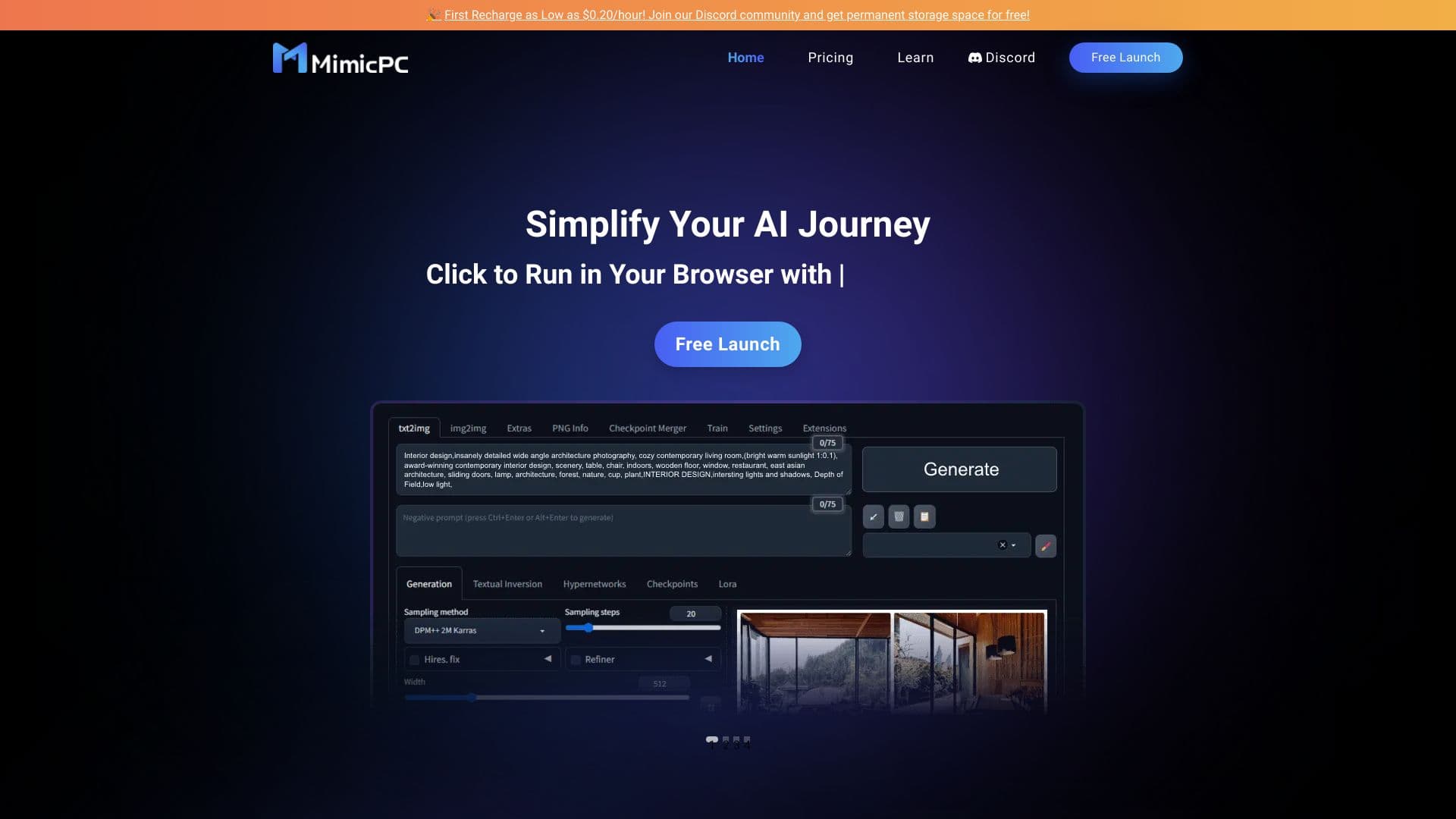
Платформа-сообщество для поиска, публикации и обмена открытыми моделями генерации изображений на основе ИИ.


AI-сервис для автоматического подбора музыки под настроение видео, изображений или текста с легальными лицензиями.


AI-агент для помощи в программировании и оптимизации рабочего процесса разработки.
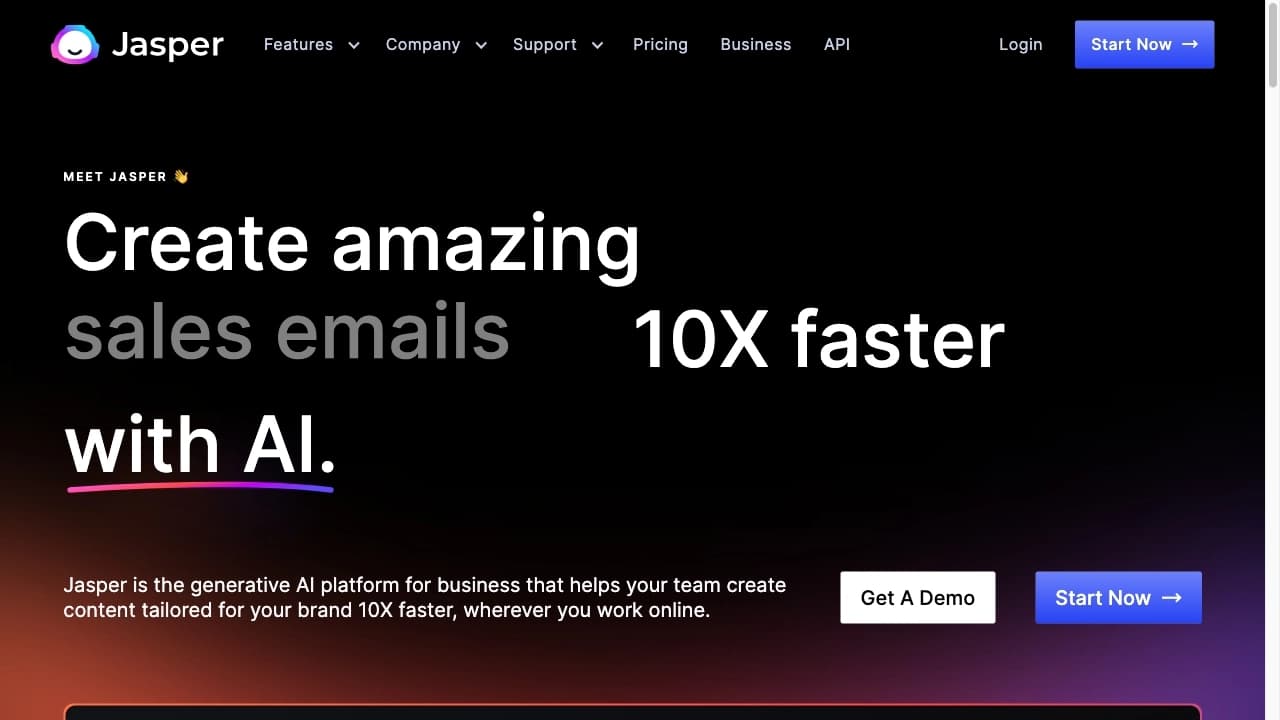

AI-платформа для создания текстового и визуального контента, ориентированная на маркетинговые задачи.


Онлайн-издание, публикующее новости, обзоры и аналитику о искусственном интеллекте.


Многофункциональный ИИ-ассистент для чата, генерации текста и изображений, перевода и помощи в программировании.

Платформа для синтеза и клонирования голоса с помощью ИИ, преобразующая текст в реалистичную речь.