
GitWit
Open source AI platform for coding in the browser, integrated with Next.js.
Overview
GitWit AI Description
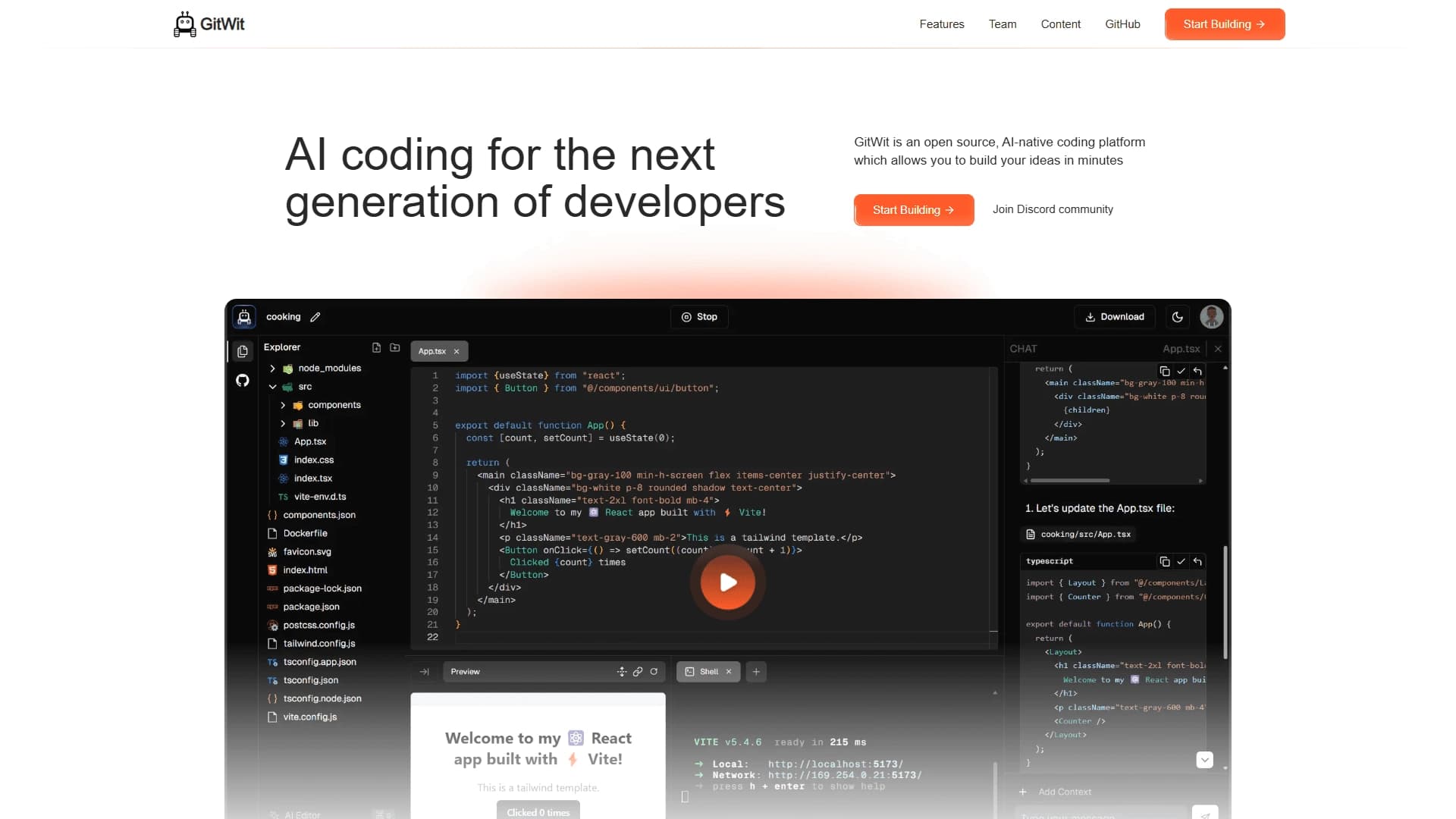
GitWit is an open source AI platform for programming that runs directly in the browser and is tightly integrated with the Next.js framework. The project combines an intelligent code editor with automatic backend setup, allowing developers to go from idea to working prototype without lengthy environment preparation.
The platform's main feature is a built-in AI assistant that doesn't just suggest individual lines but can generate entire modules and perform refactoring. GitWit remains a fully open project, and any developer can study its source code or contribute their own improvements.
GitWit Characteristics
| Characteristic | Value |
|---|---|
| Type | AI platform for programming |
| Category | Code assistants, Code generation |
| License | Open source |
| Environment | Browser-based IDE |
| Integration | Next.js |
| Distribution model | Free |
Who is GitWit AI for?
Developers who value speed
First and foremost, the tool is designed for programmers who want to quickly turn their ideas into working code. If you're used to experimenting with ideas and need instant feedback, GitWit's browser-based format frees you from the routine of setting up local projects.
Professionals working with Next.js
Since the platform is natively integrated with Next.js, it will be especially useful for those who already use this framework in their daily work. GitWit handles the setup and configuration, allowing you to focus directly on application logic.
Beginner programmers
The lack of a need to manually configure the environment lowers the entry barrier. GitWit lets beginners focus on learning the development process itself rather than struggling with tools.
How to use GitWit AI?
Getting started
To begin, simply go to the project's website. No registration or installation of additional software is required — all work is done through the browser.
Main workflow
Once launched, you enter a browser-based IDE where you can write code, test it, and deploy projects. The AI assistant works in the background, offering autocomplete and suggestions right as you type. When the project is ready, the platform allows you to deploy without any additional steps.
Automatic backend
A key simplification is that GitWit automatically spins up the application's server side. This means you won't have to manually write configurations or set up communication between the frontend and backend.
Key GitWit Features
Intelligent editor
The code editor in GitWit is equipped with a suggestion system, autocomplete, and refactoring tools. The AI assistant analyzes context and offers the most relevant code continuations.
Module generation
The platform can create entire functional blocks at the developer's request. This significantly reduces time spent writing boilerplate code and lets you focus on the unique logic of your application.
Automatic backend setup
One of the key features is automatic server infrastructure configuration. GitWit handles routine configuration tasks, saving you from manually setting up the server side.
Browser-based work
All development happens right in the browser window. This eliminates the need to install a local environment, configure dependencies, or sync tool versions.
GitWit Advantages
Faster development
Thanks to the AI assistant, coding time is significantly reduced. Routine operations like autocomplete and refactoring are performed automatically, allowing you to move from planning to a working product faster.
No environment setup
Since the platform runs in the browser, you don't need to install or configure a development environment. This saves time and eliminates errors related to version and configuration incompatibilities.
Early error detection
The intelligent assistant helps find errors before the application even runs. This reduces the number of bugs at later development stages and simplifies debugging.
Open source
The project's full openness means the developer community can contribute improvements, find and fix bugs, and adapt the tool to their own needs.
GitWit Disadvantages
Limited ecosystem
Since GitWit is focused on Next.js, it may have limited support for other frameworks and technologies. This is worth considering if you work with a diverse technology stack.
Browser dependency
Working in the browser may be inconvenient for those used to full-featured local IDEs with extensive interface customization options and integrations with other tools.
Young community
Unlike more mature alternatives, GitWit's community may be smaller, which could affect the amount of learning materials and ready-made solutions for common tasks.
What problems does GitWit solve
Accelerating software development
The platform automates routine processes, allowing teams to ship finished products and iterations faster.
Code generation and refactoring
The built-in AI assistant can not only generate new code snippets but also improve existing code, making it cleaner and more efficient.
Rapid prototyping
GitWit is ideal for creating minimum viable products (MVPs) and testing hypotheses. Automatic backend setup and the lack of environment configuration speed up this process many times over.
GitWit Pricing
Currently, GitWit is distributed under a free model. The platform is available without any payments, and its source code is open to everyone. This makes the tool attractive for both individual developers and small teams with limited budgets. Up-to-date information about possible paid plans in the future may appear on the project's official website.
GitWit Terms of Use
Since GitWit is an open source project, its source code is available for study, use, and modification. This means you can deploy the platform on your own infrastructure or make changes according to your needs. It's worth noting that the main terms of use and the license agreement are published in the project's official repository, where you can find detailed information about permitted ways to use the platform.
GitWit Availability
GitWit is a browser-based platform that works online. You don't need to install additional software or allocate server resources for local deployment. Simply go to the project's website, and you'll get access to the full IDE functionality. This makes the platform available on most modern operating systems — Windows, macOS, and Linux — with any modern web browser.
How GitWit differs from alternatives
Next.js integration
Unlike universal AI code assistants, GitWit is deeply integrated specifically with Next.js. This means the platform "understands" the framework's specifics and can offer more accurate and relevant suggestions.
Automatic backend
Many alternatives only provide intelligent autocomplete or code generation, leaving backend setup to the developer. GitWit automatically spins up the server side, significantly simplifying the process of building a full-fledged application.
Browser-based format
While most AI assistants integrate into existing local IDEs, GitWit offers a complete development environment right in the browser. This combines the benefits of cloud solutions and an AI assistant in a single tool.
Open source
Not all alternatives can boast open source code. GitWit lets developers study the platform's inner workings, providing additional opportunities for customization and trust in the tool.
Conclusion
GitWit is an open AI platform for programming that combines an intelligent assistant, a browser-based IDE, and automatic backend setup. The tool is focused on accelerating development and simplifying the process of building web applications, allowing developers to focus on solving business problems rather than technical environment setup details. Thanks to its free distribution model and open source code, GitWit can be a valuable addition to the toolkit of both individual developers and small product teams.
Frequently asked questions
See also
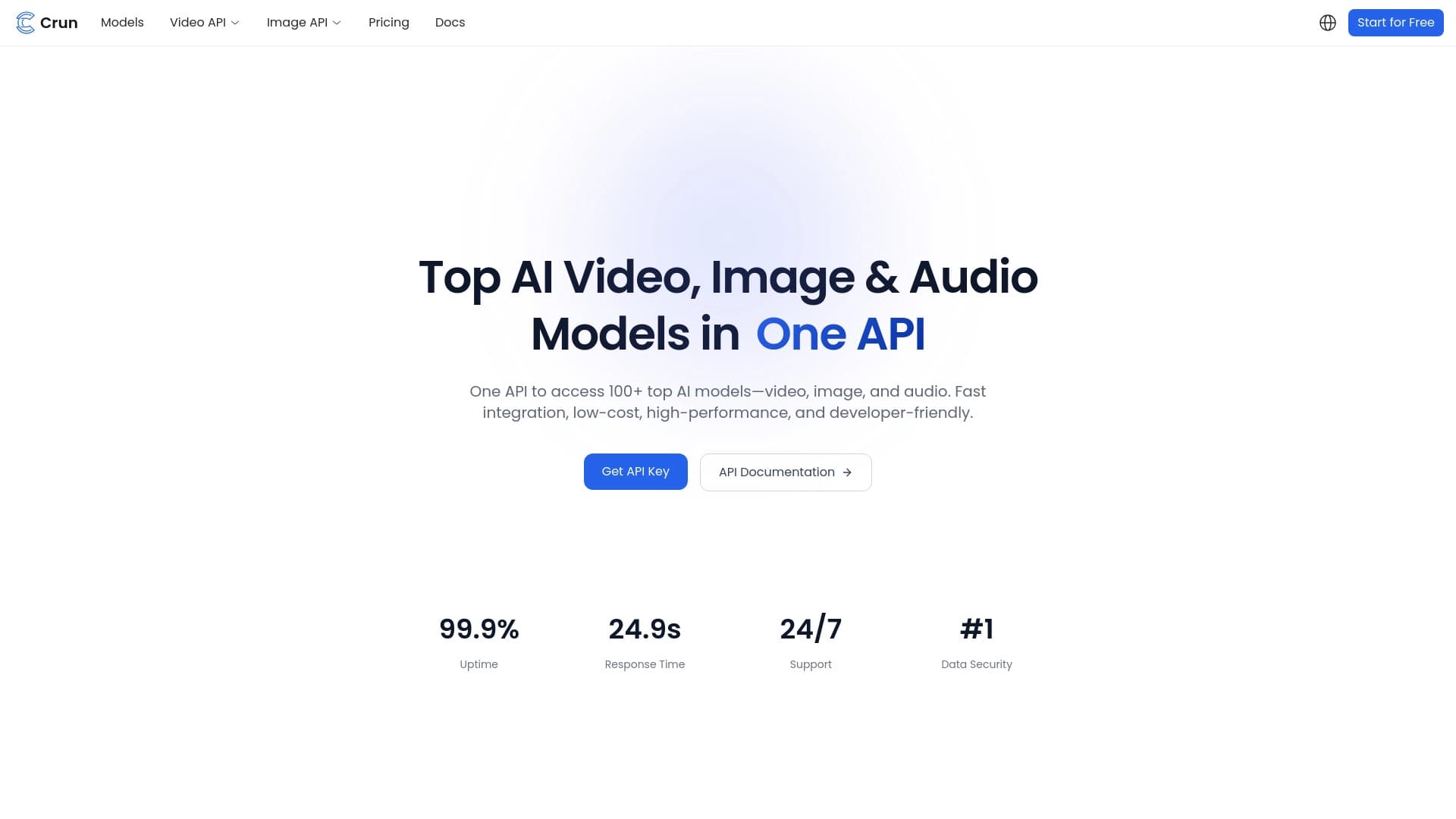
Unified API for accessing over 100 popular AI models for developers.
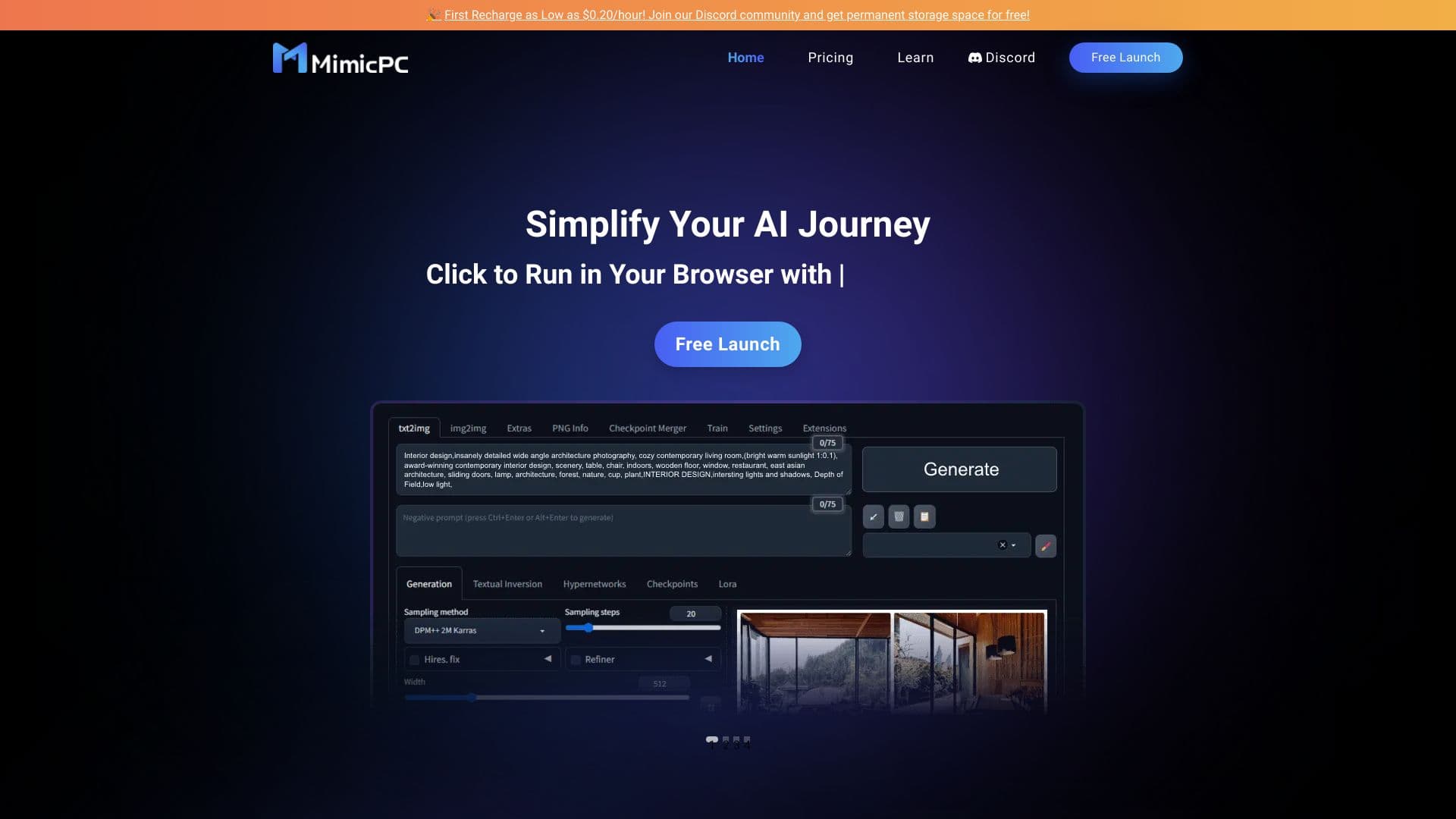
Cloud platform for launching AI applications directly in the browser without installation.


Platform for creating multi-agent AI systems and chatbots to automate customer support and lead generation.

Online service for creating a realistic voice clone from a short audio recording and text-to-speech.


A multifunctional AI assistant for chat, text and image generation, translation, and programming help.


An open-source AI development agent that helps generate, refine, and debug code directly in the IDE.


Chrome extension that helps manage tabs, history, and bookmarks with an AI assistant.
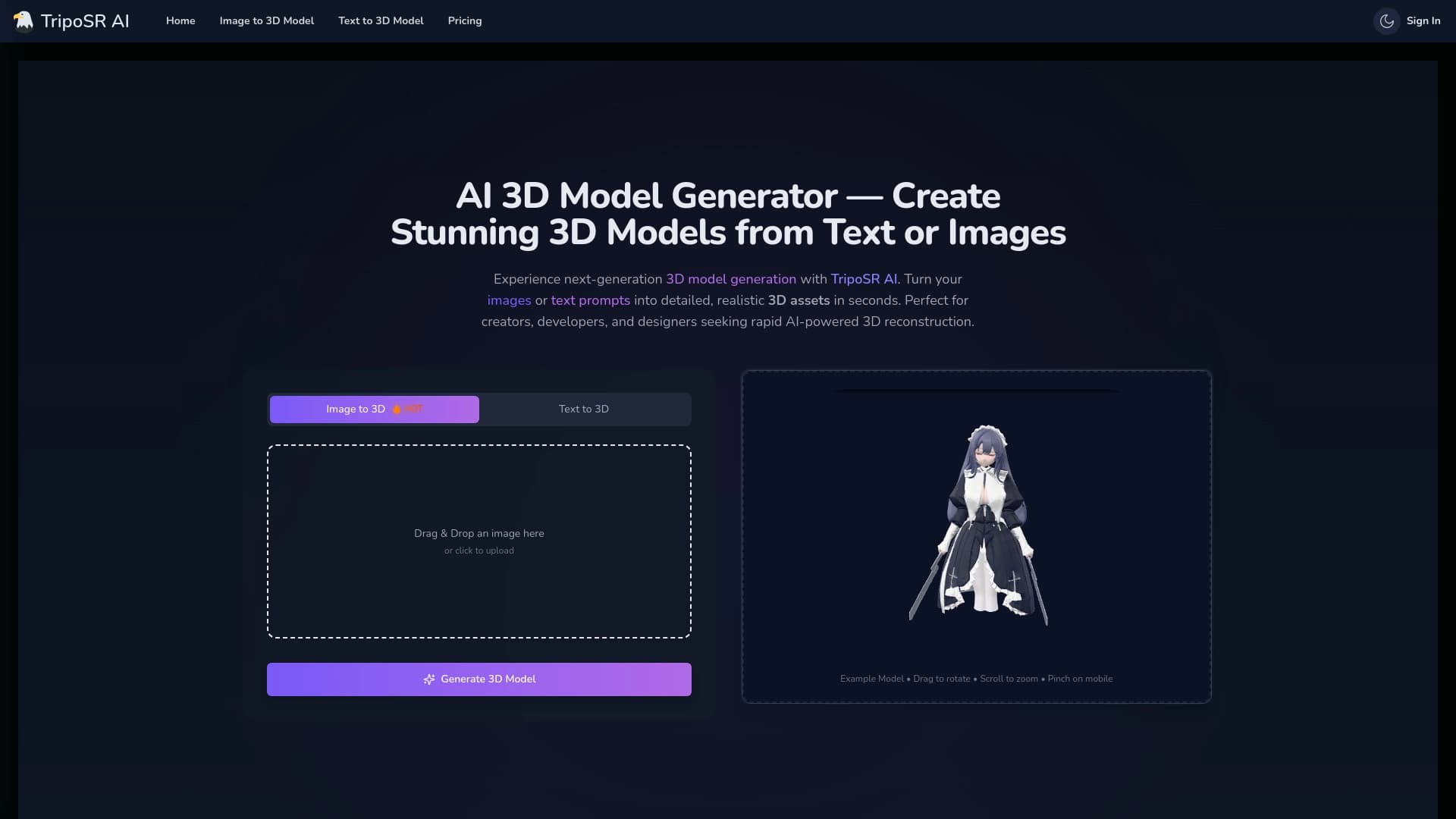

Open-source tool for quickly converting a single image into a 3D model.