
FreeTTS
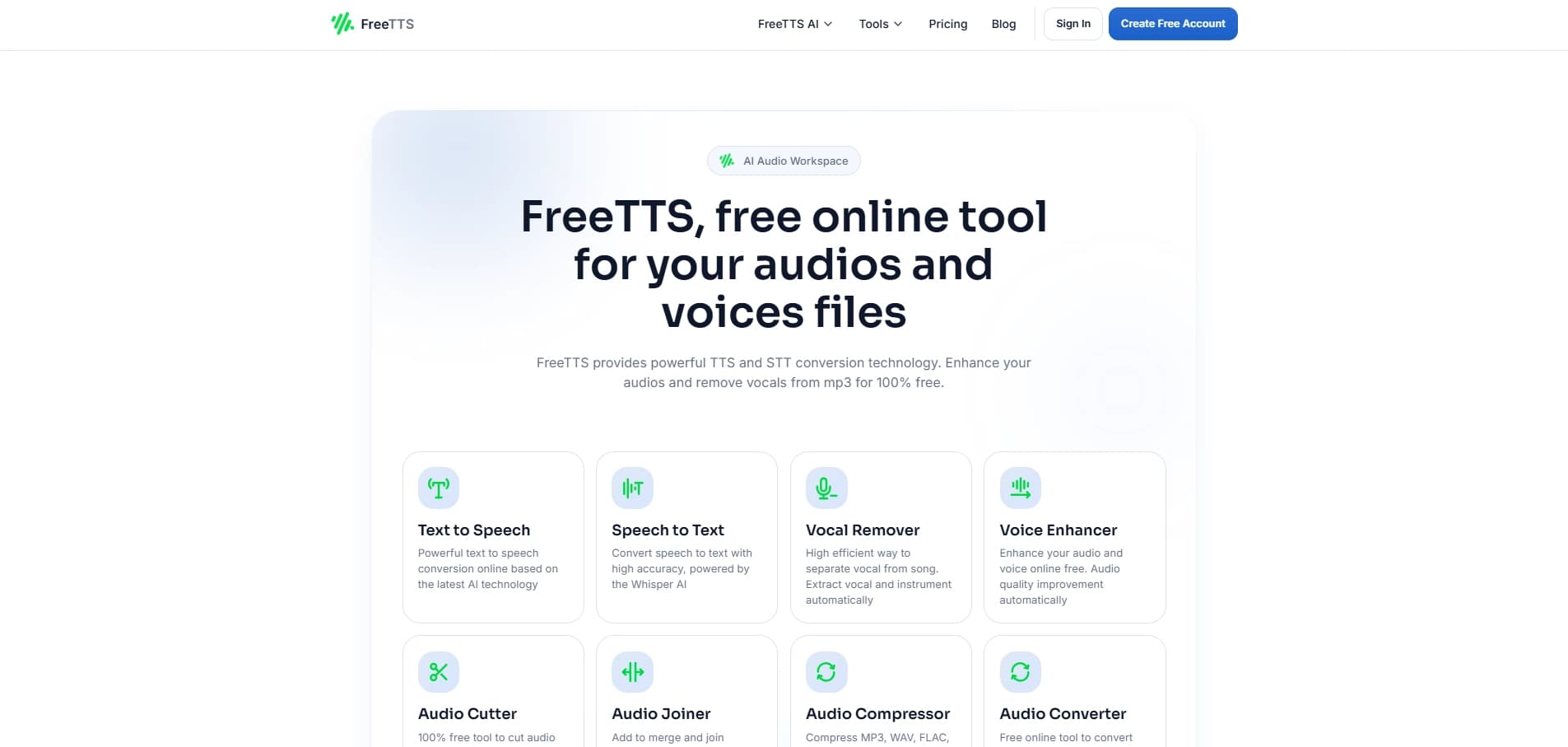
टेक्स्ट को आवाज़ में बदलने की ऑनलाइन सेवा, जिसमें आवाज़, गति और आवाज़ का स्तर समायोजित किया जा सकता है।
अवलोकन
FreeTTS एक वेब आधारित भाषण संश्लेषण उपकरण है जो आपको पाठ को ऑडियो फ़ाइल में बदलने देता है। सेवा पूरी तरह से आपके ब्राउज़र में चलती है, जिसमें अतिरिक्त सॉफ्टवेयर स्थापित करने की आवश्यकता नहीं है।
FreeTTS का मुख्य लक्ष्य है पाठ इनपुट से स्वाभाविक रूप से ध्वनि भाषण बनाने के लिए। उपयोगकर्ता प्रकार या एक समर्पित क्षेत्र में पाठ पेस्ट करता है, आवाज सेटिंग्स का चयन करता है, और एक परिणाम के रूप में एक समाप्त ऑडियो फ़ाइल प्राप्त करता है। सेवा कार्यों की एक विस्तृत श्रृंखला के लिए डिज़ाइन की गई है, सामग्री तैयारी से शैक्षिक सामग्री और व्यक्तिगत उपयोग तक।
टूल एकाधिक भाषाओं और उच्चारणों का समर्थन करता है, जिससे इसे बहुभाषी दर्शकों के साथ काम करने के लिए एक बहुमुखी समाधान बनाता है। मूल संस्करण मुफ्त में उपलब्ध है, जबकि विस्तारित कार्यक्षमता को एक भुगतान सदस्यता की आवश्यकता होती है - एक फ्रीमियम मॉडल।
FreeTTS विशेषताएं
| फ़ीचर | मूल्य |
|---|---|
| प्रकार | वेब आधारित पाठ-to-speech सॉफ्टवेयर |
| श्रेणी | वॉयस जनरेशन, यूनिवर्सल |
| प्लेटफार्म | वेब |
| मूल्य निर्धारण मॉडल | $19/माह से मुफ्त + भुगतान विकल्प |
| पृष्ठ रेटिंग | 4.4 / 5.0 (तार) |
| संपादकीय रेटिंग | 10 में से 7.9 |
कौन है FreeTTS?
सामग्री निर्माता
ब्लॉगर, यूट्यूब लेखक, और पॉडकास्टर जल्दी से आवाज स्क्रिप्ट, वॉयसओवर और कथा के लिए FreeTTS का उपयोग कर सकते हैं। सेवा एक स्टूडियो में रिकॉर्डिंग के बिना एक लेख या पोस्ट का ऑडियो संस्करण बनाने में मदद करती है।
शिक्षा विशेषज्ञ
शिक्षक, शिक्षक और ऑनलाइन पाठ्यक्रम लेखक व्याख्यान और पाठ सामग्री को ऑडियो प्रारूप में बदल सकते हैं। यह उन छात्रों के लिए सुविधाजनक है जो पढ़ना पसंद करते हैं, साथ ही साथ पूरक सीखने की सामग्री बनाने के लिए भी।
व्यापारी और व्यापारी
विज्ञापन और पीआर विशेषज्ञ प्रस्तुतियों, विज्ञापन अभियानों और कॉर्पोरेट सामग्री के लिए ऑडियो क्लिप बना सकते हैं। आवाज, गति और मात्रा चुनने की क्षमता वॉयसओवर को अनुकूलित करने की अनुमति देती है एक विशिष्ट प्रारूप।
नियमित उपयोगकर्ता
Anyone व्यक्तिगत उद्देश्यों के लिए सेवा का उपयोग कर सकता है: वीडियो संपादन के लिए आवाज पाठ, जाने के लिए ऑडियो फ़ाइल बनाएं , या बस भाषण संश्लेषण के साथ प्रयोग करें।
FreeTTS का उपयोग कैसे करें
चरण 1। अपना पाठ तैयार करें
सेवा के कार्य क्षेत्र में वांछित पाठ दर्ज करें या पेस्ट करें। सुनिश्चित करें कि पाठ को सही ढंग से स्वरूपित किया गया है - यह सीधे संश्लेषित भाषण की गुणवत्ता को प्रभावित करता है।
चरण 2। आवाज सेटिंग्स को कॉन्फ़िगर करें
उस भाषा और उच्चारण का चयन करें जो आपके पाठ के अनुरूप है। फिर आवाज स्थापित करें - सेवा चुनने के लिए कई विकल्प प्रदान करती है। यदि आवश्यक हो, तो भाषण दर और मात्रा को एक आरामदायक स्तर पर समायोजित करें।
क्रम ३. ऑडियो फ़ाइल जेनरेट करें
सभी सेटिंग्स को कॉन्फ़िगर करने के बाद, टेक्स्ट-टू-स्पीच रूपांतरण चलाएं। सेवा इनपुट को संसाधित करेगी और चयनित विन्यास में एक ऑडियो फ़ाइल उत्पन्न करेगी।
कुंजी FreeTTS सुविधाएँ
पाठ-to-speech रूपांतरण
सेवा का मुख्य कार्य लिखित पाठ से भाषण को संश्लेषित कर रहा है। टूल एकाधिक भाषाओं और उच्चारणों का समर्थन करता है, जिससे आप विभिन्न दर्शकों के साथ काम कर सकते हैं।
आवाज चयन
उपयोगकर्ता उपलब्ध आवाज़ों के एक सेट से चुन सकते हैं। यह आपको एक timbre और बोलने वाली शैली चुनने देता है जो सबसे अच्छा कार्य फिट बैठता है: व्याख्यान के लिए एक औपचारिक घोषणाकर्ता आवाज या अनौपचारिक सामग्री के लिए एक अधिक संवादात्मक एक।
भाषण दर समायोजन
प्लेबैक गति को प्रारूप के आधार पर बदला जा सकता है। एक धीमी गति से शैक्षिक सामग्री के लिए अच्छी तरह से काम करता है, जबकि एक तेज और गतिशील एक सूट विज्ञापन क्लिप।
वॉल्यूम समायोजन
उपयोगकर्ता समाप्त ऑडियो फ़ाइल का वॉल्यूम स्तर निर्धारित कर सकते हैं। यह वॉयसओवर को एक विशिष्ट वीडियो ट्रैक या म्यूजिकल accompaniment के अनुकूल बनाने में मदद करता है।
FreeTTS फायदे
किसी भी उपकरण से सुलभ
सेवा एक वेब ब्राउज़र के माध्यम से चलती है, इसलिए कोई सॉफ्टवेयर स्थापना की आवश्यकता नहीं है। बस साइट खोलें और किसी भी इंटरनेट से जुड़े डिवाइस से काम करना शुरू करें।
लचीली आवाज सेटिंग्स
भाषा, उच्चारण, आवाज, गति और मात्रा चुनने की क्षमता सेवा को विभिन्न परिदृश्यों के लिए बहुमुखी बनाती है - औपचारिक प्रस्तुतियों से रचनात्मक परियोजनाओं तक।
मुफ्त बुनियादी कार्यक्षमता
आप बिना भुगतान के सेवा का उपयोग शुरू कर सकते हैं। मुफ्त संस्करण उपकरण और सरल कार्यों से परिचित होने के लिए उपयुक्त है, जबकि भुगतान विकल्प पेशेवर उपयोग के लिए क्षमताओं का विस्तार करते हैं।
फ्रीटीटीएस वापसी
सीमित मुक्त संस्करण
मुफ्त योजना में सुविधाओं का एक मूल सेट शामिल है, लेकिन सभी क्षमताओं तक पहुंचने के लिए सदस्यता की आवश्यकता होती है। विस्तारित विकल्प केवल शुल्क के लिए उपलब्ध हैं।
FreeTTS क्या कार्य करता है?
उपकरण को वॉयस जनरेशन और टेक्स्ट-टू-स्पीच रूपांतरण के लिए डिज़ाइन किया गया है। मुख्य उपयोग मामलों में शामिल हैं:
- वीडियो और ऑडियो सामग्री के लिए वॉयसओवर बनाना
- सीखने और आत्म-विकास के लिए ऑडियो सामग्री तैयार करना
- प्रस्तुतियों और विज्ञापन सामग्री के लिए भाषण संगत
- ऑडियो प्रारूप में टेक्स्ट दस्तावेज़ों को जल्दी से सुनने के लिए
FreeTTS मूल्य निर्धारण
FreeTTS एक फ्रीमियम मॉडल पर काम करता है। सेवा का मूल संस्करण मुफ्त है - उपयोगकर्ता बिना किसी अग्रिम निवेश के पाठ को भाषण में परिवर्तित कर सकते हैं। विस्तारित कार्यक्षमता के लिए भुगतान विकल्प प्रति माह $ 19 पर शुरू होता है।
मुक्त योजना की सटीक सामग्री और भुगतान की गई सदस्यता की संरचना स्रोत डेटा में विस्तृत नहीं है।
FreeTTS उपयोग की शर्तें
सेवा एक वेब इंटरफेस के माध्यम से उपलब्ध है और एक स्थिर इंटरनेट कनेक्शन की आवश्यकता है। मुक्त संस्करण के लिए पंजीकरण, खाता आवश्यकताएं और उपयोग नियम स्रोत डेटा में निर्दिष्ट नहीं हैं।
FreeTTS उपलब्धता
FreeTTS वेब आधारित सॉफ्टवेयर है जिसे स्थानीय कंप्यूटर पर इंस्टॉलेशन की आवश्यकता नहीं है। उपकरण इंटरनेट एक्सेस के साथ किसी भी प्लेटफॉर्म पर काम करता है: विंडोज, मैकओएस, लिनक्स, टैबलेट और स्मार्टफोन।
कैसे FreeTTS विकल्प से अलग है
मुख्य अंतर
FreeTTS मूल वॉयसओवर सेटिंग्स पर केंद्रित है: आवाज चयन, गति और वॉल्यूम समायोजन, और एकाधिक भाषाओं और उच्चारणों के लिए समर्थन। उसी समय सेवा में मुफ्त योजना सीमाएं हैं और पेशेवर उपयोग के लिए सदस्यता की आवश्यकता होती है।
निष्कर्ष
FreeTTS कई भाषाओं और व्यापक आवाज अनुकूलन विकल्पों के समर्थन के साथ पाठ से भाषण रूपांतरण के लिए एक सुविधाजनक वेब उपकरण है। सेवा सामग्री रचनाकारों, शिक्षकों और जो लोग जल्दी से पाठ से एक गुणवत्ता ऑडियो फ़ाइल प्राप्त करने की जरूरत सूट। उपयोगकर्ताओं को ध्यान में रखना चाहिए की सीमाओं की सीमा मुफ्त संस्करण। सरल कार्यों के लिए, बुनियादी कार्यक्षमता पर्याप्त है, जबकि पेशेवर उपयोग के लिए प्रति माह $ 19 से शुरू होने वाली भुगतान सदस्यता की आवश्यकता होती है।
अक्सर पूछे जाने वाले प्रश्न
यह भी देखें
सेवा जो ऐप्स, न्यूरल नेटवर्क और AI-क्लोन बनाने के लिए है, साथ ही टेक्स्ट जनरेशन और प्रोसेसिंग के लिए एक न्यूरल नेटवर्क भी।
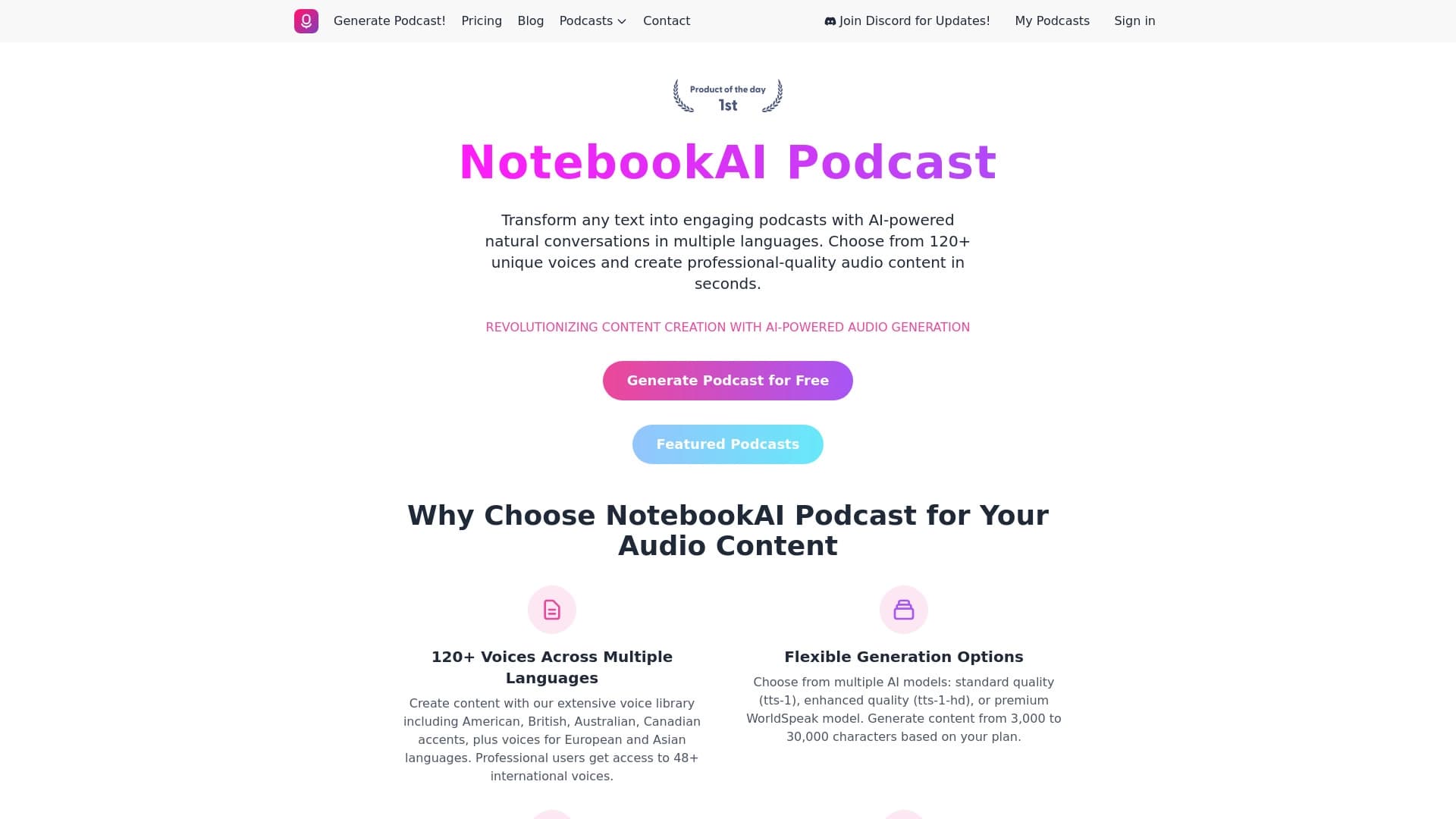

टेक्स्ट को विभिन्न भाषाओं में स्वाभाविक रूप से सुनाई देने वाली आवाज़ों के साथ पॉडकास्ट में बदलने की सेवा।
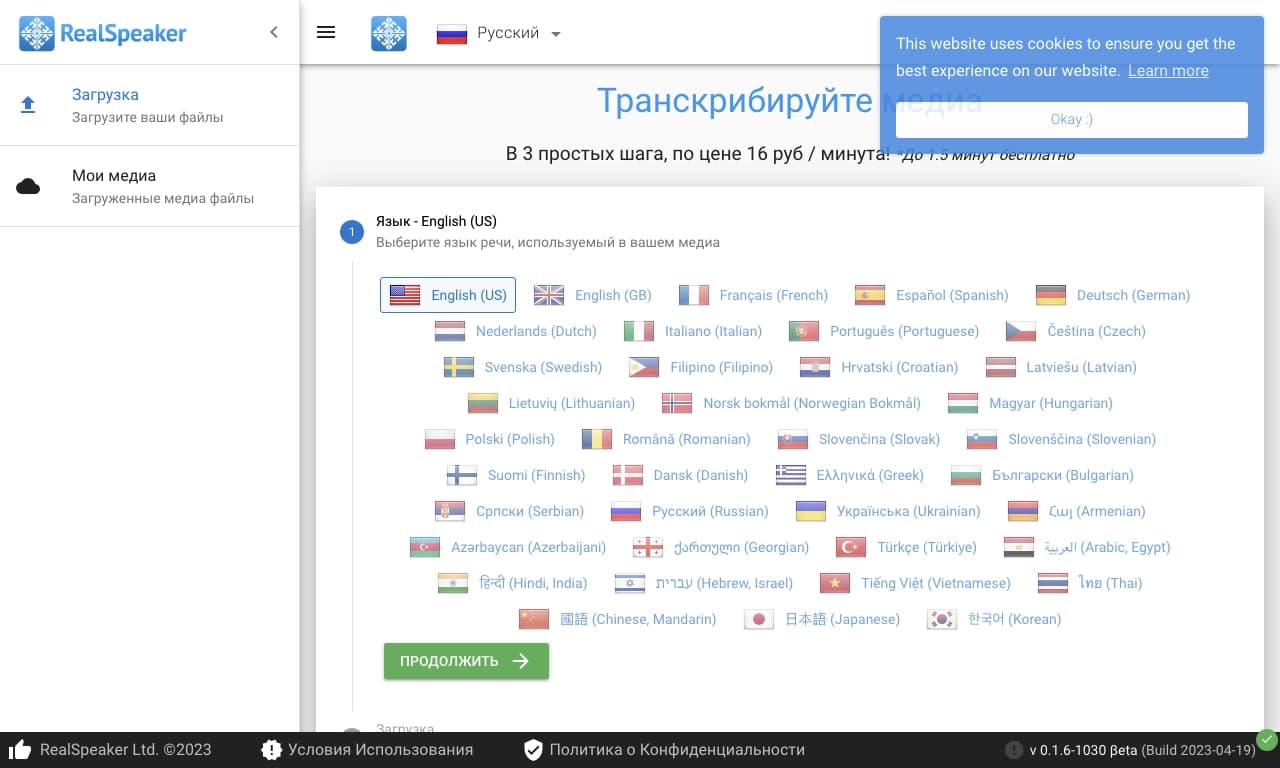
मल्टी-भाषा AI प्लेटफ़ॉर्म जो ऑडियो और वीडियो को टेक्स्ट में ट्रांसक्राइब करता है।
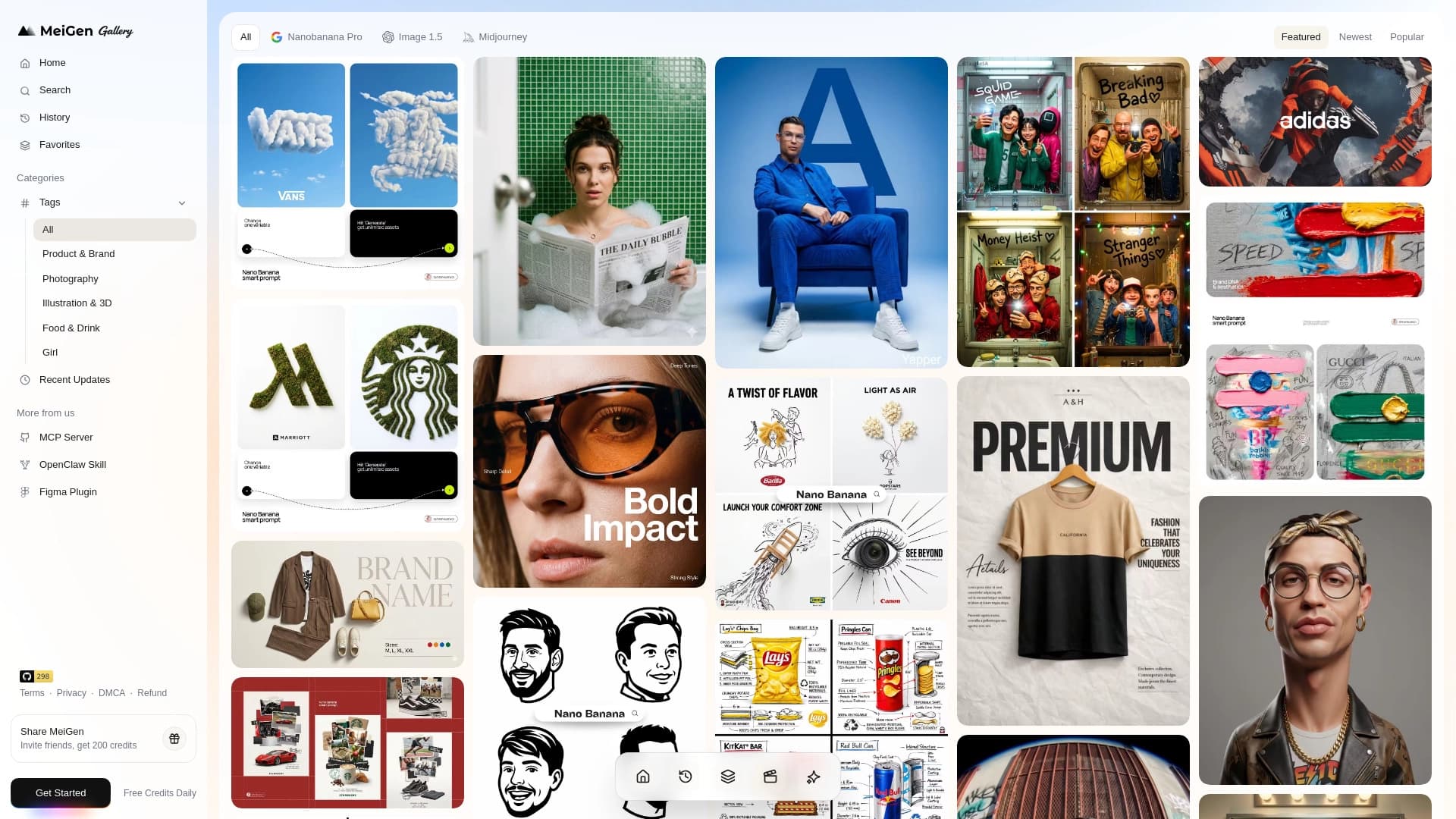
प्रमुख न्यूरल नेटवर्क के माध्यम से छवियों और वीडियो बनाने के लिए तैयार प्रॉम्प्ट्स की लाइब्रेरी और इंटरफ़ेस वाली वेब सेवा।
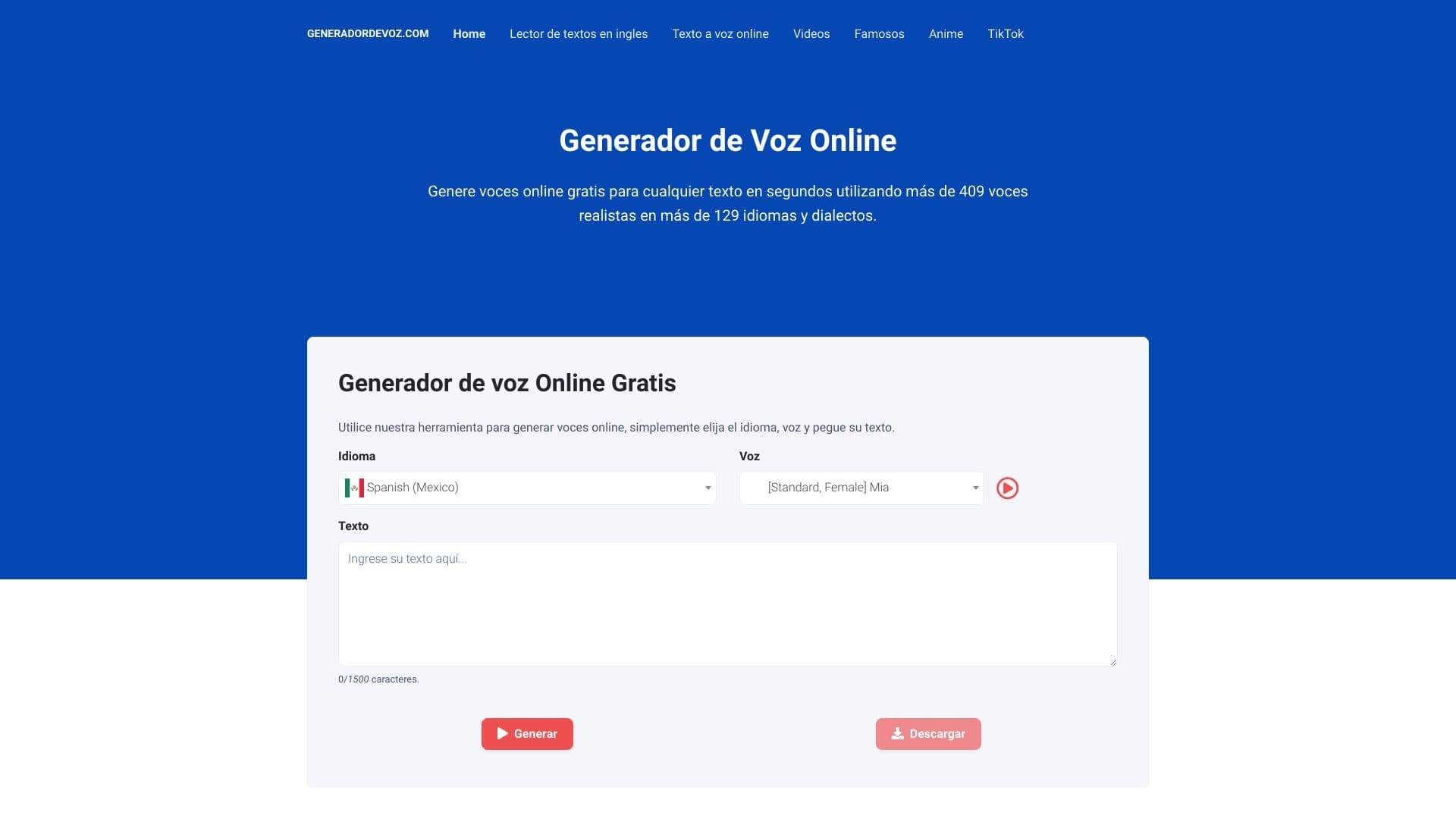
टेक्स्ट को AI की मदद से यथार्थवादी भाषण में बदलने का टूल।
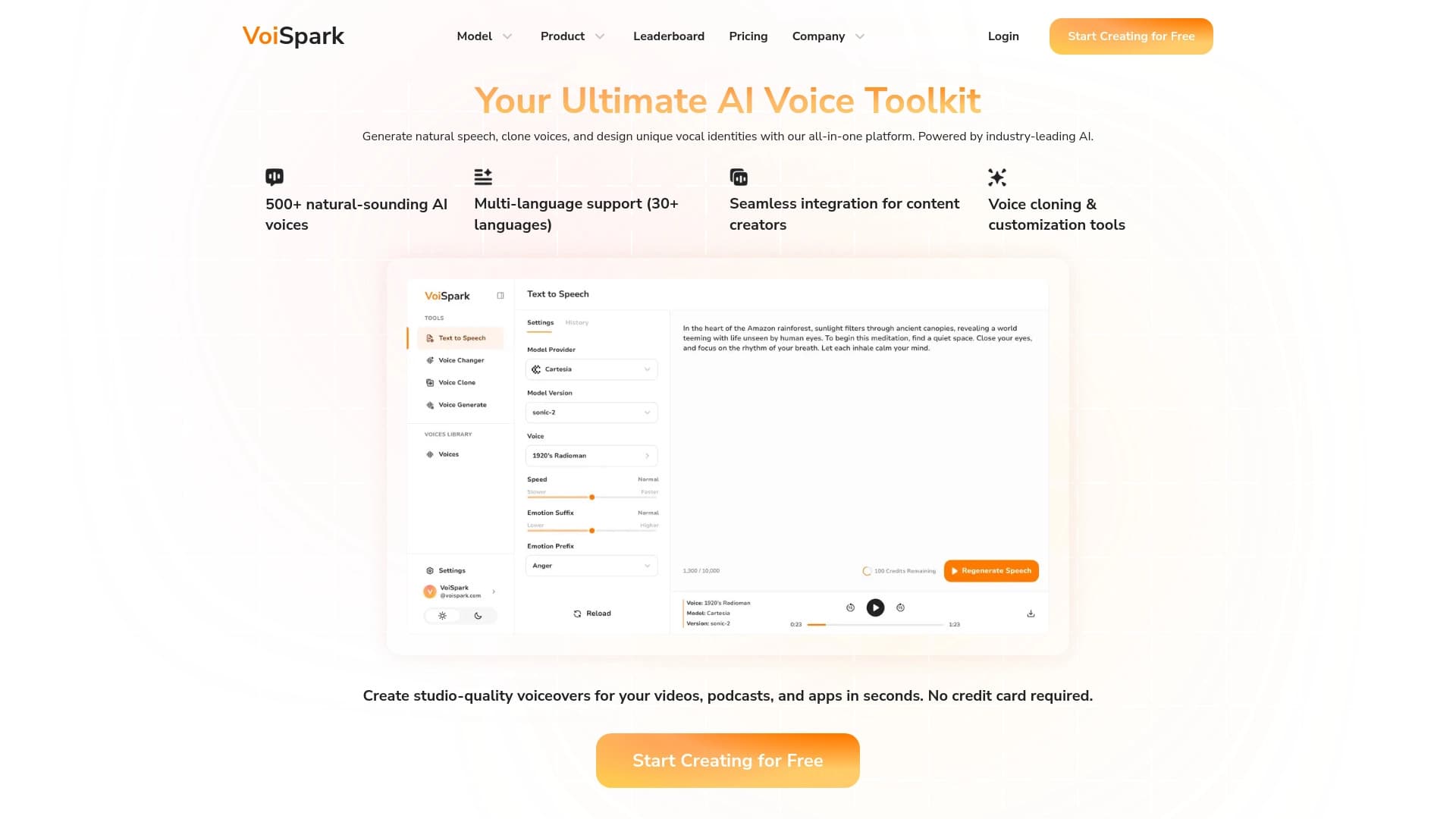
ऑनलाइन उपकरण AI आधारित पीढ़ी क्लोनिंग और आवाज संशोधन।.

विभिन्न भाषाओं में वीडियो के स्वचालित अनुवाद और डबिंग के लिए ऑनलाइन सेवा।
वेब-सेवा जो विशिष्ट दस्तावेज़ों के प्रसंस्करण को न्यूनतम मानवीय भागीदारी के साथ स्वचालित करती है।