
Freepik AI Image Generator
AI-powered image generation and editing tool, including background removal and video creation.
لمحة عامة
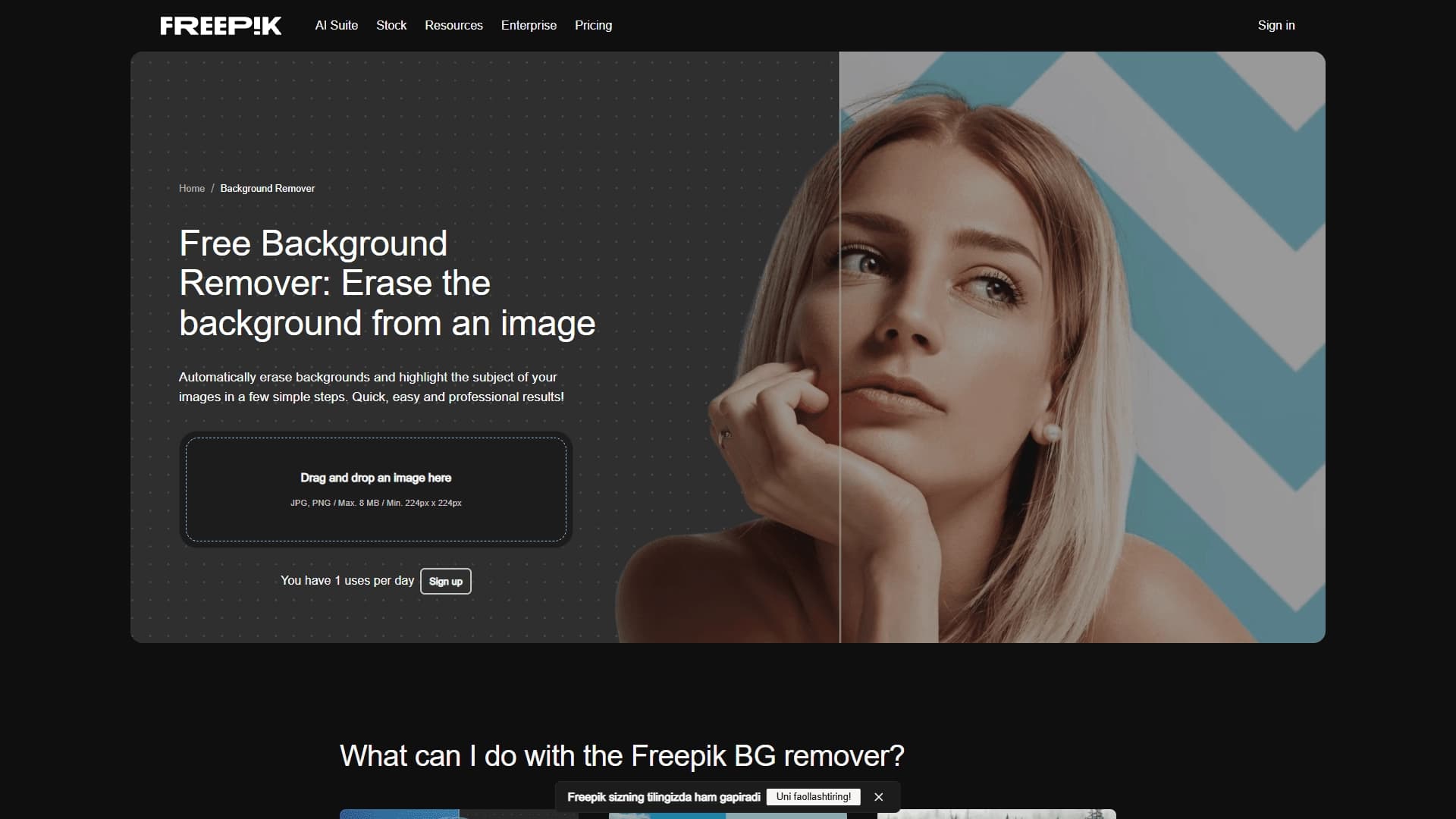
مولد التصوير المجاني - وهو أداة على شبكة الإنترنت من نظام فريدبيك الذي يجمع بين عدة قدرات على العمل بالمحتوى البصري. ويمكن للمستعملين أن يخلقوا صوراً من الأوصاف النصية، وأن يحرروا الصور الموجودة، وأن يزيلوا أو يحلوا خلفيات في الصور، وأن يولدوا مقاطع فيديو قصيرة من صور النصوص أو الصور المرجعية.
وتدير هذه الخدمة بكامل طاقتها في المصفح، ولا تتطلب تركيب برامجيات إضافية. السمة الرئيسية للأداة هي تنوعها، إنها تغطي الاحتياجات لكل من الرسوم البيانية الثابتة والفيديو القصير،
المولدات المولدة للصور الحرة
| Feature | القيمة |
|---|---|
| النوع | محرر الصور والصور |
| الفئة | Text-to-Image, AI Photo ' Image Generator, AI Video Generator, Background Editing, AI Image Enhancer, AI Art Generator |
| منهاج العمل | Web (browser) |
| الأشكال الداعمة لإزالة المعلومات الأساسية | JPG, PNG |
| الحجم الأقصى للملف | 8 MB |
| القرار الأدنى | 224 x224 pixels |
| خطة مجانية | نعم (حد الاستخدام اليومي) |
| مضافا إليها | تموز/يوليه 2024 |
| الزيارات الشهرية | 5.6M |
| تقييم المستعملين | 5/5 |
من هو (فريبيك آي إي) المولد؟
المصممون والحرفيون
والأداة مفيدة للمصممين الذين يحتاجون إلى تصور سريع للمفاهيم، أو إيجاد خلفيات، أو لافتات، أو صور خلفية للمخططات. وتسمح القدرة على توليد الصور من النصوص بإيجاد حلول بصرية غير تقليدية دون البحث في قواعد بيانات المخزون أو السحب باليد.
أخصائيو التسويق ووسائط الإعلام الاجتماعية
وبالنسبة للأخصائيين في مجال الترقية، تساعد هذه الأداة في إعداد محتوى الشبكات الاجتماعية، والحملات الدعائية، والمواد الترويجية. وتسمح الصورة السريعة وتوليد الفيديو القصير باختبار الافتراضات الإبداعية وخلق القصص أو بطاقات المنتجات أو المناشير في المواعيد النهائية الضيقة.
بائعو الأسواق ومخترعو المحتويات
وبالنسبة لمن يديرون قوائم المنتجات، من الضروري إزالة المعلومات الأساسية واستبدالها - فهي تتيح إعداد صور ذات خلفيات شفافة أو وضع منتجات في سياق بصري جديد. وهذه الأداة تناسب أيضاً أي شخص يحتاج إلى تيار ثابت من الصور المرئية للمدونات أو العروض أو المشاريع الشخصية.
كيف نستخدم مولدات التصوير المجانية؟
توليد صورة من النص
لخلق صورة، الذهاب إلى صفحة المولدات التصويرية المجانية. في مجال المدخلات، أكتبي وصفاً مفصلاً للصورة المرغوبة، ثم نقر زر "الجينات". وبعد تجهيز الطلب، ستظهر الدائرة عدة خيارات للصور المولدة. يمكنك تحميل الصورة التي تحبها أو إرسالها للمزيد من الصقل
إزالة المعلومات الأساسية والاستعاضة عنها
للعمل مع الخلفيات، سحب وإسقاط ملف JPG أو PNG إلى نافذة الأداة المخصصة. وستكتشف الشبكة العصبية تلقائياً الجسم الرئيسي وتزيل الخلفية في غضون ثوان. يمكنك بعد ذلك تحميل صورة جديدة لاستبدال الخلفية أو إنقاذ النتيجة بدعم شفاف.
إنتاج أشرطة فيديو
ولتوليد أشرطة فيديو، مجرد إدخال وصف للسيناريو ونقر زر البداية. يمكنك أيضاً تحميل صورة مرجعية للتصوير وتدعم هذه الخدمة إنشاء مقاطع متعددة الأطياف مع الاتساق بين المشاهد وتتيح إضافة الصوت المبني إلى الفيديو. العملية تجري في المسبح، ولا تتطلب أي تحرير.
السمات الرئيسية لمولدات التصوير الفائقة
تجهيز الصور
- (أ) تحويل أوصاف النصوص إلى صور متفاوتة متعددة؛
- :: إزالة المعلومات الأساسية الآلية من الصور؛
- ' 1` رد المعلومات الأساسية بصور جديدة؛
- إعداد الصور ذات الخلفية الشفافة؛
- إنتاج الصور في مختلف الأنماط والاختلافات.
Video generation
- (أ) إنشاء مقاطع فيديو قصيرة من مستلزمات النص؛
- (أ) رفع الصور المرجعية؛
- :: تسجيل أشرطة فيديو متعددة الأطياف مع الاتساق بين الإطار والإطار؛
- أضافة صوتية
التواصل وإمكانية الوصول
- كل شيء يعمل على الإنترنت في واجهة (فريبيك) المألوفة
- تحميل الملفات عن طريق السحب والسحب؛
- تجهيز الملفات الآلية دون مشاركة المستخدمين.
المولدات ذات الصلة بالمولدات الكهربائية
السرعة ووفورات الوقت
الميزة الرئيسية هي الحصول على النتائج بسرعة وتستغرق عملية إزالة المعلومات الأساسية ثواني، كما لا يتطلب إنتاج الفيديو والصور الانتظار طويلا. ويتيح ذلك إجراء اختبارات سريعة للأفكار وتصوير المفاهيم دون استخدام برمجيات ثقيلة.
البساطة بالنسبة للمستعملين غير المجهزين
ولا حاجة إلى أي تقدير أو تحرير للصور أو مهارات تصميم معقدة. وببساطة إدخال وصف نصي أو تحميل ملف - وتعالج الشبكة العصبية المعالجة. ولا يوجد تركيب للبرمجيات يعني أن هذه الأداة متاحة من أي جهاز لديه مصفوف.
نتائج عالية الجودة
ويجمع المولد بين عدة نماذج حديثة للمبادرة، تنتج صورا ومقاطع واقعية بصريا. The free plan lets you explore the tool without investment: up to 20 images per day and a limited number of background removal uses.
مسترجعات من المولدات المتطورة
قيود الخطة الحرة
ولجيل التصوير حد يومي قدره 20 صورة. كما أن إزالة المعلومات الأساسية لها حد أقصى يومي للاستخدام المجاني. ولا يمكن رفع هذه القيود إلا بقطع الأشجار في النظام الإيكولوجي للحرية أو شراء اشتراك مدفوع الأجر.
القيود على التحميل التقني
For background removal, files must not exceed 8 MB and must have a minimum resolution of 224 x224 pixels. ويمكن أن يكون هذا غير ملائم عند العمل مع صور مفصلة للغاية أو ملفات كبيرة.
ما هي المهام التي يحلها مولد التصوير؟
إعداد محتوى للتسويق ووسائط الإعلام الاجتماعية
The tool helps create short promo videos, stories, banners, and social media posts. ويعد توليد المحتوى السريع ذا قيمة خاصة عند إدارة حسابات متعددة أو الاحتفاظ بجداول ثابتة منتظمة.
تصور المفاهيم والأفكار
ويمكن للمصممين والمتسوّقين أن يستخدموا هذه الخدمة لإنشاء مراجع بصرية، أو مجموعات من المنتجات المستقبلية، أو المواد الإعلانية. والتصوير السريع يساعد على مواءمة الأفكار مع العملاء أو الأفرقة قبل أن يبدأ الإنتاج.
تجهيز صور السوق والعروض
وتتيح إزالة المعلومات الأساسية الآلية إعداد بطاقات المنتجات بدعم شفاف أو وضع المنتجات في سياقات جديدة. ويمكن أيضا استخدام الصور المجهزة في العروض والتقارير والبريد الإلكتروني.
المولدات المجهرية
مولدات التصوير المجاني تعمل على نموذج مجاني وتشمل الخطة الحرة الحدود التالية:
- توليد ما يصل إلى 20 صورة في اليوم؛
- a limited number of background removal uses (daily limit).
ولتوسيع الحدود والحصول على الوظائف الكاملة، يلزم الحصول على إذن في النظام الإيكولوجي لفريبيك. والتسعير الحالي للخطط المدفوعه والتفاصيل عن عدد الأجيال المتاحة غير مذكورة في الصفحة هذه تحتاج إلى فحص على موقع الخدمة الرسمي
مدة استخدام المولدات المولدة للصور
For uploading files to the background removal tool, the following requirements apply: JPG and PNG formats are supported, files must weight up to 8 MB and have a resolution of at least 224 x224 pixels. ويقتصر الاستخدام الحر على الحد الأقصى اليومي: 20 صورة يومياً للجيل وحد أقصى يومي منفصل لتجهيز المعلومات الأساسية. لإزالة القيود، يجب أن تدخل إلى منصة "فريبيك". المعلومات التفصيلية عن متطلبات المحتوى للصور المولدة ومصطلحات الاستخدام لا يتم الكشف عنها في صفحة الأداة
المولدات المجهرية
والخدمة متاحة في مصفف على شبكة الإنترنت في شركة " فريبيك " ، ولا تتطلب تركيب برامجيات إضافية. No regional restrictions are listed on the page. According to statistics, the main regions of use include the United States, India, Brazil, and Indonesia. ونظراً لشكلها القائم على الإنترنت، يمكن استخدام هذه الخدمة من أي جهاز له إمكانية الوصول إلى الإنترنت.
How Freepik AImage Generator vary from alternatives
تعدد الوظائف في أداة واحدة
وخلافاً للخدمات التي تركز تركيزاً ضيقاً، تجمع مولدات التصوير الفلكي المجانية بين عدة أدوات: مولد للنص والتصوير، ومولد للفيديو، ومحرر معلومات أساسية، ومعزز للصور. لا يحتاج المستعملون للتبديل بين ثلاث منابر مختلفة للتعامل مع المهام المختلفة
التكامل مع النظام الإيكولوجي للحرية
فالوجود في منصة فريبيك يعطي الأداة حافة: إذ يمكن للمستعملين الجمع بين الصور وبين مكتبات المواد المخزونة، ويفتح الإذن الحدود الموسعة. والعديد من البدائل معزولة عن هذه النظم الإيكولوجية وتعمل كخدمات قائمة بذاتها.
الجمع بين نماذج المعلومات المسبقة الحديثة
وتستخدم المولدات المولدة للصور المتحركة المجانية عدة نماذج حديثة للجيل، تضمن نتائج واقعية لكل من الصور الثابتة ومقاطع الفيديو. This sets it apart from tools specializing only in text or only in animation, and enables consistent multi-frame videos.
خاتمة
ومولد الصور المتحركة المجانية هو أداة على شبكة الإنترنت متنوعة للعمل في مجال المحتوى البصري، تجمع بين توليد النسيج والتصوير، وإزالة المعلومات الأساسية، واستبدالها، وقصر إنتاج الفيديو. وهو يناسب المصممين، والمتسوّقين، والبائعين في السوق، وأي مستعمل يحتاج إلى إنتاج بصري جيد بسرعة دون تركيب برمجيات مهنية. الخطة المجانية تسمح بتقييم قدرات الخدمة، على الرغم من أنها تأتي مع الحدود اليومية. إن الطابع العملي والاتساع للوظيفة يجعلان الأداة حلاً ملائماً لاختبار الأفكار وخلق محتوى لوسائط الإعلام الاجتماعية والعروض وحملات الإعلان.
الأسئلة المتكررة
انظر أيضا


A tool for automated SEO content creation with keyword research and long-form text generation.

(جوينيو) محرر فيديو مجهز بجهاز (آي آي) والذي يضيف (بي-رول) و(إيموجي) و(ليون).


(إيمي) هي خدمة تخلق تلقائياً الموسيقى وأجهزة الصوت للفيديو عن طريق تحليل لقطات الفيديو.
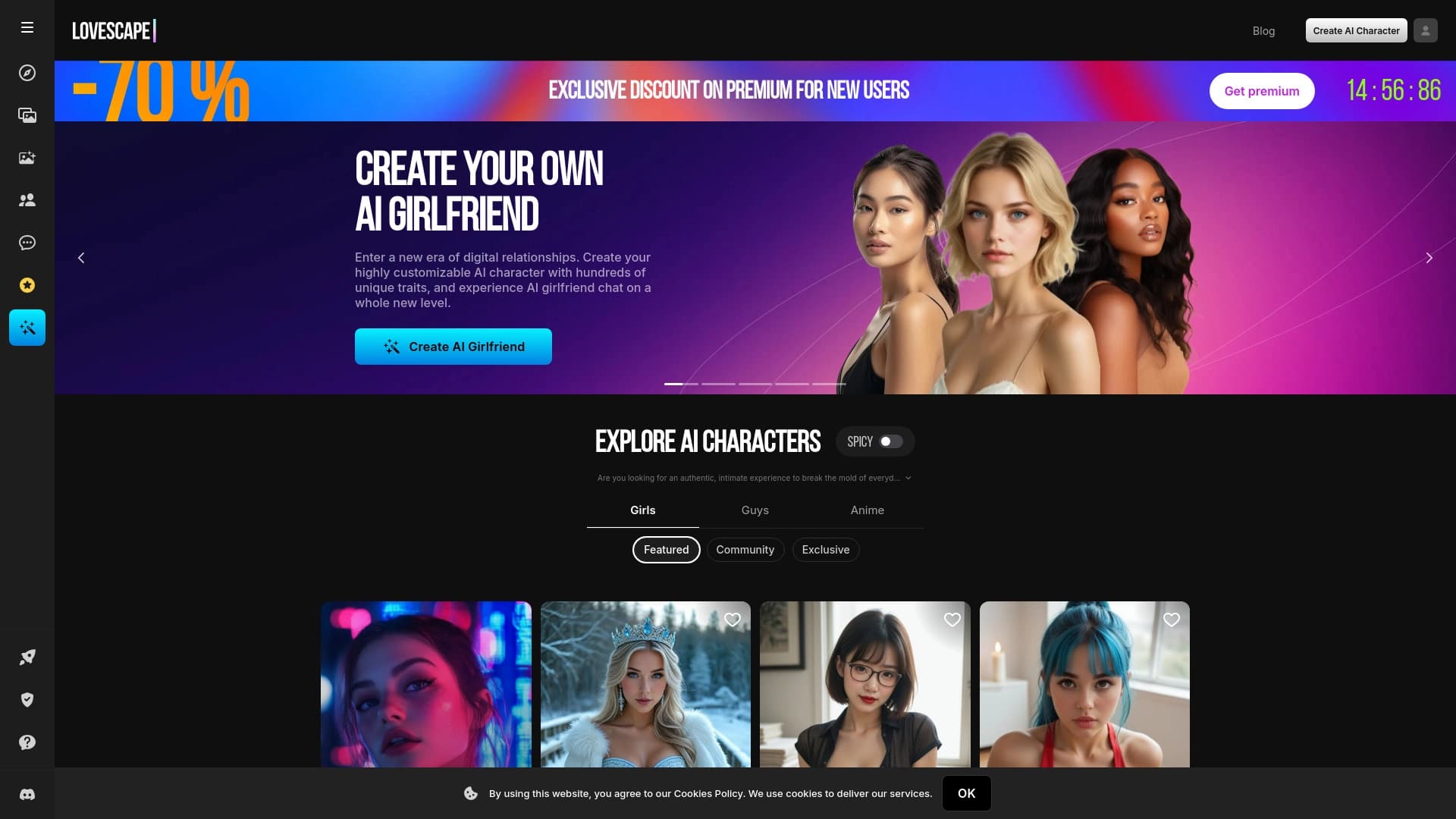

خدمة لتوليد محتوى للبالغين مع الشخصيات البارزة والصور والفيديوات القصيرة.
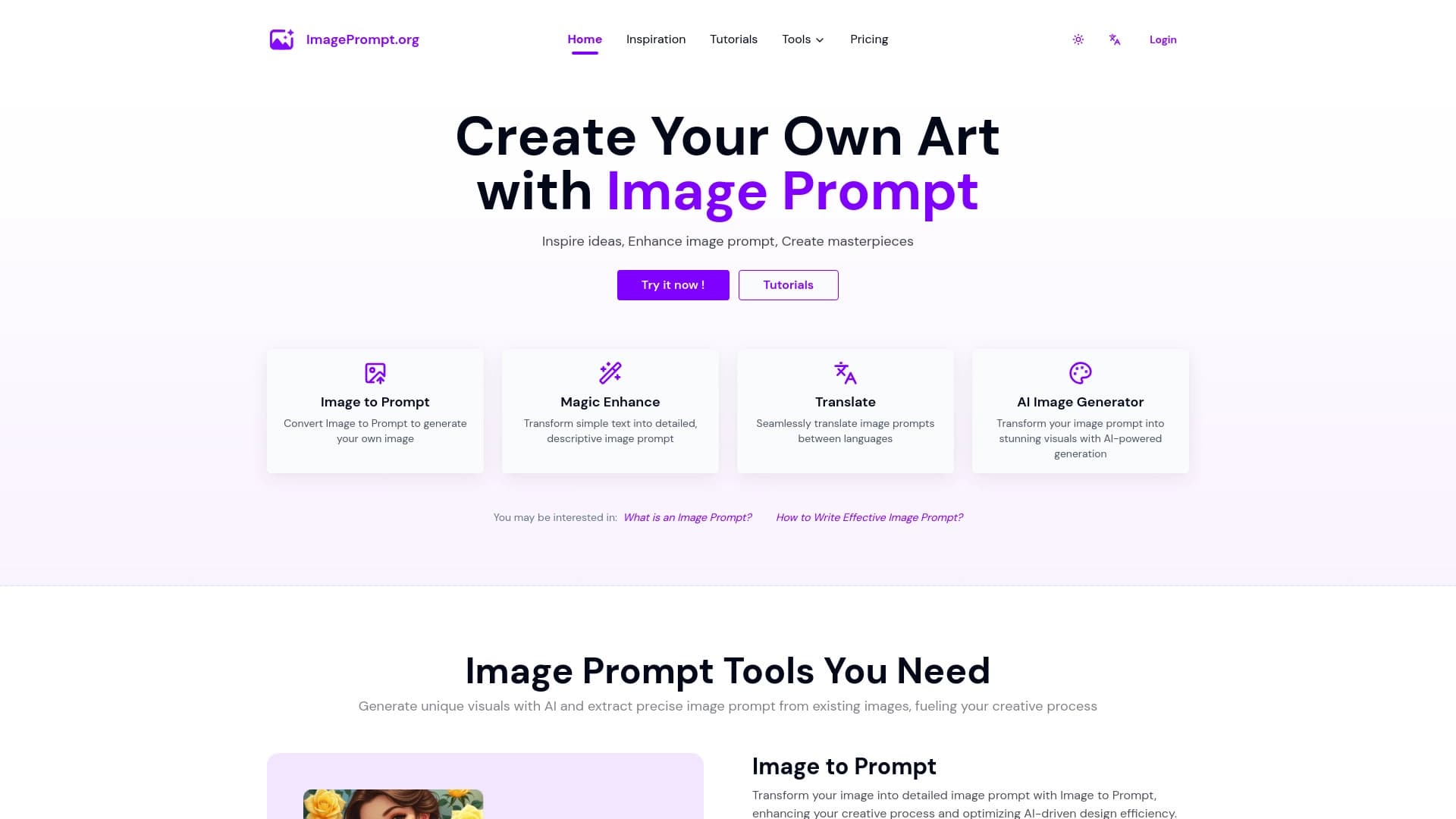
:: تقديم الخدمات اللازمة لخلق وتحويل صيغ للشبكات العصبية التي تولد الصور.

Web platform for AI-powered image and cinematic video generation, featuring Australian-grade editing tools.


Averi is a marketing platform that brings campaign planning, content creation, and analytics together in a single interface.


Neural network for fast video generation and editing from text descriptions, images, and references.