
FlexClip
ऑनलाइन वीडियो संपादक जिसमें AI टूल्स शामिल हैं, जिससे ब्राउज़र में ही तुरंत वीडियो बनाना और संपादित करना संभव है।
रैंकिंग में स्थान
अवलोकन
FlexClip AI Video Editor विवरण
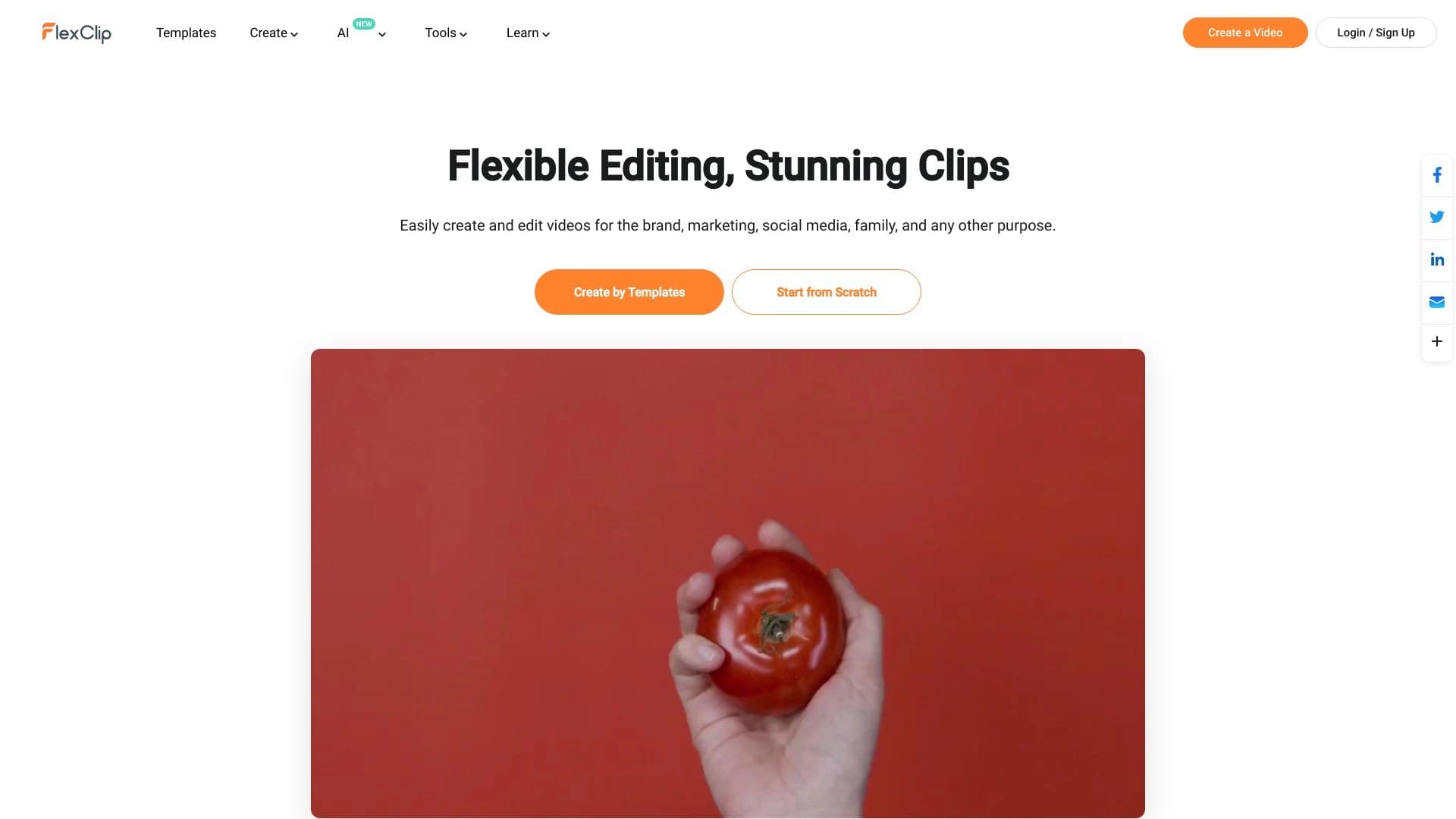
FlexClip एक ऑनलाइन वीडियो संपादक है जो सीधे आपके ब्राउज़र में काम करता है। आपके कंप्यूटर पर किसी भी सॉफ्टवेयर को डाउनलोड करने या इंस्टॉल करने की कोई आवश्यकता नहीं है। सेवा की मुख्य विशेषता इसकी अंतर्निहित एआई उपकरण है, जो बुनियादी संपादन कार्यों को स्वचालित करती है: कटिंग क्लिप्स, प्रभाव जोड़ने, टेक्स्ट ओवरलेइंग और अन्य नियमित कार्य। इसके अलावा, संपादक व्यक्तिगत और व्यावसायिक परियोजनाओं दोनों को पूरा करने वाले 6000 से अधिक तैयार किए गए टेम्पलेट्स की एक व्यापक पुस्तकालय तक पहुंच प्रदान करता है।
फ्लेक्सक्लिप का इंटरफ़ेस ड्रैग-एंड-ड्रॉप सिद्धांत पर बनाया गया है। इसका मतलब है कि आपको जटिल पेशेवर सॉफ्टवेयर सीखने की आवश्यकता नहीं होगी: पूरी वीडियो निर्माण प्रक्रिया उन तत्वों का चयन करने और उन्हें समयरेखा या कैनवास पर रखने के लिए नीचे आती है। यह दृष्टिकोण सेवा को एक बहुमुखी उपकरण बनाता है जो शुरुआती लोगों के लिए वीडियो संपादन में अपना पहला कदम उठाने और अनुभवी उपयोगकर्ताओं के लिए जो जल्दी से उच्च गुणवत्ता वाली सामग्री का उत्पादन करने की आवश्यकता होती है।
FlexClip सुविधाएँ
| फ़ीचर | मूल्य |
|---|---|
| प्रकार | AI के साथ ऑनलाइन वीडियो संपादक |
| श्रेणी | संपादन और उत्पादन के बाद, लघु वीडियो और क्लिप |
| प्लेटफार्म | वेब ब्राउज़र (online) |
| मुफ्त योजना उपलब्ध | हाँ |
| टेम्पलेट्स की संख्या | 6000 से अधिक |
| वितरण मॉडल | फ्रीमियम |
कौन है FlexClip AI for?
ब्लॉगर और सामग्री निर्माता
फ्लेक्सक्लिप उन ब्लॉगर्स के लिए एक उत्कृष्ट विकल्प है जिन्हें सोशल मीडिया, यूट्यूब या अन्य प्लेटफॉर्म के लिए नियमित रूप से वीडियो प्रकाशित करने की आवश्यकता है। इसके टेम्पलेट्स और एआई टूल के लिए धन्यवाद, आप मैन्युअल संपादन पर घंटों के खर्च के बिना अपने फुटेज को समाप्त कहानियों में बदल सकते हैं। यह विशेष रूप से महत्वपूर्ण है जब सामग्री को अक्सर प्रकाशित करने की आवश्यकता होती है और संपादन समय सीमित होता है।
लघु व्यवसाय और बाज़ार
छोटे व्यवसायों और व्यापारियों के लिए, सेवा उत्पादों या सेवाओं के लिए विज्ञापन क्लिप, प्रस्तुति सामग्री और प्रचार वीडियो बनाने का एक समाधान बन जाती है। व्यापार उन्मुख टेम्पलेट्स (जैसे विज्ञापनों, छूट, घोषणाओं के लिए) का एक बड़ा सेट आपको महंगे संपादन विशेषज्ञों को काम पर रखने के बिना अभियान शुरू करने की अनुमति देता है।
शुरुआती और पेशेवर
सेवा का मुख्य दर्शक वह व्यक्ति है जो पेशेवर सॉफ्टवेयर की जटिलताओं से बचना चाहता है। शुरुआती सरल इंटरफ़ेस और स्पष्ट ड्रैग-एंड-ड्रॉप लॉजिक की सराहना करते हैं, जबकि पेशेवर FlexClip का उपयोग किसी न किसी कटौती के लिए एक त्वरित उपकरण के रूप में करते हैं या ऐसी सामग्री बनाते हैं जिन्हें जटिल बहु-परत संपादन की आवश्यकता नहीं होती है। सेवा उन लोगों के लिए सूट करती है जिन्हें बिना गहन तकनीकी ज्ञान के परिणाम की आवश्यकता होती है।
FlexClip AI का उपयोग कैसे करें?
एक टेम्पलेट या स्क्रैच से शुरू
आप दो तरीकों से काम शुरू कर सकते हैं: अपने कार्य के लिए 6,000 रेडी-मेड टेम्प्लेट में से एक चुनें, या रिक्त कैनवास पर एक परियोजना बनाने के लिए "स्क्रैच से शुरू" पर क्लिक करें। टेम्पलेट्स में पहले से ही एक बुनियादी संरचना होती है - पृष्ठभूमि की छवियां, एनिमेशन, टेक्स्ट ब्लॉक - जो आप अपनी खुद की सामग्री के साथ बदल सकते हैं। यदि आप जानते हैं कि आपको किस प्रारूप की आवश्यकता है, तो यह प्रक्रिया काफी तेज हो जाती है।
ब्राउज़र और ड्रैग-एंड-ड्रॉप तत्वों में काम
पूरी संपादन प्रक्रिया वेब इंटरफेस में होती है। आप टाइमलाइन पर या सीधे कैनवास पर वांछित स्थान पर अपने माउस के साथ वीडियो क्लिप, फोटो, टेक्स्ट फ़ील्ड और संगीत ट्रैक खींचें। कोई अतिरिक्त सॉफ्टवेयर स्थापना की आवश्यकता नहीं है - सिर्फ एक स्थिर इंटरनेट कनेक्शन। एक बार समाप्त होने के बाद, आप परियोजना को अपने पसंदीदा प्रारूप में सहेज सकते हैं या इसे तुरंत प्रकाशन के लिए निर्यात कर सकते हैं।
कुंजी FlexClip सुविधाएँ
संपादन स्वचालन के लिए एआई उपकरण
अंतर्निहित कृत्रिम खुफिया एल्गोरिदम नियमित संचालन का हिस्सा संभालते हैं। इसमें स्वचालित उपशीर्षक पीढ़ी, संक्रमण चयन, छवि गुणवत्ता वृद्धि, या सरलीकृत वीडियो काटने शामिल हो सकते हैं। इन उपकरणों का लक्ष्य उस समय को कम करना है जब उपयोगकर्ता यांत्रिक कार्य पर खर्च करते हैं और उन्हें रचनात्मक पक्ष पर ध्यान केंद्रित करने की अनुमति देते हैं।
टेम्पलेट लाइब्रेरी (6,000 से अधिक)
टेम्पलेट सूची में परिदृश्यों की एक विस्तृत श्रृंखला शामिल है: व्यावसायिक प्रस्तुतियों और चैनल इंट्रो/आउट्रोस से शादी की क्लिप, खेल संकलन, स्लाइड शो और विपणन वीडियो तक। इस विविधता का मतलब है कि आपको खरोंच से डिजाइन नहीं करना है - बस अपनी खुद की सामग्री को तैयार, अनुकूलन संरचना में प्लग करें।
सामग्री निर्माण उपकरण
उपयोगकर्ताओं के पास पाठ जोड़ने के लिए सुविधाओं तक पहुंच है (पास प्रवेश एनिमेशन सेटिंग्स सहित), पृष्ठभूमि संगीत ओवरलेइंग, संक्रमण प्रभाव लागू करने और शेयर छवियों और वीडियो डालने के लिए। इन सभी तत्वों को ड्रैग-एंड-ड्रॉप इंटरफ़ेस के माध्यम से प्रबंधित किया जाता है, जो प्रत्येक को सहज बनाता है।
FlexClip लाभ
पूरी तरह से ऑनलाइन ऑपरेशन
अपने कंप्यूटर पर भारी सॉफ्टवेयर स्थापित करने की आवश्यकता नहीं फ्लेक्सक्लिप का एक महत्वपूर्ण लाभ है। यह डिस्क स्थान को बचाता है और आपको किसी भी इंटरनेट से जुड़े डिवाइस से एक परियोजना पर काम करने की अनुमति देता है। बस संपादन शुरू करने के लिए अपने ब्राउज़र में साइट खोलें।
प्रवेश के लिए कम बैरियर
सरल इंटरफ़ेस तर्क और तैयार किए गए टेम्पलेट उन लोगों को भी देते हैं जिन्होंने कभी वीडियो संपादकों के साथ काम नहीं किया है। उसी समय, पेशेवरों को भी उपयोगी सेवा मिलती है, क्योंकि यह सामग्री निर्माण को गति देता है जब टेम्पलेट आधारित समाधान कार्य को फिट करता है।
मुफ्त योजना उपलब्ध
यह सेवा एक फ्रीमियम मॉडल पर काम करती है: बुनियादी सुविधाएँ मुफ्त में उपलब्ध हैं। यह नए उपयोगकर्ताओं को कार्यक्षमता का पता लगाने, अपने पहले वीडियो बनाने की अनुमति देता है और उसके बाद ही यह तय करता है कि उन्हें विस्तारित भुगतान योजना की आवश्यकता है। यह प्रविष्टि बाधा को कम करता है और उपयोगकर्ताओं को स्वतंत्र रूप से उपकरण के मूल्य का आकलन करने की अनुमति देता है।
FlexClip Disadvantage
फ्री प्लान लिमिटेशन
कई फ्रीमियम सेवाओं की तरह, फ्लेक्सक्लिप कुछ क्षेत्रों में मुफ्त उपयोगकर्ताओं को प्रतिबंधित करता है। यह आमतौर पर निर्यात किए गए वीडियो की गुणवत्ता, वॉटरमार्क की संख्या, या प्रीमियम टेम्पलेट्स और सुविधाओं तक पहुंच से संबंधित होता है। दुर्भाग्य से, मुफ्त योजना की सटीक शर्तें सार्वजनिक स्रोतों में विस्तृत नहीं हैं।
इंटरनेट कनेक्शन पर निर्भरता
चूंकि ब्राउज़र में सब कुछ चलता है, इसलिए संपादन को एक स्थिर नेटवर्क कनेक्शन की आवश्यकता होती है। एक धीमी कनेक्शन के साथ, आप कैनवास पर तत्वों को लोड करते समय देरी का अनुभव कर सकते हैं या अंतिम फ़ाइल निर्यात कर सकते हैं। यह सीमा महत्वपूर्ण नहीं है, लेकिन यह घर के बाहर काम करते समय या अविश्वसनीय वाई-फाई पर कार्यालय पर विचार करने लायक है।
क्या कार्य FlexClip Solve?
सोशल मीडिया के लिए वीडियो बनाना
FlexClip Instagram *, TikTok, यूट्यूब शॉर्ट्स और अन्य प्लेटफार्मों के लिए जल्दी से लघु ऊर्ध्वाधर या क्षैतिज वीडियो बनाने के लिए उपयुक्त है। विभिन्न प्रारूपों के लिए अनुकूलित टेम्पलेट आपको ऐसी सामग्री तैयार करने की अनुमति देते हैं जो प्रत्येक प्लेटफ़ॉर्म की विशिष्ट आवश्यकताओं को पूरा करती हैं।
प्रस्तुतिकरण और विज्ञापन के लिए वीडियो तैयार करना
सेवा व्यापार के लिए विज्ञापन क्लिप और दृश्य सामग्री बनाने के लिए प्रभावी है। टेम्पलेट्स का उपयोग करके, आप दर्शकों के ध्यान को पकड़ने वाले वीडियो चैनलों के लिए एक प्रस्तुति वीडियो, एक उत्पाद या पदोन्नति घोषणा, साथ ही साथ परिचय / बाहरी अनुक्रम को इकट्ठा कर सकते हैं।
व्यक्तिगत वीडियो परियोजनाओं का विकास करना
फ्लेक्सक्लिप व्यक्तिगत प्रयोजनों के लिए भी उपयोगी है: फोटो स्लाइड शो बनाना, शादी के वीडियो, खेल हाइलाइट्स को संपादित करना, या ग्रीटिंग क्लिप बनाना। अंतर्निहित स्वचालित संपादन सेवा भी अनुभवहीन उपयोगकर्ताओं को थोड़े समय में एक पॉलिश, अच्छी तरह से संरचित फिल्म को एक साथ रखने में मदद करती है।
FlexClip मूल्य निर्धारण
फ्लेक्सक्लिप एक फ्रीमियम मॉडल पर काम करता है। इसका मतलब यह है कि सेवा में एक मुफ्त योजना है जो वीडियो बनाने और निर्यात करने के लिए सुविधाओं का एक बुनियादी सेट प्रदान करती है। हालांकि, सार्वजनिक स्रोतों पर यह लेख विस्तृत भुगतान शर्तों या भुगतान योजनाओं की लागत को निर्दिष्ट नहीं करता है। योजनाओं के बीच वर्तमान कीमतों और मतभेदों को जानने के लिए, आपको आधिकारिक वेबसाइट flexclip.com पर जाना होगा, जहां विस्तृत सदस्यता जानकारी उपलब्ध है।
FlexClip उपयोग की शर्तें
सेवा का उपयोग करने की मुख्य आवश्यकता एक कामकाजी वेब ब्राउज़र और एक इंटरनेट कनेक्शन है। चूंकि आवेदन पूरी तरह से क्लाउड-आधारित है, इसलिए कोई स्थानीय स्थापना की आवश्यकता नहीं है। सभी प्रसंस्करण, परियोजना भंडारण, और निर्यात दूरस्थ सर्वर पर होते हैं, इसलिए काम की गुणवत्ता और गति सीधे आपके इंटरनेट कनेक्शन की गति पर निर्भर करती है। पंजीकरण आवश्यकताओं या आयु प्रतिबंधों के बारे में कोई अतिरिक्त जानकारी प्रदान नहीं की जाती है।
FlexClip उपलब्धता
FlexClip वेबसाइट flexclip.com के माध्यम से उपलब्ध एक ऑनलाइन सेवा है। इसका उपयोग किसी भी उपकरण से किया जा सकता है - कंप्यूटर, लैपटॉप, टैबलेट - जब तक आपके पास ब्राउज़र और इंटरनेट एक्सेस हो। स्रोत डेटा किसी भी क्षेत्रीय ब्लॉक या इंटरफ़ेस भाषा प्रतिबंध का उल्लेख नहीं करता है, यह सुझाव देता है कि सेवा सभी इंटरनेट उपयोगकर्ताओं के लिए वैश्विक रूप से सुलभ है।
विकल्प से फ्लेक्सक्लिप डिफर
सरलता और टेम्पलेट्स पर ध्यान केंद्रित करें
FlexClip और कई पेशेवर वीडियो संपादकों (जैसे एडोब प्रीमियर या DaVinci Resolve) के बीच मुख्य अंतर शुरुआती और गैर-पेशेवरों पर इसका ध्यान केंद्रित है। रेडी-मेड टेम्पलेट्स और एक ड्रैग-एंड-ड्रॉप इंटरफ़ेस खड़ी सीखने की अवस्थाओं से बचने में मदद करता है, जबकि इसी तरह के उपकरणों को फ्रेम संरचना और समयबद्धता की समझ की आवश्यकता होती है। अन्य ऑनलाइन सरल संपादकों की तुलना में, फ्लेक्सक्लिप 6000 टेम्प्लेटों की एक विशाल पुस्तकालय प्रदान करता है, जो एक प्रतिस्पर्धी लाभ है।
ब्राउज़र में पूरी तरह से स्व-निर्मित
डेस्कटॉप सॉफ्टवेयर के विपरीत, फ्लेक्सक्लिप को स्टैंडअलोन इंस्टॉलर की आवश्यकता नहीं है। उसी समय, यह मोटे तौर पर अन्य ब्राउज़र आधारित वीडियो बिल्डरों के समान आला में बैठता है। प्रमुख अंतरक एआई उपकरण का अपना सेट है जो नियमित संपादन स्वचालन का हिस्सा संभालते हैं, उन लोगों के अलावा सेवा निर्धारित करते हैं जो पूरी तरह से मैनुअल समायोजन पर भरोसा करते हैं।
निष्कर्ष
फ्लेक्सक्लिप एक व्यावहारिक ऑनलाइन वीडियो संपादक है जो एआई सुविधाओं के समृद्ध सेट के साथ एक सहज इंटरफेस को जोड़ती है। सामाजिक मीडिया, व्यापार, विज्ञापन और व्यक्तिगत परियोजनाओं को कवर करने वाले 6000 से अधिक तैयार किए गए टेम्पलेट्स इसे वीडियो बनाने के लिए एक बहुमुखी समाधान बनाते हैं। यह शुरुआती लोगों के लिए अच्छी तरह से काम करता है जो सादगी का मूल्य रखते हैं और अनुभवी उपयोगकर्ताओं के लिए जिन्हें भारी सॉफ्टवेयर स्थापित किए बिना तेजी से सामग्री असेंबली के लिए एक उपकरण की आवश्यकता होती है। एक मुफ्त योजना की उपलब्धता हर उपयोगकर्ता को बिना किसी बाधा के सेवा के साथ काम शुरू करने और भुगतान की गई सदस्यता पर निर्णय लेने से पहले अपनी क्षमताओं का मूल्यांकन करने की अनुमति देती है।
अक्सर पूछे जाने वाले प्रश्न
यह भी देखें


एआई का उपयोग करके टेक्स्ट प्रॉम्प्ट से एनीम छवियां उत्पन्न करने के लिए वेब सेवा।.


तंत्रिका नेटवर्क जो एक पाठ विवरण के आधार पर छवियों और चित्रण उत्पन्न करता है।.
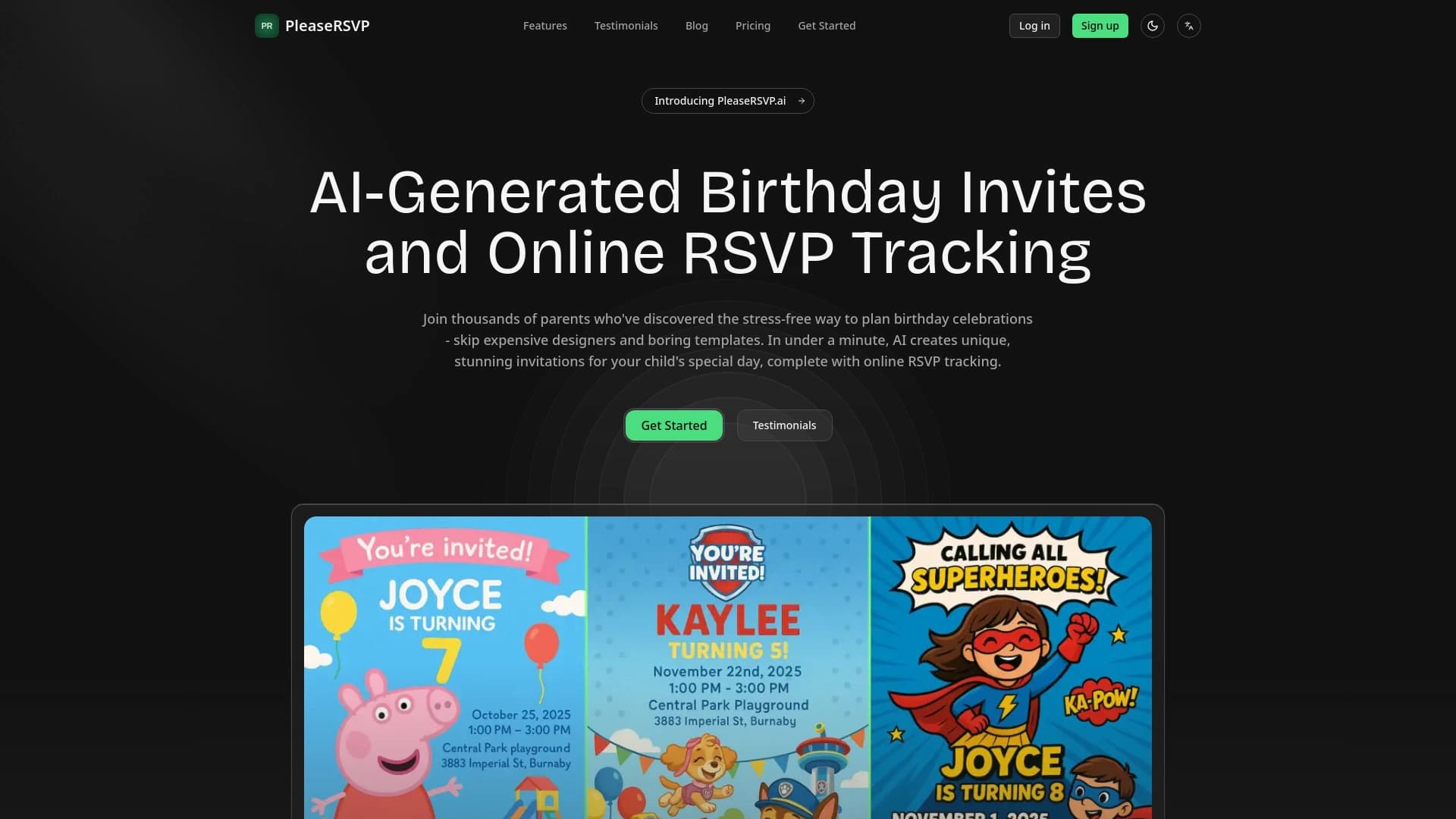

जन्मदिन के निमंत्रण बनाने और मेहमानों के जवाब ट्रैक करने के लिए AI-संचालित सेवा।


संगीत ट्रैक कवर बनाने के लिए सेवा जो ऑडियो विश्लेषण पर आधारित है।
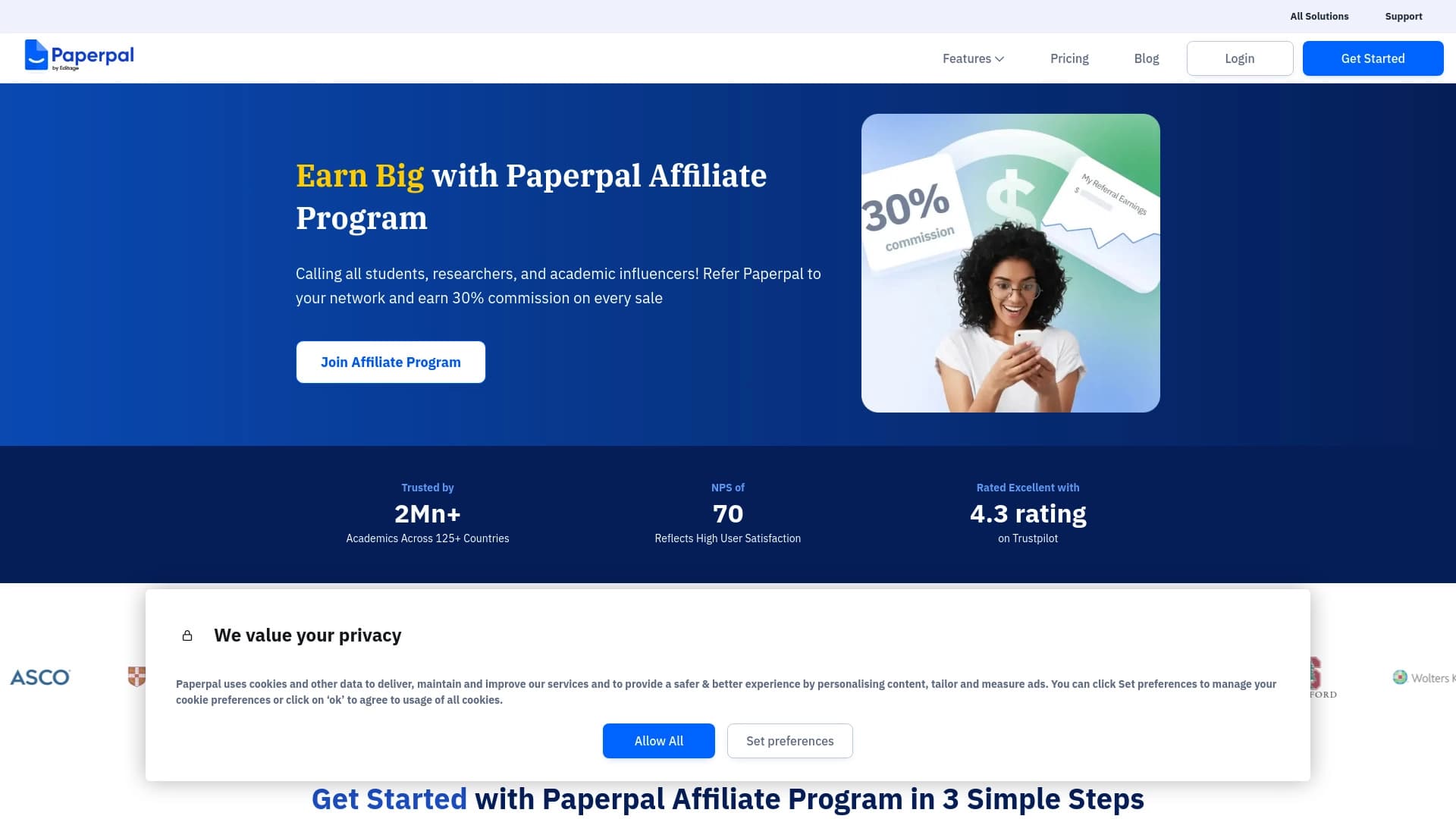
अकादमिक लेखन के लिए AI सहायक, जो वैज्ञानिक कार्यों को लिखने, संपादित करने और जाँचने में मदद करता है।
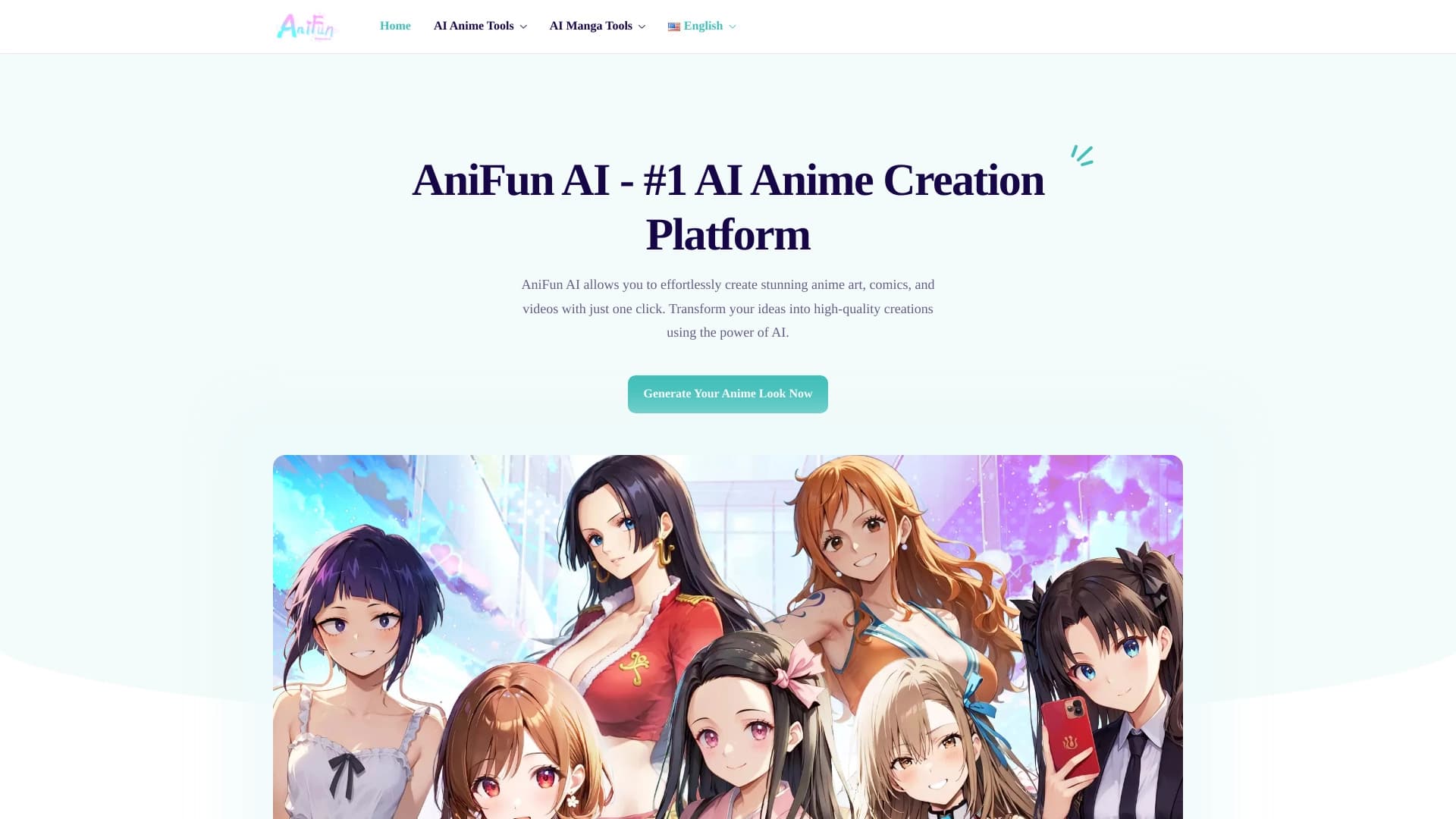

एआई की मदद से एनीमे आर्ट, कॉमिक्स और वीडियो बनाने का प्लेटफ़ॉर्म।

न्यूरल नेटवर्क द्वारा निर्मित और डिज़ाइनरों द्वारा चुनी गई स्टॉक फ़ोटो की मुफ्त लाइब्रेरी।
विभिन्न व्यक्तित्व और संवाद शैलियों के साथ आभासी AI साथी बनाने और अनुकूलित करने का ऐप।