

Face Swapper
Generative model for face swapping in photos, videos, and GIF files with automatic adjustment of lighting, textures, and facial expressions.
Overview
Face Swapper
Face Swapper neural network description
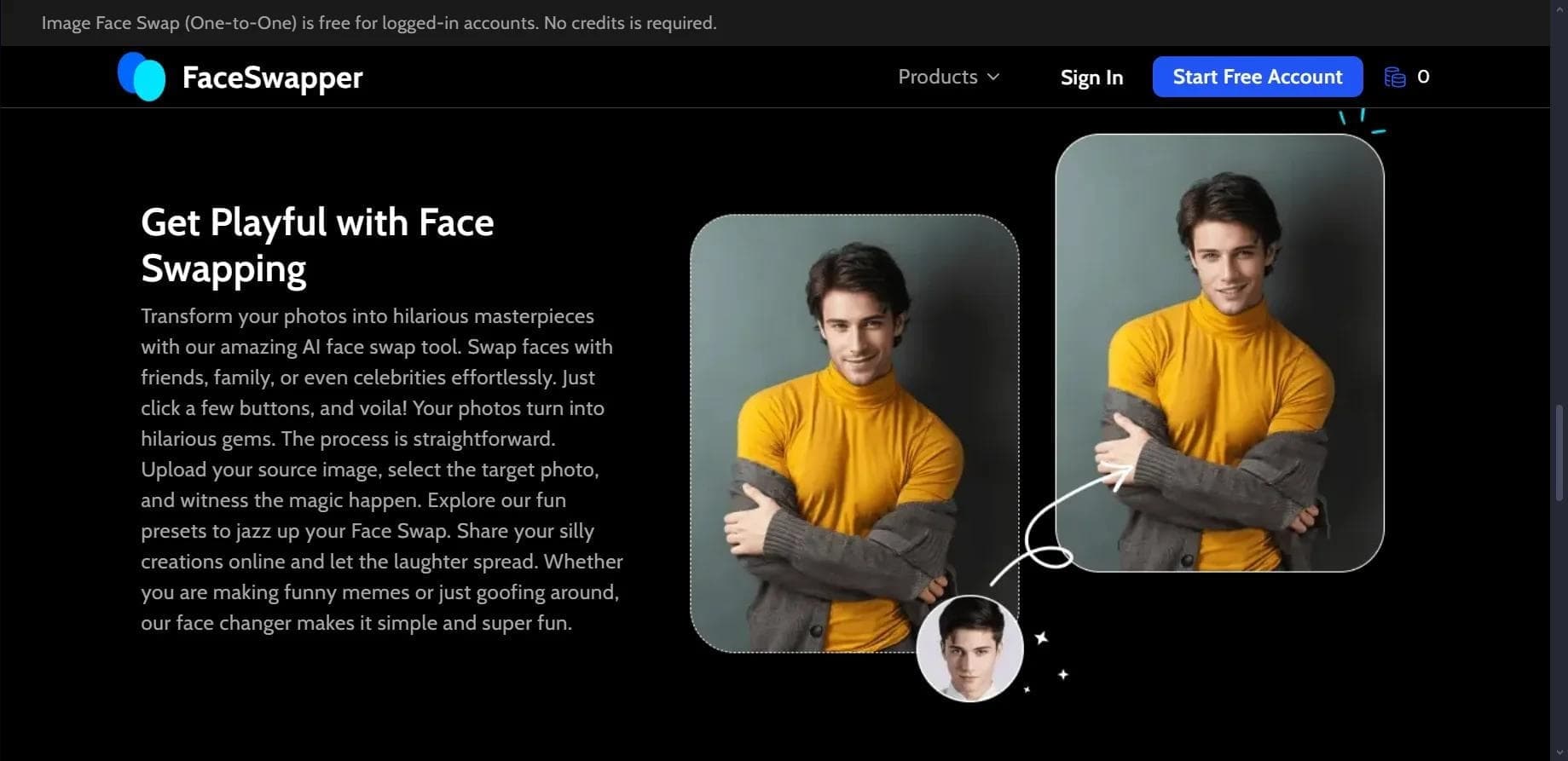
Face Swapper is a generative model designed for swapping faces in photos, videos, and GIF files. The service automatically adjusts lighting, textures, and facial expressions so that the final result looks natural and realistic.
The tool recognizes facial features in the source image and carefully transfers the selected face while striving to preserve the naturalness of the scene. To achieve this, the model takes into account lighting conditions, shooting angle, shadows, and proportions, which helps avoid the "sticker-like" face effect.
The service includes a built-in face library featuring celebrities and movie and animation characters. In addition, users can upload their own images. Face Swapper operates on a freemium model — basic functionality is available for free with 12 attempts.
Face Swapper characteristics
| Characteristic | Value |
|---|---|
| Type | Generative model for face swapping |
| Category | Face swapping and age changing, Face swap videos |
| Platforms | Website (faceswapper.ai) |
| Free plan available | Yes (12 free attempts) |
| File formats | Photo, GIF, video |
| Registration | Email or Google account |
| Distribution model | Freemium |
Who is Face Swapper suitable for?
Content creators and bloggers
The tool will be useful for those who regularly create images, videos, or animated GIFs for social media and want to get realistic face swapping results quickly without complex manual editing.
Users without editing experience
Thanks to the automatic adjustment of lighting, textures, and facial expressions, the service suits people who don't have graphic editor skills but want to achieve quality results in just a couple of clicks.
Those experimenting with deepfakes
If you're interested in realistic face swapping — for example, for entertainment or creative purposes — Face Swapper provides a simple entry point with a low learning curve and a free starter package.
How to use Face Swapper
Upload a source file
Start by uploading a photo, GIF, or video in which you want to swap a face. The service supports all three popular formats, giving you flexibility in choosing your source material.
Choose a face
Select a target face from the built-in library — which includes celebrities and characters — or upload your own image with the desired face.
Adjust settings and save the result
If needed, adjust the swap parameters to achieve greater realism: you can tune effects to improve texture and skin tone matching. Then save the finished file.
Key features of Face Swapper
Face swapping in photos and videos
The service's main task is swapping faces in images, videos, and GIF files while keeping the result natural.
Automatic detail adaptation
The model itself adjusts lighting, angle, shadows, facial expressions, and proportions so that the embedded face blends harmoniously into the original scene.
Support for various formats and effect adjustment
The tool is compatible with popular file formats and also lets you adjust effects to improve texture and skin tone matching.
Built-in face library
The service includes a database of ready-made faces, including celebrities and movie and animation characters, as well as the option to use your own images.
Advantages of Face Swapper
Realistic results
Face swapping is performed with texture and light processing, which makes the final image look believable, with natural transitions and facial expressions.
Convenience and simplicity
Simple registration via email or a Google account, an intuitive upload and swap process, and compatibility with popular file formats make the service accessible to a wide range of users.
Free start
Basic functionality is provided free for 12 attempts, allowing you to get familiar with the tool before purchasing paid plans.
Disadvantages of Face Swapper
The service offers only 12 free attempts, which may not be enough for active use without paying. Full pricing is not listed on the page, so the exact cost of the extended functionality cannot be estimated in advance. In addition, like any face-swapping tool, Face Swapper requires careful use, especially when creating deepfakes involving real people.
What tasks does Face Swapper solve?
The tool is designed for swapping faces in images, videos, and GIF files. It lets you simply change a face in a photo or video, as well as create realistic deepfakes with automatic adjustment of lighting, textures, and facial expressions. The service handles these tasks in a couple of steps, without complex manual processing.
Face Swapper pricing
Face Swapper operates on a freemium model. Users get 12 free attempts to explore the basic functionality. Full plans and their prices are not listed on the page, so current pricing for the extended version should be checked directly on the service's official website.
Face Swapper terms of use
Registration is required to use the service — you can sign up via email or a Google account. The free plan includes 12 attempts, after which you will likely need to purchase a paid subscription to continue using the service. Detailed plan terms are not disclosed on the page.
Face Swapper availability
The service is available as a website at faceswapper.ai, meaning it works through a browser without the need to install additional software. Supported interface languages and countries of use are not specified on the page.
How Face Swapper differs from alternatives
Unlike services focused on age estimation (such as howold.io, AI Age Checker, Face Age Detector, or BeautyPlus Age Guesser), Face Swapper focuses specifically on face swapping rather than face analysis. It supports not only photos but also videos and GIF files, and offers a built-in face library featuring celebrities and characters. The key difference is automatic adaptation of lighting, textures, and facial expressions, which delivers natural results without manual adjustment, plus a free start with 12 attempts to get familiar with the functionality.
Conclusion
Face Swapper is a simple and convenient tool for realistic face swapping in photos, videos, and GIF files. The service automatically adjusts lighting, textures, and facial expressions, offers a built-in face library, and provides a free start with 12 attempts, making it accessible for beginners. Thanks to support for popular formats and well-thought-out automation, it suits anyone who wants to quickly get quality face-swapping results without deep editing skills.