
Evoto
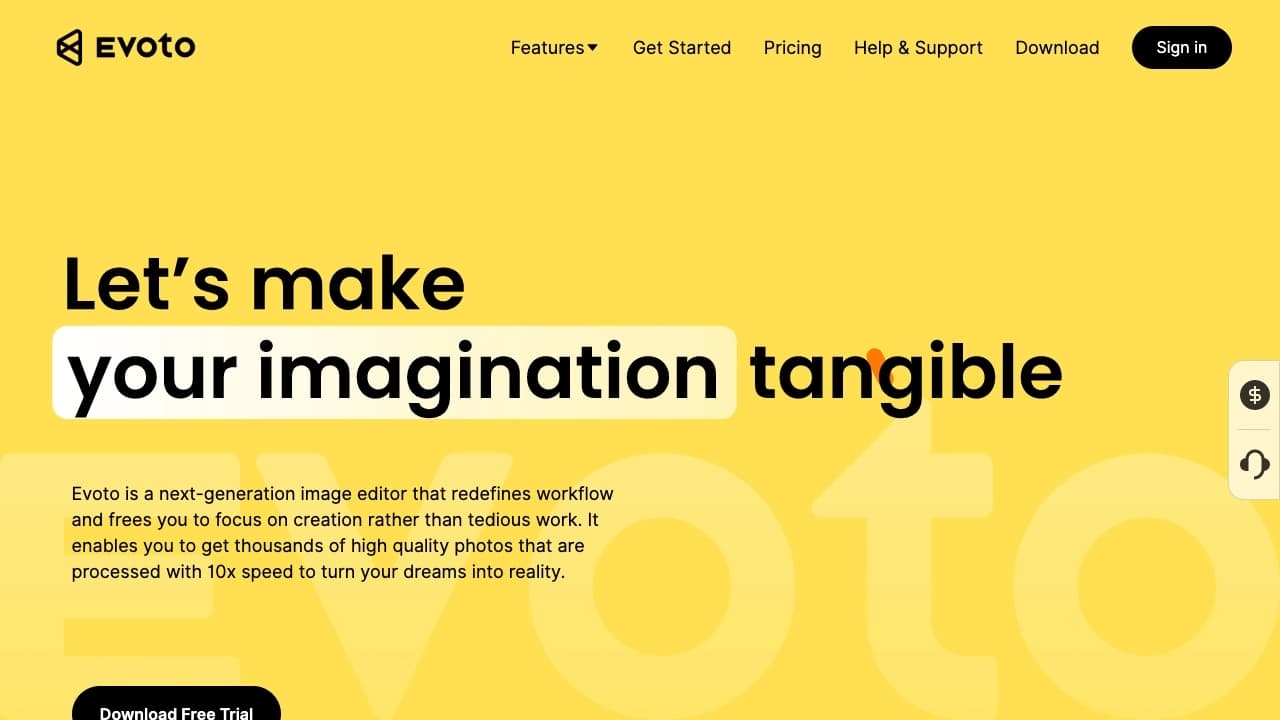
Editor de fotos com IA para automatizar a retoque de retratos e melhorar a qualidade das imagens.
Posição nos rankings
Visão geral
Evoto é um editor de fotos alimentado por IA projetado para automatizar o retoque de retratos e melhoria global da qualidade da imagem. A principal característica da rede neural é sua capacidade de reconhecer rostos em fotos, determinar o sexo e idade de uma pessoa , e então sugerir ajustes relevantes com base nesses dados.
A ferramenta corrige automaticamente as imperfeições da pele, permite a substituição de fundo e permite ajustar a classificação de cores e exposição. Os usuários têm acesso a uma gama completa de características: desde o realce de fotos básicas até o refinamento detalhado das características faciais e da forma corporal. Graças ao processamento em lote, você pode aplicar configurações em várias imagens ao mesmo tempo, o que economiza tempo significativamente ao trabalhar com grandes volumes de fotos. Evoto está disponível tanto como uma versão do navegador e como um aplicativo desktop para Windows e macOS.
Características do Evoto
| Característica | Valor |
|---|---|
| Tipo | Editor de fotos |
| Categoria | Processamento de fotos, edição de fundo |
| Plataformas | Aplicação Web (browser), software para Windows e macOS |
| Plano livre disponível | Sim (com funcionalidade limitada) |
| Modelo de distribuição | Freemium |
Para quem é Evoto adequado?
Fotógrafos profissionais
Evoto será uma ferramenta útil para fotógrafos que têm que processar um grande número de imagens. Automatizar operações de rotina, tais como tom de pele noturna ou substituir fundos permite que você se concentre na parte criativa do trabalho e encurtar o tempo de entrega do projeto.
Entusiastas e semiprofissionais
Iniciantes em fotografia também podem aproveitar a rede neural. A ferramenta não requer profundo conhecimento de correção de cores ou retoque — basta carregar uma foto e selecionar o predefinido ou parâmetro desejado para obter um resultado de qualidade.
Designers
Para designers que trabalham com materiais fotográficos, o Evoto é adequado para preparar rapidamente imagens para layouts. A capacidade de substituir fundos e corrigir automaticamente os principais parâmetros de captação acelera o processo de criação de conteúdo visual.
Como usar a rede neural do Evoto?
Fluxo de trabalho passo a passo
Para começar a usar o Evoto, você precisa visitar o site oficial evoto.ai. Depois disso, você precisará se registrar ou fazer login em uma conta existente. Então, na interface, você carrega uma foto que você quer processar.
Selecionar ferramentas e salvar
O editor oferece várias ferramentas: do aprimoramento automático ao retoque de pontos. O usuário seleciona os parâmetros desejados, os aplica à imagem e então salva o resultado final em seu dispositivo. O processo é intuitivo e não requer treinamento especial.
Principais características do Evoto
Retoque automático da pele
Evoto pode eliminar automaticamente as imperfeições da pele e até mesmo o seu tom e textura. A rede neural leva em conta a idade e o sexo da pessoa na foto, o que torna o resultado mais natural.
Substituição de fundo e céu
A ferramenta permite substituir com precisão o céu e mudar o fundo sem a necessidade de mascaramento manual. Esta é uma das principais características que simplifica a criação de imagens compostas.
Retrato e correção do corpo
O usuário pode alterar a forma do rosto, corrigir os olhos, nariz, lábios, e também executar a formação corporal. Essas ferramentas proporcionam controle flexível sobre a aparência do modelo na foto.
Capacidades adicionais
O arsenal do Evoto também inclui configurações avançadas para exposição, equilíbrio branco e tons de cor. Opções de maquiagem digital realista se adaptam a diferentes tipos de pele. O recurso de realce automático corrige o equilíbrio branco, contraste e brilho em um clique. O processamento em lote permite editar várias fotos simultaneamente.
Vantagens do Evoto
Uma das principais vantagens do Evoto é sua alta velocidade de processamento de imagens. Este é um benefício significativo dado o modo de operação em lote que o programa suporta.
A ferramenta suporta vários formatos de imagem, proporcionando flexibilidade ao trabalhar com arquivos de origem de diferentes câmeras e programas.
Também vale a pena notar que o programa para Windows e macOS é baixado gratuitamente. Isso permite que você avalie as capacidades da ferramenta sem se inscrever imediatamente. O plano livre tem limitações, mas é suficiente para se familiarizar com a funcionalidade.
Desvantagens de Evoto
A principal limitação do serviço é o seu modelo de distribuição freemium: acesso gratuito é fornecido com funcionalidade limitada, e acesso total a todas as características da ferramenta requer uma assinatura. Os preços exatos são especificados individualmente no site oficial, mas este fator deve ser considerado ao planejar um orçamento. Além disso, o registro no site oficial é obrigatório para usar o serviço, o que pode ser inaceitável para os usuários que procuram soluções totalmente anônimas.
Que tarefas o Evoto resolve?
Acelerando e automatizando retoque
O Evoto automatiza e acelera o processo de edição de fotos, manipulando operações de rotina. Esta é a principal tarefa para a qual os usuários escolhem a rede neural.
Melhorar a qualidade da imagem
A ferramenta melhora a qualidade das fotos trabalhando com cor, contraste e brilho. A correção automática do equilíbrio branco e da exposição leva a um resultado mais profissional.
Trabalhando com retratos
Evoto realiza retoque de retratos e correção de características faciais e forma corporal, permitindo que você alcance o efeito visual desejado sem trabalho manual prolongado.
Operações técnicas
O serviço também permite que você resolva tarefas técnicas: substituição de fundo e céu, aplicação de maquiagem digital e processamento em lote de várias fotos ao mesmo tempo para consistência de série.
Preço Evoto
Preços exatos para o Evoto podem ser encontrados no site oficial da empresa, pois o custo da assinatura pode mudar e depender do plano selecionado. No entanto, sabe-se com certeza que o serviço tem acesso gratuito com funcionalidade limitada. Para usar plenamente todos os recursos, fotógrafos e designers terão de tirar uma assinatura paga. A lista completa de planos e seus conteúdos é publicada no recurso oficial do desenvolvedor.
Termos de utilização do Evoto
O registro no site oficial evoto.ai é obrigatório para usar o serviço. Sem criar uma conta, você não será capaz de carregar fotos ou usar as ferramentas de edição. Outros termos de utilização, incluindo regras para o tratamento de dados e a utilização comercial de imagens, são estabelecidos no acordo de utilizador sobre o site do serviço.
Disponibilidade do Evoto
Evoto opera como uma aplicação web acessível através de um navegador, permitindo que você trabalhe com a ferramenta de praticamente qualquer dispositivo. Além disso, os usuários têm acesso a um programa completo para Windows e macOS.
A versão web permite iniciar o processamento sem instalar software adicional, enquanto o aplicativo desktop pode fornecer uma operação mais estável com grandes volumes de dados. Quanto às linguagens de interface, informações precisas sobre as localizações suportadas devem ser verificadas no site oficial, onde esta informação é apresentada mais acima até à data.
Como o Evoto difere das alternativas
Existem várias soluções semelhantes no mercado que também usam inteligência artificial para o processamento de fotos. Estes incluem Kolors por Kuaishou, Pixlio AI, AI Image Combiner, e outros serviços. Ao contrário de muitas ferramentas universais, Evoto foca especificamente em automatizar o retoque de retratos, levando em conta o sexo e a idade da pessoa, o que permite um resultado mais personalizado.
A principal vantagem do Evoto sobre os concorrentes é o seu desenvolvimento profundo das funções de retrato: mudar a forma do rosto, lábios, nariz e olhos, bem como a substituição inteligente do fundo sem mascaramento manual. Enquanto algumas alternativas oferecem apenas predefinições básicas ou filtros, Evoto posiciona-se como uma ferramenta profissional capaz de substituir o trabalho manual em editores gráficos.
Conclusão
Evoto é um editor de fotos de IA focado em automatizar o processamento de retratos e fornecer um conjunto estendido de recursos de retoque, incluindo substituição de fundo, maquiagem digital e processamento de imagem em lote. O serviço é adequado tanto para profissionais de fotografia e entusiastas que querem melhorar rapidamente suas fotos. A disponibilidade de um plano livre limitado permite-lhe testar a ferramenta antes de comprar o Versão completa.
Tarifas
Perguntas mais frequentes
Consulte também

Cabina AI é uma plataforma unificada para trabalhar com diferentes redes neurais generativas, permitindo criar textos, imagens e vídeos.
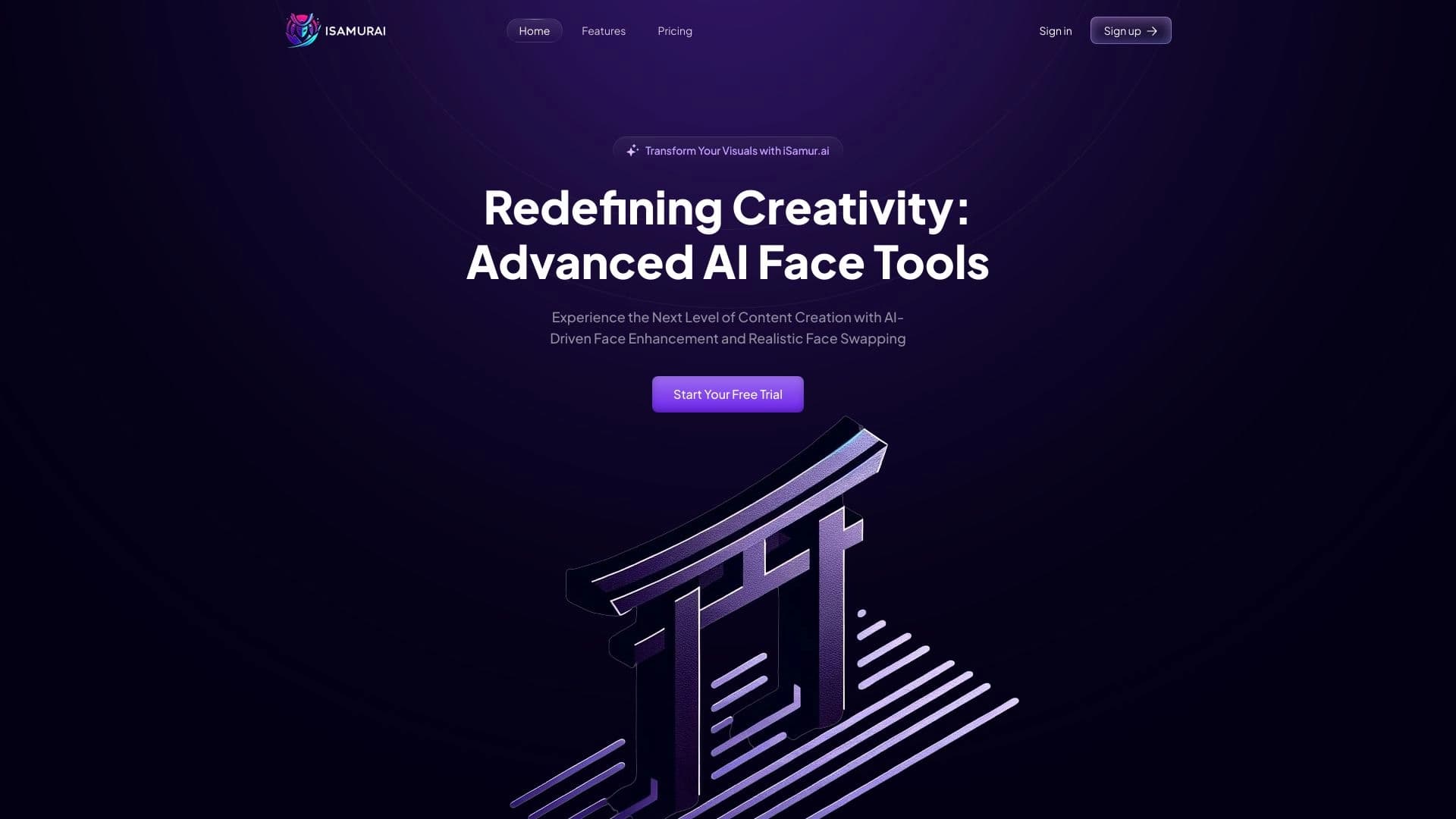

iSamurai é um conjunto de ferramentas de IA para melhorar a recuperação de imagens e vídeos de substituição.


Online Image Editor AI-based preservação do estilo de caráter e processamento de comandos de texto.

Serviço para criar avatares personalizados e sessões de fotos com IA com base em selfies enviadas.

Editor de imagens com IA para edição criativa rápida e de alta qualidade, sem censura.
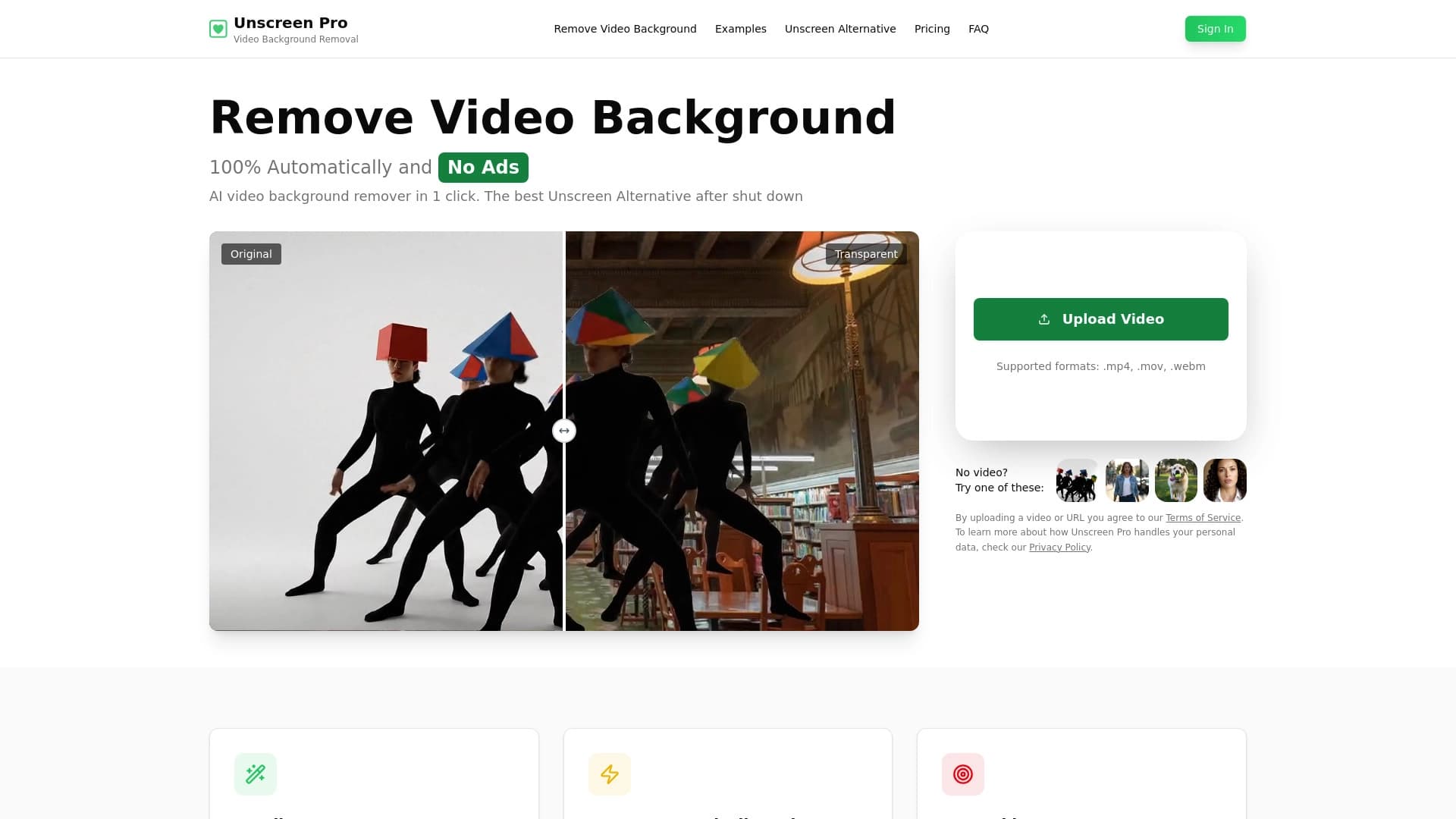

Ferramenta de IA para remoção automática de fundo e objeto em vídeo sem chave de chroma.
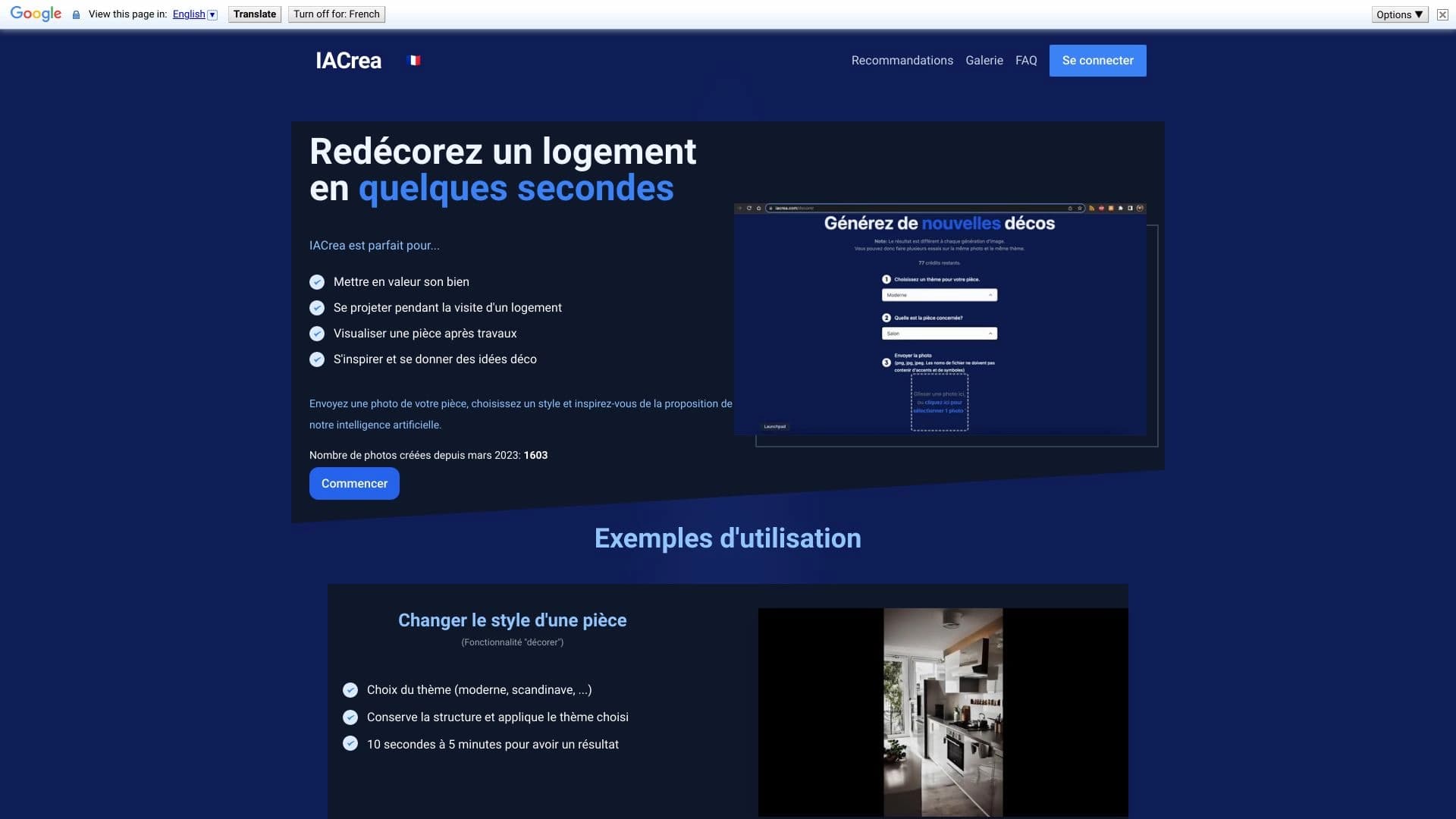

IACrea é um serviço de IA para home staging virtual e visualização de imóveis, permitindo melhorar rapidamente fotos de interiores e exteriores.

Editor de imagens online com IA que permite editar fotos por descrição de texto diretamente no navegador.