
Eraser
টেকনোলোপার হচ্ছে প্রযুক্তিগত নকশা তৈরি এবং টেক্সট বা কোডের থেকে নথি তৈরি করতে সহায়তাকারী।.
র্যাঙ্কিংয়ে অবস্থান
সারসংক্ষেপ
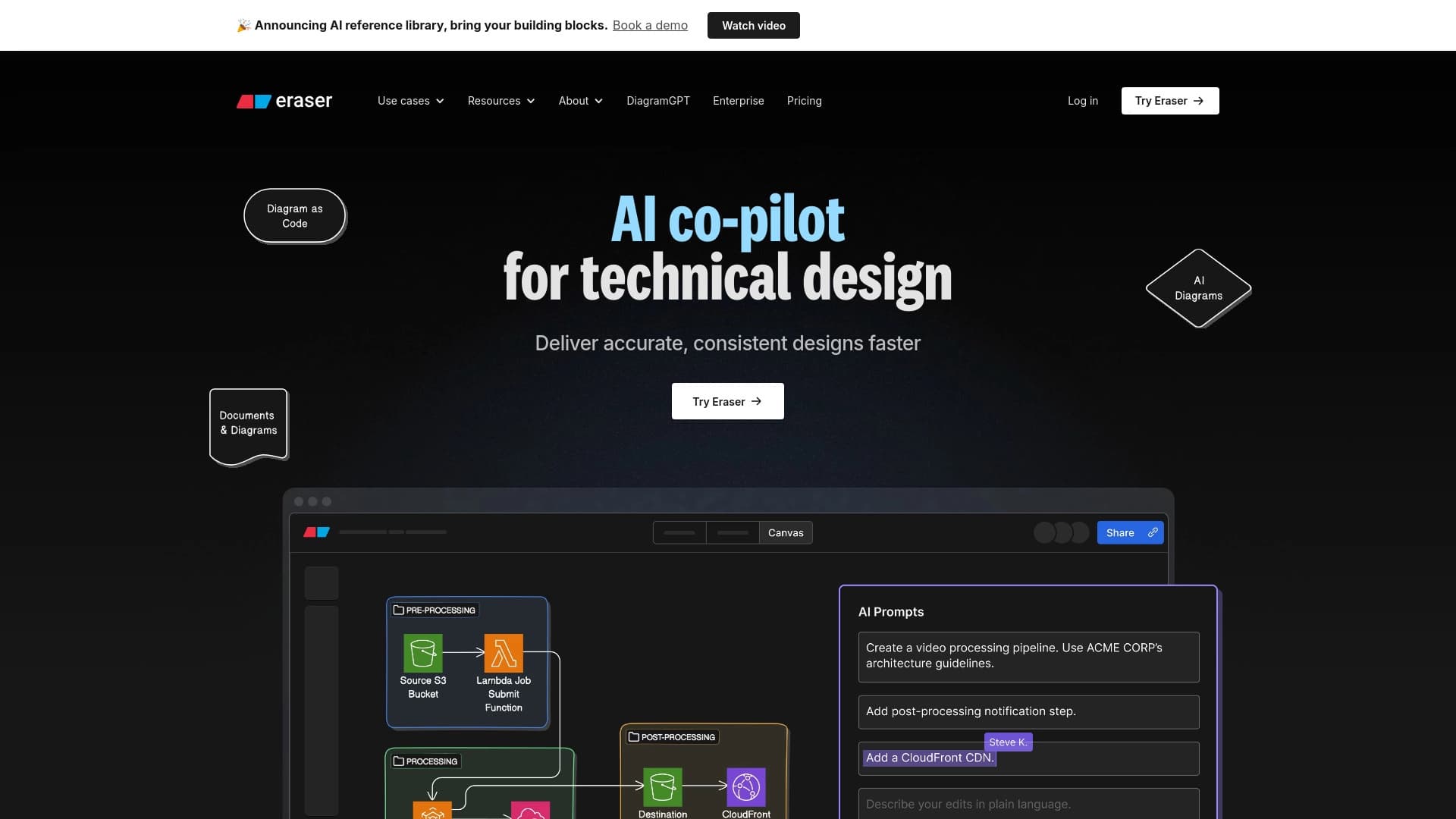
মুছে ফেলা হচ্ছে একটি অনলাইন টুল যা স্বয়ংক্রিয়ভাবে প্রযুক্তিগত নকশা এবং নথিপত্র তৈরি করতে কৃত্রিম বুদ্ধিমত্তা ব্যবহার করে। নিজের আঁকা নকশা বা স্থাপত্যের নকশার পরিবর্তে আপনি টেক্সটের আকাঙ্খিত কাঠামোকে বর্ণনা করতে পারেন, ডকুমেন্ট আপলোড করতে পারেন অথবা কোড স্নিপেট পেস্ট করতে পারেন - এবং নিউরাল নেটওয়ার্ক এটিকে পরিষ্কার চিত্রের মধ্যে রূপান্তরিত করবে। অন্য অনেক জেনারেটরের বিপরীতে, এটি কেবল একটি ছবি তৈরি করে, মুছে ফেলা হয়। এর ফলে বিভিন্ন দলের জন্য একটি ব্যবহারিক হাতিয়ার তৈরি করা হয়েছে, যারা ইঞ্জিনিয়ারিং এবং উৎপাদনশীল কাজের প্রবাহ নথি তৈরি করতে চায়।
মুছে ফেলার বৈশিষ্ট্য
| বৈশিষ্ট্য | মান |
|---|---|
| ধরন | AI ডায়াগ্রাম এবং চার্ট উৎপাদক |
| শ্রেণীবিভাগ | রেখাচিত্র এবং চার্ট, ভিজুয়াল বোর্ড এবং সহযোগিতা, মানচিত্র এবং রেখাচিত্র |
| প্ল্যাটফর্ম | ওয়েব-সাইট: |
| মুক্তকারী | উল্লেখ করা হয়নি |
| ডিস্ট্রিবিউশন মডেল | মুক্তিয়াম |
কার জন্য উপযুক্ত?
নির্মাতা ও প্রকৌশলী
মূলত প্রযুক্তিগত পেশাজীবীদের লক্ষ্য। এ ছাড়া, আই. এস. মুছে ফেলায় তারা দ্রুত তাদের টেক্সট নোট বা কোড পরিষ্কার করতে পারে যাতে জটিল গ্রাফিক সম্পাদকদের কাছে যেতে না পারে।
উৎপাদন দল এবং প্রযুক্তিগত লেখক
উৎপাদন ব্যবস্থাপক এবং প্রযুক্তিগত লেখকরাও এই সেবাকে প্রয়োজনীয় বলে মনে করবেন। যখন আপনাকে দ্রুত একটি নতুন ব্যবহারকারীর দৃশ্য রেকর্ড করতে হবে, একটি ব্যবসায়িক প্রক্রিয়া বর্ণনা করতে হবে, অথবা প্রযুক্তিগত বৈশিষ্ট্যের জন্য একটি নকশা তৈরি করতে হবে। মাঝে মাঝে মাঝে নিউরাল নেটওয়ার্ককে একটি টেক্সট নেটওয়ার্কের বর্ণনা প্রদান করা এবং ভিজুয়াল বোর্ডের বৈশিষ্ট্যের চেয়ে দৃশ্যমান ফলাফল পেতে পারে।
কিভাবে মুছে ফেলা যায়?
টরেন্টার-এর কাজ স্বাভাবিক ভাষায় নির্মিত। মূল ব্যবহারের দৃশ্যটি এভাবে:
একটা ডায়াগ্রাম তৈরি করার জন্য আপনাকে একটা প্রম্পট তৈরি করতে হবে — যা আপনি পেতে চান, সেটার এক সংক্ষিপ্ত বর্ণনা । উদাহরণ হিসেবে বলা যায়, আপনি একটা ব্যবসায়িক প্রক্রিয়া সম্বন্ধে বর্ণনা করতে পারেন ।
মুছে ফেলার সময়, এটি নির্মিত সম্পাদকে স্বয়ংক্রিয় ভাবে খোলা হয়। এই সম্পাদকের মধ্যে, আপনি উপাদান, লেবেল, ব্লক স্থান এবং আপনার প্রয়োজন অনুযায়ী সংযোগ পরিবর্তন করতে পারেন । এই শিল্পকর্মটি একটি সম্পূর্ণ সম্পাদনাযোগ্য ডকুমেন্ট হিসেবে পরিণত হয়েছে, শুধুমাত্র একটি স্থায়ী ছবি নয়।
কি-র বৈশিষ্ট্য
- শুরু করার প্রক্রিয়া এবং প্রসেসের প্রবাহের সংখ্যা নির্মাণ করা হচ্ছেটরেন্টার একটি ধারার বর্ণনা দিয়ে ক্লাসিক প্রবাহ নির্মাণ এবং প্রক্রিয়া তৈরি করতে পারে।
- BMPN এবং SMLlane এর মত নকশা তৈরি করা: পরিসেবাটি বিএমপিএন মডেল নির্মাণ এবং চিত্রায়নকে সমর্থন করে, যারা এতে অংশগ্রহণ করে, তারা এতে অংশগ্রহণ করে।
- ডাটা প্রবাহ এবং স্থাপত্য অঙ্কনকারী: নিউরাল নেটওয়ার্ক আপনাকে তথ্য প্রবাহ এবং সফটওয়্যার স্থাপত্যের নকশা তৈরি, সিস্টেম উপাদান এবং তাদের সম্পর্ক সম্পর্কে কল্পনা করতে দিন।
- প্রয়োজন, নোট বা কোড থেকে ডায়াগ্রাম তৈরি করা হচ্ছে: আপনি শুধুমাত্র টেক্সট নথিপত্র অথবা কোড-এর ক্ষেত্রেও এই তথ্য প্রদর্শন করতে পারবেন।
মুছে ফেলুন
ইঞ্জিনিয়ারিং প্রসেসগুলোতে দৃঢ় মনোযোগ দিন
ট্রাকার-এর মূল সুবিধা হচ্ছে প্রযুক্তিগত কাজের উপর মনোযোগ প্রদান করা। এই যন্ত্রটি ইঞ্জিনিয়ারিং এবং উৎপাদন প্রক্রিয়ার নির্দিষ্ট কিছু বৈশিষ্ট্য বুঝতে পারে । স্থাপত্যের নকশা এবং উপাত্ত প্রবাহে এটি প্রতিফলিত হয়েছে, যা “হোমার” কাজের জন্য গঠন করে না।
দ্রুত কল্পনা এবং সম্পাদনা
সার্ভিস সময় সংরক্ষিত নকশার ফলাফল দ্রুত সম্পাদনা করার ক্ষমতা। ফলাফলকে একটি ছবি হিসেবে রপ্তানি করতে হবে না এবং এটিকে অন্য কোন অ্যাপ্লিকেশনে পুনরায় প্রকাশ করতে হবে না - সব সম্পাদনা সরাসরি মুছে ফেলা হবে। এই চক্রের গতি বৃদ্ধি করে, নির্মাণ ও নথিপত্রের অনুসন্ধানের গতি।
মুছে ফেলুন
উপলব্ধ উৎসের তথ্য এইখানে উপস্থিত রয়েছে। কোনো সুনির্দিষ্ট সীমাবদ্ধতা অথবা পরিসেবার ব্যাক-এন্ড উপস্থিত নেই। কীভাবে এই ধরনের টুলগুলো কাজ করে তার উপর ভিত্তি করে এই ধারণা করা যায় যে প্রজন্মের জটিলতা উৎস পাঠ্যাংশের মান এবং বিস্তারিত বর্ণনার উপর নির্ভর করে: অনুরোধটি আরও জটিল, যা আপনাকে সতর্ক থাকতে হবে নেটওয়ার্কগুলো ভবিষ্যৎ নকশার কাঠামো বুঝতে পারে। তবে, জটিল সমস্যার ব্যাপারে কোন নিশ্চিত তথ্য নেই।
কি সমস্যা সমাধান করতে পারে?
মুছে ফেলার মূল উদ্দেশ্য প্রযুক্তিগত নথিপত্র তৈরি করা। এটি নিম্নলিখিত কাজগুলোকে সমাধান করতে সাহায্য করে:
- কর্মপ্রবাহের ভিজুয়ালাইজেশন: লেখা নির্দেশ বা নিয়ম পরিষ্কার করার নিয়ম তৈরি করুন।
- তথ্যের প্রবাহ নকশা অঙ্কন করুন: সিস্টেম, মডিউল বা ডিপার্টমেন্টের মধ্যে কিভাবে তথ্য স্থানান্তর করা যায় তা দেখিয়ে দিন।
- মডেল BMPN: বিএমএন এর বাণিজ্য প্রক্রিয়া বর্ণনা করা, সকল দলের সদস্যদের পক্ষে বোঝা যায়।
- ডায়াগ্রাম তৈরি করা হচ্ছে: সফটওয়্যার পণ্যের কাঠামো, তাদের উপাদান এবং সম্পর্ক।
- সহায়ক প্রসেস সমাপ্ত করা হচ্ছে এবং পণ্যের দৃশ্য: দ্রুত একটি প্রকল্পের বর্তমান অবস্থা বা পরিকল্পনা একটি দৃশ্যমান রুপে নতুন নতুন উপাদান সংগ্রহ করা।
মুছে ফেলুন
উৎসের তথ্য গ্রাহকের দাম, ব্যক্তিগত পরিকল্পনা অথবা অবাধ ব্যবহার বিষয়ে সঠিক তথ্য নেই। এটা জানা গেছে যে এই বিতরণের মডেল ফ্রিমিয়াম, যার অর্থ হচ্ছে এই সেবা একটি বিনামূল্যে টেইলার এবং এর উন্নত বৈশিষ্ট্য রয়েছে। বিভিন্ন পরিসংখ্যান ও বৈশিষ্ট্যের তালিকা মুক্ত টাইর অধীন উপলব্ধ রয়েছে । সরকারি ওয়েবসাইট।
ব্যবহারের সময়কাল
বাণিজ্যিক ব্যবহারের উপর নিষেধাজ্ঞা, তথ্য সংরক্ষণ নিয়ম অথবা সেবার গোপনীয়তা নীতি সম্পর্কে তথ্য পাওয়া যাচ্ছে না। বেশিরভাগ মেঘ সার্ভিসের মতে, ব্যবহারকারীদের চুক্তি এবং ডাটা প্রক্রিয়াকে সরাসরি কোম্পানির ওয়েবসাইটে ব্যবহারের আগে পর্যালোচনা করে দেখা উচিত। মুক্তিয়াম মডেলটি প্রায়ই পরিমাণ বা দক্ষতায় সীমাবদ্ধতার কারণে বিনামূল্যে ব্যবহার করা হয়, কিন্তু এই সীমাবদ্ধতার বিস্তারিত তথ্য পাওয়া যায় না।
অপসারণের ক্ষমতা
ব্রাউজারের মধ্যে চালানোর জন্য উপলব্ধ ওয়েব অ্যাপ্লিকেশন। ইনস্টলেশনের জন্য চিহ্নিত অতিরিক্ত সফ্টওয়্যারের উপস্থিতি আবশ্যক। ব্যক্তিগত ভাবে বলা যায়, মোবাইল সংস্করণ বা ডেস্কটপ অ্যাপ্লিকেশনের তথ্য উৎস তথ্য থেকে অনুপস্থিত রয়েছে, যার ফলে এর প্রাথমিক এবং সম্ভবত একমাত্র প্ল্যাটফর্ম হচ্ছে ওয়েবসাইট।
কিভাবে মুছে ফেলা বিকল্প থেকে আলাদা
বাজারে অনেক চিত্রকর যন্ত্র রয়েছে, যেমন মেরিাই চার্ট, লুসিডচার্, মিররো ফ্লোচার্ট এবং অন্যান্যদের। ট্রাক্টরের মূল পার্থক্য হলো প্রযুক্তিগত আর ইঞ্জিনিয়ারিং কাজের গভীর বিশেষজ্ঞকরণ।
অনেক সার্বজনীন সেবা (যেমন, মিরো অথবা লুসিডচার্ট) বিভিন্ন ভিজুয়াল বোর্ড, মিটিং এবং ধারণা সংগ্রহ করার ক্ষেত্রে ব্যাপক দক্ষতা প্রদান করে থাকে। অন্যদিকে, লেখার বর্ণনার মাধ্যমে যৌক্তিক এবং স্থাপত্যের নকশা নির্মাণ ও স্থাপত্যের টুল হিসেবে ব্যবহৃত হয়। এটা নকশা তৈরি করে, যা মূলত নির্মাতার পক্ষে বোঝা যায়: যুক্তিযুক্ত শাখা, বিএমপিএন মডেল এবং তথ্যের নকশার মাধ্যমে।
মারমেইনি চার্টের মতো হাতিয়ারের মতো, যা মূলত ডিসাইক্টিভ মার্ক্স ভাষার সাথে কাজ করে, টরেন্টার স্বাভাবিক ভাষা বুঝতে পারে এবং এর ফলাফলকে পরিবর্তন করে প্রজন্মে রূপান্তরিত করে। তাই, যন্ত্র এবং কোড জেনারেটরের মধ্যে একটা গর্ত তৈরি করে, যাতে একটা ইঞ্জিনিয়ারিং নকশা পেতে দ্রুততম উপায় থাকে ।
অন্তর্ভুক্ত
ডিভেলপর এবং পণ্যের জন্য এটি একটি বিশেষ AI টুল যা দ্রুত প্রযুক্তিগত প্রক্রিয়াকে ধীর করার সমস্যার সমাধান করে। জটিল স্থাপত্যের নকশা, উপাত্ত প্রবাহ এবং বিএমপিএন মডেল তৈরি করার ক্ষেত্রে এর মূল মূল্য রয়েছে, যা সহজে লেখা বর্ণনা বা কোড থেকে তৈরি করা যায়। ফ্রিমিয়াম মডেলকে ধন্যবাদ, এটা শুরু করা শুরু করার জন্য, যদিও এই বিষয়ে বিস্তারিত এবং সীমাবদ্ধতার জন্য সরকারি ওয়েবসাইটে যাচাই করা উচিত। যারা নিজের মতো করে নকশা আঁকার বিকল্প খোঁজ করছে তারা লুসিডচারট বা মিরো তে চিত্র আঁকার জন্য, টরেন্ট ইঞ্জিনিয়ারিং কাজের জন্য আরো বিশেষ আর কার্যকর সমাধান দিচ্ছে।
সাধারণ প্রশ্নোত্তর
অতিরিক্ত দেখুন
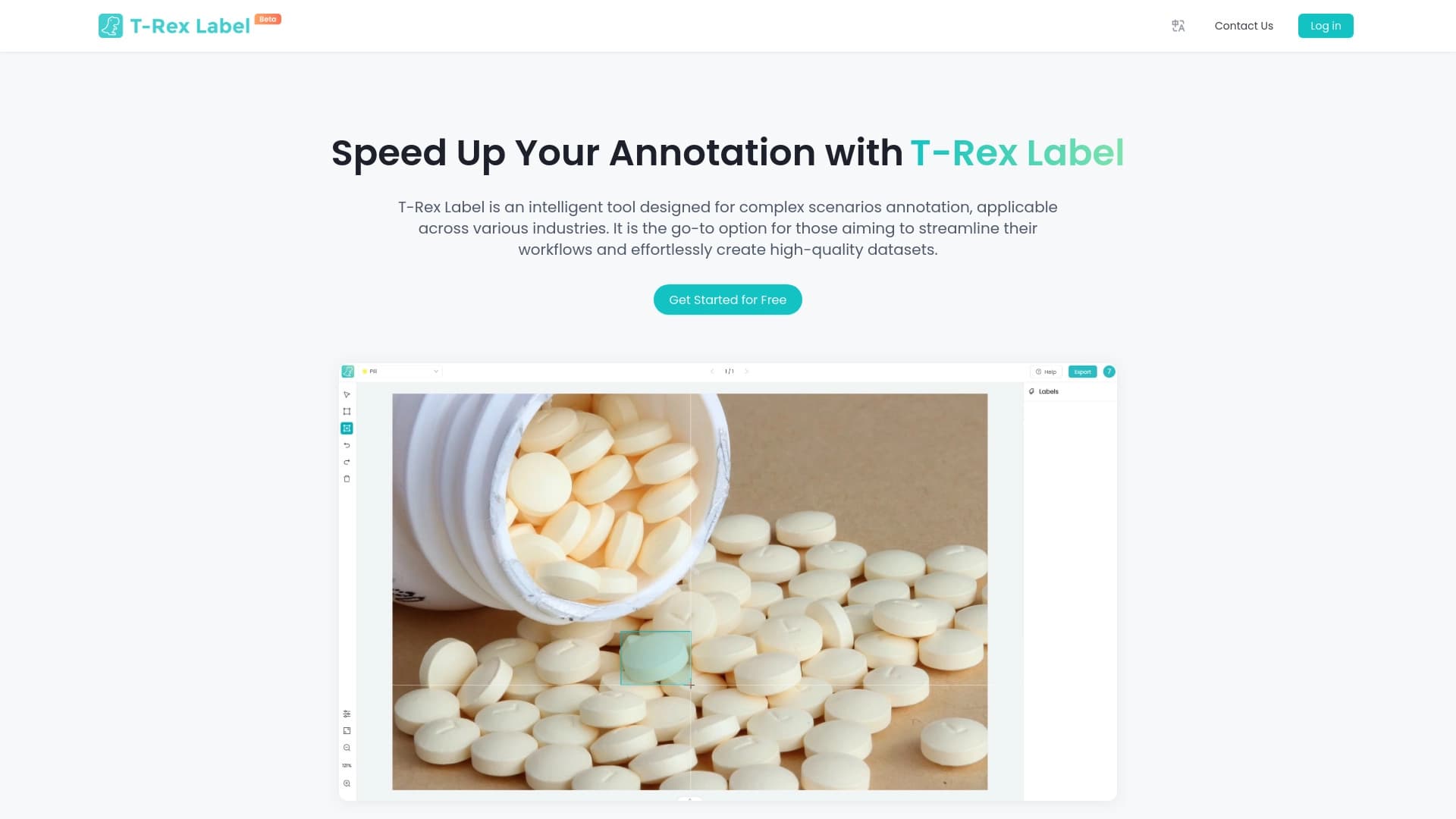
কম্পিউটারের দৃষ্টিকোনের জন্য কিটলেস প্লাটফর্মকে ট্যাগিং এবং অনুসরণের জন্য একটি কোডলেস প্লাটফর্ম।.
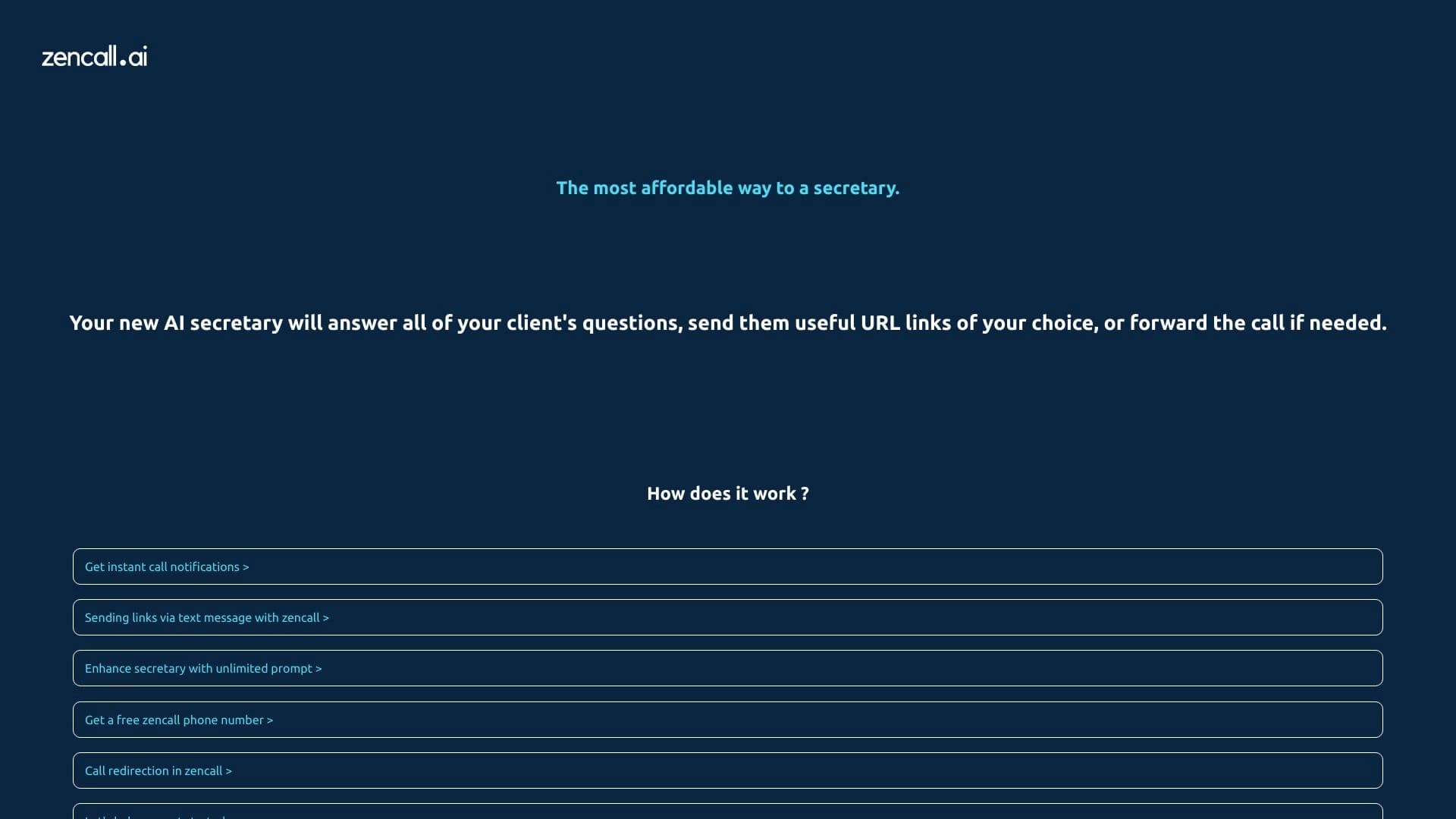

ক্ষতস্থান. তাদেরকে ডিপার্টমেন্টে ভর্তি করা এবং বেশ কিছু ভাষায় আলোচনার ব্যবস্থা করা।.

ট্যাবের বৈশিষ্ট্য পরিচালনার জন্য AI সংক্রান্ত সহায়ক ব্যবস্থা।.
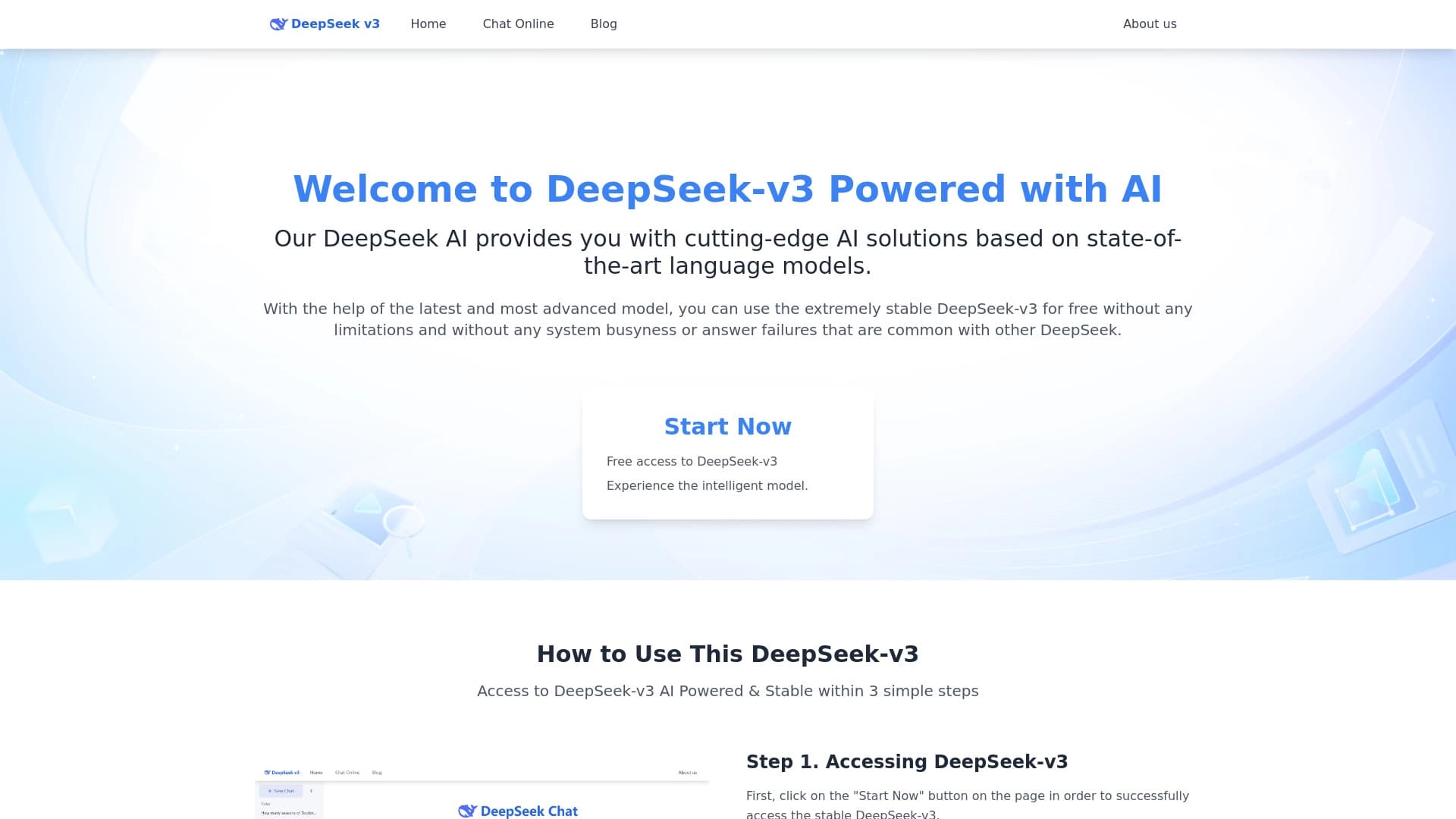
বিনামূল্যে উন্মুক্ত সোর্স ভাষার মডেলগুলো যুক্তি, গণিত এবং প্রোগ্রামিং বিষয়ে বিশেষ বিশেষজ্ঞ।.
ছবি থেকে পানি অপসারণের জন্য অনলাইন AI সহায়তা টুল।.

জনপ্রিয় AI মডেল এবং বিশেষ ৩.৪-agent সাবস্ক্রিপশনের একটি প্ল্যাটফর্ম প্ল্যাটফর্মে প্রবেশ করান।.


পরিচয়ের স্বীকৃতি, সরাসরি সনাক্তকরণ এবং আইডি নথিবদ্ধতার মাধ্যমে পরিচয় যাচাইের জন্য SDK স্যুইট।.

কৃত্রিম বুদ্ধিমত্তা ব্যবহার করে অটোমেটের কাজ অনুসন্ধানের একটি ওয়েব সার্ভিস।.