

Dola AI
Telegram bot planner that understands text and voice commands and syncs tasks with calendars.
Overview
Dola AI Neural Network Description
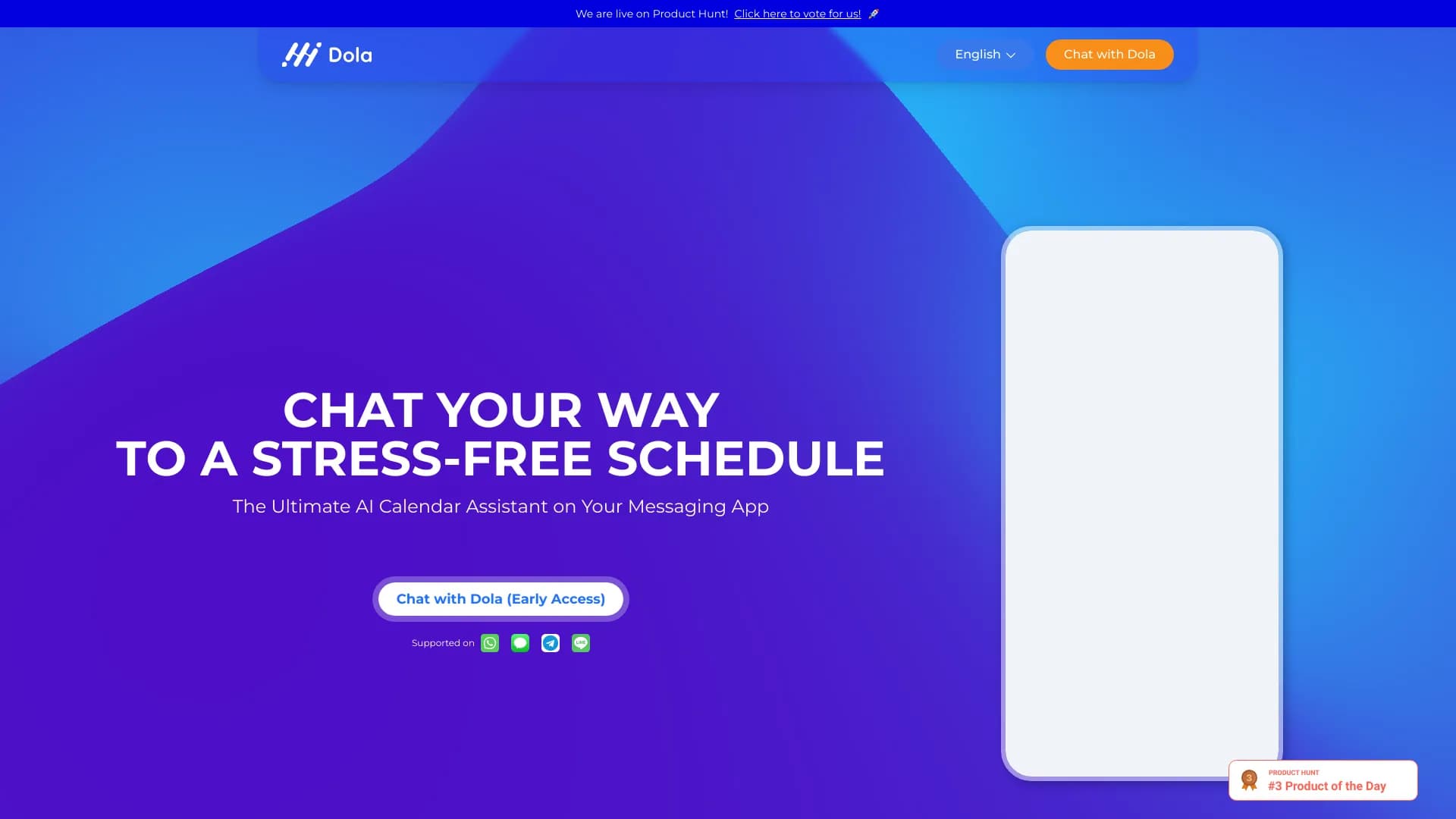
Dola AI is a Telegram bot that automates the process of planning and managing everyday tasks. Its key feature is its ability to understand natural language, including colloquial and informal phrasing, bringing interaction with the planner closer to communicating with a personal assistant.
The service is designed for quick task capture: you can send a message by voice or text, and the bot converts it into a structured reminder linked to a time and date. Dola AI integrates with major calendar ecosystems, allowing you to manage your schedule centrally right from the messenger.
How It Works
The user sends a command to the bot in English or another supported language, specifying the essence of the task. The neural network analyzes the context, extracts key parameters (time, date, participants), and creates an event. If necessary, the bot can sync it with a selected calendar so notifications arrive on all connected devices.
Areas of Application
The tool is suitable for both personal use and coordinating group activities. The bot can handle up to 50 tasks simultaneously, making it suitable for planning a busy workday or organizing events with multiple participants.
Dola AI Characteristics
| Characteristic | Value |
|---|---|
| Type | AI bot in Telegram |
| Category | Planning and Meetings, Project Management, Voice Assistants |
| Platforms | Telegram (smartphones and computers) |
| Interface Languages | English, Russian, and 10 other languages |
| Free Tier Available | Yes (free access without subscriptions) |
| Maximum Simultaneous Tasks | Up to 50 |
| Integrations | Apple, Google, Outlook calendars |
| Input Format | Text or voice messages |
Who Is Dola AI Suitable For?
For Busy Professionals
The bot allows people with tight schedules to quickly capture tasks without getting distracted by detailed form filling. Just send a voice message on the go, and the reminder will be created and synced with your work calendar.
For Event Organizers
Planning meetings with multiple participants is simplified through support for group events. The bot helps coordinate times and ensures important details aren't forgotten by sending notifications to all interested parties.
For Users Who Prefer Messengers
If you spend a lot of time in Telegram and don't want to switch between a dozen apps, Dola AI becomes a convenient entry point for managing your schedule. The familiar chat interface lowers the barrier to entry and speeds up the task creation process.
How to Use Dola AI?
Step-by-Step Instructions
To get started, follow a few simple steps:
- Find the bot in Telegram by the name @hidolabot.
- Click the "Start" button at the beginning of the conversation.
- Send the bot a text command or voice message describing the task (for example: "Call the client tomorrow at 10 AM").
- Confirm synchronization with your calendar (Google, Apple, or Outlook) if you want to receive events there.
- Wait for notifications from the bot at the scheduled time.
Tips for Effective Use
Setup takes no more than two minutes. For best results, formulate tasks clearly, specifying time references. If you're planning a joint activity, add participants to the team so the bot can coordinate everyone.
Key Features of Dola AI
Task Creation and Management
- Creating reminders by text: Simply describe the task in the chat.
- Voice control: Send a voice message, and the bot converts speech into a task. Recognition takes about two seconds.
- Batch processing: The system can track up to 50 active tasks simultaneously.
Integration and Planning
- Calendar synchronization: Support for Apple, Google, and Outlook. All events are automatically transferred to the selected calendar.
- Group events: Ability to plan events with multiple participants.
- Schedule export: You can export your schedule to PDF format.
Notification System
- Push notifications: The bot sends reminders in real time.
- Timing: A warning arrives exactly one minute before the event starts.
Advantages of Dola AI
Accessibility and Simplicity
The main advantage is completely free access. There are no subscriptions, hidden fees, or trial periods — all features are available immediately. The low barrier to entry allows you to start using it without lengthy setup.
Language Support
Unlike many foreign assistants, Dola AI fully understands English, including informal phrases and conversational constructions. This makes it convenient for a wide international audience.
Speed of Operation
The high speed of voice message processing (about 2 seconds) allows you to capture tasks faster than with manual input. Calendar synchronization happens automatically, saving the user time.
Data Reliability
The service creates cloud backups of your schedule, protecting information from loss in case of device failure or accidental deletion.
Disadvantages of Dola AI
Dependence on Telegram
Since the work is built exclusively through the messenger, users who do not use Telegram will not be able to access the bot's features.
Limited List of Integrations
Only three major calendar ecosystems are supported (Apple, Google, Outlook). For users of other services, synchronization options may be unavailable.
What Problems Does Dola AI Solve?
This tool is aimed at time management and automating routine actions. The main tasks include:
- Planning personal and group tasks: Helps structure both individual tasks and joint projects.
- Syncing schedule with a calendar: Ensures data is up-to-date across all connected applications.
- Creating reminders via text and voice: Allows capturing tasks in the most convenient format.
- Organizing everyday activities: Suitable for maintaining a shopping list, workout schedule, or work meetings.
Dola AI Pricing
Currently, Dola AI is provided on a completely free basis. No subscription, prepayment, or hidden fees are required. All planner features, including voice input and calendar synchronization, are available without restrictions.
Terms of Use for Dola AI
To get started, you need a Telegram account. You'll need to find the bot named @hidolabot and click the "Start" button. The bot supports commands in English and Russian, allowing users from different countries to use it. There are no special hardware requirements — any device that runs the messenger (smartphone or computer) is sufficient.
Dola AI Availability
Platform Availability
The service is available on all devices that support Telegram: iOS and Android smartphones, as well as desktop versions for Windows, macOS, and Linux.
Language Support
The interface and commands are supported in English, Russian, and more than 10 other languages, making the tool globally applicable.
How Dola AI Differs from Alternatives
Key Difference from Competitors
The main difference from tools like Mem, Rezonant, or Microsoft Copilot Studio is its deep integration with the Telegram messenger. The user doesn't need to install a separate app or learn a complex interface — all functionality is available in the familiar chat window.
Interaction Format
Unlike traditional planners that require formal data entry, Dola AI focuses on natural conversation. The ability to quickly send a voice message and get a ready-made task in your calendar sets it apart from more cumbersome corporate systems.
Distribution Model
While many alternatives (for example, Microsoft Agent 365 or Copilot+ PCs) are built into paid ecosystems, Dola AI uses a free-access model. This makes it more attractive for individual users who are not ready to pay for a subscription.
Conclusion
Dola AI is a practical solution for those looking for a simple and fast way to manage tasks without feature overload. The bot successfully combines voice input, multilingual support, and deep integration with popular calendars, while remaining completely free. The main limitation is its dependence on Telegram, but for the messenger's target audience, this tool will be a reliable assistant in organizing personal and work time.
Frequently asked questions
See also


AI platform for fast website creation and small business process management.


Neural network for generating SEO-optimized articles and automating blog management.


AI-based service for automatic generation of text content in various formats.


Video editor with neural network support for video editing on Windows and Mac.


AI agent for assisting with programming and optimizing the development workflow.


A web service that automates job search using artificial intelligence.


AI email assistant that integrates with Gmail and Outlook.


Averi is a marketing platform that brings campaign planning, content creation, and analytics together in a single interface.