

DocuWriter.ai
AI tool for automatic generation of technical documentation based on project source code.
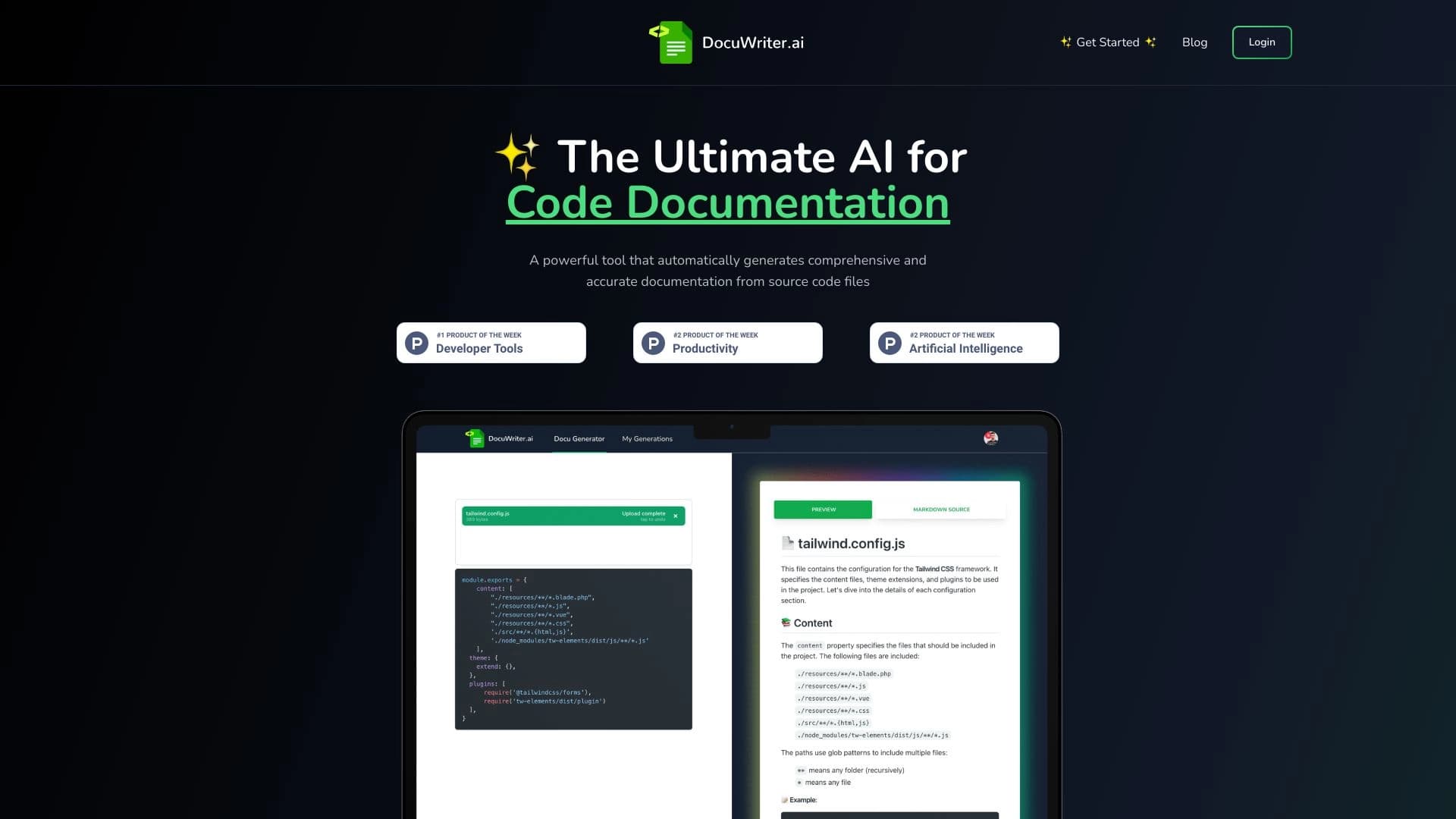
Overview
DocuWriter.ai is a specialized AI tool designed to automatically generate technical documentation based on project source code. The service analyzes the contents of Git repositories and project files, identifying key elements — functions, classes, modules — and transforms them into structured, human-readable descriptions. The tool works as a full-fledged developer assistant: it not only creates text documentation but also generates API specifications, README files, code comments, tests, and UML diagrams.
A distinctive feature of DocuWriter.ai is its integration with the n8n automation platform, which allows documentation to be updated with every commit to the repository. This ensures that documentation always matches the current state of the code without manual intervention from developers.
DocuWriter.ai Characteristics
| Characteristic | Value |
|---|---|
| Type | AI service for generating code and API documentation |
| Categories | Documentation and comments, Code assistants, Coding helpers |
| Number of users | Over 33,000 |
| Business model | Freemium |
| Documentation formats | Swagger/OpenAPI, README, DocBlock, UML diagrams |
| Integrations | n8n, Git repositories |
Who is DocuWriter.ai suitable for?
Individual developers and small teams
The tool will be useful for individual developers and small teams working under tight deadlines who cannot allocate separate hours to writing documentation. DocuWriter.ai handles the routine part of the work, allowing them to focus on developing functionality.
Companies with legacy projects and rapidly growing products
Organizations working with legacy projects often face the problem of outdated or missing documentation. DocuWriter.ai helps quickly fill these gaps by analyzing existing code. For rapidly growing products, automating documentation updates via n8n is especially valuable, since new features are constantly being added and require up-to-date descriptions.
How to use DocuWriter.ai?
Connecting a repository
To get started, you need to connect a project's Git repository or upload source code files directly through the web interface. The service accepts projects in various programming languages and analyzes their structure.
Getting ready-made documentation
After uploading the code, DocuWriter.ai generates a structured project description within minutes: it identifies key components, creates documentation for functions and classes, generates a README file, and, if needed, an API specification in Swagger/OpenAPI format. The user only needs to review the result and make corrections if necessary.
Setting up automatic updates
For projects with active development, it is recommended to configure the n8n integration. This will automatically regenerate documentation with each new commit to the repository, eliminating the risk of documentation diverging from the actual state of the code.
Key features of DocuWriter.ai
Generating documentation from source code
The core of the service is analyzing program code and converting it into structured, human-readable descriptions. The system recognizes functions, classes, and modules and creates reference sections for each element, explaining its purpose and logic.
Creating API documentation
DocuWriter.ai supports generating API specifications in Swagger/OpenAPI format. The user receives compatible JSON files describing all available endpoints, request parameters, and response formats.
Generating README, comments, and tests
The service can create README files that briefly describe the project: its purpose, installation, and usage instructions. Additionally, the tool generates DocBlock comments for functions and methods, and automatically creates test suites to verify code functionality.
Generating UML diagrams and n8n integration
To visualize project architecture, DocuWriter.ai creates UML diagrams reflecting relationships between classes and modules. The n8n integration automates the process of updating all documentation with every code change in the repository.
Advantages of DocuWriter.ai
Saving time on routine tasks
Automating documentation writing saves developers hours of work that can be spent on more important tasks — writing code, reviews, client communication, or other priority activities.
Completeness and consistency of descriptions
The AI analyzes code without missing details and creates documentation in a consistent style for all project elements. This makes it more complete and understandable for all team members, regardless of who wrote a particular module and when.
Faster onboarding and simplified maintenance
New employees get up to speed faster with up-to-date, structured documentation at hand. Project maintenance becomes simpler: less time is spent deciphering someone else's code, and the number of errors caused by incomplete or outdated descriptions decreases.
Automatic relevance maintenance
Thanks to the n8n integration, documentation is updated automatically with every commit. This means the team always works with current descriptions without spending time manually tracking changes.
Disadvantages of DocuWriter.ai
Like any AI tool, DocuWriter.ai has certain limitations that potential users should be aware of. Specific drawbacks are not listed in available sources; however, it can be assumed that automatically generated documentation may require additional review and correction for complex or non-standard architectural solutions. Also, the quality of the result depends on the quality and structure of the source code: the more convoluted and poorly organized the code, the less accurate the automatic descriptions may be. For a full understanding of the limitations, it is recommended to test the free tier on your own project.
What tasks does DocuWriter.ai solve?
Automating code and API documentation creation
The tool fully automates the process of writing technical documentation, relieving developers of the need to manually describe every function, class, and module. For API projects, documentation is generated in the standardized OpenAPI/Swagger format.
Keeping documentation up to date
Through the n8n integration, the service solves the problem of documentation becoming outdated. Automatic updates of descriptions are organized with every code change, which is especially important for dynamic projects with frequent releases.
Improving quality and systematizing descriptions
DocuWriter.ai brings documentation to a unified standard, systematizes source code descriptions, and improves their completeness and clarity. This reduces the likelihood of errors associated with incomplete or inaccurate descriptions and simplifies long-term project work.
DocuWriter.ai Pricing
Free tier
DocuWriter.ai operates on a Freemium model. The basic functionality of the service is available for free, allowing users to evaluate the tool's capabilities without financial investment. Specific limits and restrictions of the free tier are not disclosed in available sources.
Paid options
For projects with more serious needs, paid plans are available that unlock additional features and increased documentation generation limits. The exact cost and contents of paid plans are not specified in the source data — for current information, it is recommended to visit the service's official website.
Terms of use for DocuWriter.ai
Service access
Using DocuWriter.ai requires an internet connection and registration on the platform. The service is provided as a cloud-based web application, allowing it to be used from any device without installing additional software.
Connecting repositories
The tool works with Git repositories and source code files. The user must provide the service with access to the project's codebase — either by connecting a repository or uploading files. The source data does not specify requirements for code licenses when uploading to the platform, so this question should be clarified with the service team if necessary.
DocuWriter.ai Availability
DocuWriter.ai is available as a web service and works through a browser, ensuring accessibility on any operating system — Windows, macOS, Linux. The service's user base exceeds 33,000 people, indicating its popularity among developers.
The tool is positioned as a global solution without ties to specific geographic regions. No restrictions on availability in certain countries are specified in the source data. Detailed information about supported interface languages and service localization is recommended to be checked on the official website.
How DocuWriter.ai differs from alternatives
The main difference between DocuWriter.ai and competing solutions is its comprehensive approach to documentation automation. Many alternatives focus on a single aspect, such as only generating comments or only creating API documentation. DocuWriter.ai, however, offers a complete set of tools: from a README generator and comment creation to Swagger/OpenAPI API specifications and UML diagrams — all in one service.
The key competitive advantage is the n8n integration. Thanks to it, documentation can be updated automatically with every commit, making the process completely seamless. For teams with an active development cycle, this capability significantly reduces the effort required to keep documentation up to date compared to alternatives where updates require manual triggering.
Conclusion
DocuWriter.ai is a practical solution for developers and teams who want to automate the creation of technical documentation for code and APIs. The service, used by more than 33,000 users, offers a full documentation workflow: source code analysis, generation of structured descriptions, creation of API specifications, README files, comments, tests, and UML diagrams. The n8n integration ensures automatic documentation updates with every code change, which is especially valuable for rapidly growing projects. Thanks to the freemium model, developers can evaluate the tool's capabilities for free and decide on further use, saving hours of routine work and improving documentation quality in their projects.
Frequently asked questions
See also

A platform for aggregating world news using AI to analyze and reduce bias.


Platform for automatic work time tracking and team productivity analysis.

AI platform for voice synthesis and cloning that converts text into realistic speech.


Platform for organizing live chat and communicating with website visitors, offering a free chat widget for customer support.

A customer support automation platform that analyzes inquiries and helps operators respond faster.


An add-in for Microsoft Word that uses neural networks to automate the creation, editing, and analysis of legal contracts.
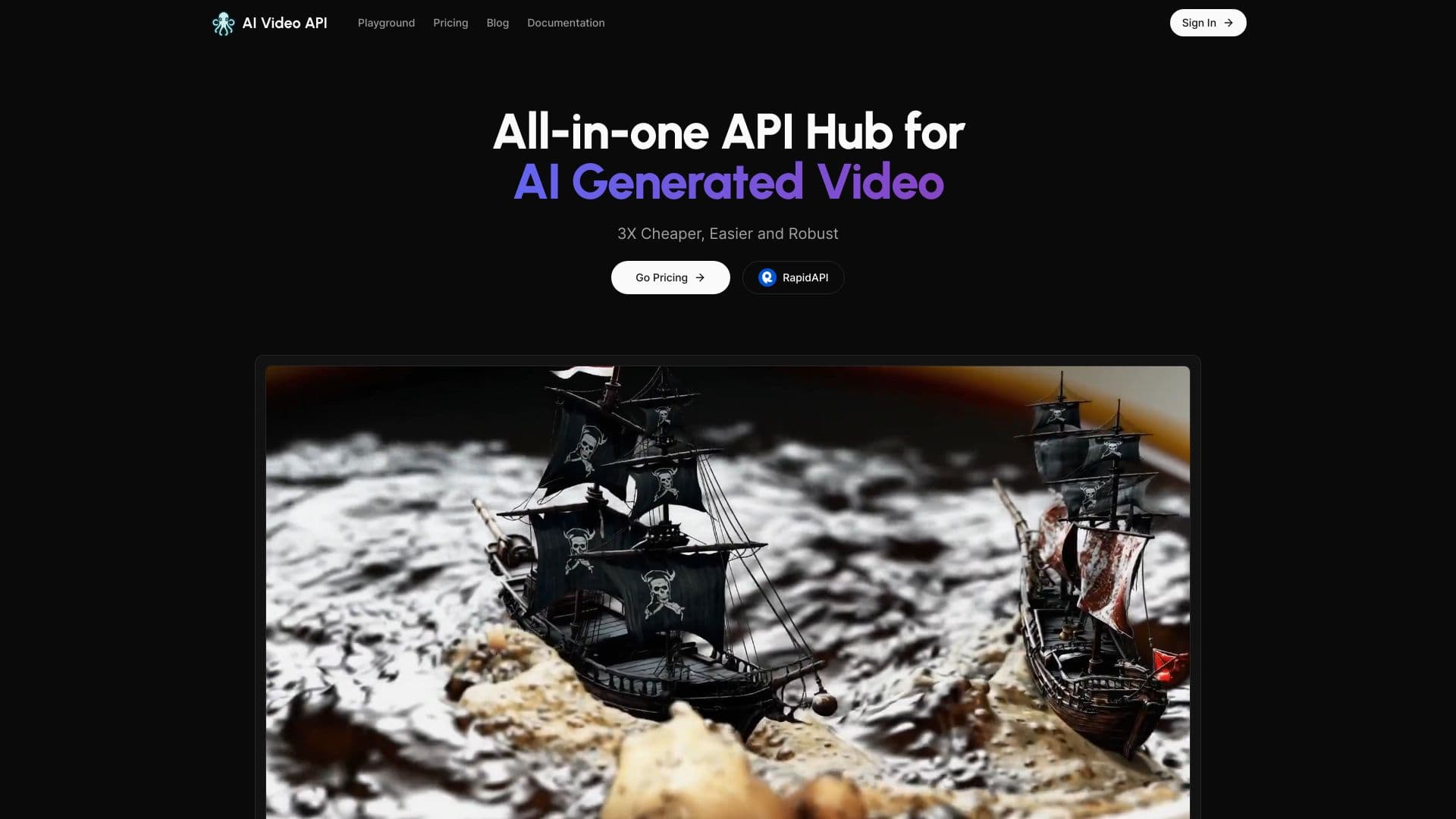

Service for generating short vertical videos using a neural network via API or mobile app.
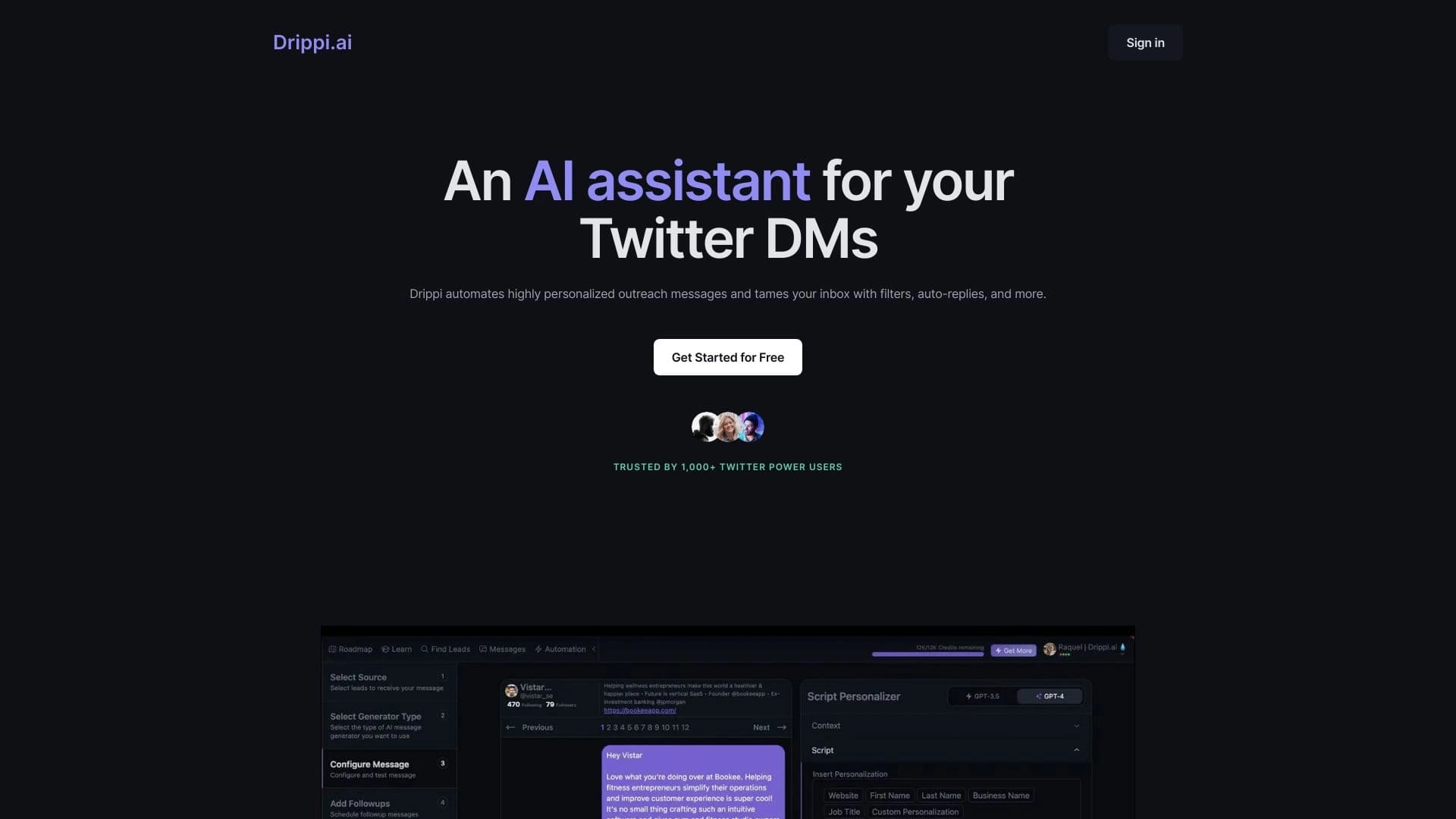

Automates sending personalized direct messages on X (Twitter) for cold outreach.