

Dialpad
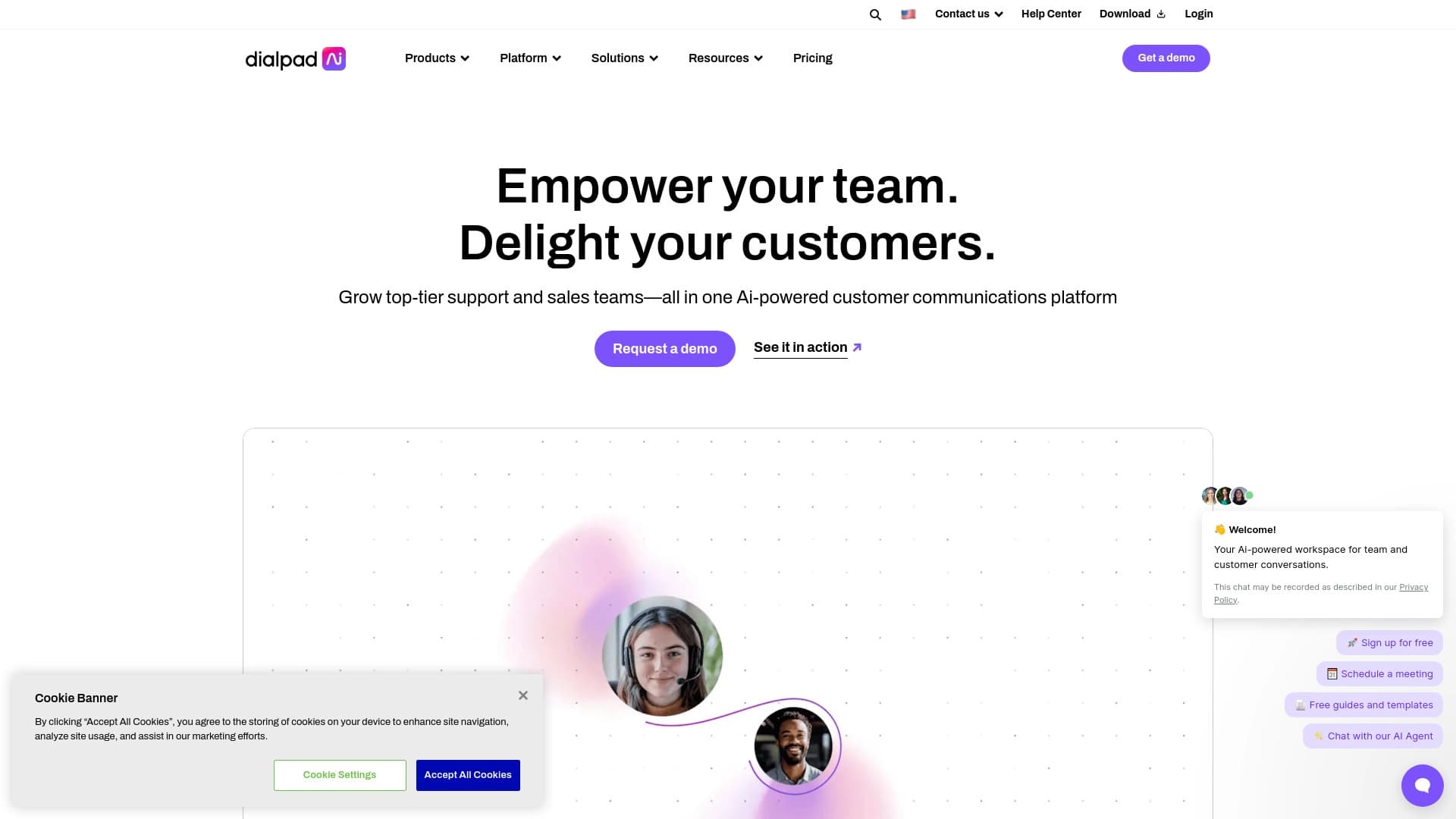
ব্যবসায়িক যোগাযোগ মাধ্যম, উচ্চারিত কণ্ঠস্বর, ভিডিও কল এবং বার্তা আদান প্রদান এবং ট্রান্সলেশনের বিভিন্ন বৈশিষ্ট্যের সাথে যুক্ত।.
র্যাঙ্কিংয়ে অবস্থান
সারসংক্ষেপ
প্যাড হচ্ছে একটি প্রতিষ্ঠান-গাদি যোগাযোগ প্লাটফর্ম যেখানে কৃত্রিম বুদ্ধিমত্তা সরাসরি ব্যবসায়িক যোগাযোগ প্রক্রিয়ার মাধ্যমে নির্মিত হয়। কল করার জন্য একটি হাতিয়ার না দিয়ে, সার্ভিস কল, ভিডিও কনফারেন্স, এবং টেক্সট মেসেজকে একটি নির্দিষ্ট বাস্তুসংস্থানে পরিণত না করে।
মূল বিষয়টা হল, মূল বার্তা পাঠানোর সময় । সিস্টেম কেবল কথোপকথন রেকর্ড করে না-এটা দ্রুত লেখাতে রূপান্তর করে, গুরুত্বপূর্ণ মুহূর্তগুলো তুলে ধরে এবং ব্যবহারকারীর জন্য প্রয়োজনীয় তথ্য প্রদান করে। বিষয়টি নোট নেওয়ার পরিবর্তে ডায়ালগগুলোর উপর মনোযোগ প্রদান করার সুযোগ করে দেয়। যে কোনো ডিভাইস থেকে এই প্ল্যাটফর্মটি পাওয়া যাবে, এর ফলে অফিস, বাড়ি অথবা স্থান থেকে কাজ করা যাবে যাও.
ডায়াল-প্যাড
| বৈশিষ্ট্য | মান |
|---|---|
| উৎপাদনের ধরন | ব্যবসায়িক যোগাযোগ জন্য AI প্ল্যাটফর্ম |
| যোগাযোগ চ্যানেল | ভয়েস কল, ভিডিও কল চলাকালীন টেক্সট কার্সার ব্যবহার করা হবে |
| কি প্রযুক্তি | প্রতিলিপি এবং বিজ্ঞানের জন্য কৃত্রিম বুদ্ধিমত্তা |
| ট্রান্সস্ক্রিপ্ট | বাস্তব সময় |
| বিশ্লেষণ | কথোপকথনের বিশ্লেষণ, অন্তর্দৃষ্টি |
| অতিরিক্ত বৈশিষ্ট্য | স্মার্ট সময়, সহযোগিতা |
| ডিস্ট্রিবিউশন মডেল | ফ্রিমিয়াম (মুক্ত টাই) |
ডায়াল করার জন্য কে উপযুক্ত?
সালস এবং কাস্টোমার দলের সমর্থন
এই সেবা ডিপার্টমেন্টের জন্য কার্যকর হবে যা গ্রাহকের সাথে মোবাইল ফোনের মাধ্যমে যোগাযোগ করবে। কথোপকথনের সময় উইন্ডো পরিচালন ব্যবস্থা সক্রিয় করার জন্য বৈশিষ্ট্যের মান নির্ধারণ করতে ব্যবহৃত হয়, কিন্তু প্রত্যেক কলের কথা না শুনে সার্ভিসের গুণগত মান বিশ্লেষণ করতে পারে।
ডিস্ট্রিবিউটেড এবং দূরবর্তী দল
যে সমস্ত কর্মচারী বিভিন্ন স্থান থেকে কাজ করে, তারা সকল ধরনের যোগাযোগ মাধ্যমের জন্য একটি জানালার প্রশংসা করবে। ভিডিও, ভয়েস এবং চ্যাট এক ইন্টারফেস একসাথে মিলে, যা সহজ সমন্বয় এবং ভিন্ন অ্যাপ্লিকেশনের মধ্যে পরিবর্তন করা প্রয়োজন।
ক্ষুদ্র এবং মাঝারি ব্যবসা
ফ্রিমিয়াম মডেলকে ধন্যবাদ, ছোট ছোট দলগুলোকে বড় বড় ধরনের সম্পদ বিনিয়োগ করতে হয় না। তারা মৌলিক AI ক্ষমতা পরীক্ষা করতে পারে এবং তাদের চাহিদা যেমন বৃদ্ধি করা যায় সেভাবে ব্যবহার করতে পারে।
কীভাবে ডায়েল প্যাড ব্যবহার করা যায়?
সেটআপ চালু এবং শুরু করা হচ্ছে
শুরু করার জন্য, আপনাকে প্ল্যাটফর্মে নিবন্ধন করতে হবে এবং মুক্তভাবে অবাধ করার জন্য একটি উপযুক্ত পরিকল্পনা নির্বাচন করতে হবে। এর পরে, ব্যবহারকারীরা তাদের সংখ্যা নির্ধারণ করতে পারবে, দলের সদস্যদের যুক্ত করতে এবং যোগাযোগ ব্যবস্থা নির্বাচন করতে পারবে (মেইল, ভিডিও, বার্তা)।
দৈনিক ব্যবহারের ব্যবহার
কাজের সময় ব্যবহারকারীরা শুধুমাত্র ডায়ালপ্যাড ইন্টারফেসের মাধ্যমে ভিডিও কনফারেন্স করতে বা ভিডিও কনফারেন্স করতে পারে। AI স্বয়ংক্রিয়ভাবে সংযোগ স্থাপন করা হবে: এটি একটি টেক্সট অনুবাদ তৈরি করে এবং মূল সিদ্ধান্ত ও কর্ম নির্বাচন করে। সভার পরিকল্পনা করার জন্য এই স্মার্ট সিডির বৈশিষ্ট্য ব্যবহার করা হয় — এই পদ্ধতি সকল অংশগ্রহণকারীদের জন্য এক সুবিধাজনক সময় বেছে নিতে সাহায্য করে ।
কি-র বৈশিষ্ট্য
সঠিক অনুবাদ
সরাসরি কথোপকথনের সময় সিস্টেম রূপান্তরিত ভাষা । এর ফলে অংশগ্রহণকারীরা আলোচনার উপর মনোযোগ না হারিয়ে যা বলা হয়েছে তা আবার উল্লেখ করতে পারে এবং সকল যোগাযোগ ব্যবস্থা স্বয়ংক্রিয় ভাবে তৈরি করতে পারে।
কথোপকথন
এই প্ল্যাটফর্ম প্রত্যেক কলের তথ্য সংগ্রহ করে এবং এ্যাকটিকস প্রদান করে। ব্যবহারকারীরা যোগাযোগ ব্যবস্থা, সংলাপের দৈর্ঘ্য, এবং নির্দিষ্ট কিছু বিষয়ের উল্লেখ করার ফ্রিকোয়েন্সি দেখতে পারে- যা আলোচনা এবং ব্যবসায়িক প্রক্রিয়াকে উন্নত করতে সাহায্য করে।
স্মার্ট সময়
নির্মিত সময়ের সিডিউলিং টুল... ...নিজেদের কোঅর্ডিনেটরের সময় নষ্ট করে দেয়. স্বয়ংক্রিয়ভাবে সকল অংশগ্রহণকারীদের আমন্ত্রণ জানানোর উদ্দেশ্যে সিস্টেমের নির্বাচন করে।
অন্তর্দৃষ্টি
( খ) কীভাবে আমরা দেখাতে পারি যে, আমরা যিহোবার ওপর নির্ভর করি? এটা সুপারিশের দ্রুত সাড়া দেয় এবং সিদ্ধান্ত নিতে সাহায্য করে।
ডায়াল-প্যাড
- সকল যোগাযোগ ব্যবস্থার জন্য একটি একক প্ল্যাটফর্ম — ফোন, ভিডিও এবং প্রেরিতদের মধ্যে পরিবর্তন করার প্রয়োজন নেই ।
- স্ক্রোল-বার দ্বারা সংরক্ষণের সময়কাল * ম্যানুয়ালের নোট এখন আর দরকার নেই; AI এটি নিজে থেকেই আছে।
- উন্নত ভাববিনিময়ের মান ( হিতো.
- কামনামূলক এবং ধীর — ব্যবহারকারীরা যে কোন জায়গা থেকে কথোপকথনের ইতিহাস নিয়ে আলোচনা করতে পারে ।
- ইনটিলিটিভ ইন্টারফেস দত্তক নেওয়া সহজ ।
ডায়াল-প্যাড
দুর্ভাগ্যবশত, সরবরাহকৃত উৎস তথ্য প্ল্যাটফর্মের অসুবিধা সম্পর্কে কোন তথ্য নেই। আমরা সার্ভিসের সীমাবদ্ধতা বা দুর্বলতার তালিকা তৈরি করতে পারি না, যেহেতু তারা উপলব্ধ সূত্রের উল্লেখ করেনি। বিনামূল্যে টাইগারের শর্ত পর্যালোচনা করা সুপারিশ করা হয় (যেমন, সরকারি ওয়েবসাইটে কল সীমা বা ব্যবহারকারীর নম্বরের উপর সরাসরি নিষেধাজ্ঞা আরোপ করা)।
ডায়েল প্যাড সংক্রান্ত সমস্যা কি?
অভ্যন্তরীণ এবং বহিস্থিত সংযোগের অনুকরণ করা হচ্ছে
ডায়াল প্যাড যোগাযোগ চ্যানেলগুলোকে বিচ্ছিন্ন করে দেয়। একাধিক অ্যাপ্লিকেশনের পরিবর্তে, কর্মীরা কল এবং বার্তা প্রেরণের জন্য একটি একক সার্ভিস ব্যবহার করে, যা খুব সহজ ভাবে কাজ করে।
ক্রেতার সেবার মান প্রমাণ করা
বহুমুখী আলোচনা করার জন্য ধন্যবাদ, ব্যবস্থাপকরা সফল বিক্রয় স্ক্রিপ্ট এবং অপারেটর ভুল সনাক্ত করতে পারেন। এর ফলে প্রশিক্ষণ গ্রহণ করা এবং সেবার স্তর বৃদ্ধি করা যায় ।
নথিপত্র পরীক্ষা
প্রতিটি কলের পর সিআরএম-এর নিজে নিজে নিজে দিয়ে ভর্তি করার কোন প্রয়োজন নেই। এই বিষয়টি ম্যানেজারের কাজ কমিয়ে দেয় এবং গুরুত্বপূর্ণ তথ্য হারানোর ঝুঁকি কমিয়ে দেয়।
সভার দক্ষতা বৃদ্ধি
স্মার্ট সিডিউলিং বৈশিষ্ট্য এবং স্বয়ংক্রিয় নোটগুলো প্রাতিষ্ঠানিক বিষয়ে ব্যয়ের পরিমাণ কমিয়ে আনে।
ডায়াল-প্যাড
অর্থ সংগ্রহের খরচের বিস্তারিত তথ্য উৎস উপাদানে পাওয়া যাচ্ছে না। এটা কেবল জানা যায় যে এই বিতরণের মডেল বিনামূল্যেমিয়াম, যার মানে এই সেবা একটি মৌলিক বৈশিষ্ট্যসহ মুক্ত সংস্করণ আছে। গ্রাহকের দাম এবং সহজলভ্য সুযোগ সম্পর্কে সম্পূর্ণ তথ্য জানতে হলে, আপনাকে অফিসিয়াল আটটি ওয়েবসাইট পরিদর্শন করতে হবে, যেখানে বর্তমান মূল্য তালিকা এবং পরিকল্পনা তুলনা করা হয়েছে।
ডায়াল-প্যাড
সুনির্দিষ্ট শব্দ (তথ্য, গোপনীয়তা নীতি, তথ্য প্রক্রিয়ার প্রয়োজন) প্রদত্ত তথ্য সংক্রান্ত তথ্য প্রকাশ করা হয়নি। তবে এটা অনুমান করা যায় বেশিরভাগ মেঘ ভিত্তিক ব্যবসা প্রতিষ্ঠানের মতো, ডায়াল-এর নিবন্ধনের প্রয়োজন, ব্যবহারকারী চুক্তি অনুমোদন করুন। - যদি প্রয়োজন হয়, তথ্য বিনিময় চুক্তি। শুরু করার আগে সরকারি রিসোর্সের বিষয়ে সতর্কতার সঙ্গে বিবেচনা করা উচিত।
ডায়াল-প্যাড
এই প্ল্যাটফর্মটি যে কোন জায়গায় কাজ করা দলের জন্য একটি সমাধান। এর ফলে প্রধান অপারেটিং সিস্টেমের জন্য ওয়েব সুবিধা এবং মোবাইল অ্যাপ্লিকেশনের (আইওএস, উইন্ডোজ, ম্যাকওএস) নিশ্চিত করা হয়েছে। এই সার্ভিসটি ভয়েস এবং ভিডিও যোগাযোগের জন্য বিভিন্ন ডিভাইস দ্বারা সংযুক্ত হয়।
কীভাবে ডায়েল বিকল্প থেকে আলাদা
আটলান্টা আর অনেক প্রতিযোগীর মধ্যে প্রধান পার্থক্য হলো যোগাযোগের প্রতিটা দিক থেকে কৃত্রিম বুদ্ধিমত্তার গভীর সমন্বয়। যখন অনেক প্লাটফর্ম কেবল যোগাযোগের চ্যানেল সরবরাহ করে, তখন প্রতিটি কথোপকথন থেকে মূল্যবোধ তৈরি করার জন্য মানুষদের সক্রিয়ভাবে প্রযুক্তি ব্যবহার করে।
কমপিটোটোটোরদের প্রায়ই কল রেকর্ড, স্বর বিশ্লেষণ অথবা সভার সময় পৃথক মডিউল কিনতে হয়। ডায়াল-প্যাডে এই ক্ষমতাগুলো ভিত্তি পর্যায়ে নির্মিত এবং বাস্তব সময়ে স্বয়ংক্রিয়ভাবে কাজ করে। এ ছাড়া, আলোচনার সময় যে সমস্ত বিষয়ের উপর মনোযোগ প্রদান করা হয় এবং তথ্য সংগ্রহ করা হয়, তা কেবল পোস্ট-হোক-এর সংবাদের জন্য নয়, এর জন্য প্রয়োজনীয় তথ্য পেতে পারে।
অন্তর্ভুক্ত
DD হচ্ছে আধুনিক যোগাযোগের প্লাটফর্ম যা কৃত্রিম বুদ্ধিমত্তা ব্যবহার করে ব্যবসা যোগাযোগকে রূপান্তরিত করার জন্য। একটি ইন্টারফেসের মাধ্যমে, ভিডিও, এবং টেক্সট মেসেজের মাধ্যমে, একই সাথে সত্যিকারের সময়ের অনুবাদ এবং এ্যালেটিক বৈশিষ্ট্য সরবরাহ করা হয়। বিনামূল্যেমিয়াম মডেলকে ধন্যবাদ এবং ব্যবহারকারীদের সুবিধার প্রতি মনোযোগ প্রদান করার জন্য, ছোট ছোট স্টার্ট এবং বড় বড় কর্পোরেশনগুলো তাদের যোগাযোগের প্রক্রিয়াকে আরও জোরদার করতে পারে।
সাধারণ প্রশ্নোত্তর
অতিরিক্ত দেখুন
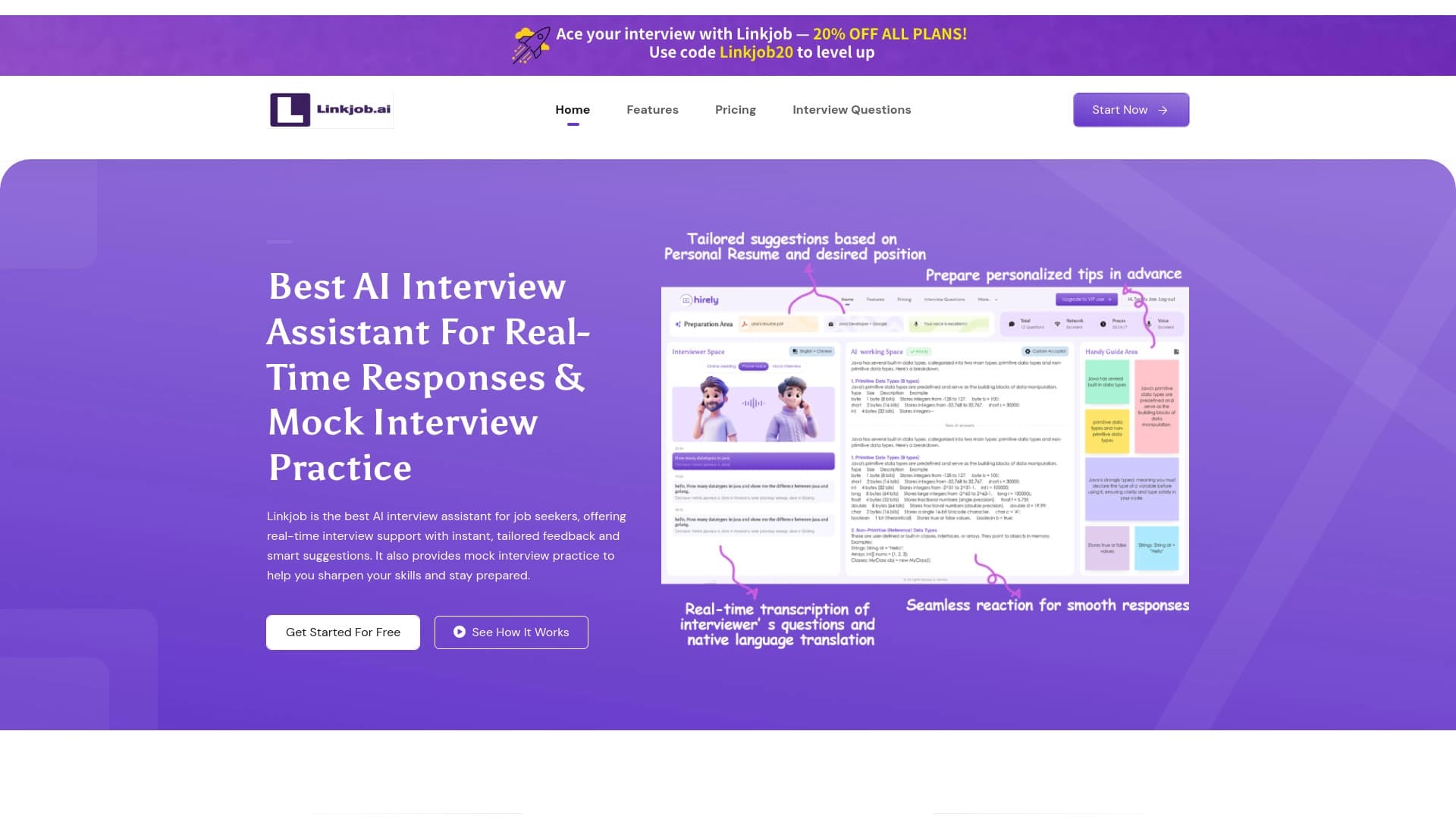

কাজের সাক্ষাৎকার প্রস্তুত এবং পরিচালনার জন্য AI সহকারী, রিয়েল টাইম পয়েন্ট এবং অনুশীলনের জন্য।.
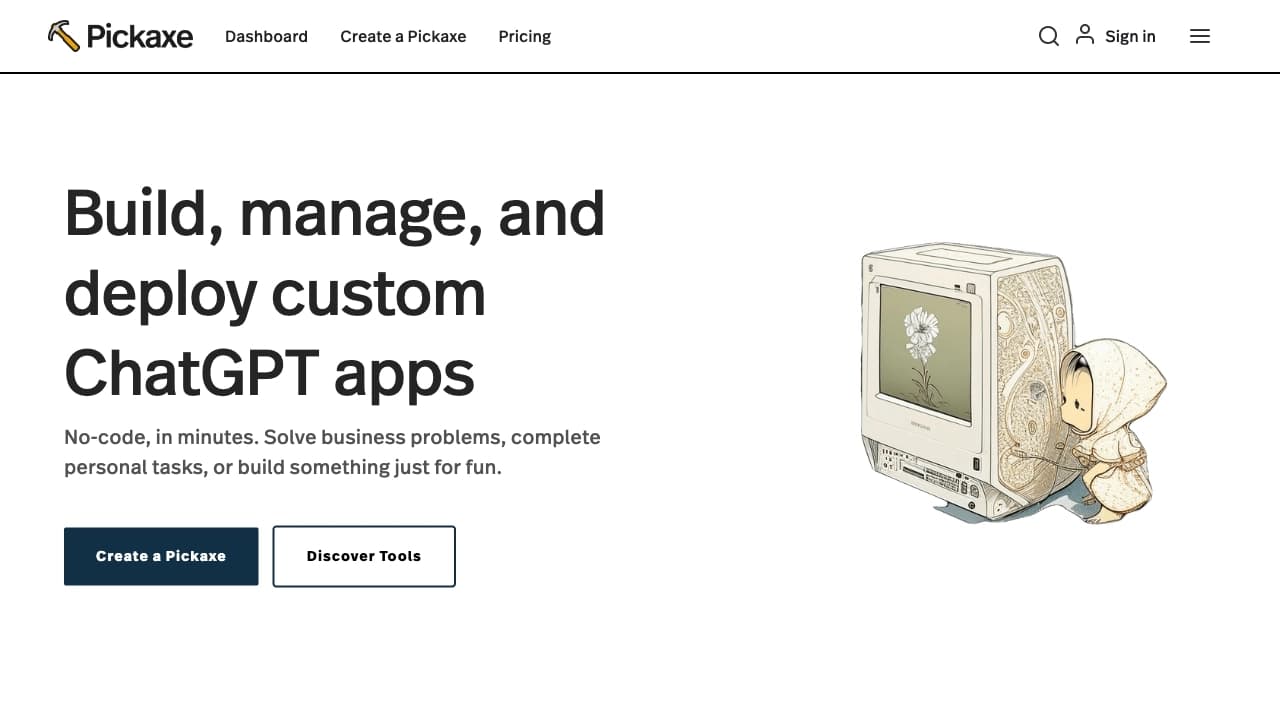

আপনার তথ্য এবং জ্ঞান অনুযায়ী আপনার নিজের AI টুল তৈরি এবং বিক্রির জন্য একটি প্ল্যাটফর্ম।.

অনুসন্ধানের সময় ডিজিটালরূপে ব্লু-টুথ সংক্রান্ত সমস্যার বিবরণ।.
যে সকল চাকুরির জন্য প্রতারণা এবং খাপ খাইয়ে নেওয়া হয় তার জন্য AI সহকারী।.

সামাজিক যোগাযোগ মাধ্যমে পোস্ট চালু এবং সময়ানুবর্তিতার টুল টুইটারে মনোযোগ প্রদান করেছে।.
আবেগগত সমর্থনের জন্য AI সাহায্য.

কোড না করে সাইট পরিদর্শনের জন্য AI টুল।.

কাজের জন্য AI এজেন্ট, প্রকল্প ব্যবস্থাপনা, এবং দলগত কাজ উন্নত।.