

Dia
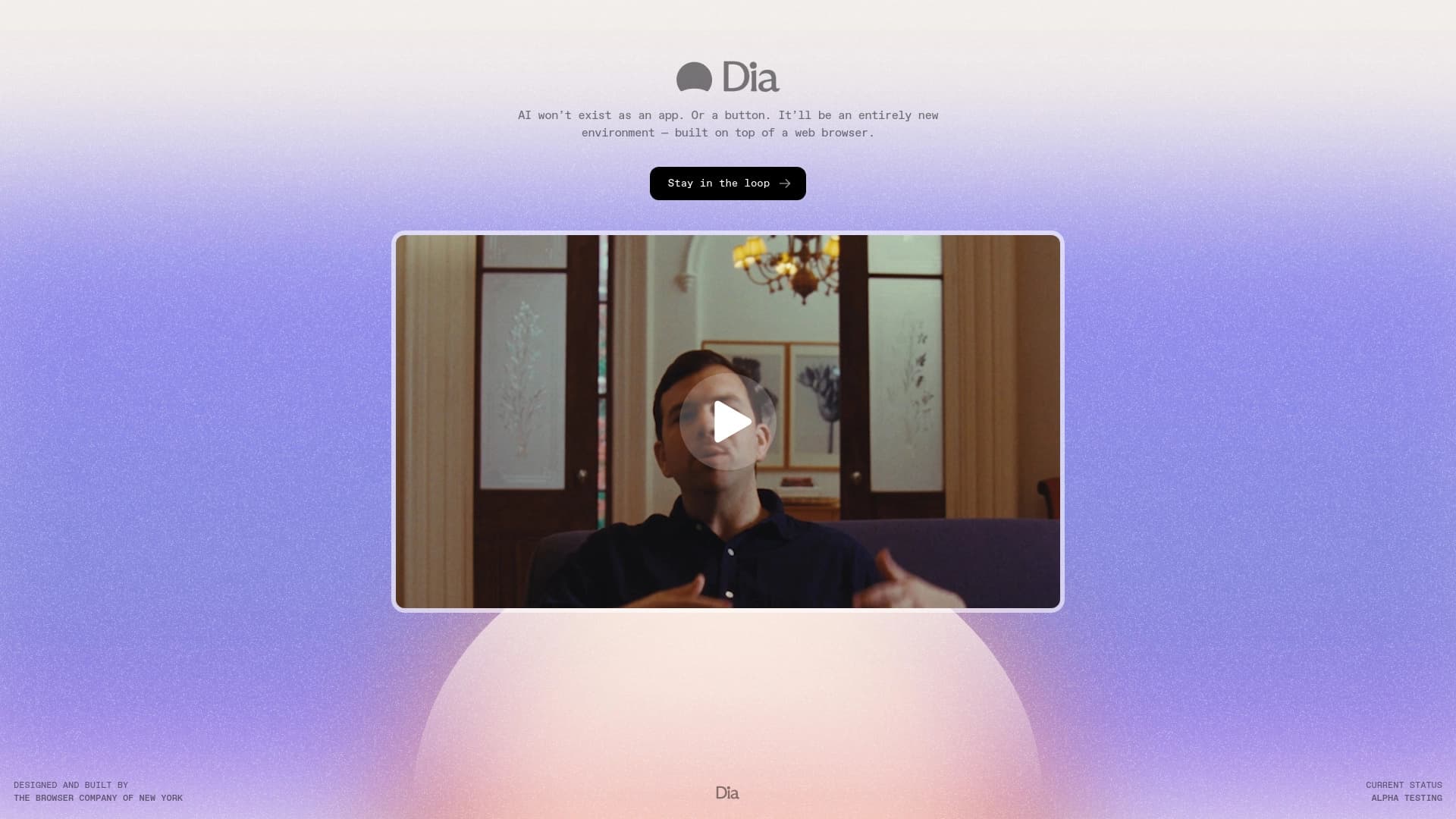
प्रयोगात्मक AI ब्राउज़र, Arc के निर्माताओं द्वारा, खोज, टैब प्रबंधन और कार्य स्वचालन के लिए अंतर्निहित सहायक के साथ।
रैंकिंग में स्थान
अवलोकन
AI ब्राउज़र विवरण
दीया एक प्रयोगात्मक एआई संचालित ब्राउज़र है जो आर्क प्रोजेक्ट के लिए जाने वाली डेवलपमेंट टीम द्वारा बनाई गई है। परियोजना के पीछे मुख्य विचार है सीधे ब्राउज़र में एक सहायक को एम्बेड करने के लिए, उपयोगकर्ताओं को चैट या वॉयस कमांड के माध्यम से इंटरनेट के साथ बातचीत करने की अनुमति देता है। सहायक आवश्यक जानकारी खोजने, खुले टैब का प्रबंधन करने और दोहराए गए कार्यों को स्वचालित करने में मदद करता है। एक महत्वपूर्ण विशेषता यह है कि सभी एकत्रित डेटा को स्थानीय रूप से एन्क्रिप्ट किया गया है, और इंटरफ़ेस को न्यूनतम रखा गया है। वर्तमान में परियोजना अपने प्रारंभिक चरणों में है: पहुंच केवल प्रतीक्षा सूची के माध्यम से उपलब्ध है।
दीया विशेषताएं
| फ़ीचर | मूल्य |
|---|---|
| प्रकार | एआई ब्राउज़र |
| डेवलपर | आर्क टीम |
| मूल्य निर्धारण मॉडल | वर्तमान में मुफ्त |
| श्रेणियाँ | कार्य स्वचालन, सहायक, ऐप्स और सेवाएं, उत्पादकता |
| तारीख जोड़ा | 16.06.2025 |
कौन के लिए Dia AI ब्राउज़र है?
टेक उत्साही
डाया उन लोगों के लिए डिज़ाइन किया गया है जो नए डिजिटल टूल की कोशिश करने वाले पहले व्यक्ति होने से प्यार करते हैं। परियोजना की प्रयोगात्मक स्थिति का मतलब है कि उपयोगकर्ता प्रारंभिक चरण में उत्पाद को आकार देने में भाग लेते हैं।
उत्पादकता विशेषज्ञ
नियमित स्वचालन के साथ एक ब्राउज़र उन लोगों के लिए उपयोगी हो सकता है जो ऑनलाइन बहुत समय बिताते हैं: शोधकर्ता, विश्लेषक, छात्र, या जो कई खुले टैब के साथ काम करते हैं और उन्हें अपने वर्कफ़्लो को स्ट्रीम करने की आवश्यकता होती है।
Dia AI ब्राउज़र का उपयोग कैसे करें?
पहुँच
Dia का उपयोग शुरू करने के लिए, आपको उत्पाद के आधिकारिक पेज पर फॉर्म के माध्यम से प्रतीक्षा सूची के लिए अनुरोध जमा करना होगा। अभी तक कोई प्रत्यक्ष पंजीकरण या खुली स्थापना उपलब्ध नहीं है।
सहायक के साथ बातचीत
एक बार जब आप पहुंच हासिल करते हैं, तो बातचीत चैट या वॉयस कमांड के माध्यम से होती है। सहायक ब्राउज़र इंटरफ़ेस में बनाया गया है, और आप जानकारी, स्विचिंग टैब या अन्य कार्यों की खोज जैसे कार्यों को सौंप सकते हैं। आप टैब खोलने के लिए "टॉक" भी कर सकते हैं - उन्हें एक विशिष्ट खंड खोजने के लिए प्रश्न या अनुरोध पूछें।
कुंजी व्यास सुविधाएँ
अंतर्निहित अनुकूली एआई सहायक
दीया में सहायक सिर्फ प्रक्रिया कमांड नहीं है - यह उपयोगकर्ता वरीयताओं से भी सीखता है। यह विशिष्ट व्यवहार को याद रखता है और समय के साथ, अधिक प्रासंगिक सुझाव प्रदान करता है।
खोज, सुझाव और कदम भविष्यवाणी
उपकरण जानकारी खोजने में मदद करता है और वर्तमान संदर्भ के आधार पर समान पृष्ठों का सुझाव दे सकता है। इसके अतिरिक्त, डाया उपयोगकर्ता के अगले चरणों की भविष्यवाणी करता है, नेविगेशन को तेज करता है और मैनुअल ऑपरेशन की संख्या को कम करता है।
स्वचालन और टैब प्रबंधन
प्रमुख क्षमताओं में से एक नियमित क्रियाओं को स्वचालित कर रहा है। उपयोगकर्ता ब्राउज़र को दोहराने वाले परिदृश्यों को प्रतिनिधि कर सकते हैं और आवाज या पाठ कमांड के माध्यम से टैब प्रबंधित कर सकते हैं।
दीया लाभ
मिनिमलवाद और गोपनीयता
ब्राउज़र इंटरफ़ेस अनावश्यक विवरण के साथ अतिभारित नहीं है, जिससे उपयोगकर्ताओं को पृष्ठ सामग्री पर ध्यान केंद्रित करने की अनुमति मिलती है। उसी समय, सभी डेटा स्थानीय रूप से एन्क्रिप्ट किए जाते हैं, जो गोपनीयता-समाज उपयोगकर्ताओं के लिए एक महत्वपूर्ण प्लस है।
स्वयं सीखने की क्षमता
दीया स्थिर नहीं है: यह मालिक की आदतों को याद करता है और उनके आधार पर अधिक सटीक सुझाव और प्रासंगिक पृष्ठ प्रदान करता है। यह एक "living" सहायक की भावना पैदा करता है जो आपकी कार्य शैली को अनुकूलित करता है।
Dia Disadvantage
पल में मुख्य सीमित कारक उत्पाद की बंद प्रकृति है। ब्राउज़र का परीक्षण करने के लिए, आपको प्रतीक्षा सूची में शामिल होने की आवश्यकता है, और एक्सेस देने के लिए सटीक समयरेखा का खुलासा नहीं किया जाता है। इसके अलावा, चूंकि परियोजना प्रायोगिक, अस्थिर प्रदर्शन और क्लासिक ब्राउज़रों की विशिष्ट पूर्ण कार्यक्षमता की कमी संभव है। उपयोग के दौरान उपयोगकर्ताओं को कुछ विशेषताओं के लिए तैयार किया जाना चाहिए।
क्या समस्याओं को हल करता है?
उपकरण तीन मुख्य परिदृश्यों पर केंद्रित है: सूचना खोज को सरल बनाना, नियमित ब्राउज़र कार्यों को स्वचालित करना और टैब को प्रबंधित करना। पहला सुझाव और समान पृष्ठ खोज के माध्यम से प्राप्त किया जाता है, दूसरा दोहराव क्रियाओं के स्वचालित निष्पादन के माध्यम से, और तीसरे माध्यम से बातचीत या आवाज के माध्यम से सहायक को आदेश दिया जाता है।
दीया मूल्य निर्धारण
वर्तमान चरण में, ब्राउज़र को निःशुल्क प्रदान किया जाता है। सार्वजनिक स्रोतों में भविष्य के मूल्य निर्धारण मॉडल या भुगतान योजनाओं के बारे में कोई आधिकारिक जानकारी नहीं है, इसलिए सटीक लागत पर चर्चा करने के लिए समय से पहले है।
उपयोग की शर्तें
प्रतीक्षा सूची पर पंजीकरण ब्राउज़र का उपयोग करने के लिए अनिवार्य है। पूर्व अनुरोध के बिना इसका उपयोग शुरू करना असंभव है। प्रयोगात्मक उत्पाद की स्थिति का अर्थ यह भी है कि शर्तों को बदल सकता है क्योंकि परियोजना विकसित हो सकती है।
उपलब्धता
वर्तमान में दीया तक पहुंच सीमित है। उपकरण को स्वतंत्र रूप से डाउनलोड या इंस्टॉल नहीं किया जा सकता है - एक्सेस केवल माध्यम से प्रदान की जाती है प्रतीक्षा सूची जब वास्तव में भौगोलिक पहुंच या उपयोगकर्ता आधार का विस्तार आधिकारिक तौर पर घोषित नहीं किया गया है।
कैसे डाया विकल्प से अलग है
कुंजी अंतर - ब्राउज़र वातावरण
स्टैंडअलोन असिस्टेंट (जैसे, चैटजीपीटी वर्क या सिरी एआई) के विपरीत, डाया सीधे ब्राउज़र में एम्बेडेड है। यह अनुमति देता है न केवल उपयोगकर्ता प्रश्नों के साथ बल्कि खुले टैब, पृष्ठ संदर्भ और कार्रवाई इतिहास के साथ बातचीत करने के लिए। यह एकीकरण एक विशिष्ट चैट सहायक की तुलना में गहरी स्वचालन को सक्षम बनाता है।
गोपनीयता पर ध्यान केंद्रित करें
स्थानीय डेटा एन्क्रिप्शन और एक न्यूनतम इंटरफ़ेस सेट डाया, जैसे कि धूमकेतु या ChatGPT एजेंट। गोपनीयता चिंताओं को क्लाउड के बजाय उपयोगकर्ता के डिवाइस पर डेटा संग्रहीत करके संबोधित किया जाता है।
निष्कर्ष
दीया आर्क के रचनाकारों से एक प्रयोगात्मक एआई ब्राउज़र है, जो सूचना खोज को सरल बनाने और नियमित कार्यों को स्वचालित करने पर केंद्रित है। इसकी ताकत में एक अंतर्निहित स्वयं सीखने वाला सहायक, आवाज नियंत्रण समर्थन, स्थानीय डेटा एन्क्रिप्शन और एक न्यूनतम इंटरफ़ेस शामिल है। हालांकि, उत्पाद वर्तमान में एक व्यापक दर्शकों के लिए अनुपलब्ध है: एक प्रतीक्षा सूची के माध्यम से पहुंच केवल संभव है, और उपयोग और मूल्य निर्धारण की भविष्य की शर्तों की अभी तक घोषणा नहीं की गई है। फिर भी, तकनीकी उत्साही और उन लोगों के लिए जो नियमित ब्राउज़र कार्यों पर खर्च किए गए समय को कम करना चाहते हैं, डाया भविष्य में एक दिलचस्प उपकरण बन सकता है।
अक्सर पूछे जाने वाले प्रश्न
यह भी देखें

TensorStax एक AI एजेंट है जो मशीन लर्निंग मॉडल के जीवनचक्र को प्रबंधित करता है, उनकी तैनाती और निगरानी को सरल बनाता है।
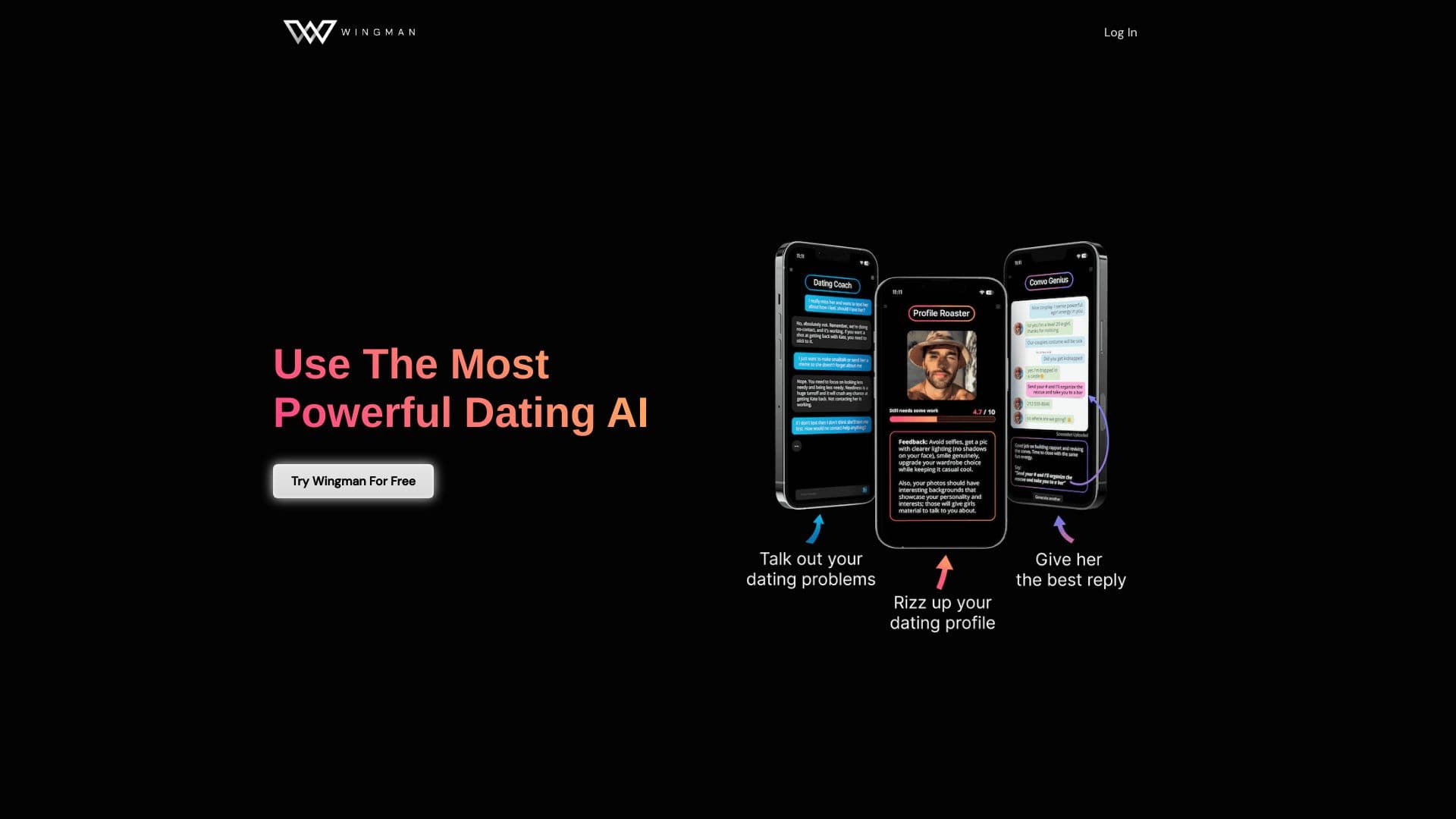
एआई डेटिंग सहायक जो डेटिंग ऐप में प्रोफाइल और वार्तालाप को बेहतर बनाने में मदद करता है।.
प्रस्तुतियाँ और स्लाइड शो स्वचालित रूप से बनाने के लिए AI सेवा, विषय या संक्षिप्त विवरण के आधार पर।

व्यवसायों के लिए AI सहायक जो संवाद के माध्यम से कार्यों को प्रबंधित करने और दिनचर्या को स्वचालित करने में मदद करता है।

ग्राहक संचार और सहायता को स्वचालित करने के लिए AI एजेंट।

एआई एजेंट जो विभिन्न स्रोतों से डेटा एकीकृत करने और संगठनों में ज्ञान प्रबंधन के लिए है।

मल्टीमॉडल AI एजेंट जो चैट, वॉयस और वीडियो के माध्यम से ग्राहक सेवा और बिक्री को स्वचालित करते हैं।


डेस्कटॉप एआई सहायक मैकओएस, विंडोज और लिनक्स के लिए जो सभी खिड़कियों के ऊपर हॉटकी के माध्यम से लॉन्च करते हैं और एक इंटरफेस में एकाधिक भाषा मॉडल को जोड़ते हैं।.