
Deepfakes Web
Layanan online untuk membuat video deepfake dengan pengganti wajah.
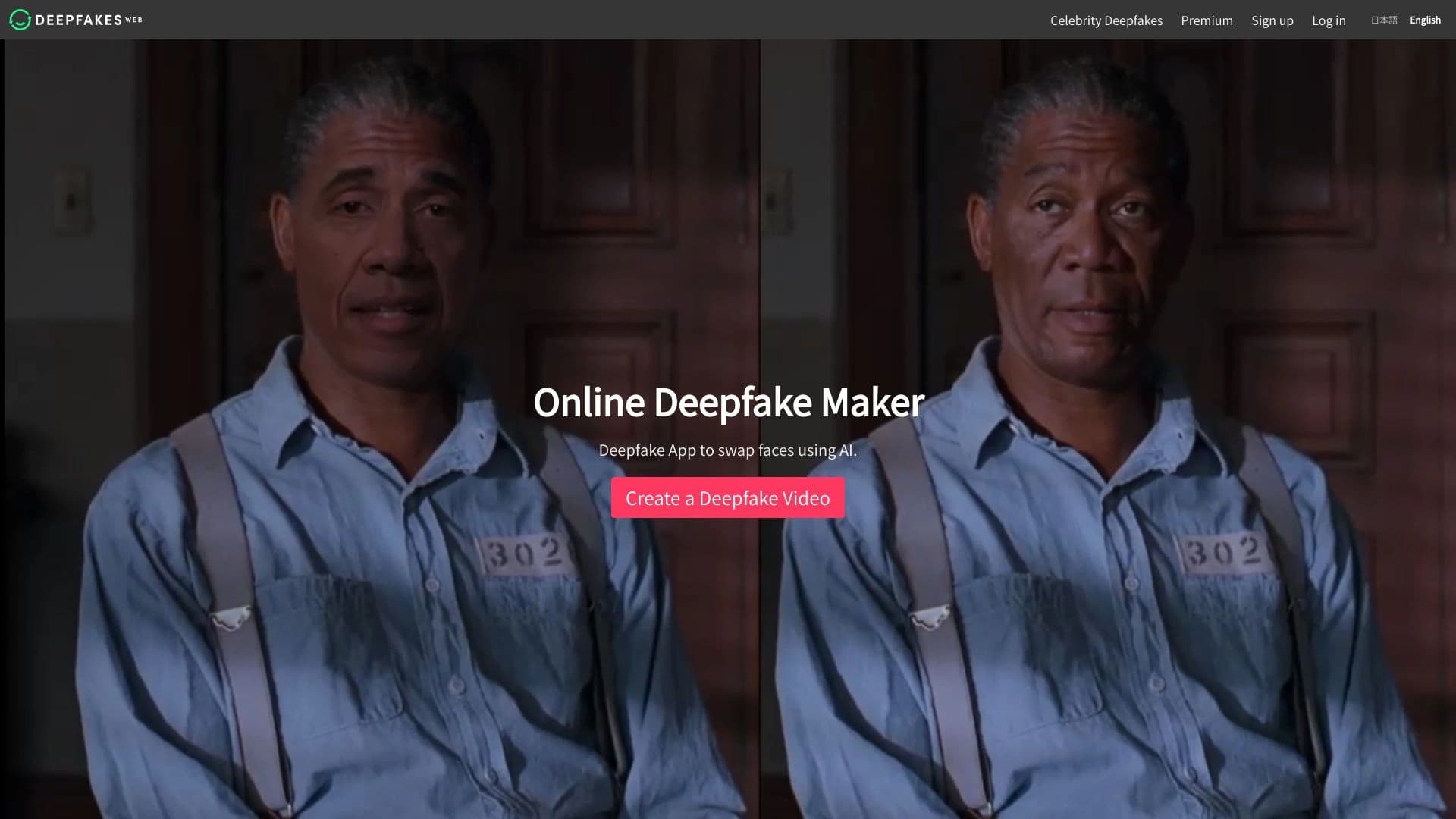
Peringkat
Tinjau
Web Deepfake adalah layanan online bertenaga AI- yang dirancang untuk membuat video deepfake. Tujuan utama platform adalah bertukar wajah dengan klip video yang ada. Alat ini bekerja melalui peramban, menghilangkan kebutuhan pengguna untuk memasang perangkat lunak kompleks pada komputer mereka atau berurusan dengan konfigurasi teknis.
Platform posisi itu sendiri sebagai solusi yang dapat diakses dalam niche nya. Pengembang menyatakan bahwa layanan mendukung kebijakan penciptaan konten bertanggung jawab, namun fungsi intinya tetap sangat khusus - menghasilkan video dengan pengganti wajah. Hal ini membuat alat ini terutama menarik bagi mereka yang membutuhkan hasil cepat tanpa menyelam ke detail teknis.
Konsep dan Positioning
Pencipta Deepfakes Web bertaruh pada kesederhanaan. Alih-alih solusi desktop kompleks yang memerlukan keahlian jaringan PC dan saraf yang kuat, pengguna mendapatkan antarmuka web. Model distribusi dibayar, menyiratkan subscriptions atau pembayaran satu waktu. Pada saat yang sama, layanan tersebut berusaha untuk menjaga keseimbangan antara harga yang terjangkau dan kepatuhan terhadap standar etis.
Bagaimana Layanan Bekerja
Algoritma AI menganalisa video sumber dan foto wajah yang akan dimasukkan. Jaringan saraf proses fitur wajah, ekspresi, dan membaur untuk membuat hasilnya sealami mungkin. Semua beban komputasional jatuh pada server platform, sehingga persyaratan untuk perangkat pengguna minimal - peramban modern dan koneksi internet yang stabil cukup.
Spesifikasi Web Deepfake
| Karakter | Nilai |
|---|---|
| Rating pengguna | 4.6 buaya. |
| Rating editorial | 8,0 dari 10 |
| Kategori | Video, Deepfake, Universal |
| Platform | Web |
| Tirai bebas tersedia | Tidak ditentukan |
| Model distribusi | Dibayar |
Siapa Deepfakes Web cocok untuk?
Untuk animator dan pembuat konten video
Alat ini akan berguna bagi siapa saja yang bekerja dengan video yang membutuhkan penggantian wajah dalam bingkai. Animator dapat menggunakan layanan untuk visualisasi awal, klip tes, atau menciptakan bahan perantara. Kemampuan untuk cepat menukar wajah tanpa perangkat lunak kompleks menghemat waktu di tahap awal pekerjaan.
Bagi pengguna tanpa latar belakang teknis
Sejak Deepfake Web bekerja melalui browser, itu dapat digunakan oleh orang-orang jauh dari pemrograman dan pembelajaran mesin. Tidak perlu memahami pengaturan jaringan saraf, pengemudi instalasi, atau membeli peralatan mahal. Cukup unggah berkas dan mulai pemrosesan.
Aplikasi universal
Layanan ini sesuai dengan berbagai tugas video terkait. Berkat kategori "Universal", ini dapat digunakan dalam berbagai bidang, dari konten hiburan ke bahan pendidikan. Pada saat yang sama, penting untuk mengingat pendekatan bertanggung jawab untuk menciptakan deepfakes.
Bagaimana menggunakan Deepfakes Web?
Langkah 1: Menyiapkan bahan
Untuk memulai, Anda akan memerlukan video sumber di mana wajah akan diganti, dan foto dari orang yang wajahnya perlu dimasukkan. Sangat penting bahwa gambar ini berkualitas tinggi dan baik - ini secara langsung mempengaruhi hasil akhir.
Langkah 2: Mengunggah dan memproses
Pengguna mengunggah kedua berkas ke antar muka Web Deepfake. Sistem otomatis memulai pemrosesan. AI menganalisa titik-titik kunci wajah, ekspresi transfer, dan menyesuaikan fitur ke sudut kepala dalam klip asli.
Langkah 3: Mendapatkan video selesai
Setelah proses selesai, layanan memberikan file siap dengan wajah diganti. Video ini dapat diunduh dan digunakan dalam proyek Anda. Parameter teknis pemrosesan yang tepat (batas durasi, resolusi, jumlah generasi) langsung tergantung pada rencana yang dipilih.
Fitur Kunci dari Web Deepfake
Membuat video deepfake
Aliran kerja dasar menghasilkan klip baru dengan penggantian wajah. Layanan menangani semua kerja kompleks analisis gambar dan sintesis.
Bertukar wajah dengan video yang sudah ada
Pengguna dapat mengambil video yang sudah siap dibuat dan mengubah wajah di dalamnya. Ini adalah fungsi inti platform dibangun untuk. Proses ini otomatis dan tidak memerlukan manual frame- by- frame editing.
Akses Web
Tak diperlukan instalasi perangkat lunak. Semua fungsionalitas tersedia melalui peramban pada platform yang cocok, yang mengatur Deepfake Web terpisah dari alternatif desktop.
Kemajuan Deepfakes Web
Harga yang diperoleh
Salah satu kekuatan kunci platform adalah kebijakan harganya. Layanan ini diposisikan sebagai solusi relatif murah di pasar penciptaan deepfake, membuatnya menarik bagi pengguna individu dan studio kecil.
Pendekatan yang bertanggung jawab terhadap isi
Pengembang menyatakan bahwa mereka mematuhi kebijakan konten yang bertanggung jawab. Ini adalah faktor penting dalam bidang di mana teknologi sering disalahgunakan. Memiliki kebijakan seperti itu meningkatkan kepercayaan dalam platform antara masyarakat profesional.
Kemudahan penggunaan
Bekerja melalui antarmuka web dan otomatisasi proses memungkinkan pengguna untuk mendapatkan hasil tanpa pengetahuan khusus. Tidak perlu mempelajari dokumentasi jaringan saraf atau mencari pengaturan kompleks.
Disadvantages of Deepfakes Web
Tidak ada tingkat bebas
Data tersedia tidak menunjukkan adanya rencana bebas. Ini berarti pengguna akan perlu membeli langganan dibayar atau membuat pembayaran satu waktu segera untuk mulai bekerja. Ini mungkin tidak nyaman bagi mereka yang ingin mencoba fungsionalitas terlebih dahulu.
Spesialisasi narrow
Platform dirancang eksklusif untuk penggantian wajah dalam video. Ini kurang alat untuk penyuntingan, koreksi warna, atau menambahkan efek. Pengguna yang membutuhkan alur kerja pemrosesan video penuh harus menggunakan program tambahan.
Tugas apa yang dikerjakan Deepfake Web?
Membuat video deepfake
Tugas utama layanan adalah menghasilkan klip dengan pengganti wajah. Alat yang otomatis proses ini, menyimpan pengguna dari pekerjaan manual.
Bertukar wajah dengan video yang sudah ada
Bila pengguna sudah memiliki materi video yang selesai, Web Deepfake memungkinkan perubahan wajah cepat di dalamnya. Hal ini dapat digunakan untuk berbagai tujuan - dari percobaan kreatif untuk menghidupkan bahan sejarah.
Aplikasi dalam animasi
Untuk animator, layanan dapat melayani sebagai alat tambahan. Ini membantu membuat versi draft dari klip, skenario tes, dan memvisualisasikan ide lebih cepat sebelum pindah ke produksi penuh.
Harga Web Deepfake
Biaya langganan dan rencana yang tepat tidak diungkapkan dalam data yang tersedia. Hanya model distribusi yang diketahui - dibayar, berarti layanan dibayar penuh. Juga tidak ada informasi tentang masa percobaan bebas atau promosi apapun. Pengguna potensial disarankan untuk mengunjungi website resmi platform dan memeriksa harga saat ini secara langsung.
Akhir Penggunaan bagi Deepfakes Web
Layanan menyatakan bahwa itu mengikuti kebijakan konten yang bertanggung jawab. Ini berarti pengguna kemungkinan dilarang menggunakan alat untuk membuat bahan menyesatkan atau berbahaya. Platform ini beroperasi melalui peramban web, dan pendaftaran dengan berlangganan dibayar diperlukan untuk menyelesaikan tugas.
Penyimpanan data layak mendapat perhatian khusus. Saat bekerja dengan material video, pengguna mengunggah berkas ke server Web Deepfakes. Dimana tepatnya data disimpan, untuk berapa lama, dan yang memiliki akses ke itu - informasi ini tidak diungkapkan dalam sumber publik, sehingga pengguna harus meninjau kebijakan privasi pada situs layanan sendiri.
Ketersediaan Deepfakes Web
Ketersediaan platform
Web Deepfake tersedia secara eksklusif melalui antarmuka web. Pengguna dapat mengakses situs dari perangkat manapun dengan peramban dan koneksi internet - apakah komputer, laptop, atau tablet. Tidak ada aplikasi berdedikasi untuk iOS atau Android yang disediakan.
Persyaratan perangkat keras
Karena semua komputasi dilakukan di server platform, tidak ada kebutuhan khusus perangkat keras untuk pengguna. Sambungan internet yang stabil dan peramban modern cukup bagi antarmuka web untuk bekerja dengan benar.
Bagaimana Deepfake Web berbeda dari alternatif
Ada solusi penciptaan palsu lainnya di pasar. Tutup alternatif untuk layanan termasuk Wunjo AI, InShot, Dubal, BlipCut, dan Topview AI. Perbedaan kunci dari Deepfake Web adalah fokus ketat pada platform web tanpa perlu memasang perangkat lunak desktop.
Tidak seperti penyunting video universal (seperti InShot atau BlipCut), yang menawarkan berbagai fitur penyuntingan, Deepfake Web berfokus secara eksklusif pada penggantian wajah. Ini bisa menjadi keuntungan (kesederhanaan dan kecepatan) dan kerugian (kurangnya alat pemrosesan tambahan).
Posisi layanan sebagai "harga terjangkau" juga membuatnya berbeda dari beberapa pesaing, tapi pilihan akhir tergantung pada tugas tertentu pengguna, kualitas hasil, dan anggaran. Masing-masing alternatif terdaftar memiliki karakteristik teknis sendiri dan pendekatan pemrosesan, jadi pengujian perbandingan direkomendasikan sebelum membuat keputusan.
Kesimpulan
Deepfake Web adalah layanan web niche dengan rating tinggi 4.6 dan skor editorial 8,0 dari 10, dirancang untuk menciptakan video deepfake dengan bertukar wajah dalam klip yang ada. Platform ini bekerja melalui peramban tanpa memerlukan instalasi perangkat lunak, menawarkan kebijakan harga yang terjangkau, dan terdapat pada pendekatan yang bertanggung jawab untuk isi. Layanan menargetkan berbagai pengguna, termasuk animator dan pembuat konten video. Batas utama adalah kurangnya informasi tentang tingkat bebas dan spesialisasi yang sempit. Untuk tugas profesional yang memerlukan berbagai peralatan pengolahan video, Deepfakes Web hanya sebagian cocok, tetapi untuk generasi deepfake cepat, itu adalah solusi yang nyaman dan relatif sederhana.
Pertanyaan yang sering ditanyakan
Lihat juga
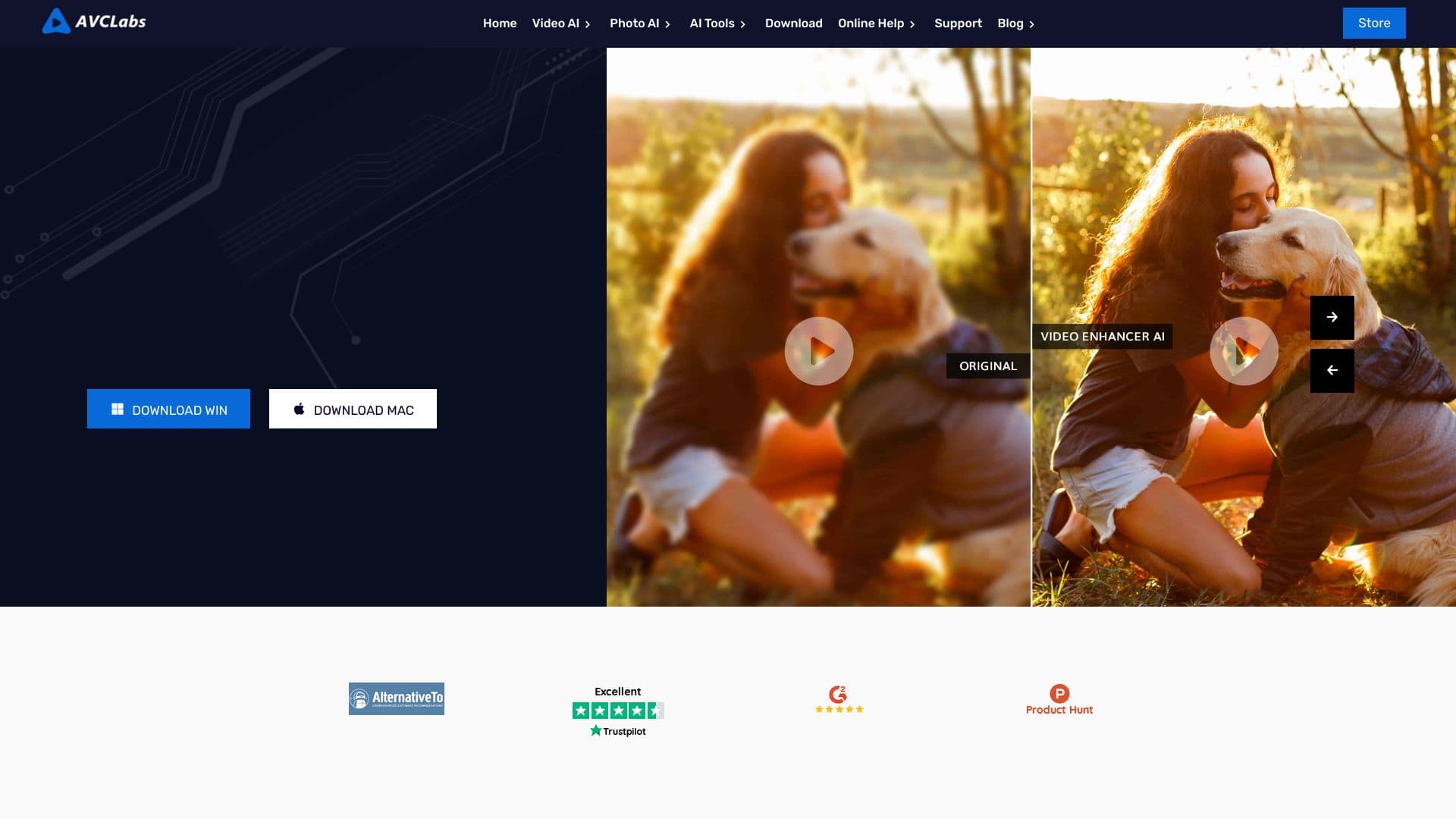

Aplikasi desktop bagi Windows yang mengubah resolusi video menjadi 4K / 8K dan meningkatkan kualitas rekaman lama menggunakan AI.

iSamurai adalah satu set alat AI untuk meningkatkan pemulihan pengganti gambar dan video.
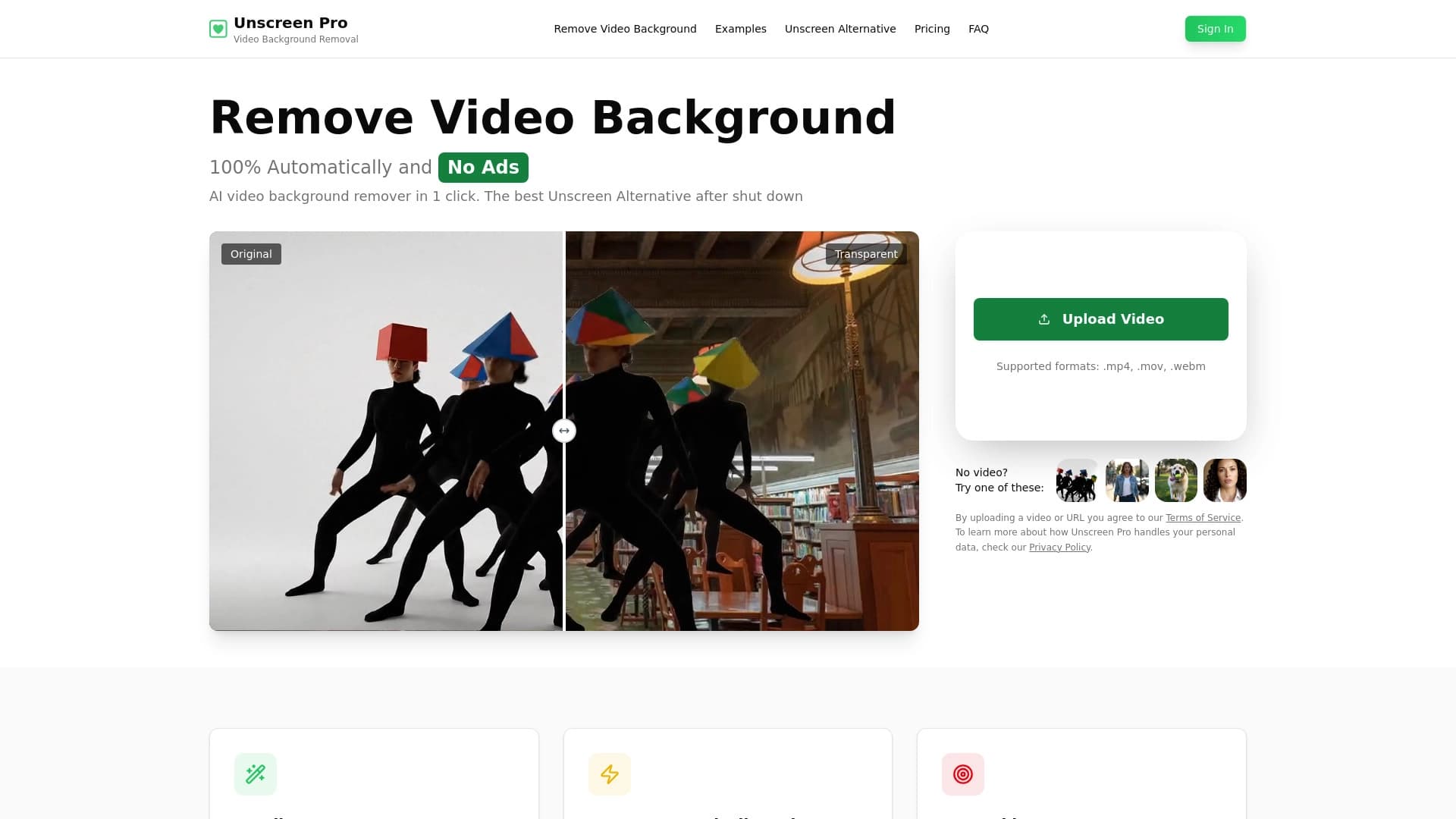

Alat AI untuk latar belakang otomatis dan penghapusan objek dalam video tanpa chroma keying.

Layanan ini mengubah gambar statis menjadi video animasi berdasarkan model Google Veo 3.1.
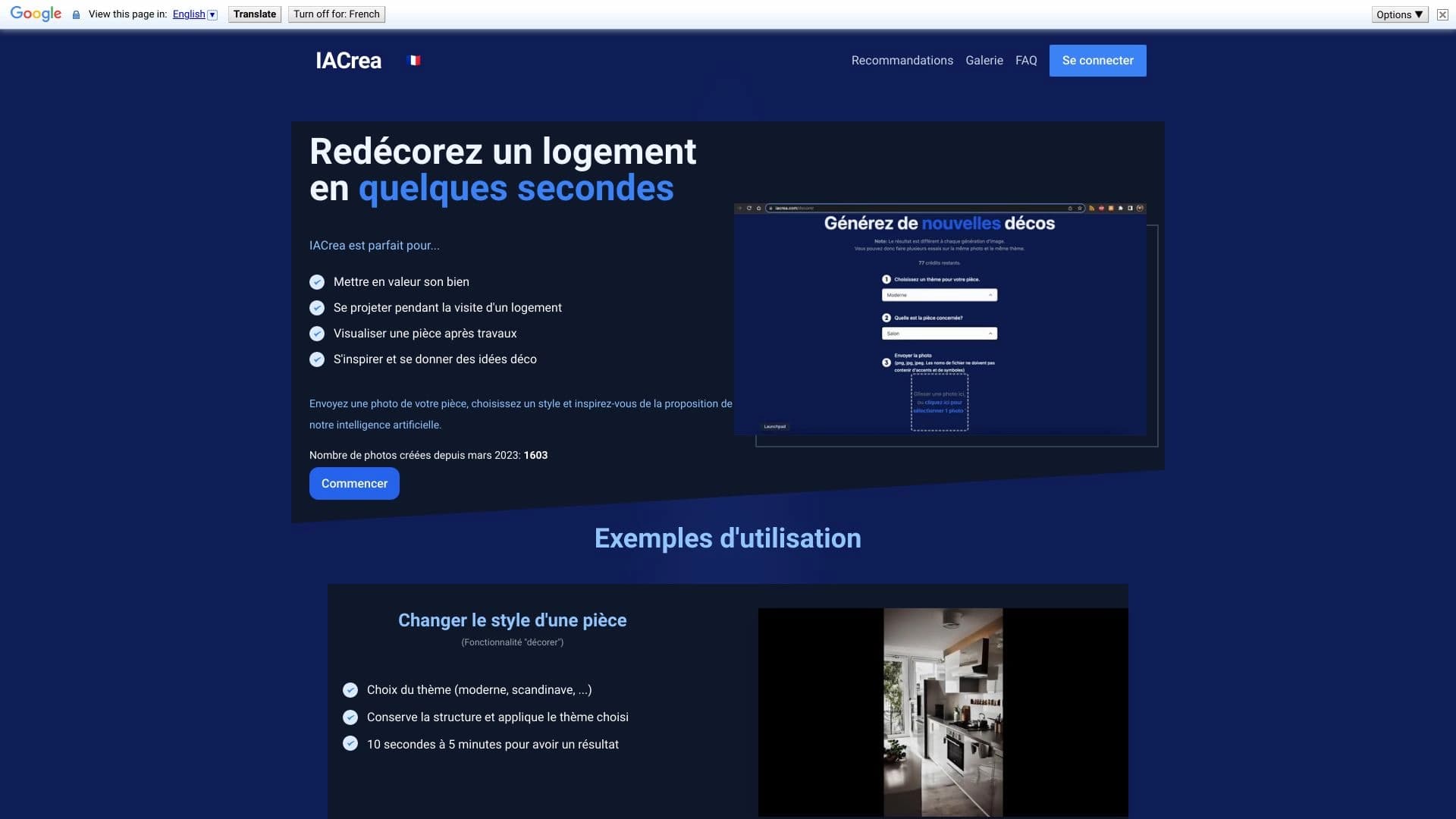

IACrea adalah layanan AI untuk panggung rumah virtual dan visualisasi real estate, memungkinkan Anda untuk meningkatkan cepat interior dan foto eksterior.
Sebuah chatbot multibahasa didukung oleh GPT-4 dan Gemini untuk menulis teks, menganalisis data, dan menyelesaikan tugas.

Layanan untuk menciptakan avatar personalisasi dan tunas foto menggunakan AI berdasarkan selfie yang diunggah.

Cabina AI adalah platform terpadu untuk bekerja dengan berbagai jaringan saraf generatif, memungkinkan Anda untuk membuat teks, gambar, dan video.