DaVinci
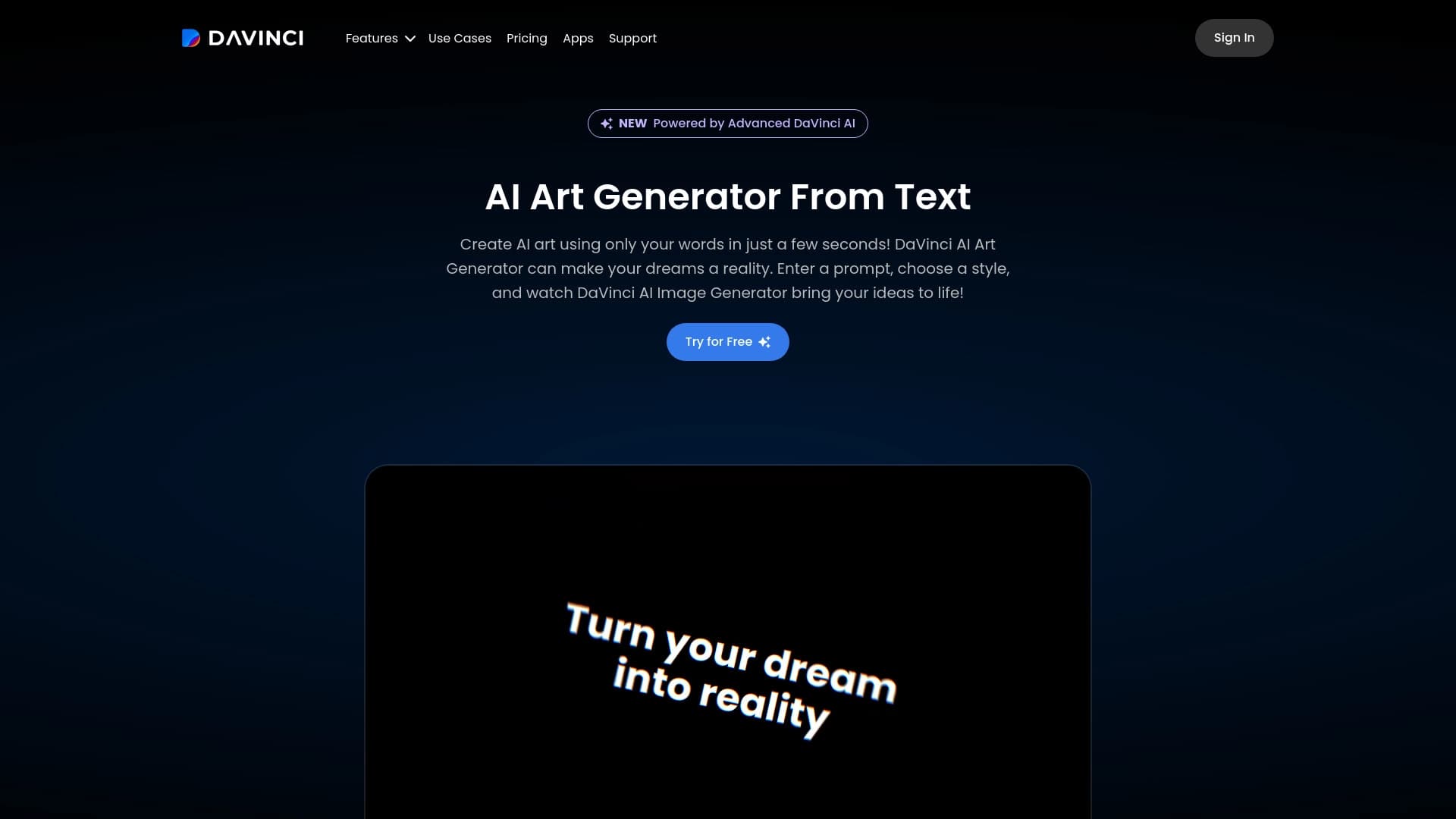
DaVinci AI is a neural network for generating images from text descriptions, also used in patent analytics.

Ranked in
Overview
DaVinci Neural Network Overview
DaVinci AI is a tool that solves two different but equally important tasks: generating images from text descriptions and assisting with patent application preparation. On one hand, it is a powerful visual content generator that can produce both photorealistic images and artistic illustrations across a wide range of styles. On the other hand, it is an assistant for intellectual property professionals that automates routine processes when working on patents.
This hybrid approach sets DaVinci apart from typical neural networks. Users usually know it primarily as a visual generator available on several platforms, but the patent analytics functionality also makes the tool useful for the legal sector.
DaVinci Features
| Feature | Value |
|---|---|
| Category | Image generation, Illustrations and art |
| Type | Text-to-image generator |
| Platforms | Website (davinci.ai), mobile app (Google Play, App Store) |
| App name | DaVinci - AI Image Generator |
| Russian language support | Yes |
| Free app | Yes, for Android and iOS |
| Distribution model | Not specified |
Who is the DaVinci neural network for?
For designers and illustrators
The tool is useful for designers who need to quickly create concepts, select visual references, or generate background images. The ability to choose a style — from realism to anime — allows adapting the result to specific tasks without using complex graphic editors.
For patent professionals
The second category of users is patent attorneys and lawyers. For them, DaVinci acts as an assistant that speeds up document preparation. Automating application drafting processes reduces the number of errors and shortens processing time, which is especially important with large workloads.
For regular users
Thanks to its simple interface and free mobile app, the service will appeal to anyone who wants to experiment with neural networks. All you need to do is download the app and register to create unique images for personal use or for posting on social media.
How to use the DaVinci neural network?
Step 1: Registration
To get started, you need to create an account. This can be done through the official website or the mobile app. The procedure is standard: provide an email address or use social media accounts.
Step 2: Composing a request
The key step is a detailed description of the desired image. The more precisely you specify the style, color palette, emotions, and objects, the more relevant the result will be. The neural network understands complex, multi-part requests, so you should not limit yourself to a single word.
Step 3: Generation and iterations
After entering the text, click the "Create" button. The system will process the request and provide a result. If the image does not meet expectations, it is recommended to rephrase the prompt by adding more details or clarifying the style. Experimenting with different prompt variations is a normal practice for achieving high-quality results.
Key DaVinci features
Visual generation
The main function is creating images from scratch based on a text description. The system can generate photorealistic images that are hard to distinguish from real photographs, as well as unique art pieces.
Style options
Users can choose from various AI models, allowing them to switch between styles: realism, abstraction, anime, and other directions. This makes the tool flexible for different creative tasks.
Language support
The service understands requests in multiple languages, including Russian. This removes the language barrier and allows users to formulate prompts in their native language without losing execution accuracy.
DaVinci advantages
- High image quality. The generator produces detailed and sharp images suitable for use in projects and presentations.
- Wide range of styles. Users are not limited to one direction — realism, anime, and abstraction are available, allowing them to choose a visual solution for a specific request.
- Regular updates. The AI models used in the generator are periodically updated, which positively affects quality and speed.
- Mobile accessibility. Free apps for iOS and Android allow users to create images anywhere without being tied to a computer.
DaVinci disadvantages
There is not enough data in open sources to objectively describe the tool's weaknesses. There is no information about watermarks on the free tier, daily generation limits, or restrictions on commercial use of generated images. There is also no data on the neural network's processing speed or how well it handles highly complex requests.
What tasks does DaVinci solve?
- Generating images from text descriptions. The user describes a scene or object, and the neural network turns it into a finished image.
- Creating photorealistic images. Suitable for situations where a product, interior, or person needs to be visualized without an actual photo shoot.
- Creating illustrations in various styles. The tool allows generating art in anime style, abstraction, or classical painting for decorating blogs, books, or merchandise.
DaVinci pricing
Specific plans and the service's pricing policy are not disclosed in the provided source data. It is only known that the mobile app can be downloaded for free. There is no information about paid subscriptions, the cost of advanced features, or purchasing a commercial license. For current pricing, you need to refer to official sources or the developer's website directly.
DaVinci terms of use
To start using the tool, registration on the official website or in the mobile app is required. Without creating an account, the generation features will be unavailable. Other special conditions, such as content moderation rules or age restrictions, are not mentioned in the source data.
DaVinci availability
DaVinci AI is available to users through two main platforms:
- Web version. Works through a browser on the official website.
- Mobile apps. Downloaded for free via Google Play for Android devices and the App Store for iOS.
It is also worth noting that the interface and functionality fully support Russian, making the service comfortable for Russian-speaking audiences. No information about regional usage restrictions or the need to use a VPN was found in open sources.
How DaVinci differs from alternatives
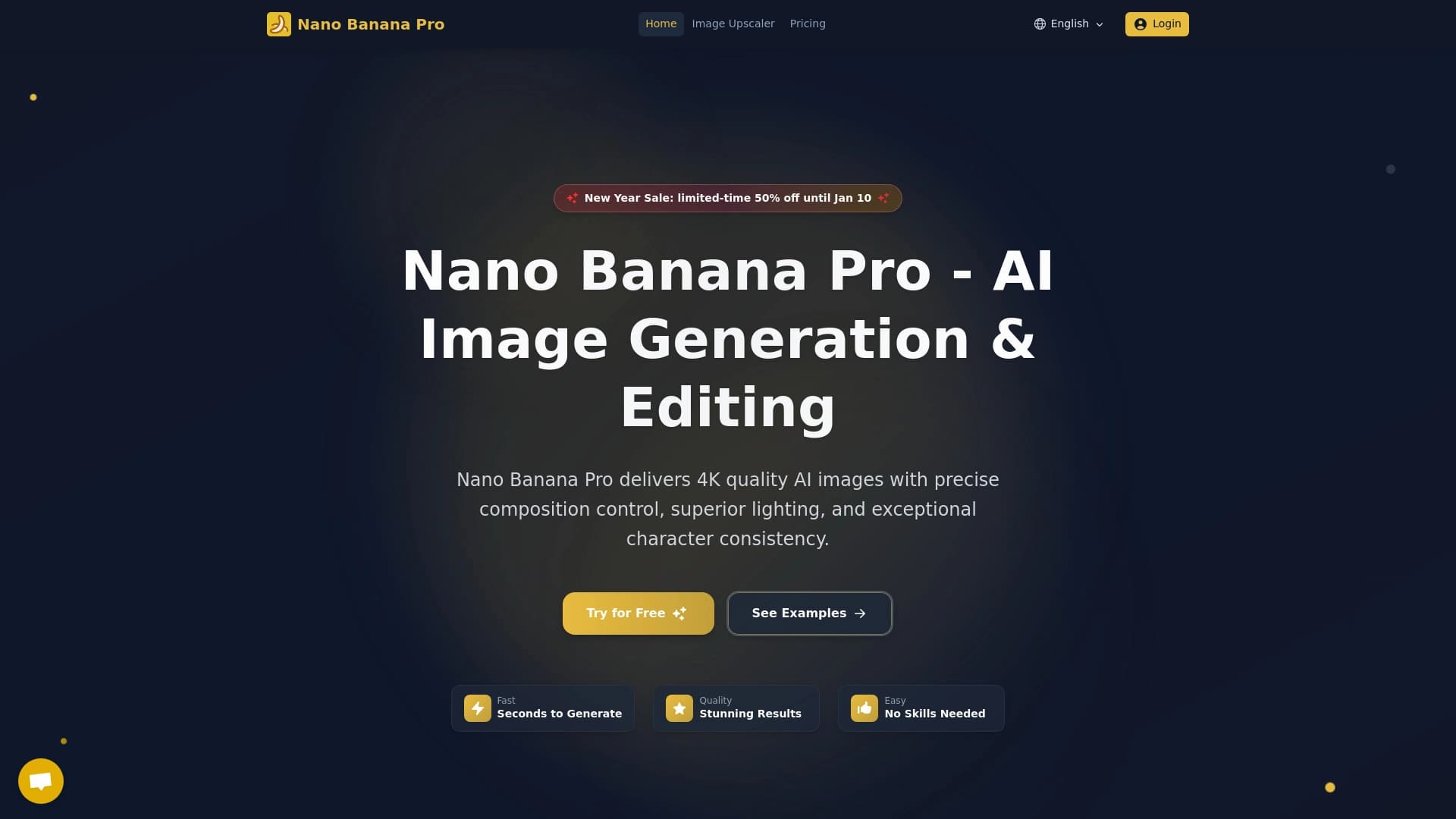
The key difference between DaVinci and most image generators on the market is its combined functionality. Most alternatives, such as Kolors by Kuaishou, Erasio, or Nano Banana AI, specialize exclusively in creating visual content.
DaVinci, however, is positioned as a dual-purpose tool:
- On one hand, it performs all the standard functions of an image generator, competing with the services listed above in terms of quality and styles.
- On the other hand, it incorporates specialized algorithms for patent analytics. This feature sets it apart in a unique niche, where it becomes an assistant not only for creative people but also for lawyers and patent attorneys.
Thus, while for creative tasks the choice of an alternative depends on personal preferences and styles, for legal work DaVinci holds a distinct position thanks to its unique specialization.
Conclusion
DaVinci AI is a versatile tool that successfully combines image generation and patent process automation. Thanks to Russian language support, free mobile apps, and the ability to understand complex requests, the service will be useful both to a wide range of users for creative purposes and to intellectual property professionals for their work.
Frequently asked questions
See also

Aggregator platform that brings together various AI tools and language models with pay-as-you-go pricing.

A browser with built-in AI tools for chatting with neural networks, generating texts and images, translating and summarizing pages.

AI-powered virtual clothing try-on service.

An online service that recognizes text on manga and manhwa pages, translates it into different languages, and embeds it back into the image without damaging the original artwork.

Platform for generating videos, images, and digital avatars using AI.

AI platform for fast website creation and small business process management.

Service for creating music track covers based on audio analysis.

A service that automatically generates enhanced photos for dating site profiles.