

Customuse
Éditeur 3D gratuit pour la création de modèles, de filtres AR et de peaux de jeu utilisant l'IA.
Place dans les classements
Aperçu général
Description de l'IA sur mesure
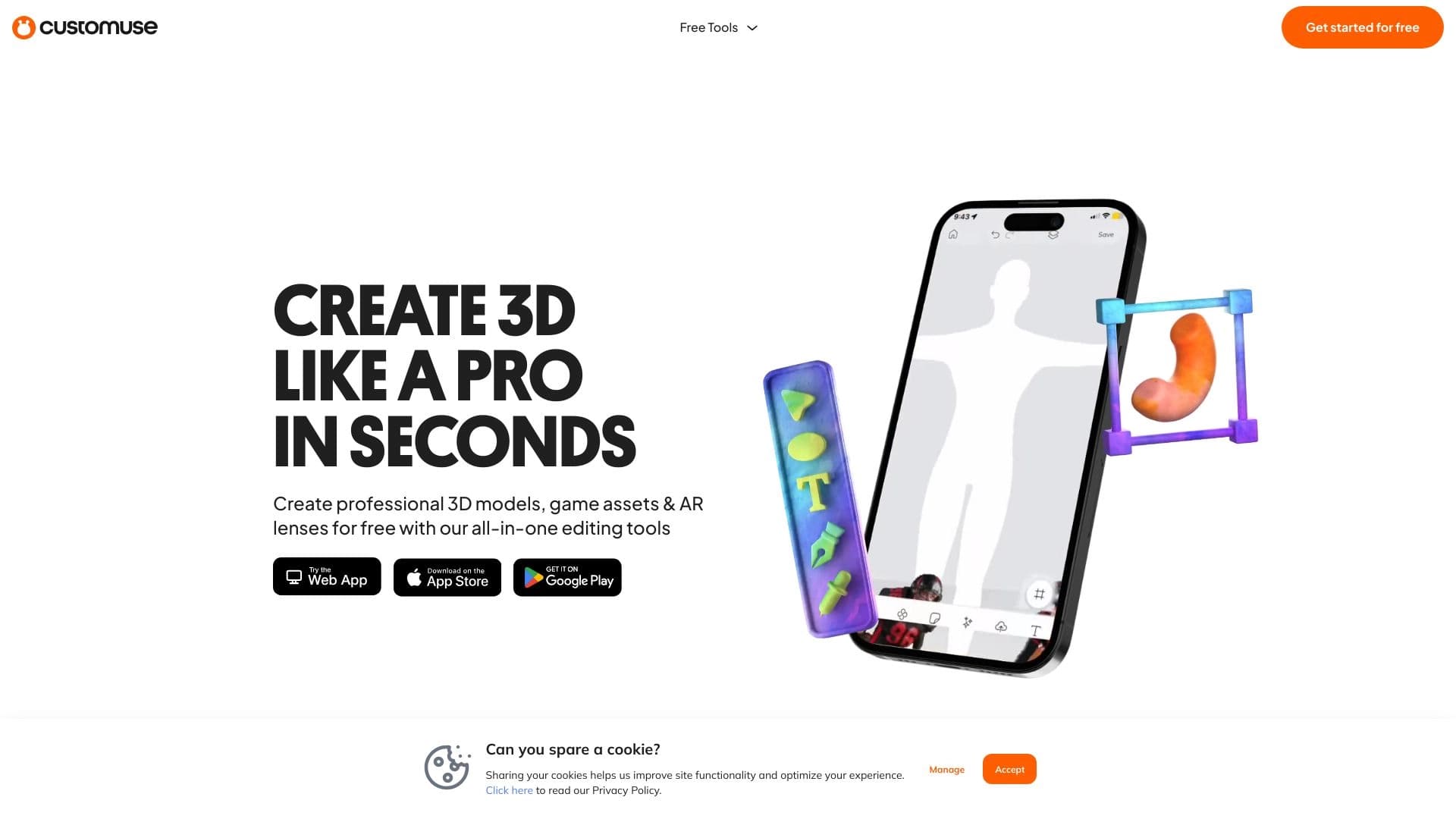
Customuse est un éditeur 3D basé sur le navigateur gratuit qui vous permet de créer des modèles tridimensionnels, des filtres AR, des peaux de jeu et des maquettes de vêtements avec l'aide de l'intelligence artificielle. Le service fonctionne bien dans votre navigateur, sans avoir besoin de télécharger ou d'installer des programmes — il suffit d'ouvrir le site Web à partir de votre ordinateur ou smartphone.
La principale caractéristique de Customuse est que l'outil combine plusieurs domaines à la fois: la modélisation 3D, la conception de vêtements, et la création d'effets AR. La plate-forme utilise l'IA pour accélérer les tâches de génération de routine, ce qui est particulièrement utile pour les débutants. Le projet a également une communauté animée où les utilisateurs partagent leur expérience, et les travaux terminés peuvent être vendus sur des plateformes tierces.
Customuse est positionné comme un outil créatif accessible : il convient à la fois à ceux qui essaient la 3D pour la première fois et aux concepteurs qui ont travaillé avec des éditeurs professionnels mais veulent une solution plus simple et plus mobile.
Caractéristiques sur mesure
| Fonctionnalité | Valeur |
|---|---|
| Type | Outil de conception et de modélisation 3D |
| Catégories | Générateurs de conception, générateurs de vêtements, outils de génération de modèles 3D |
| Plateforme | Navigateur Web, appareils mobiles |
| Plan gratuit | Oui |
| Coût de l'abonnement | Entrée — à partir de 499 RUB/mois, professionnel — à partir de 999 RUB/mois |
| Visites mensuelles | 185,6K |
| Développeur | Personnalisé |
| Date de publication sur place | 23 septembre 2025 |
Pour qui est Customuse AI?
Artistes et designers numériques
Customuse sera utile pour ceux qui travaillent avec l'art numérique qui veulent rapidement créer des objets volumétriques sans logiciel complexe. Les artistes peuvent utiliser l'outil pour les idées de prototypage, et les concepteurs pour développer des vêtements et des croquis accessoires. L'IA agit comme assistant ici, accélérant la génération des formes de base.
Gamers et créateurs de contenu de jeu
Les utilisateurs du jeu, en particulier Roblox, trouveront Customuse un outil pour créer des peaux et des actifs de jeu. Au lieu de maîtriser des moteurs professionnels complexes, vous pouvez travailler dans le navigateur et obtenir immédiatement un résultat approprié pour une utilisation dans des projets de jeu.
Ventilateurs AR et débutants 3D
Customuse est destiné à ceux qui veulent essayer leur main à la réalité augmentée et la modélisation 3D sans préparation préalable. L'interface simple et le soutien mobile rendent le service accessible à un large public, y compris les étudiants des écoles et des collèges.
Comment utiliser Customuse AI?
Inscription et première connexion
Pour commencer à travailler avec Customuse, il suffit d'aller sur le site du service et de créer un compte gratuit. Le processus d'inscription prend quelques minutes, après quoi vous avez accès à toutes les fonctionnalités de base. Il n'y a pas de mode de démonstration ou de frais cachés sur le plan gratuit.
Choisir une direction de travail
Après vous être connecté, vous pouvez commencer à créer tout de suite : choisissez des modèles 3D, des filtres AR, des peaux de jeu ou des maquettes de vêtements. L'interface est intuitive, vous pouvez donc comprendre les choses en quelques minutes. Vous pouvez travailler à la fois sur un ordinateur et un téléphone — le service synchronise les projets entre les appareils via le navigateur.
Exporter et publier votre travail
Les travaux finis peuvent être téléchargés sur différentes plateformes et vendus — le service ne limite pas les utilisateurs en monétisation. Customuse a également une communauté intégrée où vous pouvez présenter vos projets, échanger des idées et obtenir des commentaires d'autres membres.
Caractéristiques de l'utilisateur principal
Création de modèles 3D
Le noyau de la plate-forme est un constructeur d'objets 3D qui fonctionne entièrement dans le navigateur. Les utilisateurs peuvent créer des modèles à partir de zéro ou utiliser des modèles, et les outils d'IA aident à accélérer le processus de génération.
Filtres AR et maquettes de vêtements
Une zone séparée conçoit des filtres AR pour les caméras et développe des maquettes de vêtements. La personnalisation des polices, des couleurs et des logos est disponible ici, vous permettant de créer des designs uniques sans connaissance approfondie des éditeurs graphiques.
Peaux de jeu et exportation
Le service prend en charge la création de peaux de jeu, y compris des dessins pour Roblox. Les œuvres peuvent être exportées et utilisées dans des projets de jeux ou vendues sur les marchés.
Avantages sur mesure
Fonctionne depuis n'importe quel appareil
L'un des principaux avantages est l'accessibilité. Customuse fonctionne sur les ordinateurs et les téléphones à travers le navigateur, sans téléchargement de logiciels. Cela vous permet de revenir aux projets à tout moment et à partir de tout appareil.
Facilité d'apprentissage
L'interface de service est intuitive : même un débutant peut saisir les fonctions principales en quelques minutes. Ceci permet de distinguer Customuse des éditeurs 3D professionnels avec une barrière d'entrée élevée.
Plan gratuit complet
Customuse offre un accès gratuit aux capacités modernes sans frais cachés ou un mode démo dépouillé. Les plans payants existent, mais la fonctionnalité de base reste entièrement présente.
Personnaliser Désavantages
Limitations de la complexité du modèle
Customuse n'est pas adapté pour créer des modèles avancés pour les jeux AAA ou des scènes 3D complexes à part entière. L'outil est orienté vers des projets simples et de complexité moyenne qui ne nécessitent pas la puissance de calcul des éditeurs professionnels.
Dépendance à Internet
Puisque le service fonctionne dans le navigateur, une connexion Internet stable est nécessaire. Avec un signal faible, des retards et des problèmes de chargement des projets peuvent survenir.
Niveau de détail des modèles finaux
La qualité et le raffinement des modèles peuvent parfois en souffrir. L'obtention de détails élevés peut nécessiter des travaux de finissage dans des programmes tiers, ce qui ajoute des efforts supplémentaires pour ceux qui ont besoin d'un maximum de raffinement.
Quels problèmes la personnalisation résout - elle?
Création de contenu 3D
La plate-forme gère le cycle complet des tâches pour créer des modèles 3D, des filtres AR et des peaux de jeu. Les joueurs peuvent développer des conceptions pour Roblox, et les concepteurs peuvent créer des maquettes de vêtements.
Développement des actifs du jeu
Customuse est adapté pour créer rapidement des actifs de jeu et des prototypes. C'est une fonctionnalité utile pour les développeurs indépendants et ceux qui créent du contenu pour les plateformes de jeu.
Projets monétisants
Le service n'interdit pas la vente d'oeuvres créées sur les marchés. Les utilisateurs peuvent non seulement développer leurs compétences, mais aussi gagner de l'argent grâce à leurs projets 3D.
Prix sur mesure
Plan gratuit
Le plan gratuit fournit des capacités de base pour la création de modèles 3D et de filtres. Il comprend un accès complet à la fonctionnalité de base sans frais cachés ni mode démo.
Plan de démarrage
Le plan payant "Starter" élargit la fonctionnalité pour la personnalisation de conception individuelle. Il convient à ceux qui travaillent activement à personnaliser leurs projets.
Plan professionnel
Le plan professionnel comprend des outils premium et un soutien prioritaire. Il est destiné aux utilisateurs pour lesquels Customuse est un outil de travail quotidien.
Conditions d'utilisation sur mesure
Pour commencer, vous devez enregistrer un compte sur le site Web; c'est gratuit. Le plan gratuit offre un accès complet à la fonctionnalité de base, sans frais cachés ni délais. Les œuvres créées peuvent être vendues sur les marchés : le service n'interdit pas la monétisation et ne facture pas de commissions sur les ventes.
Disponibilité sur mesure
Customuse est disponible via un navigateur web sur les ordinateurs et les appareils mobiles. Tout navigateur moderne et une connexion Internet stable sont suffisants pour utiliser le service. L'information sur les langues et les régions supportées n'est pas spécifiée sur la page de service.
Comment les différences personnalisées des alternatives
Il y a plusieurs outils sur le marché qui résolvent des problèmes similaires. Hunyuan, Rodin, Kaedim, Genie de Luma, Meshy et Tripo AI — tous génèrent des modèles 3D en utilisant l'IA. Cependant, Customuse se distingue parmi eux avec deux caractéristiques clés.
Tout d'abord, Customuse combine plusieurs domaines en un seul outil : modélisation 3D, création de filtre AR, conception de vêtements et peaux de jeu. La plupart des alternatives se concentrent uniquement sur la génération de modèles 3D, tandis que Customuse offre une gamme plus large de tâches créatives.
Deuxièmement, Customuse fonctionne entièrement dans le navigateur et sur les appareils mobiles, tandis que de nombreux concurrents nécessitent l'installation de logiciels ou ont une version mobile limitée. Dans le même temps, Customuse accuse un retard par rapport aux solutions de rechange dans la complexité et le détail du modèle.
Conclusion
Customuse est un outil de modélisation 3D basé sur un navigateur gratuit qui combine la création d'objets tridimensionnels, de filtres AR, de peaux de jeux et de maquettes de vêtements. Il s'adresse aux débutants et aux passionnés, offrant une interface simple, un support mobile et une génération assistée par l'IA. Dans le même temps, le service a des limites sur la complexité du modèle et les détails, et les régimes rémunérés élargissent la fonctionnalité pour la personnalisation de la conception individuelle. Customuse convient à ceux qui veulent rapidement maîtriser la créativité 3D, créer du contenu de jeu, et monétiser leur travail sur les marchés.
Foire aux questions
Voir aussi
Plateforme de communication avec l'IA sans clavardage, images vocales et vidéo.
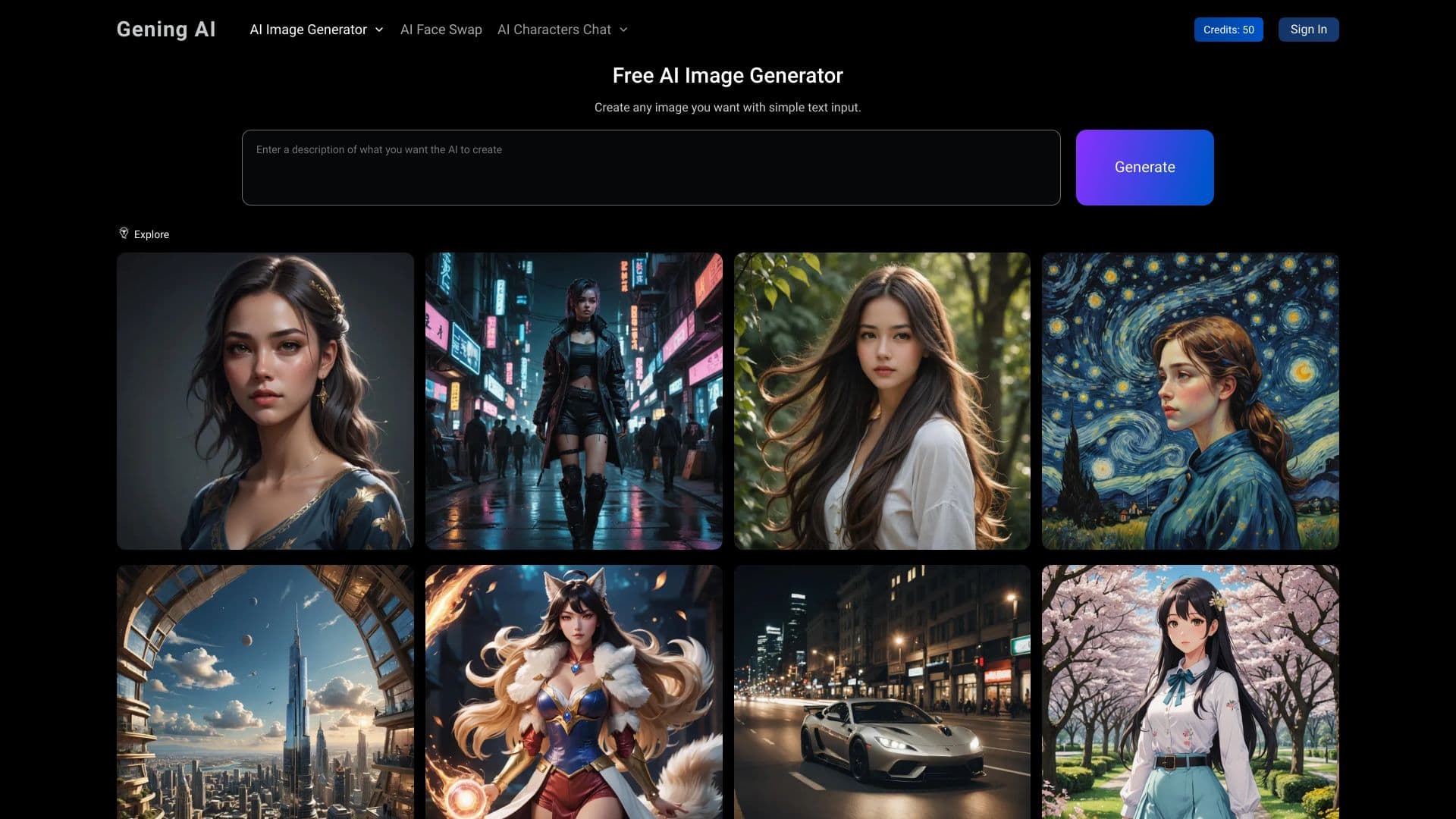

Plateforme avec une suite d'outils AI pour la génération d'images, l'échange de visages et la conversation avec des caractères AI.


Éditeur en ligne pour supprimer les objets indésirables, le texte et les défauts des photos à l'aide d'un réseau neuronal.

iSamourai est un ensemble d'outils d'IA pour améliorer les images et vidéos de remplacement de récupération.
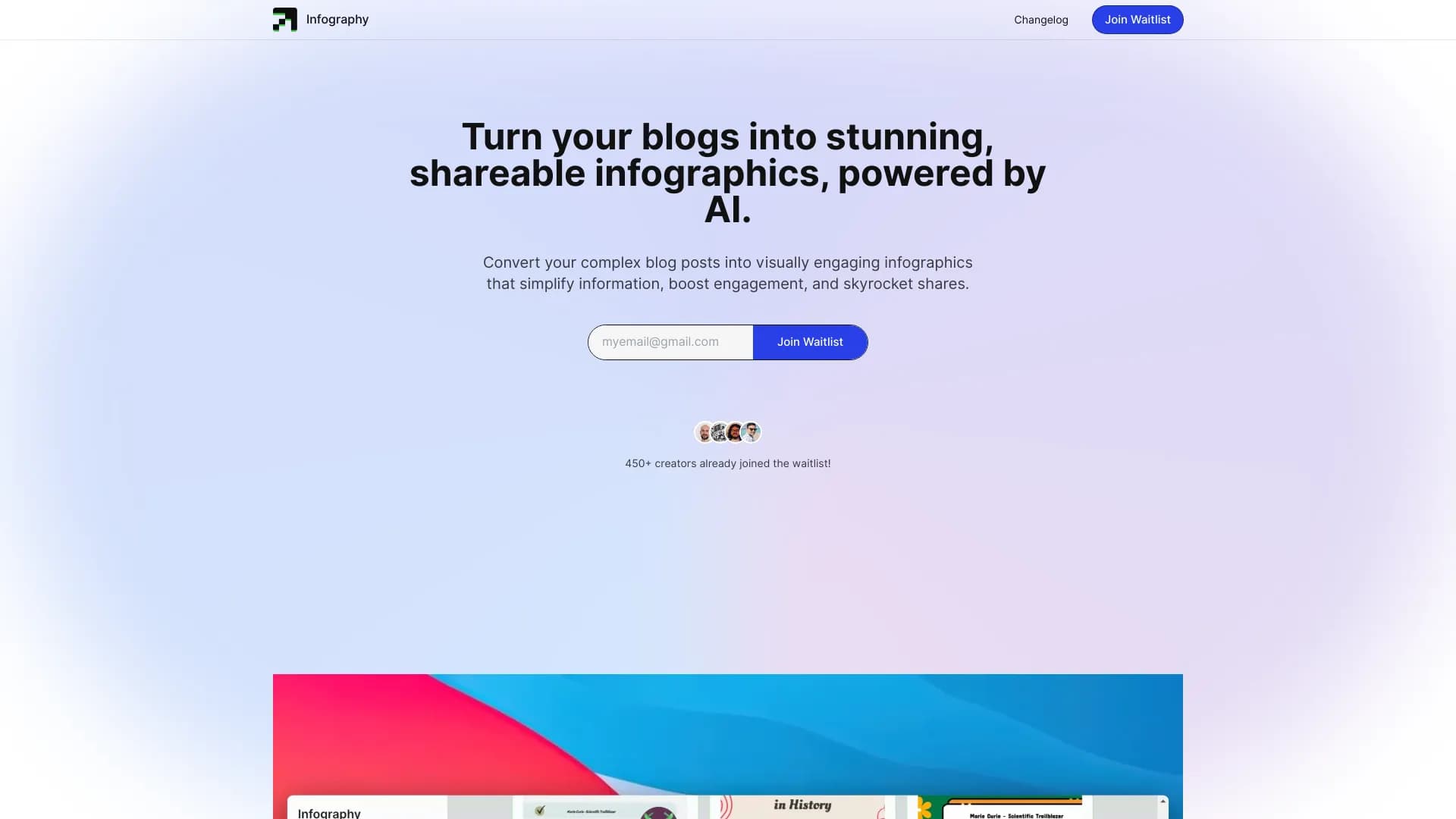

Outil AI pour créer automatiquement des infographies à partir de texte.
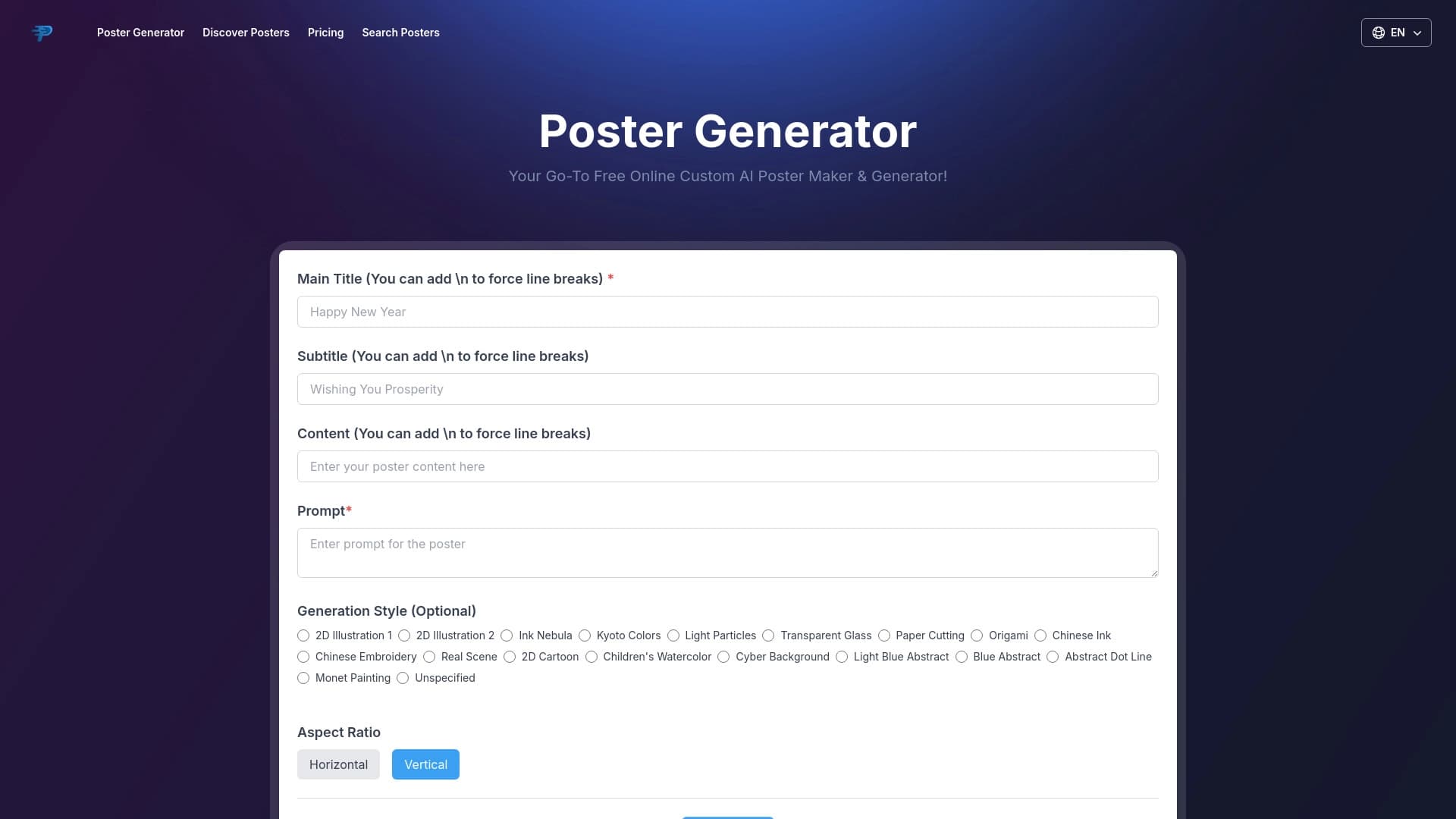
Outil en ligne pour créer rapidement des affiches avec l'IA.
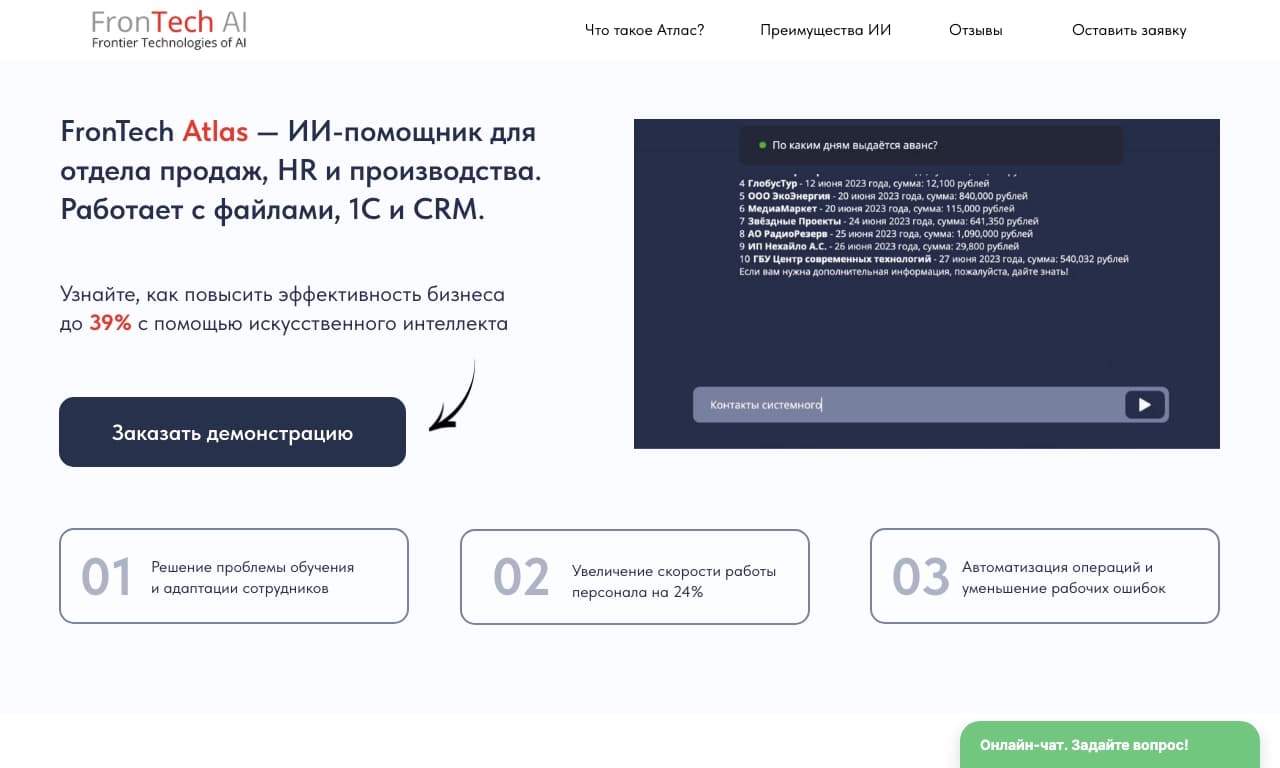
Assistant d'intelligence d'entreprise pour l'analyse des données et l'automatisation des tâches d'entreprise, formatable sur les propres données d'une entreprise.

Une plate-forme pour générer des images, vidéos et audio en utilisant l'intelligence artificielle à partir de descriptions de texte.