
Creately AI Diagram Generator
Tool for creating flowcharts and diagrams from a text description with editing and export capabilities.
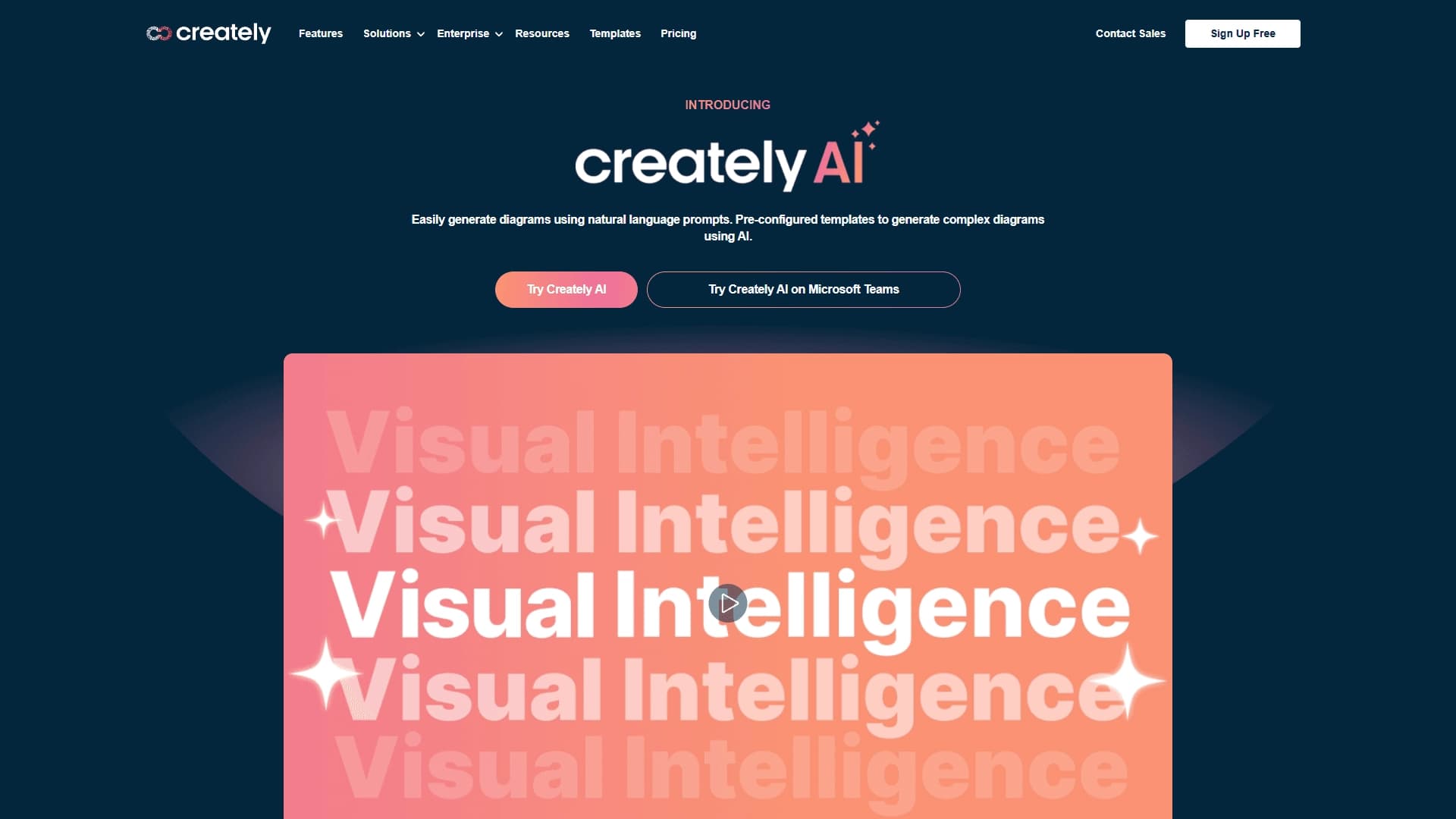
Overview
Creately AI Diagram Generator is a web-based tool that turns a text description of a process into a structured visual diagram. Instead of manually drawing a flowchart or process map, you describe the logic and sequence of actions in words, and the AI builds them into a clear diagram. The result can be used immediately: edit elements, add comments, and export in the format you need.
The service is designed for team collaboration and aims to speed up the visualization of business processes. It bridges the gap between a text description and a finished diagram, eliminating the routine work of drawing blocks and connections.
Creately AI Diagram Generator Features
| Feature | Value |
|---|---|
| Type | AI diagram and flowchart generator |
| Categories | Diagrams and schematics, visual boards and collaboration, maps and schematics |
| Platform | Web (creately.com) |
| Free plan | Not specified on the page |
| Distribution model | Freemium |
| Export formats | PNG, PDF, SVG |
| Primary use | Creating flowcharts, process maps, and user flows from text |
Who is Creately AI Diagram Generator for?
Teams working with business processes
The tool is designed for professionals who regularly need to document procedures and algorithms. This can include approval workflows, order processing, internal instructions, and any other sequences of actions that need to be presented visually.
Product teams
Developers and product managers can use the generator to visualize user flows — the user's path through an interface. This helps align product logic faster and identify pain points.
Managers and analysts
For those working with customer journeys and internal procedures, the service is suitable for quickly creating process maps without the need to master complex modeling tools.
How to use Creately AI Diagram Generator?
Step 1: Describe the process
All you need to get started is to describe the process in a prompt. The more detailed and structured the description, the more accurate the diagram the AI will build. Simply specify the sequence of steps, conditions, and possible branches.
Step 2: Generate the diagram
The service turns the text description into a ready-made structure. At this stage, you get a draft version of the diagram that you can use as a foundation.
Step 3: Refine and export
The resulting diagram can be edited manually: move blocks, change connections, add comments. Once refined, the diagram can be exported to PNG, PDF, SVG, or used in a collaborative mode.
Key features of Creately AI Diagram Generator
AI generation from text descriptions
The core feature of the service is creating a diagram from text. This is ideal for rapid prototyping of diagrams and saves time that would otherwise be spent on manual drawing.
Real-time collaboration
Diagrams can be shared with your team: members can edit the diagram simultaneously, leave comments, and discuss changes. This is especially useful when aligning on business processes.
Export to multiple formats
Finished diagrams can be exported to PNG, PDF, SVG, and other formats. This allows you to use the diagrams in documentation, presentations, and work reports.
Support for different diagram types
The tool works for both process maps and decision flowcharts, making it a versatile solution for various tasks.
Creately AI Diagram Generator Advantages
Suitable for business processes and teamwork
The service is built for team scenarios from the ground up: collaborative editing and commenting are part of the core workflow, not an add-on feature.
Manual refinement options
The generated diagram is not the final result. You can make edits, clarify details, and adapt the diagram to your needs without having to regenerate it from scratch.
Creately AI Diagram Generator Disadvantages
Official sources do not contain information about any obvious drawbacks of the service. It's worth noting that the quality of the generated diagram directly depends on the quality of the text description: the more complex and convoluted the process, the more manual refinement may be required. Also, details about the free plan are not disclosed, which could create limitations for users who want to evaluate the tool before purchasing.
What tasks does Creately AI Diagram Generator solve?
Creating flowcharts
The tool is suitable for quickly visualizing algorithms and sequences of actions. Just describe the logic to get a clear diagram.
Building process maps
Process maps are one of the key use cases for the service. It helps structure business processes and present them in a format that is understandable to all team members.
Visualizing user flows
For product teams, the tool is useful when designing user flows. A user journey diagram is created from a text description and can be quickly modified when needed.
Collaborative editing and commenting
The service handles teamwork on diagrams: members can make changes simultaneously and leave notes directly on the diagram.
Creately AI Diagram Generator Pricing
Exact pricing information is not published in public sources. The service uses a freemium distribution model, which implies a free plan with basic features and paid subscriptions with expanded capabilities. For current pricing details, it is recommended to visit the official website creately.com.
Creately AI Diagram Generator Terms of Use
Detailed terms of use, including free plan limitations and subscription rules, are not disclosed in available sources. The service operates as a web-based model, meaning access is through a browser without the need to install software. Paid plans may be required for commercial use and team collaboration.
Creately AI Diagram Generator Availability
Creately AI is available as a web application at creately.com. All you need is a stable internet connection and a modern browser. The tool does not require installation on a local computer and is accessible from any device.
How Creately AI Diagram Generator differs from alternatives
The key difference between Creately AI and its closest competitors is its focus on collaborative teamwork and business processes. While some alternatives (such as Miro AI Flowchart or Lucidchart AI) are primarily visual boards with AI features, Creately AI is designed from the start around structured diagrams and process maps.
The service targets users who need not just diagram generation, but also the ability to collaboratively refine and discuss the result. Unlike simplified generators like ChatFlowchart or ChartGen AI, which focus on fast text-to-diagram conversion, Creately AI offers deeper integration with the team's workflow.
Product managers and analysts may choose this tool for its smooth transition from a text description to a structured diagram that can be immediately shared with colleagues for approval.
Conclusion
Creately AI Diagram Generator is a practical tool for teams that regularly need to visualize processes. The service addresses the core need: a fast transition from a verbal description to a structured diagram that can be edited and discussed collaboratively. Export options to popular formats and built-in teamwork features make it a strong candidate for business use. At the same time, it's worth noting that to evaluate the full functionality and pricing, you'll need to visit the official website, as details about the free plan and pricing are not disclosed.
Frequently asked questions
See also

Platform for automated geospatial analysis of satellite imagery and geographic data.


Platform for creating multi-agent AI systems and chatbots to automate customer support and lead generation.

AI business name generator with domain availability checking.


AI tool for automating social media marketing, including content generation, post scheduling, and analytics.

AI assistant for sports betting and casino, analyzing the user's past actions to provide personalized advice.


Universal AI assistant that analyzes videos and web pages, answers questions, and creates summaries.


Averi is a marketing platform that brings campaign planning, content creation, and analytics together in a single interface.


AI tool for creating presentations, documents, and web pages from a text description.