

Coursebox AI
Plataforma baseada em IA para criação e edição rápida de cursos online, com capacidade de gerar vídeos educacionais com apresentador virtual.
Posição nos rankings
Visão geral
Descrição da Rede Neural do Campo AI
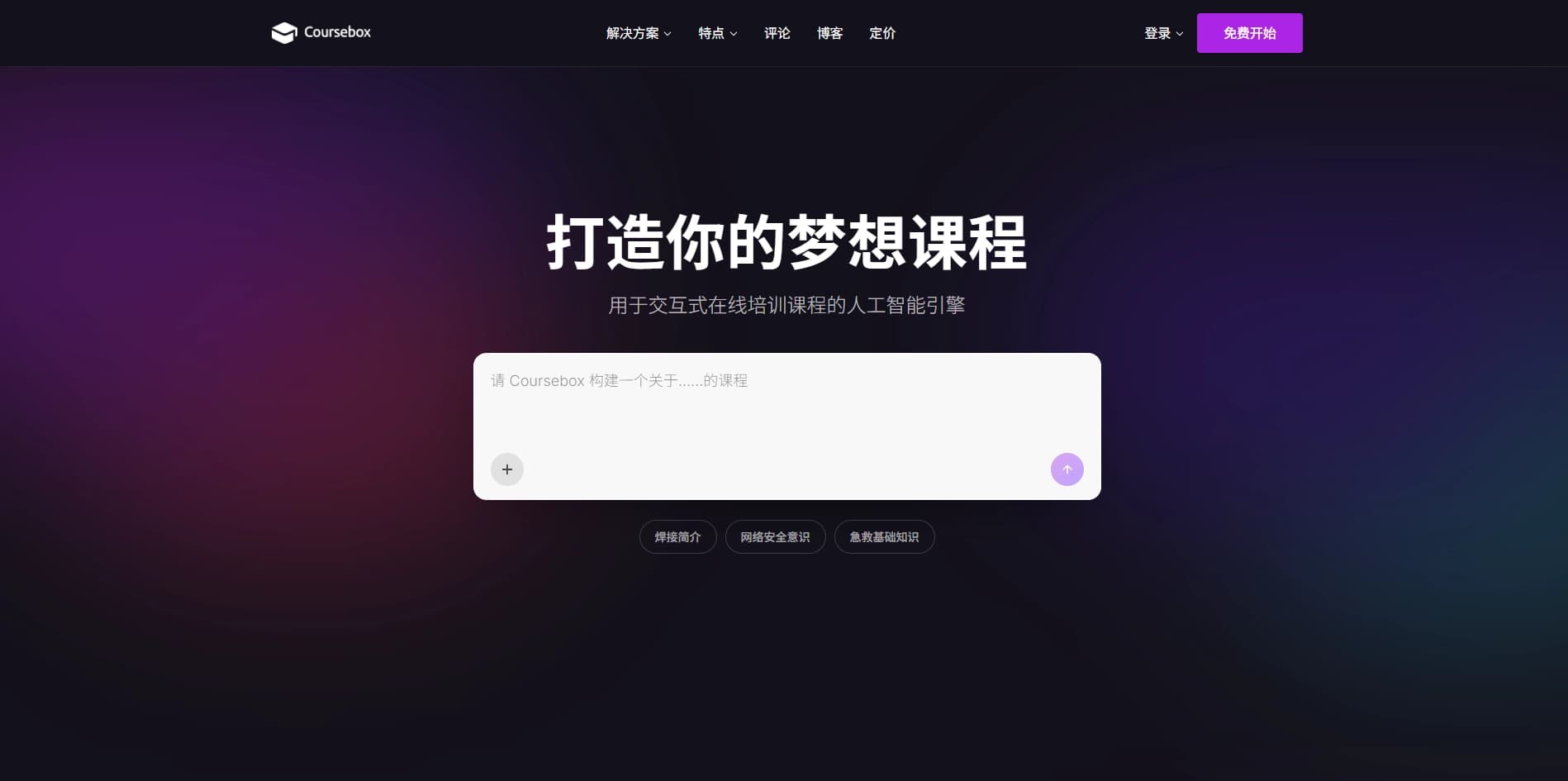
O Coursebox IA é uma plataforma online com tecnologia de IA concebida para automatizar a criação de cursos de formação e materiais de vídeo educativos. O serviço pode transformar arquivos carregados ou texto simples em um curso estruturado com testes, atribuições e vídeos. A principal característica da plataforma é a geração de vídeo com um avatar apresentador virtual: os usuários escrevem ou editam um script, escolhem um narrador e recebem um vídeo terminado sem uma equipe de filmagem ou estúdio.
Essencialmente, é uma solução abrangente que combina um construtor de curso de arrastar e soltar com um editor de vídeo integrado. A plataforma está focada no rápido desenvolvimento da aprendizagem: do upload de material para uma lição final pode levar apenas alguns minutos. O sistema suporta mais de 100 idiomas, tornando-o útil para equipes globais e projetos educacionais internacionais.
Características da caixa de curso IA
| Característica | Valor |
|---|---|
| Tipo | Geração de vídeo educacional, construtor de cursos |
| Categoria | Texto → Vídeo, Tutoriais e treinamento, Criação de conteúdo |
| Plataformas | Web (coursebox.ai) |
| Linguagens de interface | Mais de 100 idiomas, cerca de 300 acentos |
| Disponibilidade de nível livre | Não especificado |
| Avaliação do utilizador | 4.3 ★ |
| Avaliação editorial | 8.5 de 10 |
| Sítio Web | www.coursebox.ai |
Para quem é adequado o Coursebox IA?
Utilizadores corporativos
A ferramenta é projetada para empresas que precisam treinar funcionários e clientes. Isso inclui instruções, integração para novos contratos, programas de conformidade e treinamento de produtos. A caixa de curso IA permite a criação e atualização rápidas de materiais de treinamento sem envolver contratantes.
Criadores de cursos online
A plataforma atende educadores e autores de programas educacionais que desejam reduzir o tempo gasto na preparação material. O serviço é especialmente útil para equipes que trabalham remotamente em diferentes países: uma única ferramenta permite criar cursos em diferentes idiomas sem estúdios de voz-over ou contratar falantes nativos.
Instrutores individuais
Professores e tutores podem usar o campo de curso IA para gerar estrutura e conteúdo do curso: testes, atribuições e palestras de vídeo. O construtor de arrastar e soltar simplifica a montagem do módulo de treinamento final.
Como utilizar o Coursebox IA?
O fluxo de trabalho com a plataforma consiste em várias etapas sequenciais.
Passo 1: Material de envio
Comece enviando um arquivo ou colando texto no campo designado. O sistema irá analisar o conteúdo e gerar uma estrutura de curso de esboço: quebrando o material em módulos e sugerindo perguntas de teste e atribuições.
Passo 2: Editar o script
Para materiais de vídeo, abra o editor de script embutido. Edite o texto que o apresentador virtual irá falar, encurtando ou expandindo-o conforme necessário. O script pode ser ajustado até que o resultado seja satisfatório.
Passo 3: Escolha um avatar e voz
Selecione a aparência, idioma e voz do narrador virtual a partir das opções disponíveis. A plataforma suporta mais de 100 idiomas e cerca de 300 sotaques, para que você possa encontrar o adequado para seu público específico.
Passo 4: Gerar o vídeo
Inicie o processo de geração. O sistema cria automaticamente um vídeo com um apresentador virtual lendo o script e abordando espectadores na câmera. O vídeo acabado pode ser usado no curso imediatamente.
Principais características da caixa de curso IA
Geração de vídeo com um apresentador virtual
A principal característica do serviço é transformar materiais de treinamento baseados em texto em vídeos acabados sem filmagem ou edição. O avatar virtual lê o script, criando o efeito de uma palestra de vídeo completa.
Construtor de cursos
A plataforma gera automaticamente uma estrutura de curso de rascunho e conteúdo baseado em materiais carregados. Um editor de arrastar e soltar está disponível, permitindo que você monte um módulo de treinamento de blocos prontos — testes, vídeos e outros elementos interativos.
Editor de script incorporado
Para conteúdo de vídeo, um editor de script é fornecido onde você pode refinar o texto antes de lançar a geração. Isso acelera as atualizações de conteúdo: simplesmente altere o texto e regenere o vídeo sem refilmar materiais.
Suporte multilingue
O serviço suporta mais de 100 idiomas e cerca de 300 sotaques, tornando-o adequado para a localização de aprendizagem em nível global.
Vantagens da caixa de curso IA
Velocidade de criação de conteúdo
Nenhuma equipe de filmagem, estúdio ou edição complexa é necessária. Vídeos e estruturas de cursos são criados automaticamente, economizando significativamente tempo no desenvolvimento de materiais de treinamento.
Facilidade de actualização
Basta ajustar o texto do script e regenerar o vídeo. Não há necessidade de refilmar ou contratar atores de voz — todo o processo leva apenas minutos.
Padrão de formação unificado
A plataforma permite criar programas de treinamento de alta qualidade para equipes distribuídas em diferentes países, sem envolver falantes nativos ou estúdios de voz. Localização do curso torna-se uma tarefa simples.
Altas classificações de usuários
O serviço recebeu uma classificação do usuário de 4,3 de 5 e uma classificação editorial de 8,5 de 10, refletindo seu valor prático e facilidade de uso.
Retiradas de IA da caixa de curso
A principal limitação do serviço é a falta de informações sobre um nível livre — não está claro se o serviço pode ser testado antes de comprar uma assinatura paga.
Que tarefas o Coursebox IA resolve?
Criando vídeos de treinamento de texto e arquivos
A plataforma automatiza o processo de transformar materiais de texto em vídeos com um apresentador virtual, eliminando a necessidade de gravação em estúdio.
Formação empresarial
A ferramenta é adequada para criar instruções, programas de integração, materiais de conformidade e treinamento de produtos para funcionários e clientes.
Cursos de escala e atualização
Através da automação, o serviço simplifica rápidas atualizações de programas de treinamento e escala de produtos educacionais para novos mercados.
Localização para equipes globais
Suporte para mais de 100 idiomas resolve o desafio de criar programas de treinamento unificados para equipes distribuídas em todo o mundo, sem necessidade para terceirizar tradução e voz-over aos contratantes.
Preço de IA da caixa de curso
Fontes disponíveis não especificam custos de assinatura ou planos pagos. O modelo de distribuição é definido como freemium, sugerindo que existe funcionalidade livre básica, mas números específicos e termos do plano não são fornecidos.
Termos de Uso da IA da caixa de curso
Os termos de serviço não são descritos em fontes disponíveis. Requisitos para tamanhos de arquivos carregados, duração do vídeo gerado e limites no O número de materiais gerados sob o nível livre não é especificado. Os usuários são aconselhados a rever os termos diretamente no site oficial da plataforma.
Disponibilidade de IA da caixa de curso
A plataforma opera através de uma interface web e está disponível no site oficial coursebox.ai. O serviço visa uma audiência internacional e suporta mais de 100 idiomas de interface. A interface funciona com a maioria dos navegadores modernos sem instalar software adicional.
Como o campo de curso IA difere das alternativas
A principal diferença entre o Coursebox IA e os concorrentes é combinar um construtor de cursos e um gerador de vídeo apresentador virtual em uma única interface. Muitas plataformas oferecem criação de curso baseada em texto ou geração de vídeo independente, mas raramente combinam ambos os processos. Graças ao editor de script integrado, atualizações de conteúdo de vídeo acontecem sem refilmagens.
O suporte para mais de 100 idiomas e cerca de 300 acentos diferencia o serviço de ferramentas focadas apenas no inglês ou em um conjunto limitado de idiomas. Esta é uma vantagem significativa para empresas com equipes distribuídas em todo o mundo.
Conclusão
Coursebox IA é uma ferramenta funcional para criar rapidamente materiais de treinamento, combinando geração de vídeo com um apresentador virtual e um construtor de cursos com estruturação automática. O valor principal da plataforma é a velocidade de desenvolvimento de conteúdo e atualizações sem filmagem ou edição complexa. O suporte a mais de 100 idiomas simplifica a localização de programas de treinamento para equipes globais. O serviço recebeu altas classificações de editores e usuários e tem como objetivo o treinamento corporativo e instrutores individuais.
Perguntas mais frequentes
Consulte também
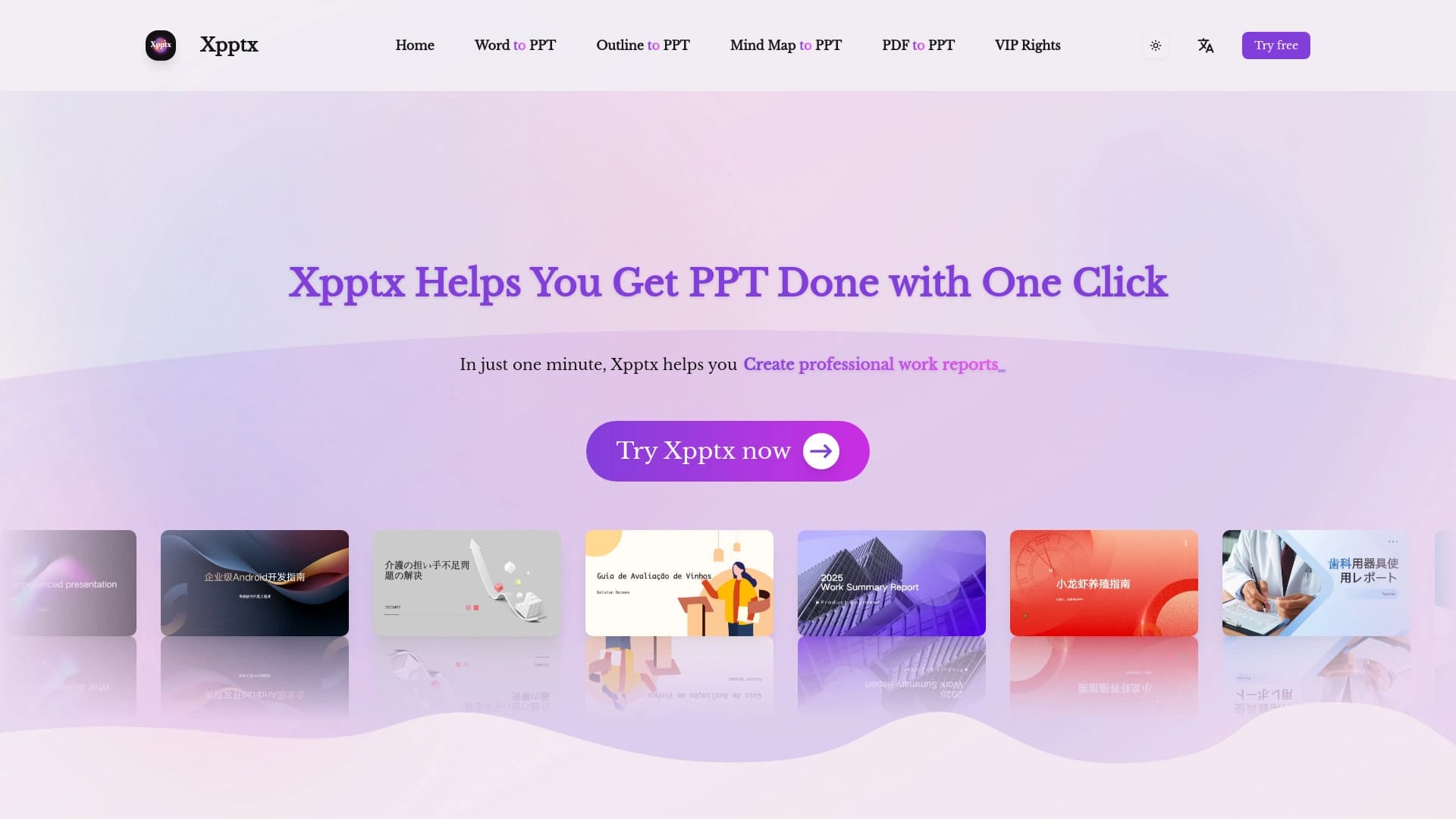

Web service para apresentações rápidas sobre descrição de texto.


Plataforma com IA para geração de documentos legais, análise de contratos e obtenção de informações legais.


Serviço de IA para planejamento de refeições, geração de receitas e criação automática de listas de compras.
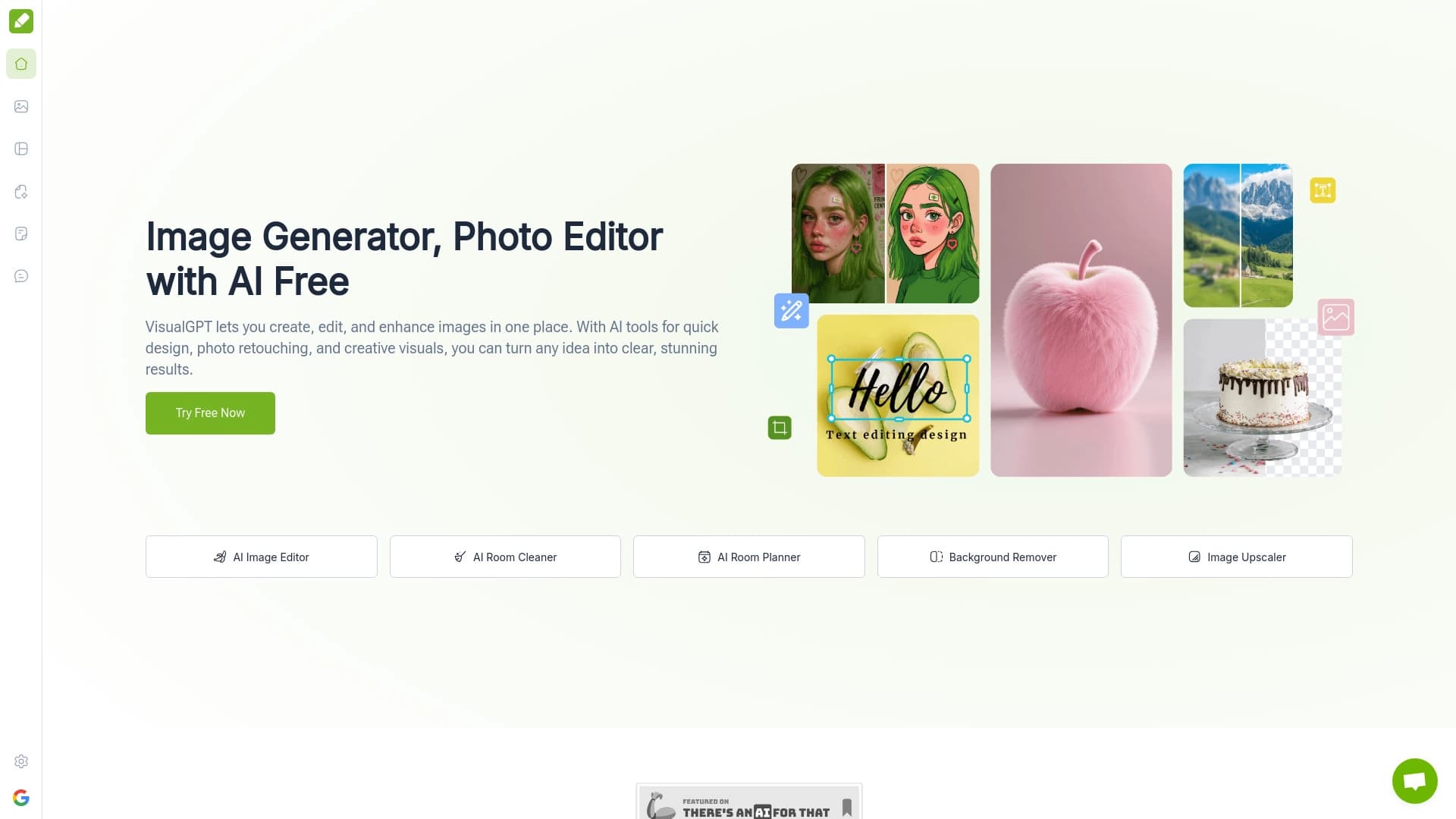

Uma plataforma para criar e editar imagens baseadas em inteligência artificial.


Serviço para transformar imagens estáticas em vídeos com canto e sincronização labial usando IA.

Extensão para Chrome que ajuda a vencer no jogo educativo Blooket, sugerindo respostas e automatizando ações.


Rede neural aberta para resolver problemas complexos em matemática, programação e lógica.

Conjunto de ferramentas baseadas em IA para otimizar fluxos de trabalho e aumentar a produtividade.