
ColorMagic — AI Color Palette Generator
Génère des palettes de couleurs harmonieuses à partir d'une description texte ou d'un code HEX.
Place dans les classements
Aperçu général
ColorMagic — Générateur de palette couleur AI
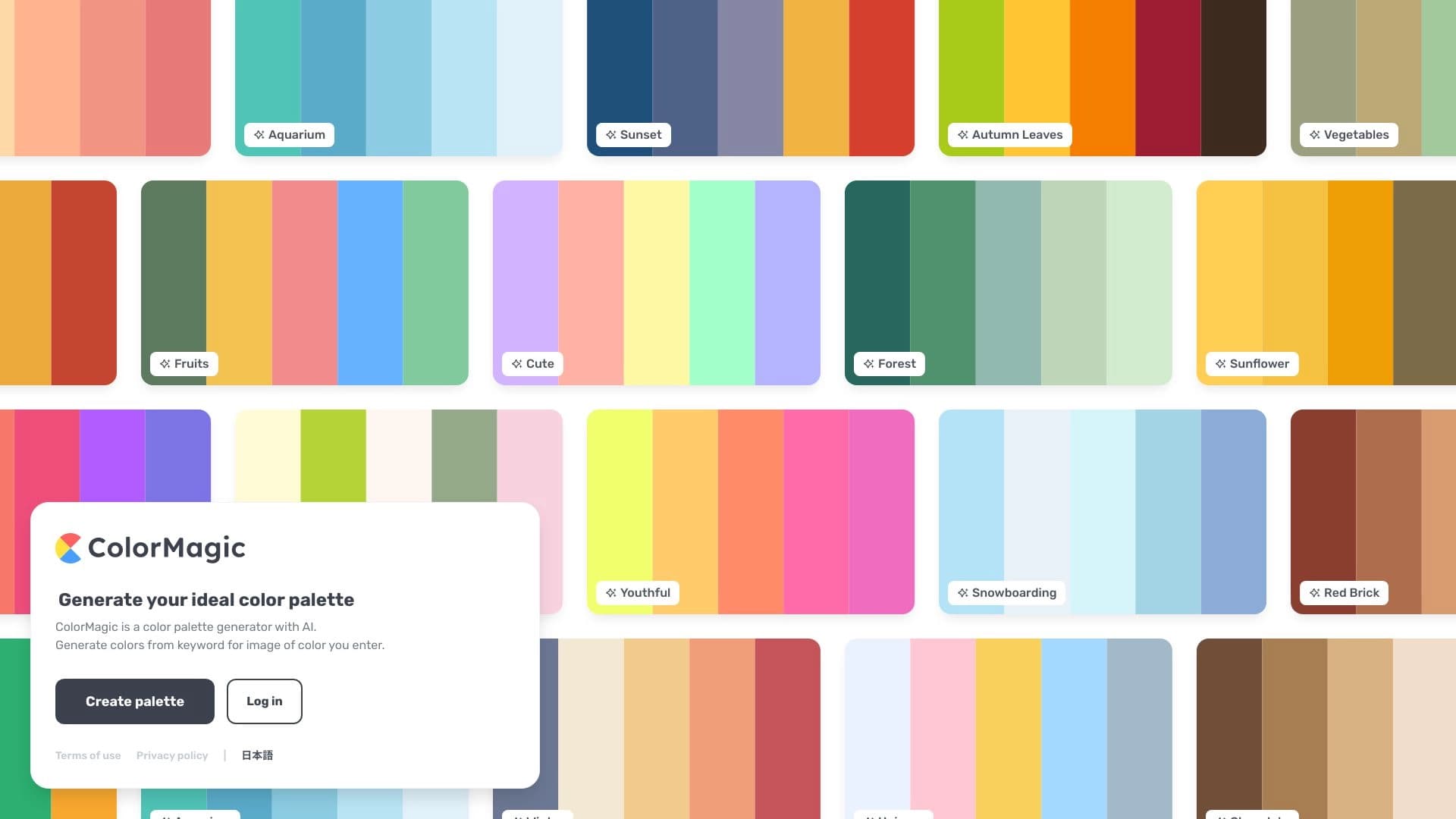
ColorMagic est un service web qui utilise l'intelligence artificielle pour créer des palettes de couleurs. Au lieu de passer manuellement à travers les nuances, vous décrivez ce que vous voulez en mots ou entrez un code HEX existant — et le réseau neuronal suggère une combinaison harmonieuse de couleurs.
Comment ça marche
Le principe de travail de l'outil est assez simple : l'utilisateur entre dans une invite de texte (par exemple, un nom de marque, un mot-clé ou une description d'humeur), et l'algorithme sélectionne une palette appropriée. Vous pouvez également télécharger un code HEX spécifique, et l'IA va construire des nuances supplémentaires autour de lui créer un schéma de couleur cohérent. Cela élimine le besoin de trouver des combinaisons vous-même, en s'appuyant sur l'intuition ou de longues expériences.
Idées clés du Service
ColorMagic a pour objectif principal d'accélérer et de simplifier la sélection des couleurs. Le service se concentre sur les résultats rapides : il crée une palette prête en quelques secondes, vous permettant de vous concentrer sur d'autres aspects de votre projet. L'outil est déclaré entièrement libre, sans limite sur le nombre de générations, le rendant accessible pour une utilisation régulière.
ColorMagic — Caractéristiques du générateur de palette couleur AI
| Fonctionnalité | Valeur |
|---|---|
| Type | Générateur de palette de couleurs AI |
| Catégories | Palettes de couleurs, assistants de conception et maquettes |
| Plateforme | Site web (colormagic.app) |
| Plan gratuit | Oui (le service est entièrement gratuit) |
| Méthode de génération | Par description texte, thème, mots-clés ou codes HEX |
| Limites de production | Illimité |
| Public cible | Designers, marketeurs, créateurs de contenu, débutants |
Pour qui ColorMagic est - il générateur de palettes couleur AI?
ColorMagic est utile pour tous ceux qui traitent avec la sélection de couleurs dans leur travail ou projets créatifs.
Designers et développeurs d'interface
Pour les web designers et les spécialistes de l'UI/UX, l'outil devient un assistant pour trouver de nouvelles combinaisons. Au lieu de passer du temps à trier à travers des schémas de couleurs, il suffit de définir une direction et d'obtenir une palette prête pour une interface, une maquette ou un prototype. C'est aussi un moyen pratique de aller au-delà des solutions familières et trouver des combinaisons non conventionnelles.
Marchés et créateurs de contenu
En préparant des présentations, des messages sur les médias sociaux ou du matériel publicitaire, il est important que les visuels correspondent à la marque et attirent l'attention. ColorMagic vous permet de choisir rapidement un schéma de couleurs pertinent avec un temps minimum passé. Le service fera également appel à des débutants qui ne sont pas encore confiants dans leur connaissance de la théorie des couleurs : il suffit de décrire l'humeur désirée en mots, et l'IA proposera un schéma de couleurs prêt à l'emploi.
Comment utiliser ColorMagic — Générateur de palette couleur AI?
Le service est conçu pour obtenir des résultats le plus rapidement possible, sans courbe d'apprentissage raide.
Étape 1. Formulez votre demande
Entrez un nom de marque, un thème, un mot-clé ou simplement une description texte de l'humeur que vous voulez transmettre dans le champ sur le site. Par exemple, il pourrait s'agir du « coucher du soleil » ou du « minimalisme scandinave ».
Étape 2. Utilisez un code HEX comme base
Si vous avez déjà une couleur de marque, vous pouvez spécifier son code HEX. Le réseau neural utilisera cette couleur comme base et sélectionnera des nuances supplémentaires pour créer une palette harmonieuse.
Étape 3. Obtenez et appliquez le résultat
Après avoir traité votre demande, le service affiche une palette prête à l'emploi. Vous pouvez l'utiliser immédiatement — pour le design, les présentations ou le style des médias sociaux. Vous pouvez générer des palettes un nombre illimité de fois, expérimenter avec l'humeur et le style de votre projet.
Caractéristiques clés de ColorMagic — Générateur de palette de couleur AI
Les capacités du service sont concentrées sur une seule tâche — générer des combinaisons de couleurs — mais elles sont mises en œuvre de manière flexible.
Génération par texte
Au lieu de choisir manuellement des nuances similaires, vous pouvez décrire ce dont vous avez besoin en mots. L'AI interprète la demande et suggère une palette qui correspond à la description ou au thème indiqué.
Travailler avec les codes HEX
Si vous devez rester dans le schéma de couleur d'un livre de marque existant, vous pouvez entrer une couleur spécifique. Le réseau neuronal le complétera par des combinaisons appropriées pour créer une palette complète.
Générations illimitées
Le service ne limite pas le nombre de tentatives. Cela vous permet d'expérimenter différentes options, de les comparer et de choisir la meilleure.
Sélection de la solution de couleur rapide
La fonction principale est d'économiser du temps. Au lieu d'une longue recherche manuelle, vous obtenez un ensemble prêt, équilibré en quelques secondes.
Avantages de ColorMagic — Générateur de palette couleur AI
Voici les points forts du service qui le distinguent du travail manuel et de certaines solutions de rechange.
- Service entièrement gratuit: Aucun frais d'utilisation n'est facturé, ce qui est particulièrement important pour les freelances et les petites équipes.
- Économies de temps : La sélection manuelle des couleurs nécessite de l'expérience et du temps; ColorMagic automatise ce processus.
- Base utilisateur importante: Le service a déjà généré plus de 4 millions de palettes, avec des centaines de milliers d'utilisateurs satisfaits, confirmant ainsi la demande pratique de l'outil.
- Polyvalence: L'outil s'adapte à diverses tâches, de la conception du Web aux présentations et au contenu des médias sociaux.
Inconvénients de ColorMagic — Générateur de palette couleur AI
Étant donné que la fonctionnalité de base du service est axée sur la génération de palettes, il a aussi des limites objectives qui méritent d'être prises en considération lors du choix.
- Concentration étroite: L'outil n'est pas conçu pour créer des maquettes complètes ou des graphiques complexes — il résout la tâche étroite de la sélection des couleurs.
- Dépendance à la qualité rapide: La qualité de la palette dépend en grande partie de la précision et de la justesse de la formulation de l'invite de texte.
- Pas de paramètres avancés & #160;: Le service priorise la simplicité et la vitesse, de sorte que les réglages à grain fin disponibles dans les éditeurs graphiques professionnels peuvent faire défaut.
Quelles tâches le générateur de palette couleur ColorMagic — AI se résout - il?
Le service aide à gérer une partie courante mais importante du travail visuel — trouver des couleurs.
- Trouver des combinaisons idéales en secondes: Au lieu de choisir avec soin des dizaines de teintes similaires, vous obtenez une option prête à l'emploi.
- Créer des palettes harmonieuses pour différentes tâches : Convient pour la conception web, l'interface utilisateur/UX, la création de logos, les présentations et le contenu des médias sociaux.
- Découvrez de nouvelles idées de couleurs : Les instructions basées sur des mots clés vous permettent de vous éloigner des modèles et de trouver des combinaisons vraiment inattendues et fraîches.
ColorMagic — Prix du générateur de palettes couleur AI
D'après les données disponibles, ColorMagic est positionné comme un service gratuit. Aucun autre plan de tarification n'est décrit — au moment de la publication, il semble être un produit entièrement gratuit sans frais d'utilisation. Des informations détaillées sur les abonnements payants individuels sont indisponibles, donc si vous en voyez, il vaut la peine de consulter le site officiel du service.
ColorMagic — Générateur de palettes couleur AI
Les conditions d'utilisation détaillées, y compris les exigences d'enregistrement et la portée de la licence, ne sont pas précisées dans les données sources. D'après la description, le service est disponible gratuitement via une interface Web; toutefois, il n'est pas confirmé si un compte obligatoire est requis. Avant de commencer le travail actif, il vaut la peine de revoir les termes directement sur colormagic.app.
ColorMagic — Disponibilité du générateur de palettes couleur AI
Le principal et seul point d'accès confirmé est le site colormagic.app. Le service fonctionne en ligne, vous permettant de l'utiliser depuis n'importe quel appareil via un navigateur. L'information sur le support pour des langues d'interface spécifiques et les restrictions régionales ne sont pas divulguées dans les sources disponibles.
Comment le générateur de palette couleur ColorMagic — AI diffère des alternatives
La principale différence de ColorMagic est sa liberté totale avec des générations illimitées. De nombreux services similaires offrent soit un nombre limité de tentatives gratuites, soit des services d'abonnement. ColorMagic met l'accent sur la facilité d'utilisation : l'utilisateur entre soit le texte, soit un code HEX et obtient une palette prête à l'emploi. Cela rend l'outil maximum pratique pour les tâches rapides, ne nécessitant aucune connaissance profonde de la théorie des couleurs. Une confirmation supplémentaire de fiabilité est l'importante base d'utilisateurs et de statistiques accumulées — plus de 4 millions de palettes créées.
Conclusion
ColorMagic est un outil d'IA pratique et totalement gratuit pour générer des palettes de couleurs. Il convient à la fois aux designers professionnels et aux débutants, aidant rapidement à obtenir des combinaisons harmonieuses à partir d'une description de texte ou de code HEX. Le service couvre la tâche de trouver des couleurs pour la conception web, les interfaces, les présentations, et les médias sociaux, économiser du temps et éliminer la routine. Grâce à des générations illimitées et une expérience significative confirmée par des millions de palettes créées, ColorMagic reste un assistant fiable dans le travail de couleur quotidien.
Foire aux questions
Voir aussi


Outil d'IA en ligne pour créer des images en profondeur.
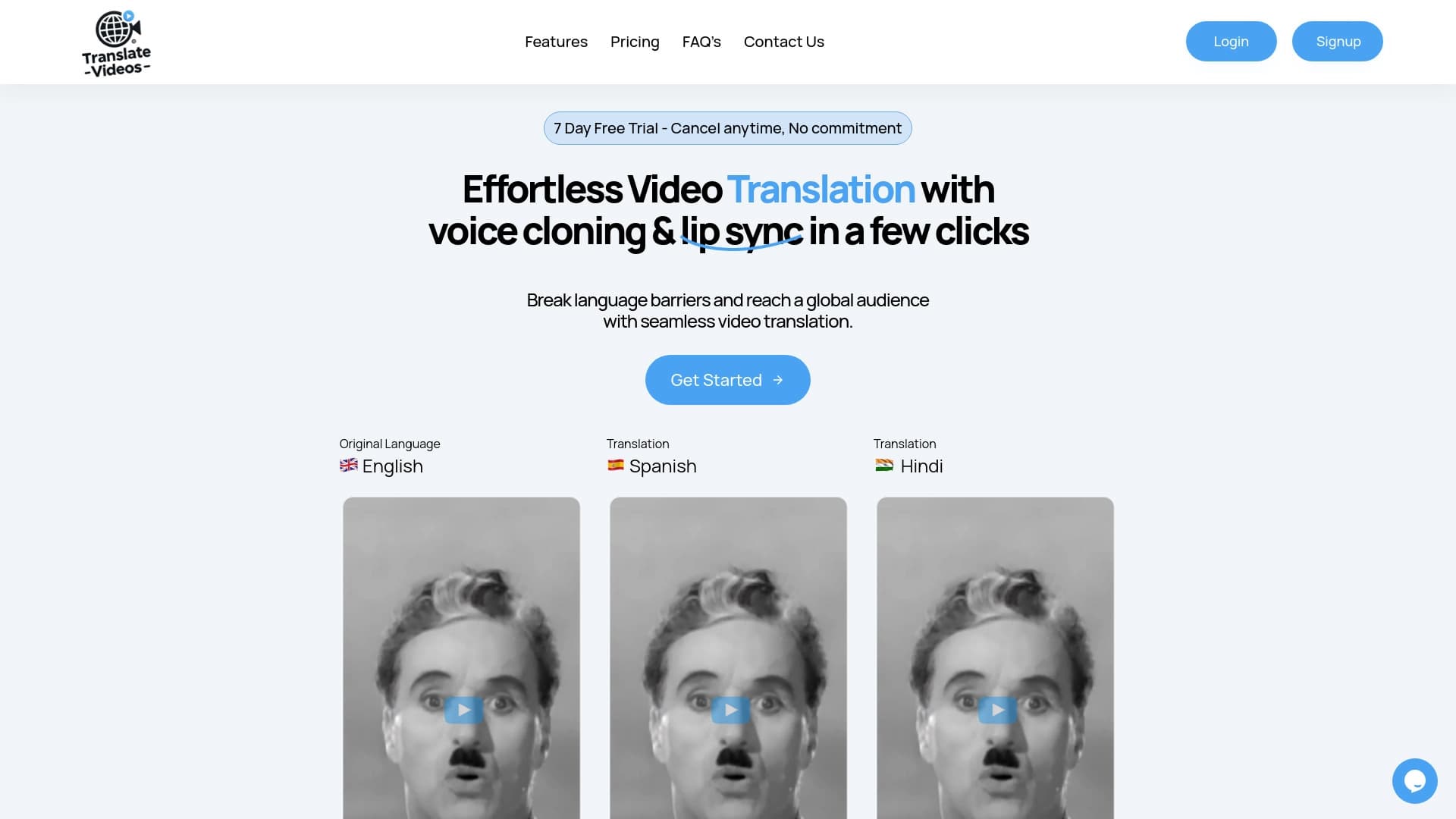

Service Traduction vidéo automatique dans de nombreuses langues Préserver la voix originale et synchroniser les lèvres.
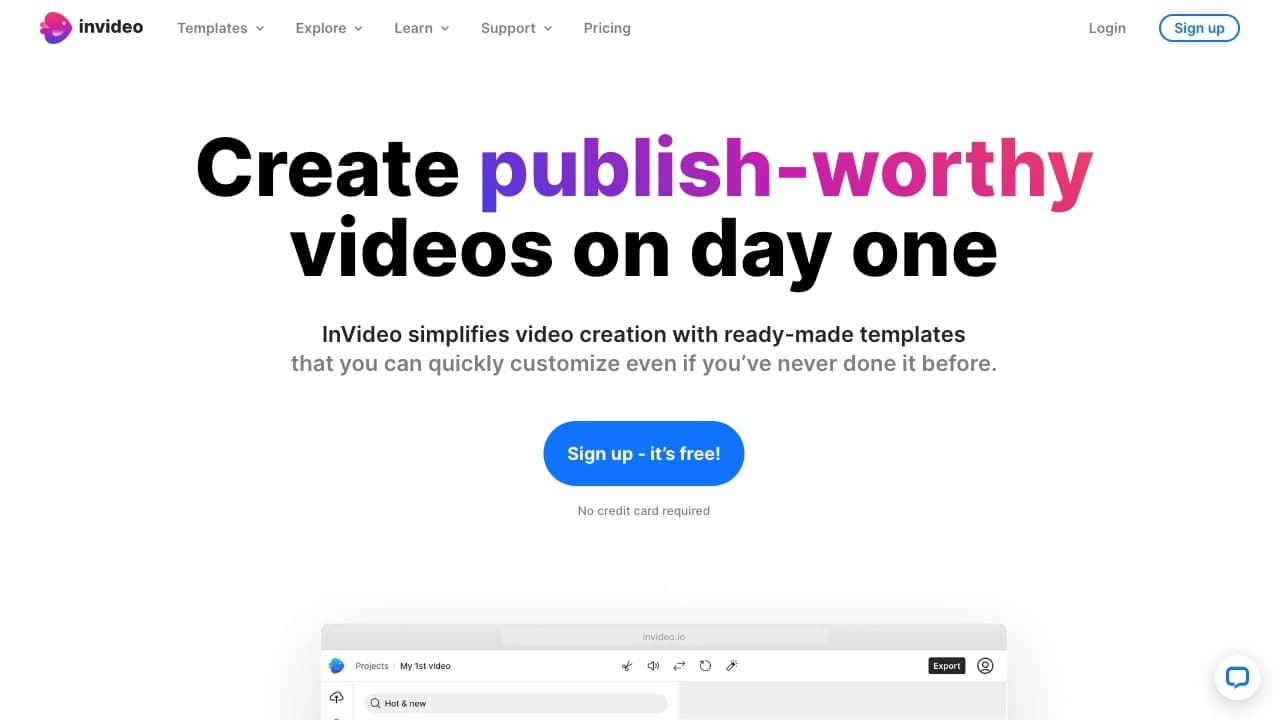
Un réseau neuronal qui transforme les idées de texte en vidéos prêtes à l'emploi avec sélection automatique de scènes, voix off et musique.


Plateforme pour la génération automatique Vidéo avec avatars virtuels sur le lien vers le produit.

Service AI pour créer automatiquement des vidéos publicitaires avec avatars numériques et voix off basé sur une image de produit.


Service pour la création d'assistants d'IA voix et texte pour automatiser la communication client.
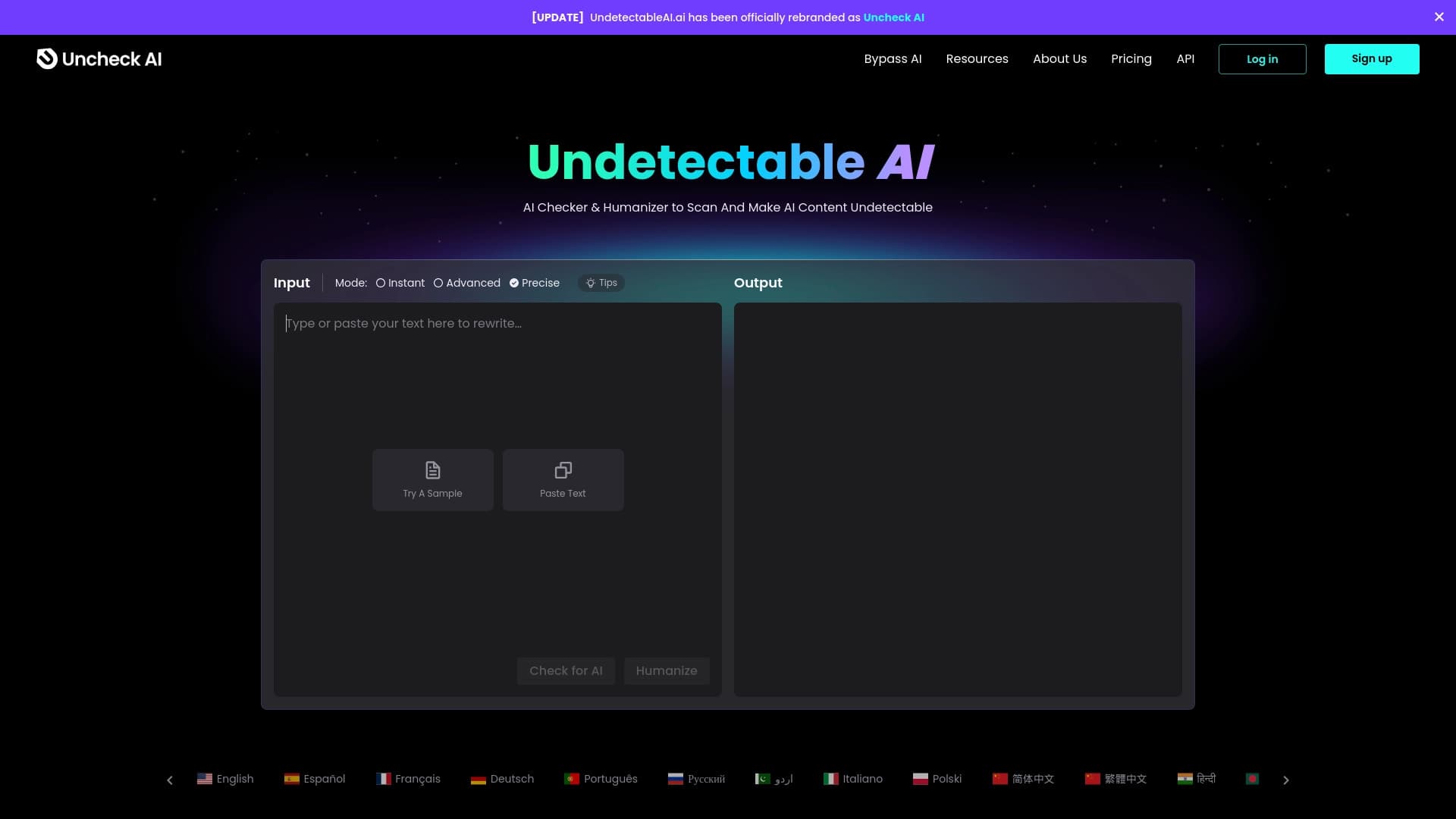

Service en réseau neuronal qui réécrit l'IA créé ainsi Il n'a pas été déterminé par des détecteurs artificiels. renseignement.

Service en ligne pour générer rapidement des images à partir de descriptions de texte utilisant l'IA.