

Coloring Pages AI
Coloring book generator that creates outline drawings from photos or text descriptions.
Overview
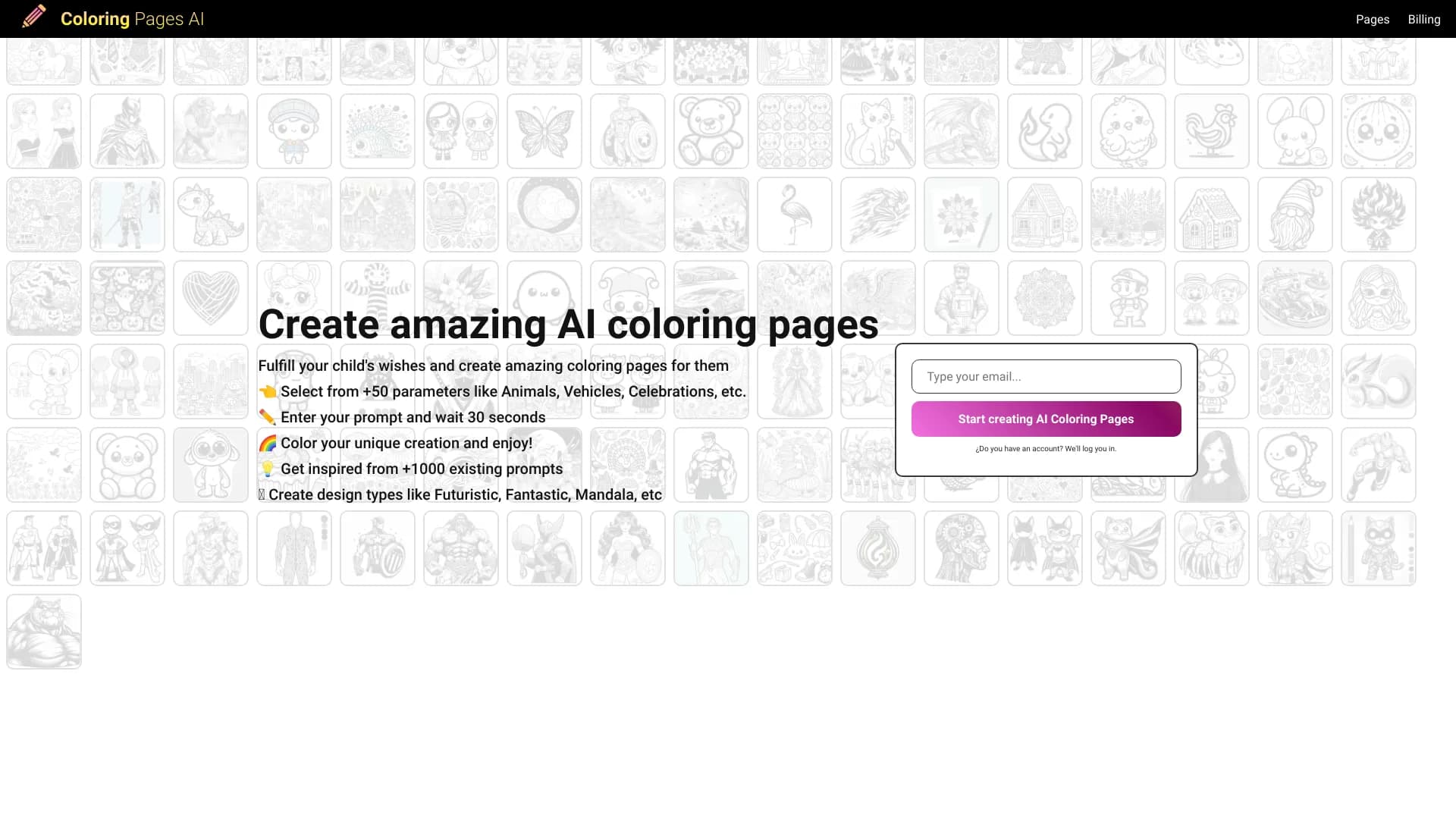
Coloring Pages AI is an online service that automatically turns ordinary photos or text prompts into black-and-white line drawings. The final result looks like a classic printable coloring page: clean lines, no color fill, ready to use with pencils, markers, or paints.
The main idea behind the tool is to remove the manual work from the coloring page preparation process. Instead of manually tracing outlines in a graphics editor, the user gets a finished file in seconds. The service also lets you control the level of detail, and the result can be saved in popular formats for printing or publishing.
What the service can do
- Image processing: upload a photo of a person, animal, object, or landscape, followed by automatic contour tracing.
- Text-based generation: create a coloring page from scratch based on a description — for example, "a castle in the mountains" or "a dinosaur in space."
- Detail level adjustment: choose one of three profiles — from simplified bold lines to a complex drawing with many fine elements.
- Export and publishing: save the file as PNG or PDF, with access to a gallery of other users' work.
Format and presentation
The service is designed for quick results without installing software or learning complex tools. The entire process happens in the browser: upload a photo or enter text — download a finished coloring page. This sets the tool apart from professional vector editors and makes it accessible to people without artistic skills.
Coloring Pages AI Features
| Feature | Value |
|---|---|
| Type | AI coloring page generator |
| Category | Drawings and sketches, Illustrations and art |
| Input | Images, text descriptions |
| Output formats | PNG, PDF |
| Aspect ratios | from 1:1 to 9:16 |
| Detail levels | simplified, medium, complex |
| Watermark removal | for registered users |
| Gallery of finished works | yes |
| Distribution model | freemium |
| Date published on site | December 16, 2025 |
| Rating (reviews) | 0 (number without context) |
Who is Coloring Pages AI for?
For parents and educators
Coloring pages are not just entertainment for children, but also an educational activity that trains fine motor skills and concentration. The tool allows you to quickly create unique pictures tailored to a specific child's interests — with their favorite character, pet, or a scene from a book.
For content creators
Bloggers, hosts of creative channels, and authors of educational materials can use the service to generate original coloring pages. It's a convenient way to diversify content: subscribers get exclusive materials that can't be found in mass-produced collections.
For those looking for an anti-stress hobby
Adults also actively use coloring pages for relaxation and anxiety relief. Meditative patterns, ornaments, and complex narrative pictures can be obtained either through a text prompt or by converting your own photo — for example, a vacation landscape.
For people without artistic skills
The service doesn't require drawing ability. Simply upload a photo or enter a description — the neural network does the rest. This opens up the possibility of creating personalized gifts like coloring pages with a loved one's portrait or a family photo.
How to use Coloring Pages AI?
Step 1: Preparing your request
The user chooses one of two input methods:
- Uploading a photo — suitable for creating a coloring page from an existing image: a portrait, landscape, or a picture of a beloved pet.
- Text description — allows generating a coloring page from scratch if no source image is available. The more precise the prompt, the closer the result to expectations.
Step 2: Settings and generation
After uploading a photo or entering text, the system prompts you to choose a detail level:
- Simplified — minimal lines, large shapes, suitable for the youngest children.
- Medium — a balance between the amount of detail and ease of coloring.
- Complex — intricate patterns and fine elements, aimed at adults or older children.
You can also choose the aspect ratio — from a standard 1:1 square to a vertical 9:16 format, which suits printing or digital sketching. Processing takes a few seconds.
Step 3: Exporting the result
The finished coloring page can be saved in one of two formats:
- PNG — convenient for digital use, inserting into documents, or posting on social media.
- PDF — preferred for printing on paper, as it maintains line sharpness when scaled.
To remove the watermark, you need to register on the site. Without registration, the result will likely contain the service's branded mark.
Step 4: Additional features
In addition to generating your own coloring pages, the site offers a gallery of finished works sorted by theme. Users can browse others' coloring pages, download them, and share results — useful for finding inspiration or expanding a personal collection.
Key Features of Coloring Pages AI
- Turning photos into coloring pages — automatic image processing with clear contour extraction and color removal.
- Generating coloring pages from text descriptions — creating an original scene from a text prompt without a source image.
- Three detail levels — simplified, medium, and complex profiles for different age groups and purposes.
- Support for different aspect ratios — flexible adjustment of image proportions (from 1:1 to 9:16).
- Ready-made coloring gallery — a collection of drawings on various themes with viewing and downloading options.
- Sharing and downloading works — access to other users' creations and the ability to share your own results.
- Watermark removal — available to registered users.
- Saving in PNG and PDF formats — choosing the optimal format for digital use or printing.
Advantages of Coloring Pages AI
- High speed of coloring page creation — the line drawing is generated in seconds, without manual tracing or editing.
- Personalization capability — you can create a coloring page from your own photo, which isn't possible with ready-made templates from the internet.
- Flexible result customization — choosing the detail level and aspect ratio lets you adapt the picture to a child's age or the specifics of the scene.
- Printing without quality loss — PDF support guarantees sharp lines even on large sheets.
- Ready-made collections available — users don't always have to create coloring pages from scratch; they can pick a favorite from the gallery.
- Free entry threshold — basic features are available without payment, and registration removes the watermark restriction.
Disadvantages of Coloring Pages AI
- Likely watermark in the free version — exact terms aren't specified, but registration is required to remove it, which may be inconvenient for one-time use.
- Limited information about pricing — based on public data, it's impossible to determine exactly which features are paid and which are free.
- Possible distortions on complex source photos — automatic contour tracing works well on clear, high-contrast images but doesn't guarantee perfect results for detail-heavy shots.
- No data on additional capabilities — the site may lack information about options like batch processing, manual line editing, or contour style selection.
What problems does Coloring Pages AI solve?
Creating coloring pages from photos
Children often get bored with standard store-bought coloring pages. With the service, you can turn any family photo — like a picture of a pet cat or a shot from a summer vacation — into a unique coloring page. This activity not only entertains but also makes shared leisure time more meaningful.
Generating coloring pages from text descriptions
When there's no idea for a drawing, you can simply describe the desired scene — from fairy-tale characters to spaceships. The neural network converts the text into a line drawing, saving time on searching for a suitable template.
Preparing materials for printing
The service focuses on creating files in PNG and PDF formats, making it suitable for preparing handouts. This can be useful for kindergarten teachers, elementary school teachers, or children's party organizers who need themed coloring pages in large quantities.
Expanding a collection of finished works
Thanks to the built-in gallery, users can not only generate their own coloring pages but also take finished works from the public collection. This is useful when the task doesn't require personalization and a suitable option by theme is enough.
Coloring Pages AI Pricing
There is no exact data on the cost of subscriptions and plans for Coloring Pages AI in public sources. It's known that the service operates on a freemium model — providing basic functionality for free and charging for broader capabilities or the removal of restrictions. Most likely, the main difference between paid and free access is related to watermark removal and possibly access to additional generation settings. However, specific figures and the list of paid features cannot be determined based on available data — we recommend checking current plans directly on the service's website.
Terms of Use for Coloring Pages AI
For full use of the service, namely to remove the watermark from finished images, registration on the platform is required. Detailed terms of the user agreement — including content upload rules, restrictions on commercial use, and data storage policies — are not disclosed in public sources.
It's important to note: if you upload photos of other people to the service, you should ensure you have permission to process them. You should also check in advance whether using generated coloring pages for commercial purposes is allowed if you plan to use them for creating sellable materials. Without official documentation from the developers, these aspects remain at the user's discretion, so the safest approach is to contact support or review the user agreement on the official website.
Coloring Pages AI Availability
The service is available via the website coloring-pages.app. No additional software installation is required — a browser and internet connection are enough to generate coloring pages. There is no information about regional restrictions, which suggests the service is internationally available.
No data on interface languages is provided in public sources. If the English interface poses difficulties, we recommend checking for a language switcher on the main page before starting.
How Coloring Pages AI differs from alternatives
There are several services on the market solving similar tasks. Here are the key features of Coloring Pages AI that set it apart:
- Simplicity of the process: the entire journey from photo upload to download requires minimal steps — no need to adjust brushes, layers, or filters as in editors like Droodle.
- Ready-made gallery: the built-in collection of coloring pages on various themes distinguishes the service from tools that only process uploaded files.
- Format flexibility: the ability to save results in both raster PNG and vector PDF — an advantage over services that offer only one output format.
- Text input: not all competitors support generating coloring pages from text descriptions — many work exclusively with uploaded images.
Compared to alternatives like AI Coloring Pages Generator, Little Artist, SageBrush AI Painter, or Cardamore.ai, Coloring Pages AI emphasizes speed and convenience for the unprepared user while still offering a sufficient level of control over the final image's detail.
Conclusion
Coloring Pages AI is a practical and straightforward tool for creating coloring pages from photos or text descriptions. The service lets you quickly get a line drawing with the desired level of detail, save it as PNG or PDF, and use it for printing right away. The ready-made gallery and the ability to share works expand the basic functionality. The main limitation is the likely watermark on the free plan, which is removed after registration. The tool will be useful for parents, educators, and anyone who wants to create personalized coloring pages without artistic skills; however, for complete information about pricing and licensing terms, it's worth checking the developer's official website.
Frequently asked questions
See also
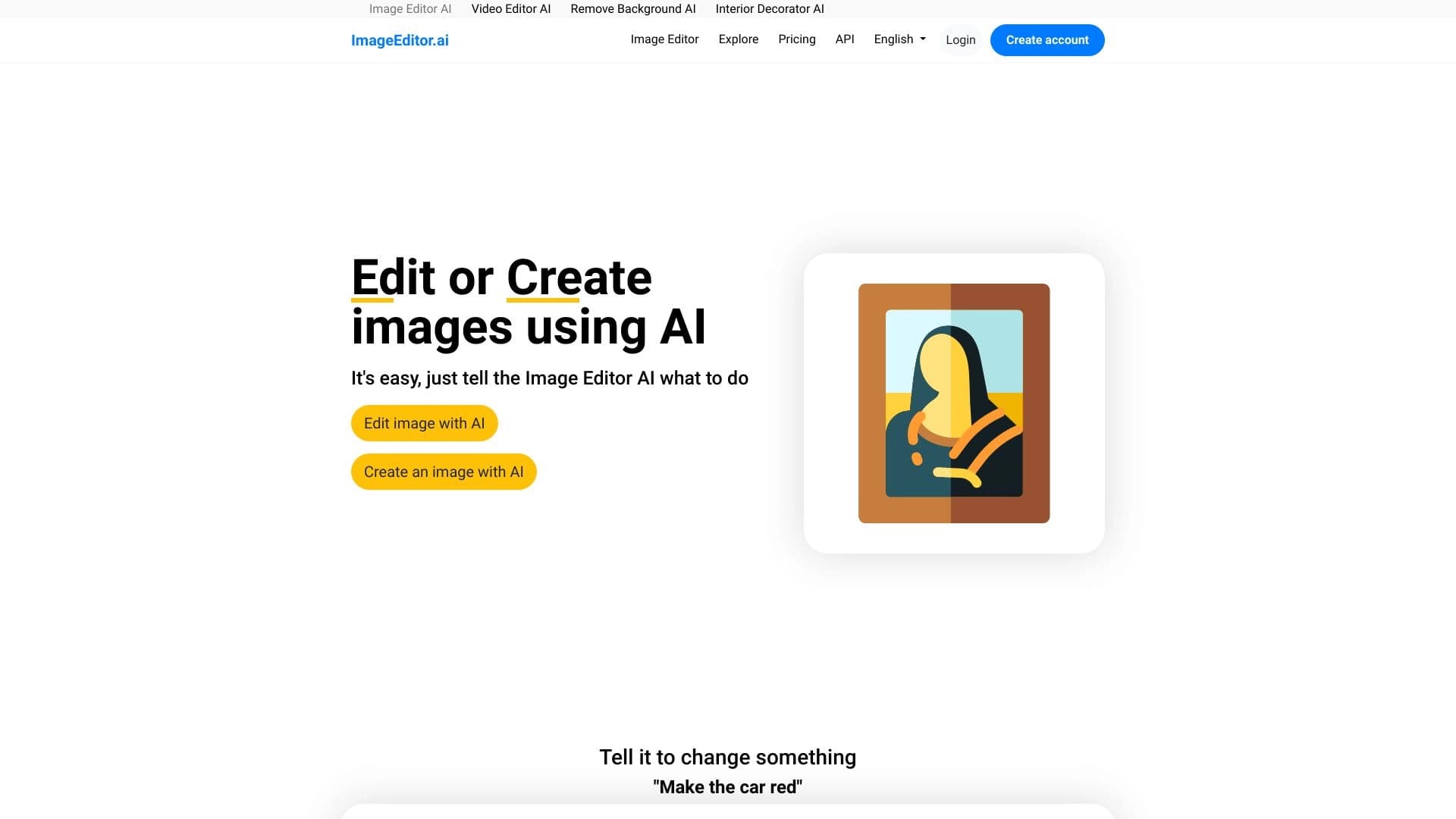

AI-powered online image editor that lets you edit photos by text description right in your browser.
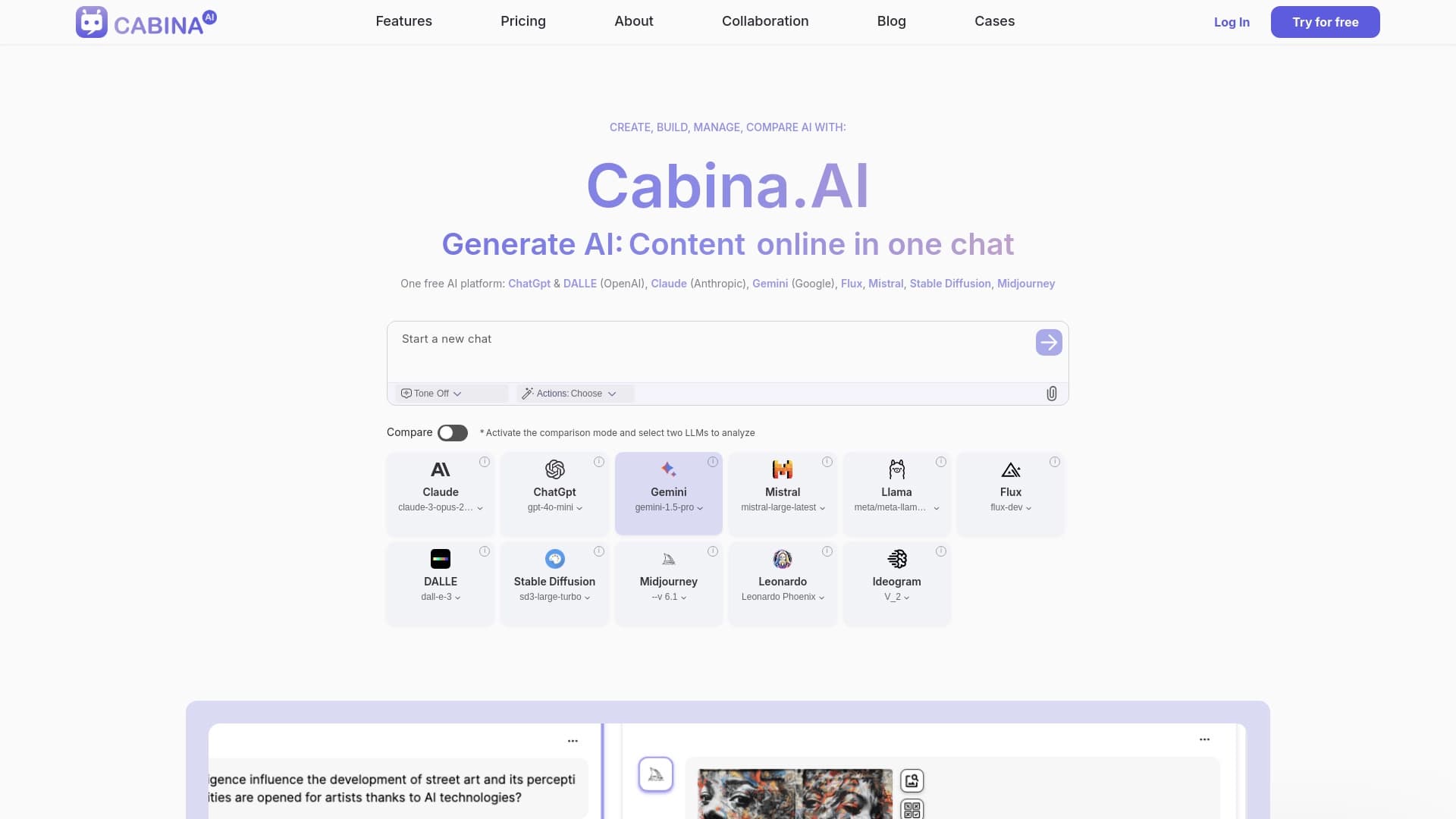
Cabina AI is a unified platform for working with various generative neural networks, enabling you to create texts, images, and videos.
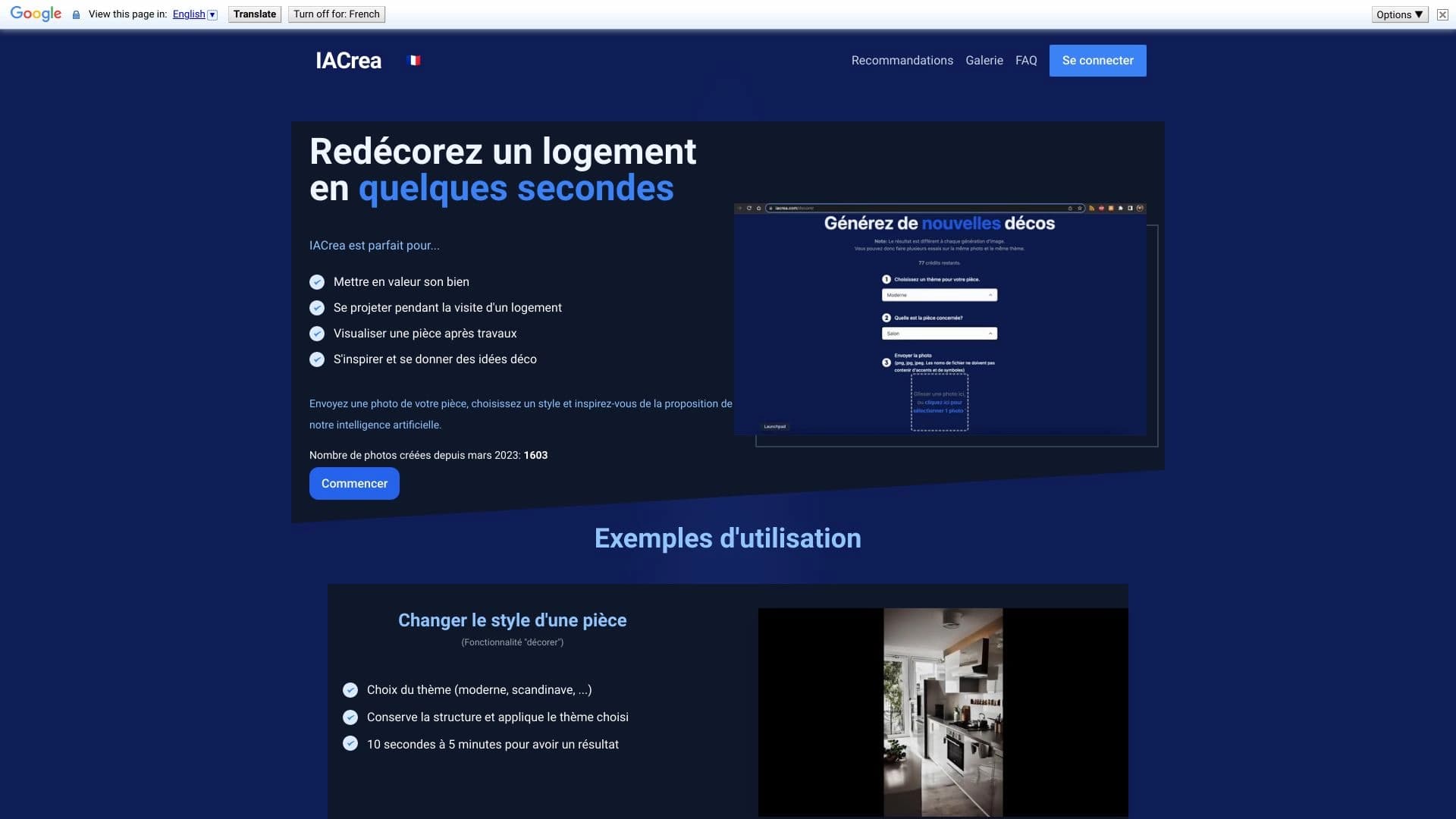

IACrea is an AI service for virtual home staging and real estate visualization, allowing you to quickly enhance interior and exterior photos.
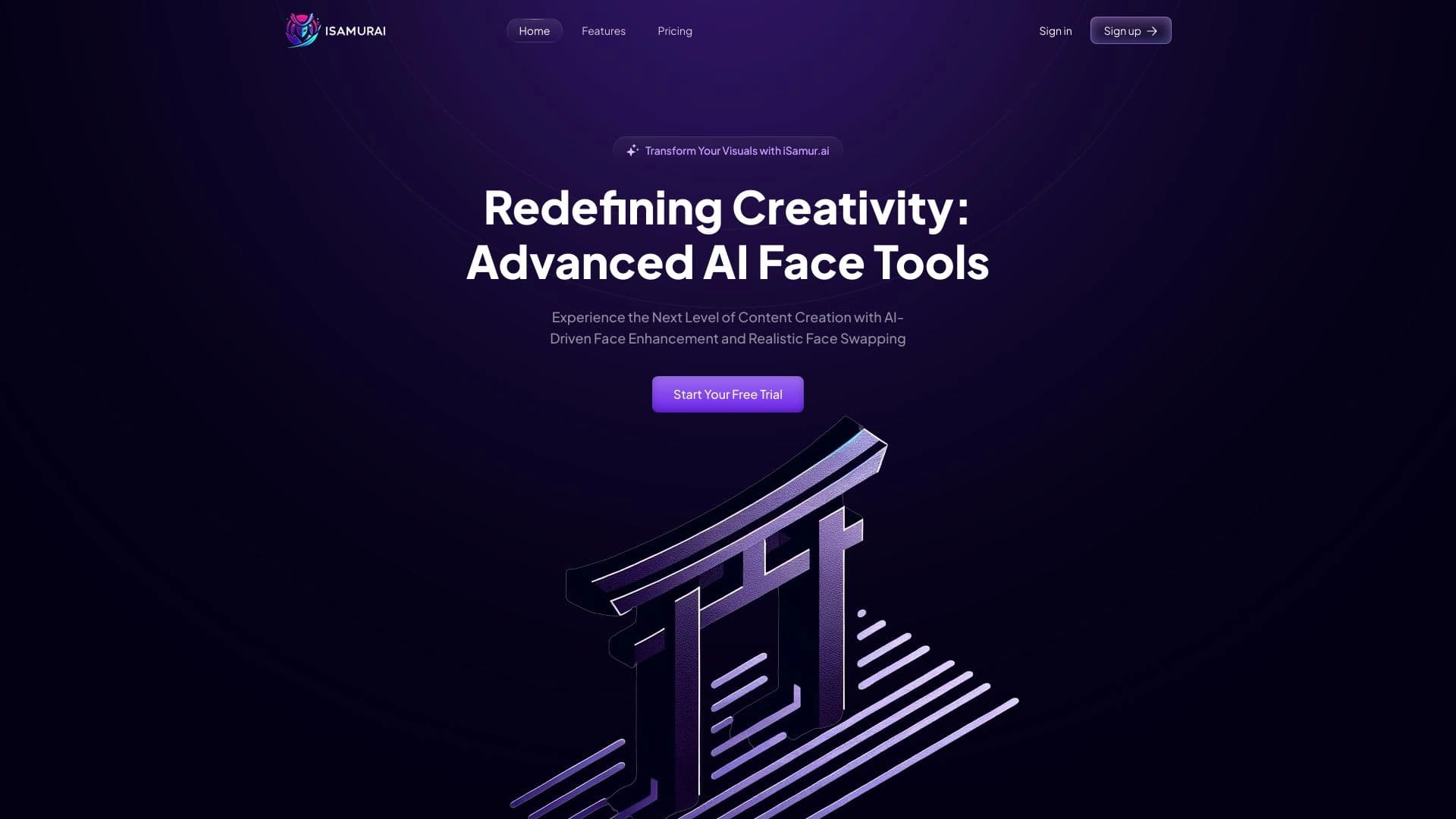

iSamurai is a set of AI tools to improve recovery replacement images and videos.


Online Image Editor AI-based preservation of character style and processing Text commands.

AI image editor for fast, high-quality creative processing without censorship.
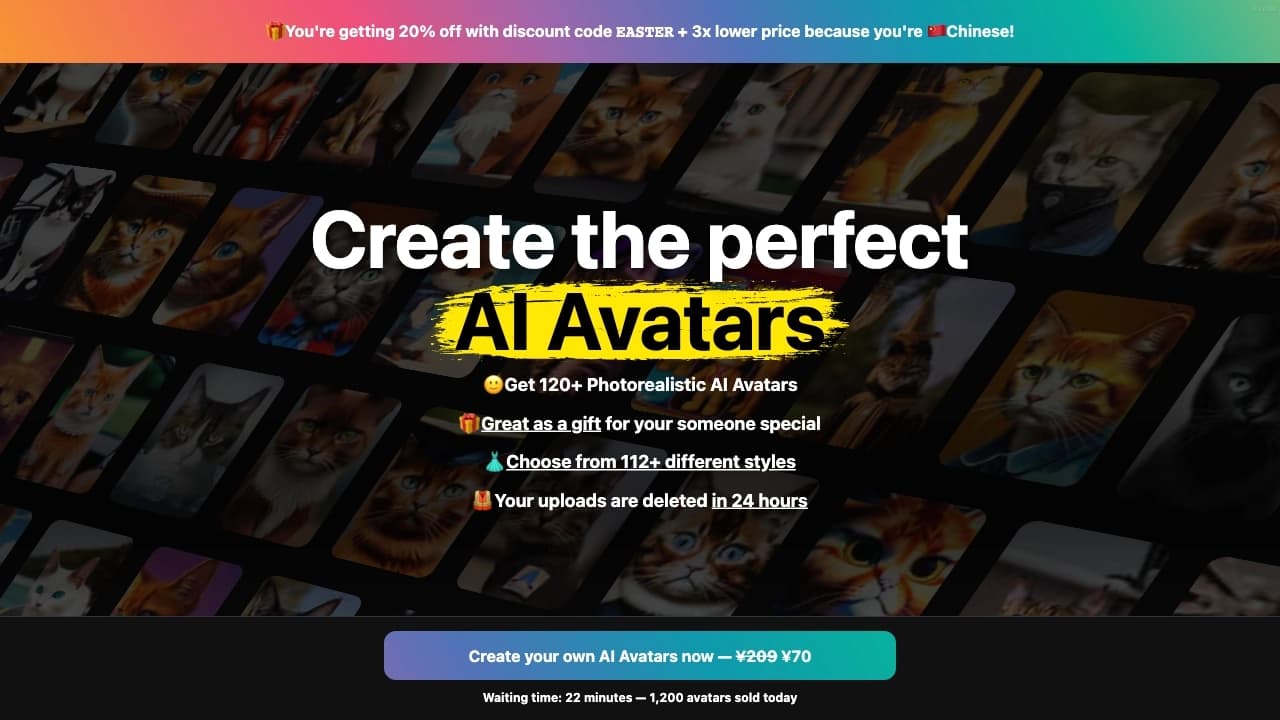
Service for creating personalized avatars and photo shoots using AI based on uploaded selfies.
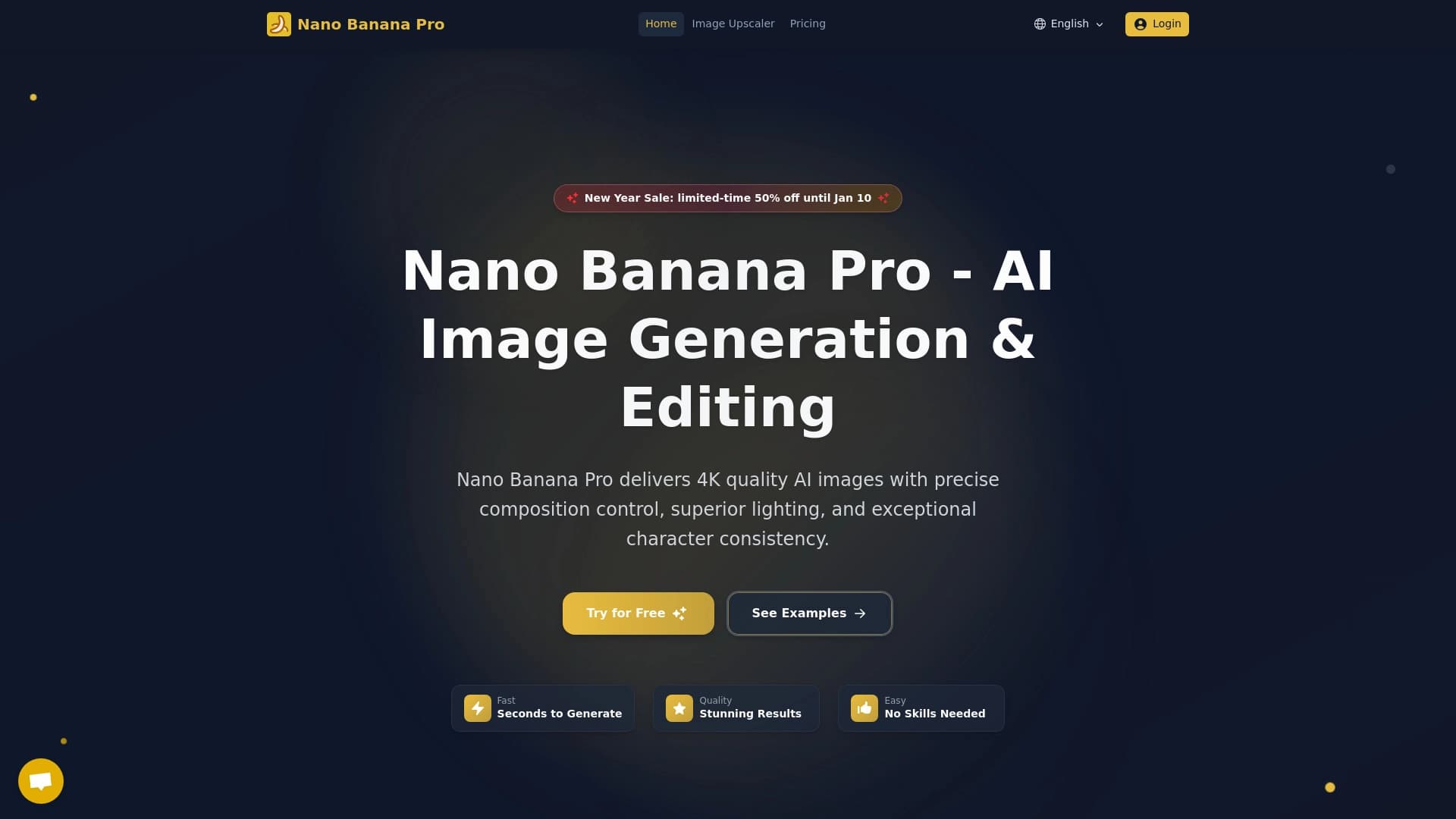

A tool for quickly generating and editing 4K images, supporting control over multiple reference images and a conversational mode.