
Codia AI
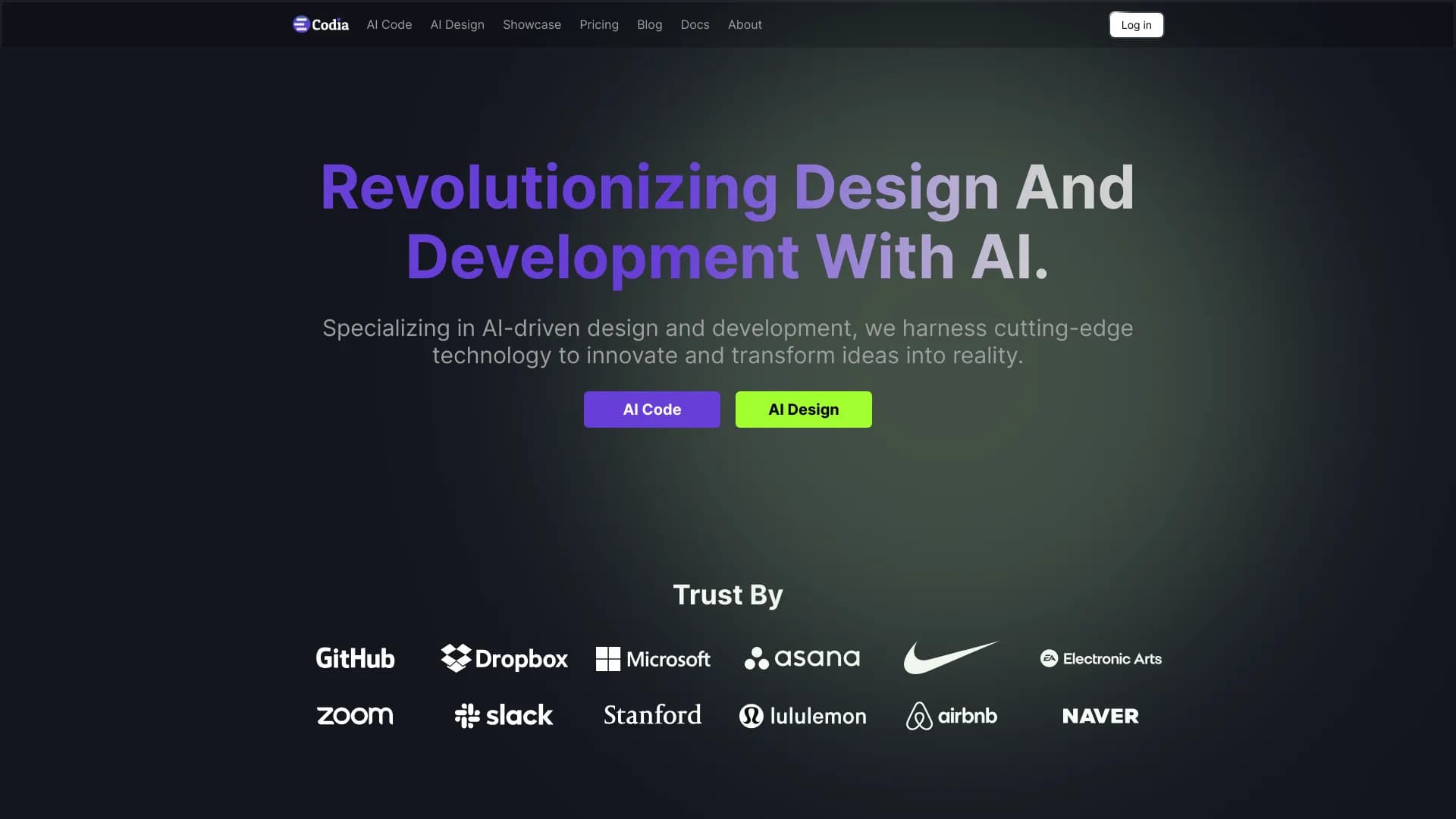
Codia AI transforma layouts, capturas de tela, arquivos PDF e páginas da web em projetos editáveis do Figma e código.
Posição nos rankings
Visão geral
Descrição da rede neural Codia AI
Codia AI é uma ferramenta que automatiza a transferência de materiais visuais estáticos para projetos editáveis no Figma e código de programação. Em vez de redesenhar manualmente cada elemento da interface, o designer ou desenvolvedor carrega no serviço uma captura de tela, um arquivo PDF ou um link para uma página da web, e a rede neural reconhece a estrutura do layout por conta própria.
O algoritmo analisa a disposição dos blocos, encontra botões, campos de texto, imagens e grades, e então os converte em componentes do Figma. Paralelamente, é gerado um código correspondente ao design reconhecido. Isso permite reduzir a lacuna entre a concepção visual e o produto funcional.
A ferramenta é especialmente útil em situações em que é necessário reconstruir rapidamente um projeto a partir de um modelo pronto, realizar o redesenho de uma interface desatualizada ou analisar um layout de terceiros nos mínimos detalhes. O Codia AI é adequado tanto para tarefas pontuais de conversão quanto para o trabalho regular com um grande número de telas.
Características do Codia AI
| Característica | Valor |
|---|---|
| Tipo | IA para converter layouts em Figma e código |
| Categoria | Assistentes de design e layouts, geração de código |
| Plataforma | Aplicação web |
| Dados de entrada | Captura de tela, arquivo PDF, link para página da web |
| Resultado | Projeto Figma e código de marcação |
Para quem a rede neural Codia AI é indicada?
Designers de produtos e interfaces
Para profissionais que trabalham regularmente no Figma, o Codia AI permite acelerar significativamente a preparação de layouts. Em vez de recriar elementos do zero, basta carregar a imagem original e a rede neural oferecerá um projeto estruturado com componentes já identificados. Isso é especialmente conveniente ao trabalhar com interfaces legadas que precisam ser modernizadas ou adaptadas.
Desenvolvedores de interfaces
Desenvolvedores front-end recebem código pronto com base no design reconhecido. Isso simplifica a transição da fase de layout para a implementação: não é necessário verificar manualmente dimensões de espaçamentos, paleta de cores e tipografia. Basta ajustar a marcação gerada aos requisitos técnicos específicos do projeto.
Equipes com forte integração entre design e desenvolvimento
Em organizações onde designers e desenvolvedores trabalham em conjunto em cada tela, o Codia AI atua como um elo de ligação. A conversão rápida de layouts em código reduz o número de iterações e mal-entendidos, pois ambas as partes trabalham com dados consistentes.
Como usar a rede neural Codia AI?
Processo de carregamento dos dados de origem
Para começar, é necessário preparar o material de origem — pode ser uma captura de tela, um documento PDF com o layout ou um link direto para uma página da web. A ferramenta aceita arquivos por meio da interface web, portanto não é necessária a instalação de software adicional.
Criação automática do projeto
Após o upload, o Codia AI começa a analisar a imagem ou o documento. A rede neural determina os limites dos blocos, reconhece elementos de texto, botões e outros componentes da interface. Ao final da análise, o serviço gera um projeto Figma editável, no qual cada elemento é representado por uma camada ou componente separado.
Obtenção do código
Com base na interface reconhecida, a ferramenta gera o código de marcação. O resultado pode ser usado para integração posterior no projeto de trabalho. É importante observar que o código final frequentemente requer ajustes para frameworks e estilos específicos do projeto, mas a estrutura básica é criada automaticamente.
Principais funções do Codia AI
Conversão de layouts estáticos em design funcional
A principal função do serviço é transformar imagens estáticas, documentos PDF e páginas da web em projetos Figma completos. Cada elemento reconhecido se torna um objeto editável: é possível alterar cores, tamanhos, textos e outros parâmetros.
Análise da estrutura da interface
A rede neural analisa detalhadamente a estrutura do material de origem, identificando blocos lógicos, grades, espaçamentos e relações entre elementos. Isso garante a reprodução correta da composição original no Figma.
Transferência de componentes para o Figma
Botões, campos de entrada, elementos de navegação e outras partes típicas da interface são automaticamente convertidos em componentes do Figma. Isso acelera o trabalho posterior do designer, pois os componentes podem ser facilmente reutilizados em outras telas.
Geração automática de código
Paralelamente à criação do projeto Figma, a ferramenta gera código com base na interface reconhecida. A marcação reflete a estrutura, os elementos e sua disposição, fornecendo aos desenvolvedores um ponto de partida para a implementação.
Vantagens do Codia AI
Economia de tempo na preparação de layouts
Os designers não precisam mais recriar manualmente a estrutura da interface a partir de uma captura de tela ou PDF. A rede neural assume o reconhecimento dos elementos e a montagem do projeto, reduzindo o trabalho rotineiro em várias vezes.
Aceleração da transição para o desenvolvimento
Os desenvolvedores recebem uma base pronta para a implementação da interface. O código gerado permite iniciar mais rapidamente a integração da lógica e da funcionalidade, pois a marcação básica já está criada.
Redução de erros manuais
O reconhecimento automático minimiza erros relacionados ao fator humano: imprecisões na transferência de dimensões, espaçamentos, cores e fontes. O projeto final no Figma e o código correspondem ao layout original com alta precisão.
Simplificação do trabalho com interfaces legadas
Projetos antigos, criados em outras ferramentas ou montados a partir de diversos fragmentos, são facilmente convertidos para formatos atuais. Isso é especialmente importante em redesenho ou migração para novas tecnologias.
Desvantagens do Codia AI
Informações sobre as desvantagens do Codia AI não estão disponíveis nas fontes consultadas. Pode-se supor que, como qualquer ferramenta automatizada de conversão, o serviço possa enfrentar dificuldades com interfaces altamente especializadas ou visualmente complexas, que exigem ajustes manuais. Além disso, o código final e a estrutura do projeto Figma provavelmente precisam de revisão e adaptação a padrões específicos de qualidade e requisitos técnicos.
Quais problemas o Codia AI resolve
Redesenho de projetos antigos
Ao atualizar interfaces desatualizadas, muitas vezes é necessário reconstruir a estrutura dos layouts em ferramentas modernas. O Codia AI automatiza esse processo, convertendo capturas de tela antigas ou PDFs em projetos Figma editáveis.
Prototipagem rápida
A criação de um protótipo a partir de uma imagem ou captura de tela pronta leva um tempo mínimo. A ferramenta permite obter rapidamente um layout funcional para apresentação ou aprovação com o cliente.
Análise de interfaces de terceiros
Quando é necessário estudar detalhadamente uma interface de terceiros — por exemplo, de um concorrente ou de um produto de referência —, o Codia AI ajuda a recriar sua estrutura no Figma. Isso facilita a análise da composição, tipografia e disposição dos elementos.
Transferência de layouts para o produto final
O serviço serve como ponte entre design e desenvolvimento: o código obtido do layout e o projeto Figma são usados pela equipe para criar rapidamente telas prontas do produto.
Preços do Codia AI
Informações atualizadas sobre a política de preços do Codia AI não são divulgadas nas fontes disponíveis. Para esclarecer o custo de uso do serviço, os planos disponíveis e as condições de assinatura, recomenda-se consultar o site oficial codia.ai ou entrar em contato diretamente com os representantes da empresa.
Termos de uso do Codia AI
Os termos detalhados de uso do serviço, incluindo regras de processamento de dados carregados, acordos de licença e limitações, não estão publicamente documentados nos materiais analisados. Antes de começar a usar a ferramenta, recomenda-se consultar a documentação oficial no site codia.ai para conhecer as regras e requisitos atuais.
Disponibilidade do Codia AI
O Codia AI está disponível como aplicação web e não requer a instalação de software adicional. Para usar o serviço, basta acessar o site codia.ai e ter conexão com a internet. A ferramenta aceita capturas de tela, arquivos PDF e links para páginas da web como dados de origem.
O que diferencia o Codia AI dos concorrentes
A principal diferença do Codia AI está na abordagem abrangente: a ferramenta cria simultaneamente um projeto Figma editável e gera código com base na interface reconhecida. Muitos serviços semelhantes focam apenas em uma direção — ou na conversão para ferramentas de design, ou na geração de código a partir de imagens.
Uma vantagem adicional é a possibilidade de trabalhar com diversos formatos de dados de entrada: capturas de tela, documentos PDF e páginas da web. Isso torna o serviço uma solução universal para equipes que precisam transferir interfaces de diferentes fontes.
Conclusão
O Codia AI é uma ferramenta prática para designers e desenvolvedores, que automatiza a transferência de layouts estáticos para um projeto Figma editável e código de programação. É útil para acelerar processos rotineiros, trabalhar com interfaces legadas e criar protótipos rapidamente. Embora a conversão automática exija revisão e ajustes posteriores, a ferramenta reduz significativamente o tempo de preparação de layouts e a transição para o desenvolvimento. Para obter informações atualizadas sobre preços e condições de uso, recomenda-se visitar o site oficial codia.ai.
Perguntas mais frequentes
Consulte também

Uma plataforma para gerar imagens, vídeos e áudio usando inteligência artificial a partir de descrições de texto.


Ferramenta para geração de modelos 3D a partir de descrições de texto, imagens ou esboços.
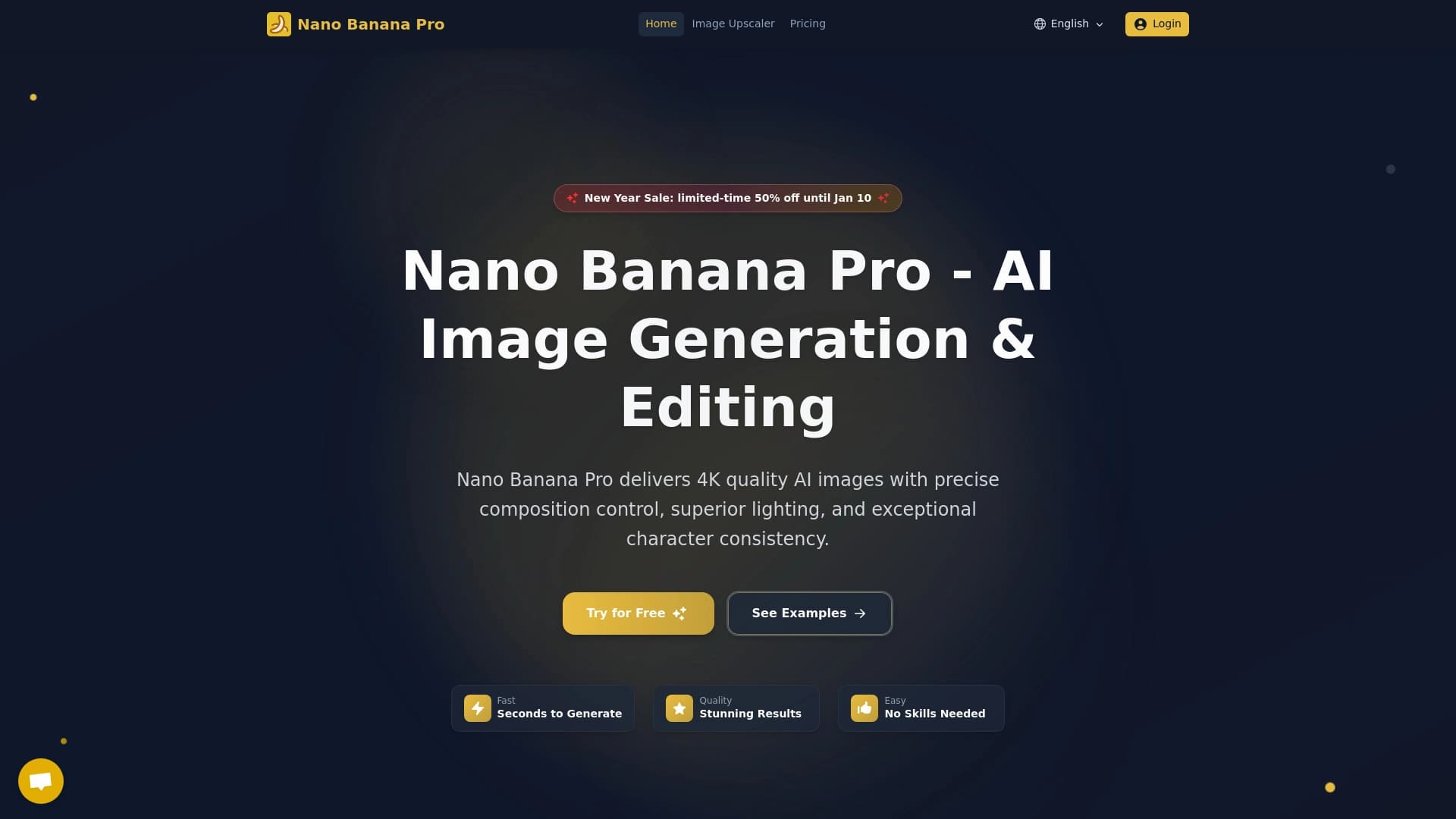

Uma ferramenta para gerar e editar rapidamente imagens 4K, suportando o controle sobre várias imagens de referência e um modo de conversação.
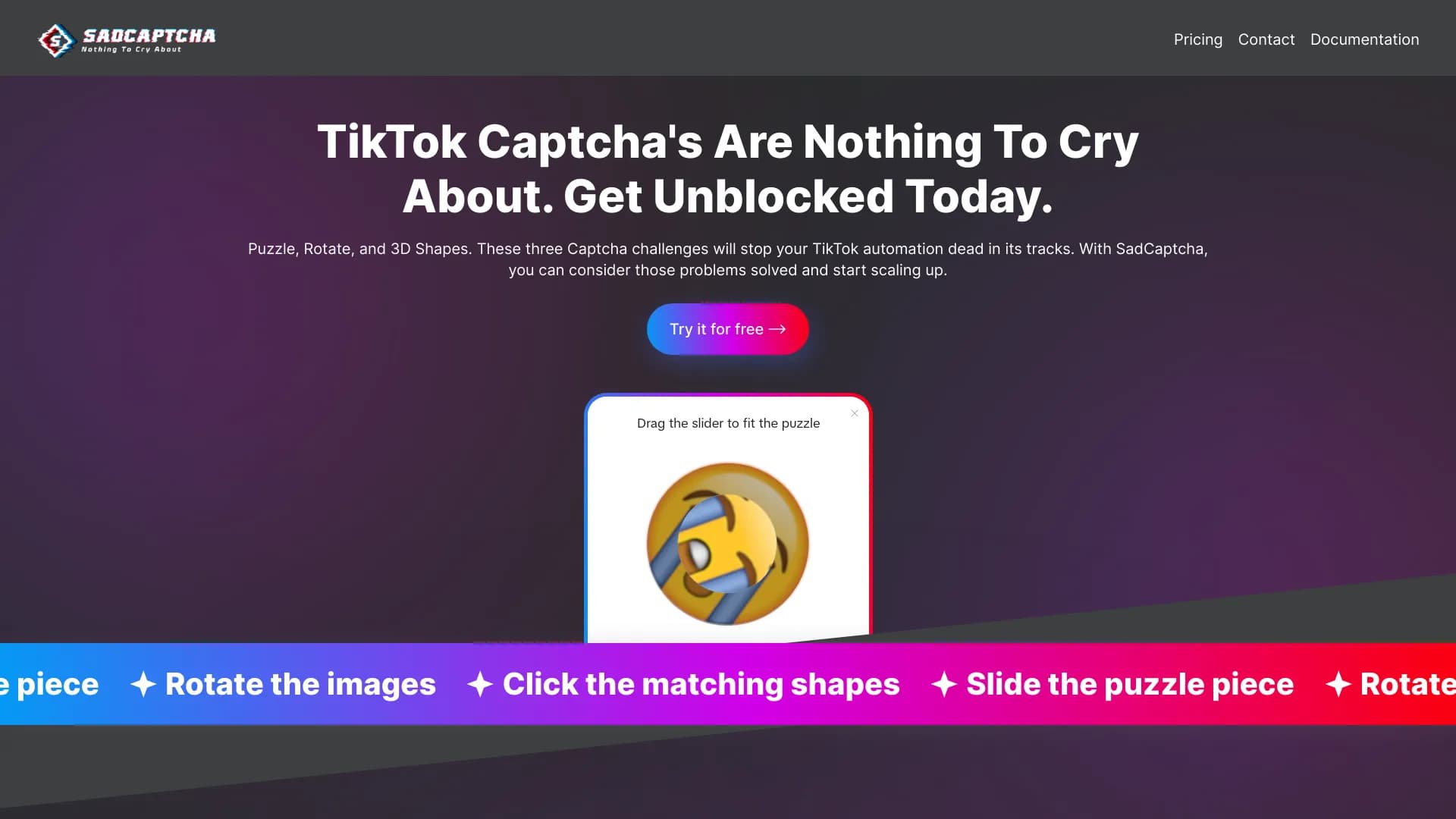
API para solução automática de captcha TikTok (rota, quebra-cabeça, formas 3D).


Assistente de IA multifuncional para chat, geração de texto e imagens, tradução e auxílio em programação.
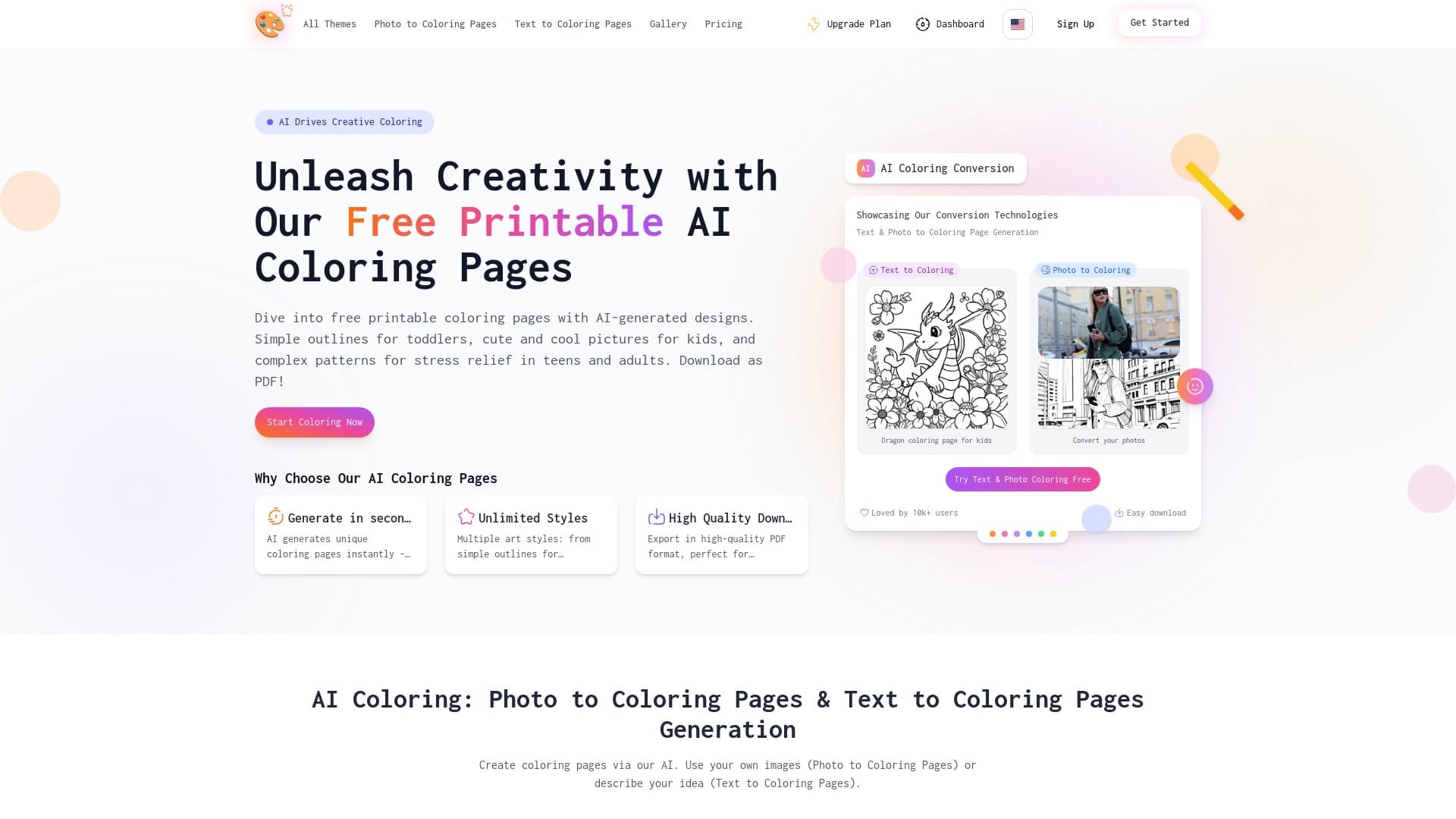

Serviço para criar desenhos para colorir com IA a partir de uma descrição textual ou de uma imagem carregada.

Editor de IA de navegador e desktop para remoção rápida de fundo e processamento de fotos em lote.
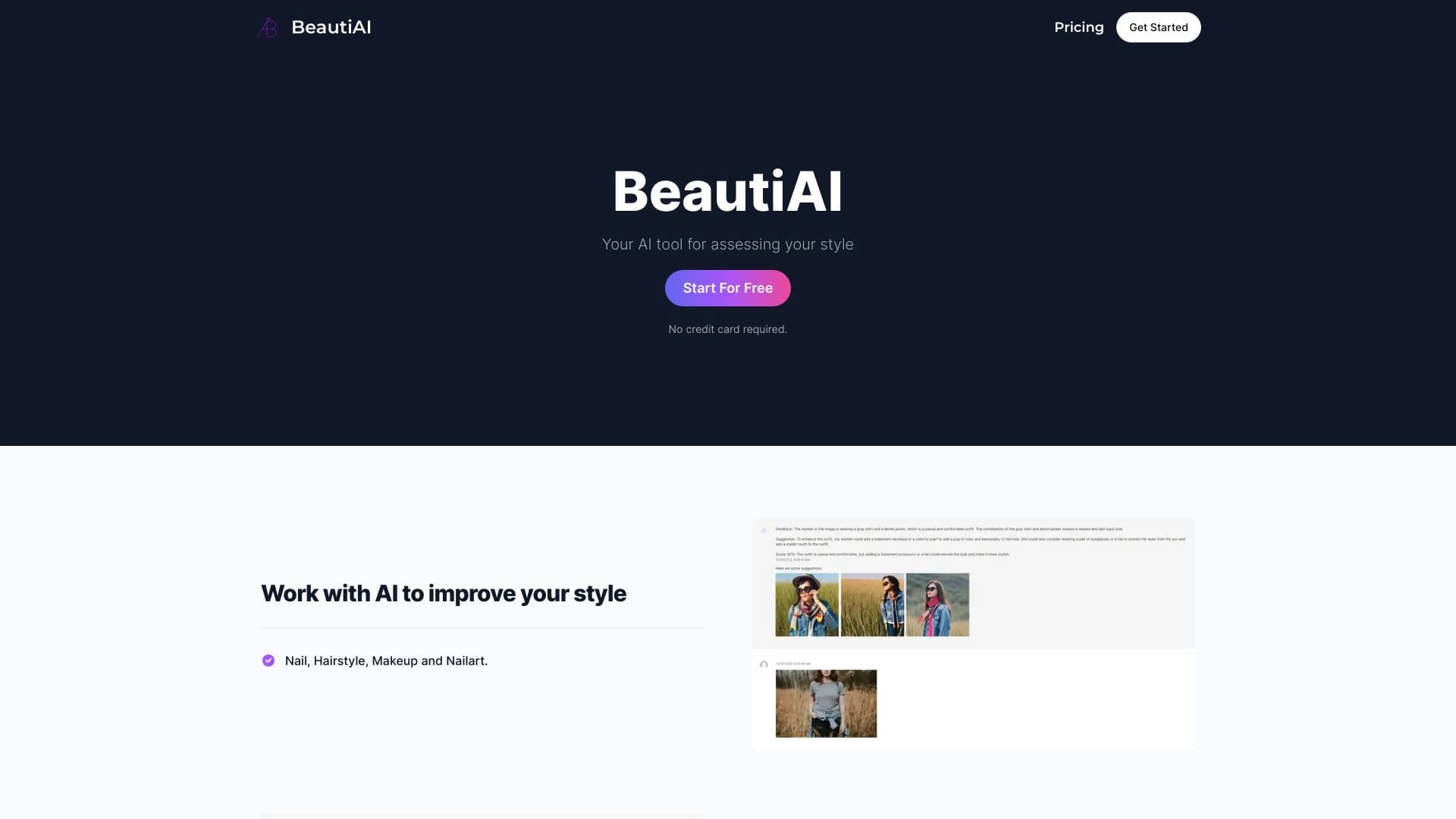
O serviço analisa fotos da aparência e das roupas, oferecendo conselhos personalizados de estilo.