Coddy - Code Makes Perfect

FreePaid

Online platform for learning programming with hands-on browser-based lessons and a built-in AI assistant.

Coddy - Code Makes Perfect

Ranked in

Overview

Coddy — Code Makes Perfect: AI Platform Description

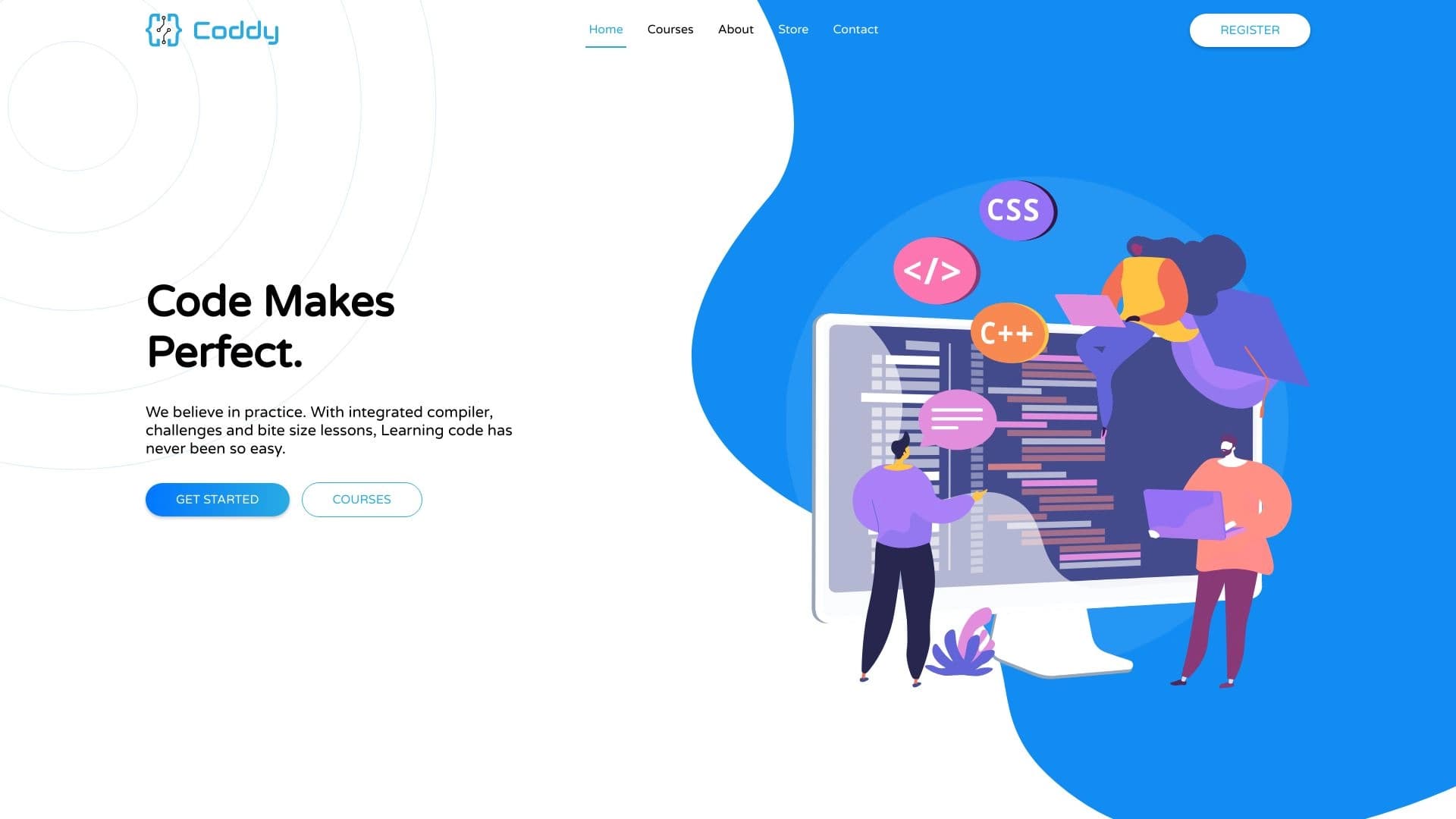
Coddy is an online platform designed for learning programming through practice. The project runs entirely in the browser, allowing users to start writing code right away without being distracted by installing and configuring development tools. The service's key feature is a built-in AI assistant that acts as a mentor: it helps find errors in code, explains the logic behind solutions, and generates new tasks for skill practice.

Coddy's core philosophy is learning by doing. Instead of passively watching video lectures, users write real code from the very first lesson, while the platform and artificial intelligence provide real-time feedback.

Coddy — Code Makes Perfect: Key Features

FeatureValue
TypeOnline programming learning platform with an AI assistant
CategoriesTutorials and education, Code assistants
Supported languagesPython, JavaScript, Java, C++, C#, PHP, Go, Rust, SQL, HTML, CSS, and others
Free plan availabilityYes, the platform is positioned as completely free
Work formatWeb platform accessible via browser
Websitecoddy.tech

Who Is Coddy — Code Makes Perfect For?

Beginners Taking Their First Steps in IT

The platform is ideal for those who have never written code and want to start from scratch. The hands-on approach and instant help from the AI assistant allow users to quickly master the basics without fear of making mistakes. The built-in assistant explains solutions in simple language, lowering the entry barrier.

Users Learning Programming for Personal Growth

If you're not planning to change careers but want to understand how development works, Coddy gives you the chance to try your hand at different languages. Interactive lessons help you learn the fundamentals of Python, JavaScript, Java, and other languages at your own pace.

Those Seriously Preparing for an IT Career

The platform also suits those who have already decided on an IT career. Unlimited generation of practical tasks lets you practice skills until they become second nature, and support for multiple languages allows you to explore different areas of development before choosing a specialization.

How to Use Coddy — Code Makes Perfect?

Getting Started Without Installation

To begin, simply open coddy.tech in your browser and pick a lesson. The platform requires no additional software installation, environment setup, or license purchases. The entire learning process happens right on the page: you see the task, the code editor, and a field for entering your solution.

The Learning Process and the Role of the AI Assistant

Learning revolves around completing hands-on tasks. You write code, and the built-in AI assistant checks it in real time. If there's an error in your solution, the assistant doesn't just point it out — it explains the cause and suggests how to fix it. When needed, the AI can generate additional exercises to reinforce the material you've covered.

Core Features of Coddy — Code Makes Perfect

  • Built-in AI assistant: provides round-the-clock support — finds errors, explains solutions, and helps you understand complex topics.
  • Generative AI for tasks: creates an unlimited number of practical exercises, so you can train as much as you need.
  • Interactive in-browser learning: no need to install an IDE or other software — all lessons and the code editor are available through the web interface.
  • Support for multiple programming languages: Python, JavaScript, Java, C++, C#, PHP, Go, Rust, SQL, HTML, CSS, and other popular languages.

Advantages of Coddy — Code Makes Perfect

Zero Financial Barrier

The platform is completely free — no payments or subscriptions are required to start learning. This makes the service accessible to everyone, regardless of budget.

Practice Without Technical Hassles

Engaging, practice-focused learning requires no complex workspace setup. Open your browser — and start writing code. The lack of entry barriers helps maintain motivation in the early stages.

Flexibility and Accessibility

You can learn from anywhere at any time — all you need is a device with internet access. The AI assistant is available 24/7, so you can get help and explanations even at night without waiting for a teacher's response.

Drawbacks of Coddy — Code Makes Perfect

Unfortunately, detailed information about the platform's drawbacks is not disclosed in public sources. Based on the description, the service's main limitation may be its dependence on a stable internet connection, since learning happens entirely in the browser. It's also worth noting that for a deeper study of some topics, you may need to switch to professional development tools that go beyond the capabilities of an online editor.

What Problems Does Coddy — Code Makes Perfect Solve?

  • Learning programming from scratch: the platform provides structured lessons for complete beginners, including clear explanations of basic concepts.
  • Reinforcing skills through practice: unlimited task generation helps you master each topic until you're confident with the material.
  • Preparing for an IT career: systematically completing practical tasks builds the solid skills needed for a career in development.
  • Getting prompt help: the AI assistant explains unclear points and helps fix errors, replacing the need to search for answers on forums.

Coddy — Code Makes Perfect: Pricing

The Coddy platform is positioned as completely free. The website states that the service is available at no cost, with no mention of hidden fees, paid plans, or premium subscriptions. This means all lessons, tasks, and AI assistant features are available to users for free.

Coddy — Code Makes Perfect: Terms of Use

Exact terms of use, including age restrictions and rules for handling user data, are not described in detail in available sources. It is known that the platform works through a browser and requires no additional software installation. To start learning, simply visit the official website and choose a course or lesson that interests you.

Coddy — Code Makes Perfect: Availability

Coddy is a web platform accessible through a browser at coddy.tech. No IDE or other applications need to be installed to use the service — a computer, tablet, or smartphone with internet access is enough. This format ensures maximum accessibility: you can start learning anywhere, anytime.

How Coddy — Code Makes Perfect Differs from Alternatives

The main difference between Coddy and traditional online courses and programming platforms is its complete rejection of pricing plans. Most competitors operate on a freemium model, restricting access to advanced lessons or features. Coddy positions itself as a completely free service.

The second key difference is its focus on hands-on coding directly in the browser, combined with an AI assistant. Many platforms offer video lessons or theoretical materials with tests, but Coddy specifically emphasizes writing real code with instant AI-powered solution checking. Additionally, its generative AI creates an endless stream of new tasks, whereas competitors typically use static exercise sets.

It's also worth noting the impressive range of programming languages: beyond the standard Python, JavaScript, and Java, the platform supports rarer languages such as Rust and Go, which broadens the service's audience.

Conclusion

Coddy is a modern online platform that offers a hands-on approach to learning programming with powerful artificial intelligence support. Fully free access, browser-based operation without software installation, and broad programming language support make the service an attractive choice for beginners looking to take their first steps in IT. The built-in AI assistant replaces a personal mentor: it helps find errors, explains solutions, and generates an unlimited number of practical tasks. For those seeking an accessible and convenient way to learn programming from scratch, Coddy is an excellent starting point.

Learning programming languages
Practice writing code
Search and fix errors in code

Frequently asked questions

See also

Coddy – a review of the learning platform AI programming