

ChatSpot
AI assistant for HubSpot that helps automate sales and marketing tasks, create content, and get analytics.
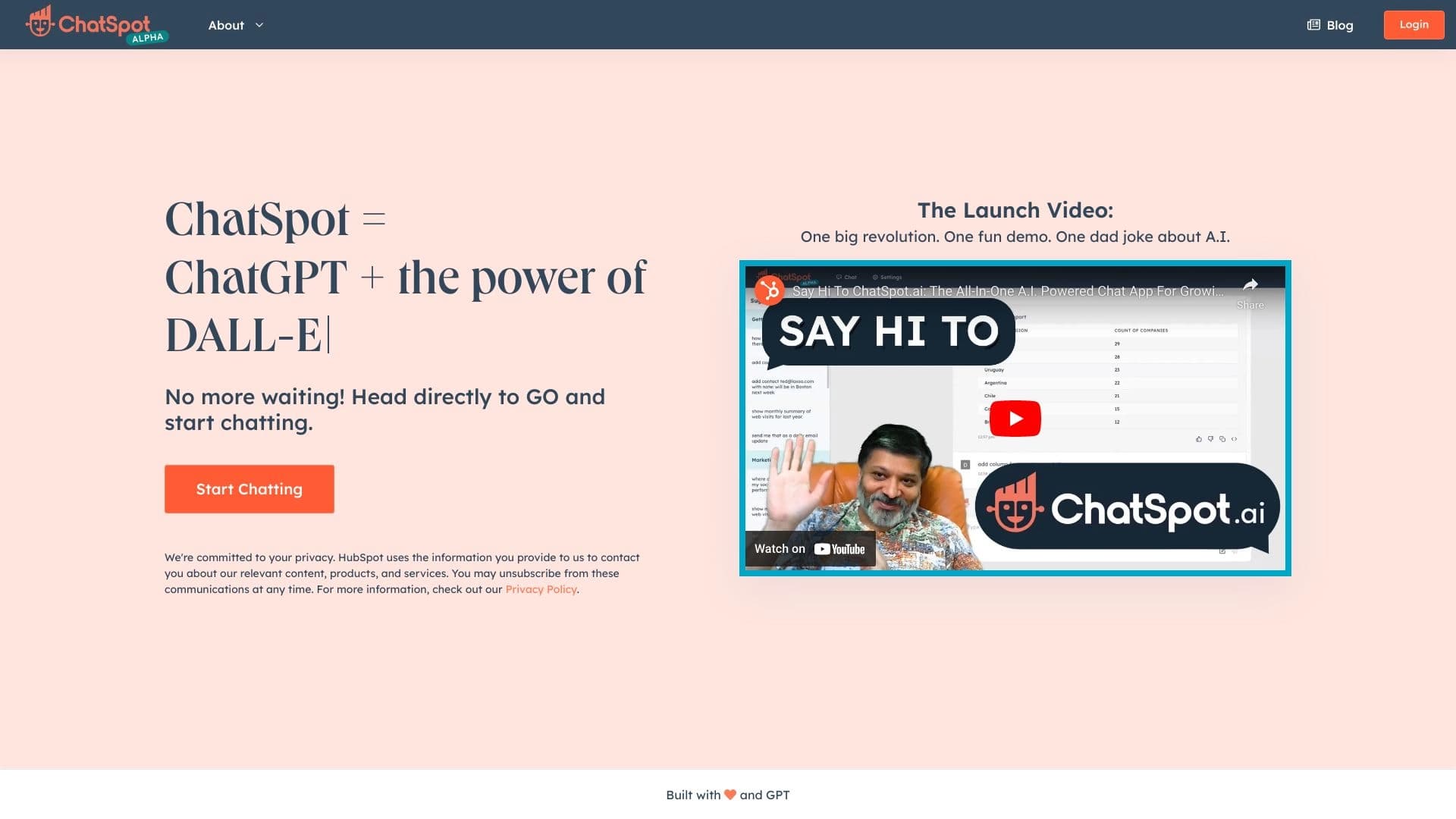
Overview
ChatSpot is a free AI assistant that combines the capabilities of the ChatGPT language model with data from HubSpot CRM. The tool works through a standard chat interface: the user enters a text query in natural language, and the system processes it using information from the connected CRM system.
ChatSpot's main goal is to simplify the daily work of sales and marketing teams that already use HubSpot. Instead of manually switching between CRM sections, building reports, or writing content, users can simply describe in words what they need to do and get a finished result. The assistant helps automate routine operations, generate texts for communications, and provide real-time analytics based on current customer database data.
ChatSpot Characteristics
| Characteristic | Value |
|---|---|
| Type | AI assistant |
| Category | Business Intelligence, Workflow Automation, Coding Assistance, Operations Tools |
| Platform | Web |
| Price | Free |
| Date added | July 8, 2024 |
| Free plan | Yes |
| Credit card required | No |
| Lifetime plan | No |
Who is ChatSpot suitable for?
Marketers and sales teams
ChatSpot is designed primarily for professionals who work with HubSpot CRM on a daily basis. Sales managers can quickly find customer information, get deal summaries, and automate tasks related to prospecting. Marketers use the tool for content generation and analyzing marketing metrics.
Business owners and CRM managers
Company owners get access to operational analytics without needing to understand complex reporting systems. CRM managers can optimize customer data management processes by delegating routine operations for processing and structuring information to the assistant.
Content creators
Thanks to its integration with ChatGPT, ChatSpot can generate texts based on user requests. This can be useful for copywriters and content managers who work with the HubSpot customer database and need to quickly create drafts of emails, posts, or product descriptions.
How to use ChatSpot?
Step 1: Registration and CRM connection
To get started, you need to register on the official ChatSpot.ai website. After creating an account, you will need to integrate it with your HubSpot CRM account. This is a mandatory requirement — CRM data is the foundation for the assistant's personalized work.
Step 2: Working with the chat interface
After connecting your CRM, you enter the chat interface where you can input prompts — text commands in natural language. The system supports suggested query options for a quick start, which is especially convenient for users without experience with AI tools. Enter tasks, get real-time insights, generate content, and automate operations directly from the chat window.
Step 3: Setting up reports
ChatSpot allows you to adapt analytical reports to your specific needs. You can request data on specific metrics, customer segments, or time periods, and then use the resulting information for decision-making.
Key ChatSpot features
AI-based content generation
The assistant creates texts in various formats: from short chat responses to detailed materials. Simply describe what needs to be written, and ChatSpot will offer a ready-made version that you can refine manually.
CRM data summaries
Instead of manually reviewing customer cards and deal histories, you can ask the assistant to prepare a brief summary for a specific segment. ChatSpot will analyze HubSpot data and highlight key information.
Competitor analysis and task automation
The tool can collect and structure data about competitors, as well as perform routine CRM operations: updating fields, creating tasks, sending notifications. This helps reduce time spent on administrative work.
Real-time insights
The assistant analyzes data as it arrives and provides up-to-date information on sales status, marketing campaign effectiveness, and other key metrics.
ChatSpot advantages
- Completely free access — no payment or bank card details required to use it;
- Deep HubSpot integration — the assistant works with real data from your CRM, making its assistance personalized;
- Support for key business processes — the tool covers sales, marketing, and customer support;
- Simple conversational interface — suggested prompts allow you to get started without specialized AI knowledge;
- Low entry barrier — ChatSpot does not require users to understand the technical details of how neural networks work.
ChatSpot disadvantages
The tool is optimized exclusively for the English language, which limits its use in non-English-speaking teams. Some features, including Breeze Copilot, are in beta testing and may work with limitations or contain errors. Additionally, the project does not have open source code and is not available in public repositories, which makes independent evaluation and customization difficult.
What tasks does ChatSpot solve?
Prospecting
The assistant helps identify promising contacts based on data already in the CRM and build lists of potential customers for further work.
Content creation and competitor research
The tool generates texts for customer communications and helps gather information about the competitive landscape, saving time on manual research.
CRM data management and marketing analysis
ChatSpot automates operations for updating and structuring records in HubSpot, and also provides analytical insights into the effectiveness of marketing campaigns and sales.
ChatSpot pricing
ChatSpot is completely free. No bank card details are required to get started. No paid lifetime plan is offered, nor are there any paid tiers at the current time. Up-to-date information on pricing and possible changes to terms can be found on the official website chatspot.ai.
ChatSpot terms of use
Registration on the ChatSpot.ai website and subsequent integration with a HubSpot CRM account are mandatory to use the service. Without a connected CRM, the assistant cannot perform its core functions, since all its capabilities are based on working with data from the HubSpot customer database. There are no additional hardware or special software requirements — a standard web browser is sufficient.
ChatSpot availability
ChatSpot is available as a web platform that works through a browser on any device with internet access. The interface is optimized for the English language, and all materials, including prompts and documentation, are presented in English. There is no information about regional access restrictions or the need to use a VPN on the tool's official page. No mobile app version has been announced, but the web interface can display correctly on mobile devices through a browser.
How ChatSpot differs from alternatives
The key difference between ChatSpot and other AI assistants is its deep integration with HubSpot CRM. While universal tools like Cody AI or LongShot AI work with general data, ChatSpot uses information from your specific customer database. This makes it not just a text generator, but a full-fledged work tool for teams already using the HubSpot ecosystem. For users who do not work with this CRM, the tool will be of little use, while for existing HubSpot customers it covers the need for fast automation without having to learn complex settings.
Conclusion
ChatSpot.ai is a free AI assistant that combines the capabilities of ChatGPT with HubSpot CRM data to automate sales and marketing. The tool is aimed at HubSpot users who need a simple and accessible way to speed up routine operations, get real-time analytics, and generate content through a conversational interface. Despite limitations related to English-only support and the beta status of some features, ChatSpot remains a convenient solution for teams looking to adopt AI tools without additional costs.
Frequently asked questions
See also
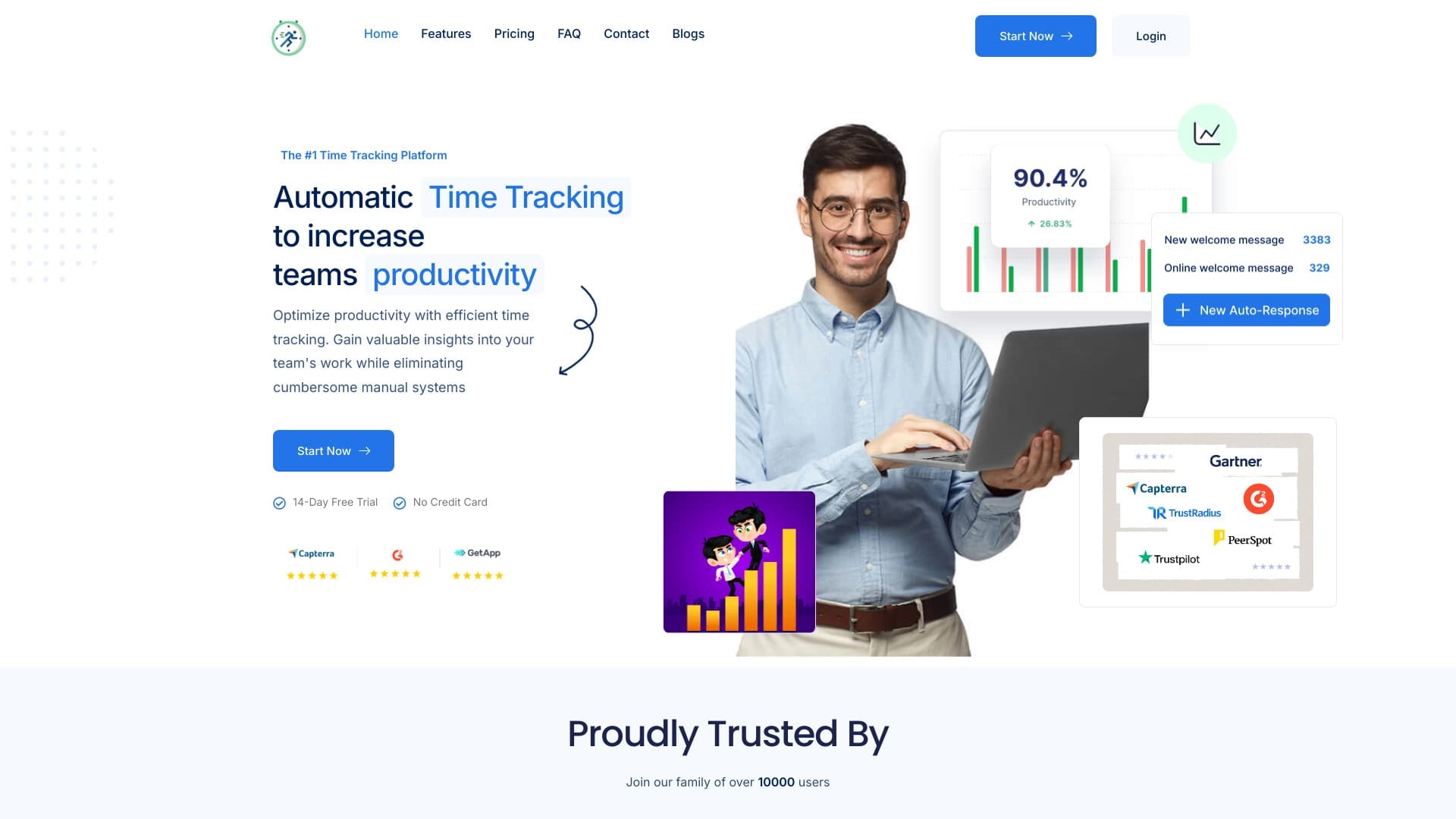

Platform for automatic work time tracking and team productivity analysis.
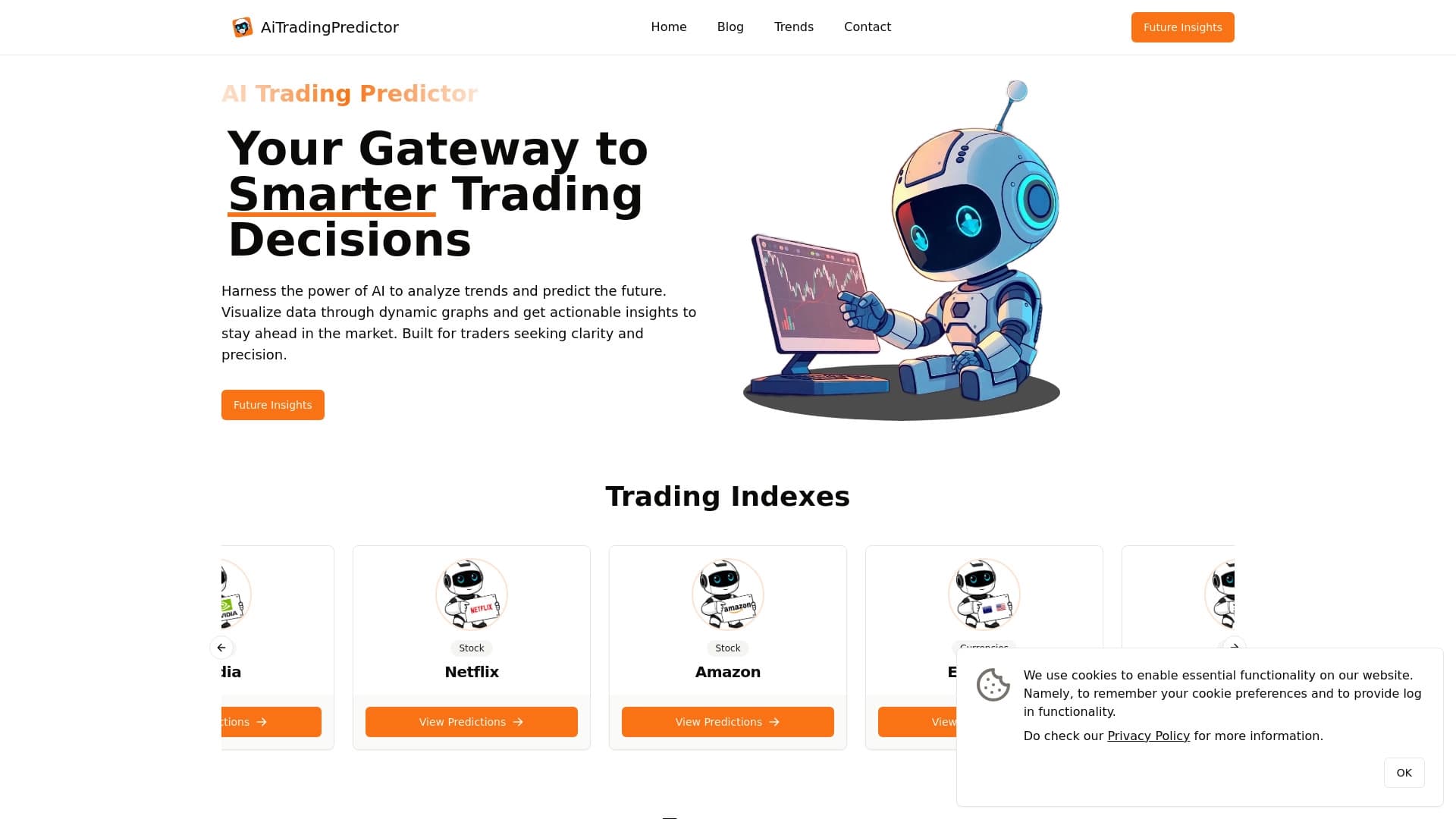
Free AI service for forecasting price movements of stocks, cryptocurrencies, and commodities.
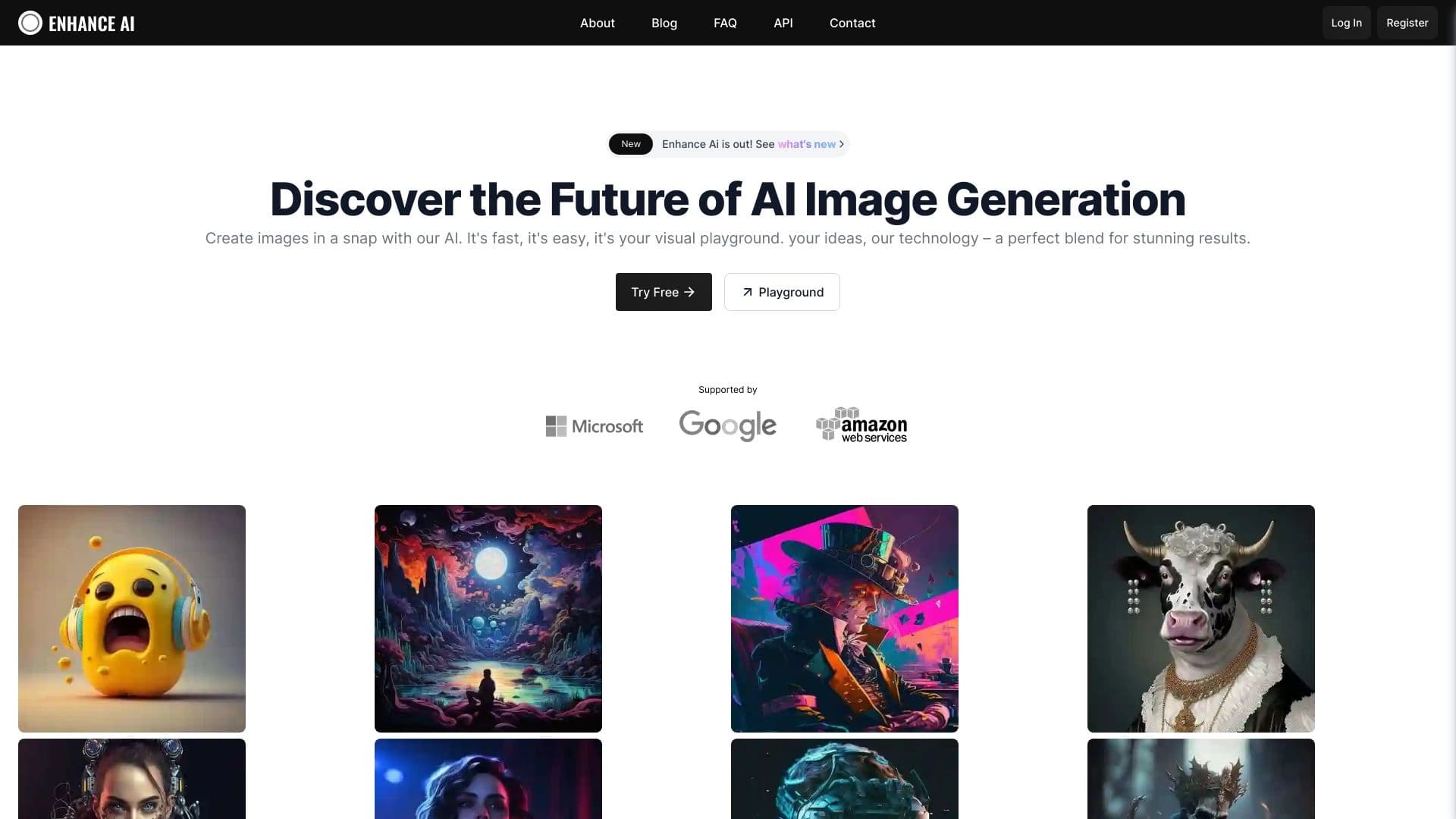
Online AI-powered platform for generating and processing images.


AI-powered platform for generating and editing images and videos.

Service for transforming AI-generated text into a more natural-looking form that is harder for artificial intelligence detectors to recognize.
Catalog of free video editors without watermarks for creating and editing videos.


Google's neural network for generating and editing images from text descriptions, based on Gemini models.

AI-based platform for generating music and songs from a text description.