

ChatBees.AI
Server-side chat platform for automating the processing of incoming requests in CRM.
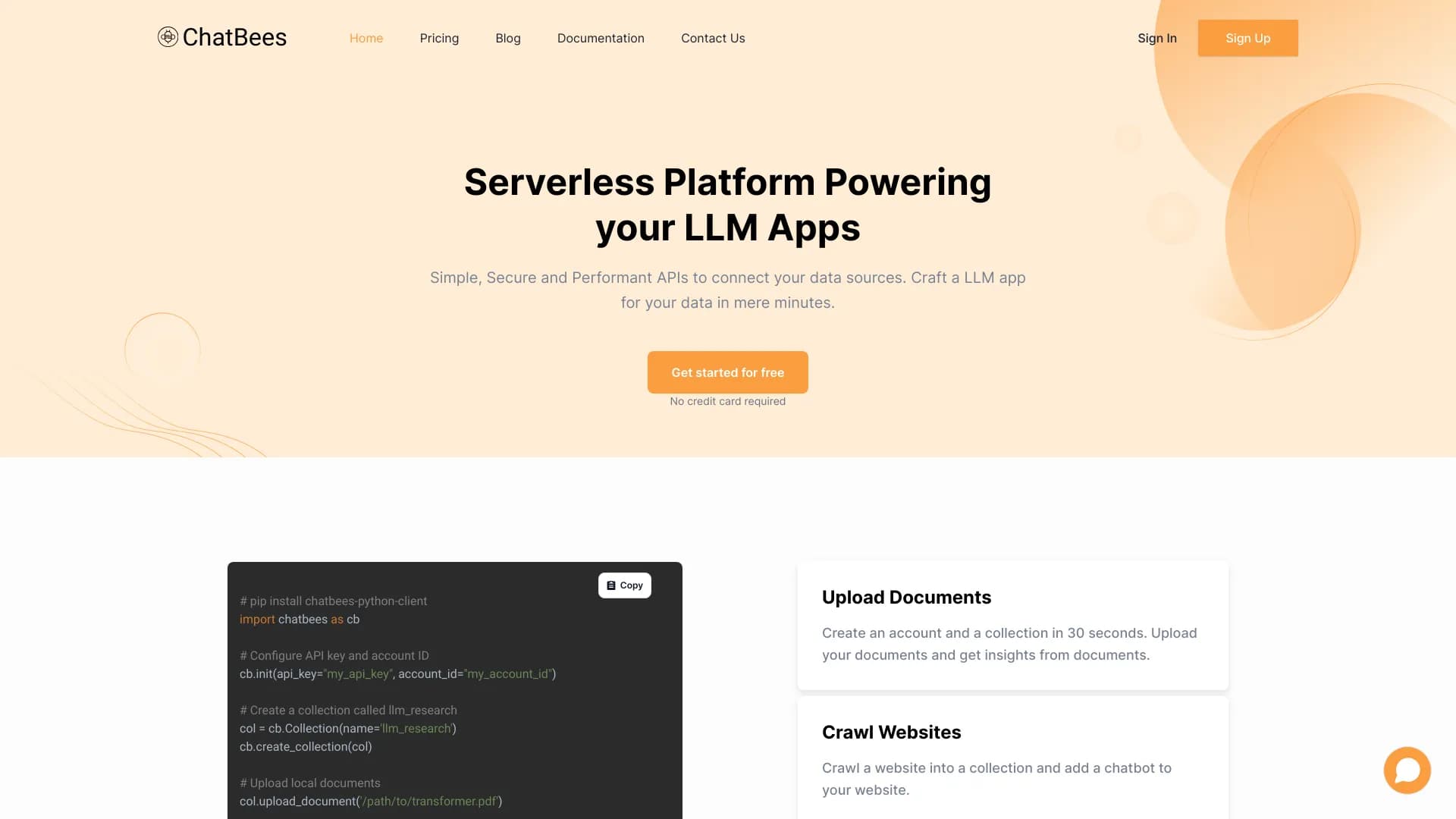
Overview
ChatBees.AI is a server-side chat platform designed to automate the processing of incoming requests submitted to CRM systems. The tool analyzes customer inquiries, internal tickets, and support requests, then provides teams with actionable recommendations for each case. The platform's primary goal is to reduce routine manual work and speed up issue resolution through automatic categorization and suggestion generation.
The solution works as an intermediary layer between the CRM and operators: it intercepts incoming tickets, processes them with AI, and returns a structured result with action suggestions. This allows employees to respond to requests faster and spend less time analyzing context.
ChatBees.AI Features
| Feature | Value |
|---|---|
| Type | AI platform and framework, customer support tool, search technology, decision support |
| Platform | Web |
| Pricing model | Free / Pay-as-you-go + paid add-ons |
| Free plan | Yes (Flex plan with $5 credit) |
| Trial period | 14 days free on the Standard plan |
| Credit card required | No (for the free plan) |
| Starting price | 5 USD |
| Date added | June 10, 2024 |
| Company | ChatBees |
Who is ChatBees.AI suitable for?
Customer support teams and sales departments
The platform is primarily aimed at teams that handle a large volume of inquiries daily. Support operators receive ready-made response recommendations, while sales managers get automatic qualification of incoming leads.
Small and medium businesses and large enterprises
ChatBees.AI scales to fit organizations of different sizes. Small companies can start with the free plan and add paid features as they grow. Large enterprises, including IT departments, can use the tool to process internal tickets and integrate with corporate knowledge bases.
How to use ChatBees.AI?
Step 1: Registration and CRM connection
To get started, you need to register or log in to your ChatBees account. Then, integrate the platform with your CRM system. Connections to popular ticketing systems and knowledge bases are supported.
Step 2: Configuring analysis rules
After integration, you set up automatic ticket analysis rules. The administrator defines which types of requests should be processed automatically, which categories to assign to inquiries, and what recommendations the system should provide.
Step 3: Monitoring and adjustment
At this stage, the team tracks the insights received, evaluates the accuracy of recommendations, and adjusts workflows based on collected statistics. The system learns from internal knowledge bases, so regular data updates improve analysis quality.
Key features of ChatBees.AI
Automatic ticket analysis
The platform automatically parses incoming requests, identifies their essence, categorizes them, and assigns priorities. This reduces initial processing time and lets operators move straight to solving the task.
CRM integration
ChatBees.AI connects to popular CRM systems and ticket managers, ensuring seamless data exchange. All information about a request stays within the CRM you use, while AI adds an analytical layer on top.
Actionable recommendation generation
For each ticket, the system generates practical suggestions: what to reply to the customer, which knowledge base articles to use, and what actions to take. This helps speed up issue resolution and standardize service quality.
ChatBees.AI advantages
Faster ticket processing
According to company data, automation reduces ticket resolution time by up to 52%. This is achieved through rapid categorization and ready-made response scenarios.
Adaptive learning on internal data
The platform trains private AI models on an organization's internal knowledge bases and keeps them up to date. This accounts for business specifics and improves analysis accuracy.
Increased customer satisfaction
Faster and more accurate responses improve service quality, which positively impacts brand reputation and customer loyalty.
ChatBees.AI disadvantages
Integration and configuration limitations
The tool is not open source, and there is no mobile app or Chrome browser extension. Full operation may require integration setup and preliminary data preparation for training the knowledge base. This creates additional workload for the IT department during implementation.
What tasks does ChatBees.AI solve?
Improving customer support efficiency
The system handles initial request analysis, reducing response wait times and allowing operators to focus on complex cases.
Managing sales department requests
The platform helps quickly process incoming leads, assess their potential, and provide managers with contextual information for qualification.
Processing internal requests
ChatBees.AI is also suitable for automating internal tickets between company departments, including IT service, HR, and other units.
ChatBees.AI pricing
Free Flex plan
A plan with a $5 credit is available, allowing you to test the platform's basic capabilities without entering a bank card.
Standard plan
Costs $249 per month. Includes automatic ticket response generation, processing of 200 tickets per month, and HubSpot integration. A free 14-day trial is available.
Enterprise plan
Pricing is calculated individually. The plan includes extended functionality for large organizations. Paid add-ons from $25 per month are also available, with a choice between monthly and annual billing.
Terms of use for ChatBees.AI
Registration or login is required to get started. The free plan does not require a credit card. Full use of the tool involves connecting a CRM system and, if necessary, configuring internal analysis rules. The trial period is limited to 14 days and applies to the Standard plan.
ChatBees.AI availability
The platform operates as a web service and is accessible via browser. Interface language settings are not specified. According to visit statistics, the main audience is concentrated in the US (52.63%), France (29.29%), and India (18.08%). No information is provided about whether VPN access is required.
How ChatBees.AI differs from alternatives
Comparisons with competitors such as Zendesk, Freshdesk, Salesforce, HubSpot, and Zoho CRM are not provided in public sources. Based on available data, ChatBees.AI's distinguishing feature is training private AI models on a specific organization's internal knowledge bases, which allows it to account for business process specifics. However, additional product testing is required for an objective comparison with alternatives.
Conclusion
ChatBees.AI is a server-side chat platform for automating the analysis of incoming CRM tickets, aimed at improving the efficiency of support and sales teams. The tool offers flexible pricing, starting with a free plan, and uses AI to reduce manual work and speed up issue resolution. Despite limitations related to integration setup requirements and the lack of a mobile version, the platform is a practical solution for organizations looking to optimize customer request handling.
Pricing
Frequently asked questions
See also

A customer support automation platform that analyzes inquiries and helps operators respond faster.


AI chatbot for automating customer communication and lead qualification.


Platform for organizing live chat and communicating with website visitors, offering a free chat widget for customer support.
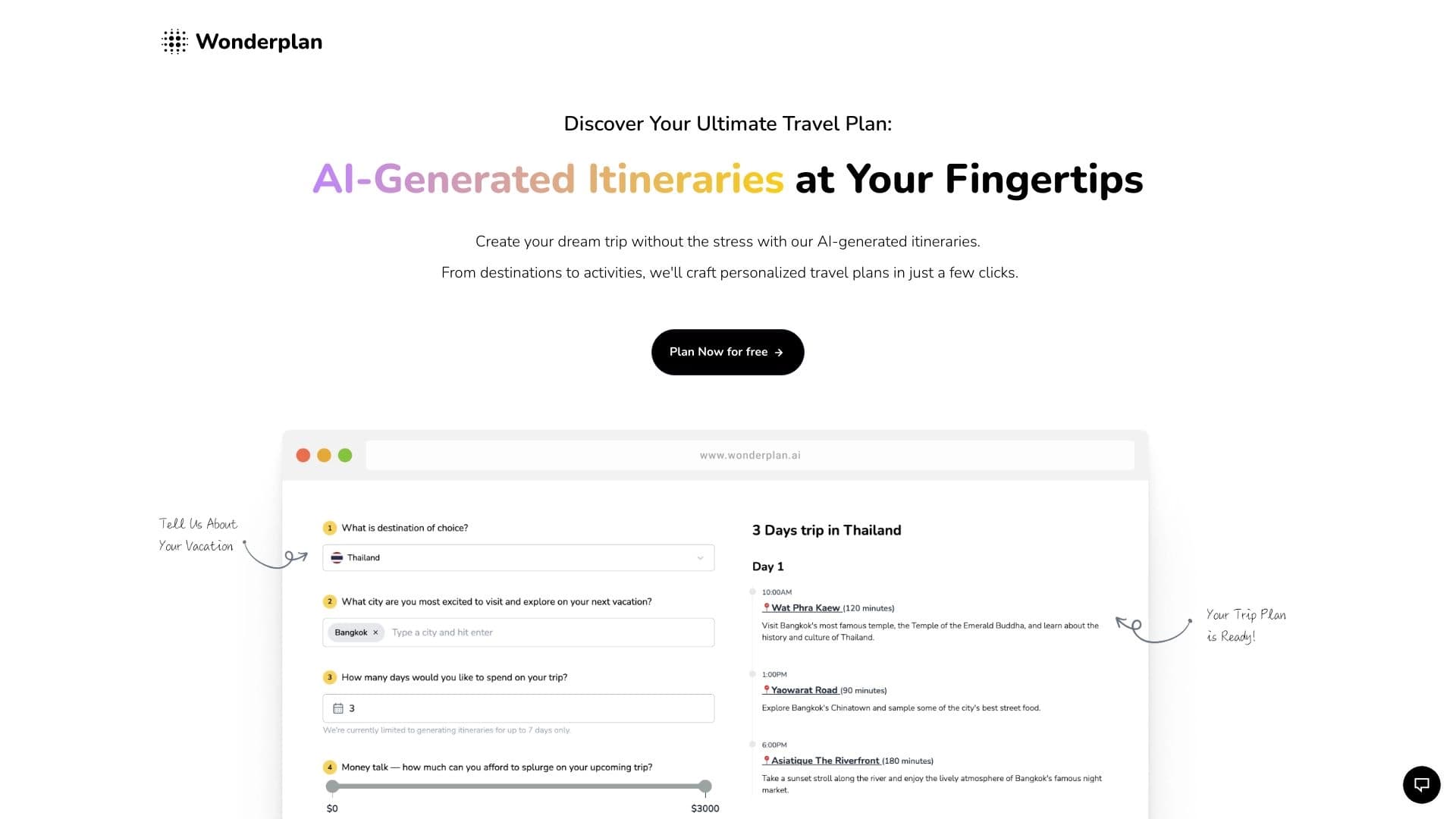

An AI travel planning assistant that creates detailed itineraries based on preferences, budget, and trip duration.


An add-in for Microsoft Word that uses neural networks to automate the creation, editing, and analysis of legal contracts.


AI platform for automating video editing, including face replacement, video translation, and avatar creation.


AI Slide Studio is an AI-powered service for quickly creating customizable presentations on a given topic.
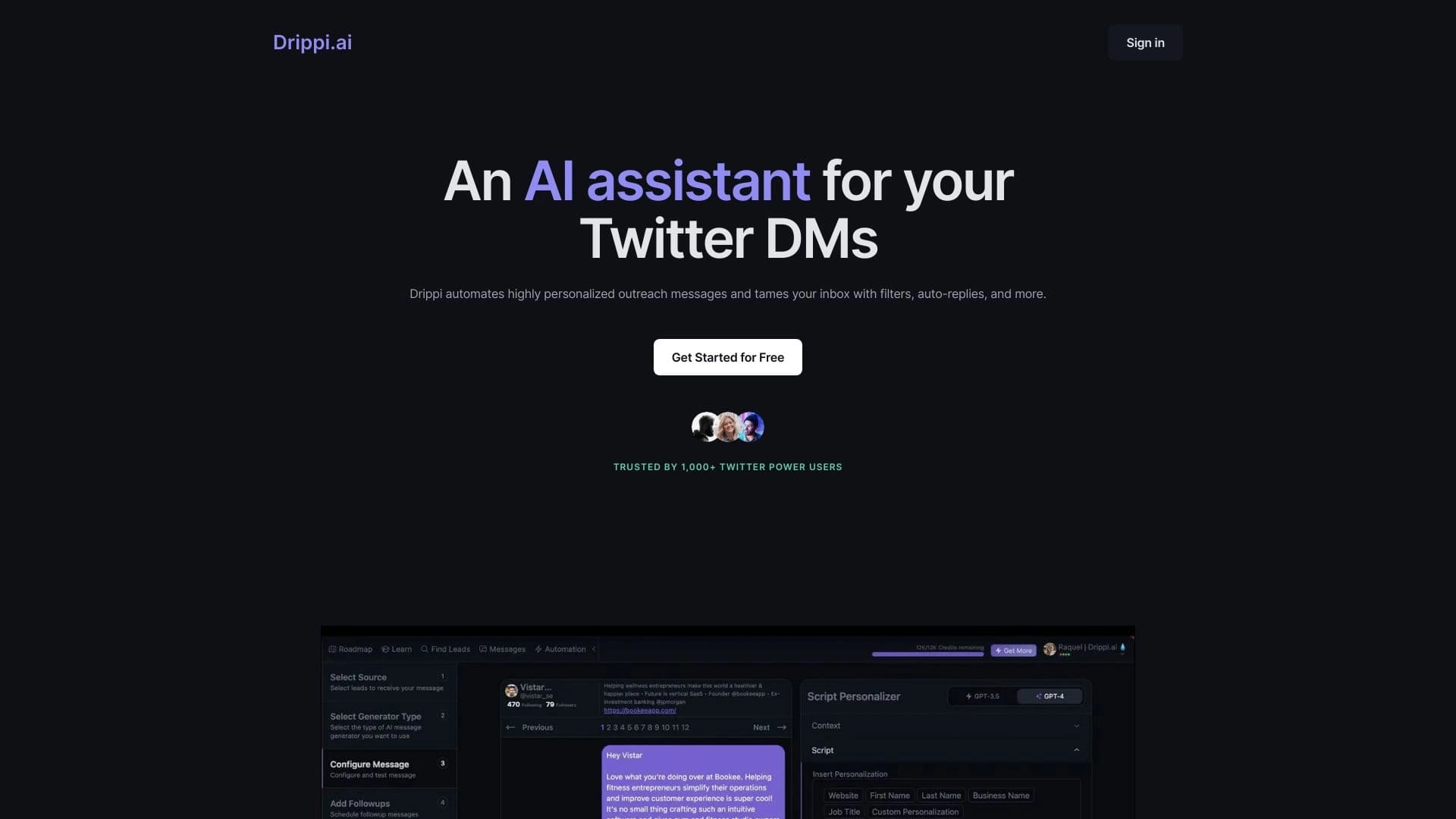

Automates sending personalized direct messages on X (Twitter) for cold outreach.