
Chat GPT - Chrome Extension
Browser extension that connects the ChatGPT language model for generating texts and answers directly in the browser window.
Overview
Chat GPT - Chrome Extension
Description of the Chat GPT - Chrome Extension neural network
Chat GPT - Chrome Extension is a browser extension for Google Chrome that integrates the Chat GPT language model directly into the browser window. The tool allows users to generate texts, reply to messages, and get writing suggestions without switching between tabs or third-party services.
The extension analyzes the user's request and selects the most relevant responses, which is especially useful when handling a large volume of conversations and messages. The neural network processes input data on the user's device without storing conversation history, providing additional privacy. However, with complex or poorly worded questions, inaccuracies in responses are possible, so it is recommended to review generated content before sending.
How the extension works
After installing the extension, the user can open it in any browser window, enter a text request, and instantly receive a response from the neural network. The tool analyzes the message context and takes previous questions into account to improve generation accuracy.
Key feature
The main difference between this extension and the web version of Chat GPT is its full integration into the browser environment. Users do not need to open a separate website or application: text generation happens directly on the page they are working with.
Chat GPT - Chrome Extension characteristics
| Characteristic | Value |
|---|---|
| Type | Browser extension |
| Category | Chatbot creation tools |
| Developer | Toolify AI |
| Monthly visits | 388.9K |
| Free plan | Yes (free) |
| Distribution model | Free |
| Availability | Browser extension (Chrome), works online |
Who is the Chat GPT - Chrome Extension neural network suitable for?
Customer support specialists
The extension is especially useful for support staff who handle dozens of similar requests every day. Chat GPT helps quickly craft polite and meaningful responses, reducing the time spent on each inquiry.
Copywriters and content managers
The tool is suitable for people who regularly create texts for emails, articles, social media posts, and other communication channels. The neural network generates drafts in seconds, which can then be refined for specific tasks.
Freelancers and entrepreneurs
Small business owners and self-employed professionals who communicate with clients and partners can use the extension to automate the routine part of communication — from answering frequently asked questions to preparing commercial proposals.
How to use the Chat GPT - Chrome Extension neural network?
Installation and launch
To get started, you need to install the extension from the Chrome Web Store. After installation, an extension icon will appear in the browser toolbar, and clicking it opens the interface for entering requests.
Formulating a request
The extension works on a question-and-answer basis. The clearer and more specific the request, the more accurate and relevant the neural network's response will be. Vague or complex questions may reduce the quality of the result.
Getting and checking the result
After submitting a request, the neural network generates a text response within a few seconds. It is recommended to check the responses for factual errors and inaccuracies before using them in business correspondence or publications.
Main features of Chat GPT - Chrome Extension
Generation of natural texts
The extension creates texts that are difficult to distinguish from human-written content. The neural network selects wording, tone, and style depending on the request context, allowing the results to be used in live conversations.
Contextual adaptation of responses
The neural network analyzes the conversation and takes the user's previous questions into account. This helps generate responses that match a specific situation and do not look generic or detached from the context of the discussion.
Fast generation in the browser
All operations are performed directly in the browser window without redirecting to third-party resources. Users do not need to open separate tabs or applications — the extension interface is available in one click.
Advantages of Chat GPT - Chrome Extension
Speed
The main advantage of the extension is the speed of text generation. Responses are created in a few seconds, saving significant time when handling a large volume of messages. Instead of manually crafting every phrase, the user gets a ready-made draft instantly.
Naturalness of responses
Generated texts sound natural and resemble human speech. This is especially important when automating correspondence, where template-like or unnatural responses can reduce the interlocutor's trust.
Learning from context
The neural network analyzes dialogue history and past requests, allowing it to provide more accurate and personalized responses over time. The more actively the extension is used, the better it understands the user's style and preferences.
Disadvantages of Chat GPT - Chrome Extension
Sensitivity to wording
Response quality directly depends on how clearly the request is formulated. If the question is vague or contradictory, the neural network may provide an irrelevant or incomplete answer. Users need to learn how to formulate tasks properly.
Possible factual errors
When working with complex or ambiguous questions, the extension may produce texts with inaccuracies or errors. The neural network is not always able to correctly interpret confusing requests, so the responses require verification.
Limited accuracy
Despite the high quality of generation, the extension does not guarantee one hundred percent accuracy in all cases. This is especially true for highly specialized topics, specific terminology, or questions requiring deep expert knowledge.
What tasks does Chat GPT - Chrome Extension solve?
Automating responses in chats
The extension helps automate the process of responding to incoming messages in the browser. The user enters the essence of the request, and the neural network generates a ready-made response that can be sent immediately or refined before sending.
Preparing emails and business correspondence
The tool is suitable for quickly composing letters to clients, partners, and colleagues. The neural network helps express thoughts competently and professionally, reducing the time spent on each email.
Generating content for conversations
The extension allows users to obtain texts for various communication scenarios — from answering frequently asked questions to complex negotiations. This is especially useful for sales managers and support staff who have to manage many parallel conversations.
Chat GPT - Chrome Extension pricing
The extension offers three pricing plans:
- Free — basic functionality for generating texts and responses with no time limits on use.
- Standard — includes advanced features and prioritized request processing.
- Premium — provides a full set of features with maximum generation speed and additional options.
Terms of use for Chat GPT - Chrome Extension
The extension does not store entered messages or generated responses on external servers. All data is processed directly on the user's device, ensuring the confidentiality of correspondence. An active internet connection is required for the extension to work, since request processing is performed on the language model's remote servers.
Availability of Chat GPT - Chrome Extension
The extension is available for the Google Chrome browser. It can be installed through the Chrome Web Store. The tool works online — an internet connection is required to generate responses. There is currently no information about support for other browsers (Firefox, Edge, Safari).
How Chat GPT - Chrome Extension differs from alternatives
Browser integration
Unlike platforms such as Botmother, Leadtex, Aimylogic, or SaleBot, Chat GPT - Chrome Extension does not require creating a separate chatbot or configuring complex scenarios. The extension works out of the box and does not involve deep customization — it is a lightweight tool for quick text generation.
No bot builder
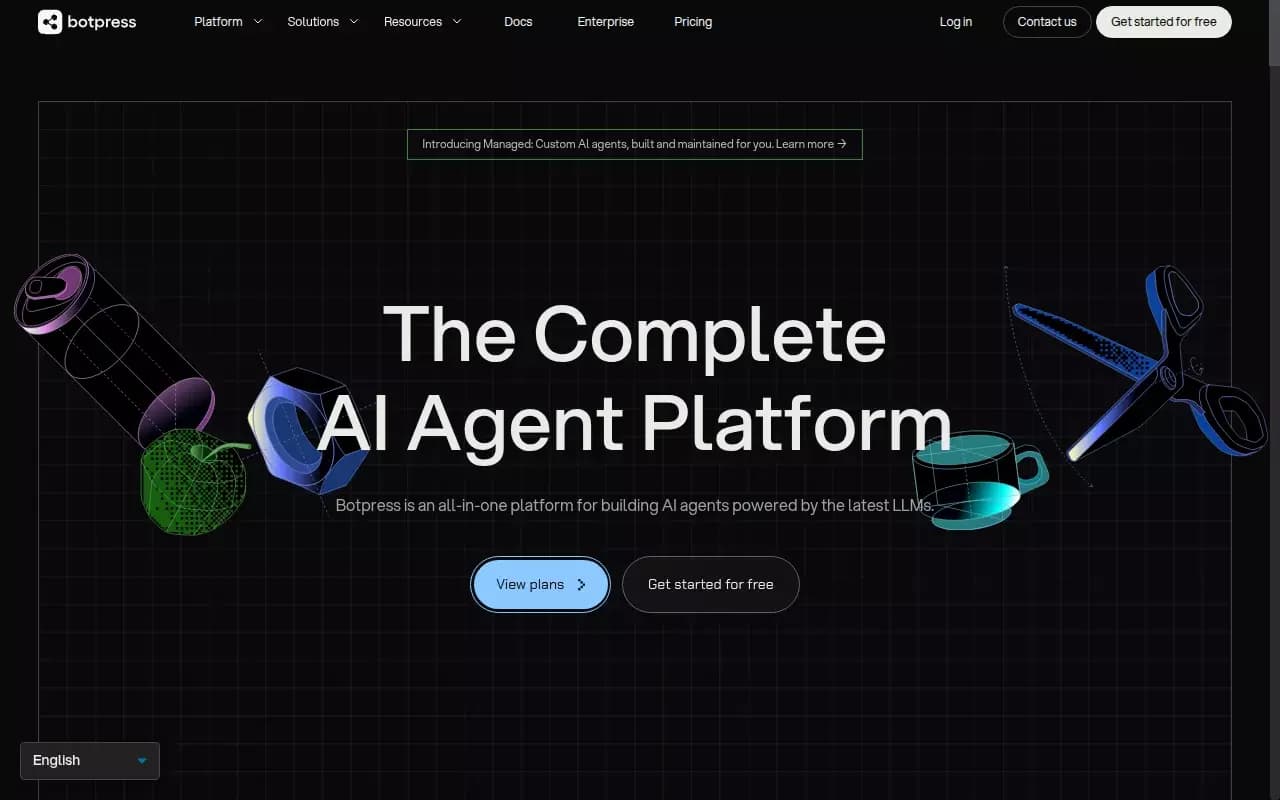
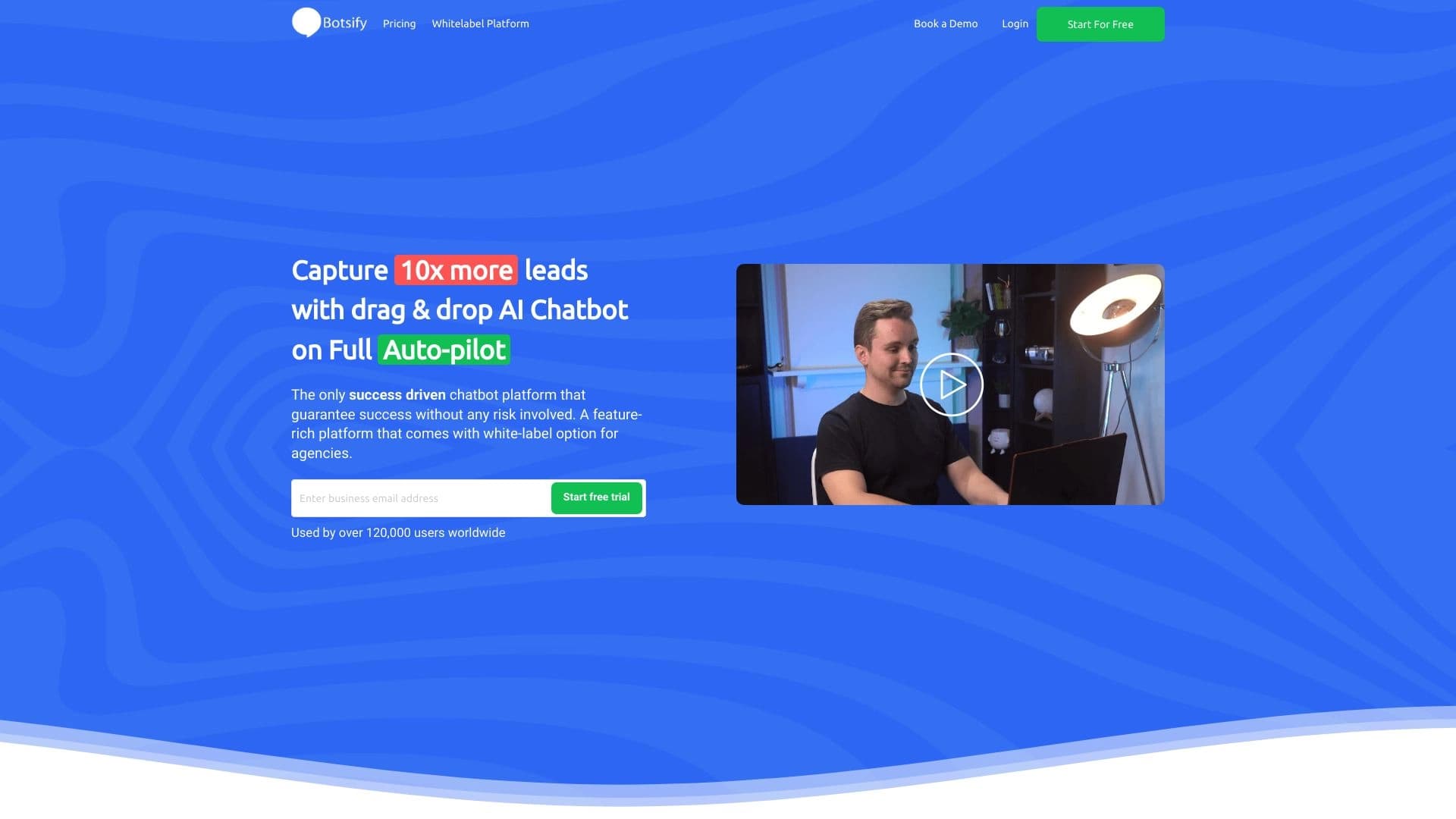
Alternatives like Botpress and Botsify offer full-fledged chatbot builders with visual editors, API integrations, and analytics. Chat GPT - Chrome Extension performs only the function of generating text on user request and is not a platform for creating automated bots.
Ease of use
The main difference between the extension and its competitors is its minimal entry barrier. Users do not need to understand settings, study documentation, or set up integrations. Install it, open it, type a request, get a response. This makes the tool accessible to a wide audience, including those without technical experience.
Conclusion
Chat GPT - Chrome Extension is a convenient browser extension for generating texts quickly and automating correspondence. It suits those who want to save time when handling a large volume of messages and get natural, contextually relevant responses. The main limitations of the tool are that response quality depends on how clearly requests are formulated and that inaccuracies may occur with complex questions. The extension is available for free, with the option to upgrade to paid plans for extended functionality. Before using generated texts in business correspondence, it is recommended to check them for errors.
Pricing
Frequently asked questions


See also


Aggregator platform that brings together various AI tools and language models with pay-as-you-go pricing.

Cabina AI is a unified platform for working with various generative neural networks, enabling you to create texts, images, and videos.
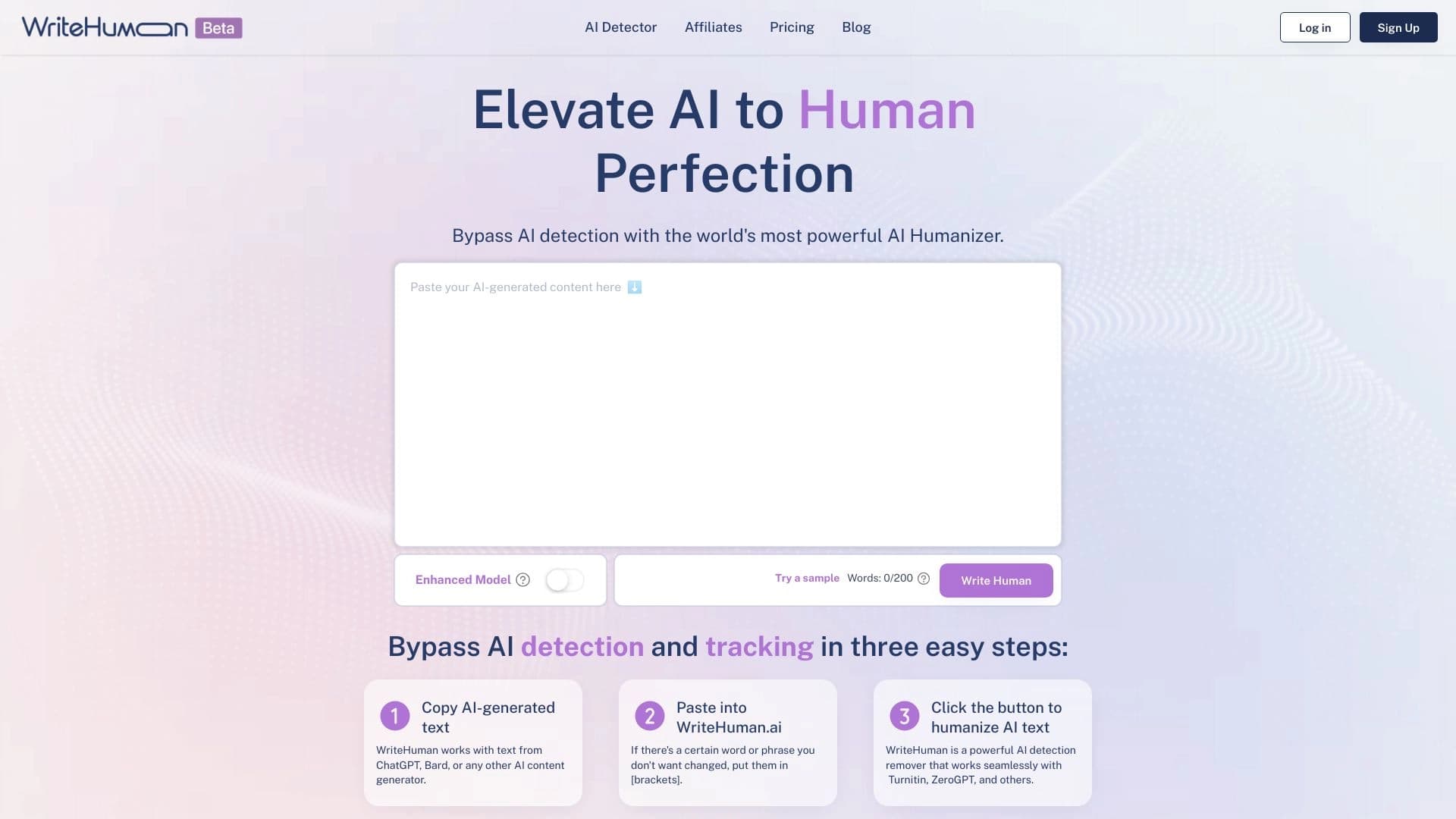

Service for transforming AI-generated text into a more natural-looking form that is harder for artificial intelligence detectors to recognize.

Online service for creating and customizing birthday invitations and congratulations using artificial intelligence.


Platform for automating client acquisition and personalized email campaigns with data enrichment from over 150 sources.
Yandex's multimodal voice assistant powered by the YandexGPT neural network that answers questions, generates texts and images, analyzes files, and controls the smart home.


A multifunctional AI assistant for chat, text and image generation, translation, and programming help.


AI assistant for checking grammar, spelling, and style of English text, available as a browser extension and web editor.