
ChartEye - Chrome Extension
Chrome extension with AI for automatic cryptocurrency chart analysis.
Overview
ChartEye AI Description - Chrome Extension
ChartEye is a Google Chrome browser extension that uses artificial intelligence algorithms to automatically analyze cryptocurrency charts. The tool is designed for traders who want to reduce time spent on manual analysis of quotes and get ready-made trading signals. The extension integrates with popular technical analysis platforms such as TradingView and allows processing charts with one click.
The main feature of ChartEye is that there is no need to deeply understand technical analysis. The neural network independently finds key patterns, identifies trends, and generates recommendations based on the analysis of multiple factors. The extension supports 21 languages, including Russian, English, Chinese, and Arabic, making it accessible to an international audience. It is distributed on a freemium model: basic features are available for free, while extended functionality is available by subscription.
ChartEye - Chrome Extension Features
| Feature | Value |
|---|---|
| Type | Chrome Extension |
| Category | Charting Tools |
| Developer | ChartEye |
| Interface and analysis languages | 21 languages (including Russian, English, Chinese, Arabic) |
| Free plan available | Yes |
| Distribution model | Freemium |
| Monthly visits | 2.1M |
| Integration | TradingView and other charting platforms |
Who is ChartEye - Chrome Extension suitable for?
Active cryptocurrency traders
The extension is primarily aimed at people who work with cryptocurrency charts on a daily basis. These can be both experienced traders looking to speed up routine analysis and beginners who are not yet fully familiar with technical indicators and patterns.
TradingView users
ChartEye is tightly integrated with TradingView and other similar services. If you already use these platforms to view quotes, the extension easily fits into your usual workflow — just click the icon to get an automatic analysis of the current chart.
How to use ChartEye - Chrome Extension?
Simple one-click launch
The usage process is extremely simple: open a cryptocurrency chart on TradingView or a similar platform, then click the ChartEye extension icon in your browser. The neural network instantly analyzes the current market situation and provides the result.
Getting ready-made trading signals
After processing the chart, the extension shows key patterns, trends, and potential entry points for trades. You don't need to interpret complex indicators yourself — ChartEye immediately generates recommendations that can be used as a basis for decision-making.
Key features of ChartEye - Chrome Extension
AI analysis of cryptocurrency charts
The extension uses a neural network to automatically process charts. It analyzes price movements, volumes, and other parameters to identify current trends and potential reversals.
Lightning-fast pattern detection
ChartEye quickly identifies key chart patterns such as head and shoulders, triangles, support and resistance levels. This saves hours of manual analysis.
Multilingual support
The service provides technical analysis in 21 languages, allowing traders from different countries to use it without language barriers. Supported languages include Russian, English, Chinese, Arabic, and others.
Advantages of ChartEye - Chrome Extension
Automation of chart analysis
The main advantage of ChartEye is the ability to get ready-made analysis without deep knowledge of technical analysis. The neural network independently processes data and highlights important signals, which is especially useful for beginner traders.
Time savings
The extension generates recommendations in seconds, while manual analysis can take tens of minutes. This allows you to respond faster to market changes and not miss potentially profitable opportunities.
Improved decision accuracy
AI processes multiple factors simultaneously, which reduces the risk of errors related to human factors and helps make more informed trading decisions.
Disadvantages of ChartEye - Chrome Extension
Limitations in non-standard situations
The neural network does not always correctly handle non-standard market situations. For example, sharp price spikes caused by force majeure news can lead to inaccurate signals.
Possibility of false signals
Like any automated tool, ChartEye can sometimes generate false trading signals. This should be taken into account, and the extension should not be relied upon as the only source of truth.
Internet connection requirement
A constant internet connection is required for the extension to work. If there is no network or the connection is unstable, the functionality becomes unavailable.
What tasks does ChartEye - Chrome Extension solve?
Automatic analysis of exchange charts
The extension takes over the routine task of interpreting cryptocurrency charts. Instead of manually studying each candle, the neural network instantly processes data and provides a structured result.
Finding entry points for trades
ChartEye helps identify potentially favorable moments for opening positions. It analyzes market conditions and suggests when price movement in one direction or another is likely.
Reducing the risk of errors and saving time
Automatic data processing reduces the likelihood of subjective trader errors. Additionally, the entire analysis process is accelerated, which is especially important in the volatile crypto market.
ChartEye - Chrome Extension Pricing
ChartEye operates on a freemium model and offers three pricing plans:
- Free plan — provides access to the core features of the extension with no monthly fee.
- Basic plan — expands the set of available features.
- Professional plan — includes extended functionality for active traders.
Terms of use for ChartEye - Chrome Extension
Technical requirements
To use the extension, you need to install it in the Google Chrome browser. A constant internet connection is also important since the neural network processes data on remote servers.
Platform integration
The extension works on any website with charts, but the most complete integration is implemented with TradingView. Make sure you are using a supported platform for the tool to work correctly.
ChartEye - Chrome Extension Availability
The extension is available for installation in the Chrome Web Store and works on any website with exchange charts. ChartEye supports 21 languages and is available in many countries. Thanks to its multilingual support, the service is suitable for an international audience of traders, regardless of their geographic location.
How ChartEye - Chrome Extension differs from alternatives
ChartEye stands out from news services and image generators because it is a specialized tool specifically for analyzing cryptocurrency charts. Unlike universal neural networks such as Midjourney or Kandinsky, which handle image generation tasks, ChartEye is focused on a specific professional niche. It does not create content but processes market data in real time.
The closest alternatives are other AI tools for working with finance, but ChartEye wins with its easy integration with TradingView and ease of use as a browser extension. For a trader who wants to quickly get signals without switching between tabs and applications, this is a more convenient option than full-fledged platforms with academic chart analysis.
Conclusion
ChartEye is a practical AI extension for Chrome that simplifies cryptocurrency chart analysis and provides quick recommendations to traders. It is useful both for beginners looking to get up to speed faster in trading and for experienced users seeking to save time. The availability of a free plan and support for 21 languages make the service accessible to a wide audience. However, you should not fully rely on automatic signals: in non-standard market situations, the extension can make mistakes, and its operation requires a stable internet connection.
Frequently asked questions
See also

AIJOURNEY is a catalog and search platform for discovering AI tools, updated daily.

Mobile app for photo editing and creating stylized avatars using AI.


Neural network for generating SEO-optimized articles and automating blog management.
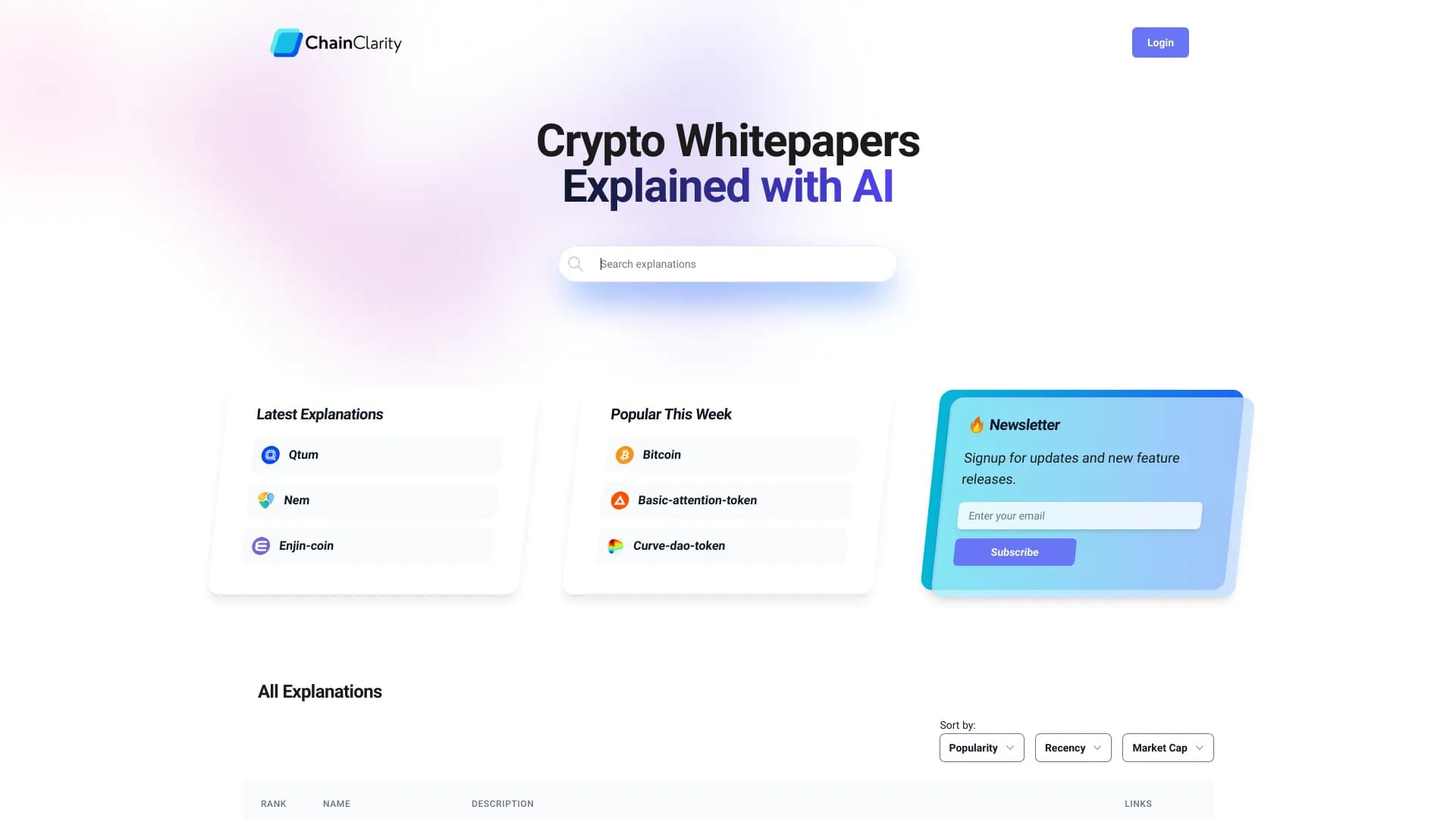
AI-powered service that simplifies technical documents of cryptocurrency projects for a broad audience.


BannsAi is an AI-powered service for quickly creating ad banners based on a text description or reference.

AI assistant for automating retail tasks and optimizing call center operations.


AI anime image generator from text descriptions with template selection.


A multifunctional AI assistant for generating texts, images, and audio.