

Captions App
एआई उपकरण जो विभिन्न भाषाओं में वीडियो के लिए स्वचालित रूप से उपशीर्षक, अनुवाद और वॉयस-ओवर बनाता है।
रैंकिंग में स्थान
अवलोकन
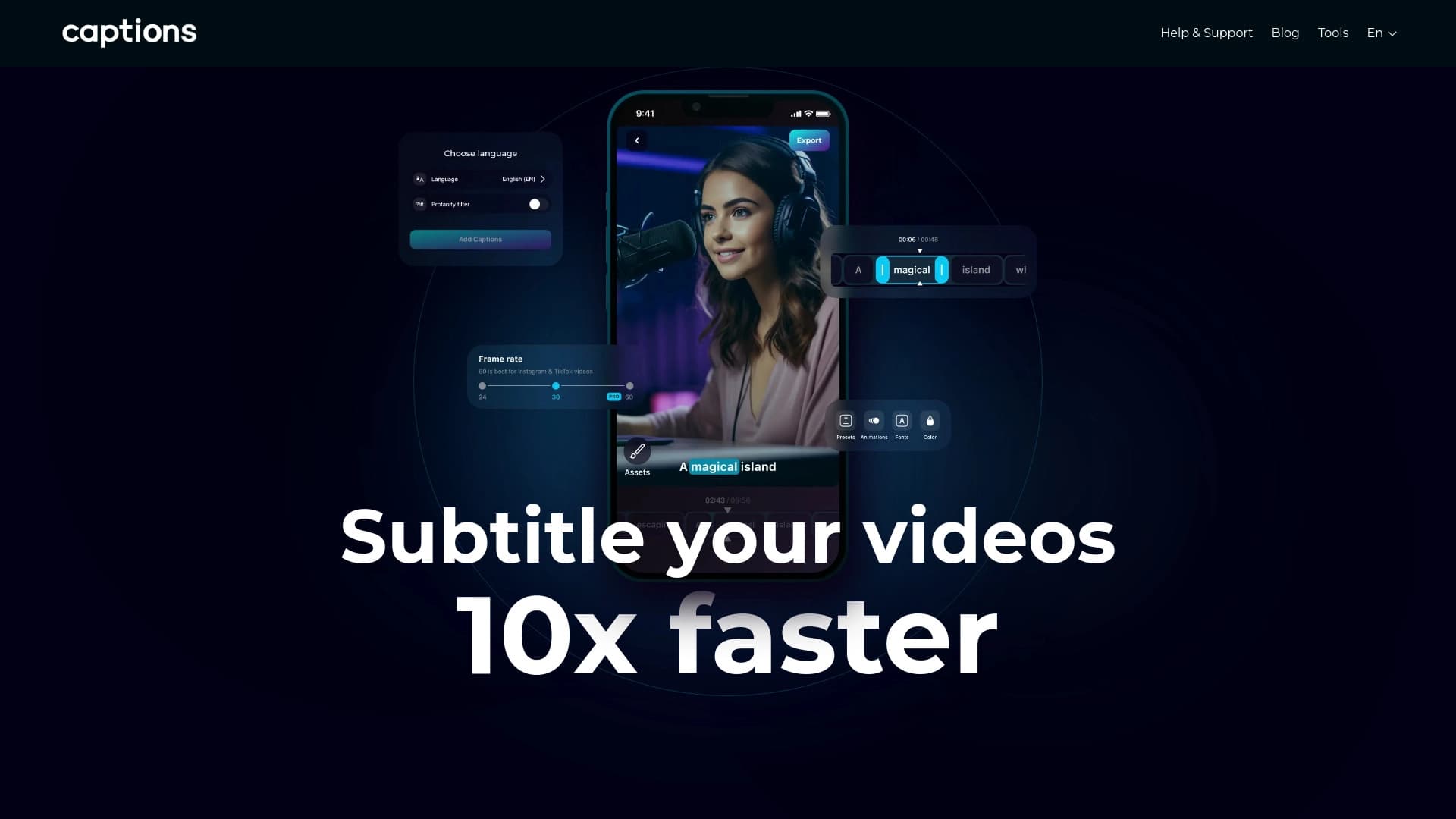
कैप्शन्स ऐप (जिसे डब्स के नाम से भी जाना जाता है) एक AI टूल है जो वीडियो कंटेंट के साथ काम को स्वचालित करने के लिए बनाया गया है। इसका मुख्य उद्देश्य वीडियो निर्माताओं से सबटाइटल, अनुवाद और वॉयस-ओवर से जुड़ी नियमित प्रक्रियाओं को हटाना है। मैन्युअल रूप से भाषण को ट्रांसक्राइब करने, टेक्स्ट टाइप करने और अन्य भाषाओं के लिए वॉयस आर्टिस्ट खोजने के बजाय, उपयोगकर्ता इन चरणों को न्यूरल नेटवर्क को सौंप सकता है। सेवा वीडियो में भाषण को पहचानती है, सबटाइटल जेनरेट करती है, उन्हें दर्जनों भाषाओं में अनुवाद करती है और यहां तक कि मूल आवाज की नकल करने वाला स्वचालित वॉयस-ओवर भी बनाती है।
टूल को मोबाइल समाधान के रूप में पेश किया गया है: लगभग सभी प्रमुख फीचर ऐप में उपलब्ध हैं, जबकि इसका कोई पूर्ण डेस्कटॉप संस्करण नहीं है। यह उन लोगों के लिए सुविधाजनक बनाता है जो "चलते-फिरते" काम करने के आदी हैं — सीधे स्मार्टफोन से वीडियो शूट और एडिट करना। स्क्रिप्ट और टेलीप्रॉम्प्टर के लिए बिल्ट-इन मॉड्यूल कार्यक्षमता को पूरक करते हैं, कैप्शन्स ऐप को एक छोटा मोबाइल वीडियो प्रोडक्शन स्टूडियो बनाते हैं।
कैप्शन्स ऐप की विशेषताएं
| विशेषता | मान |
|---|---|
| प्रकार | डबिंग और सबटाइटल स्वचालन के लिए टूल |
| श्रेणियाँ | सबटाइटल, डबिंग और री-वॉयसिंग, वीडियो अनुवाद |
| प्लेटफ़ॉर्म | मोबाइल ऐप (पूर्ण डेस्कटॉप संस्करण उपलब्ध नहीं) |
| मुख्य फीचर | भाषण पहचान, सबटाइटल जेनरेशन, अनुवाद, स्वचालित वॉयस-ओवर, स्क्रिप्ट जेनरेटर, टेलीप्रॉम्प्टर |
| प्रकाशन तिथि | 2 अगस्त 2025 |
| वेबसाइट | dubs.io |
कैप्शन्स ऐप न्यूरल नेटवर्क किसके लिए उपयुक्त है?
वीडियो ब्लॉगर और स्ट्रीमर
उन क्रिएटर्स के लिए जो YouTube चैनल चलाते हैं या अंतरराष्ट्रीय दर्शकों के लिए स्ट्रीम करते हैं, कैप्शन्स ऐप एक अनिवार्य सहायक बन जाता है। सबटाइटल बनाने और अनुवादकों को नियुक्त करने के लंबे मैन्युअल काम के बजाय, ब्लॉगर कुछ ही मिनटों में अपने वीडियो का कई भाषाओं में स्वचालित रूप से अनुवाद और वॉयस-ओवर कर सकता है। यह लोकलाइजेशन में बड़े निवेश के बिना दर्शकों का विस्तार करने की अनुमति देता है।
मार्केटर्स और SMM विशेषज्ञ
उन टीमों के लिए जो कॉर्पोरेट ब्लॉग चलाती हैं या विभिन्न देशों में विज्ञापन अभियान शुरू करती हैं, यह टूल स्थानीय बाजारों के लिए वीडियो सामग्री को जल्दी से अनुकूलित करने में मदद करता है। न्यूरल नेटवर्क द्वारा बनाए गए सबटाइटल अनुवाद और डबिंग कंटेंट प्रकाशन को तेज करते हैं और उत्पादन लागत कम करते हैं। बिल्ट-इन टेलीप्रॉम्प्टर कमर्शियल वीडियो के लिए स्पीकर रिकॉर्ड करते समय भी काम आता है।
शिक्षक और शैक्षिक कंटेंट निर्माता
ऑनलाइन पाठ्यक्रमों और शैक्षिक वीडियो के लिए पहुंच महत्वपूर्ण है। कैप्शन्स ऐप विभिन्न भाषाओं में सबटाइटल जोड़ने की अनुमति देता है, जिससे शैक्षिक सामग्री दुनिया भर के छात्रों के लिए समझने योग्य बनती है। स्क्रिप्ट जेनरेशन फीचर पाठों को संरचित करने में मदद करता है, और टेलीप्रॉम्प्टर कागजी नोट्स में बार-बार देखे बिना व्याख्यान रिकॉर्ड करना आसान बनाता है।
कैप्शन्स ऐप न्यूरल नेटवर्क का उपयोग कैसे करें?
इंटरफ़ेस और सीखने की अवस्था
डेवलपर्स ने इंटरफ़ेस को सहज ज्ञान युक्त बनाया है ताकि बिना विशेष प्रशिक्षण वाला व्यक्ति भी इसका उपयोग कर सके। वीडियो के साथ काम करने की प्रक्रिया आमतौर पर सरल चरणों के अनुक्रम की तरह दिखती है: वीडियो अपलोड करें, मूल भाषा चुनें, भाषण पहचान शुरू करें, सबटाइटल प्राप्त करें, फिर आवश्यकता होने पर उनका अनुवाद करें या वॉयस-ओवर जेनरेट करें। कोई जटिल सेटिंग्स या न्यूरल नेटवर्क के तकनीकी विवरणों को समझने की आवश्यकता नहीं है।
मोबाइल कार्य प्रारूप
उपयोग की मुख्य शर्त — स्मार्टफोन की उपलब्धता। अधिकांश फीचर केवल ऐप के मोबाइल संस्करण में उपलब्ध हैं। इसका मतलब है कि काम का मुख्य परिदृश्य — सीधे फोन पर वीडियो शूट करना और संसाधित करना। उन उपयोगकर्ताओं के लिए जो कंप्यूटर पर एडिटिंग करने के आदी हैं, यह दृष्टिकोण सीमित लग सकता है, लेकिन मोबाइल क्रिएटर्स के लिए यह एक फायदा है, नुकसान नहीं।
कैप्शन्स ऐप के मुख्य फीचर
स्वचालित भाषण पहचान और सबटाइटल जेनरेशन
न्यूरल नेटवर्क वीडियो की ऑडियो ट्रैक सुनता है, शब्दों को पहचानता है और टेक्स्ट सबटाइटल को भाषण के साथ सिंक करता है। उपयोगकर्ता को केवल ट्रांसक्रिप्शन की सटीकता जांचनी होती है और आवश्यकता होने पर छोटे सुधार करने होते हैं। यह टेक्स्ट टाइप करने और सिंक करने के घंटों के मैन्युअल काम को बचाता है।
सबटाइटल अनुवाद और स्वचालित डबिंग
प्रमुख क्षमताओं में से एक — जेनरेट किए गए सबटाइटल का कई भाषाओं में अनुवाद। कैप्शन्स ऐप न केवल टेक्स्ट का अनुवाद कर सकता है, बल्कि लक्षित भाषा में स्वचालित वॉयस-ओवर भी बना सकता है। वॉयस डबिंग मूल भाषण के आधार पर जेनरेट होती है, जिससे प्राकृतिक गति और स्वर-शैली बनी रहती है।
स्क्रिप्ट जेनरेटर और टेलीप्रॉम्प्टर
बिल्ट-इन स्क्रिप्ट जेनरेटर भविष्य के वीडियो के लिए टेक्स्ट तैयार करने में मदद करता है, सीधे ऐप में। टेलीप्रॉम्प्टर, बदले में, रिकॉर्डिंग के दौरान इस स्क्रिप्ट को स्मार्टफोन की स्क्रीन पर प्रदर्शित करता है, ताकि स्पीकर कागजी नोट्स से विचलित हुए बिना और कैमरे से आंखों का संपर्क खोए बिना बोल सके।
कैप्शन्स ऐप के लाभ
कंटेंट लोकलाइजेशन में तेजी
सबसे बड़ा लाभ — गति। जो पहले दिनों लेता था और अनुवादकों और वॉयस आर्टिस्टों की आवश्यकता होती थी, अब स्वचालित रूप से हो जाता है। वीडियो का बहुभाषी संस्करण मूल वीडियो की एडिटिंग पूरी होने के लगभग तुरंत बाद तैयार हो सकता है।
वीडियो निर्माण के लिए बिल्ट-इन टूल्स का सेट
कैप्शन्स ऐप सिर्फ सबटाइटल के लिए एक उपयोगिता नहीं है। स्क्रिप्ट जेनरेटर और टेलीप्रॉम्प्टर की उपलब्धता ऐप को वीडियो कंटेंट निर्माण और लोकलाइजेशन के लिए एक व्यापक समाधान बनाती है। उपयोगकर्ता को काम के विभिन्न चरणों में विभिन्न सेवाओं के बीच स्विच करने की आवश्यकता नहीं है।
कैप्शन्स ऐप की कमियां
पूर्ण डेस्कटॉप संस्करण की अनुपस्थिति
टूल का मुख्य नुकसान — मोबाइल डिवाइस से जुड़ाव। वीडियो एडिटर्स और मार्केटर्स के लिए जो बड़ी फाइलों और जटिल प्रोजेक्ट्स के साथ कंप्यूटर पर काम करने के आदी हैं, यह एक गंभीर बाधा बन सकता है। पीसी के लिए कोई पूर्ण संस्करण मौजूद नहीं है, और एमुलेटर या वेब इंटरफ़ेस का उपयोग नेटिव समर्थन की कमी की भरपाई नहीं करता।
सीखने में समय लगता है
सहज ज्ञान युक्त इंटरफ़ेस के बावजूद, फीचर के पूरे सेट में महारत हासिल करने में समय लगेगा। ऐप की सभी क्षमताओं का अधिकतम उपयोग करने के लिए — भाषण पहचान से लेकर डबिंग सेटिंग्स तक — उपयोगकर्ता को कई मॉड्यूल समझने होंगे और उनकी परस्पर क्रिया का तर्क समझना होगा। यह ऐसा टूल नहीं है जिसे एक मिनट में सीखा जा सके।
कैप्शन्स ऐप कौन से कार्य हल करता है
सबटाइटल निर्माण का स्वचालन
मुख्य कार्य — उपयोगकर्ता को मैन्युअल सबटाइटल टाइपिंग से मुक्त करना। न्यूरल नेटवर्क भाषण पहचान और टेक्स्ट ट्रैक जेनरेशन का काम करता है, जिसका उपयोग कंटेंट की पहुंच बढ़ाने (सुनने में अक्षम लोगों के लिए) और विदेशी दर्शकों को आकर्षित करने दोनों के लिए किया जा सकता है।
अंतरराष्ट्रीय दर्शकों के लिए अनुवाद और डबिंग
टूल वीडियो लोकलाइजेशन की समस्या हल करता है: सबटाइटल अनुवाद और स्वचालित वॉयस-ओवर एक ही वीडियो को विभिन्न देशों के दर्शकों के लिए जारी करने की अनुमति देते हैं। यह विशेष रूप से यात्रा ब्लॉगर्स, अंतरराष्ट्रीय कंपनियों और विदेशी छात्रों के साथ काम करने वाले शिक्षकों के लिए प्रासंगिक है।
स्क्रिप्ट तैयारी और टेलीप्रॉम्प्टर से रिकॉर्डिंग
उन लोगों के लिए जो नियमित रूप से भाषण या व्याख्यान वाले वीडियो रिकॉर्ड करते हैं, कैप्शन्स ऐप टेक्स्ट तैयार करने और शूटिंग के दौरान उसे प्रदर्शित करने की आवश्यकता को पूरा करता है। स्क्रिप्ट सीधे ऐप में लिखी जा सकती है, फिर रिकॉर्डिंग के दौरान संकेत के रूप में उपयोग की जा सकती है।
कैप्शन्स ऐप की कीमतें
सेवा के टैरिफ और सब्सक्रिप्शन की लागत के बारे में आधिकारिक जानकारी उपलब्ध स्रोतों में खुलासा नहीं की गई है। कीमतों के बारे में वर्तमान जानकारी के लिए आधिकारिक वेबसाइट dubs.io या ऐप स्टोर देखने की सिफारिश की जाती है जहां ऐप उपलब्ध है।
कैप्शन्स ऐप के उपयोग की शर्तें
सेवा के उपयोग की विस्तृत शर्तें, जिसमें लाइसेंस समझौता और गोपनीयता नीति शामिल है, खुले स्रोतों में प्रकाशित नहीं की गई हैं। अधिकांश आधुनिक AI सेवाओं की तरह, कैप्शन्स ऐप को संभवतः खाता बनाने और डेवलपर की शर्तों से सहमत होने की आवश्यकता होती है। काम शुरू करने से पहले आधिकारिक वेबसाइट या ऐप में संबंधित अनुभागों को ध्यान से पढ़ने की सिफारिश की जाती है।
कैप्शन्स ऐप की उपलब्धता
टूल मोबाइल ऐप के रूप में उपलब्ध है। अधिकांश फीचर, जिनमें भाषण पहचान, अनुवाद और डबिंग शामिल हैं, मोबाइल संस्करण में काम करते हैं। पर्सनल कंप्यूटर के लिए कोई पूर्ण संस्करण मौजूद नहीं है, जो सेवा के उपयोग को उन उपयोगकर्ताओं तक सीमित करता है जो स्मार्टफोन के साथ काम करने को तैयार हैं। डेस्कटॉप सॉफ्टवेयर के साथ काम करने के लिए यह टूल बिल्कुल उपयुक्त नहीं है।
कैप्शन्स ऐप अन्य समाधानों से कैसे अलग है
कैप्शन्स ऐप का अन्य स्वचालित अनुवाद और डबिंग टूल्स से मुख्य अंतर — मोबाइल उपयोगकर्ताओं पर ध्यान केंद्रित करना। जबकि कई प्रतिस्पर्धी (जैसे Narakeet, Checjsub या Translate This Video) वेब सेवाएं या डेस्कटॉप ऐप पेश करते हैं, यह टूल विशेष रूप से स्मार्टफोन से काम करने पर जोर देता है। यह अपनी सीमाएं लगाता है, लेकिन साथ ही उन लोगों के लिए सेवा को अधिकतम सुविधाजनक बनाता है जो सीधे फोन पर वीडियो शूट और एडिट करते हैं।
एक दिलचस्प विशेषता बिल्ट-इन टेलीप्रॉम्प्टर और स्क्रिप्ट जेनरेटर है। शायद ही कोई सबटाइटल टूल शुरू से अंत तक वीडियो तैयार करने के लिए व्यापक समाधान पेश करता है। अधिकांश एनालॉग्स का फोकस केवल अनुवाद और वॉयस-ओवर पर होता है — वे कंटेंट निर्माण नहीं करते। कैप्शन्स ऐप एक ही ऐप में वीडियो उत्पादन और लोकलाइजेशन के पूरे चक्र को कवर करने का प्रयास करता है, जो इसे प्रतिस्पर्धियों से अलग करता है।
निष्कर्ष
कैप्शन्स ऐप (डब्स) — सबटाइटल, अनुवाद और वीडियो डबिंग के स्वचालन के लिए एक व्यावहारिक मोबाइल टूल है। यह ब्लॉगर्स, मार्केटर्स और शिक्षकों के लिए उपयोगी होगा जो केवल स्मार्टफोन का उपयोग करके अंतरराष्ट्रीय दर्शकों के लिए अपने कंटेंट को जल्दी से लोकलाइज करना चाहते हैं। स्क्रिप्ट जेनरेटर और टेलीप्रॉम्प्टर के बिल्ट-इन फीचर सेवा को मोबाइल वीडियो प्रोडक्शन के लिए एक व्यापक समाधान बनाते हैं। टूल की मुख्य सीमा पूर्ण डेस्कटॉप संस्करण की अनुपस्थिति है, जो कंप्यूटर पर काम करना पसंद करने वाले उपयोगकर्ताओं को स्वचालित रूप से बाहर कर देती है। फिर भी, मोबाइल क्रिएटर्स के लिए यह वास्तव में सुविधाजनक और आधुनिक सहायक है।
अक्सर पूछे जाने वाले प्रश्न
यह भी देखें
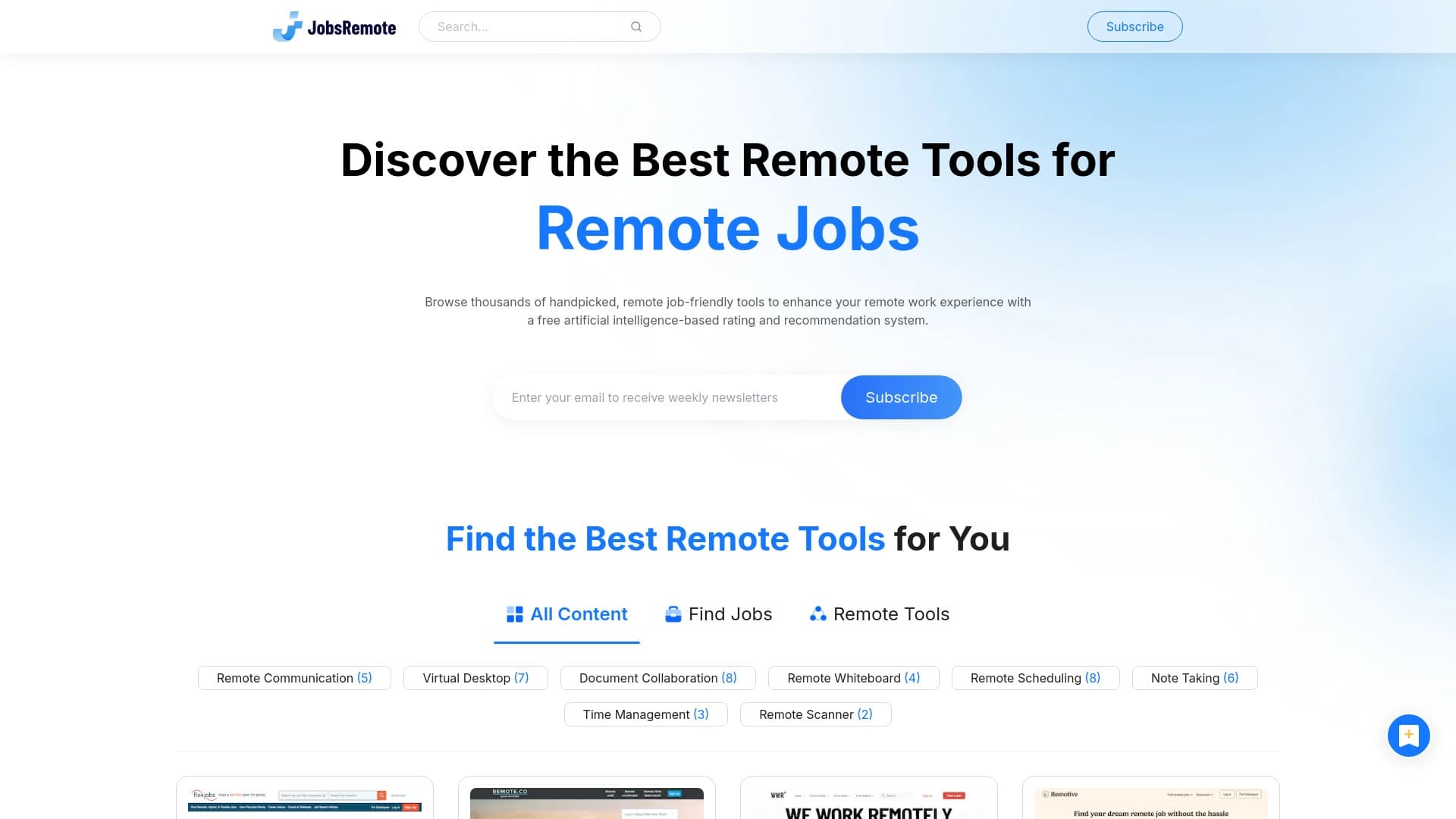
दूरस्थ नौकरी खोज के लिए सेवा, कृत्रिम बुद्धि का उपयोग करके रिक्तियों का चयन करना।.
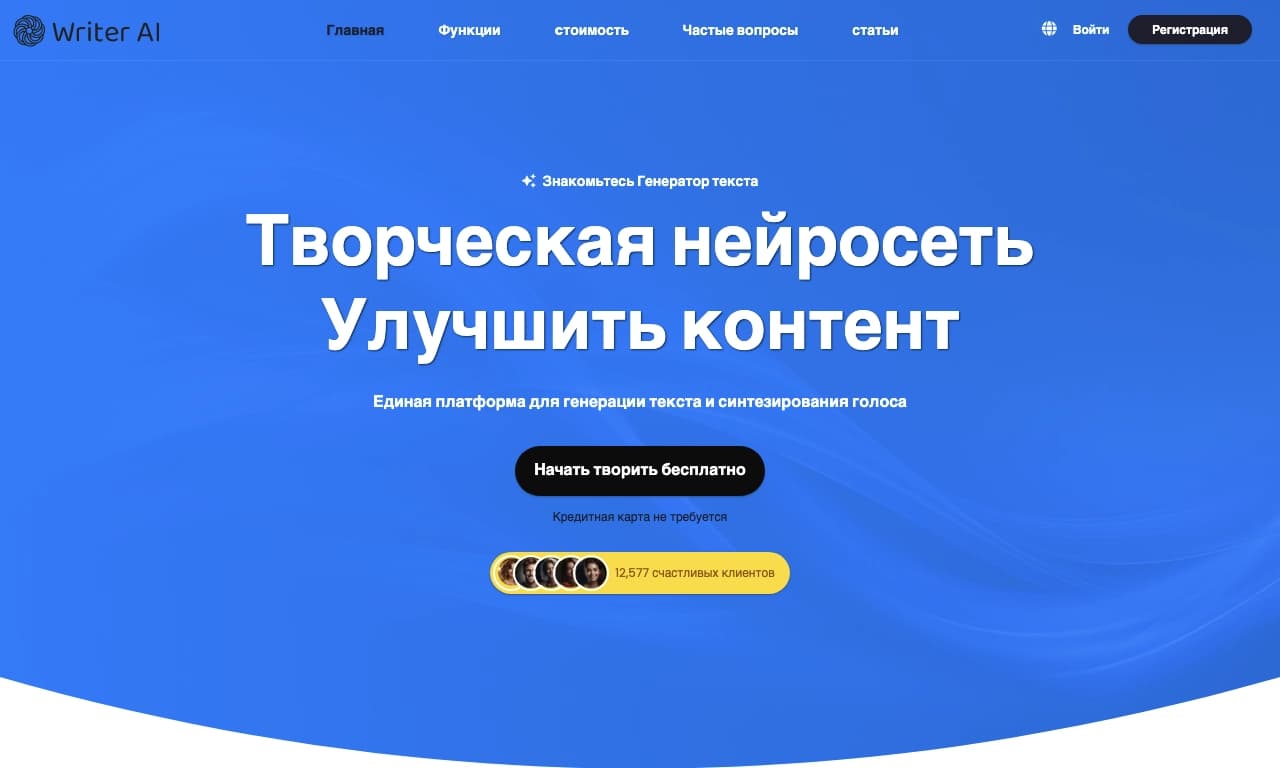

लेखक एआई एक ऑनलाइन मंच है जो पाठ उत्पन्न करने और उन्हें भाषण देने के लिए कृत्रिम बुद्धि द्वारा संचालित है।.

ऑडियो रिकॉर्डिंग के छोटे नमूने से यथार्थवादी आवाज़ क्लोन बनाने और टेक्स्ट को आवाज़ देने के लिए ऑनलाइन सेवा।

PDF दस्तावेज़ों के साथ चैट में बातचीत करने की ऑनलाइन सेवा: प्रश्न पूछें और स्रोत के साथ संक्षिप्त उत्तर पाएं।
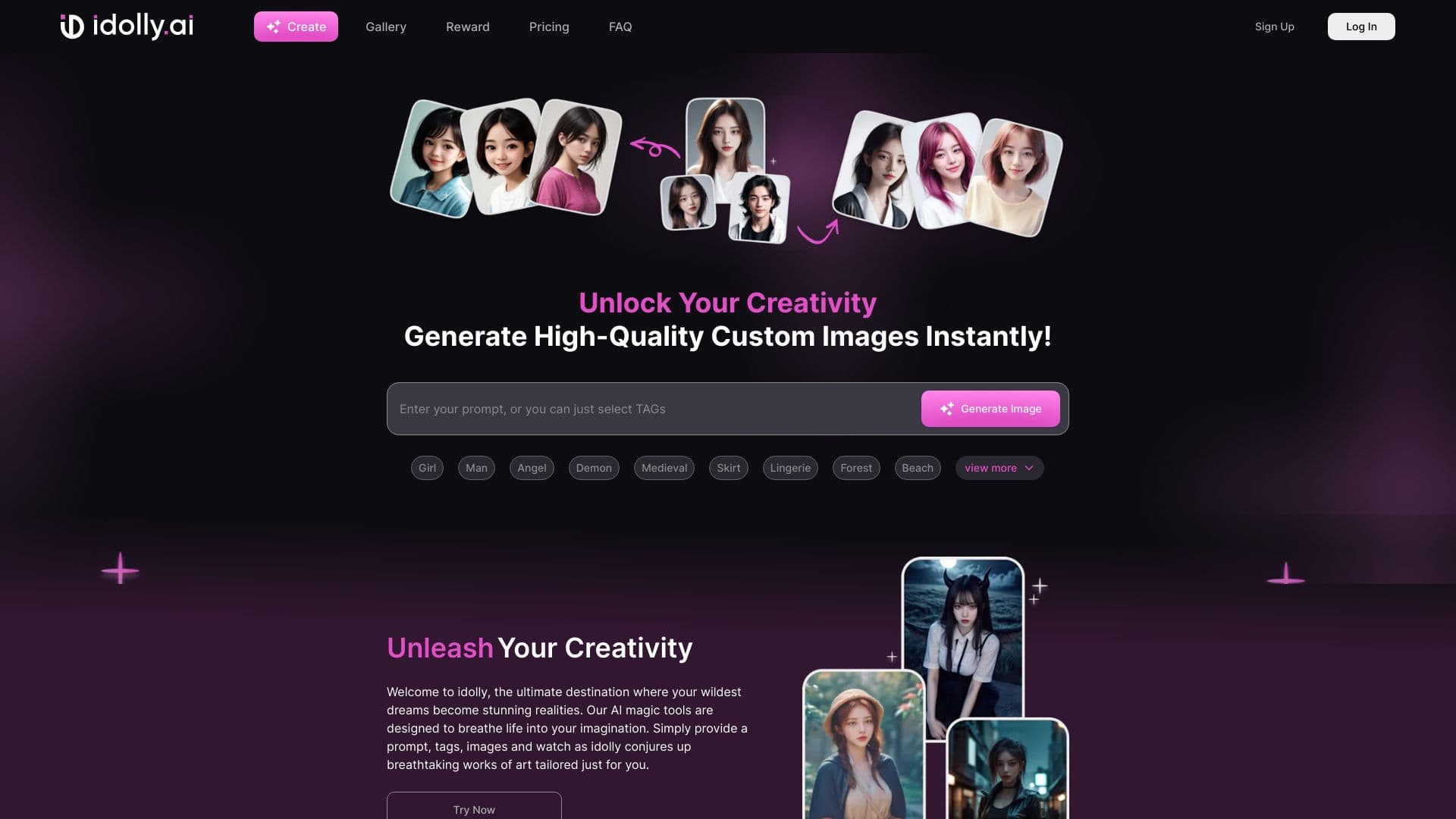
ऑनलाइन प्लेटफ़ॉर्म जो टेक्स्ट विवरण से छवियाँ बनाता है, जिसमें चेहरा स्थानांतरण और मूड बदलने की सुविधाएँ शामिल हैं।
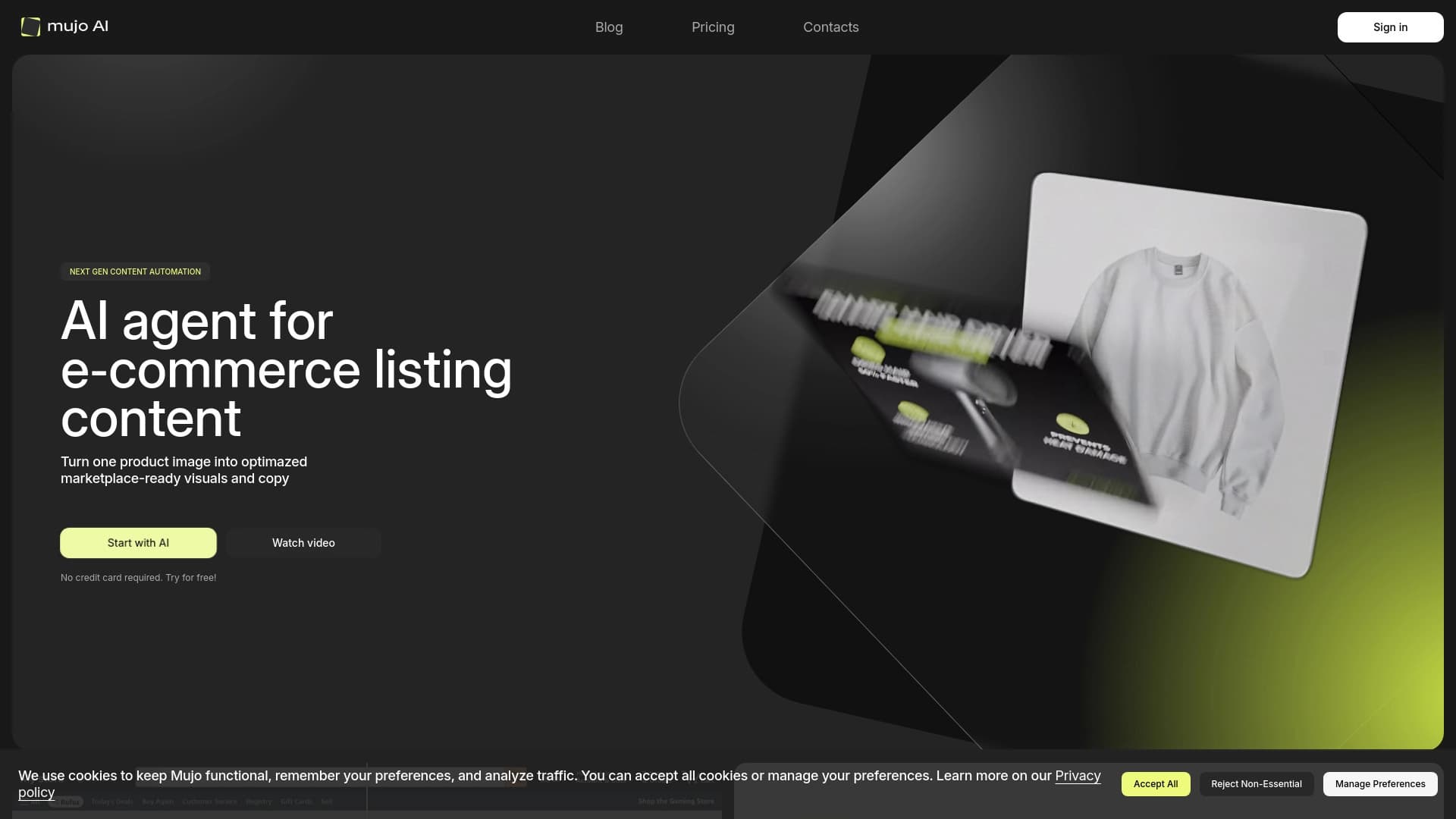

उत्पाद कार्ड के लिए सामग्री निर्माण को स्वचालित करता है, ऑनलाइन स्टोर और मार्केटप्लेस के लिए।
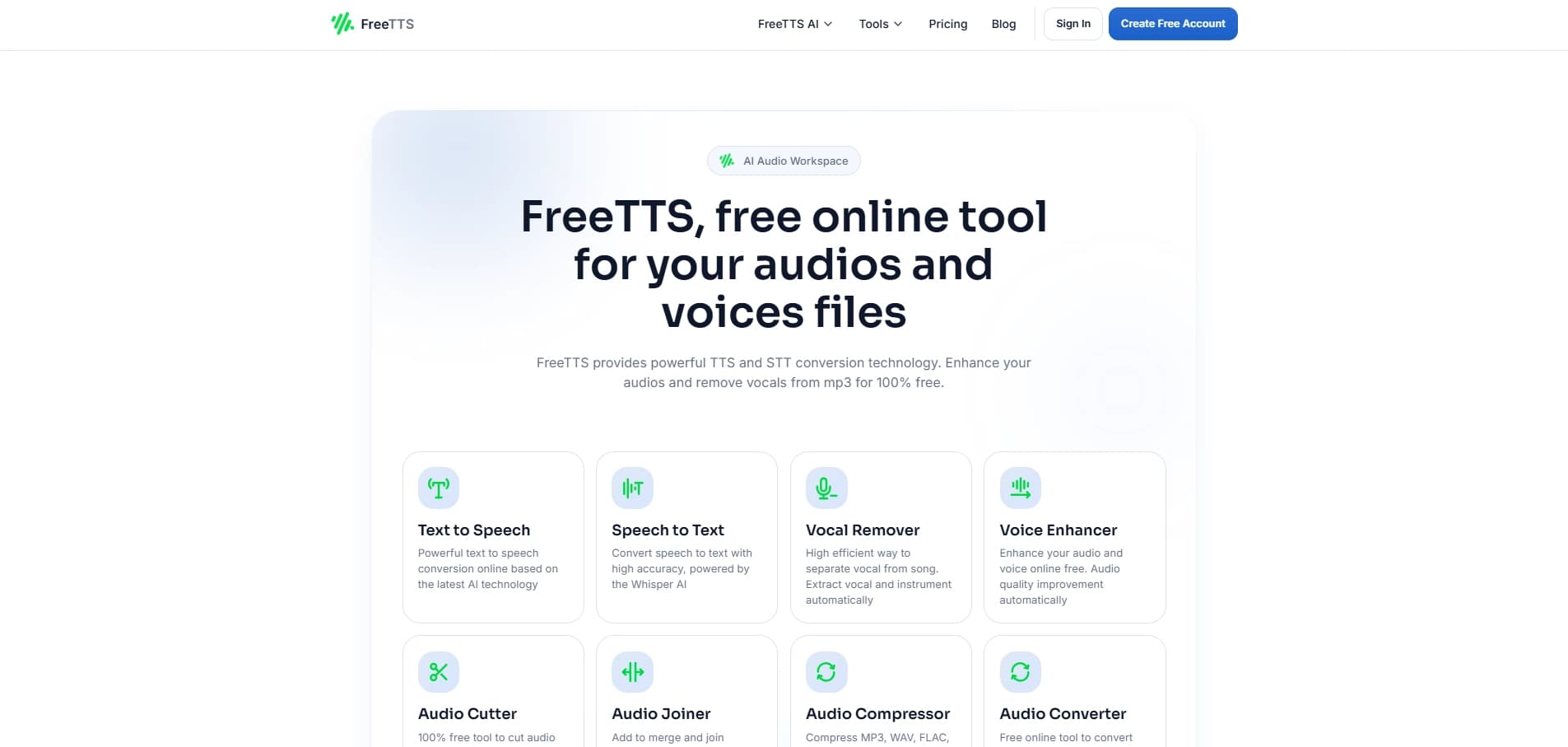
टेक्स्ट को आवाज़ में बदलने की ऑनलाइन सेवा, जिसमें आवाज़, गति और आवाज़ का स्तर समायोजित किया जा सकता है।
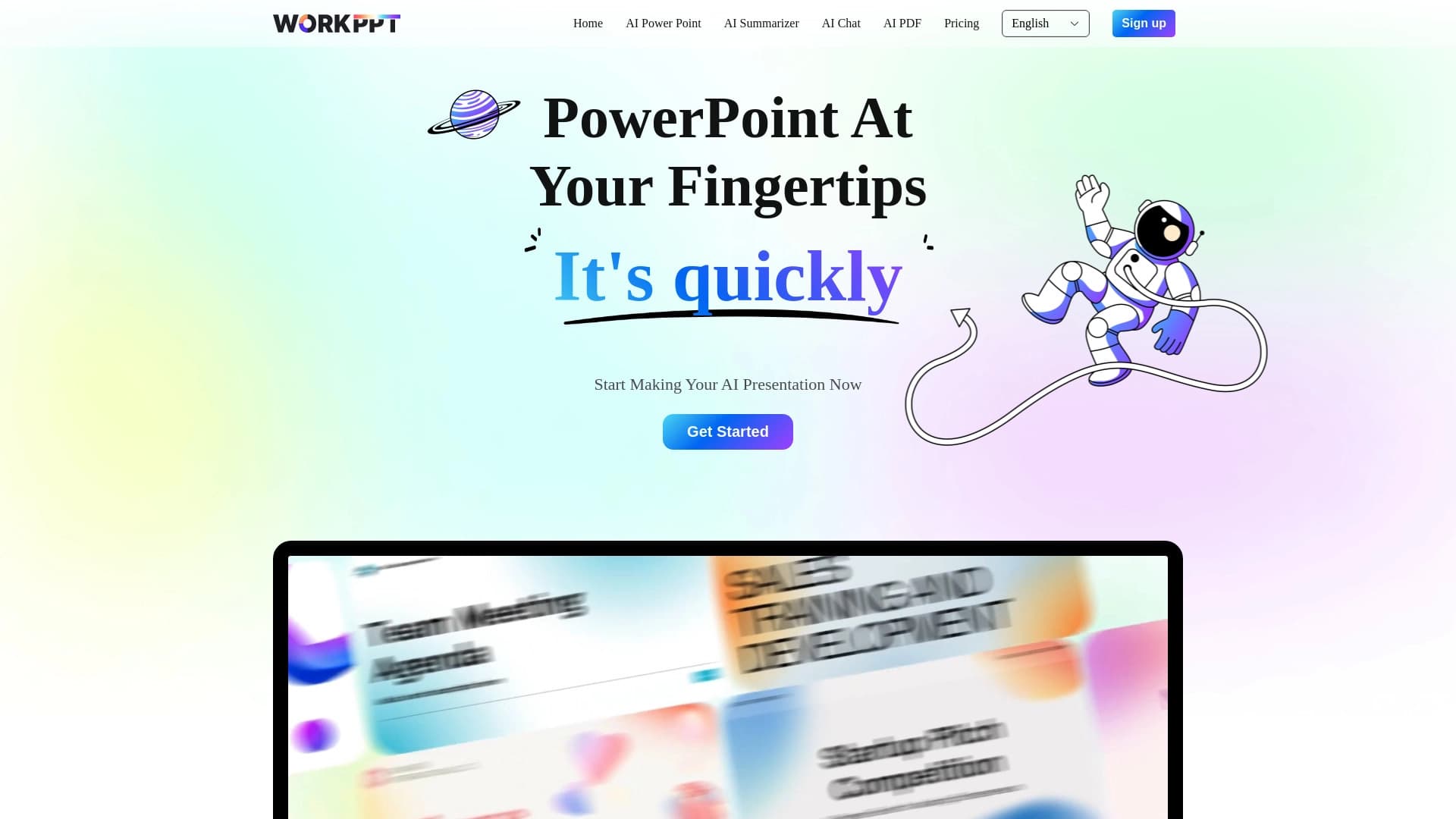

कृत्रिम बुद्धि का उपयोग करके जल्दी से प्रस्तुतियों को बनाने के लिए ऑनलाइन सेवा।.