Buildt AI
Code search engine for VSCode that finds ready-made solutions in public databases.

Ranked in
Overview
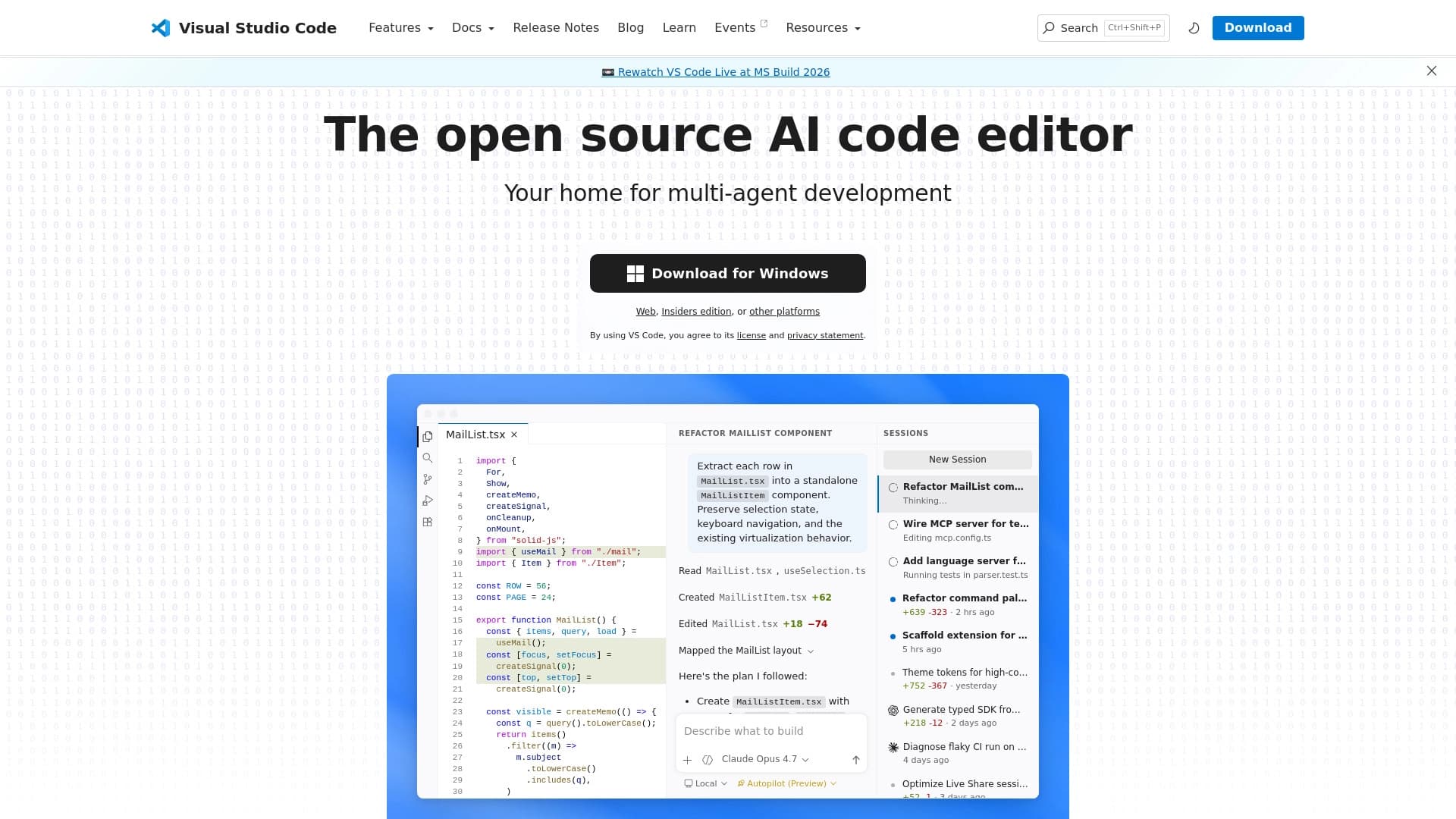
Buildt AI is a developer tool integrated into the Visual Studio Code environment as an extension. Its main purpose is to speed up the process of finding ready-made software code. Instead of manually browsing documentation, forums, or trying different options in search engines, a developer can enter a query directly in the code editor. The neural network processes the query and searches for suitable fragments in public databases of open-source projects. Thus, Buildt AI acts as a smart search engine that matches natural language or task descriptions with real program code already written by other developers.
How the search works
Buildt AI's operating principle is based on using neural network algorithms to analyze and match the semantics of a query with the content of code bases. The system does not just search by keywords but tries to understand the developer's intent and find relevant implementation examples. This makes it possible to find solutions that may be phrased differently than the query but match the task in meaning. The extension integrates into the VSCode interface, providing access to search results without the need to switch to third-party services.
Buildt AI Characteristics
| Characteristic | Value |
|---|---|
| Tool type | Visual Studio Code extension |
| Main function | Search for ready-made code fragments in public databases |
| Technology | Neural networks for semantic search |
| Data sources | Open repositories and public code bases |
| Integration | Visual Studio Code (VSCode) |
| Distribution model | Not specified |
Who is Buildt AI suitable for?
Developers of different levels
Buildt AI can be useful both for experienced programmers who want to speed up routine searches for typical solutions, and for beginners who are learning to write code and looking for examples to follow. The tool lowers the entry barrier for those just starting out in development by providing access to samples of quality code.
Professionals working with large projects
Developers who work daily with large amounts of someone else's code or face non-standard tasks can use Buildt AI to find implementations of similar functions. This is especially relevant when using new libraries or languages where documentation is incomplete or difficult to access.
How to use Buildt AI?
Installation and launch
To use Buildt AI, you will need the Visual Studio Code editor. The tool itself is installed as a standard extension from the VSCode marketplace. After installation, the extension activates in the working environment and is ready to use.
The search process
To find the code you need, simply formulate a query in a dedicated field or directly in the context of working with code. The query can be described in natural language or contain technical terms. After submitting the query, the neural network processes it and returns a list of relevant code fragments found in public sources. The developer only needs to review the suggested options and choose the most suitable one for their task.
Main features of Buildt AI
- Semantic code search: The tool's main function is searching not by exact character matches but by meaning. This allows finding solutions even when the query wording differs from comments or function names in the target code.
- VSCode integration: The extension works directly inside the code editor, making the process of searching for and using found fragments as seamless as possible without requiring context switching.
- Access to large open-code databases: The tool uses vast arrays of public repositories, significantly expanding the search scope compared to manually browsing individual projects.
Advantages of Buildt AI
- Time savings: Searching through a large volume of open code is many times faster than manually browsing documentation and forums.
- Up-to-date examples: The tool accesses real code from public databases, allowing you to see not only theoretical examples from documentation but also practical implementations by other developers.
- Reduced cognitive load: The developer does not need to keep many abstract examples in mind — just make a query and get specific code fragments for analysis.
Disadvantages of Buildt AI
- Dependence on database quality: Search effectiveness directly depends on the completeness and currency of the public code bases used by the extension.
- Ecosystem limitation: The tool only works as a VSCode extension, which limits its use by developers who prefer other editors or integrated development environments.
- Need to verify results: As with any third-party code, found fragments may contain errors or not conform to best practices, so they need to be adapted and checked for the specific project.
What tasks does Buildt AI solve
Buildt AI solves the problem of quickly finding relevant code examples. The main issue the tool addresses is the time spent studying large amounts of information and searching for answers to specific programming questions. The tool helps in situations where a developer needs to see how a certain function is implemented in other projects or find a ready-made solution for a common task. It acts as a development accelerator, allowing you to avoid reinventing the wheel and use approaches already proven by the community.
Buildt AI pricing
Information about Buildt AI's pricing policy is not available in the provided data. It is unknown whether the tool is completely free, has a free trial version, or requires a subscription. For up-to-date information on cost and available plans, it is recommended to visit the extension's official website or its page in the VSCode marketplace.
Buildt AI terms of use
The exact terms of use for Buildt AI are not described in the source data. Likely, when installing the extension from the VSCode marketplace, the standard terms and license agreement provided by the tool's publisher apply. Before starting to use it, you should review the license to understand the restrictions and rules for using the extension in commercial or personal projects.
Buildt AI availability
Buildt AI is available to Visual Studio Code users. The extension can be found and installed through the built-in VSCode extension marketplace. Since the source data does not contain information about other platforms, it should be assumed that VSCode is the primary and only environment for the tool.
How Buildt AI differs from alternatives
The main difference between Buildt AI and simple search engines or built-in IDE search lies in the use of neural networks for semantic analysis. Traditional repository search often requires exact input of function names or keywords. Buildt AI, on the other hand, allows you to formulate queries more flexibly, in natural language, while still getting relevant results by finding code not through direct matches but by meaning. This makes interaction more intuitive and closer to how a developer thinks and describes tasks.
Conclusion
Buildt AI is a practical extension for Visual Studio Code designed to speed up the search for ready-made solutions in open code. Its main value lies in using neural networks to understand queries and find semantically relevant code fragments, saving developer time when learning new technologies or performing routine tasks. The tool integrates directly into the working environment, making the search process as convenient as possible. Despite limited information about pricing and terms of use, the functionality described makes Buildt AI a useful assistant for programmers working in the VSCode ecosystem.
Frequently asked questions
See also

An open-source AI development agent that helps generate, refine, and debug code directly in the IDE.

Unified API for accessing over 100 popular AI models for developers.

A platform for creating corporate chatbots based on your own documents without coding.
Chrome extension that helps you win in the educational game Blooket by suggesting answers and automating actions.

AI assistant for creating short summaries of videos, PDF documents, and web pages.

Aggregator platform that brings together various AI tools and language models with pay-as-you-go pricing.

Desktop AI assistant for macOS, Windows, and Linux that launches via hotkey above all windows and combines multiple language models in one interface.

Side AI panel that helps answer questions, work with documents, and generate images.