

BuildKeeper
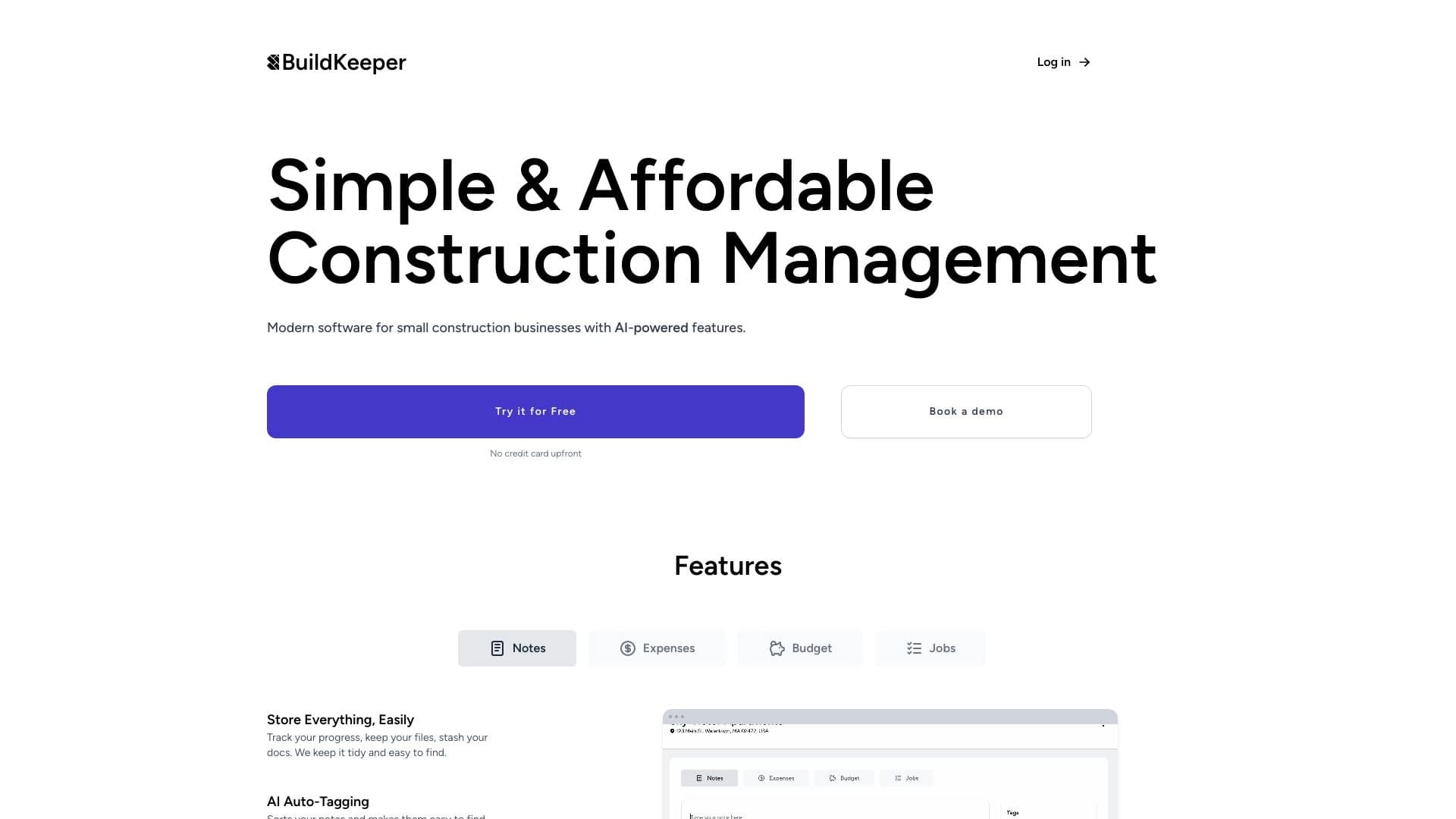
A tool for small construction companies that combines project management, budgeting, and expense tracking.
Overview
BuildKeeper Neural Network Overview
BuildKeeper is a specialized software suite designed to streamline workflows in small construction companies. The service addresses the need for a unified space where you can simultaneously manage construction progress and control financial flows. Instead of using disparate programs for communication, planning, and accounting, contractors get a single platform with an intuitive interface.
A key feature of BuildKeeper is the integration of modern AI technologies into everyday construction operations. The tool helps automate routine tasks: from creating tasks and maintaining work logs to calculating estimates and generating invoices. This solution is aimed at small businesses that need a quick start without implementing heavy and expensive ERP systems.
BuildKeeper Characteristics
| Characteristic | Value |
|---|---|
| Type | Software for managing construction projects and finances |
| Categories | Project Management, Accounting |
| Target Audience | Small construction companies, small contracting organizations |
| Website | buildkeeper.co |
| Publication Date | December 30, 2025 |
| Distribution Model | Not specified (requires confirmation from the developer) |
Who is BuildKeeper Neural Network for?
Small Contracting Organizations
BuildKeeper is primarily designed for small construction crews and companies that often face chaos in documentation and communications. The tool allows you to consolidate all work processes in one window, eliminating the need to switch between messengers, spreadsheets, and paper notebooks.
Companies Tired of Complex Systems
If your team is not ready to spend weeks training staff to work with bulky ERP systems, BuildKeeper is an excellent alternative. The service offers a simple start and an intuitive interface that does not require deep technical knowledge from foremen and managers.
Businesses Needing Transparency
The product suits managers who want to see the real picture of a construction site: how much money has been spent, which tasks are completed, and where there is a risk of budget overruns. Clear analytics and system alerts help you stay on top of things.
How to Use BuildKeeper Neural Network?
Planning and Task Assignment
Start by creating a project and adding your team. Within the platform, you can set tasks, assign responsible persons, and set deadlines. The project feed acts as a single communication channel where all participants see the current status of work and colleagues' comments.
Financial Accounting
To control the budget, you need to enter actual project expenses. The system automatically compares them with planned figures. If you exceed the estimate, you will receive a notification, allowing you to adjust purchases or work volumes in time.
Working with Documents and Invoices
Use the built-in calculator for quick estimate calculations, then proceed to invoicing. BuildKeeper allows you to create professional PDF invoices and send them directly to clients, saving time on paperwork.
Key BuildKeeper Features
Planning and Team Synchronization
The tool offers a convenient feed for planning and managing tasks, notes, and construction logs. This approach ensures full synchronization of all team members' actions. Each worker sees what has been done and what requires their involvement, reducing the risk of errors and downtime.
Budget and Estimate Control
The system automates estimate calculations using a special calculator. It allows detailed expense tracking, and thanks to the overrun alert feature, you will always know when actual costs begin to exceed the planned budget.
Invoicing
BuildKeeper simplifies document flow with clients. Directly in the interface, you can generate an invoice, save it as a PDF, and email it to the client. This speeds up the process of work acceptance and payment collection.
BuildKeeper Advantages
Unified Workspace
The main benefit is data consolidation. You no longer need to maintain a separate timesheet, financial statement, and task list. A single service replaces all of this, saving time on administration.
Real-Time Expense Control
The ability to track the budget in real time helps avoid losses. The system alerts you to overruns and provides data on actual material and labor costs, making planning more accurate.
Ease of Implementation
Unlike complex corporate solutions, BuildKeeper does not require lengthy setup. The interface is designed for quick adoption, so a crew can start working almost immediately after registration.
BuildKeeper Disadvantages
Currently, no information about the service's disadvantages is available in public sources. However, based on the product's positioning toward small businesses, a potential limitation could be the lack of detailed information about the distribution model and pricing. It is also worth noting that some functionality may not be relevant for contractors in all regions.
What Problems Does BuildKeeper Solve?
Optimizing Management Processes
The service aims to unify key project and financial management processes. Instead of using multiple tools, a contractor gets everything needed to run a construction site in one place. This reduces the administrative burden on managers and foremen.
Preventing Budget Overruns
One of BuildKeeper's key tasks is preventing estimate overruns. Thanks to expense tracking and an alert system, a project manager can notice deviations from the plan in time and take action: revise the estimate, find cheaper suppliers, or adjust work volumes.
Increasing Construction Transparency
The AI features and control tools built into the platform make the construction process more open. The manager sees the real state of affairs on site, and clients can receive up-to-date data on work progress, increasing trust and customer loyalty.
BuildKeeper Pricing
Official information about BuildKeeper's pricing plans and subscription costs is not available in the provided sources. The developers do not publish a public price list. To obtain current pricing information, potential clients are advised to contact the project team directly through the official website buildkeeper.co.
BuildKeeper Terms of Use
Detailed terms of service are also not disclosed in available sources. Registration on the project's official website will likely be required to get started. Since the distribution model is marked as "unknown," it is unclear whether the product is a fully cloud-based SaaS solution or requires some kind of installation. It is recommended to contact BuildKeeper support to clarify organizational and technical connection questions.
BuildKeeper Availability
The service's core functionality for project and financial management is available regardless of the user's location. Some features related to real-time market pricing for construction materials may have limited availability depending on the region.
How BuildKeeper Differs from Alternatives
There are many project management solutions on the market, including major players such as Rezonant, Microsoft Copilot Studio, or ToleAI. The main difference of BuildKeeper lies in its narrow specialization and focus on small construction businesses.
While universal tools are often overloaded with unnecessary options, BuildKeeper offers a focused set of features: construction logs, estimates, invoices, and cost control. This sets it apart from complex corporate platforms like Microsoft Agent 365, which require customization for construction needs. For small contracting organizations, BuildKeeper appears to be a more understandable and quicker-to-learn alternative that covers basic needs without requiring complex integration with other systems.
Conclusion
BuildKeeper is a promising solution for small construction businesses that helps bring order to projects and finances. By combining planning, budgeting, and document flow, the service eliminates the need to use multiple disparate programs. The use of AI features helps automate routine processes, making construction management more transparent and efficient. Despite the lack of open pricing information, the approach to workflow automation itself looks extremely attractive for contractors looking to increase control over cost overruns and simplify their team's daily work.
Frequently asked questions
See also

Platform for automated geospatial analysis of satellite imagery and geographic data.


AI tool for automating social media marketing, including content generation, post scheduling, and analytics.

AI business name generator with domain availability checking.

Anakin.ai is a low-code platform that combines various AI models for content creation and workflow automation without coding.


Averi is a marketing platform that brings campaign planning, content creation, and analytics together in a single interface.


AI assistant for sports betting and casino, analyzing the user's past actions to provide personalized advice.


Platform for creating multi-agent AI systems and chatbots to automate customer support and lead generation.


AI tool for creating presentations, documents, and web pages from a text description.