
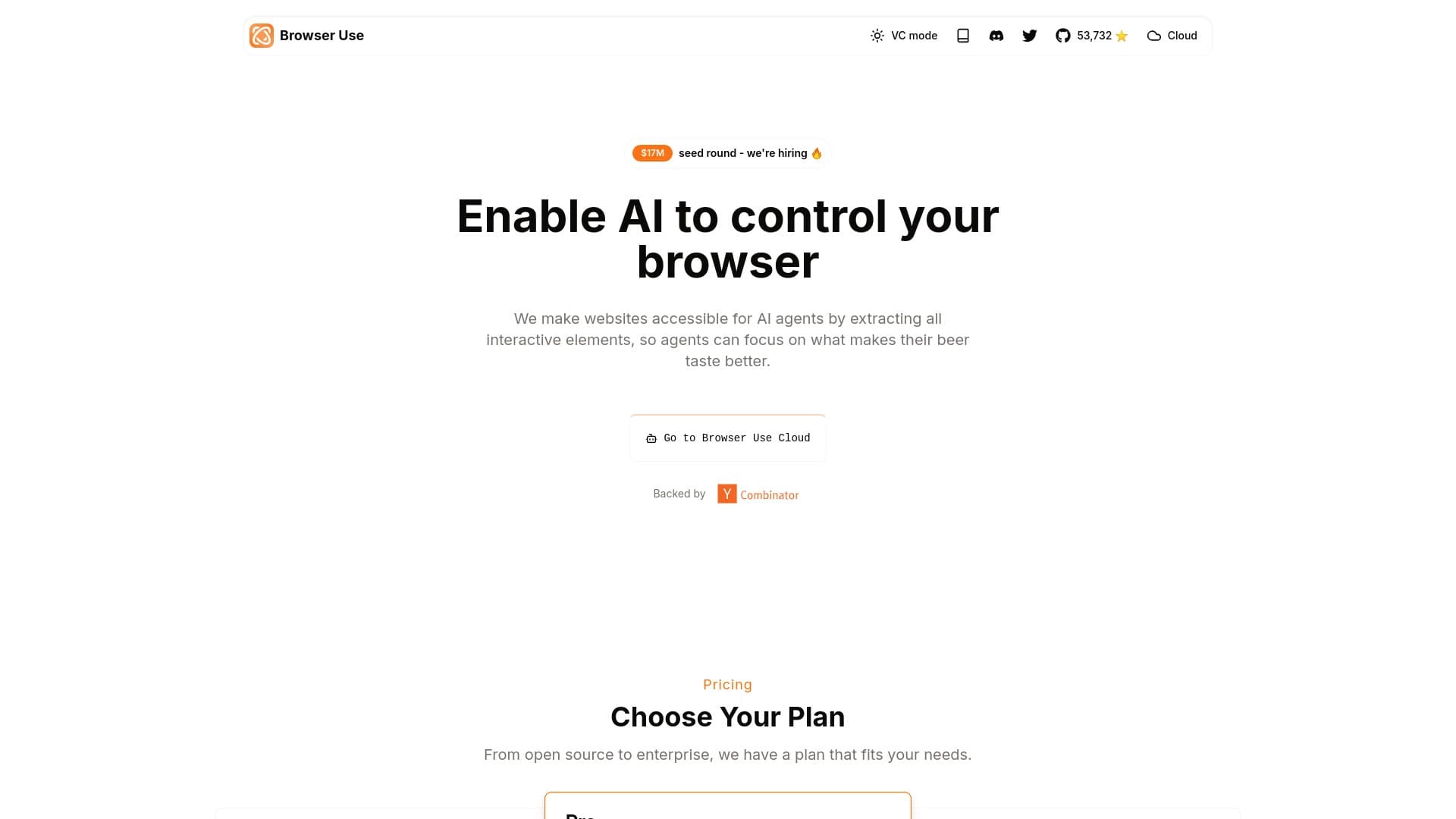
Browser Use
অটো-রান ব্রাউজার কর্মের জন্য স্থানান্তর ব্যবস্থার খুলুন।.
র্যাঙ্কিংয়ে অবস্থান
সারসংক্ষেপ
ব্রাউজারের বিবরণ ব্যবহৃত হবে
ব্রাউজার একটি ওপেন সোর্স লাইব্রেরি ব্যবহার করে এমন সকল এজেন্ট তৈরি করা হয় যাদের স্বয়ংক্রিয়রূপে ওয়েব ব্রাউজারের সাথে যোগাযোগ করার জন্য। নির্মাতারা তথ্য সংগ্রহ, কাঠামো পূর্ণকরণ এবং ওয়েবসাইট পরিদর্শনের মতো এজেন্টদের কাজের জন্য এটি ব্যবহার করতে পারেন। জনপ্রিয় ভাষার মডেলদের সাথে এই টুলটি যুক্ত করা হয়েছে, যার মধ্যে রয়েছে চ্যাটজিপি৪, ক্লড ৩ সনেট এবং দীপক-আর১।
স্থানীয়ভাবে সঞ্চালনার জন্য ব্যবহারযোগ্য ব্রাউজারের বৈশিষ্ট্য। এর মানে হলো, আপনার নিজের হার্ডওয়্যারে সম্পূর্ণ তথ্য আদান প্রদান করা হতে পারে, গোপনীয়তা নিশ্চিত করা এবং বাধ্যতামূলকভাবে অর্থ প্রদান করা প্রয়োজন। জরুরীভাবে, এটা ব্যক্তিগত ব্রাউজার রোবট তৈরি করা... কৃত্রিম বুদ্ধিমত্তা দ্বারা চালিত।
ব্রাউজার সংক্রান্ত বৈশিষ্ট্য ব্যবহার করা হবে
| বৈশিষ্ট্য | মান |
|---|---|
| ধরন | ব্রাউজার এজেন্ট এবং ওয়েবসাইটের জন্য লাইব্রেরি |
| শ্রেণীবিভাগ | ওয়েব pard ও পার্সিং |
| কোড আভারতা | উৎস খুলুন |
| সমর্থিত AI মডেল | চ্যাট পিটি-৪, ক্লড ৩ সনেট, ডিক-আর-১ |
| ফ্রী টিলার | হ্যাঁ (স্থানীয় সেট) |
| ওয়েব-সাইট: | bet.com/ber-user-র জন্য ব্যবহার করুন |
| ক্যাটালগ পাবলিক তারিখ | ২৫ মার্চ, ২০২৫ |
কে ব্রাউজারের জন্য ব্যবহার করবে?
ব্রাউজারের লক্ষ্য হচ্ছে ডেভেলপার এবং প্রযুক্তিগত পেশাজীবীদের লক্ষ্য করা যারা কৃত্রিম বুদ্ধিমত্তা ব্যবহার করে অটোমেট ব্রাউজার কাজ করতে চান। এটা সমাপ্তি ব্যবহারকারীদের জন্য তৈরি করা কোন সমাধান নয়, বরং এ ধরনের সমাধান নির্মাণের জন্য একটি হাতিয়ার।
নির্মাতা ও প্রোগ্রামার
প্রাথমিক শ্রোতাদের মধ্যে ছিল অভিজ্ঞ ব্যক্তিরা, যারা পাইথনের সঙ্গে পরিচিত ছিল এবং APIদের সঙ্গে পরিচিত ছিল । তারা লাইব্রেরি ব্যবহার করতে পারে তাদের প্রকল্প, অ্যাপ্লিকেশন বা অভ্যন্তরীণ যন্ত্রপাতিতে।
স্বয়ংক্রিয় সনাক্তকরণ
প্রযুক্তি পেশার নিয়মিত প্রক্রিয়া সম্পর্কে প্রযুক্তিগত পেশার উপর মনোযোগ প্রদান করে বিভিন্ন অনলাইন সেবা এবং যোগাযোগ এবং যোগাযোগ, কোন রকম মানব যুক্ততা ছাড়াই।
ব্রাউজার কিভাবে ব্যবহার করা হবে
আপনি কি মনে করতে পারেন? তার নমনীয় কনফিগারেশনকে ধন্যবাদ ।
ইনস্টলেশন ও প্রস্তুতি
প্রথম পদক্ষেপ হলো জিওহাব থেকে সংগ্রহস্থলটি নকল করা এবং লাইব্রেরি ইনস্টল করা। নথিপত্রের নির্দেশনা অনুসরণ করা। এরপর, আপনাকে আপনার Python পরিবেশ, নির্ভরতা স্থাপন করতে হবে এবং আপনার পছন্দের ভাষা মডেল (যেমন, চ্যাট- পি- পি- আই- ডি ৩. ডি.
কর্ম ব্যাখ্যা ও সঞ্চালনের শর্তাবলী
এজেন্টের সাথে প্রতিক্রিয়া হল টেক্সটরূপে অনুসন্ধানের জন্য ব্যবহার করা হয়। যেমন উদাহরণ হিসেবে বলা যায়, আপনি স্বাভাবিক ভাষায় একটি কাজের কথা বলেন: “এই পণ্যের দাম এক্স ওয়েবসাইটে নিয়ে যান এবং এটিকে একটি ফাইলে সংরক্ষণ করেন। এরপর তুমি এজেন্টকে অনুসরণ করবে, যার মূল্য নির্দেশ করবে, ব্রাউজারের কাজ করবে, আর ফলাফল তুমি বিশ্লেষণ করবে.
ব্রাউজারের ব্যবহারযোগ্য ফাংশান
ওয়েব ব্রাউজিংয়ের জন্য স্বয়ংক্রিয়ভাবে বিভিন্ন ধরনের ক্ষমতা ব্যবহার করা হয়, যা সাধারণ তথ্য সংগ্রহ থেকে ওয়েব অ্যাপ্লিকেশনের মধ্যে জটিল দৃশ্য তৈরি করা যায়।
ওয়েব অ্যাকশন অটোরান
এর মাধ্যমে আপনি এজেন্ট তৈরি করতে পারবেন যারা বিভিন্ন ফর্ম, ক্লিক, লিঙ্ক এবং অন্যান্য কাজ করতে পারবেন। অটোমেটের নিয়মিত প্রক্রিয়া যেমন পোর্টাল নিবন্ধন অথবা অনুরোধ।
তথ্য সংগ্রহ এবং বিশ্লেষণ
আপনি পণ্যের দাম পর্যবেক্ষণ, সংগ্রহ এবং বিশ্লেষণের জন্য প্রতিনিধিদের নিযুক্ত করতে পারেন নির্দিষ্ট নির্দিষ্ট শর্তের ভিত্তিতে তথ্য অনুসন্ধান করতে পারেন। এই টুলটি কার্যকরী জাভাস্ক্রিপ্ট ব্যবহার করে ওয়েবসাইট পরিচালনা করতে পারে, যা আধুনিক ওয়েব রিসোর্স থেকে তথ্য সংগ্রহ করতে সাহায্য করবে।
পরীক্ষা ও এজেন্ট সৃষ্টি
বাস্তব বিশ্ব ওয়েব পরিস্থিতিতে বিভিন্ন ভাষার মডেলের দক্ষতা পরীক্ষা করার জন্য লাইব্রেরি উপযুক্ত। ( প্রকা. গুগল ডকস্, ট্রেলো এবং নটিওনের মতো জনপ্রিয় ওয়েব অ্যাপ্লিকেশনগুলোর সাথে মিলে গেছে।
ব্রাউজারের পরিচালনা
ব্রাউজার ব্যবহারকারীদেরকে মুক্ততা, নমনীয়তা এবং মূল্যবৃদ্ধির মাধ্যমে আকৃষ্ট করে।
সঞ্চয় ও গোপনীয়তা
প্রধান সুবিধাটি হল স্থানীয় ব্যবস্থাপনার ক্ষেত্রে বিনামূল্যে পাওয়া। আপনি সাবস্ক্রিপশনের জন্য টাকা দেন না, এবং সকল প্রক্রিয়া সংক্রান্ত তথ্য আপনার কম্পিউটারের উপর থাকে, যা সংবেদনশীল তথ্য সম্পর্কিত কাজের জন্য গুরুত্বপূর্ণ।
কামনাশক্তি ও মহিমা
একটি ওপেন সোর্স প্রকল্প হিসেবে, ব্রাউজার এজেন্ট কনফিগার করার জন্য সম্পূর্ণ স্বাধীনতা প্রদান করে। আপনি যে কোন একটি সমর্থিত ভাষার মডেল বেছে নিতে পারেন, যা বন্ধ থাকা সার্ভিসের তুলনায় আরো উন্নত।
( ১ করি.
অটো- স্টার্টিং ব্রাউজার কর্মের গুরুত্বপূর্ণ সময় সংরক্ষণ করা হবে। জনপ্রিয় ওয়েব সার্ভিসের সাথে যুক্ত হবার ক্ষমতা এবং তথ্যের জন্য অনুসন্ধান করা, এটি প্রতিদিনের কাজে এক শক্তিশালী সহযোগীকে পরিণত করে, আর এই কাজে কম মূল্য প্রদান করা হয়, যার সাথে কম খরচের তুলনা করা যায়।
ব্রাউজারের অবিশ্বস্ততা
এর বিস্তৃততা সত্ত্বেও, ব্রাউজার ব্যবহারের সীমাবদ্ধতা রয়েছে, যা বিবেচনা করা গুরুত্বপূর্ণ ।
এনট্রির মধ্যে ব্যবহারযোগ্য প্রযুক্তিগত ব্যারি
নির্ধারিত এবং লাইব্রেরি পরিচালনা করার জন্য প্রোগ্রামিং-লাইন দক্ষতা ও কমান্ড-লাইন পছন্দ করা আবশ্যক। প্রযুক্তিগত পটভূমি ছাড়া এই যন্ত্রটি ব্যবহার করা ও ব্যবহার করা কঠিন হবে ।
কর্মক্ষমতার গতি
কোন কোন ক্ষেত্রে, বাণিজ্যিক সমাধানের চেয়ে অনুষ্ঠান কম হতে পারে। সহায়িকা কনফিগারেশনের প্রয়োজনীয়তা, স্থায়ী কাঠামোর অভাব এবং নির্বাচিত ভাষার মডেলের গতি বৃদ্ধির উপর নির্ভরতার অভাব।
কী কাজেকাজেই ব্রাউজার কী সমাধান করবে?
এই সরঞ্জামের সাহায্যে, আপনি ব্রাউজার সংক্রান্ত বিভিন্ন ধরনের কাজ করতে পারবেন ।
মিনিট
এজেন্টরা নিয়মিত কাজ করতে পারে: তথ্য অনুসন্ধান, অপূর্ণ রূপ ধারণ, ওয়েবসাইটের সাথে যোগাযোগ এবং অনেক সম্পদের নিবন্ধন প্রক্রিয়া চালু করতে পারে।
বিশ্লেষণ এবং নিরীক্ষণ করুন
আপনি ওয়েবসাইট থেকে উপাত্ত সংগ্রহ এবং বিশ্লেষণ করতে পারেন, যার মধ্যে রয়েছে পণ্যের দাম পর্যবেক্ষণ অথবা গ্রাহক পর্যালোচনা বিশ্লেষণ। এর ফলে, সহায়িকা ছাড়া বাজার পরিবর্তন সম্পর্কে জানতে পারবেন ।
ডেভেলপমেন্ট এবং পরীক্ষা
বিশেষজ্ঞদের জন্য, বাস্তব ওয়েব দৃশ্যের বিভিন্ন মডেল পরীক্ষা করার ক্ষমতা এবং বিশেষ AI এজেন্ট তৈরি করা, যারা বৃহত্তর সফটওয়্যার সিস্টেমে যুক্ত হতে পারে।
ব্রাউজারের অবস্থানComment
ব্রাউজার দুটো প্রধান মডেলের অধীনে ব্যবহার করা হয়, যেগুলোকে খরচ এবং পদ্ধতিতে ব্যবহার করা হয় ।
মুক্ত স্থানীয় সংস্করণ
এর অন্তর্ভুক্ত হচ্ছে আপনার নিজের কম্পিউটারে স্থানীয়ভাবে লাইব্রেরি স্থাপন ও পরিচালনা করা । এই ক্ষেত্রে, আপনি শুধুমাত্র আপনার নির্বাচিত ভাষার মডেল (যেমন, OpenIA বা নর্ট্রোপি API খরচ) খরচ করে থাকেন।
কৃত্তিম ক্লাউড সংস্করণ
যারা নিজেদের অবকাঠামো তৈরি করতে চায় না, তাদের জন্য একটি সহজ ইন্টারফেস রয়েছে, যার একটি সাবস্ক্রিপশন ফিতে পাওয়া যাবে। এই বিকল্পের সাহায্যে ব্যবহারকারীদের জন্য সুবিধা ও সহজ ব্যবহারের সুবিধা উপলব্ধ করা হয়।
ব্রাউজারের সংস্করণ ব্যবহার করা হবে
শুরু করতে হলে আপনাকে কিছু প্রযুক্তিগত পদক্ষেপ সম্পূর্ণ করতে হবে। মূল শর্ত হচ্ছে, কোন বাধ্যতামূলক গ্রাহক ছাড়া এই লাইব্রেরি ব্যবহার করা যাবে না।
প্রযুক্তিগত বৈশিষ্ট্য
স্থানীয় প্রস্তুতি ব্যবস্থার জন্য, আপনাকে Gitহাবের মাধ্যমে লাইব্রেরি ইনস্টল করতে হবে, আপনার Python এনভায়রনমেন্ট কনফিগার, এবং আপনার নির্বাচিত ভাষার মডেলকে সংযুক্ত করতে হবে। এটি হতে পারে যেমন চ্যাটজিপি-৪o, ক্লড ৩ সননেট অথবা দীপক-আর১।
উপলব্ধ নয়
আপনি আপনার নিজের শর্ত অনুযায়ী লাইব্রেরি ব্যবহার করতে পারেন। কাউকে জোর করে টাকা দিতে হয় না, আর আপনি একজন বিক্রেতাের বাস্তুসংস্থানে বাধা দিতে পারেন না। এর ফলে ডেভেলপারদের জন্য টুল আকর্ষণীয় হয়ে ওঠে যারা তাদের পছন্দের স্বাধীনতা এবং নিয়ন্ত্রণের মূল্য নির্ধারণ করে।
ব্রাউজার আভারতা ব্যবহার করুন
খোলা বিতরণ মডেলকে ধন্যবাদ।
ওপেন সোর্স কোড
এই প্রকল্পের উৎস কোড সবার সামনে গেটহাবে পাওয়া যাচ্ছে (http://bus. এর ফলে যে কোন ডেভেলপার তাদের প্রয়োজন অনুযায়ী লাইব্রেরিকে ডাউনলোড, অধ্যয়ন এবং পরিবর্তন করতে পারে।
সুসংগতি সংক্রান্ত বিকল্প
এই সরঞ্জামটি দুটো উপায়ে ব্যবহার করা যেতে পারে: স্থানীয়ভাবে এটি আপনার কম্পিউটারে ইনস্টল করার মাধ্যমে অথবা মেঘ সংস্করণের মাধ্যমে । এটি ডাটা নিয়ন্ত্রণ (স্থানীয় সেট) এবং ব্যবহার সহজ করার জন্য একটি নমনীয় পছন্দ সরবরাহ করে ।
ব্রাউজার কিভাবে ডিফারস ব্যবহার করবে
ব্রাউজারের জন্য বেশ কিছু উপাদান বাজারে রয়েছে, কিন্তু ব্রাউজারের ব্যবহার বেশ কিছু প্রধান দিক থেকে দেখা যায়।
কীয়ের সাথে তুলনা
সবচে' পরিষ্কার পার্থক্য হলো ব্রাউজার অটোগ্রাফ সার্ভিস থেকে। ব্রাউজার পুরোপুরি ওপেন সোর্স ব্যবহার করা হয় স্থানীয় ব্যবহারের জন্য এবং বিনামূল্যে, যদিও এই ধরনের পরিষেবাগুলো বন্ধ রয়েছে এবং এর জন্য তাদের একটি সাবস্ক্রিপশন প্রয়োজন। ব্রাউজার দ্বারা সর্বাধিক যে কোনো ভাষার মডেল নির্বাচন করা সম্ভব, কিন্তু পারমাণবিক সুবিধা শুধুমাত্র একটি বাসগুলির মধ্যেই সীমাবদ্ধ । এর মূল্য বিবেচনা করা দরকার যে ব্রাউজার ব্যবহার করার জন্য প্রযুক্তিগত দক্ষতা এবং ধীর গতির ব্যবহার করা দরকার, আর তা হতে পারে, আর তা হলে তা ধীরে ধীরে চলবে।
অস্ট্রেলিয়া
যে পরিষেবাটি তৈরি করা হয় তার বিপরীতে, ব্রাউজার ডেভেলপারদের নির্দিষ্ট দৃশ্যের জন্য এজেন্টদের কনফিগার করার স্বাধীনতা প্রদান করে থাকে। আপনি বিভিন্ন এলএমএলএমএল ব্যবহার নিয়ে পরীক্ষা করতে পারেন এবং বোটের আচরণ বন্ধ করার চেয়ে আরও কার্যকরভাবে প্রয়োগ করতে পারেন।
অন্তর্ভুক্ত
ব্রাউজার রূপে ব্যবহারযোগ্য একটি শক্তিশালী এবং নমনীয় উৎস লাইব্রেরি ব্যবহার করা হয়। এর প্রধান সুবিধা হচ্ছে স্থানীয় স্থাপনা, একাধিক ভাষার মডেলকে সমর্থন করা, এবং বিস্তৃত স্বনির্বাচিত ব্যবস্থা। এই টুল ডেভেলপার এবং প্রযুক্তিগত পেশার জন্য একটি চমৎকার পছন্দের বিষয়, যাদের তথ্য এবং বাজেটের উপর ওয়েবের নিয়ন্ত্রণ এবং নিয়ন্ত্রণ নিয়ে কাজ করা প্রয়োজন, এবং যারা আরো বেশি খরচের পরিমাণ কমিয়ে আনতে এবং তা বেসরকারি সমাধান করার জন্য উন্মুক্ত বিকল্প অনুসন্ধান করছে।
বিবিধ
সাধারণ প্রশ্নোত্তর
অতিরিক্ত দেখুন
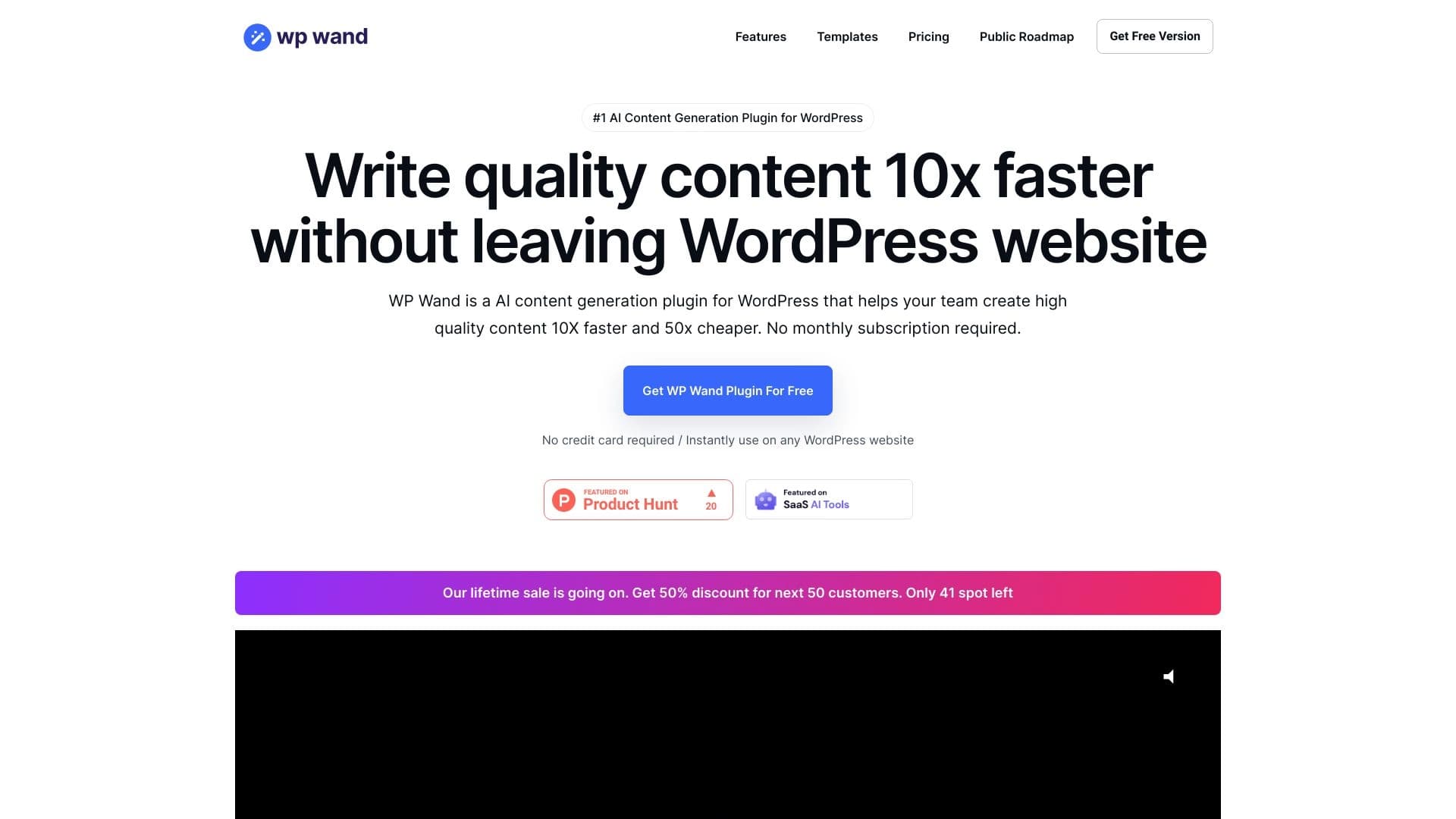

সি- পি-ও- পি বার্তা সম্পাদক তৈরি করতে সহায়তা করে ।.


রুশ ভাষায় জিপ-ভিত্তিক আড্ডা প্রদর্শক তথ্য আহরণ এবং টেক্সট প্রজন্মের জন্য রুশ-ভাষা।.


অনলাইন ছবি সম্পাদক AI ভিত্তিক অক্ষর স্টাইল সংরক্ষণ এবং টেক্সট কমান্ডের জন্য সংরক্ষণ।.


বিভিন্ন বিন্যাসে লেখা শৈলীর জন্য স্বয়ংক্রিয়রূপে প্রদর্শিত অ্যাপ্লিকেশনের তালিকা।.
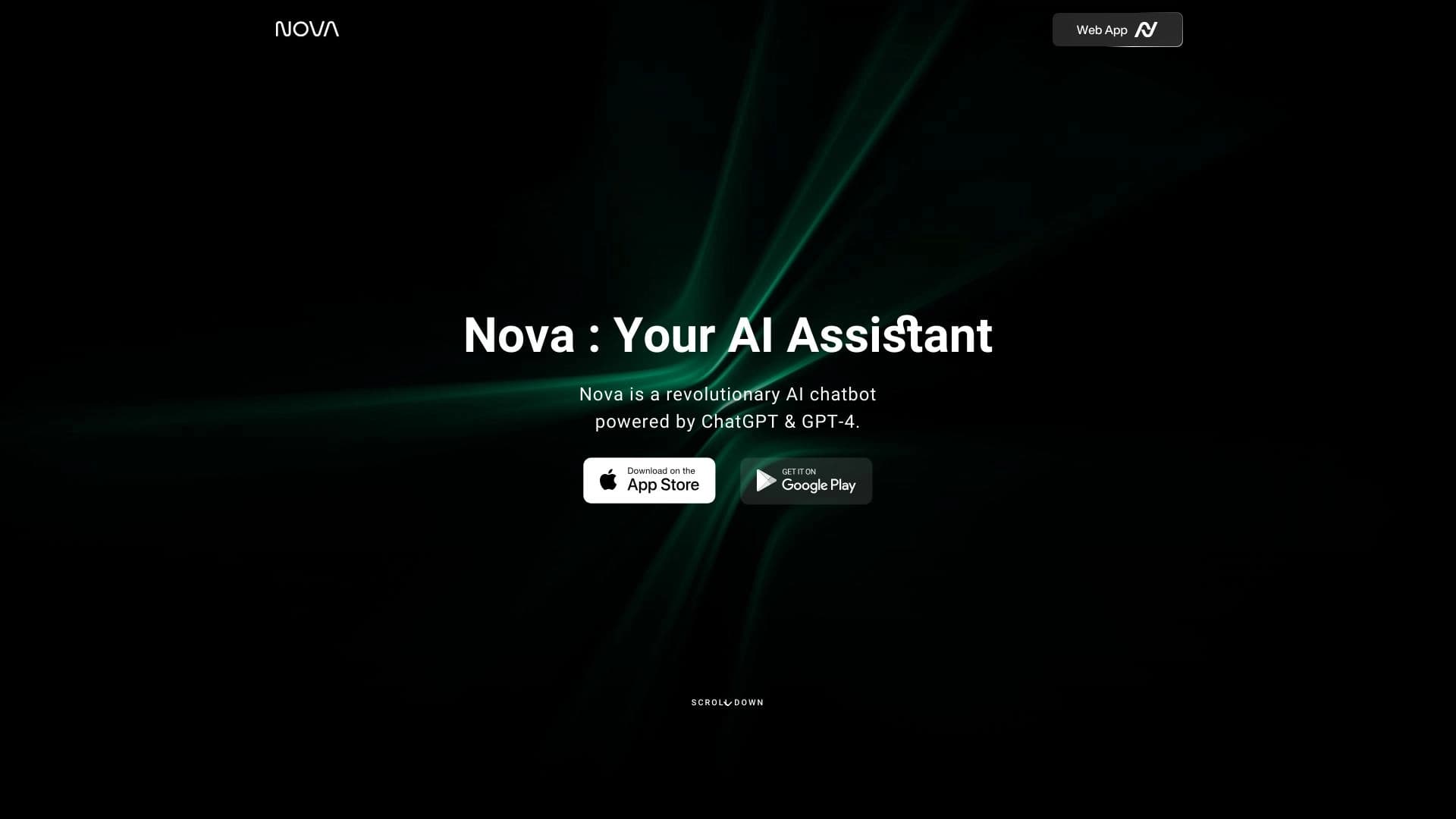
চিঠি লেখার, বিশ্লেষণ এবং কাজ সমাধানের জন্য GPT-4 এবং গেমিনির মাধ্যমে বহুভাষী চ্যাটবোট চালিত।.

সকল চ্যাট একটি সার্বজনীন প্লাটফর্ম, যা যোগাযোগ, চিত্র প্রজন্ম, ফাইল বিশ্লেষণ এবং কোডের মাধ্যমে বেশ কয়েকটি জনপ্রিয় ভাষার মডেলকে একত্রিত করে।.


একটি ব্রাউজার এক্সটেনশন এবং ওয়েব সার্ভিসের ফর্মের গঠন, চর্চা, অনুবাদ এবং ভাষা সংক্রান্ত ব্যাখ্যার জন্য AI ভাষা শিক্ষক।.
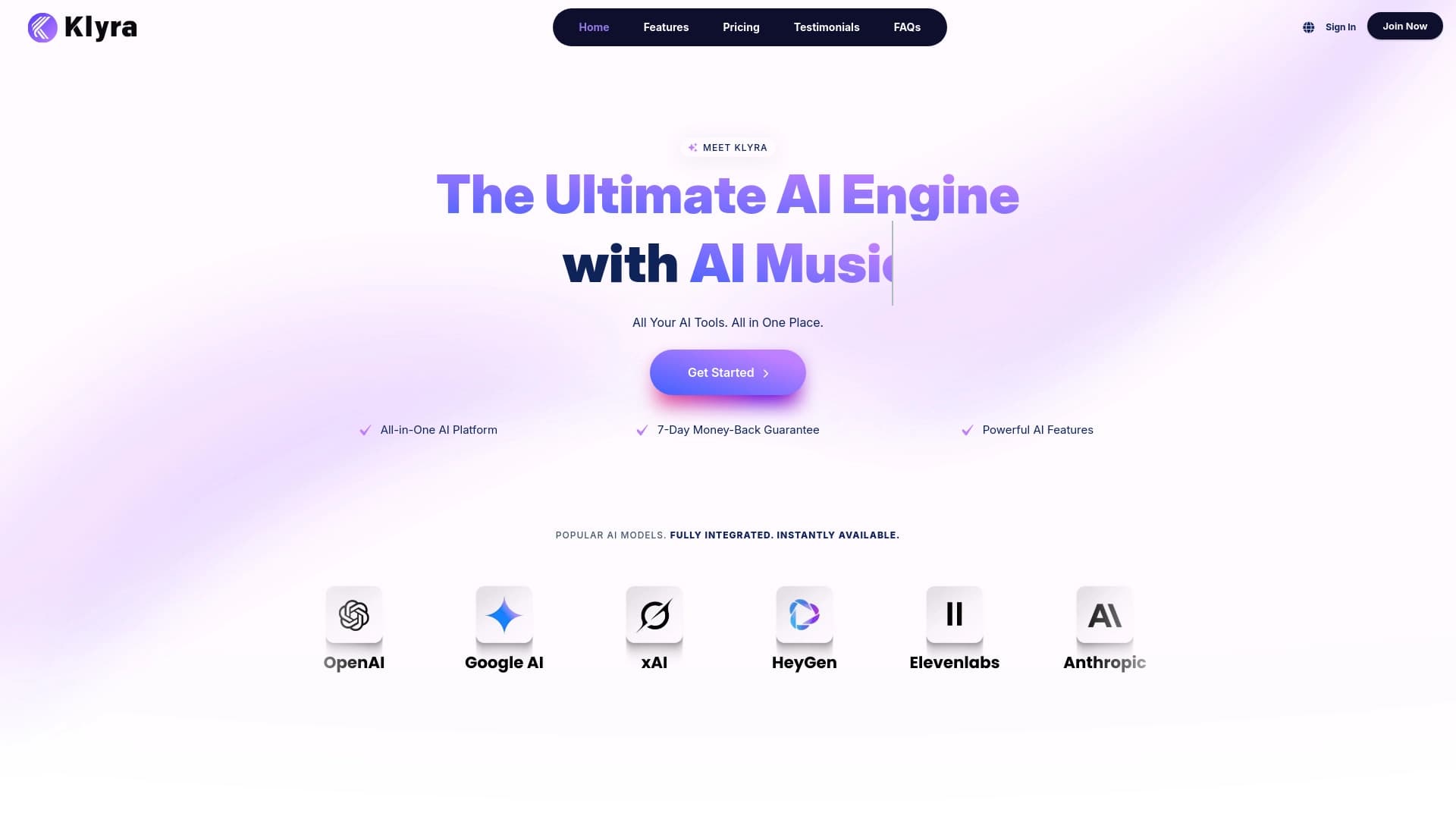
টেক্সট লেখা, দৃশ্যমান, ভিডিও এবং অডিও উপাদান তৈরি করার জন্য একত্রিত AI প্ল্যাটফর্ম।.