
Brave Browser
Open-source browser focused on privacy, with ad and tracker blocking, built-in AI assistant, and cryptocurrency features.
Overview
Brave Browser
Description of the Brave Browser AI
Brave Browser is an open-source browser that combines private web browsing capabilities with artificial intelligence features. The project is built around the idea of protecting user privacy: the browser blocks ads, trackers, and scripts by default, which significantly speeds up page loading. Brave includes a built-in AI assistant, Leo, which can work with the content of any web page, PDF documents, Google Docs, and Google Sheets. In addition, the browser offers its own private search engine, Brave Search, with an AI-powered results summarizer, a built-in VPN, and the Brave Rewards program based on the BAT cryptocurrency.
Brave Browser Specifications
| Characteristic | Value |
|---|---|
| Type | Browser / Built-in AI assistant |
| Category | AI browsers, Search engines, AI assistants, Summarization |
| Business model | Free |
| Platforms | Brave Browser (desktop and mobile versions) |
| Free plan available | Yes (no registration required) |
| Tags | Browser, Productivity |
Who Is the Brave Browser AI For?
Privacy-conscious users
Brave Browser is aimed at anyone who cares about online privacy. Built-in tracker blocking, private search, and no data sharing with third parties make the browser a suitable choice for those who do not want ad networks and search engines tracking their online activity.
Researchers and news readers
People who regularly look up current news, scientific research, or simply read a lot online will appreciate the Leo AI assistant and the Brave Search summarizer. These tools allow them to quickly get a brief summary of long articles or search queries, saving time.
Users who work with documents
The ability to analyze PDF files, Google Docs, and Google Sheets through the Leo AI assistant suits students, professionals, and anyone who frequently works with text documents right in the browser and needs to quickly extract the key points or translate excerpts.
How to Use the Brave Browser AI?
Leo AI assistant
To get started with Leo, simply open the Brave browser and launch the AI assistant dialog. No registration or account creation is required — the tool is available right away. Leo works on any open web page without switching tabs: you can ask it to summarize an article, explain a term, translate text, or generate a response to an email.
Brave Search
To use Brave Search, simply enter a query in the search bar and press "Search". The AI automatically analyzes the query, shows relevant results, and provides a brief summary on the topic. Search works without tracking or profiling the user.
Key Features of Brave Browser
Ad and tracker blocking (Shields)
Brave Browser blocks ad banners, trackers, and scripts by default. This speeds up page loading by 3–6 times compared with regular browsers and saves mobile data. Users don't need to install additional extensions — everything works out of the box.
Leo AI assistant
Leo is a built-in assistant powered by artificial intelligence. It can summarize long articles, explain complex terms, translate text excerpts, generate responses for emails, and analyze the contents of PDF files, Google Docs, and Google Sheets. Chat history is not used to train models and is not shared with third parties.
Brave Search with summarizer
The private search engine Brave Search does not track queries or build a user profile. The built-in AI not only finds information, but also briefly summarizes search results, providing a digest of the sources found. This speeds up getting answers without the need to visit multiple links.
Additional tools
Other features include a built-in VPN for protecting the entire device, the Brave Rewards program (users earn BAT cryptocurrency for viewing optional ads), an integrated crypto wallet for Web3 and DeFi, and Playlist for creating offline playlists from videos and audio.
Advantages of Brave Browser
Speed and resource savings
Thanks to built-in ad and tracker blocking, pages load 3–6 times faster than in regular browsers. This also saves mobile data, which is especially relevant when using smartphones.
Privacy without compromise
Brave is designed for privacy: the Leo AI assistant requires no registration, chat history is not shared with third parties and is not used to train models. Brave Search also does not track users or profile their queries.
All in one — no extensions
Ad blocking, AI assistant, VPN, crypto wallet, and private search are built into the browser by default. Users don't need to install separate extensions or switch between tabs to use the AI assistant.
Disadvantages of Brave Browser
No obvious disadvantages of Brave Browser are listed in public sources. It is worth noting that, like any browser with built-in content blocking, Brave may display some websites incorrectly, particularly those that rely on ad monetization or certain scripts. In addition, full use of all features (for example, VPN) may require additional setup or a paid subscription, although the basic functionality remains free.
What Tasks Does Brave Browser Solve?
Summarizing and analyzing web pages
Leo can briefly summarize the content of long articles and news materials right on the page, without the need to read the entire text. This helps quickly assess the relevance of information.
Working with documents
The AI assistant analyzes PDF files, Google Docs, and Google Sheets, making document processing easier without third-party services. It can also explain unfamiliar terms and translate text excerpts.
Generating texts and replies
Leo can generate responses for emails and other content right in the browser's sidebar, speeding up business correspondence and work with texts.
Search and summaries
Brave Search with its AI summarizer solves the problem of fast information retrieval: users get not only links but also a brief digest on the query topic, reducing the time spent analyzing results.
Brave Browser Pricing
Brave Browser is distributed free of charge. The Leo AI assistant is available without registration and does not require payment. Brave Search is also provided free of charge to all users. The built-in VPN may have separate paid plans, but the browser's core functionality remains completely free.
Brave Browser Terms of Use
No account creation is required to start using the browser and the Leo AI assistant. Chat history is not used to train models and is not shared with third parties. Brave Search does not track queries or build user profiles, which is consistent with the browser's overall privacy policy.
Brave Browser Availability
Brave Browser is available on various devices: desktop versions for Windows, macOS, and Linux, as well as mobile apps for iOS and Android. The Leo AI assistant works in the desktop version of the browser. Brave Search is also available on all platforms where the browser is installed.
How Brave Browser Differs from Alternatives
Privacy as a foundation
Unlike many AI browsers and assistants, Brave was designed with a focus on privacy from the very beginning. Tracker and ad blocking works by default, and the Leo AI assistant requires no registration and does not share data with
Frequently asked questions
See also
AI editor for creating, editing, and publishing content with templates and prompts.

Financial platform with an AI assistant for managing accounting, taxes, and budgets.

Platform for interview preparation with AI mock interviews and real-time support.
Enterprise language model platform focused on privacy and on-premise deployment.


AI assistant for creating short summaries of videos, PDF documents, and web pages.


AI email assistant that helps quickly draft messages, adapting to the user's style.
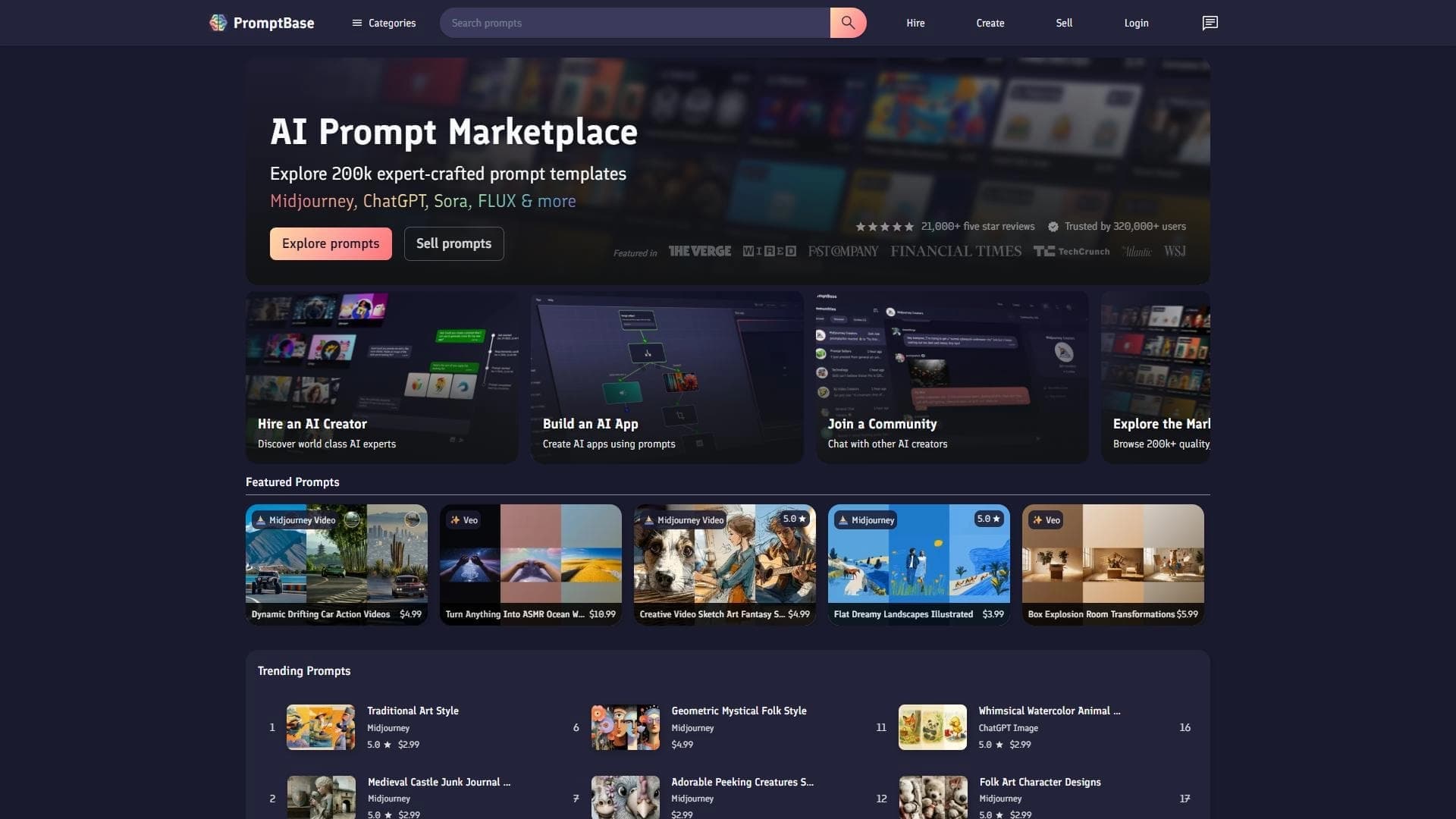

Marketplace where users buy and sell ready-made prompts for popular AI models.
A sales automation platform that combines customer prospecting, deal management, and AI-powered forecasting.