
Boardmix
ऑनलाइन सहयोगी व्हाइटबोर्ड जो विचार-मंथन और योजना के लिए विज़ुअल टूल्स को जोड़ता है।
रैंकिंग में स्थान
अवलोकन
बोर्डमिक्स न्यूरल नेटवर्क का विवरण
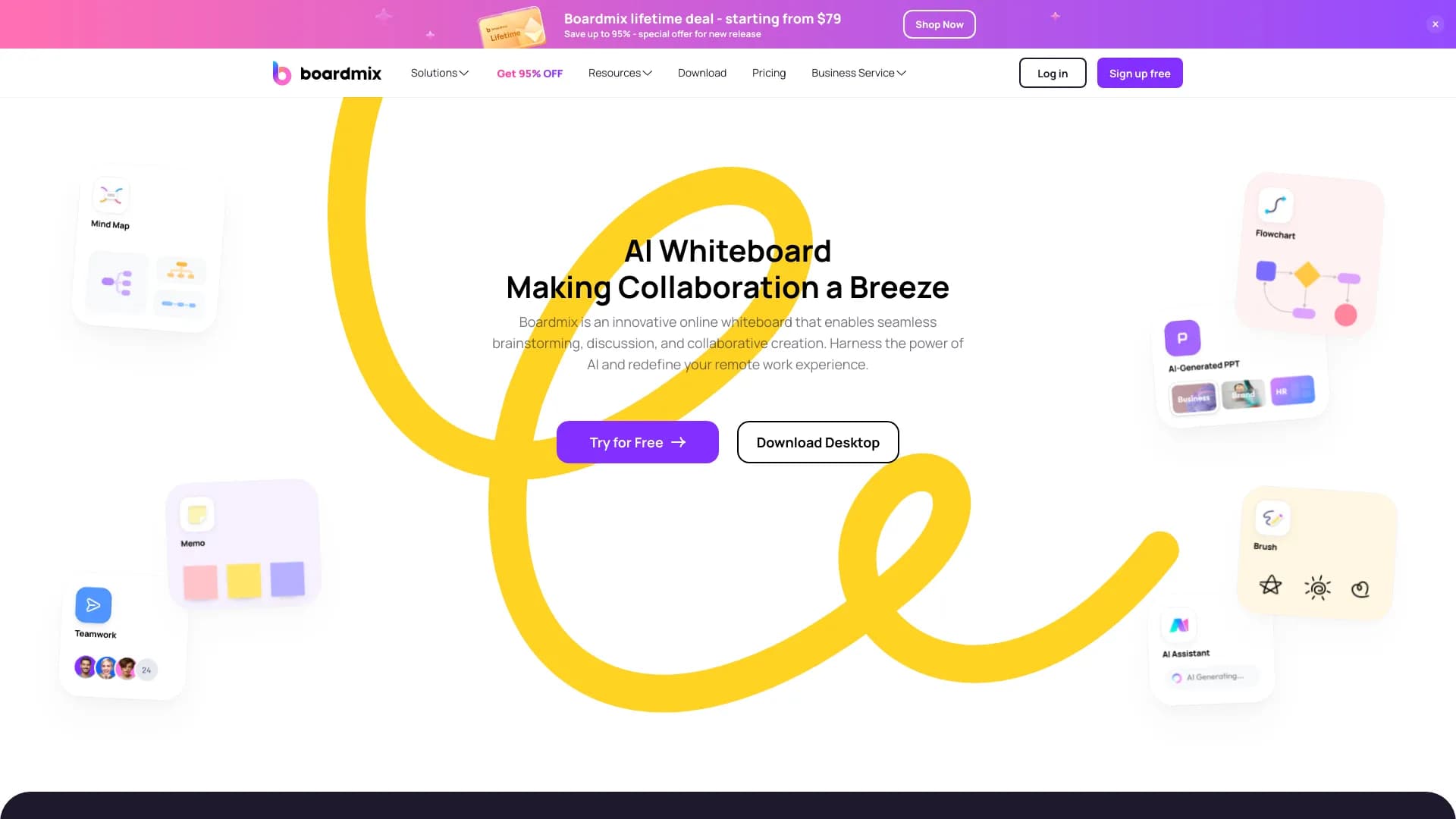
Boardmix एक ऑनलाइन सहयोगी विज़ुअल वर्क प्लेटफ़ॉर्म है जिसमें आर्टिफिशियल इंटेलिजेंस को एकीकृत किया गया है। यह सेवा एक एकीकृत डिजिटल स्थान प्रदान करती है जहाँ टीमें विभिन्न प्रकार के डायग्राम बना और संपादित कर सकती हैं: क्लासिक माइंड मैप्स और फ्लोचार्ट से लेकर अधिक जटिल कस्टमर मैप्स और रणनीतिक योजनाओं तक। कई अलग-अलग एप्लिकेशनों के बीच स्विच करने के बजाय, उपयोगकर्ताओं को एक ही विंडो में "व्हाइटबोर्ड", माइंडमैप और डायग्राम कंस्ट्रक्टर तक पहुंच मिलती है। इस टूल का मुख्य उद्देश्य विचारों को उत्पन्न करने, जानकारी को संरचित करने और सामूहिक निर्णय लेने की प्रक्रिया को तेज करना है, जो विशेष रूप से वितरित टीमों के लिए प्रासंगिक है।
Boardmix की विशेषताएं
नीचे सेवा के प्रमुख तकनीकी और कार्यात्मक पैरामीटर दिए गए हैं, जो खुले कैटलॉग और समीक्षाओं के डेटा पर आधारित हैं।
| विशेषता | मान |
|---|---|
| टूल का प्रकार | टीम विज़ुअल वर्क के लिए AI के साथ ऑनलाइन व्हाइटबोर्ड |
| श्रेणियाँ | विज़ुअल बोर्ड, डायग्राम और चार्ट, सहयोग |
| प्लेटफ़ॉर्म | वेब संस्करण |
| AI की उपलब्धता | हाँ (अंतर्निहित AI सहायक) |
| सहयोग | हाँ, रीयल-टाइम में |
| अधिकतम प्रतिभागी संख्या | 500 उपयोगकर्ताओं तक |
| एकीकरण | Miro और अन्य सेवाओं से कंटेंट आयात |
| रेटिंग (स्रोतों के अनुसार) | 4.6 / 5 (उपयोगकर्ता), 9.1 / 10 (संपादकीय मूल्यांकन) |
Boardmix न्यूरल नेटवर्क किसके लिए उपयुक्त है?
रिमोट और हाइब्रिड टीमें
यह टूल एक ही कार्यालय के बाहर काम करने वाली टीमों के लिए बनाया गया है। कई उपयोगकर्ताओं द्वारा बोर्डों को एक साथ संपादित करने की क्षमता इसे कार्यों के समन्वय और पारदर्शिता के लिए अपरिहार्य बनाती है। टीमें लाइव विचारों को साझा कर सकती हैं, परिवर्तनों पर टिप्पणी कर सकती हैं और सर्वोत्तम समाधानों के लिए वोट कर सकती हैं।
वर्कशॉप और ब्रेनस्टॉर्मिंग प्रतिभागी
सुविधाकर्ताओं और रणनीतिक सत्रों के प्रतिभागियों के लिए, प्लेटफ़ॉर्म चैट और ईमेल की अराजकता से दूर जाने की अनुमति देता है। पहले यादृच्छिक विचार से लेकर अंतिम फ्लोचार्ट तक सभी विज़ुअल जानकारी, एक व्यवस्थित स्थान में एकत्र की जाती है। यह सत्रों को अधिक स्पष्ट और उत्पादक बनाता है, जिससे समय बर्बाद किए बिना परिणाम रिकॉर्ड किए जा सकते हैं।
Boardmix न्यूरल नेटवर्क का उपयोग कैसे करें?
आरंभ करने के लिए आधिकारिक निर्देश सेवा की वेबसाइट पर उपलब्ध हैं, हालाँकि सामान्य क्रिया एल्गोरिथ्म सहज रूप से समझ में आता है। पंजीकरण के बाद, उपयोगकर्ता एक नया बोर्ड बनाता है और उपयुक्त कार्य परिदृश्य चुनता है। कार्य के आधार पर, टीम एक खाली पृष्ठ से शुरू कर सकती है या अनुकूलन योग्य टेम्पलेट का उपयोग कर सकती है।
काम को गति देने के लिए, AI सहायक का उपयोग किया जाता है: उसे कंटेंट के लिए विचार उत्पन्न करने या भविष्य के डायग्राम के लिए संरचना सुझाने का कार्य सौंपा जा सकता है। AI मीटिंग आयोजित करने के लिए परिदृश्य भी सुझा सकता है, जो मॉडरेटर को सत्र की तैयारी में मदद करता है। अंतिम कार्य के साथ प्राप्त बोर्ड को फिर निर्यात किया जा सकता है या काम जारी रखने के लिए संबंधित टूल में आयात किया जा सकता है।
Boardmix के मुख्य कार्य
विज़ुअलाइज़ेशन के लिए एकीकृत स्थान
प्लेटफ़ॉर्म व्हाइटबोर्ड, माइंडमैप कंस्ट्रक्टर और फ्लोचार्ट संपादक की कार्यक्षमता को जोड़ता है। यह टीम को एप्लिकेशनों के बीच स्विच किए बिना फ्लो डायग्राम, प्रोसेस मैप्स, उत्पाद रोडमैप और रणनीतिक योजनाएँ बनाने की अनुमति देता है। सभी तत्व एक ही दृश्य क्षेत्र में होते हैं।
रीयल-टाइम सहयोग
सेवा टीम वर्क के लिए अनुकूलित है। दर्जनों प्रतिभागी एक साथ चित्र बना सकते हैं, नोट्स छोड़ सकते हैं, टिप्पणियाँ जोड़ सकते हैं और वोट कर सकते हैं। 500 समवर्ती उपयोगकर्ताओं का समर्थन बड़े समूहों या आयोजनों के लिए सत्रों को स्केल करने की अनुमति देता है।
AI सहायक
अंतर्निहित एल्गोरिथ्म न केवल विचार उत्पन्न करने में मदद करता है, बल्कि विचारों को संरचित करने में भी मदद करता है। यह कार्य के लिए उपयुक्त डायग्राम प्रकार सुझा सकता है, साथ ही मीटिंग आयोजित करने के परिदृश्य भी उत्पन्न कर सकता है। यह नए उपयोगकर्ताओं के लिए प्रवेश की बाधा को कम करता है और अनुभवी सुविधाकर्ताओं के काम को गति देता है।
एकीकरण उपकरण और टेम्पलेट
Boardmix विभिन्न प्रारूपों की फ़ाइलों और मल्टीमीडिया को सीधे बोर्ड में एम्बेड करने की अनुमति देता है। Miro सेवा के साथ सहज एकीकरण के लिए धन्यवाद, उपयोगकर्ता मौजूदा कंटेंट को आसानी से आयात और परिष्कृत कर सकते हैं। इसके अतिरिक्त, अनुकूलन योग्य टेम्पलेट्स की लाइब्रेरी (माइंड मैप्स, फ्लोचार्ट आदि) किसी भी डिवाइस से त्वरित शुरुआत में मदद करती है।
Boardmix के लाभ
- विचार निर्माण में तेजी: AI सहायक रचनात्मक प्रक्रिया के लिए उत्प्रेरक के रूप में कार्य करता है, अप्रत्याशित विकल्प सुझाता है और "खाली पृष्ठ सिंड्रोम" से बचाता है।
- उच्च स्पष्टता: जटिल प्रक्रियाएं और परियोजना संरचनाएं समझने योग्य विज़ुअल छवियों में बदल जाती हैं, जिससे सभी प्रतिभागियों के लिए उनकी धारणा और चर्चा सरल हो जाती है।
- बैठक उत्पादकता में वृद्धि: ऑनलाइन वर्कशॉप और ब्रेनस्टॉर्म अधिक संरचित और उद्देश्यपूर्ण हो जाते हैं, जिससे टीमों को तेजी से ठोस समझौतों तक पहुंचने में मदद मिलती है।
- कार्य प्रवाह लचीलापन: एक ही बोर्ड पर अद्वितीय वर्कफ़्लो प्रक्रियाएं बनाने की क्षमता टूल को किसी विशेष टीम की पद्धति के अनुकूल बनाने की अनुमति देती है, न कि इसके विपरीत।
Boardmix की कमियां
व्यापक कार्यक्षमता के बावजूद, सेवा में कई सीमाएं हैं जिन्हें चुनते समय विचार करना उचित है। फिलहाल, उत्पाद केवल वेब ब्राउज़र के माध्यम से उपलब्ध है, जो उन लोगों के लिए असुविधाजनक हो सकता है जो अलग डेस्कटॉप एप्लिकेशन में काम करने के आदी हैं।
Boardmix किन समस्याओं का समाधान करता है
- जानकारी की संरचना: यह टूल अव्यवस्थित डेटा को व्यवस्थित करने में मदद करता है, उन्हें तार्किक आरेखों और सूचियों में बदल देता है।
- प्रक्रियाओं का विज़ुअलाइज़ेशन: डायग्राम और चार्ट की मदद से, टीमें व्यावसायिक प्रक्रियाओं, कार्य एल्गोरिदम या तकनीकी आर्किटेक्चर का वर्णन कर सकती हैं।
- सहयोग का संगठन: प्लेटफ़ॉर्म रिमोट टीमों की बातचीत के लिए एक एकीकृत स्थान प्रदान करता है, रीयल-टाइम में उनके कार्यों को सिंक्रनाइज़ करता है।
- सत्रों की तैयारी और रिकॉर्डिंग: Boardmix ब्रेनस्टॉर्म और वर्कशॉप की तैयारी को गति देता है, और चर्चाओं के परिणामों को सहेजने और व्यवस्थित करने की भी अनुमति देता है।
Boardmix की कीमतें
प्रदान किए गए स्रोतों में टैरिफ योजनाओं की लागत के बारे में सटीक जानकारी अनुपस्थित है। वितरण मॉडल को फ्रीमियम के रूप में वर्णित किया गया है, जिसका अर्थ है बुनियादी कार्यों के साथ एक मुफ्त टैरिफ और विस्तारित क्षमताओं तक पहुंच के लिए सशुल्क सदस्यताएं। वर्तमान मूल्य और मुफ्त संस्करण की सीमाओं के बारे में विवरण के लिए, सेवा की आधिकारिक वेबसाइट देखना आवश्यक है।
Boardmix के उपयोग की शर्तें
प्लेटफ़ॉर्म सशर्त रूप से मुफ्त सेवाओं (फ्रीमियम) की श्रेणी से संबंधित है। काम शुरू करने के लिए boardmix.com वेबसाइट पर पंजीकरण आवश्यक है। सही कामकाज के लिए मुख्य शर्त एक स्थिर इंटरनेट कनेक्शन है, क्योंकि सभी कार्यक्षमता वेब इंटरफ़ेस के माध्यम से लागू की जाती है। मुफ्त संस्करण में बनाए जाने वाले बोर्डों की संख्या, प्रतिभागियों की संख्या या उपयोग किए जाने वाले AI अनुरोधों की मात्रा पर सीमाएं हो सकती हैं।
Boardmix की उपलब्धता
सेवा विशेष रूप से वेब संस्करण में उपलब्ध है, जो क्रॉस-प्लेटफ़ॉर्म सुनिश्चित करती है — ब्राउज़र वाले किसी भी डिवाइस से बोर्ड लॉन्च किया जा सकता है।
Boardmix एनालॉग्स से कैसे भिन्न है
एनालॉग्स (उदाहरण के लिए, Miro, Lucidchart या ChatFlowchart) पर Boardmix का मुख्य प्रतिस्पर्धात्मक लाभ डायग्राम के साथ काम करने की प्रक्रिया में AI सहायक का गहरा एकीकरण है। यदि कई सेवाओं में AI केवल टेक्स्ट उत्पन्न करने के लिए एक ऐड-ऑन है, तो यहां एल्गोरिदम डायग्राम निर्माण के तर्क में गहराई से एम्बेडेड हैं: वे स्कीमा प्रकार चुनने, भविष्य के दस्तावेज़ की संरचना उत्पन्न करने और यहां तक कि साहचर्यपूर्ण सोच में मदद करते हैं।
इसके अलावा, प्लेटफ़ॉर्म माइंड मैप्स, फ्लोचार्ट और रणनीतिक मैप्स बनाने के कार्यों को सफलतापूर्वक जोड़ता है, जो कई टूल को एक से बदलने की अनुमति देता है। Miro के साथ एकीकरण भी सेवा को प्रतिस्पर्धियों से अलग करता है, कॉर्पोरेट ग्राहकों के लिए माइग्रेशन को आसान बनाता है।
निष्कर्ष
Boardmix एक आधुनिक ऑनलाइन व्हाइटबोर्ड है जो टीमों की विज़ुअल सहयोगी कार्य की आवश्यकताओं को सफलतापूर्वक पूरा करता है। अंतर्निहित AI के लिए धन्यवाद, यह केवल ड्राइंग बोर्ड को प्रतिस्थापित नहीं करता है, बल्कि विचार उत्पन्न करने और जानकारी को संरचित करने में सक्रिय रूप से मदद करता है। यह टूल विशेष रूप से रिमोट और हाइब्रिड टीमों के लिए उपयोगी होगा जो अपनी बैठकों और ब्रेनस्टॉर्म को अधिक प्रभावी बनाने के तरीकों की तलाश में हैं। डेस्कटॉप संस्करण की अनुपस्थिति जैसी बारीकियों के बावजूद, सेवा की कार्यक्षमता और सुविधा इसे कॉर्पोरेट टूल स्टैक के लिए ध्यान देने योग्य उम्मीदवार बनाती है।
अक्सर पूछे जाने वाले प्रश्न
यह भी देखें

इलेक्ट्रॉनिक प्लेटफॉर्म वाणिज्य एक एआई सहायक व्यक्तिगत खरीदारी के साथ।.
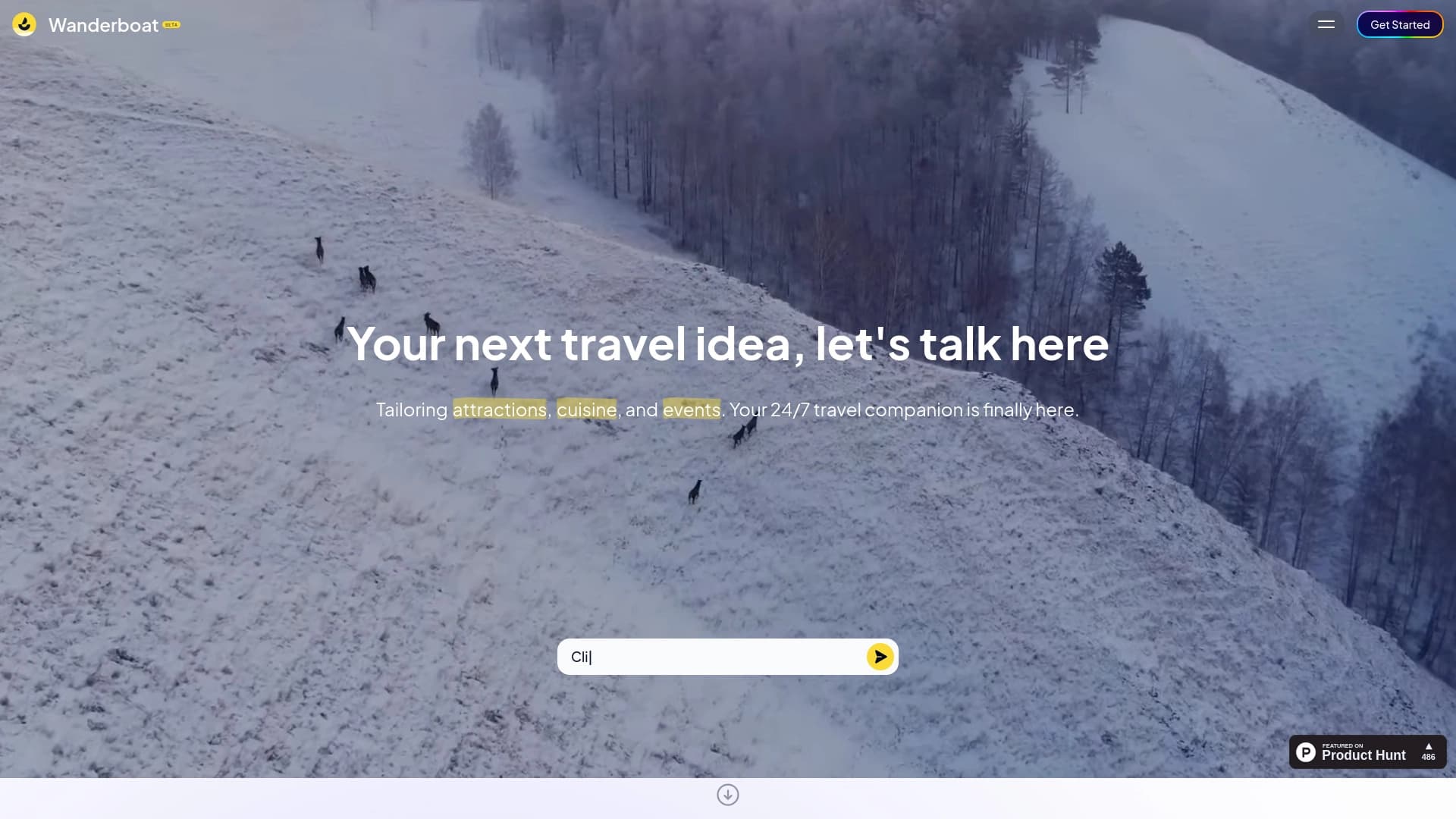

योजना यात्रा के लिए एआई सहायक व्यक्तिगत मार्ग बनाने।.
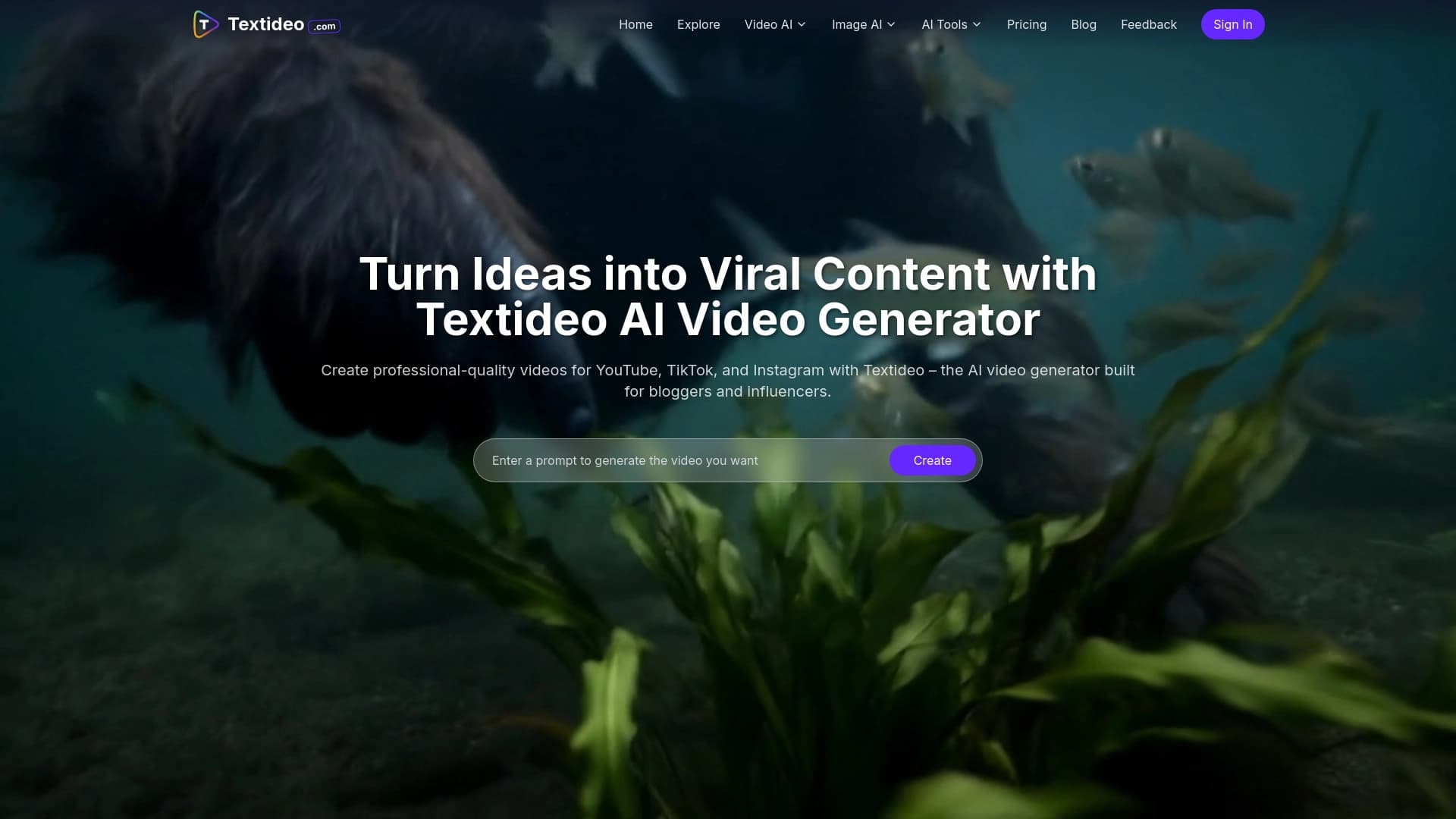

यह सेवा Google Veo 3.1 मॉडल के आधार पर स्थिर छवियों को एनिमेटेड वीडियो में बदल देती है।
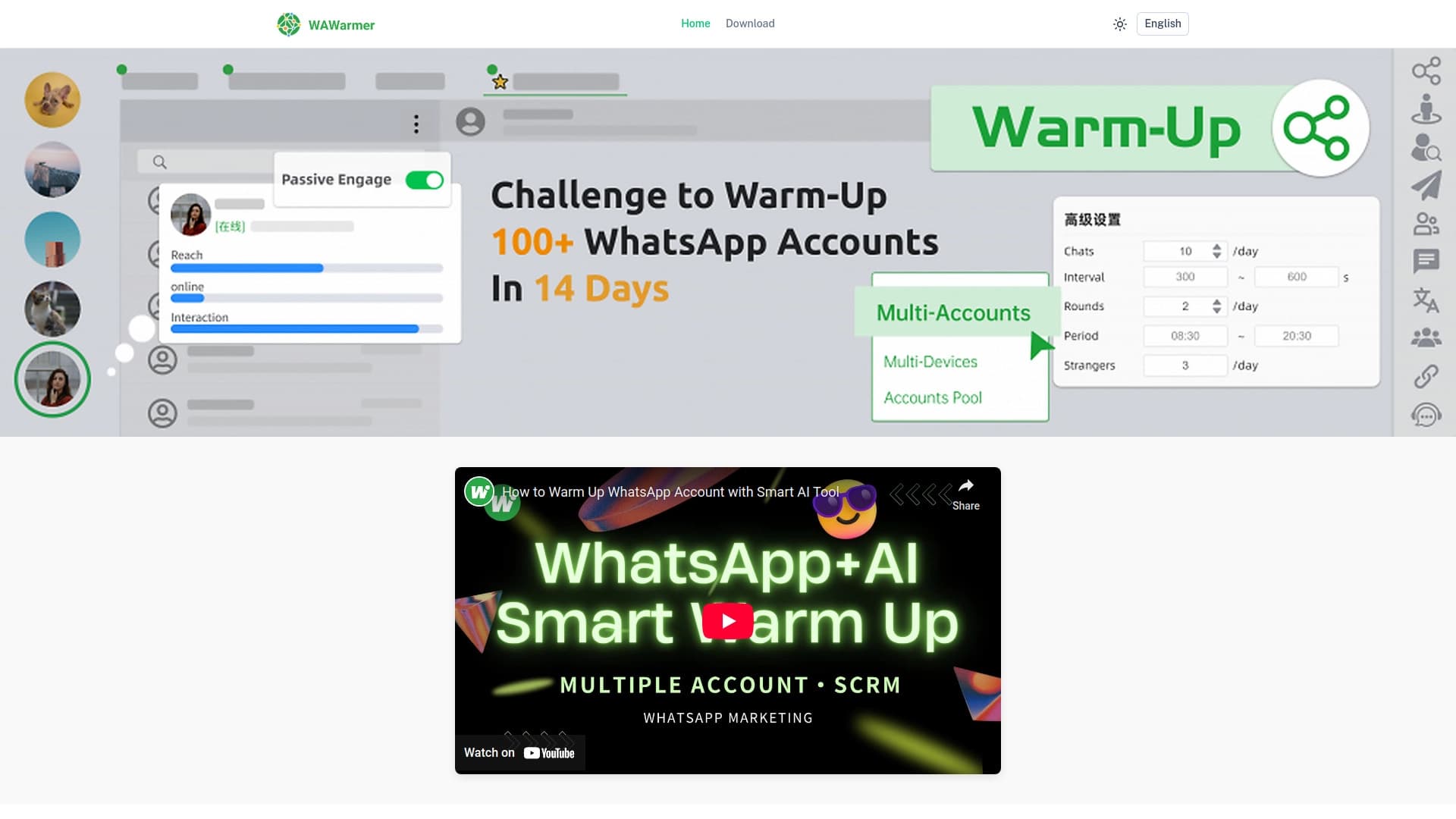
व्हाट्सएप खातों के हीटिंग को स्वचालित करने और लॉकडाउन को रोकने के लिए एआई उपकरण।.

400 से अधिक SMM मार्केटिंग टूल्स की सूची, जिसमें फ़िल्टरिंग और तुलना की सुविधा है।
यह सेवा OpenAI Sora 2 मॉडल के आधार पर टेक्स्ट विवरण से छोटे वीडियो बनाने के लिए है।

ग्रेडिएंट्स और AI-बैकग्राउंड्स खोजने और बनाने के लिए एक सेवा, जो रचनात्मक प्रोजेक्ट्स के लिए है।

ब्राउज़र में एक्सटेंशन, जो कृत्रिम बुद्धि का उपयोग करके X (Twitter) के लिए ट्वीट्स और धागे बनाने में मदद करता है।.