

BlueMail
BlueMail é um cliente de e-mail que reúne várias caixas de entrada em uma única interface com suporte a assistente de IA.

Posição nos rankings
Visão geral
Descrição da IA BlueMail
BlueMail é um cliente de e-mail que resolve um problema comum: quando uma pessoa tem várias caixas de entrada — pessoal, profissional, corporativa — ela precisa verificá-las separadamente. O aplicativo reúne todos os e-mails em uma caixa de entrada unificada, com suporte aos protocolos IMAP, Exchange e POP3, permitindo conectar praticamente qualquer serviço, incluindo Gmail, Outlook e outros provedores.
Além do gerenciamento tradicional de e-mails, o BlueMail oferece um calendário integrado e classificação automática da caixa de entrada. No entanto, o principal destaque é o assistente de IA GemAI, que cria resumos concisos de longas conversas e ajuda a redigir respostas. Os recursos básicos são gratuitos, enquanto o conjunto completo de funcionalidades está disponível por meio de assinatura paga. O desenvolvedor é a empresa Blix Inc.
Características do BlueMail
| Característica | Valor |
|---|---|
| Tipo | Aplicativo |
| Desenvolvedor | Blix Inc. |
| Categorias | Ferramentas de resumo, gerenciamento de tarefas, produtividade, redação de e-mails, geradores de conteúdo de texto, assistentes de e-mail |
| Visitas mensais | 388,9 mil |
| Plano básico | Gratuito |
| Plano premium | Assinatura paga |
| Plano empresarial | Assinatura paga |
| Protocolos suportados | IMAP, Exchange, POP3 |
Para quem é indicada a IA BlueMail?
Para profissionais que lidam com um grande volume de correspondência
Gestores, gerentes de vendas, profissionais de relações públicas e outros que recebem dezenas de e-mails diariamente em vários endereços vão apreciar a caixa de entrada unificada e os resumos com IA. Em vez de gastar tempo lendo mensagens longas, é possível captar rapidamente a essência da questão graças ao GemAI.
Para pequenos empresários e freelancers
Proprietários de pequenas empresas e profissionais autônomos muitas vezes precisam conciliar comunicações pessoais e profissionais. O BlueMail permite manter tudo em um só lugar, e o calendário integrado ajuda a planejar reuniões com clientes sem alternar entre aplicativos.
Para usuários com várias contas de e-mail
Se uma pessoa usa vários serviços de e-mail ao mesmo tempo (por exemplo, Gmail e Outlook), o BlueMail elimina a necessidade de acessar cada aplicativo separadamente. Uma interface unificada simplifica o controle da caixa de entrada e reduz o risco de perder mensagens importantes.
Como usar a IA BlueMail?
Primeira execução e conexão das contas
Para começar, é necessário baixar o BlueMail na loja de aplicativos e abri-lo. Após a instalação, basta conectar suas contas de e-mail: o aplicativo suporta IMAP, Exchange e POP3, portanto não deve haver problemas para conectar tanto contas corporativas quanto gratuitas.
Trabalho diário com e-mails
Após a conexão, todos os e-mails chegam automaticamente à caixa de entrada unificada. É possível gerenciar tarefas diretamente do e-mail, sem alternar para aplicativos separados de organização. O sistema classifica as mensagens por importância e, quando necessário, um e-mail longo pode ser reduzido a um resumo conciso com a ajuda do assistente de IA, permitindo captar rapidamente a essência e decidir como responder.
Principais recursos do BlueMail
Caixa de entrada unificada e classificação inteligente
O BlueMail reúne a correspondência de todas as contas conectadas em uma única lista. A classificação automática ajuda a definir prioridades: mensagens importantes não se perdem no fluxo, e o spam é filtrado sem a intervenção do usuário.
Assistente de IA GemAI
A ferramenta integrada GemAI executa duas tarefas principais. Primeiro, ela cria resumos concisos de e-mails longos — economizando tempo na análise da correspondência. Segundo, o GemAI ajuda a formular respostas, sugerindo rascunhos que podem ser editados antes do envio.
Calendário integrado
O agendamento de reuniões está disponível diretamente no e-mail. O calendário é integrado à caixa de entrada, permitindo criar eventos e receber notificações sem sair do aplicativo. Isso é conveniente quando prazos ou reuniões são discutidos por e-mail.
Vantagens do BlueMail
Todas as contas em um só lugar
A principal vantagem é não precisar alternar entre Gmail, Outlook e outros serviços. Um ponto único de acesso para toda a correspondência economiza tempo e reduz a carga cognitiva.
Processamento inteligente da caixa de entrada
A classificação inteligente e os resumos com IA permitem separar rapidamente os e-mails realmente importantes dos secundários. Para pessoas ocupadas, isso significa menos distrações e uma resposta mais rápida às mensagens essenciais.
Planejamento conveniente
O calendário integrado, com notificações e a possibilidade de agendar reuniões diretamente do e-mail, torna o BlueMail não apenas um cliente de e-mail, mas uma ferramenta de organização do fluxo de trabalho.
Desvantagens do BlueMail
Configurações limitadas da IA
Usuários que precisam de ajustes flexíveis no comportamento do assistente de IA podem encontrar dificuldades: há poucos parâmetros para personalização avançada. Isso limita o uso do GemAI em fluxos de trabalho complexos com cenários não padronizados.
Questões de segurança e estabilidade
O aplicativo armazena um grande volume de dados pessoais, o que levanta preocupações sobre segurança. Além disso, os usuários relatam instabilidade nas funcionalidades de IA: às vezes os resumos saem estranhos e a classificação de e-mails pode travar.
Quais problemas o BlueMail resolve
O BlueMail atende a várias necessidades comuns no gerenciamento de e-mail:
- Consolidação: reúne e-mails de diferentes contas em um único aplicativo.
- Filtragem: classificação e filtragem automáticas das mensagens recebidas para reduzir o ruído informacional.
- Economia de tempo: criação rápida de resumos concisos de e-mails longos com IA, em vez de leitura completa.
- Auxílio na comunicação: geração de rascunhos de respostas que o usuário pode refinar.
- Organização: agendamento de reuniões e gerenciamento de calendário sem sair da interface de e-mail.
Preços do BlueMail
O BlueMail opera no modelo freemium. O plano básico é gratuito para uso pessoal, com os recursos essenciais — suficiente para o uso diário do e-mail, sem assinaturas ou cobranças ocultas.
Para quem precisa de ferramentas avançadas e integrações, há o plano Premium, disponível por assinatura paga. O plano Empresarial, com gerenciamento em vários níveis e suporte para equipes, também é oferecido por assinatura paga.
Termos de uso do BlueMail
Os termos principais dependem do plano escolhido. No plano gratuito, o usuário tem acesso aos recursos padrão do cliente de e-mail com funcionalidades básicas de IA. As assinaturas pagas desbloqueiam um conjunto mais amplo de ferramentas — tanto para profissionais individuais quanto para trabalho em equipe. Não há restrições específicas quanto ao número de contas conectáveis nos dados originais, mas a escolha do plano influencia diretamente os recursos disponíveis.
Disponibilidade do BlueMail
O BlueMail é distribuído como aplicativo: é necessário baixá-lo na loja oficial de aplicativos. O produto foi desenvolvido pela empresa Blix Inc. e está disponível para instalação em dispositivos móveis e, provavelmente, plataformas desktop, embora a lista exata de sistemas operacionais suportados não seja detalhada nos dados originais. Considerando as 388,9 mil visitas mensais ao site, o serviço possui uma base de usuários notável.
O que diferencia o BlueMail dos concorrentes
A principal diferença do BlueMail em relação a ferramentas como ChatGPT, Jasper AI ou Albert AI está na especialização. Enquanto esses serviços são geradores de texto universais, o BlueMail é um cliente de e-mail completo, com IA integrada diretamente ao fluxo de trabalho de gerenciamento de correspondência.
Diferente de soluções como Julius AI ou Polymer, focadas em análise de dados e visualização, o BlueMail é voltado para a organização da comunicação pessoal e corporativa. A comparação mais próxima seria com o Powerdrill AI, mas ele também resolve tarefas mais amplas de processamento de informações. O BlueMail combina três funções em uma única interface: recebimento e classificação de e-mails, planejamento de calendário e assistente de IA para resumos e respostas.
Conclusão
O BlueMail é um cliente de e-mail prático para usuários que desejam gerenciar várias contas em uma interface unificada, sem alternar desnecessariamente entre aplicativos. A ferramenta automatiza a classificação da correspondência, oferece calendário integrado e utiliza o assistente de IA GemAI para criar resumos concisos e rascunhos de respostas. Há uma versão totalmente gratuita com recursos básicos, além de planos pagos para profissionais e empresas. Apesar de algumas desvantagens — configurações limitadas da IA e questões de estabilidade e segurança —, o BlueMail continua sendo uma solução conveniente para o uso diário do e-mail.
Tarifas
Perguntas mais frequentes
Consulte também


Assistente de IA multifuncional para chat, geração de texto e imagens, tradução e auxílio em programação.

Plataforma para comunicação com IA sem chat de suporte de censura, imagens de voz e vídeo.
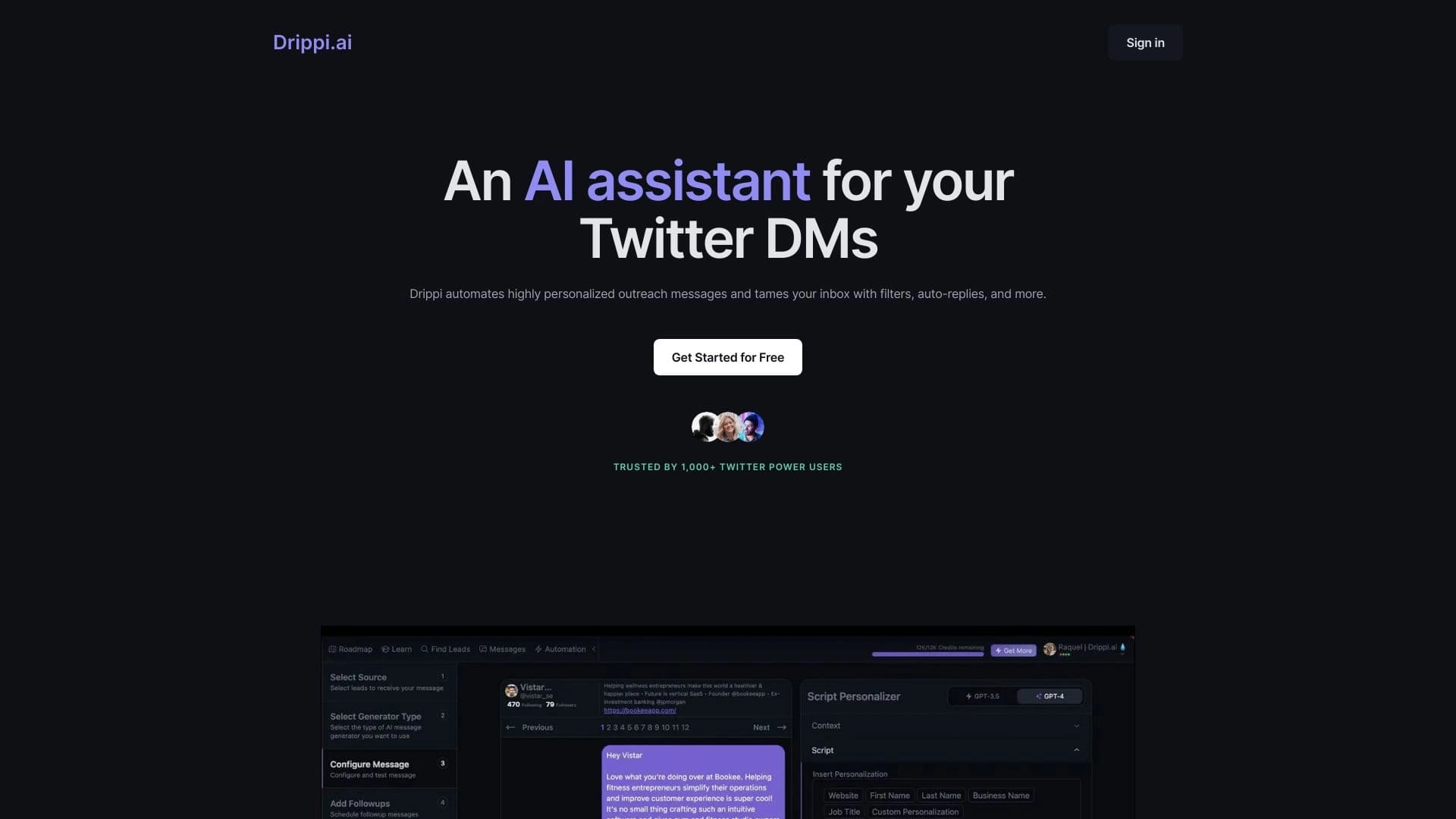

Automatiza o envio de mensagens pessoais personalizadas no X (Twitter) para vendas frias.
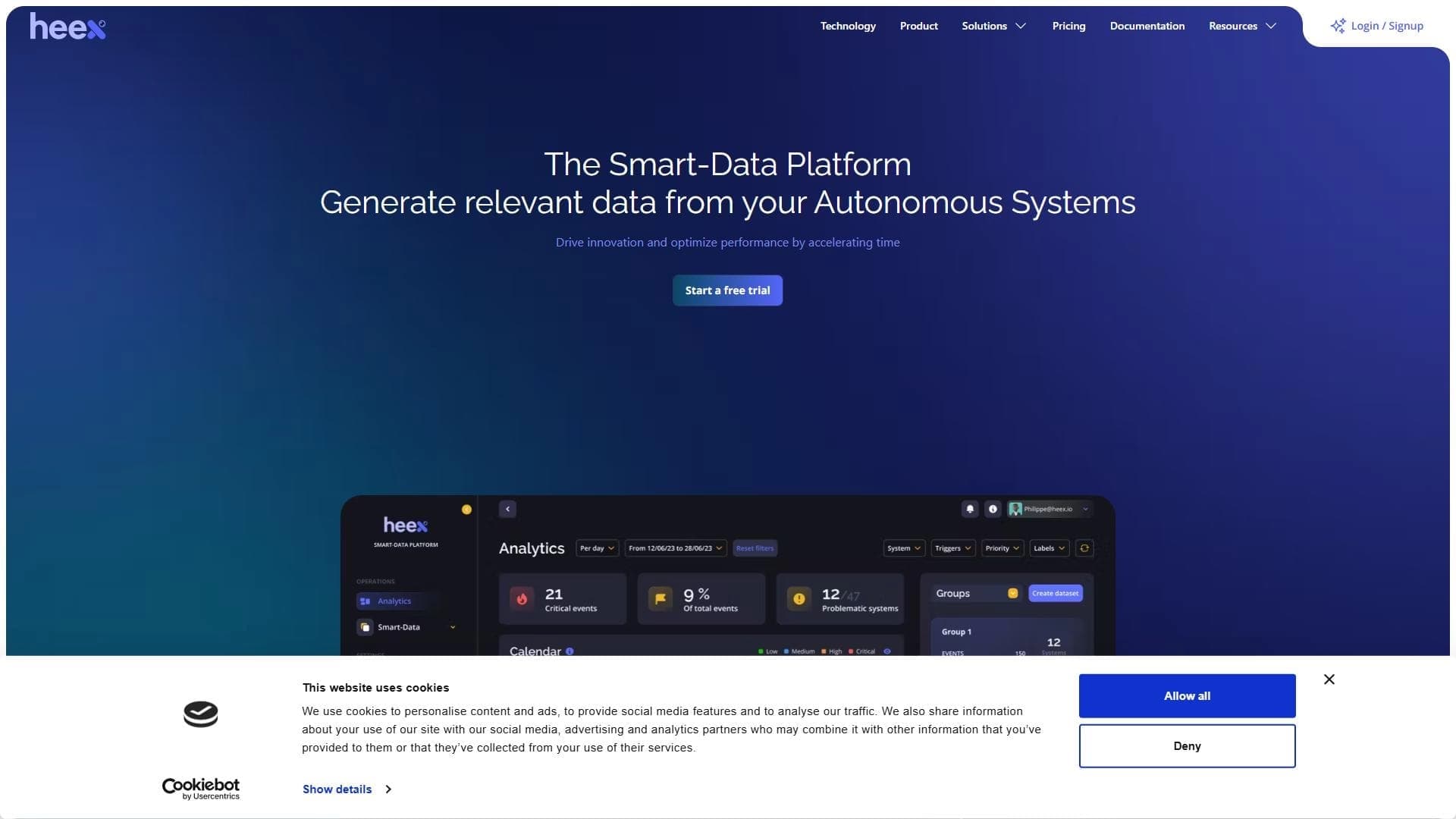

Plataforma baseada em IA para processamento de grandes volumes de dados e automação de fluxos de trabalho.


Assistente de IA para criar breves resumos de vídeos, documentos PDF e páginas web.


Assistente de e-mail IA que se integra com Gmail e Outlook.


Plataforma com um conjunto de ferramentas de IA para geração de imagens, troca de rostos e conversa com personagens de IA.


Plataforma para automatizar a aquisição de clientes e campanhas de email personalizadas com enriquecimento de dados de mais de 150 fontes.