

BlinkVideo
স্বয়ংক্রিয় সাবটাইটেল এবং স্ক্রিপ্ট প্রজন্মের জন্যে সংক্ষিপ্ত ভিডিও তৈরি এবং সম্পাদনা করার জন্য AI টুল।.
র্যাঙ্কিংয়ে অবস্থান
সারসংক্ষেপ
ভিডিও AI বিবরণ
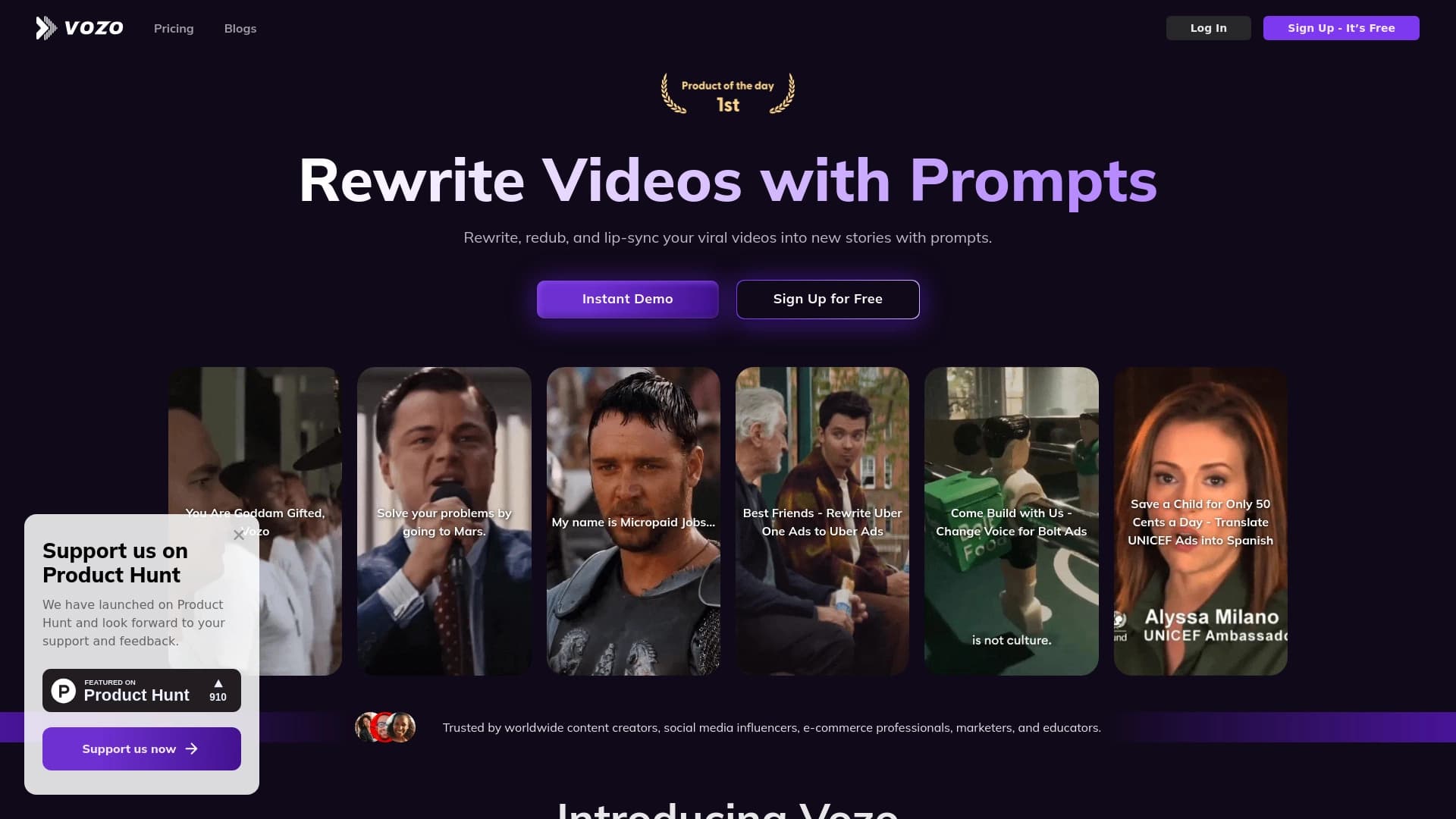
কৃত্রিম বুদ্ধিমত্তা দ্বারা পরিচালিত ভিডিও একটি ওয়েব সার্ভিস যা দ্রুত সৃষ্টি এবং স্বল্প উলম্ব ভিডিওর সম্পাদনা করে। এই টুলের মূল লক্ষ্য হচ্ছে বিষয়বস্তু নির্মাতাদের রুটিনকে সাদাসিধে করা, স্ক্রিপ্ট থেকে লেখা প্রকাশের জন্য স্ক্রিপ্ট থেকে লেখা। সোশ্যাল নেটওয়ার্কে শেষ ক্লিপটি শেষ হয়েছে। বেশ কয়েকটি প্রোগ্রাম থেকে একটি প্রকল্প বের করার পরিবর্তে, ব্যবহারকারীরা একটি উইন্ডোতে কাজ করে, যেখানে তারা সোর্স উপাদান আপলোড করতে পারে, টেক্সট তৈরি করতে পারে, ওভার অ্যানিমেশন সাবটাইটেল তৈরি করতে পারে এবং দ্রুত ফলাফল রপ্তানি করতে পারে।
আব্বে'র মূল উদ্দেশ্য সম্পাদনা করা। ভিডিও সম্পাদনার প্রক্রিয়ার সময় স্ক্রিপ্ট এবং টেক্সট উপাদান সরাসরি সংযুক্ত করা হয়েছে, এবং লেখার জন্য তৃতীয় ভাগ সার্ভিসের মধ্যে পরিবর্তন করা প্রয়োজন। এ ছাড়া, এই পরিষেবাটি আরো জটিল কর্মকাণ্ডকে সমর্থন করে, যেমন ভয়েস সারস, ঠোঁটের সুসংগতি এবং বিষয়বস্তু অনুবাদ, যার ফলে তা বিভিন্ন ভাষার দর্শকদের জন্য ভিডিও গ্রহণের ক্ষেত্রে একটি জটিল সমাধান তৈরি করে।
প্রসারিত প্রদর্শন সংক্রান্ত বৈশিষ্ট্য
নীচে টুলটির মূল প্রযুক্তিগত এবং কার্যকরী পরামিতির একটি তালিকা থেকে সংকলন করা হয়েছে।
| বৈশিষ্ট্য | মান |
|---|---|
| সরঞ্জামের ধরন | AI সংক্ষিপ্ত ভিডিও সম্পাদক |
| প্রধান শ্রেণী | সংক্ষিপ্ত ভিডিও এবং ক্লিপিং, সাবটাইটেল সহ, চলমান |
| প্ল্যাটফর্ম | ওয়েব, অ্যান্ড্রয়েড, আইওএস |
| ডিস্ট্রিবিউশন মডেল | ফ্রিমিয়াম (মুক্ত / প্রেমিয়াম) |
| মুক্ত টিউটর উপলব্ধ | হ্যাঁ (৩০, ৭ দিনের) |
| পরীক্ষার সময় | ৭ দিন, সীমিত ব্যবহার |
| বর্ণনা | প্রতি মাসে $15 থেকে |
| বার্ষিক বিল গণনা | ২৪% (প্রামিয়াম ও ব্যবসার জন্য) |
| ক্রেডিট কার্ড আবশ্যক | না |
| লাইফটাইম লাইসেন্সName | না |
| ক্যাটালগ যোগ করার তারিখ | আগস্ট ৩০, ২০২৪ |
| ওয়েব-সাইট: | www. (Blink ভিডিও বিভাগ) |
কে ভিডিও AI?
সামাজিক প্লাটফর্মের জন্য নির্মাতা
এই টুলটির উদ্দেশ্য হচ্ছে লেখকদের লক্ষ্য করা, যারা নিয়মিত টিকে, ইন্সটাগ্রাম রেসেল এবং ইউটিউব শর্টসে ভিডিও প্রকাশ করে থাকে। ভিডিওর মাধ্যমে ভিডিও দ্রুত ভিডিও ধারণ করা সম্ভব হয় সাবটাইটেল এবং একটি স্ক্রিপ্টের মাধ্যমে।
ডিজিটাল বাজারস এবং SMM ব্যবস্থাপক
প্রচারকারীদের জন্য এই সেবা বিভিন্ন ভাষায় এবং শ্রোতাদের জন্য বিজ্ঞাপন ও ব্র্যান্ড ভিডিওকে খাপ খাইয়ে নিতে সাহায্য করে । তৃতীয় পর্বের রেকর্ডিং স্টুডিও ছাড়া স্থানীয় ভাবে অনুবাদ করা, অনুবাদ এবং কণ্ঠস্বরের ক্ষমতা পুনরায় প্রকাশ করা।
শিক্ষা সেক্টর এবং ইউটিউবার
শিক্ষামূলক চ্যানেলের শিক্ষক এবং লেখকেরা ভিডিওর মাধ্যমে ব্যাখ্যামূলক ভিডিও, বক্তৃতা এবং প্রচারণামূলক উপাদান তৈরি করতে পারেন। যারা কোন শব্দ ছাড়াই ভিডিও দেখে, তাদের জন্য স্বয়ংক্রিয় সাবটাইটেলে প্রবেশের সুযোগ রয়েছে।
আপনি কিভাবে ভিডিও AI ব্যবহার করতে চান?
উপাদান আপলোড এবং আপলোড করা হচ্ছে
প্রথম পদক্ষেপ ভজো ওয়েবসাইটে নিবন্ধন করা হয়েছে। আপনার অ্যাকাউন্টে লগ ইন করার পরে, আপনার ডিভাইস থেকে একটি ভিডিও ফাইল আপলোড করতে হবে অথবা ইন্টারনেট থেকে সরাসরি সংযুক্ত করা আবশ্যক। এই সেবাটি সাধারণ ফরম্যাটের মধ্যে বিদ্যমান উপাদানকে গ্রহণ করে পুনরায় প্রক্রিয়াকরণের জন্য উপযুক্ত।
সম্পাদনার মোড বেছে নেওয়া হচ্ছে
আপলোড করার পর ব্যবহারকারী এই ধরনের অপারেশনের ধরন নির্বাচন করে: স্ক্রিপ্টটি আবার নতুন করে তৈরি করুন, ভিডিওটি অন্য ভাষায় অনুবাদ করুন অথবা সাবটাইটেল যোগ করুন। এই পর্যায়ে, AI বৈশিষ্ট্য সক্রিয় করা হয়েছে, যার মধ্যে রয়েছে স্বয়ংক্রিয় টেক্সট প্রজন্ম এবং লিপ-ক্টিভ প্রজন্ম।
চূড়ান্ত সমন্বয় এবং এক্সপোর্ট করুন
AI দ্বারা নির্ধারিত খসড়া প্রসেস সমাপ্ত হলে, ব্যবহারকারীকে সংশ্লিষ্ট টেক্সটের বিন্যাস ও বৈশিষ্ট্যের পরিবর্তন করা সম্ভব হবে। এই ইন্টারফেসের সাহায্যে নোট শীর্ষকের চেহারা ব্যবহারের সুবিধা উপলব্ধ করা হয়। শেষ ধাপে, শেষ ভিডিওটি রপ্তানি করা হবে এবং নির্বাচিত প্ল্যাটফর্মে প্রকাশিত হবে।
কি-র সার্বজনীন বৈশিষ্ট্য
স্ক্রিপ্ট এবং অনুবাদলিপি জেনারেশন
ব্লি ভিডিও স্বয়ংক্রিয়ভাবে এই ভিডিওর জন্য একটি স্ক্রিপ্ট লিখেছে এবং তা গতিশীল সাবটাইটেল তৈরি করেছে। এটি সৃষ্টিকর্তার কাছ থেকে রক্ষা করে যখন থেকে কাটা দাগ দিয়ে লেখা হয় এবং সময় কোড নির্ধারণ করে। ভিডিওর প্রদর্শন ক্ষেত্রে প্রদর্শিত টেক্সটের দৈর্ঘ্য।
প্রকৃত সময় সম্পাদনা
ক্লাসিক ভিডিও সম্পাদকদের মত নয় যেখানে আপনি উইন্ডোগুলির মধ্যে পরিবর্তন করতে হবে, পুরো প্রক্রিয়া একটি কর্মক্ষেত্রের মধ্যে বিদ্যমান থাকবে । ভিডিও ট্র্যাকের মাধ্যমে স্ক্রিপ্টটি পরিবর্তন করা যাবে সময়ের সাথে সাথে পরিবর্তন আসে।
স্থানীয়করণ ও পরিবর্তন
এই পরিষেবাটি অনুবাদ, নাম এবং ঠোঁটের সুসংগতিকে সমর্থন করে। এর মানে মূল কণ্ঠকে অন্য ভাষার জায়গায় প্রতিস্থাপন করা যেতে পারে, আর বক্তার ঠোঁটের আন্দোলন নতুন অডিও ট্র্যাকের সাথে মিলে যায়। এ ছাড়া, মূল mimubib সংরক্ষণের জন্য ভয়েস কনভেনশন পাওয়া যাচ্ছে।
আব্বে ভিডিওর সৌজন্যে
- লো এন্ট্রি বাধা: এই ইন্টারফেসটি অভিনব, এবং মূল কাজের জন্য পেশাদারী দক্ষতা অর্জনের প্রয়োজন নেই।
- গতি: উৎস উপাদান তৈরি এবং প্রকাশনার মধ্যে সময়কে হ্রাস করে, যা সক্রিয় অ্যাকাউন্ট ব্যবস্থাপনার জন্য গুরুত্বপূর্ণ।
- গতি: কমবিন টেক্সট, সম্পাদনা, সাবিংিং এবং একটি টুলে স্থানীয়করণ কার্য সম্পাদন।
- স্বাভাবিক কর্ম: একাধিক বক্তার দ্বারা L-active প্রযুক্তি সঠিকভাবে ভিডিও হ্যান্ডেল করে।
- নমনীয়তা: একটি মুক্ত টাইলারের উপস্থিতি একজন গ্রাহক কেনার আগে সার্ভিসটি পরীক্ষা করে দেখতে দেয়।
আবতাহীজ হয়রানি
দুর্ভাগ্যবশত, এই সার্ভিসের সীমাবদ্ধতা বা সীমাবদ্ধতা পাওয়া যাবে না। সম্ভাব্য সমস্যার মধ্যে রয়েছে জটিল মাল্টি-লেয়ার প্রকল্প এবং মেঘাঞ্চল বক্তৃতার স্বীকৃতি অ্যালগরিদমের মান নিয়ে স্বাধীনতা, কিন্তু এই তথ্য আনুষ্ঠানিকভাবে নিশ্চিত করা যায়নি। ব্যবহারকারীদের মনে রাখা উচিত যে বিনামূল্যে টাইলারের সময় ও ক্রেডিটের উপর কড়া সীমা রয়েছে।
ভিডিওর সমাধান কি সমস্যা?
- টিকেক, ইন্সটাগ্রাম রেসেল এবং ইউটিউব শর্টস এর জন্য সংক্ষিপ্ত ভিডিও তৈরি করা হয়েছে।
- বর্তমানে ভিডিওতে অ্যানিমেশনের সাবটাইটেল এবং টেক্সট উপাদান।
- আপলোড করা উপাদানের উপর ভিত্তি করে একটি ভিডিওর জন্য স্বয়ংক্রিয়ভাবে তৈরি করা হয়েছে।
- অন্য ভাষায় ভিডিও অনুবাদ করা এবং অন্য ভাষায় অনুবাদ করা।
- বিষয়বস্তুর পুনরায় বর্ণনা: সামাজিক মিডিয়ার জন্য দীর্ঘ দৈর্ঘ্যের ভিডিওর সাথে খাপ খাইয়ে নেওয়া।
- স্বল্প সময়ের বিনিয়োগে শিক্ষা ও প্রচার উপকরণ তৈরি করা।
ব্লিচিং
মুক্ত পরিকল্পনা
৭ দিনের জন্য ৩০ দিন প্রদান করা হয়। একটি নমুনা ভিডিওর মাধ্যমে কার্যকারীতা এবং পরীক্ষার জন্য উপযুক্ত। কোন ক্রেডিট কার্ড লাগবে না।
প্রিমিয়াম প্ল্যান
প্রতি মাসে প্রতি মাসে (১২০০ মার্কিন ডলার) বিল করা হয়। আপনি ২টি সমান্তরাল প্রকল্প অন্তর্ভুক্ত করুন এবং সর্বাধিক AI সম্পাদনা বৈশিষ্ট্যের সাথে যুক্ত করুন।
ব্যবসার পরিকল্পনা
প্রতি মাসে গড়ে প্রতি মাসে ৭৭ মার্কিন ডলারে (৭০০ মার্কিন ডলার) মূল্য পরিশোধ করা হয়েছে। ১০টি যৌথ প্রকল্পে সমর্থন এবং ১০ জনের জন্য একটি কর্মক্ষেত্র সরবরাহ করা।
এন্টারপ্রাইজ সমাধান
API ব্যবহার ও গুরুত্বপ্রাপ্ত প্রযুক্তিগত সমর্থন সহ স্বনির্ধারিত পরিকল্পনা। বিভিন্ন সংগঠনের চাহিদার উপর ভিত্তি করে প্রণোদনা করা হয়।
কার্সার
ভজো ওয়েবসাইটে নিবন্ধন করা বাধ্যতামূলক। অ্যাকাউন্ট নির্মাণকালে, দ্রুত প্রয়োগ করার পরে কম্পিউটার পুনরায় আরম্ভ করা যাবে। বিনামূল্যের প্রবেশাধিকার সীমিত (৭ দিন) এবং ক্রেডিটের সংখ্যা (৩০), যার পরে আপনাকে একটি সাবস্ক্রিপশনের গ্রাহক হতে হবে অথবা সার্ভিস ব্যবহার বন্ধ করতে হবে। নিবন্ধনের জন্য ব্যাংকিং এ প্রবেশের প্রয়োজন নেই। কোন দক্ষতা স্তর নেই - কোন ধরনের অভিজ্ঞতা ছাড়াই ব্যবহারকারীদের জন্য সার্ভিস তৈরি করা হয়েছে।
ভিডিও আভারতা
ভিডিও একটি ব্রাউজার এবং অ্যান্ড্রয়েড এবং আইওএস এর মোবাইল অ্যাপ্লিকেশন হিসাবে ওয়েব সার্ভিস হিসেবে পাওয়া যাচ্ছে। এর ফলে ডেস্কটপ কম্পিউটার ও একটি ফোনের মাধ্যমে ভিডিও সংযুক্ত করা যাবে । যানজটের তথ্য অনুযায়ী যুক্তরাষ্ট্র, ভারত, ইউক্রেন, জার্মানি এবং চীনসহ বিভিন্ন দেশের ব্যবহারকারীরা এই সেবাটি ব্যবহার করে থাকে। বিভিন্ন ডকুমেন্টেশন পেজের মধ্যে ইন্টারফেসের ভাষা উল্লেখ করা হয় না; তবে, অনুবাদ এবং এর জন্য কার্যকারীতা ব্যবহার করা হচ্ছে না ।
কিভাবে ভিডিও ডিফারস বিকল্প থেকে নেওয়া
ব্লিঙ্ক ভিডিও এবং ক্লাসিক ভিডিও সম্পাদকদের মধ্যে প্রধান পার্থক্য হচ্ছে এডবিব প্রধানমন্ত্রী প্রো, চূড়ান্ত কাট প্রো, অথবা কাট্টাসিয়া স্ক্রিপ্টের মাঝে বিদ্যমান। প্রচলিত প্রোগ্রাম-এর জন্য লিখনযোগ্য টেক্সট, শিরোনাম, ও সুসংগতির জন্য আবশ্যক। বেতার ভিডিও এই কাজটি পরিচালনা করে: নিউরাল নেটওয়ার্ক এই স্ক্রিপ্টকে উৎসাহিত করে, স্বয়ংক্রিয়ভাবে সাবটাইটেল তৈরি করে এবং প্রয়োজনের সময় ঠোঁটের সাথে তা সুসংগত করে।
বিশেষ AI যন্ত্রের মধ্যে রয়েছে (বিবেবি, লিনগোবেবি, ডাব্রাবে), আব্বে ভিডিও বিভিন্ন বৈশিষ্ট্যের সমন্বয়র জন্য প্রস্তুত: একই সাথে সাবটাইটেল, অনুবাদ, ভয়েস কনভিং এবং টেক্সট প্রজন্ম। এর ফলে কয়েকটি ভিন্ন ভিন্ন অ্যাপলিকেশনের পরিবর্তে একটি সার্ভিস ব্যবহার করা যায়, যা ছোট ছোট দল এবং ব্যক্তির জন্য সুবিধাজনক।
অন্তর্ভুক্ত
ভিডিও ভিডিও হচ্ছে স্বল্প দৈর্ঘ্য ভিডিও নির্মাতা এবং বিষয়বস্তু পেশাজীবীদের একটি বাস্তব সমাধান, যারা তাদের সময়কে মূল্য দেয় এবং চায় না। পেশাদারী সম্পাদনা এর মাঝখান দিয়ে ঢুকেছি। এই টুল একটি ভিডিওর জন্য সম্পূর্ণ কাজ করে: ধারণা এবং স্ক্রিপ্ট নির্মাণের মাধ্যমে। স্থানীয়াইজেশন এবং সাবটাইটেল সহ রপ্তানী। ফ্রি টাইলার আর পরিষ্কার ভাবে পরিকল্পনা করা দরকার পরীক্ষার জন্য আর পরবর্তী সময়ে উন্নত ব্যবসা বা ব্যক্তিগত ব্র্যান্ডের চাহিদা পূরণ করতে। যদিও প্রযুক্তিগত সীমাবদ্ধতা সম্বন্ধে কিছু তথ্য এখনো জানা যায়নি, তবে বলা হয়েছে, স্বল্প দৈর্ঘ্য ভিডিওর বাজারের প্রয়োজন সম্পূর্ণভাবে তুলে ধরা হয়েছে।
সাধারণ প্রশ্নোত্তর
অতিরিক্ত দেখুন
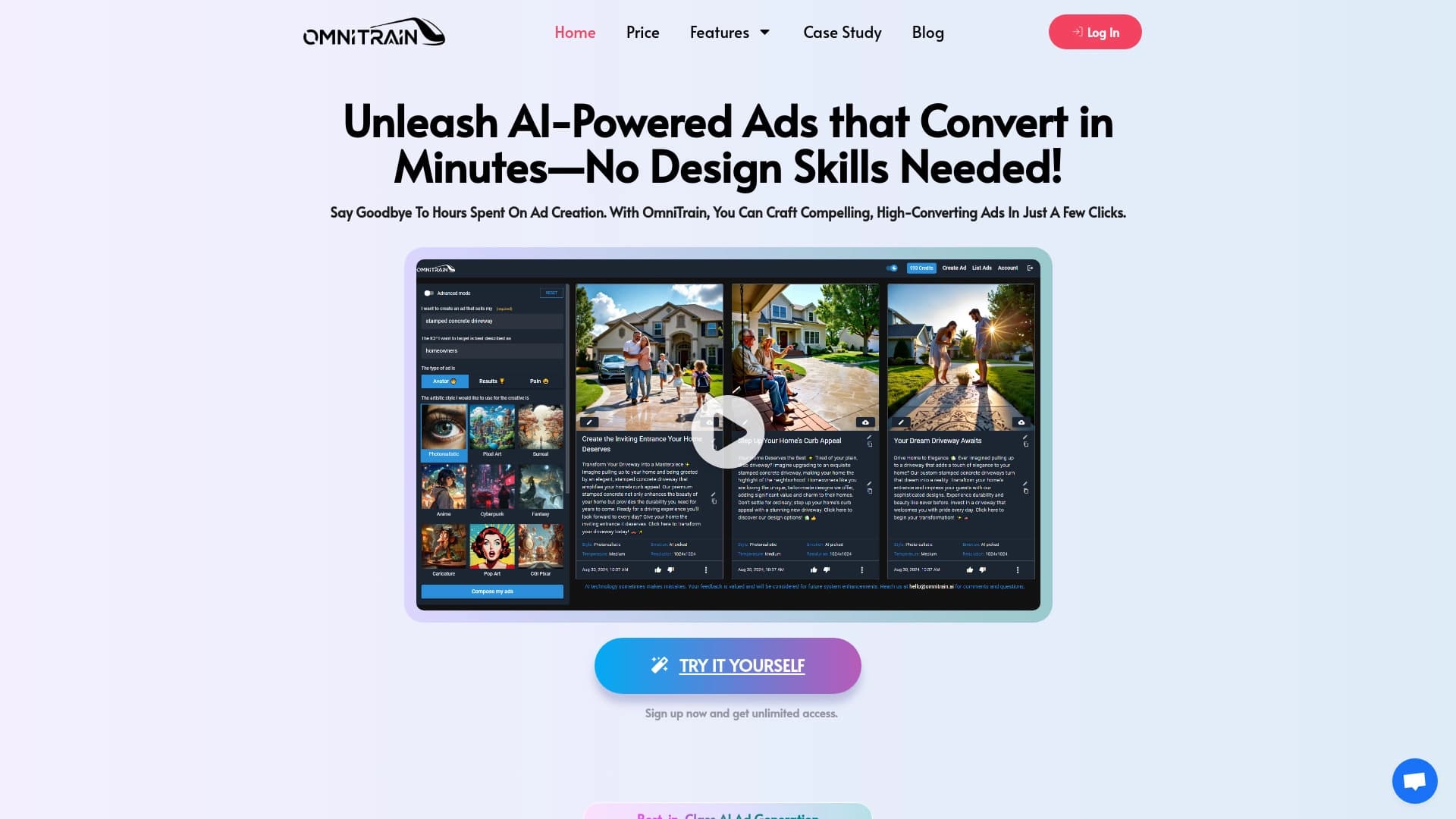

বিজ্ঞাপন ছবি এবং ভিডিও তৈরির জন্য AI চালিত প্ল্যাটফর্ম।.
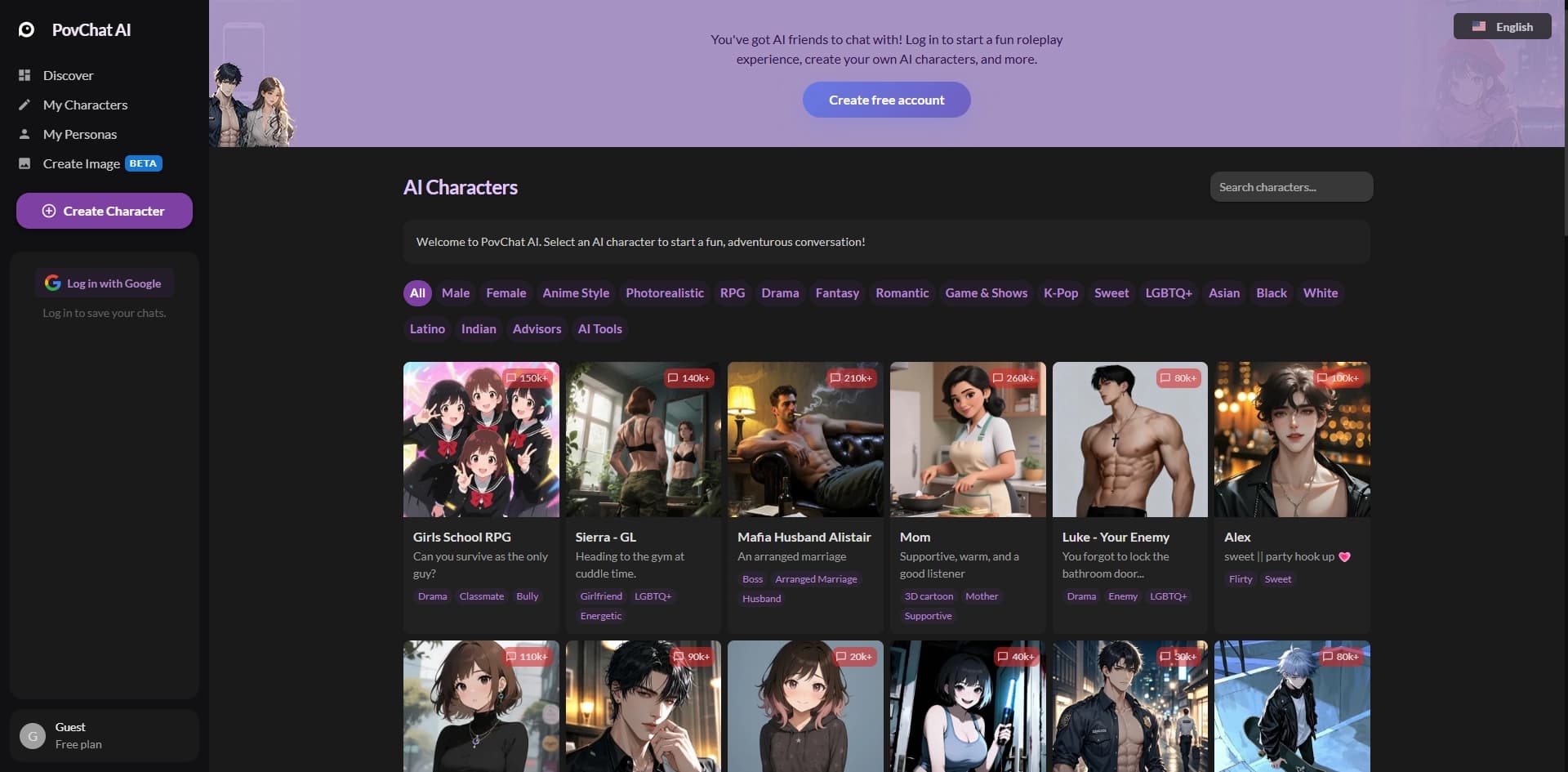

ভূমিকাপূর্ণ গেম এবং গল্প তৈরির জন্য স্বনির্ধারিত AI চরিত্রের সাথে যোগাযোগ এবং যোগাযোগ করার প্লাটফর্ম।.
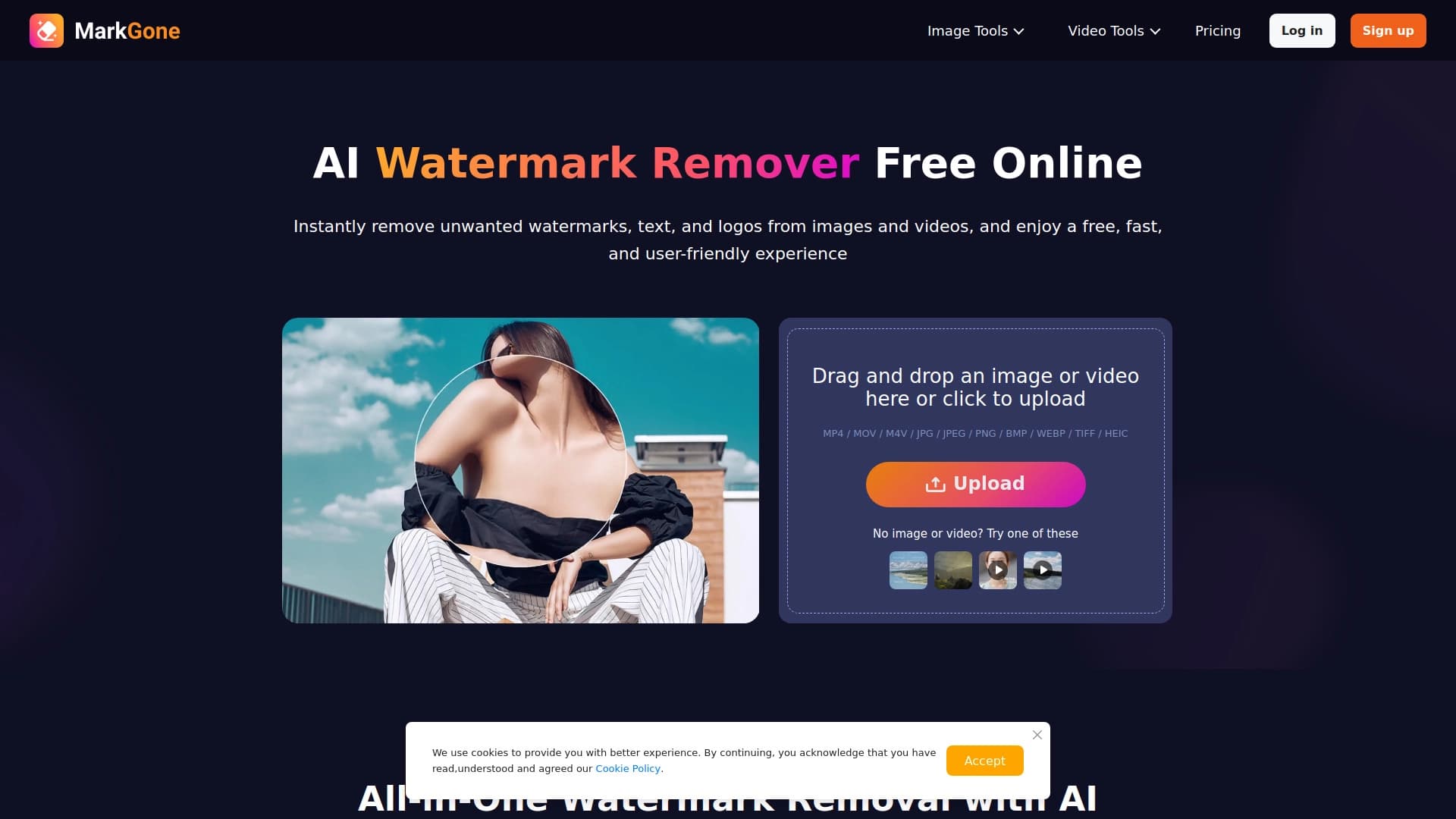
স্বয়ংক্রিয় পানির ছবি এবং ভিডিও চিহ্নের উপর ভিত্তি করে স্বয়ংক্রিয়রূপে চালানো অনলাইন সার্ভিস।.
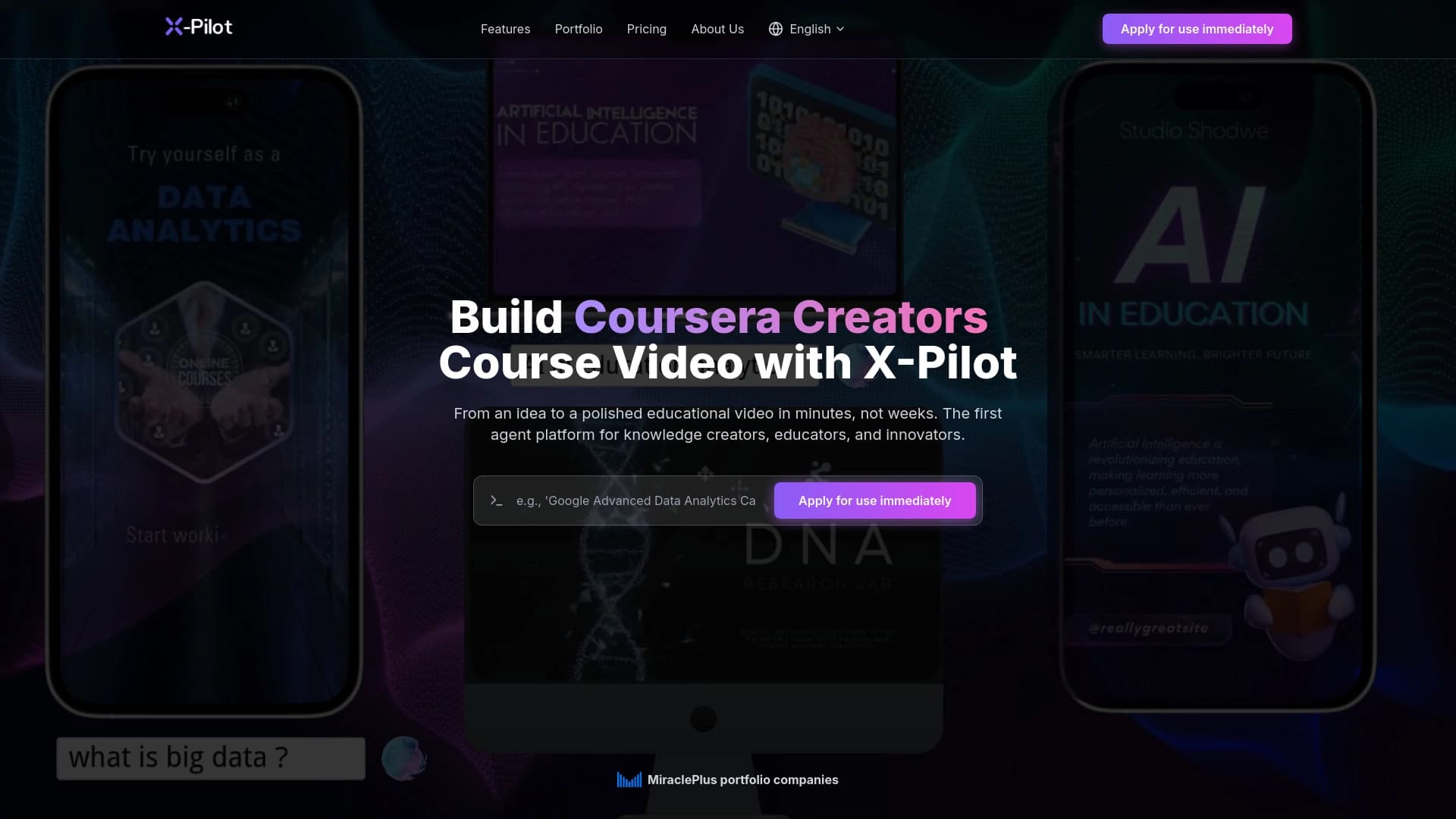

ডকুমেন্টস ও টেক্সটের উপর ভিত্তি করে X-Pilt অটোমেট ভিডিও এবং কোর্সের ভিডিও।.
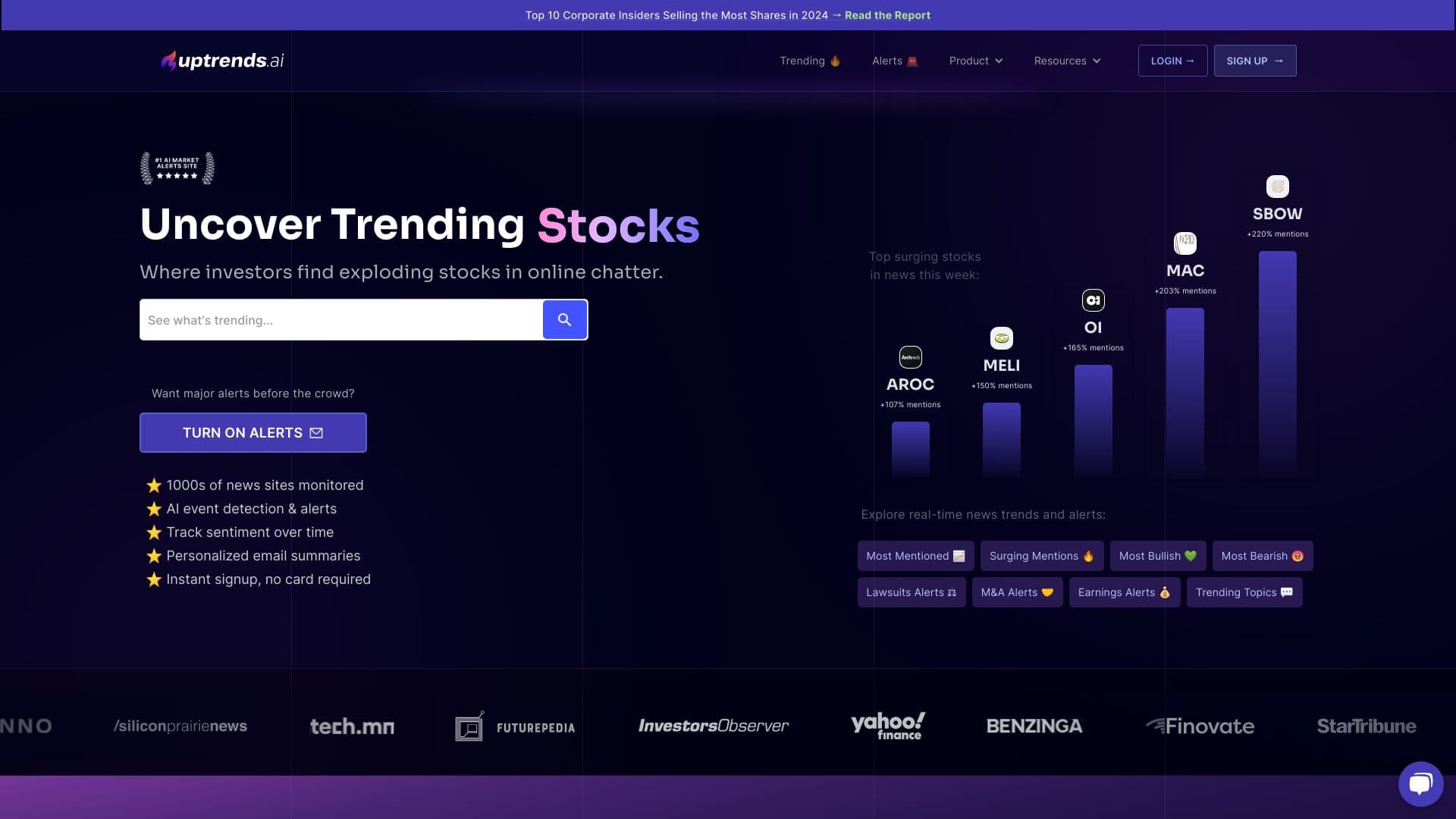

শেয়ার বাজার বিশ্লেষণ পরিষেবাটি বাস্তব সময়ে সামাজিক নেটওয়ার্ক থেকে সংবাদ এবং উপাত্ত সংগ্রহ করে।.

কাজের জন্য AI এজেন্ট, প্রকল্প ব্যবস্থাপনা, এবং দলগত কাজ উন্নত।.
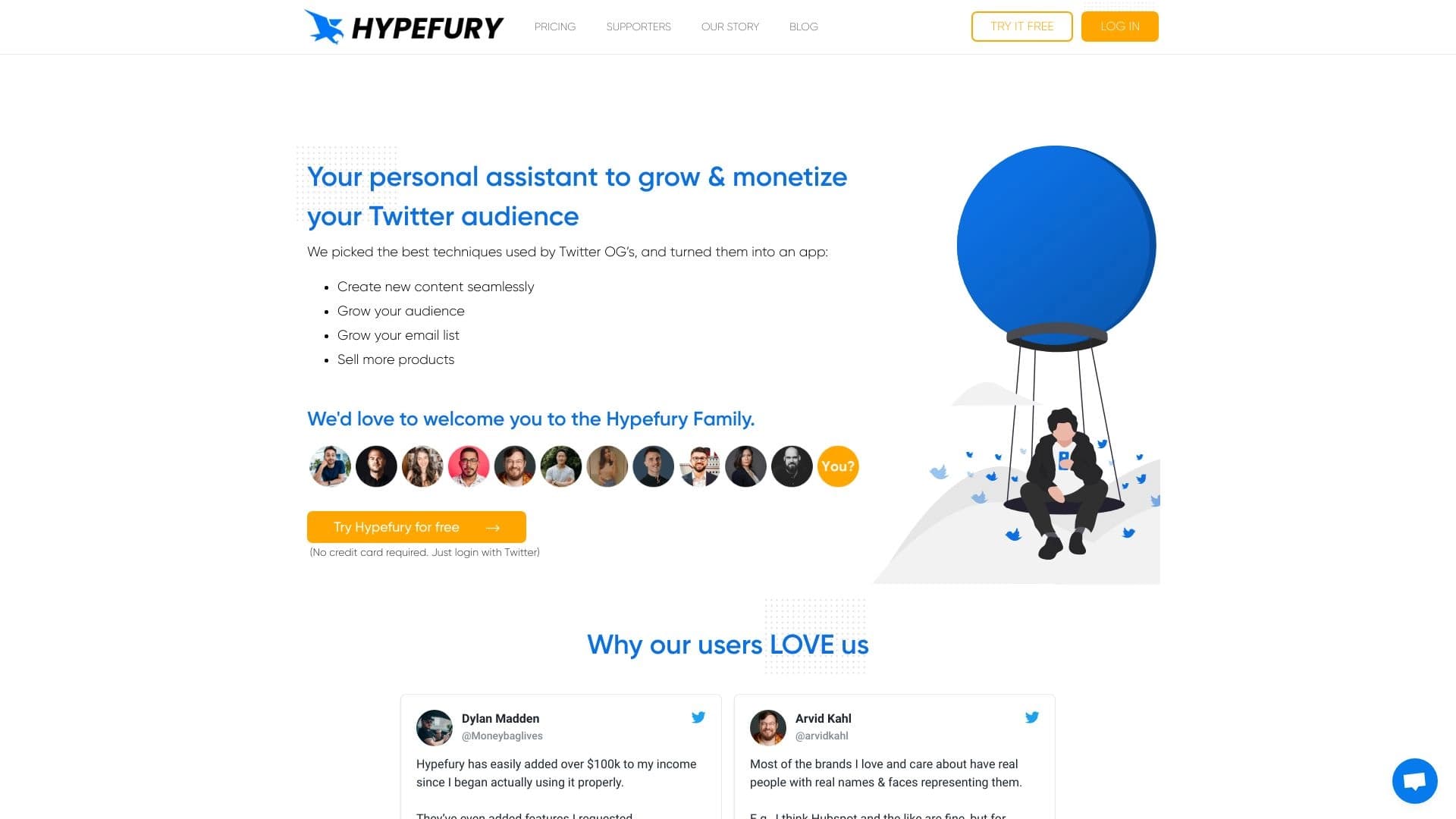

সামাজিক যোগাযোগ মাধ্যমে পোস্ট চালু এবং সময়ানুবর্তিতার টুল টুইটারে মনোযোগ প্রদান করেছে।.
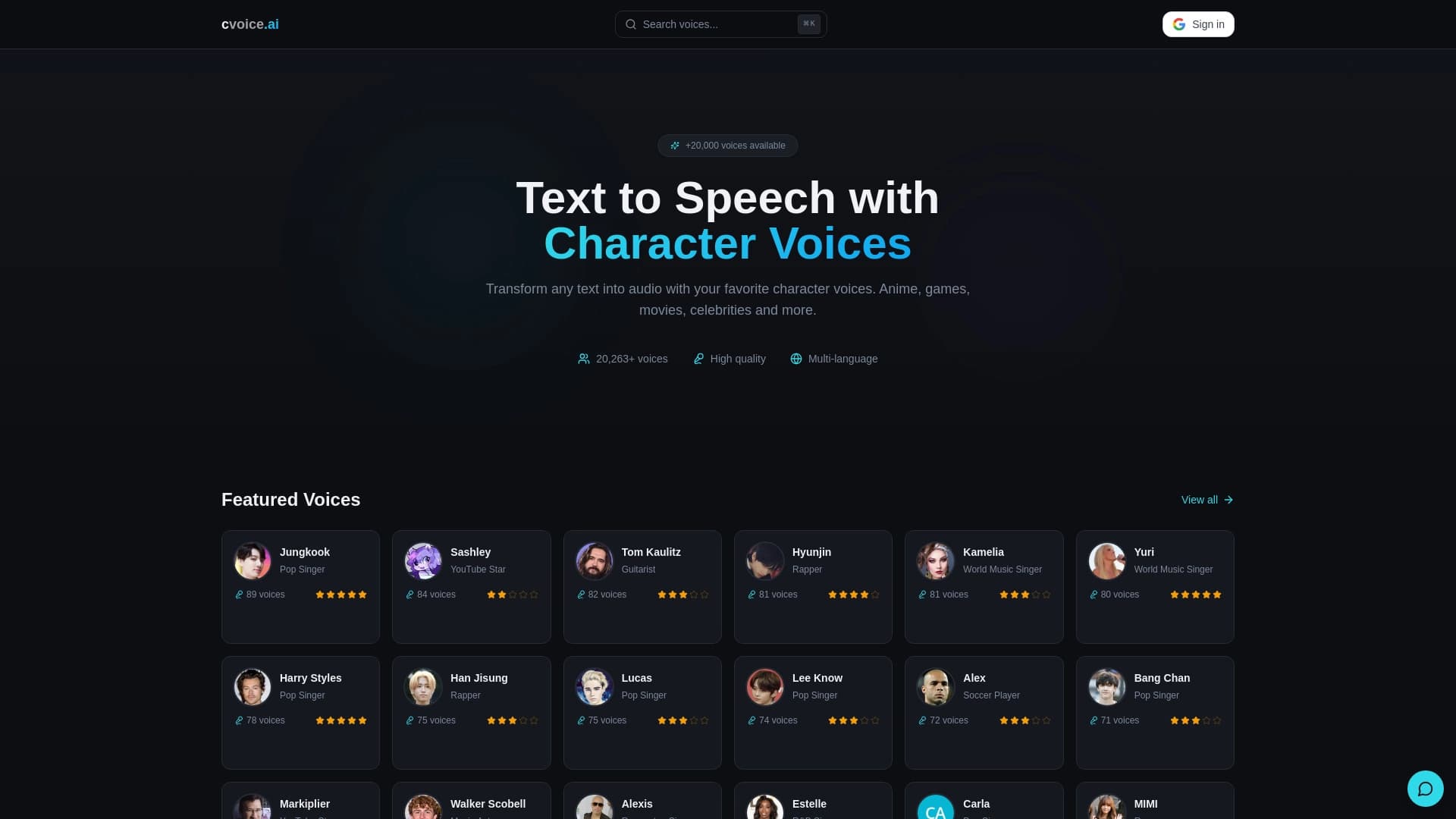

এমি-এর চরিত্র, খেলা এবং তারকাদের জন্য মুক্ত টেক্সট-টো-স্পেশে প্লাটফর্ম প্লাটফর্ম প্লাটফর্মের আওয়াজ।.