
Blinkist AI
ब्राउज़र एक्सटेंशन जो लेखों, PDF, पॉडकास्ट और YouTube वीडियो का संक्षिप्त सारांश बनाता है।
रैंकिंग में स्थान
अवलोकन
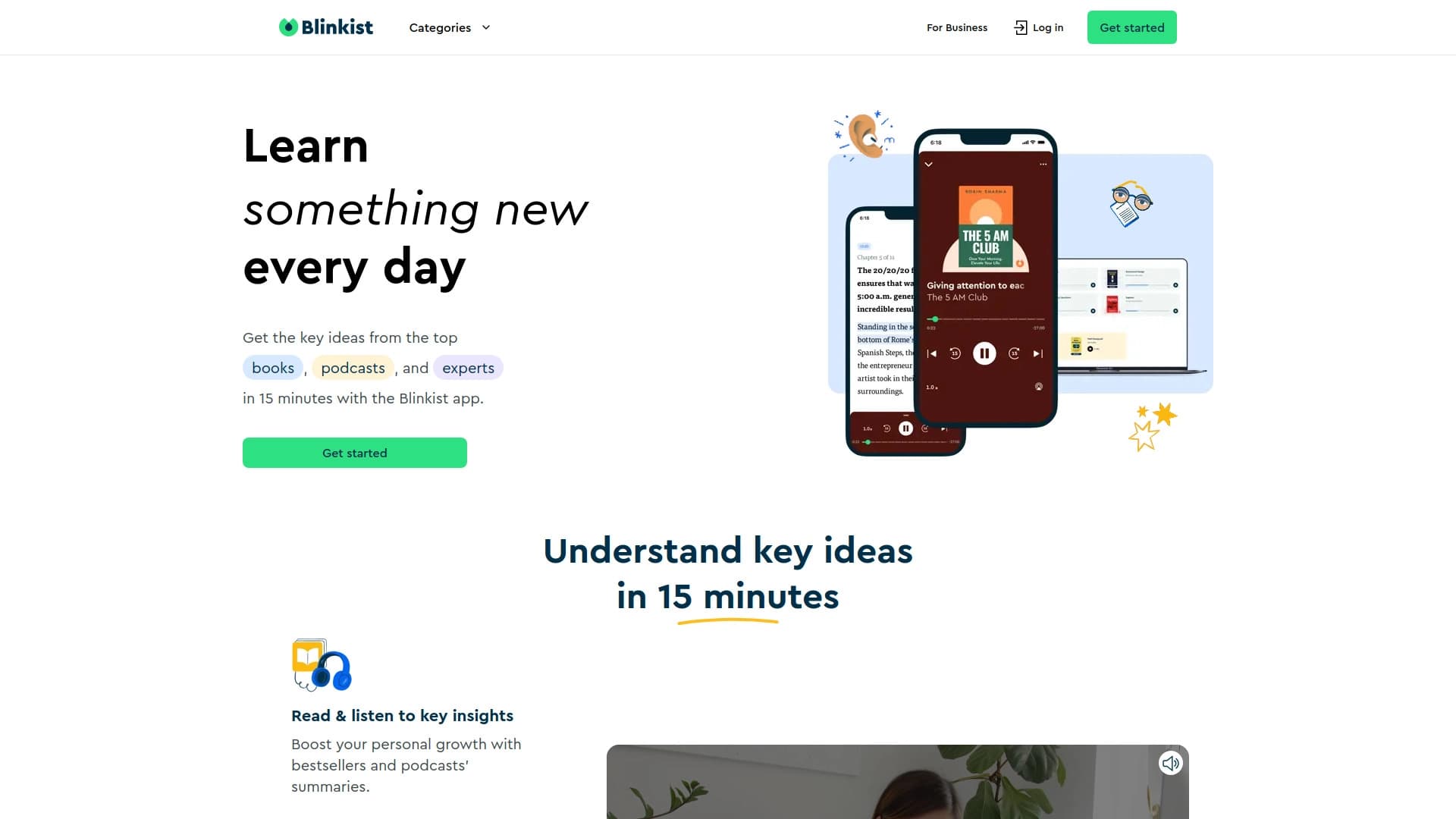
Blinkist AI एक उपकरण है जिसे लंबे समय तक बनाने वाली सामग्रियों के संघनित सारांश बनाने के लिए डिज़ाइन किया गया है। सेवा का मुख्य लक्ष्य है उपयोगकर्ता के समय को बचाने के लिए उन्हें एक लेख, दस्तावेज़ या सेकंड में वीडियो के प्रमुख विचारों को समझने की अनुमति देता है, बिना पूर्ण पाठ में गोताखोर के।
समाधान क्रोम ब्राउज़र एक्सटेंशन के रूप में काम करता है और एक वेबसाइट के माध्यम से भी उपलब्ध है। प्रौद्योगिकी वेब पृष्ठों, पीडीएफ फाइलों, पॉडकास्ट और यूट्यूब वीडियो की सामग्री को स्कैन करती है, मुख्य बिंदुओं को निकालती है और एक संरचित सारांश उत्पन्न करती है। यह दृष्टिकोण आपको जल्दी से सामग्री के एक टुकड़े की प्रासंगिकता का आकलन करने की अनुमति देता है, एक बैठक के लिए तैयार करता है, या प्राथमिक स्रोतों का अध्ययन करने के बिना बस तारीख तक रहता है।
Blinkist AI सुविधाएँ
| फ़ीचर | मूल्य |
|---|---|
| प्रकार | संक्षिप्त सारांश / अवलोकन के लिए उपकरण |
| श्रेणियाँ | संक्षेपण उपकरण, पॉडकास्ट उपकरण |
| प्लेटफार्म | क्रोम एक्सटेंशन, वेबसाइट |
| डेवलपर | Blinkist GmbH |
| नि: शुल्क योजना | हाँ (मूल विशेषताएं) |
| मासिक यात्रा | 47.4K |
| वितरण मॉडल | फ्रीमियम |
| टैग | #Browser एक्सटेंशन |
कौन है?
जानकारियों की बड़ी मात्रा के साथ काम करने वाले पेशेवर
उपकरण विश्लेषकों, शोधकर्ताओं, छात्रों और पत्रकारों के लिए एक अनिवार्य सहायक बन जाएगा, जिन्हें नियमित रूप से कई लेखों, रिपोर्टों और अध्ययनों की प्रक्रिया की आवश्यकता होती है। Blinkist AI आपको जल्दी से एक दस्तावेज़ की सामग्री की समीक्षा करने में मदद करता है और यह तय करता है कि क्या यह पूर्ण अध्ययन करने लायक है।
सीमित समय के साथ लोग
यदि आप लंबे पाठ या वीडियो पर समय बिताना पसंद नहीं करते हैं लेकिन सूचित रहना चाहते हैं, तो यह समाधान आपके लिए है। सेवा बहु-घंटे पॉडकास्ट को संघनित करती है या आवश्यक लोगों को लंबी रिपोर्ट देती है, जिसे आप कुछ मिनटों में पढ़ सकते हैं।
तंग समय सीमा के तहत काम करने वाली टीम
एक महत्वपूर्ण बैठक या परियोजना प्रस्तुत करने से पहले, आपको अक्सर आने वाली सामग्री की एक बड़ी राशि की समीक्षा करने की आवश्यकता होती है। Blinkist AI आपको इसके माध्यम से स्कीम देता है और महत्वपूर्ण बिंदुओं को उजागर करता है ताकि आप थोड़े समय में कार्यों से निपटने के लिए तैयार हों।
कैसे Blinkist AI का उपयोग करने के लिए
शुरू हो रहा है और स्थापना
शुरू करने के लिए, आपको आधिकारिक ब्लिंकिस्ट एआई वेबसाइट और अनुरोध एक्सेस पर जाने की आवश्यकता है, क्योंकि वर्तमान में सेवा बंद बीटा परीक्षण में है (इस पर "उपयोग की अवधि" अनुभाग में)। एक बार पहुंच प्रदान की जाती है, आप क्रोम ब्राउज़र एक्सटेंशन स्थापित कर सकते हैं या वेब इंटरफेस के माध्यम से कार्यक्षमता का उपयोग कर सकते हैं।
सारांश बनाना
विस्तार स्थापित करने के बाद, वर्कफ़्लो बहुत सरल है। वेब पेज, पीडीएफ दस्तावेज़, या यूट्यूब वीडियो को खोलें जो आप में रुचि रखते हैं और उपकरण को सक्रिय करते हैं। सेवा सामग्री को स्कैन करती है और सेकंड के भीतर कुंजी बिंदुओं के साथ एक तैयार सारांश प्रदान करती है। आप एकाधिक स्रोतों से एक समेकित दस्तावेज़ में भी जानकारी एकत्र कर सकते हैं।
Blinkist AI की प्रमुख विशेषताएं
पाठ दस्तावेज़ों के साथ काम करना
सेवा लंबे वेब लेखों और पीडीएफ फाइलों से सार को प्रभावी ढंग से निकालती है। पाठ की दीवार पढ़ने के बजाय, उपयोगकर्ता को लेखक के मुख्य बिंदुओं की संक्षिप्त सूची मिलती है।
मल्टीमीडिया सामग्री प्रसंस्करण
कई प्रतियोगियों के विपरीत, ब्लिंकिस्ट एआई न केवल पाठ के साथ बल्कि ऑडियो और वीडियो के साथ काम करता है। एक्सटेंशन एक पॉडकास्ट या यूट्यूब वीडियो का विश्लेषण कर सकता है और पाठ सारांश प्रदान कर सकता है, जो देखने या सुनने पर समय बचा सकता है।
सूचना समेकन
डेटा संग्रह सुविधा आपको विभिन्न स्रोतों से एक संरचित पाचन में सारांश को जोड़ने की अनुमति देती है। यह अनुसंधान के लिए तैयारी या विषय अवलोकन बनाने के लिए सुविधाजनक है।
Blinkist AI के लाभ
सूचना पुनर्प्राप्ति की गति
मुख्य लाभ मूल संदेश के निकट-तत्काल निष्कर्षण है। उपयोगकर्ता को समय पढ़ने या देखने की आवश्यकता नहीं है - कुछ सेकंड यह समझने के लिए पर्याप्त हैं कि सामग्री क्या है।
बहु प्रारूप समर्थन
चार अलग-अलग सामग्री प्रकारों (articles, PDFs, पॉडकास्ट, YouTube) के साथ काम करने की क्षमता अन्य समाधानों के अलावा उपकरण सेट करती है जो अक्सर टेक्स्ट-केवल होते हैं।
महत्वपूर्ण समय बचत
स्वचालित सारांश पीढ़ी आपको एक घंटे में प्रक्रिया करने की अनुमति देती है जो सामान्य रूप से एक पूर्ण दिन लेती है।
Blinkist AI के नुकसान
विश्लेषण inaccuracies
तंत्रिका नेटवर्क सही नहीं है और गलतियां कर सकता है। जब जटिल, अत्यधिक विशिष्ट, या लंबी सामग्री का विश्लेषण किया जाता है, तो एल्गोरिथ्म महत्वपूर्ण विवरण या गलत जोर को याद कर सकता है।
स्रोत गुणवत्ता पर निर्भरता
सारांश की सटीकता सीधे स्रोत सामग्री की गुणवत्ता पर निर्भर करती है। यदि कोई लेख खराब रूप से लिखा जाता है, तो इसमें अनुवाद त्रुटियां होती हैं, या एक वीडियो में खराब ऑडियो और भाषण की गुणवत्ता होती है, जिसके परिणामस्वरूप सारांश में अशुद्धता भी होती है।
गोपनीयता
सामग्री का विश्लेषण करने के लिए, सेवा को आपके द्वारा देखी जाने वाली सामग्रियों तक पहुंच की आवश्यकता होती है। यह उपयोगकर्ताओं को संवेदनशील डेटा या दस्तावेजों के साथ काम करने के लिए चिंताओं को बढ़ा सकता है जिसमें व्यापार रहस्य शामिल हैं।
Blinkist AI क्या कार्य करता है?
- जल्दी से वेब लेख और पीडीएफ के सार को grasping: आपको सेकंड में एक दस्तावेज़ की सामग्री का आकलन करने देता है और इसके आगे उपयोग पर निर्णय लेता है।
- सममराइज़िंग पॉडकास्ट और यूट्यूब वीडियो: आप पूरी तरह से सुनने या देखने के बिना सामग्री पर "कैच अप" की अनुमति देते हैं।
- बड़ी मात्रा में जानकारी के प्रसंस्करण के दौरान समय की बचत: डेटा स्ट्रीम से सबसे महत्वपूर्ण बिंदुओं को उजागर करके सूचना अधिभार का प्रबंधन करने में मदद करता है।
Blinkist AI मूल्य निर्धारण
सेवा एक फ्रीमियम मॉडल पर काम करती है, जो उपयोगकर्ताओं को कई मूल्य निर्धारण योजनाओं की पेशकश करती है:
- नि: शुल्क योजना: कोर सारांश निर्माण सुविधाओं तक पहुंच प्रदान करता है।
- मानक योजना: बाद में उपयोग के लिए तैयार किए गए सारांश को बचाने और डाउनलोड करने की क्षमता शामिल है।
- प्रीमियम योजना: सेवा की सभी उन्नत सुविधाओं के साथ-साथ प्राथमिकता उपयोगकर्ता समर्थन तक असीमित पहुंच को अनलॉक करता है।
Blinkist AI के लिए उपयोग की शर्तें
वर्तमान में, Blinkist AI बंद बीटा मोड में काम करता है। इसका मतलब यह है कि उपकरण तक पहुंच सभी के लिए खुला नहीं है।
परीक्षण में भाग लेने के लिए, आपको शामिल होने की आवश्यकता है प्रतीक्षा सूचीबस अपने ईमेल पते पर छोड़ दें आधिकारिक सेवा वेबसाइट अपने ईमेल की पुष्टि करने के बाद, आपको कतार में जोड़ा जाएगा। जब आपके खाते के लिए एक्सेस सक्रिय हो जाता है, तो निर्दिष्ट ईमेल पते पर एक अधिसूचना भेजी जाएगी।
Blinkist AI उपलब्धता
उपकरण दो प्रारूपों में उपलब्ध है: Google क्रोम ब्राउज़र एक्सटेंशन के रूप में और एक वेबसाइट के माध्यम से। यह वेब पेज, पीडीएफ फाइलें, पॉडकास्ट और यूट्यूब वीडियो पर होस्ट की गई सामग्री के साथ काम करता है।
उपयोगकर्ताओं के लिए समर्थित भाषाओं और भौगोलिक प्रतिबंधों की विशिष्ट सूची इस समय स्पष्ट रूप से वर्णित नहीं है। हालांकि, प्रतीक्षा सूची में शामिल होने के लिए ईमेल सत्यापन की आवश्यकता होती है, जो सेवा का उपयोग शुरू करने के लिए एक अनिवार्य शर्त है।
कैसे Blinkist AI विकल्प से अलग है
Blinkist AI और अन्य उपकरणों (जैसे ChatGPT या Jasper AI) के बीच मुख्य अंतर इसकी संकीर्ण विशेषज्ञता और सामग्री के दृष्टिकोण है। जबकि सामान्य प्रयोजन chatbots उपयोगकर्ताओं को एक संवाद विंडो में टेक्स्ट कॉपी और पेस्ट करने की आवश्यकता होती है, Blinkist AI सीधे ब्राउज़र और प्रक्रियाओं की सामग्री में एकीकृत होती है "फ्लाई पर" "
एक महत्वपूर्ण लाभ पॉडकास्ट और यूट्यूब वीडियो के लिए समर्थन है। कई प्रतियोगी, जैसे कि विशेष पाठ सारांश सेवाओं, ऑडियो और वीडियो प्रारूपों के साथ काम नहीं कर सकते हैं। इसके अतिरिक्त, ब्लिंकिस्ट एआई एक समेकन सुविधा प्रदान करता है, जिससे आप एक दस्तावेज़ में विभिन्न स्रोतों से सारांश इकट्ठा कर सकते हैं - एक सरल सारांश की तुलना में अधिक उन्नत कार्य। एक अन्य अंतर वितरण मॉडल में निहित है: वर्तमान में सेवा बंद मोड में है, जबकि अधिकांश विकल्प व्यापक दर्शकों के लिए उपलब्ध हैं।
निष्कर्ष
Blinkist AI लेख, पीडीएफ फाइलें, पॉडकास्ट और वीडियो सहित विभिन्न सामग्री प्रकारों से जल्दी से महत्वपूर्ण विचारों को निकालने के लिए एक आशाजनक उपकरण है। यह उन उपयोगकर्ताओं के लिए काफी समय बचा सकता है जिन्हें बड़ी मात्रा में जानकारी देने की आवश्यकता है। कुछ सीमाओं के बावजूद, जैसे कि जटिल सामग्रियों और गोपनीयता चिंताओं का विश्लेषण करने में संभावित अक्षमता, सेवा बहुत उपयोगी समाधान की तरह दिखती है। वर्तमान में, ब्लिंकिस्ट एआई बंद परीक्षण में है, लेकिन प्रतीक्षा सूची के लिए धन्यवाद, सभी को दिलचस्पी है कि वह पहले पहुंच पाने का मौका है।
अक्सर पूछे जाने वाले प्रश्न
यह भी देखें
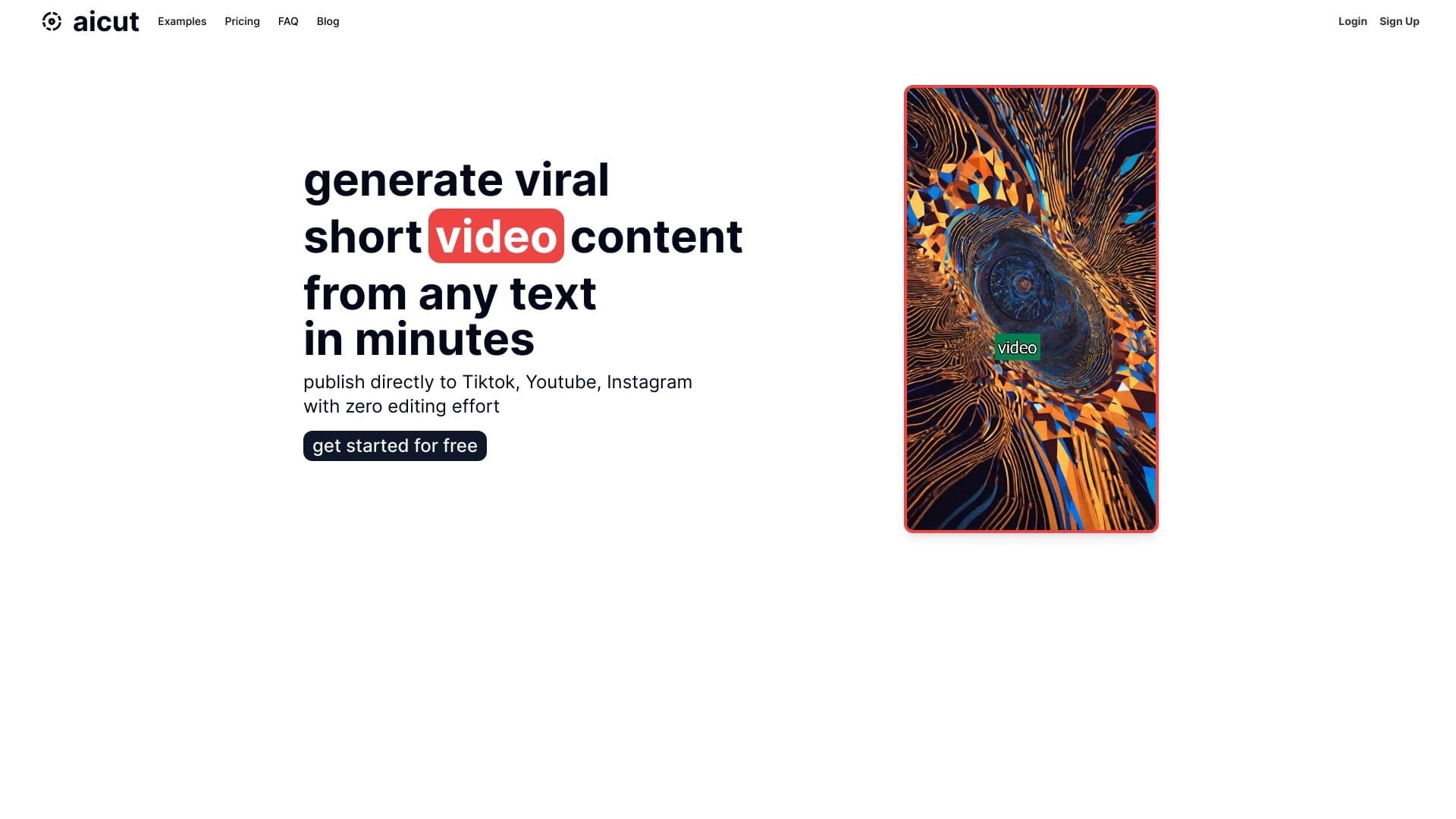
Aicut लेखक के चेहरे को दिखाने के बिना पाठ से स्वचालित रूप से लघु वीडियो बनाने के लिए एक AI-powered ऑनलाइन सेवा है।.


वीडियो क्लिप बनाने, संपादित करने और अनुवाद करने के लिए AI-संचालित प्लेटफ़ॉर्म।

ब्राउज़र और डेस्कटॉप के लिए AI संपादक, जो फोटो से पृष्ठभूमि तेजी से हटाने और बैच प्रोसेसिंग में मदद करता है।
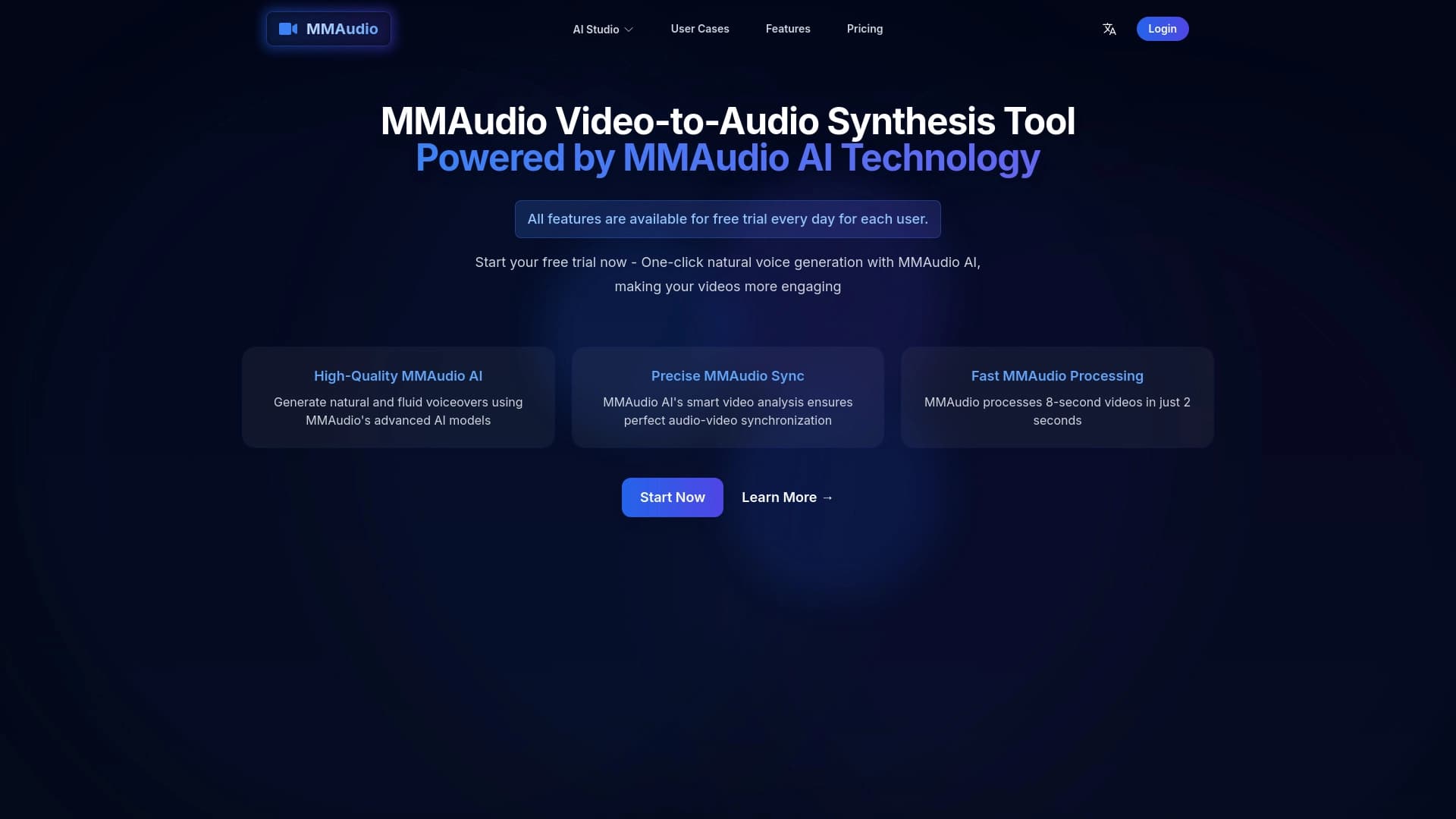
ऑनलाइन टूल जो वीडियो के साथ सिंक किए गए आवाज़ और ध्वनि प्रभाव उत्पन्न करता है।


पाठ विवरण या छवियों से लघु वीडियो बनाने के लिए एक तंत्रिका नेटवर्क।.


ऑनलाइन सेवा जो कृत्रिम बुद्धिमत्ता से किसी दिए गए विषय पर स्वचालित रूप से प्रस्तुतियाँ बनाती है।


तंत्रिका नेटवर्क के साथ चैट करने के लिए अंतर्निहित एआई उपकरणों के साथ एक ब्राउज़र, पाठ और छवियों को उत्पन्न करना, अनुवाद करना और पृष्ठों को संक्षेपित करना।.


एआई उपकरण SEO-अनुकूलित बहुभाषी सामग्री बनाने के लिए।