
BlazeSQL
ИИ-инструмент для создания SQL-запросов и анализа данных через диалог на естественном языке.
Обзор
BlazeSQL
Описание нейросети BlazeSQL
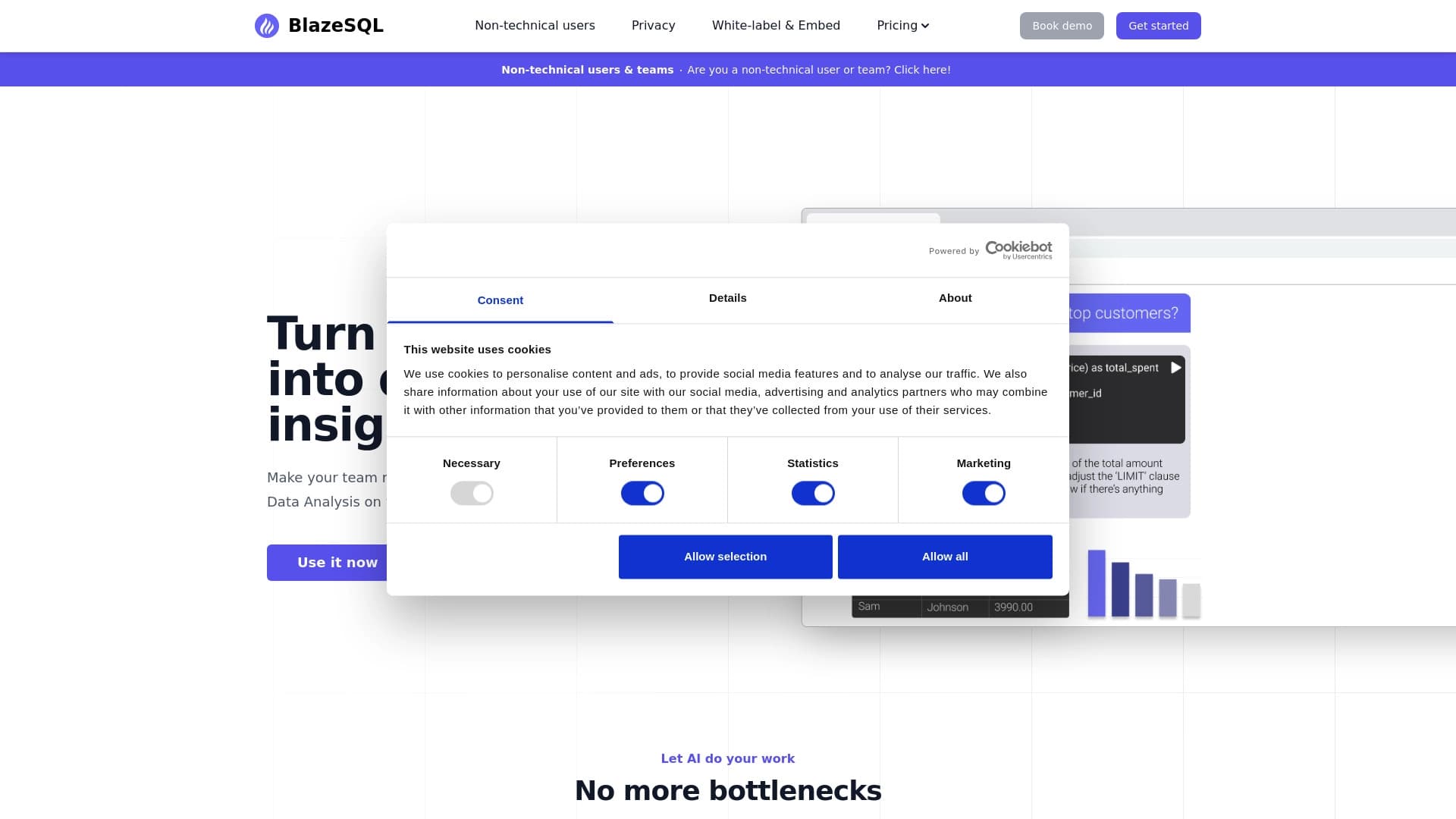
BlazeSQL — это ИИ-инструмент, который подключает чат-бота к SQL-базам данных и позволяет получать данные, задавая вопросы на естественном языке, без ручного написания запросов. Вместо изучения синтаксиса SQL пользователь просто формулирует вопрос, а нейросеть сама переводит его в готовый SQL-запрос, выполняет его и интерпретирует результаты.
Инструмент автоматически изучает структуру подключённой базы данных — связи между таблицами, названия колонок и категориальные значения. Это позволяет системе точнее понимать вопросы и строить корректные запросы даже для сложных баз. BlazeSQL подходит как техническим специалистам, которым нужно ускорить рутинную работу, так и нетехническим сотрудникам, для которых написание SQL-кода и вовсе закрыто.
Помимо получения данных, сервис умеет визуализировать результаты в виде графиков и диаграмм, а также интегрируется с командными инструментами — Slack, Microsoft Teams и ChatGPT, что делает его удобным решением для совместной работы.
Характеристики BlazeSQL
| Характеристика | Значение |
|---|---|
| Тип | Инструмент на базе ИИ для создания SQL-запросов и анализа данных |
| Категории | Базы данных, Генерация кода, AI-ассистенты, Анализ данных, Чат-боты |
| Основная функция | Преобразование вопросов на естественном языке в SQL-запросы |
| Обработка данных | Локальная (в десктопной версии результаты остаются на компьютере) |
| Обучение | Система обучается на схемах базы данных и уточнениях пользователя |
| Платформы | Web, десктопная версия, интеграции со Slack, Microsoft Teams и ChatGPT, API |
| Разработчик | BlazeSQL, Inc. |
| Ежемесячные посещения | около 54.6K |
| Рейтинг | 4.8 / 5.0, оценка редакции — 9.0 из 10 |
Для кого подходит нейросеть BlazeSQL?
Специалисты по данным и аналитики
BlazeSQL будет полезен аналитикам и специалистам по данным, которые регулярно работают с базами SQL. Инструмент берёт на себя написание и отладку запросов, а также интерпретацию результатов, заметно ускоряя рутинные ad hoc задачи. При этом специалист может редактировать сгенерированный SQL-код вручную, если нужна более тонкая настройка.
Нетехнические сотрудники и менеджеры
Главная аудитория инструмента — пользователи, которые не владеют SQL. Менеджеры и сотрудники без технического бэкграунда могут задавать вопросы обычным языком и получать ответы в виде таблиц или графиков, не привлекая разработчиков и не ожидая, пока BI-отдел подготовит отчёт. Это снимает нагрузку с команды аналитиков и ускоряет принятие решений.
Команды и компании
BlazeSQL подходит для команд, которым нужно совместно работать с данными: результаты можно выводить на общие дашборды, отправлять коллегам или включать в регулярные рассылки. Интеграции со Slack, Microsoft Teams и ChatGPT позволяют встроить аналитику прямо в рабочие инструменты, которыми уже пользуется компания.
Как использовать нейросеть BlazeSQL?
Подключение базы данных
Для начала работы нужно подключить свою SQL-базу данных либо вручную описать структуру — ввести названия таблиц и столбцов. Система автоматически извлекает связи между таблицами и другую информацию о структуре, что помогает ей точнее понимать последующие вопросы. Важно помнить, что автоматической синхронизации с онлайн-источниками нет — данные нужно обновлять вручную.
Формулирование вопросов
После подключения базы можно задавать вопросы на естественном языке прямо в чате. Нейросеть переводит их в SQL-запросы, выполняет код и извлекает данные. Для сложных запросов стоит формулировать инструкции чётко и подробно — от этого напрямую зависит точность результата. Чем лучше сформулирован вопрос, тем корректнее будет ответ.
Работа с результатами
Полученные результаты можно визуализировать в виде графиков и диаграмм, добавить на персональный дашборд, отправить коллеге или включить в еженедельную рассылку. Инструмент также может собирать PDF-отчёты и проводить веб-исследования, комбинируя их с данными из базы. Готовый SQL-код при этом всегда можно проверить и при необходимости использовать отдельно.
Основные функции BlazeSQL
- Генерация SQL-запросов из текста — нейросеть принимает вопросы на естественном языке и превращает их в готовый SQL-код, который можно проверить и использовать.
- Извлечение данных из баз SQL — система сама выполняет код и возвращает нужные данные без ручного написания запросов.
- Автоматическое изучение структуры базы — инструмент распознаёт связи между таблицами, названия колонок и категориальные значения, что повышает точность запросов.
- Самообучение — BlazeSQL обучается на уточнениях пользователя и обратной связи, а также измеряет точность своих ответов, становясь со временем точнее.
- Визуализация результатов — встроенные средства позволяют строить графики и диаграммы в пару кликов для наглядного анализа.
- Режимы работы для разных пользователей — аналитик может редактировать SQL-код, менеджер получает ответ в виде таблицы или графика.
- Дашборды и отчёты — insights можно перетаскивать на персональные дашборды, а также собирать PDF-отчёты.
- Интеграции и API — встраивание в Slack, Microsoft Teams и ChatGPT, а также API для генерации запросов и управления пользователями, включая white-label интеграцию.
Преимущества BlazeSQL
Экономия времени
BlazeSQL автоматизирует написание и отладку SQL-кода, а также интерпретацию результатов. Команды, использующие инструмент, сообщают об экономии примерно полутора дней в неделю на ad hoc запросах — времени, которое раньше тратилось на ручную подготовку данных.
Доступность аналитики для всех
Инструмент упрощает аналитику для непрофильных специалистов: данные становятся доступны без знания SQL и без участия разработчиков. Это снимает нагрузку с BI-отдела, который перестаёт быть узким местом для всей компании, а нетехнические сотрудники могут безопасно получать нужные данные самостоятельно.
Повышение точности со временем
Система обучается на схемах базы данных и уточнениях пользователя, что позволяет ей со временем работать точнее. Благодаря самообучению и измерению точности ответов инструмент постепенно подстраивается под конкретную базу и стиль запросов команды.
Недостатки BlazeSQL
- Нет автоматической синхронизации — данные из онлайн-источников не подтягиваются автоматически, обновлять их нужно вручную.
- Зависимость от качества формулировок — при нечётко сформулированных вопросах анализ может быть неточным.
- Зависимость от качества исходных данных — если в базе содержатся ошибки, результат запросов тоже будет ошибочным.
- Вопросы конфиденциальности — работа с реальными данными, иногда вне внутренних серверов, может быть проблемой для компаний со строгими правилами безопасности.
Какие задачи решает BlazeSQL
- Замена ручного написания SQL-запросов — создание готового SQL-кода по текстовому описанию без программирования.
- Быстрый анализ данных — получение ad hoc данных из базы без участия разработчиков и длительного ожидания.
- Интерпретация результатов — объяснение данных пользователям без технического бэкграунда через готовые таблицы и графики.
- Визуализация и дашборды — построение графиков, диаграмм и персональных дашбордов для наглядного анализа.
- Отчёты и мониторинг — автоматическая генерация отчётов, в том числе PDF-документов и еженедельных рассылок.
- Маркетинговая аналитика и SEO — подготовка отчётов для маркетинга и SEO-аналитики.
- Совместная работа команды — встраивание аналитики в Slack, Microsoft Teams и ChatGPT для командного использования.
Цены BlazeSQL
Для BlazeSQL доступно несколько тарифных планов, рассчитанных на разное количество пользователей. Для индивидуального использования предлагаются тарифы Blaze Pro (около 3390 руб/мес) и Blaze Advanced (около 8590 руб/мес) для одного пользователя. Для команд предусмотрены тарифы BlazeSQL Команда (около 12940 руб/мес) и Blaze Advanced Команда (около 43200 руб/мес). Информация о бесплатном тарифе в исходных данных не указана.
Условия использования BlazeSQL
Для начала работы с сервисом требуется открыть BlazeSQL и подключить свою SQL-базу данных либо описать её структуру вручную. Подключение выполняется по стандартам безопасности, инструмент поддерживает работу на Windows и Mac, а данные шифруются. Персональные данные обрабатываются только внутри системы, сторонние сервисы не подключаются, что сводит риск утечки к минимуму.
Важной особенностью является то, что модели не обучаются на данных пользователей, а в десктопной версии результаты запросов остаются локально на компьютере. Нет автоматической синхронизации с онлайн-источниками — при необходимости данные нужно обновлять вручную.
Доступность BlazeSQL
BlazeSQL доступен в веб-версии и десктопной версии для Windows и Mac. Инструмент интегрируется со Slack, Microsoft Teams и ChatGPT, а также предоставляет API для генерации запросов и управления пользователями. Что касается доступности из России, по данным некоторых источников сервис работает только с использованием VPN, хотя другие источники не указывают на необходимость VPN. Эта информация может различаться в зависимости от источника.
Чем отличается BlazeSQL от аналогов
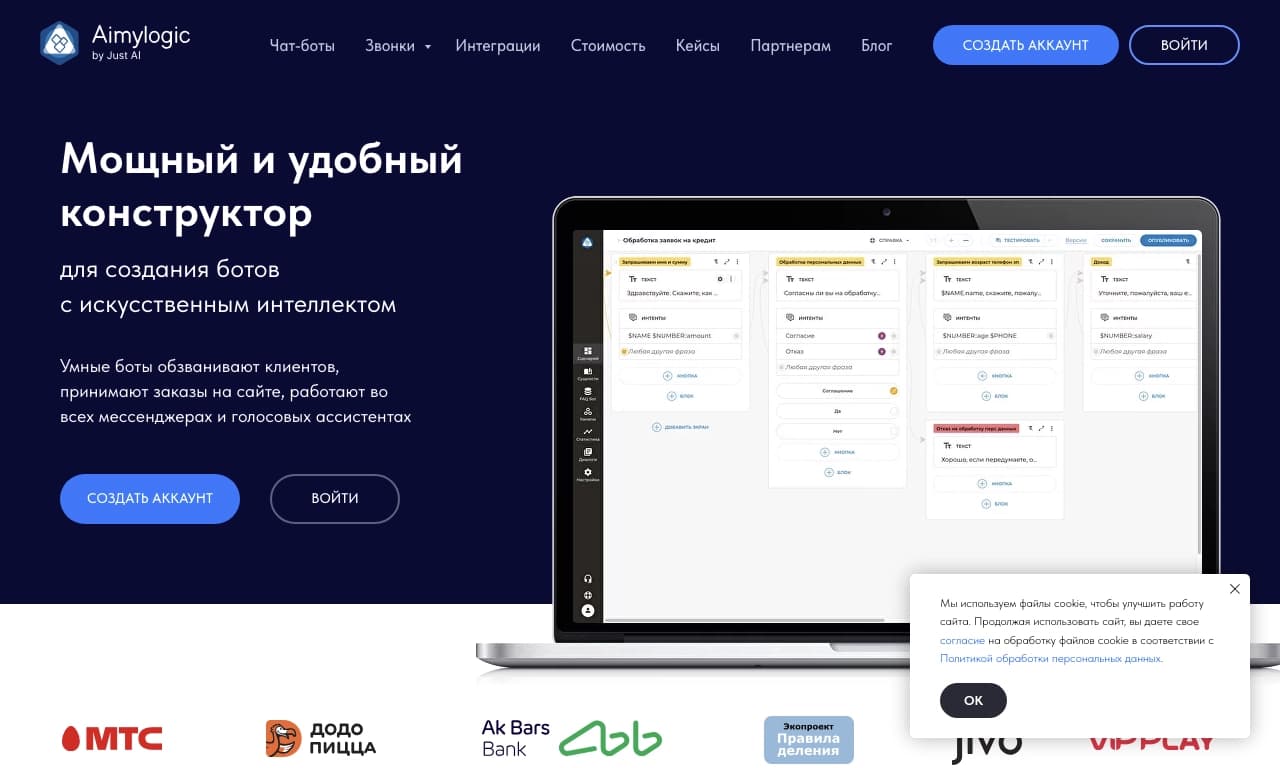
Главное отличие BlazeSQL — сочетание простого диалогового интерфейса на естественном языке с глубокой работой с SQL-базами данных. Подобные инструменты (например, Aimylogic, GitFluence, Scribo AI) зачастую ориентированы либо на чат-ботов, либо на помощь в написании кода, но BlazeSQL объединяет обе функции: он понимает структуру базы, генерирует корректные запросы и сразу визуализирует результат.
Дополнительным отличием является безопасность данных: модели не обучаются на пользовательских данных, а в десктопной версии все результаты остаются локально. В сочетании с интеграциями в Slack, Microsoft Teams и ChatGPT это делает инструмент удобным решением для команд, которые хотят снять нагрузку с BI-отдела, не жертвуя конфиденциальностью.
Заключение
BlazeSQL — это практичный AI-инструмент для работы с SQL-базами данных, который позволяет получать данные, отчёты и инсайты через простой диалог на естественном языке. Он подходит как специалистам по данным, так и нетехническим сотрудникам, экономит время команды и снимает нагрузку с BI-отдела. При этом инструмент требует аккуратности в формулировках и внимания к качеству исходных данных, а безопасность обеспечивается локальной обработкой и отказом от обучения моделей на пользовательских данных.
Тарифы
Часто задаваемые вопросы


Смотрите также


AI-ассистент для маркетинга, который помогает создавать стратегии продвижения и оптимизировать рекламные кампании.


ИИ-платформа для быстрого создания сайтов и управления процессами малого бизнеса.


Платформа для управления проектами с функциями постановки задач, отслеживания времени и контроля загрузки сотрудников.
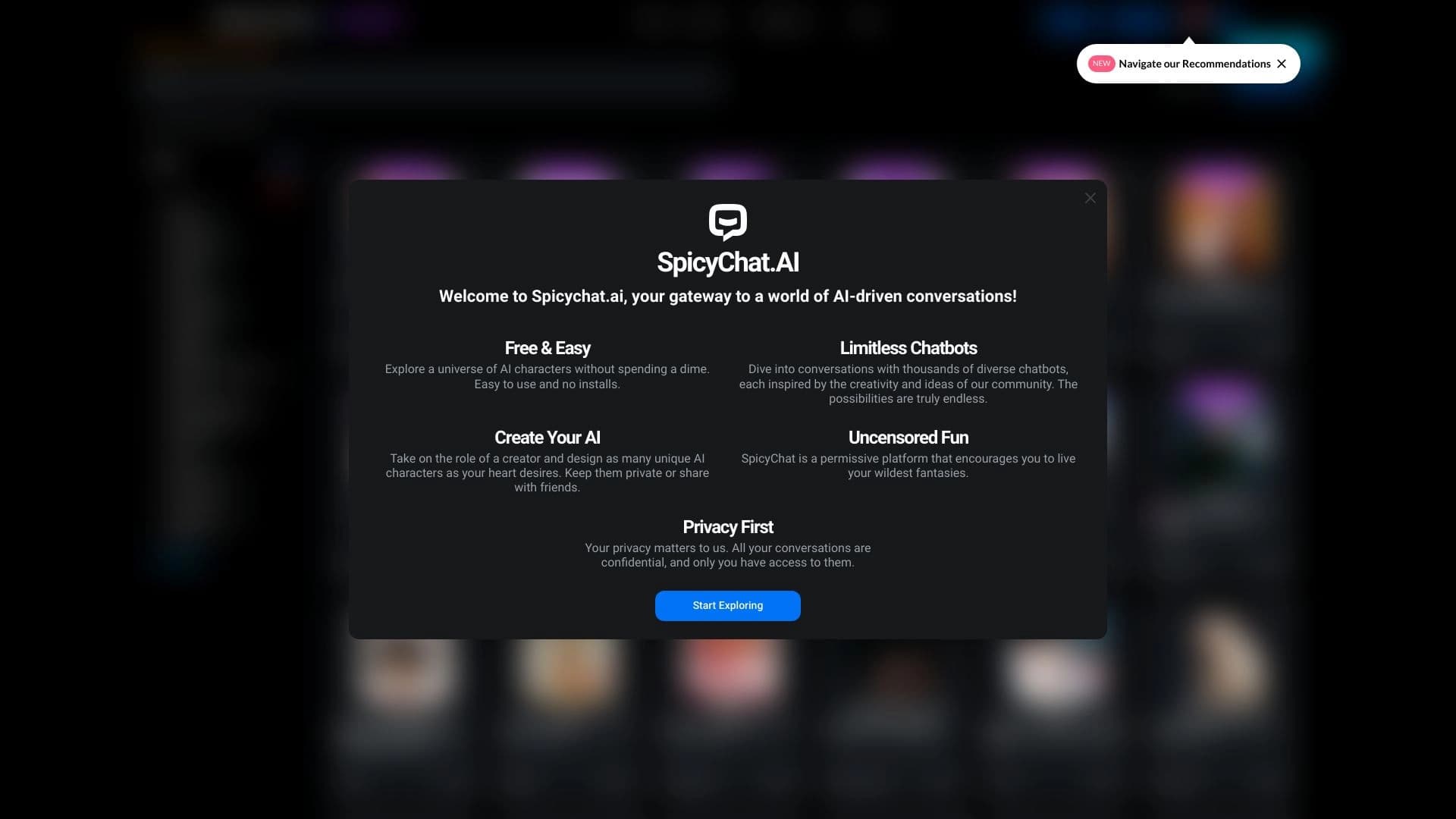

Веб-платформа для общения и ролевых игр с AI-персонажами.

ИИ-инструмент для автоматизированного ревью кода, который анализирует изменения в реальном времени и предлагает исправления.


ИИ-ассистент для создания текстового контента, изображений и работы с голосом, ориентированный на русскоязычных пользователей.


Онлайн-платформа для синтеза речи с использованием ИИ, позволяющая генерировать аудио с голосами известных персонажей и знаменитостей.


Браузер со встроенными ИИ-инструментами для общения с нейросетями, генерации текстов и изображений, перевода и суммаризации страниц.