
Bing AI
Microsoft's intelligent assistant, built into the Bing search engine and Edge browser, powered by GPT-4.
Overview
Bing AI
Description of the Bing AI neural network
Bing AI is a conversational intelligent assistant developed by Microsoft and built directly into the Bing search engine and the Microsoft Edge browser. The assistant is powered by OpenAI's GPT-4 language model, allowing it to handle complex queries, conduct meaningful conversations, and perform a wide range of tasks — from information retrieval to content generation.
The assistant is available free of charge to all users of the Microsoft Edge browser, supports many languages, including Russian, and integrates easily into the Microsoft ecosystem, including Office applications. Bing AI works with up-to-date real-time data, making it especially useful for finding fresh and relevant information.
Bing AI features
| Feature | Value |
|---|---|
| Type | Intelligent assistant (neural network) |
| Developer | Microsoft |
| Base model | GPT-4 from OpenAI |
| Integration | Bing search engine, Microsoft Edge browser |
| Categories | AI assistants, Search engines, Chatbots, Text generation, Image generation |
| Interface languages | Many languages, including Russian |
| Distribution model | Free |
Who is Bing AI suitable for?
Regular users
Bing AI is suitable for anyone who regularly uses the internet to search for information. The assistant helps you find answers to questions faster, get summaries of long articles, and create text drafts without having to switch between different services.
Students and researchers
For students and researchers, Bing AI becomes a useful tool for finding up-to-date scientific and news data, translating texts from foreign languages, and generating structured notes or work plans.
Developers and content professionals
Developers can use the assistant to write and debug code, while copywriters and marketers can use it to generate text materials, descriptions, and images based on text prompts.
How to use Bing AI?
Step 1: Open the Microsoft Edge browser
To work with Bing AI, you need to install and open the Microsoft Edge browser. The assistant is built directly into the browser and does not require installing separate extensions.
Step 2: Go to the Bing AI website
In the browser's address bar, go to the official Bing AI website. After the page loads, a special field for entering a query will appear.
Step 3: Formulate your request
Clearly formulate your task or prompt. For example: "Create an image of a cat playing the guitar" or "Write a brief description of the benefits of cloud technologies." You can use follow-up questions in conversational mode to refine the result.
Key features of Bing AI
Search and information analysis
Bing AI searches the internet for relevant and up-to-date information, analyzes the content of web pages, videos, and texts, and then provides structured answers. The assistant can highlight key points in long materials and suggest additional sources.
Text and content generation
The assistant can create texts in various formats: articles, notes, letters, social media posts, and other materials. It also supports translating texts from many languages, making it a convenient tool for working with multilingual content.
Image creation
Bing AI generates images based on text descriptions. The user can specify a theme, style, or specific details, and the neural network will create matching visual content.
Writing code and answering questions
The assistant supports writing code in various programming languages, answers complex questions in real-time conversation, and helps you understand technical topics.
Advantages of Bing AI
Integration into the Microsoft ecosystem
Bing AI is closely integrated with the Bing search engine, the Microsoft Edge browser, and Microsoft Office applications. Answers and suggestions appear next to your content without requiring you to switch tabs, making it easier to compare and verify facts.
Free access and GPT-4 foundation
The service is available free of charge to all Microsoft Edge users while using the powerful GPT-4 model from OpenAI. This allows you to get high-quality, detailed answers without additional costs.
Multilingual support and real-time data
Bing AI supports many languages, including Russian, and can work with real-time information. This is especially valuable for tasks where data freshness matters — for example, when searching for news or analyzing current events.
Disadvantages of Bing AI
Dependence on the browser and account
Full use of Bing AI requires the Microsoft Edge browser and a Microsoft account. Users of other browsers or those without a Microsoft account may face limitations or be unable to use the service.
Regional and language limitations
Although Bing AI supports Russian and is available in many regions, some features may be unavailable depending on the user's location and software version. The specific set of capabilities may vary.
What tasks does Bing AI solve?
Search and information processing
Bing AI helps you quickly find relevant and up-to-date data on the internet, analyze page content, create summaries of long texts, and highlight key points. This saves time when working with large amounts of information.
Content creation
The assistant handles tasks such as creating texts (articles, letters, notes, posts), generating images from descriptions, and writing code in various programming languages.
Translation and conversational interaction
Bing AI translates texts from many languages, conducts real-time conversations, and provides detailed answers to complex questions. This makes it a convenient tool for communication, learning, and working with foreign-language materials.
Bing AI pricing
Bing AI is available free of charge to all users of the Microsoft Edge browser. No paid subscription or additional payments are required to use the basic functionality.
Bing AI terms of use
Registration is required to use Bing AI — a Microsoft account is needed. The service is provided free of charge, but the use of some advanced features may be subject to Microsoft policies and availability in a specific region. Specific terms of use are governed by official Microsoft documents.
Bing AI availability
Platforms
Bing AI is available in the Microsoft Edge browser and the Bing app. Supported operating systems include Windows, macOS, iOS, and Android.
Languages and regions
The service supports many languages, including Russian. The availability of certain features may depend on the region, language settings, and browser update version. In some regions, a VPN may be required to use the service.
How Bing AI differs from alternatives
Bing AI differs from many other AI assistants primarily in its deep integration into the Microsoft ecosystem. Unlike third-party tools, it is built directly into the Edge browser and the Bing search engine, allowing it to analyze the content of the current page without switching tabs.
A key advantage is working with up-to-date real-time data, which sets it apart from assistants limited by the model's training date. In addition, Bing AI uses the GPT-4 model, ensuring high-quality answers, and remains completely free for Microsoft Edge users.
Notable alternatives include solutions such as Math AI Extension, Anchor Browser, browse.sh, Skygen AI, MaxAI, and Labophase, but none of them offers such close integration with Microsoft's search engine and office applications.
Conclusion
Bing AI is a powerful and accessible intelligent assistant from Microsoft, built into the Bing search engine and the Edge browser and based on GPT-4. It combines search, text and image generation, translation, code writing, and conversational interaction. Free access, Russian language support, and integration into the Microsoft ecosystem make it a convenient tool for a wide range of users — from ordinary people to developers and researchers. Despite some limitations related to the need to use the Edge browser and a Microsoft account, Bing AI remains one of the most functional and accessible AI assistants on the market.
Frequently asked questions
See also
AI editor for creating, editing, and publishing content with templates and prompts.

Financial platform with an AI assistant for managing accounting, taxes, and budgets.

Platform for interview preparation with AI mock interviews and real-time support.
Enterprise language model platform focused on privacy and on-premise deployment.


AI assistant for creating short summaries of videos, PDF documents, and web pages.


AI email assistant that helps quickly draft messages, adapting to the user's style.
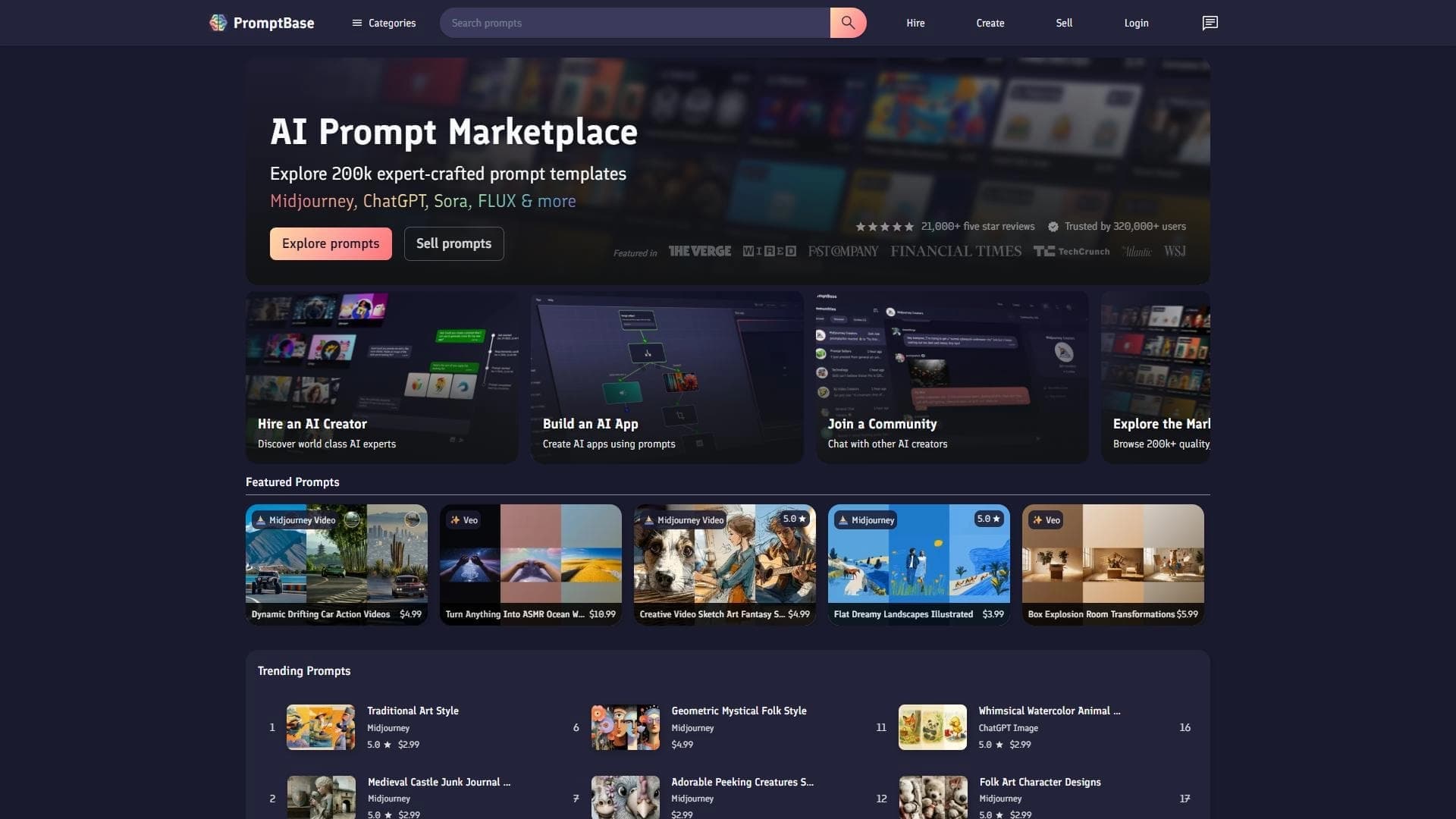

Marketplace where users buy and sell ready-made prompts for popular AI models.
A sales automation platform that combines customer prospecting, deal management, and AI-powered forecasting.