

BestPhotoAI
Service for turning ordinary photos into artistic images using artificial intelligence.
Overview
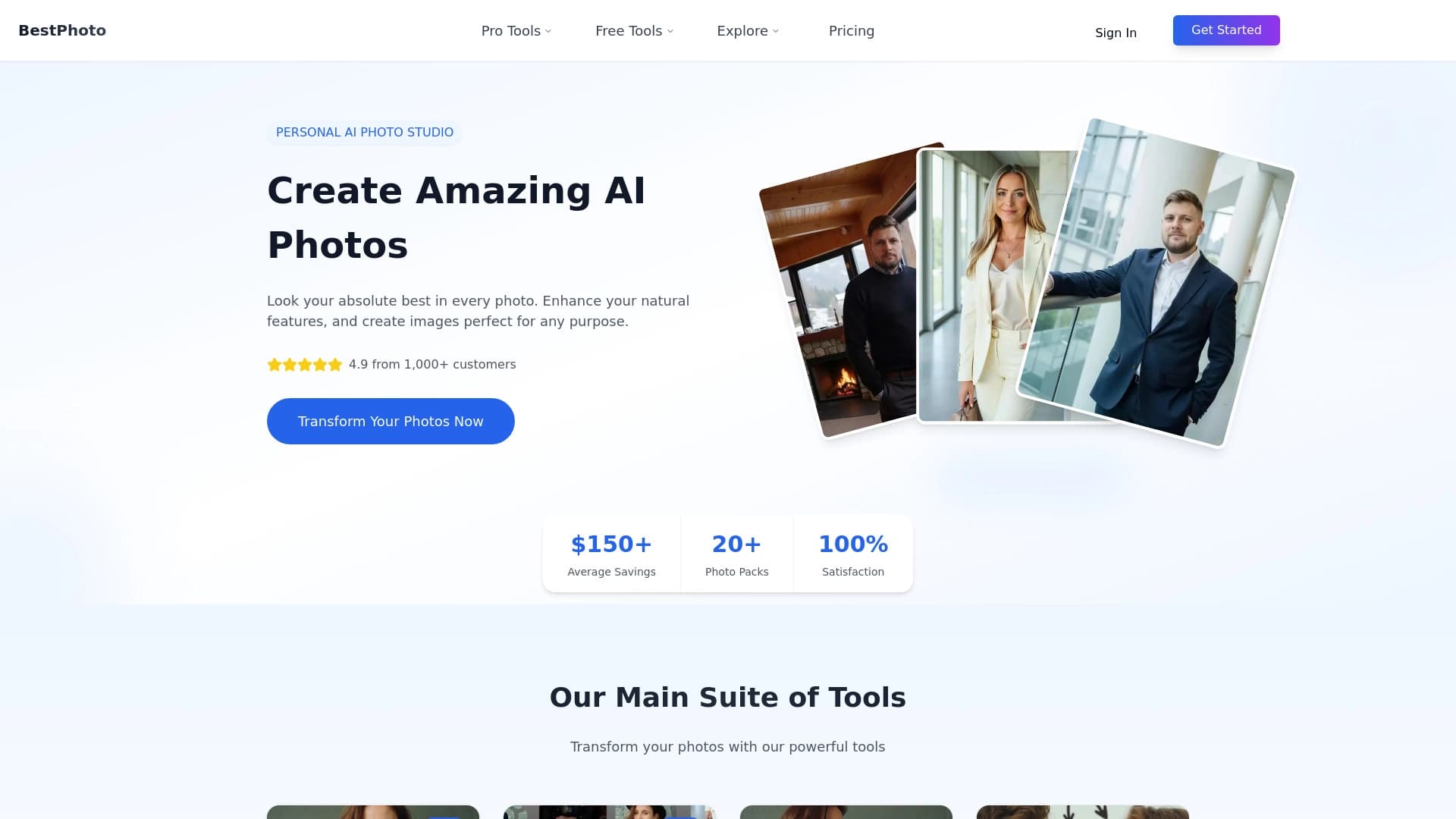
BestPhotoAI is an online service that uses artificial intelligence algorithms to transform ordinary photographs into images resembling works of art. The platform's main task is automatic photo processing using a variety of styles and visual effects.
The tool works on a "upload and get results" principle. The user does not need to manually adjust correction parameters, work with layers or masks — the neural network itself analyzes the content of the frame and selects the appropriate rendering. This approach makes the service accessible to a wide range of people who want to quickly get an unusual visual result without diving into professional software.
BestPhotoAI Features
| Feature | Value |
|---|---|
| Product type | Online image processing service |
| Main task | Turning ordinary photos into artistic images |
| Key technology | Neural networks and AI algorithms |
| Interaction method | Uploading a photo and automatic effect application |
| Required skills | No special knowledge of design or editors required |
| Distribution model | Not specified |
Who is BestPhotoAI suitable for?
Regular users without design experience
The service is aimed at those who are not familiar with professional photo editors. To get an artistic shot, simply upload a photo — automation handles the rest. This makes the tool usable for people far from graphic design.
Content creators and bloggers
Those creating posts for social media may find quick photo stylization appealing. Instead of lengthy editing in complex programs, they can get an eye-catching image in a couple of clicks, speeding up visual content preparation.
Anyone who wants to experiment with styles
The tool suits those who simply want to see their photos in a new light. The ability to automatically apply various effects allows exploring unusual visual solutions without learning the mechanics behind them.
How to use BestPhotoAI?
Step 1: Uploading a photo
You need to select a suitable photo on your device and upload it to the service through the website interface. No settings are required from the user at this stage — just specify the file.
Step 2: Automatic processing
After uploading, the neural network independently analyzes the image and applies a set of artistic styles and effects. The user does not need to manually select specific filters or set transformation parameters.
Step 3: Getting the result
Once the algorithms finish working, the user receives a ready-processed image. All that remains is to save the result to your device or use it as you see fit.
Key features of BestPhotoAI
- Converting photos into artistic images: the service's main function is automatically changing a photo's appearance through AI.
- Applying styles without manual adjustment: all effects are applied automatically, eliminating the need to work with settings.
- Processing without design skills: the entire process is designed so that anyone without experience in professional retouching can use it.
Advantages of BestPhotoAI
Ease of use
The service requires no training or studying manuals. The interface boils down to uploading a photo and getting a result, lowering the entry barrier for beginners.
Process automation
The user does not need to make decisions during processing — the neural network itself chooses how to apply effects. This saves time on editing.
Browser accessibility
As an online tool, the service requires no installation of heavy software or purchase of expensive equipment. A device with internet access is enough.
Disadvantages of BestPhotoAI
The available source data contains no information about the service's specific limitations, such as processing speed issues, upload limits, or details on result quality across different photo types. There is also no information about supported file formats or restrictions on commercial use. As a result, the tool's weaknesses cannot be objectively assessed until more data from developers or users becomes available.
What problems does BestPhotoAI solve?
The tool solves the main problem — quickly and easily giving ordinary photos an artistic look. It bridges the gap between the desire to get an unusual image and the lack of skills with professional graphics software.
For the user, this means no need to master complex editors, study color and composition theory, or spend time applying filters step by step. The service takes on this workload, allowing the person to focus on the creative task of choosing source material and getting the finished result.
BestPhotoAI Pricing
No current data on BestPhotoAI pricing is available in the provided sources. It is unknown whether the service is fully free, operates on a subscription model, or offers one-time payment plans. It is recommended to visit the project's official website for accurate information on rates and available payment options.
BestPhotoAI Terms of Use
Details about the service's usage policy are not disclosed in the source data. There is no information about required registration, rules for processing uploaded images, rights to results, or restrictions on file types. For a detailed understanding of the service's terms of use, it is necessary to refer to the relevant sections of the official website.
BestPhotoAI Availability
Since this is an online tool, it should work through a browser on devices with internet access. However, the lack of detailed data does not allow confirming compatibility with specific operating systems or browsers. It is also unclear whether there are regional restrictions for users. Accurate data on the service's current availability is unavailable.
How BestPhotoAI differs from alternatives
The main feature claimed for BestPhotoAI is its focus on maximizing automation of the photo stylization process. The emphasis is on the user uploading a photo and getting a "masterpiece" without the ability or need to influence the process.
Unlike more complex editors where the user controls every stage of processing, this service operates on a "black box" principle: photo in, artistic result out. This minimalist approach sets it apart from tools offering detailed manual adjustments or libraries of individual filters, and is designed for users who care only about the final result.
Conclusion
BestPhotoAI is a simple online tool for automatically turning ordinary photos into artistic-style images. Its key value lies in ease of use: uploading a photo requires no special knowledge to get a processed result. However, due to the lack of detailed technical data, pricing information, and terms of use, potential users should first visit the service's official website to assess its capabilities and limitations.
Frequently asked questions
See also


Free web tool from Google that uses machine learning to turn rough sketches into neat icons and illustrations.

A service that automatically generates enhanced photos for dating site profiles.

AI tool for product image processing and generating professional photos with virtual models.


Web service for generating anime images from text prompts using AI.

Service for creating personalized avatars and photo shoots using AI based on uploaded selfies.


AI-powered virtual clothing try-on service.


Online AI tool for creating deepfakes and editing images.


Online service for creating anime images from a text description in seconds.