

Bazaart: Photo, Video and Desig...
Mobile app for AI-powered photo and video editing and graphic design creation.
Overview
Bazaart: Photo, Video and Design... Overview
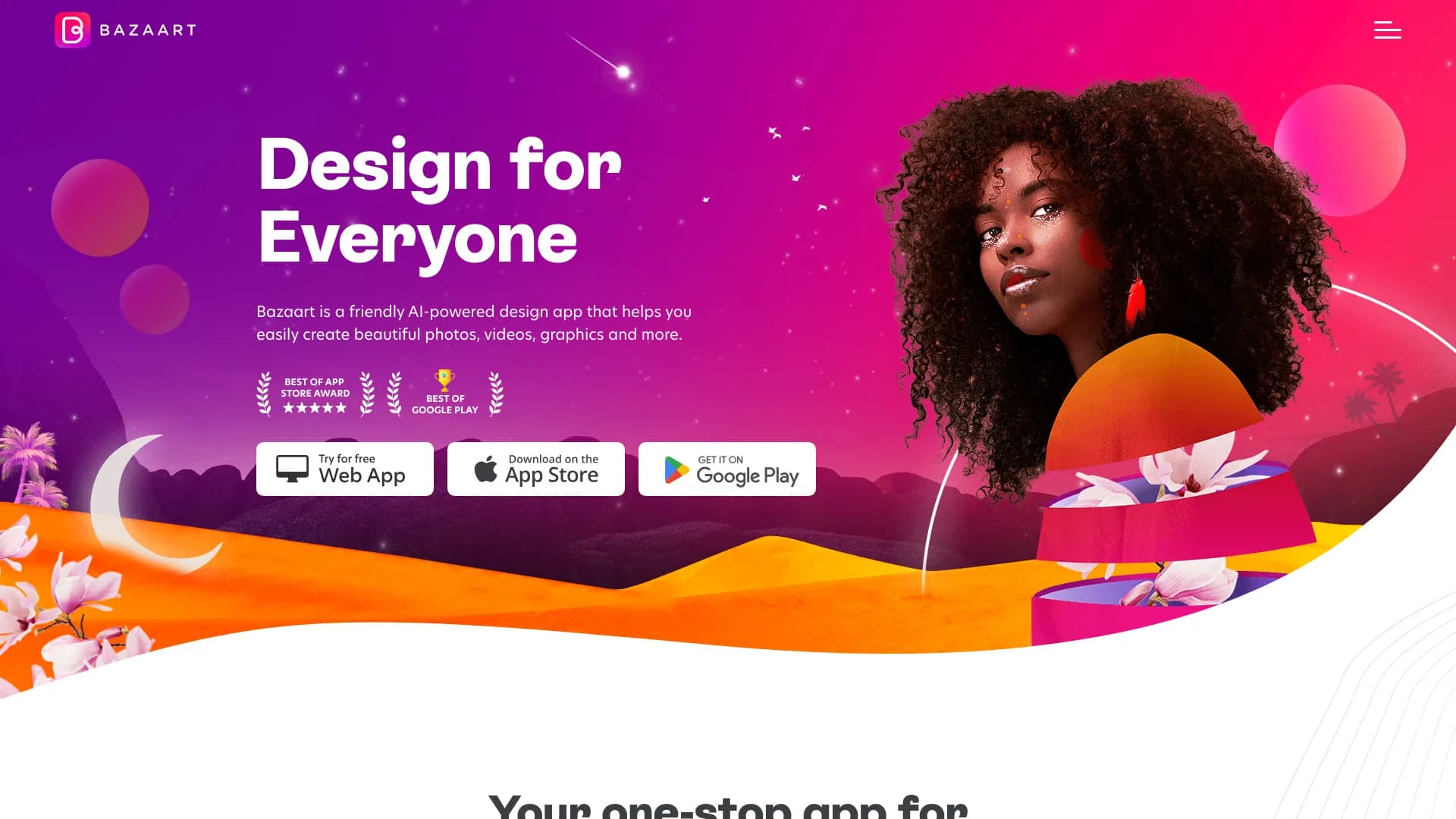
Bazaart is a mobile app that combines photo editing, video editing, and graphic design tools in one place. The service's key feature is using neural networks to automate routine tasks. Instead of manually tracing objects along their outlines, users can remove backgrounds or cut out a person with a single click. The app is focused on speed and simplicity: it lets you create social media content, ad layouts, invitations, and personal projects without diving into complex professional settings.
At its core, Bazaart is built around the "all-in-one" idea. You can work with photos and videos simultaneously within a single project, adding text, applying filters, or combining multiple clips. For a quick start, there's an extensive library of templates, stock images, and fonts. This makes the app a convenient solution for anyone who needs a high-quality visual result in minimal time, with just a smartphone or tablet on hand.
Bazaart: Photo, Video and Design... Key Features
| Feature | Details |
|---|---|
| Type | Mobile app for photo and video editing, and design creation |
| Categories | Photo editors, design assistants, photo enhancement tools, graphic design, background removal, video generators, social media and Instagram assistants |
| Developer | Bazaart |
| Platforms | Smartphones and tablets (iOS / Android) |
| Website traffic | ~2.6 million visits per month |
| Free tier | Yes (Freemium model) |
| Paid tier pricing | Premium and Business plans available |
| Internet connection | Requires a constant online connection |
Who Is Bazaart: Photo, Video and Design... For?
Marketers and SMM Specialists
This user group will find in Bazaart a fast way to create visuals for ad campaigns and posts. The ability to quickly remove a background from a product or person and place them on a brand's signature background saves time. Built-in templates for stories and posts allow content to be adapted for different social networks without using complex desktop programs.
Content Creators and Beginners
The app is designed for those without professional design training. The simple interface and AI tools let beginners achieve clean results when cutting out objects. For personal blogs, family invitations, or simple greeting cards, no deep knowledge is required — just pick a template and swap in your own photos and text.
Designers (for Quick Tasks)
While Bazaart won't replace Photoshop for complex retouching, professional designers can use it as a mobile sketching tool. When you need to quickly draft an idea for a client or put together a rough poster concept on the go, the app is ideal — no need to wait until you're back at your workstation.
How to Use Bazaart: Photo, Video and Design...
Step 1: Installation and Launch
First, download the official Bazaart app from your device's app store (App Store or Google Play). After installation, launch the program. To get started, you'll likely need to create an account or sign in to an existing one.
Step 2: Starting a Project
Once logged in, you have two options: start from a blank canvas ("New Project") or choose a ready-made template from the built-in library. For beginners, the second option is preferable, as templates already have properly matched proportions, fonts, and element placement — all you need to do is replace the media files.
Step 3: Editing and Exporting
In the workspace, you can add your own photos or videos, overlaying text, shapes, and stickers on top. When your layout is ready, save the file to your device's gallery at the desired resolution, or share it directly to social networks and messengers.
Core Features of Bazaart: Photo, Video and Design...
Smart Media Editing
The key feature is background removal. The neural network analyzes the image and automatically separates the main subject. This works for both static photos and videos. There's also a tool for removing random passersby or unwanted objects that ended up in the frame.
Content and Template Library
The app includes a vast collection of images, fonts, and music tracks. Users have access to ready-made layouts for creating posts, stories, announcements, and invitations. This eliminates the need to source assets from third-party websites.
Video Tools
Bazaart supports basic video editing: trimming clips by duration, splicing multiple fragments into a single video, adding music, and applying video effects. Text layers can be animated to make videos more dynamic.
Advantages of Bazaart: Photo, Video and Design...
Simplicity and Processing Speed
One of the biggest pluses is the speed of background removal. Complex backgrounds, such as hair or animal fur, are processed in seconds, whereas doing it manually would take a long time. No special knowledge is required — the algorithms do all the work for you.
Multi-Format Projects
The app blurs the line between photo and video editors. In a single project, you can combine a static image, a video clip, and text, resulting in a unique animated post. This is convenient for creating content for Instagram and other visual platforms.
Built-In Asset Library
Having its own library of templates and fonts saves money on purchasing stock images. The wide selection of ready-made layouts lets you launch projects without a designer, which is critical for small businesses and individuals on a tight budget.
Disadvantages of Bazaart: Photo, Video and Design...
Limitations for Professionals
The app is positioned as a simple solution, so it lacks advanced tools for color correction, curves, or masks that are used in professional environments. For complex collages or fine skin retouching, the functionality may not be sufficient.
AI Imperfections on Complex Images
While the neural network handles most tasks well, it's not perfect. When processing photos with fine details (tree branches, hair, intricate patterns), the algorithm may "eat" part of the object or leave uneven edges. In such cases, manual touch-up with the eraser tool is required, which slows down the workflow.
Internet Dependency
Bazaart requires a constant internet connection to function. Without internet access or with an unstable connection, the app either won't launch or will freeze. This makes it impossible to use the service while traveling, on flights, or in areas with poor network coverage.
What Problems Does Bazaart: Photo, Video and Design... Solve?
Creating Content for Promotion
The app lets you quickly prepare images for ad campaigns: remove backgrounds, add logos and text, and create banners in the right dimensions. It's suitable for preparing product announcements and promotions.
Personal and Celebration Projects
With Bazaart, you can create invitations for birthdays and weddings, greeting cards, and albums. Ready-made templates in the "Invitations" and "Holidays" categories let you achieve a beautiful result in just a few minutes.
Visual Photo Cleanup
The main task is background removal for later use of the subject in other collages, as well as removing random people, cars, or clutter that ruined a shot. This is in demand when preparing photos for catalogs, resumes, or blogs.
Bazaart: Photo, Video and Design... Pricing
Free Tier
The free version provides access to a basic set of editing tools. You'll have access to core functions (cropping, filters, background removal with limitations), but some premium templates and effects will be hidden.
Premium Subscription
This tier unlocks access to the full library of filters, exclusive templates, and additional AI tools. It's suited for active social media users who want the maximum selection of visual styles.
Business Subscription
This tier is aimed at teams and entrepreneurs. It includes collaboration features, priority support, and expanded licensing options for commercially using the content you create.
Terms of Use for Bazaart: Photo, Video and Design...
To get started, you need to download the app to your smartphone or tablet and likely complete registration. The Freemium distribution model means the basic functionality is available for free, but unlocking advanced tools requires a paid subscription. A stable internet connection is strictly required — the app does not support offline mode.
Availability of Bazaart: Photo, Video and Design...
The app is available for installation on devices running iOS and Android operating systems. Although the base version is free, the service's website attracts around 2.6 million visits per month, reflecting its popularity. Information about the full list of supported interface languages and regional restrictions is not disclosed on the source pages.
How Bazaart: Photo, Video and Design... Differs from Alternatives
The main difference between Bazaart and tools like Midjourney or Kandinsky (which are image generators that create from scratch) lies in its narrow specialization. Bazaart is not a generator but an editor. You don't create an image from a text prompt; you enhance and combine existing materials.
Unlike desktop programs like Photoshop, Bazaart offers a simpler and more intuitive interface adapted for touch control. Its main advantage is automating labor-intensive processes (such as cutting out objects) with neural networks, which in professional editors requires manual work.
Compared to other mobile editors, Bazaart wins with its integration of photo and video work in a single workspace. Many alternatives, such as Leonardo.ai or Nano Banana, are primarily geared toward static images. The ability to overlay animated text on video or instantly remove a background from a clip sets Bazaart apart, although it still falls short of professional all-in-one suites in terms of depth of settings.
Conclusion
Bazaart is a well-thought-out mobile solution for quickly creating visual content. It's an excellent fit for beginners, marketers, and social media users who need simple and effective tools: background removal, template work, and basic video editing. The availability of a free tier makes it attractive to a wide audience. However, professionals who require fine-grained controls and offline functionality will find the app lacking. Bazaart is a compromise between functionality and simplicity — ideal for most everyday tasks.
Frequently asked questions
See also


Service for tracking brand mentions in generative AI responses.

Service for creating personalized avatars and photo shoots using AI based on uploaded selfies.


Generative platform for creating realistic images and short videos from text or images with control over style and camera movement.


Free web tool from Google that uses machine learning to turn rough sketches into neat icons and illustrations.


AI assistant for quickly creating and editing texts in various formats.


Online AI tool for creating deepfakes and editing images.


AI-powered virtual clothing try-on service.


AI-powered platform for automated video clip creation, editing, and translation.