

Bannerbear
बैनर, छवियाँ और वीडियो बनाने का स्वचालन — API और टेम्पलेट्स के माध्यम से।
रैंकिंग में स्थान
अवलोकन
बैनरबियर एआई विवरण
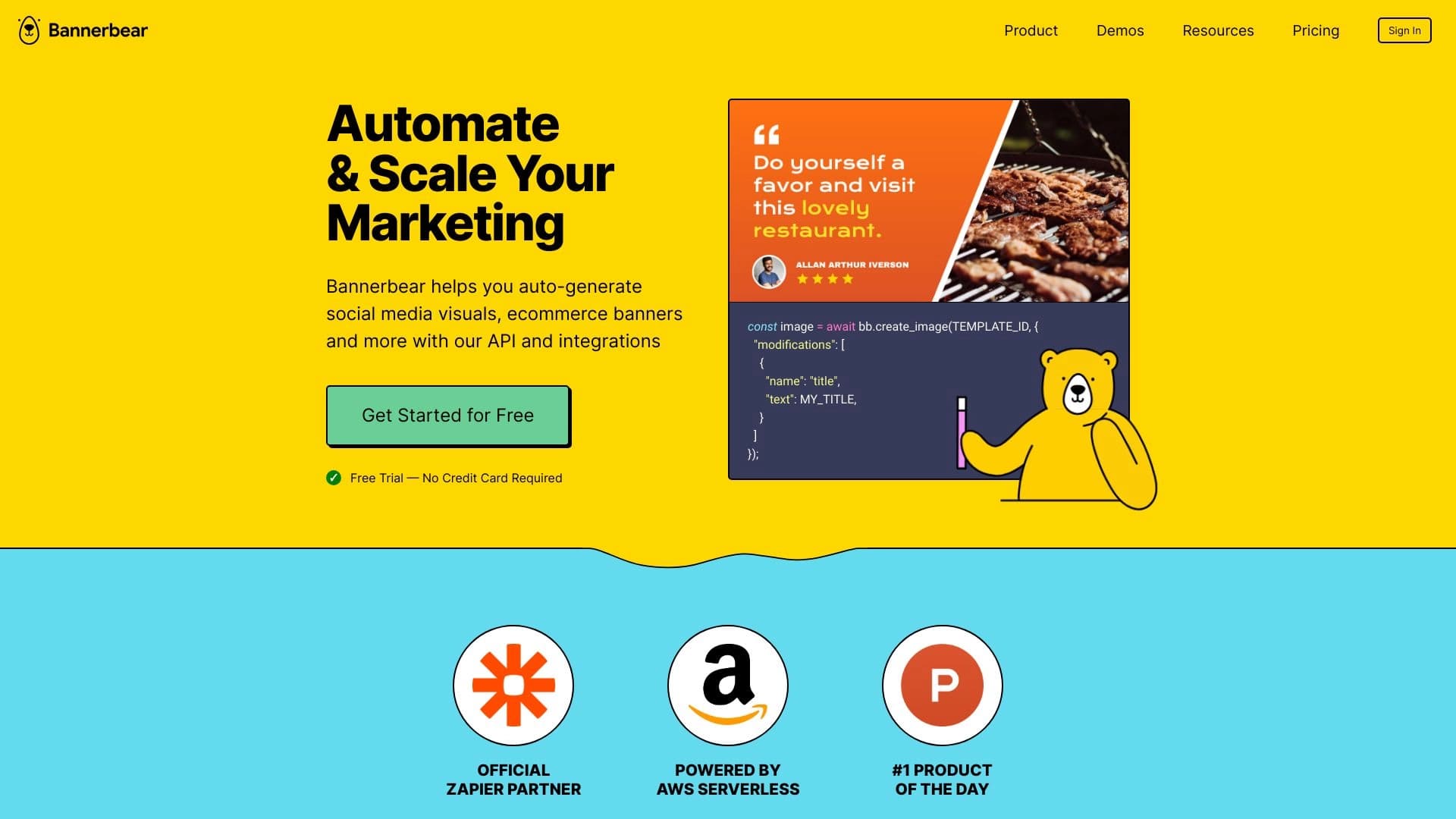
बैनरबार एक ऑनलाइन सेवा है जो व्यवसायों के लिए दृश्य सामग्री के निर्माण को स्वचालित करती है। प्रत्येक छवि या वीडियो को मैन्युअल रूप से संपादित करने के बजाय, उपयोगकर्ता एक बार टेम्पलेट स्थापित करते हैं, और बैनरबार एपीआई के माध्यम से समाप्त परिसंपत्तियों की आवश्यक संख्या उत्पन्न करता है। सेवा बैनर, सोशल मीडिया छवियों, वीडियो और पीडीएफ फाइलों के साथ काम करती है।
बैनरबियर की मुख्य विशेषता यह है कि यह बड़े पैमाने पर ग्राफिक उत्पादन पर केंद्रित है। यह सिर्फ एक ग्राफिक संपादक नहीं है, बल्कि नियमित कार्यों को स्वचालित करने के लिए एक उपकरण है: एक टेम्पलेट अपलोड करें, एक स्प्रेडशीट या CRM से डेटा कनेक्ट करें, और सिस्टम स्वचालित रूप से प्रत्येक उत्पाद या कार्य के लिए हजारों व्यक्तिगत छवियां बनाता है। एयरटेबल, जैपियर और वर्डप्रेस जैसे लोकप्रिय प्लेटफार्मों के साथ अंतर्निहित एकीकरण के लिए धन्यवाद, बैनरबार मौजूदा वर्कफ़्लो में फिट बैठता है और प्रत्येक फ़ाइल के मैनुअल प्रोसेसिंग के बिना विपणन सामग्री के उत्पादन को सक्षम बनाता है।
बैनरबीयर विशेषताएं
| फ़ीचर | मूल्य |
|---|---|
| प्रकार | दृश्य सामग्री स्वचालन के लिए एपीआई |
| श्रेणियाँ | उत्पाद विवरण जनरेटर, छवि और फोटो जनरेटर, एआई विकास उपकरण, एआई एपीआई डिजाइन उपकरण, बैनर जनरेटर, विज्ञापन उपकरण |
| प्लेटफार्म | वेब (ऑनलाइन सेवा) |
| नि: शुल्क स्तर | हाँ ( पीढ़ियों की सीमित संख्या) |
| डेवलपर | बैनर |
| साइट पर प्रकाशन तिथि | नवम्बर 7, 2025 |
कौन है?
बैनरबार उन पेशेवरों के लिए है जिन्हें नियमित रूप से दृश्य सामग्री का उत्पादन करने की आवश्यकता होती है। यह सेवा सोशल मीडिया और विज्ञापन अभियानों के लिए सामग्री बनाने के लिए जिम्मेदार मार्केटर्स के लिए उपयोगी है। यह उन्हें दोहरावदार काम को खत्म करने में मदद करता है जहां प्रत्येक बैनर को मैन्युअल रूप से काम करना पड़ता है - स्वचालन उन्हें मिनटों में समाप्त छवियों को प्राप्त करने की अनुमति देता है।
ई-कॉमर्स टीम विशेष उल्लेख के योग्य हैं। ऑनलाइन स्टोरों को अक्सर प्रचार, अद्यतन उत्पाद कार्ड और ईमेल अभियानों के लिए छवियों को उत्पन्न करने के लिए बैनर बनाने की आवश्यकता होती है। बैनरबीयर इन कार्यों को सूट करता है क्योंकि यह उत्पाद डेटा के आधार पर दृश्यों के बड़े पैमाने पर निर्माण की अनुमति देता है। सेवा उन लोगों के लिए भी उपयोगी है जो वीडियो सामग्री पर पॉडकास्ट, प्रोमो क्लिप या त्वरित वॉटरमार्क सेटअप की आवश्यकता के लिए वीडियो तैयार करते हैं।
बैनरबेअर एआई का उपयोग कैसे करें?
पंजीकरण और पहला लॉगिन
बैनरबार के साथ काम शुरू करने के लिए, आपको सेवा की आधिकारिक वेबसाइट पर पंजीकरण करने की आवश्यकता है। खाता बनाने के बाद, उपयोगकर्ता एपीआई तक पहुंच प्राप्त करते हैं, तैयार किए गए टेम्पलेट्स की लाइब्रेरी और एकीकरण उपकरण।
टेम्पलेट सेटअप और जनरेशन लॉन्च
पंजीकरण के बाद, वांछित उपकरण चुनें - छवि, बैनर, वीडियो, या पीडीएफ पीढ़ी। फिर, अपने कार्यों को फिट करने और स्वचालित ग्राफिक पीढ़ी को लॉन्च करने के लिए एक टेम्पलेट को कॉन्फ़िगर करें। परिणाम तुरंत या अन्य प्लेटफार्मों के साथ एकीकरण के माध्यम से इस्तेमाल किया जा सकता है। पूरी प्रक्रिया ऑनलाइन होती है और इसमें कोई जटिल मैनुअल सेटअप की आवश्यकता नहीं होती है।
कुंजी बैनरबियर विशेषताएं
छवि और वीडियो प्रसंस्करण
बैनरबियर छवियों और बैनर बनाने के लिए एक एपीआई प्रदान करता है, और वीडियो निर्माण का भी समर्थन करता है। सुविधाओं में वीडियो की स्वचालित वॉटरमार्किंग शामिल है, जो विशेष रूप से कॉपीराइट सामग्री की रक्षा के लिए प्रासंगिक है।
सामग्री स्केलिंग
कुंजी क्षमताओं में से एक एक बार में एकाधिक छवियों को बनाने के लिए एपीआई है। यह आपको एक अनुरोध में दृश्य परिसंपत्तियों का एक बैच प्राप्त करने की अनुमति देता है, जो बड़े पैमाने पर विज्ञापन अभियानों या सूची भरने के लिए महत्वपूर्ण है।
लोकप्रिय सेवाओं के साथ एकीकरण
बैनरबीयर पीडीएफ दस्तावेजों के साथ काम करता है और लोकप्रिय प्लेटफार्मों के साथ तैयार किए गए एकीकरण हैं: एयरटेबल, जैपियर, मेकफॉर्म और वर्डप्रेस। यह सामग्री पीढ़ी को स्वचालित वर्कफ़्लो में एम्बेड करना और सेवाओं के बीच डेटा सिंक करना संभव बनाता है।
बैनरबीयर फायदे
संसाधन बचत
बैनरबार का मुख्य लाभ टीम के समय और प्रयास में महत्वपूर्ण बचत है। स्वचालित नियमित बैनर, छवि और वीडियो निर्माण कार्य कर्मचारियों को अधिक महत्वपूर्ण रणनीतिक उद्देश्यों पर ध्यान केंद्रित करने की अनुमति देता है।
आवेदन लचीलापन
सेवा आसानी से विभिन्न व्यवसाय आवश्यकताओं को अनुकूलित करती है। इसका उपयोग कहानियों, वेबसाइट बैनर, विज्ञापन वीडियो या पीडीएफ दस्तावेजों के लिए छवियां बनाने के लिए किया जा सकता है - यह दृश्य कार्यों की एक विस्तृत श्रृंखला के लिए एक बहुमुखी उपकरण है।
आसान एकीकरण
बैनरबार एपीआई के माध्यम से लोकप्रिय सेवाओं के साथ आसानी से जुड़ जाता है। Airtable, Zapier, वर्डप्रेस और अन्य प्लेटफार्मों के साथ एकीकरण कार्यक्षमता को बढ़ाता है और न केवल ग्राफिक निर्माण बल्कि इसके प्रकाशन को स्वचालित करने की अनुमति देता है।
बैनरबीयर डिस्डेंटेज
समान परिणाम
इसकी स्वचालन क्षमताओं के बावजूद, उत्पन्न सामग्री कभी-कभी टेम्पलेट जैसी दिख सकती है। उपकरण में मैनुअल डिजाइनर कार्य में उपलब्ध रचनात्मकता की कमी हो सकती है, इसलिए अद्वितीय परियोजनाओं को अतिरिक्त शोधन की आवश्यकता हो सकती है।
ऑनलाइन निर्भरता
बैनरबियर केवल ऑनलाइन काम करता है। इंटरनेट एक्सेस के बिना, उपकरण बेकार हो जाता है, स्थितियों में इसके उपयोग को सीमित करता है जहां एक छवि को नेटवर्क उपलब्ध नहीं होने के साथ जल्दी से बनाया जाना चाहिए।
गैर मानक कार्यों के लिए जटिलता
विशिष्ट व्यवसाय प्रक्रियाओं को सामग्री के मैनुअल शोधन की आवश्यकता हो सकती है। मानक टेम्पलेट हमेशा व्यक्तिगत कंपनी की आवश्यकताओं को कवर नहीं करते हैं, और ऐसे मामलों में, विशिष्ट आवश्यकताओं के लिए अतिरिक्त अनुकूलन की आवश्यकता होती है।
क्या कार्य करता है?
बैनरबार दृश्य सामग्री से संबंधित कई कार्यों को स्वचालित करता है, जिसमें शामिल हैं:
- सोशल मीडिया के लिए दृश्यों का स्वचालित निर्माण।
- ऑनलाइन स्टोर के लिए बैनर पीढ़ी।
- विज्ञापन अभियानों के लिए मास छवि निर्माण।
- पॉडकास्ट और प्रोमो क्लिप के लिए वीडियो निर्माण।
- वीडियो में वॉटरमार्क जोड़ना।
- विभिन्न प्लेटफार्मों पर एक सुसंगत ब्रांड शैली को बनाए रखना।
बैनरबार मूल्य निर्धारण
बैनरबार एक फ्रीमियम मॉडल पर काम करता है। नए उपयोगकर्ताओं के पास सीमित संख्या में पीढ़ियों के साथ एक मुक्त स्तर तक पहुंच है। अधिक गहन जरूरतों के साथ टीमों के लिए, भुगतान की योजना उपलब्ध है: एक बुनियादी स्तर और एक उच्च मासिक मूल्य के साथ एक प्रीमियम स्तर। प्रीमियम योजना में असीमित अनुरोध और प्राथमिकता ग्राहक सहायता शामिल है।
उपयोग की शर्तें
वेबसाइट पर पंजीकरण सेवा का उपयोग करने के लिए आवश्यक है। खाता बनाने के बाद, एपीआई, टेम्पलेट्स और एकीकरण तक पहुंच प्रदान की जाती है। उपयोग की शर्तों में पूरी तरह से ऑनलाइन संचालन का एक तरीका है - सेवा में कोई डेस्कटॉप संस्करण या ऑफलाइन मोड नहीं है, और सभी संचालन सीधे मंच पर किए जाते हैं।
बैनरबीयर उपलब्धता
बैनरबार एक वेब सेवा है जो ब्राउज़र के माध्यम से ऑनलाइन उपलब्ध है। सेवा पृष्ठ इंटरफ़ेस भाषाओं या क्षेत्रीय प्रतिबंधों को निर्दिष्ट नहीं करता है; हालांकि, मंच की बुनियादी कार्यक्षमता और क्षमताओं को इंटरनेट कनेक्शन के साथ दुनिया में कहीं से भी उपयोग के लिए उपलब्ध हैं।
कैसे बैनरबीयर विकल्प से अलग है
बैनरबेअर और उपकरण जैसे मिड्जौरनी या कंडिंस्की के बीच मुख्य अंतर पीढ़ी के दृष्टिकोण में स्थित है। डिफ्यूजन आधारित मॉडल पाठ विवरण के आधार पर खरोंच से अद्वितीय छवियों को बनाने पर ध्यान केंद्रित करते हैं। बैनरबीयर, दूसरी ओर, तैयार किए गए टेम्पलेट्स और डेटा के साथ काम करता है जो स्वचालित रूप से डिजाइन में एम्बेडेड होते हैं।
यह बैनरबेर को एक सामान्य सेवा की तुलना में एक सामग्री उत्पादन स्वचालन उपकरण से अधिक बनाता है। यह "स्क्रैच से" नहीं बनाता है लेकिन कुशलतापूर्वक मौजूदा लेआउट को दोहराता है और व्यक्तिगत करता है। एक टीम के लिए जो हर दिन विभिन्न शहरों या उत्पादों के लिए एक एकल बैनर के सैकड़ों विविधताओं को उत्पन्न करने की आवश्यकता होती है, बैनरबार क्लासिक ड्राइंग न्यूरल नेटवर्क की तुलना में बेहतर फिट है। विकल्प, बदले में, बड़े पैमाने पर उत्पादन के बजाय अद्वितीय रचनात्मक और गैर मानक डिजाइन की आवश्यकता वाले कार्यों के लिए बेहतर अनुकूल हैं।
निष्कर्ष
बैनरबीयर दृश्य सामग्री निर्माण को स्वचालित करने के लिए एक विशेष एपीआई उपकरण है जो नियमित काम की विपणन टीमों को राहत देता है। यह टेम्पलेट्स के आधार पर छवियों, वीडियो और पीडीएफ की बड़े पैमाने पर पीढ़ी में उत्कृष्टता प्राप्त करता है और आसानी से एयरटेबल, जैपियर और वर्डप्रेस के साथ एकीकरण के माध्यम से वर्कफ़्लो में एकीकृत होता है। हालांकि, सेवा में महत्वपूर्ण सीमाएं हैं: परिणाम टेम्पलेट जैसी दिख सकते हैं, गैर मानक कार्यों को मैनुअल रिफाइनमेंट की आवश्यकता हो सकती है, और इंटरनेट पर पूर्ण निर्भरता और मूल्य निर्धारण संरचना हर किसी के अनुरूप नहीं हो सकती है। फिर भी, समान विपणन सामग्री के सुव्यवस्थित उत्पादन के लिए एक उपकरण के रूप में, बैनरबार एक कुशल और लागत प्रभावी समाधान साबित होता है।
अक्सर पूछे जाने वाले प्रश्न
यह भी देखें


एआई बॉट बनाने के लिए मंच जो ग्राहक संचार को स्वचालित करता है और उन्हें बिक्री कीप के माध्यम से मार्गदर्शन करता है।.


विभिन्न प्रारूपों में पाठों को जल्दी से बनाने और संपादित करने के लिए एआई सहायक।.
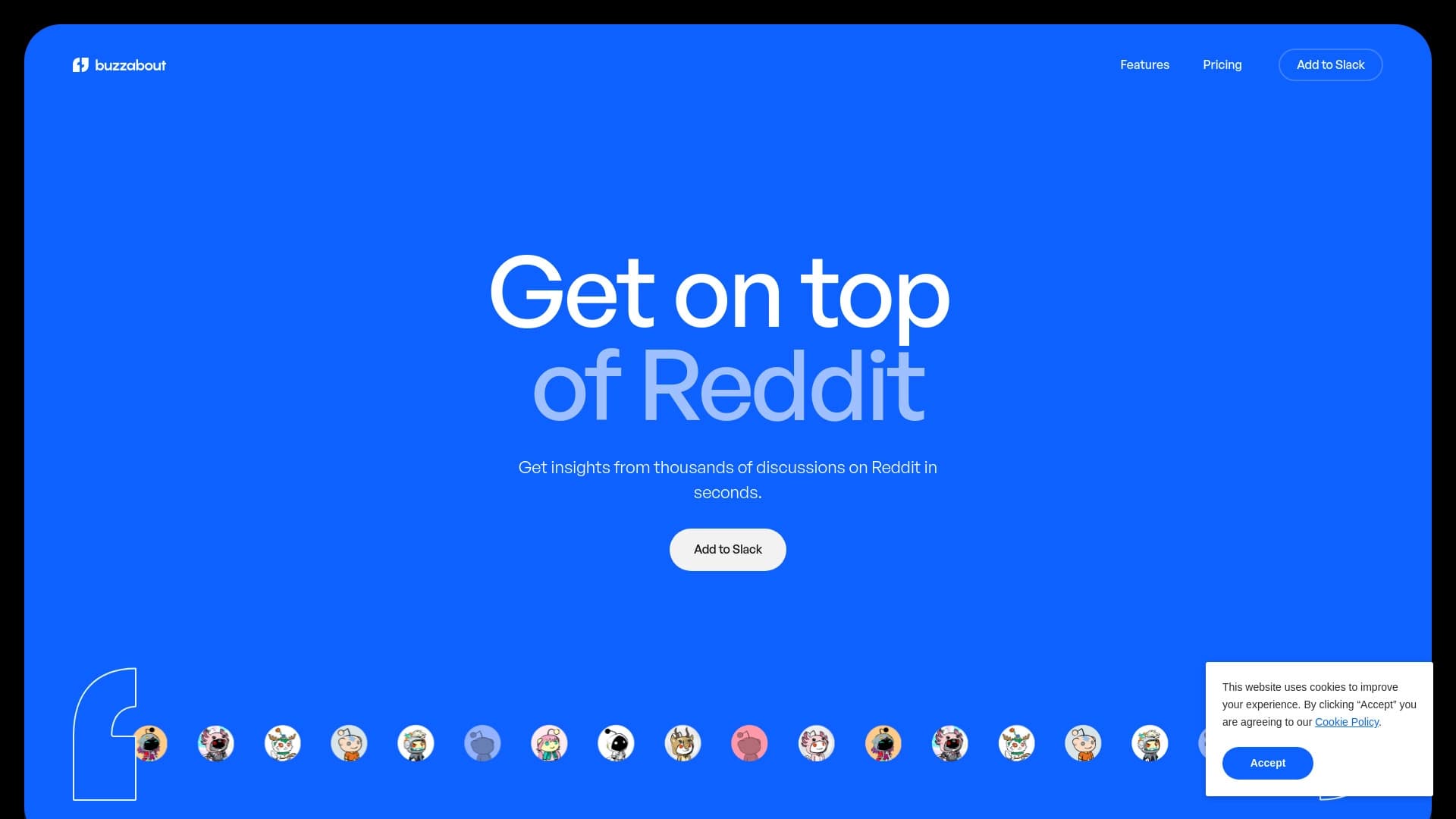

रेडिट पर चर्चा के आधार पर दर्शकों के विश्लेषण के लिए सेवा।.

इलेक्ट्रॉनिक प्लेटफॉर्म वाणिज्य एक एआई सहायक व्यक्तिगत खरीदारी के साथ।.
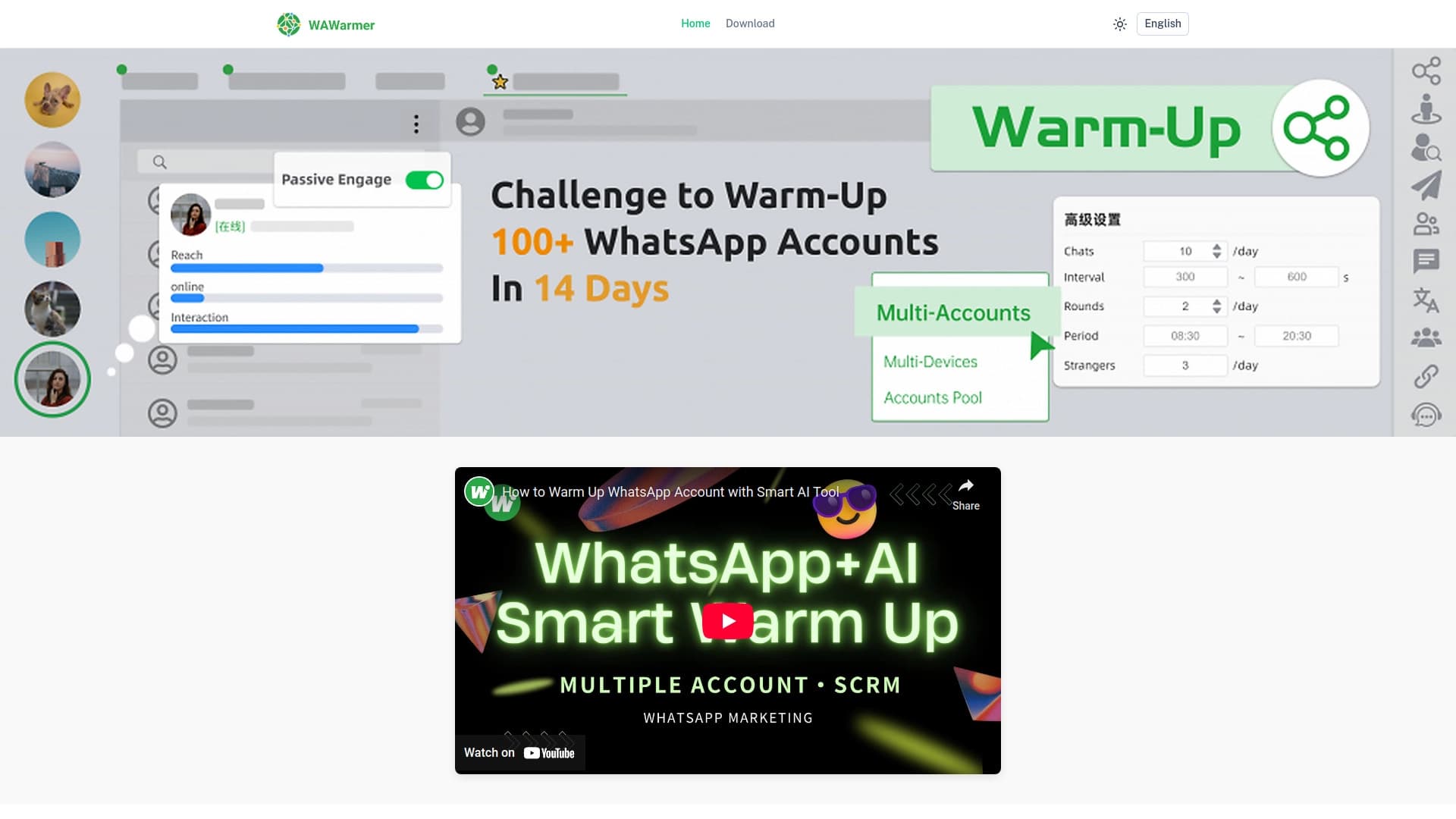
व्हाट्सएप खातों के हीटिंग को स्वचालित करने और लॉकडाउन को रोकने के लिए एआई उपकरण।.


कॉर्पोरेट चैटबॉट बनाने का प्लेटफ़ॉर्म, जो आपके अपने दस्तावेज़ों पर आधारित हो और बिना कोडिंग के काम करे।

ब्राउज़र में एक्सटेंशन, जो कृत्रिम बुद्धि का उपयोग करके X (Twitter) के लिए ट्वीट्स और धागे बनाने में मदद करता है।.
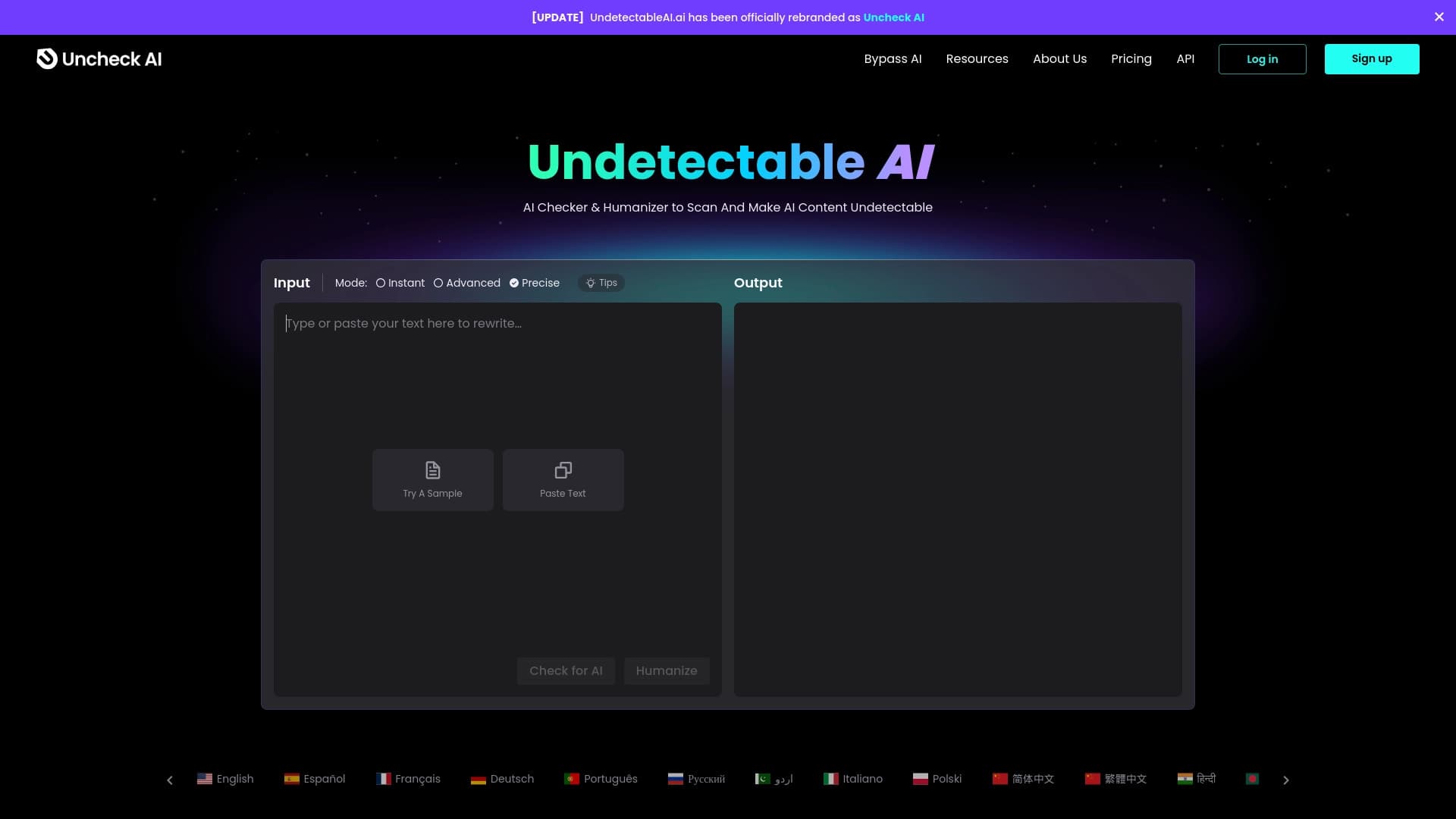

यह एक न्यूरल नेटवर्क-आधारित सेवा है जो AI द्वारा बनाए गए टेक्स्ट को फिर से लिखती है ताकि वह आर्टिफिशियल इंटेलिजेंस डिटेक्टरों द्वारा पहचाना न जा सके।