

Banani
Banani est un réseau neuronal pour générer des maquettes d'interface utilisateur et des prototypes interactifs à partir de descriptions de texte.
Place dans les classements
Aperçu général
Description du réseau neuronal de Banani
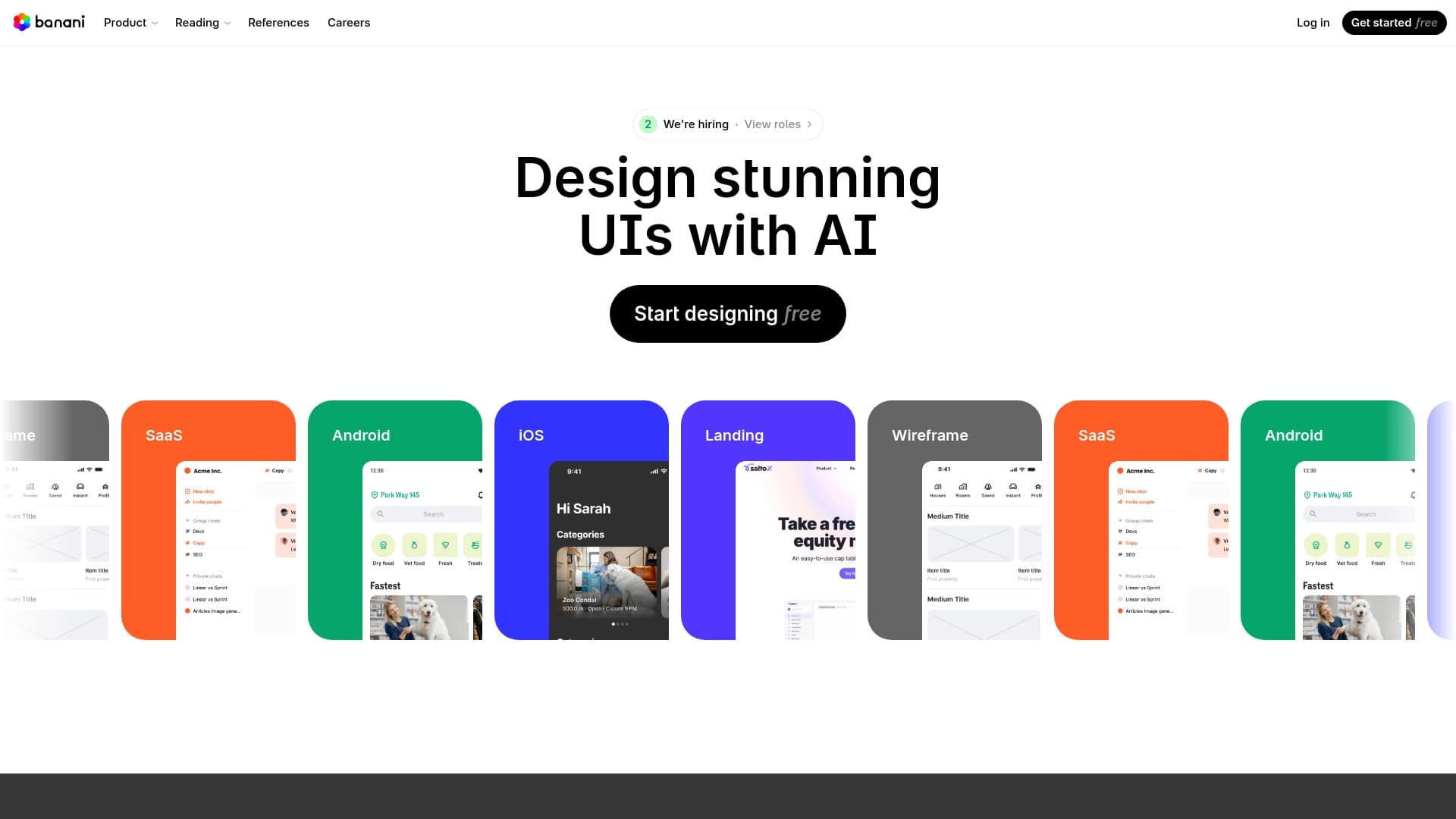
Banani est un réseau neuronal en ligne qui reprend la partie routinière du travail d'un concepteur : il convertit les descriptions de texte en images filaires, des maquettes complètes de l'interface utilisateur et des prototypes interactifs. Au lieu de passer des heures à dessiner des écrans dans un éditeur graphique, vous décrivez simplement ce que vous voulez en mots, et le système assemble la structure visuelle elle-même.
L'outil est conçu comme un pont entre une idée et sa mise en œuvre. Il comprend non seulement le texte direct, mais peut également fonctionner avec des références : des captures d'écran téléchargées, des images ou des liens de Figma. De ces matériaux, le réseau neuronal extrait les éléments clés de l'interface et les transfère dans un nouveau projet. Le résultat fini peut être exporté vers Figma pour un travail ultérieur ou directement en code, ce qui raccourcit le chemin du concept au prototype de travail.
Élément clé
La valeur principale de Banani est qu'il génère non pas une image statique mais un ensemble d'écrans connectés. Vous pouvez décrire un scénario (par exemple, « onboarding, registration, main app screen ») et le système va construire une séquence logique de pages avec des transitions cliquables. Cela vous permet de tester les scénarios utilisateur tout de suite sans passer du temps sur la navigation manuelle.
Limitations
Il est important de comprendre que Banani est un outil pour un démarrage rapide, pas un designer final. Les maquettes produites semblent souvent modélisées, nécessitent un raffinement manuel et ne tiennent pas toujours compte de tous les détails de la spécification technique. La qualité du résultat dépend directement de la clarté avec laquelle vous avez formulé votre demande.
Caractéristiques du Banani
| Caractéristiques | Valeur |
|---|---|
| Type | Générateur d'interface |
| Catégorie | Assistants de conception, Outils de conception graphique, Générateurs de conception |
| Plateformes | Site Web (service en ligne) |
| Plan gratuit | Oui (accès gratuit disponible) |
| Visites mensuelles | ~55.4K |
| Développeur | Autres |
| Date de publication | 7 novembre 2025 (mise à jour le 18 décembre 2025) |
| Résultats des exportations | Figma, code |
| Soutien à la référence | Images, captures d'écran, liens Figma |
Pour qui le réseau neuronal de Banani convient-il?
Designers et Product Managers
Le principal public du service est celui qui travaille quotidiennement à la création de produits numériques. Les concepteurs utilisent Banani pour la génération rapide d'options d'ébauche pour évaluer la direction avant le raffinement détaillé. Les responsables de produits peuvent visualiser leurs idées et hypothèses seuls sans attendre que l'équipe de conception soit disponible, ce qui accélère la discussion et l'approbation du concept.
Étudiants et débutants
Pour ceux qui entrent dans le champ de conception, Banani devient un outil d'entraînement pratique. Il vous permet de voir comment une description de texte se transforme en interface et de comprendre la logique de construire des maquettes sans connaissance approfondie des outils professionnels.
Gestionnaires et entrepreneurs
Quiconque a besoin de transmettre rapidement son idée à une équipe ou à un investisseur peut utiliser Banani pour créer un prototype visuel en quelques minutes. Cela résout le problème de communication: une image est plus claire que n'importe quel mot, et créer une telle image prend un minimum d'effort.
Comment utiliser le réseau neuronal de Banani?
Étape 1: Formuler la demande
Tout commence par le texte. Vous devez décrire le design souhaité en langage clair. Ceci peut être une instruction simple ("un bouton minimaliste"), une description d'un écran entier, ou même un scénario pour une application multi-écrans. Plus la formulation est précise et détaillée, mieux le résultat sera: Banani est sensible au contexte et aux détails.
Étape 2: Production et raffinage
Après l'envoi de la demande, le réseau neural assemble la trame et la maquette en quelques secondes. Si quelque chose ne va pas, il n'y a pas besoin de recommencer — vous pouvez ajuster le résultat avec des commandes texte: changer les styles, structure, ajouter ou supprimer des éléments, affiner la palette de couleurs et la typographie.
Étape 3 : Utilisation des références
En plus du texte clair, Banani accepte les références comme entrées. Vous pouvez télécharger une image, une capture d'écran ou coller un lien vers une maquette de Figma. Le réseau neuronal analysera le matériel téléchargé, extrairea les composants clés et créera une nouvelle interface basée sur eux, en préservant la direction visuelle souhaitée.
Étape 4: Exporter le résultat
Le prototype fini peut être exporté vers Figma pour plus de raffinement professionnel ou converti en code pour les développeurs. Cela permet à Banani de s'intégrer parfaitement au flux de travail existant de l'équipe.
Caractéristiques principales de Banani
Génération Mockup de l'interface utilisateur à partir du texte
C'est la fonction centrale du service : transformer une description verbale en une trame visuelle. Le système comprend la structure — rubriques, boutons, champs d'entrée, navigation — et assemble tout en une composition cohérente.
Création de prototypes interactifs
Banani génère non seulement des images statiques mais des prototypes cliquables à part entière. Vous obtenez un ensemble connecté d'écrans que vous pouvez "marcher à travers" en mode aperçu, testant la logique des transitions et des interactions.
Travailler avec des références et des captures d'écran
Le téléchargement d'une image ou d'un lien Figma vous permet d'utiliser un langage visuel existant. Le réseau neuronal extrait les principaux éléments d'interface de la référence et les adapte à la nouvelle tâche tout en préservant le style.
Exporter vers Figma et Code
Les résultats de travail peuvent être transférés à Figma pour un raffinement détaillé ou immédiatement convertis en code, accélérant considérablement le transfert au développement.
Modifier avec les prompts texte
Faire des changements ne nécessite pas d'actions mécaniques — vous pouvez simplement écrire ce qui doit être changé, et le réseau neuronal appliquera les modifications à la maquette.
Avantages pour les Banani
Économies de temps
C'est l'argument clé pour le service. Un prototype qui prenait une demi-journée peut maintenant être obtenu en environ une demi-heure. Ceci est particulièrement visible dans les premières étapes lorsque vous devez tester rapidement plusieurs concepts et choisir un.
Barrière d'entrée faible
Aucune compétence dans les éditeurs graphiques complexes n'est requise pour travailler avec elle. Il suffit de pouvoir exprimer vos pensées par écrit. Cela ouvre la création d'interfaces à un large éventail de spécialistes, des gestionnaires aux analystes.
Flexibilité de la personnalisation
Malgré la nature modélisée des solutions de base, Banani vous permet de changer l'apparence avec souplesse pour des tâches spécifiques. Les couleurs, les polices, les boutons et la structure sont facilement ajustés par des commandes texte, vous permettant d'adapter le résultat.
Inconvénients des Banani
Conception modèle
Les algorithmes produisent souvent des solutions standard et prévisibles qui peuvent sembler uniformes. Pour les projets nécessitant un style visuel unique, la maquette aura presque certainement besoin d'un raffinement manuel.
Dépendance à la formulation
Le résultat dépend fortement de la précision avec laquelle vous avez décrit la tâche. Une requête vague donnera un résultat correspondant — le réseau neural ne peut pas remplir ce que vous n'avez pas spécifié.
Ignorer les détails des spécifications techniques
Les maquettes produites ne tiennent pas toujours compte des nuances de la spécification technique et des spécificités du public cible. Le système fonctionne avec des modèles généraux qui peuvent ne pas refléter les spécificités de votre produit.
Quelles tâches Banani résout-il ?
Création rapide de brouillons
Banani est idéal pour les tâches où vous avez besoin d'une « image pour la discussion » : préparer du matériel pour les présentations, aligner un concept avec un client, ou communication interne de l'équipe.
Générer des prototypes interactifs à partir de descriptions
Vous pouvez décrire une application entière (par exemple, « un service de livraison de nourriture avec sélection de restaurant, chariot et paiement ») et obtenir un prototype de travail avec des transitions entre les écrans. Cela permet de tester rapidement les hypothèses sans la disposition manuelle longue.
Transfert de solutions anciennes à de nouveaux produits
Grâce au support de référence, Banani aide à adapter les designs existants ou leurs éléments à un nouveau projet. Cela accélère le processus et aide à aligner le style visuel au sein d'une équipe ou d'une gamme de produits.
Prix Banani
Le service a plusieurs plans de tarification:
- Plan gratuit — à la disposition de tous les utilisateurs, y compris les caractéristiques de base de production et d'exportation.
- Plan de base — comprend une augmentation des capacités de production et d'exportation d'assurance-chômage.
- Plan professionnel — comprend des fonctionnalités premium, la collaboration d'équipe et des projets illimités.
Le choix du plan dépend de l'intensité de l'utilisation et du nombre de membres de l'équipe. Pour les tâches ponctuelles, le libre accès est suffisant; pour un travail professionnel régulier, il est logique d'opter pour un abonnement payant.
Conditions d'utilisation Banani
Le service fonctionne à travers une interface Web et ne nécessite pas d'installer des logiciels supplémentaires. Pour obtenir un résultat de qualité, vous devez formuler des demandes clairement : spécifiez le style, la structure et les éléments d'interface souhaités. Si la demande est trop générale, le résultat peut ne pas correspondre aux attentes.
Les sources publiques ne disposent pas d'informations sur la nécessité de l'enregistrement, ce qui suggère la possibilité d'une utilisation sans créer de compte. Toutes les opérations sont effectuées en ligne, rendant le service accessible sur n'importe quel appareil avec une connexion Internet.
Disponibilité du Banani
L'outil est hébergé sur le site banani.co et fonctionne comme un service en ligne. Aucune donnée sur les restrictions régionales ou la nécessité d'utiliser un VPN n'a été trouvée dans les sources publiques – le service est positionné comme mondial.
Comment Banani diffère des alternatives
Se concentrer sur le prototypage
Contrairement à de nombreux générateurs d'images AI (comme Midjourney, Kandinsky, Stable Diffusion), qui créent des images statiques, Banani se concentre spécifiquement sur les interfaces et les prototypes interactifs. Il ne s'agit pas seulement d'une "image jolie" mais d'une structure d'écrans prêts à tester les scénarios utilisateurs.
Travailler avec Figma Références
La possibilité de télécharger des liens vers des maquettes de Figma et de les utiliser comme base pour la génération est une caractéristique rare parmi les alternatives. Cela fait de Banani un outil intégré dans le workflow professionnel d'un concepteur, pas une "boîte à sable" séparée.
Exportation vers le code
Tous les concurrents ne peuvent pas convertir les maquettes en code. Banani fournit cette capacité, comblant davantage l'écart entre la conception et le développement et le mettant à part des services comme AutoDraw ou Yandex Art, qui résolvent des tâches entièrement différentes.
Facilité d'entrée
Par rapport aux outils professionnels, Banani gagne avec sa faible barrière d'entrée. Vous n'avez pas besoin d'apprendre une interface pour commencer — pouvoir écrire du texte suffit. C'est la principale différence par rapport aux outils de conception traditionnels et à un certain nombre d'alternatives de niche.
Conclusion
Banani est un outil d'IA pratique pour créer rapidement des trames filaires, des maquettes d'interface utilisateur et des prototypes interactifs basés sur des descriptions de texte. Il convient aux concepteurs, aux gestionnaires, aux étudiants et aux entrepreneurs, permet de gagner du temps aux premières étapes de la conception, et soutient le travail avec les références, y compris les liens Figma, ainsi que l'exportation vers Figma et le code. Cependant, vous ne devriez pas vous attendre à des conceptions uniques du service: les solutions de base sont souvent modélisées et nécessitent un raffinement manuel. La stratégie optimale est d'utiliser Banani comme outil auxiliaire pour générer rapidement des idées et des versions de projet, qui sont ensuite affinées à la qualité de production par des spécialistes.
Prix
Foire aux questions
Voir aussi

Catalogue de réseaux neuronaux et d'outils en ligne pour générer des images, des animations et des vidéos.
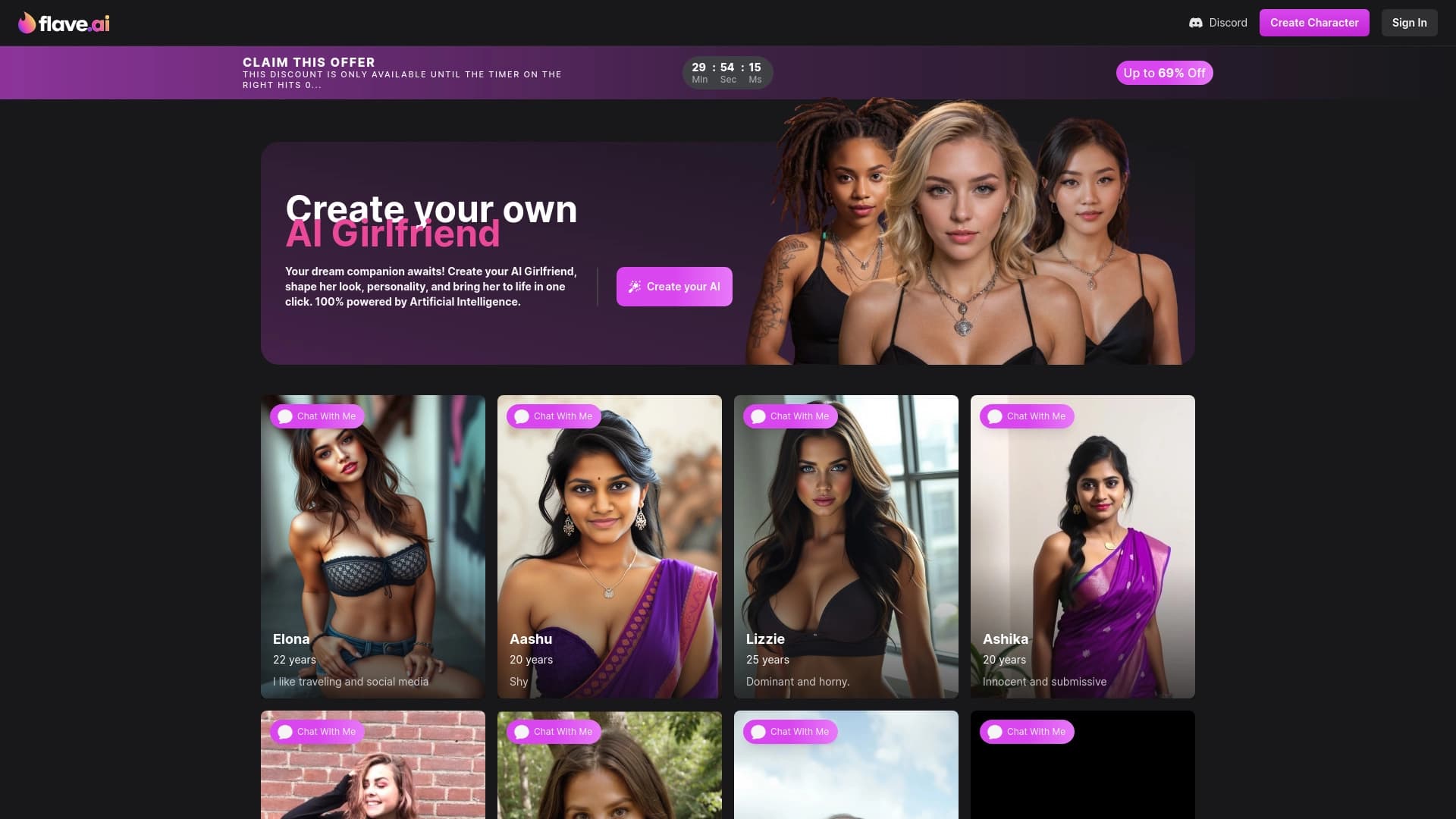

Une plateforme pour créer et personnaliser des compagnons virtuels avec l'apparence individuelle et la personnalité.
Service de l'IA pour automatiser la facturation et la comptabilité financière.
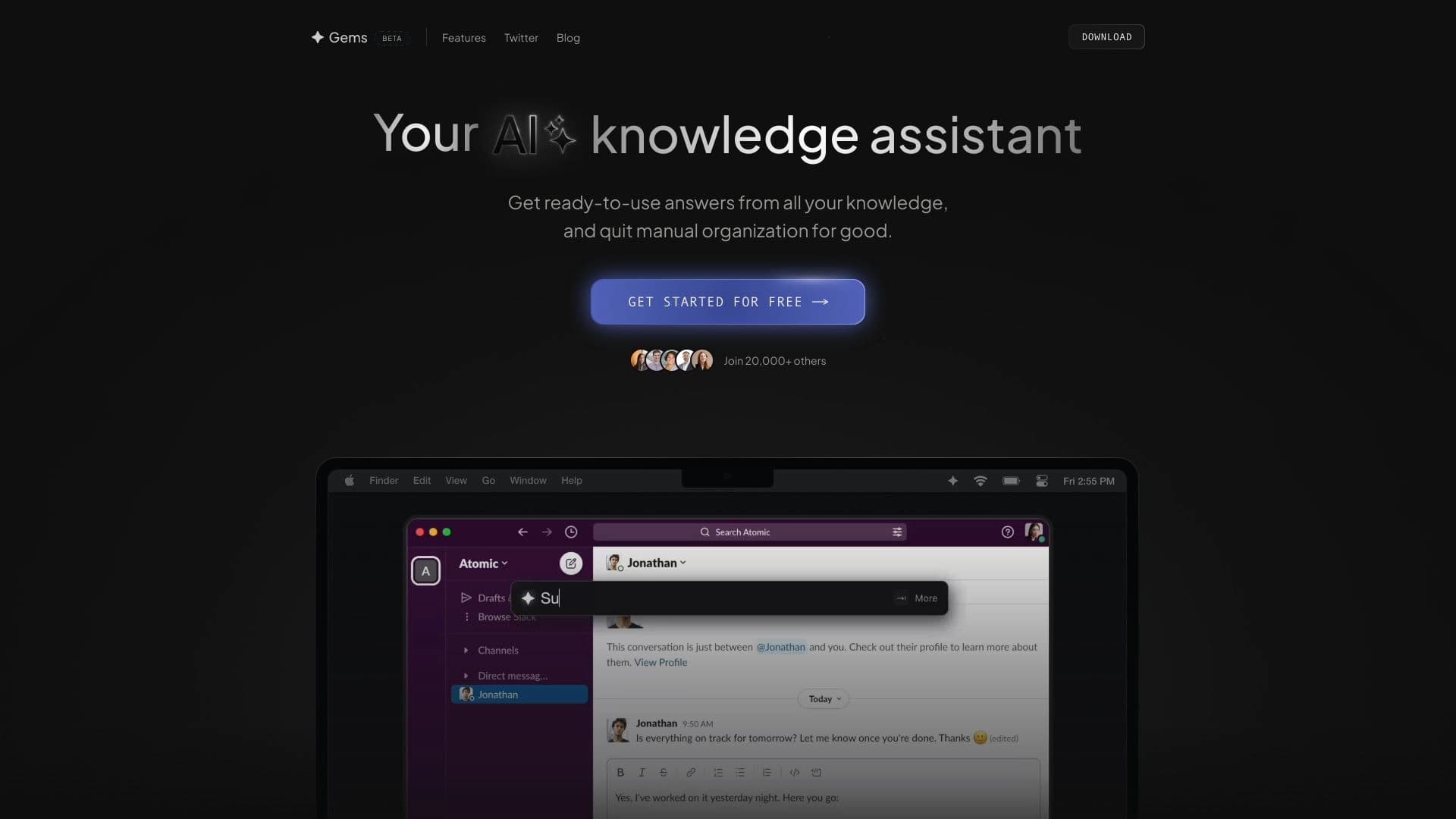

Assistant AI pour la gestion des connaissances qui extrait des informations de sources connectées et fournit des réponses structurées.


Plateforme pour la création de systèmes d'IA multi-agents et de chatbots pour automatiser le support client et la production de plomb.
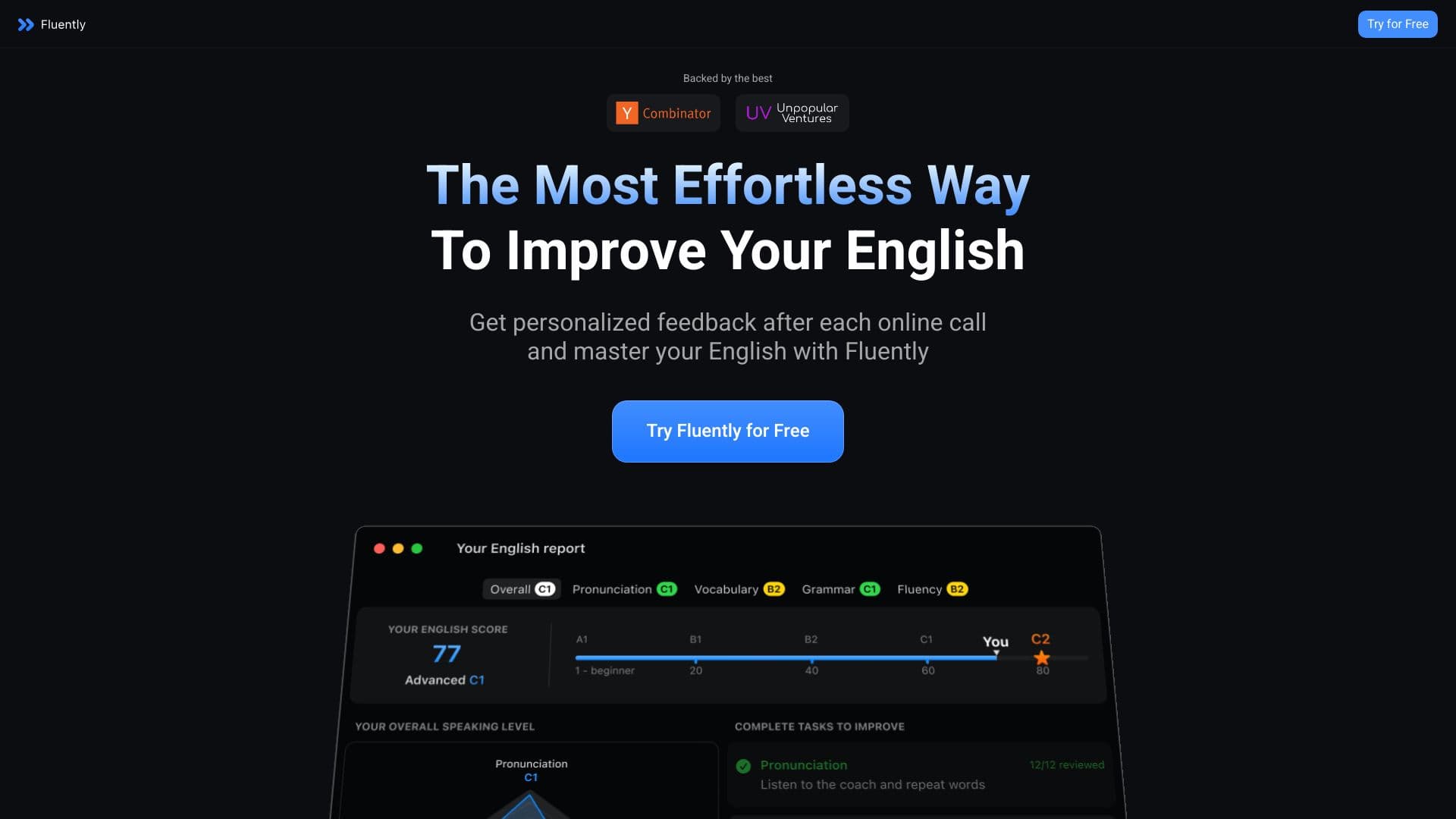

Entraîneur parlant l'IA qui fournit des commentaires en temps réel pendant les appels et les conversations quotidiennes.
Assistant intelligent de Microsoft, intégré dans le moteur de recherche Bing et navigateur Edge, alimenté par GPT-4.

Service pour la création d'avatars personnalisés et photos shoots utilisant l'IA basé sur des selfies téléchargés.