

Avoma
Assistente de IA para gravar, transcrever e analisar reuniões de negócios.
Posição nos rankings
Visão geral
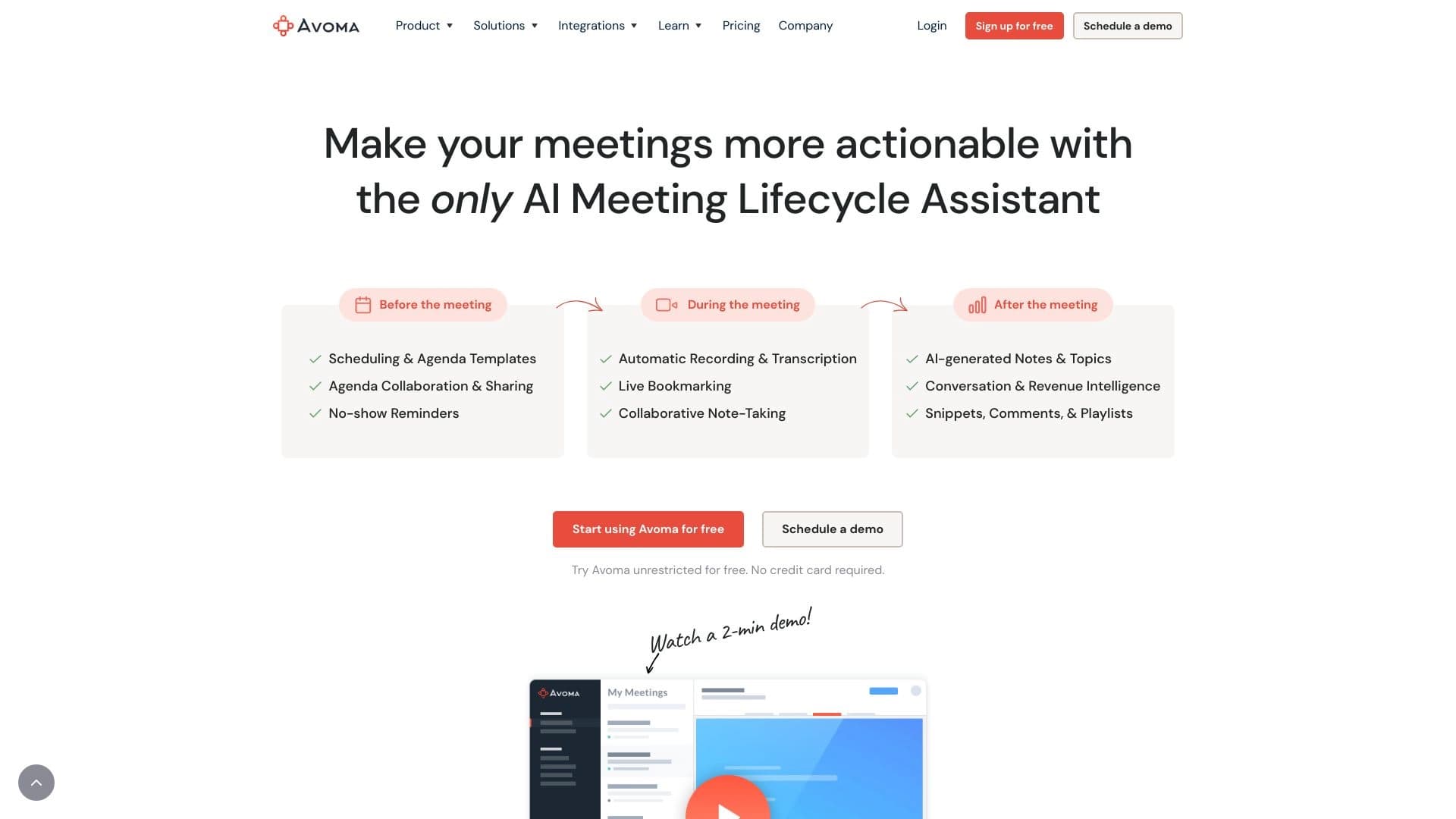
A Avoma é uma assistente de IA projetada para automatizar o trabalho com reuniões online. A plataforma lida com tarefas rotineiras, como gravar conversas, transcrevê-las e analisá-las, transformando um fluxo caótico de discussões em dados estruturados. Em vez de gastar tempo em anotações manuais, os participantes podem se concentrar no próprio diálogo — o serviço capturará automaticamente tudo o que é dito.
A principal característica de Avoma reside em sua abordagem abrangente: não é apenas um gravador de voz, mas uma ferramenta de trabalho completa para equipes. Integra-se com calendários e videoconferências, cria automaticamente resumos concisos após chamadas e os liga a sistemas de CRM. Para equipes remotas e departamentos de vendas, esta é uma maneira de trazer ordem para as comunicações e nunca perder nada.
Características do Avoma
| Característica | Valor |
|---|---|
| Tipo | Plataforma de reunião alimentada por IA |
| Categorias | Ferramentas de transcrição de áudio, automação de programação, gerenciamento de reuniões, automação de vendas |
| Plataforma | Sítio Web |
| Nível livre | Disponível |
| Visitas mensais | 388,9K |
| Desenvolvimento | Avoma |
Avoma é adequado para quem?
Gerentes de vendas e gerentes de sucesso do cliente
A ferramenta é projetada para profissionais que gastam muito tempo em negociações e chamadas. A Avoma ajuda a garantir que nenhum detalhe das discussões seja perdido capturando automaticamente todos os acordos. Os gerentes não precisam se preocupar que informações importantes vão escapar — basta se juntar à reunião, e o assistente fornecerá uma transcrição e destacará os principais acordos.
Equipas remotas
Para as equipes distribuídas, a sincronização é uma dor de cabeça constante. Avoma resolve este problema criando uma base de conhecimento unificada de todas as reuniões. Os participantes que não puderam assistir a uma chamada podem revisar rapidamente o resumo em vez de ouvir uma gravação de hora inteira. Isso é especialmente útil para equipes onde a transparência e o contexto compartilhado são importantes.
Comercialistas e especialistas em desenvolvimento empresarial
A ferramenta é útil para aqueles que analisam as conversas dos clientes, estudando seus pontos de dor e objeções. Com análise de conversa e detecção de tendência, os funcionários podem identificar padrões no comportamento do cliente e ajustar seu funil de vendas ou estratégia de marketing.
Como utilizar Avoma?
Preparação e planeamento das reuniões
Tudo começa com marcar uma reunião através do serviço. O usuário é oferecido uma escolha de modelos de agenda para estruturar a próxima conversa e se preparar para ele. Os modelos ajudam a definir os objetivos da chamada e os principais pontos de discussão, dando à reunião um cenário bem pensado.
Gravação, transcrição e colaboração
Quando os participantes se juntam à chamada, Avoma automaticamente começa a gravar e transcrever a conversa. Os participantes não precisam tomar notas — podem se concentrar na discussão e, se necessário, adicionar notas diretamente durante a reunião. Isso torna o processo interativo e permite esclarecer pontos importantes em tempo real.
Trabalhar com resultados após a chamada
Uma vez que o encontro termina, a IA processa a conversa e produz um breve resumo, destacando tópicos-chave e decisões. Os usuários podem compartilhar fragmentos de gravação, deixar comentários em seções individuais e construir playlists de momentos-chave para uso futuro ou compartilhar com colegas.
Avoma Core Features
Gravação automática e transcrição inteligente
A plataforma registra automaticamente todas as reuniões online e converte o discurso em texto. A transcrição está disponível imediatamente após a chamada, eliminando a necessidade de gastar tempo em notas manuais. O sistema identifica automaticamente alto-falantes e estrutura o diálogo por turnos.
AI resume e destaca momentos-chave
Após o processamento da conversa, a IA cria um breve resumo da reunião. Contém a essência das negociações: decisões tomadas, questões-chave e acordos. Os usuários não precisam reler a transcrição inteira — basta olhar o resumo para restaurar o contexto.
Modelos de edição e agenda colaborativos
Os participantes podem trabalhar juntos em notas em tempo real, complementando ou corrigindo-as. A biblioteca de modelos de agenda ajuda a padronizar a estrutura de reunião e a integração de calendário sincroniza automaticamente todas as informações sobre chamadas agendadas.
Análises de conversação e integrações
Análise integrada rastreia a dinâmica de reunião, determina o nível de atividade de cada participante e identifica tendências recorrentes nas discussões. A ferramenta integra-se com CRMs populares e serviços de videoconferência, tornando-se parte do ecossistema corporativo.
Vantagens do Avoma
Economia de tempo e aumento da produtividade
O principal benefício do serviço é uma economia de tempo significativa. Transcrição automática e geração de resumo grátis funcionários do trabalho de rotina. As equipes podem realizar mais reuniões e processar seus resultados de forma mais eficiente sem sacrificar a qualidade dos acordos de captura.
Melhor estrutura de reunião e colaboração em equipe
Graças a notas colaborativas, sincronização de calendários e lembretes, as reuniões se tornam mais organizadas. Cada participante entende suas tarefas, e as informações não se perdem em correspondência ou notas pessoais. A ferramenta ajuda a construir disciplina em discussões e ações de acompanhamento.
Análise profunda para tomada de decisão
O recurso "análise de inteligência" monitora a dinâmica de conversação, rastreia o engajamento dos participantes e extrai tópicos-chave. Isso permite aos gestores obter uma imagem objetiva das negociações e usar essa análise para melhorar as estratégias de vendas e comunicação.
Desvantagens do Avema
Limitações no reconhecimento de nuances de fala
Como qualquer ferramenta de IA, Avoma pode não captar significados implícitos, piadas ou sarcasmo. Isto leva a imprecisões em notas e resumos em que o contexto de uma declaração pode ser parcialmente perdido. A intervenção humana ainda é necessária para lidar corretamente com o diálogo emocionalmente carregado.
A qualidade da transcrição depende da gravação
A acurácia do reconhecimento de fala é diretamente afetada pela qualidade da fonte: ruído de fundo, microfone ruim ou dicção pouco clara dos participantes podem causar erros significativos. Em condições acústicas difíceis, a versão de texto da reunião exigirá edição manual adicional.
Assuntos de privacidade e segurança
Todos os dados de reunião são armazenados em servidores de terceiros, o que cria certos riscos de confidencialidade. As empresas que trabalham com informações sensíveis precisam considerar essa limitação e analisar cuidadosamente a política de processamento de dados antes de usar a plataforma.
Que tarefas Avoma resolve?
Automatizando documentação de reunião
O serviço automatiza totalmente o processo de criação de atas de reunião e resumos. Os funcionários não precisam mais se preocupar com quem registrará os resultados da reunião — o sistema gerará independentemente um relatório estruturado e o distribuirá às partes interessadas relevantes.
Rastreamento de tópicos-chave e aumento da transparência
A plataforma permite rastrear tópicos-chave e tendências nas negociações, simplificando a busca de informações necessárias através do histórico de reuniões. Os gerentes podem ver a imagem geral das comunicações sem mergulhar nos detalhes de cada conversa.
Simplificação da integração e supervisão remota dos funcionários
Para gerentes e lideranças da equipe, o Avoma torna-se uma ferramenta para monitorar a efetividade da comunicação no trabalho remoto. Análise de conversação ajuda a avaliar o comportamento dos participantes, identificar práticas bem sucedidas e áreas de crescimento, e torna mais fácil para os novos funcionários se atualizarem.
Preço Avoma
Avoma opera em um modelo freemium. Existe uma camada totalmente livre que inclui recursos básicos e se adapta a usuários individuais ou pequenas equipes apenas começando com o serviço. Para capacidades mais avançadas, estão disponíveis planos profissionais e empresariais.
O custo das assinaturas pagas não é público e é calculado individualmente com base no pedido de uma empresa. Para descobrir o preço exato, os usuários precisam entrar em contato com o departamento de vendas. Isso torna o serviço indisponível para pagamento instantâneo de cartão, mas permite negociação flexível de termos, dependendo da escala de uso.
Avoma Termos de Uso
Para começar a utilizar o serviço, é necessário registar-se no site oficial. O processo de criação de conta é padrão e não requer nenhum conhecimento técnico especial. Os usuários só precisam de um endereço de e-mail válido e acesso à internet.
Desde Avoma é um serviço web, nenhuma instalação de software adicional em seu computador é necessária. Toda a funcionalidade está disponível através do navegador. O principal requisito para uso confortável é uma conexão de internet estável, necessária para gravar reuniões em tempo real e, posteriormente, enviar transcrições para a nuvem.
Availability Avoma
O serviço está disponível exclusivamente como uma aplicação web, garantindo o acesso de qualquer dispositivo: computadores desktop, laptops ou tablets com um navegador. A falta de uma versão desktop é compensada pela compatibilidade entre plataformas e sincronização de dados na nuvem.
Os usuários simplesmente abrem o site, fazem login e começam a gerenciar reuniões. Este modelo de implantação simplifica a implantação em um ambiente corporativo: não há necessidade de instalar aplicativos no computador de cada funcionário — apenas fornecer acesso à interface web.
Como Avoma difere das alternativas
A principal diferença entre Avoma e outras ferramentas de IA (como Gemini, ChatGPT ou Polymer) é sua estreita especialização em reuniões e comunicação de negócios. Embora chatbots de uso geral possam lidar com pedidos arbitrários, Avoma oferece um pipeline pronto para trabalhar com chamadas: gravação, transcrição, análise, armazenamento e integração de CRM.
Um fator diferencial adicional é a análise avançada do comportamento dos participantes. A ferramenta não cria apenas transcrições — fornece métricas de atividade aos gestores em negociações. Isso o diferencia dos conversores de fala-texto simples e o torna um complemento de CRM completo para controle de qualidade do desempenho dos gerentes de vendas.
Conclusão
A Avoma é uma ferramenta prática de IA que oferece uma solução abrangente para automatizar o processamento de dados de reuniões de negócios. O serviço atende às reais necessidades de equipes remotas e departamentos de vendas para estruturação de informações e economia de tempo. No entanto, como qualquer tecnologia de reconhecimento de fala, tem limitações em transmitir com precisão nuances semânticas e suscita preocupações de privacidade. No entanto, para as empresas prontas para estabelecer um trabalho sistemático com negociações e esforços para aumentar a produtividade da comunicação, Avoma é uma escolha racional e funcional.
Perguntas mais frequentes
Consulte também

Plataforma para criadores de conteúdo que reúne gestão de links, e-mail marketing, loja online e análise de dados em um único editor visual, sem necessidade de programação.
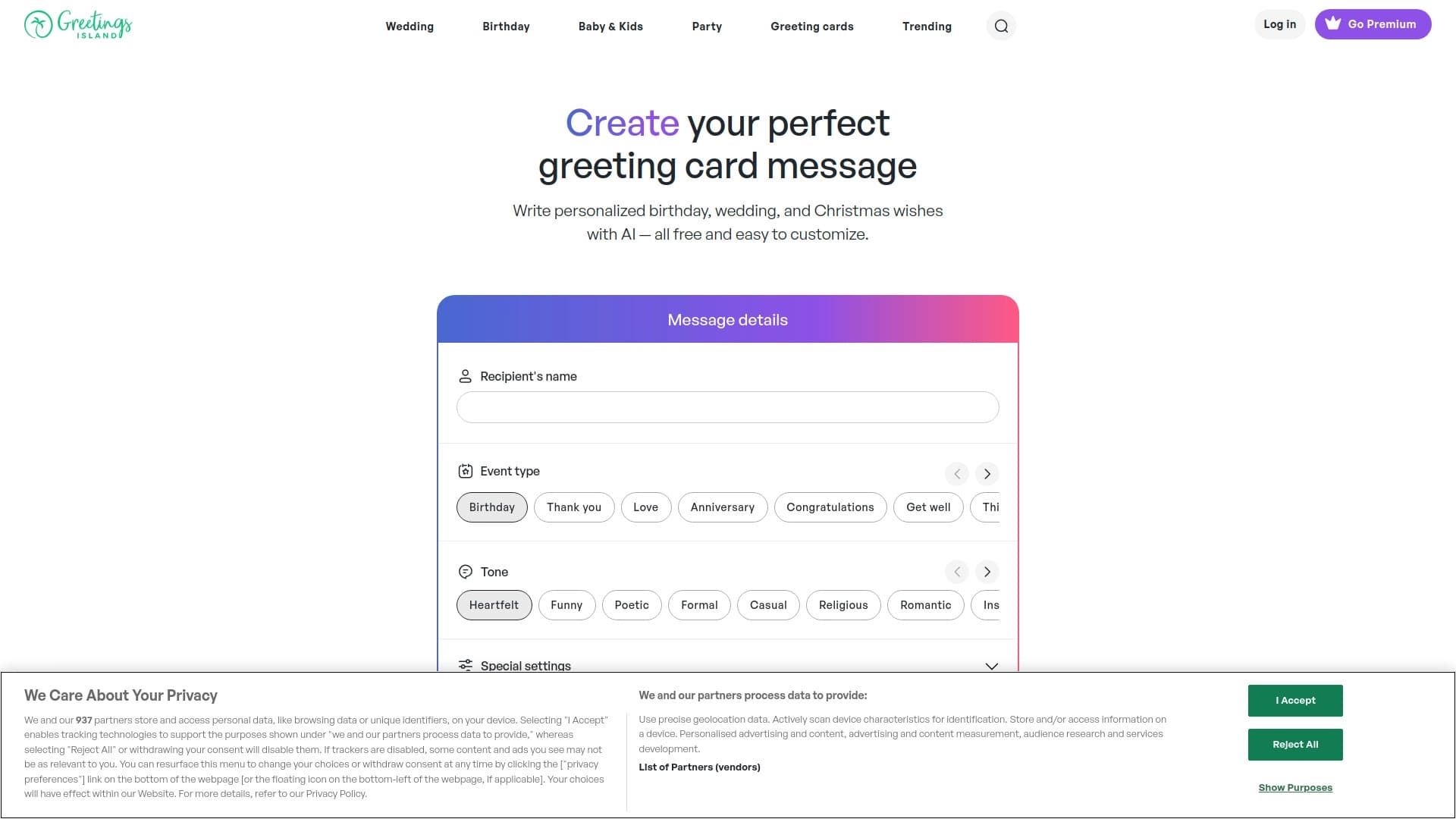

Gerador de textos e designs personalizados para convites de diversos eventos.
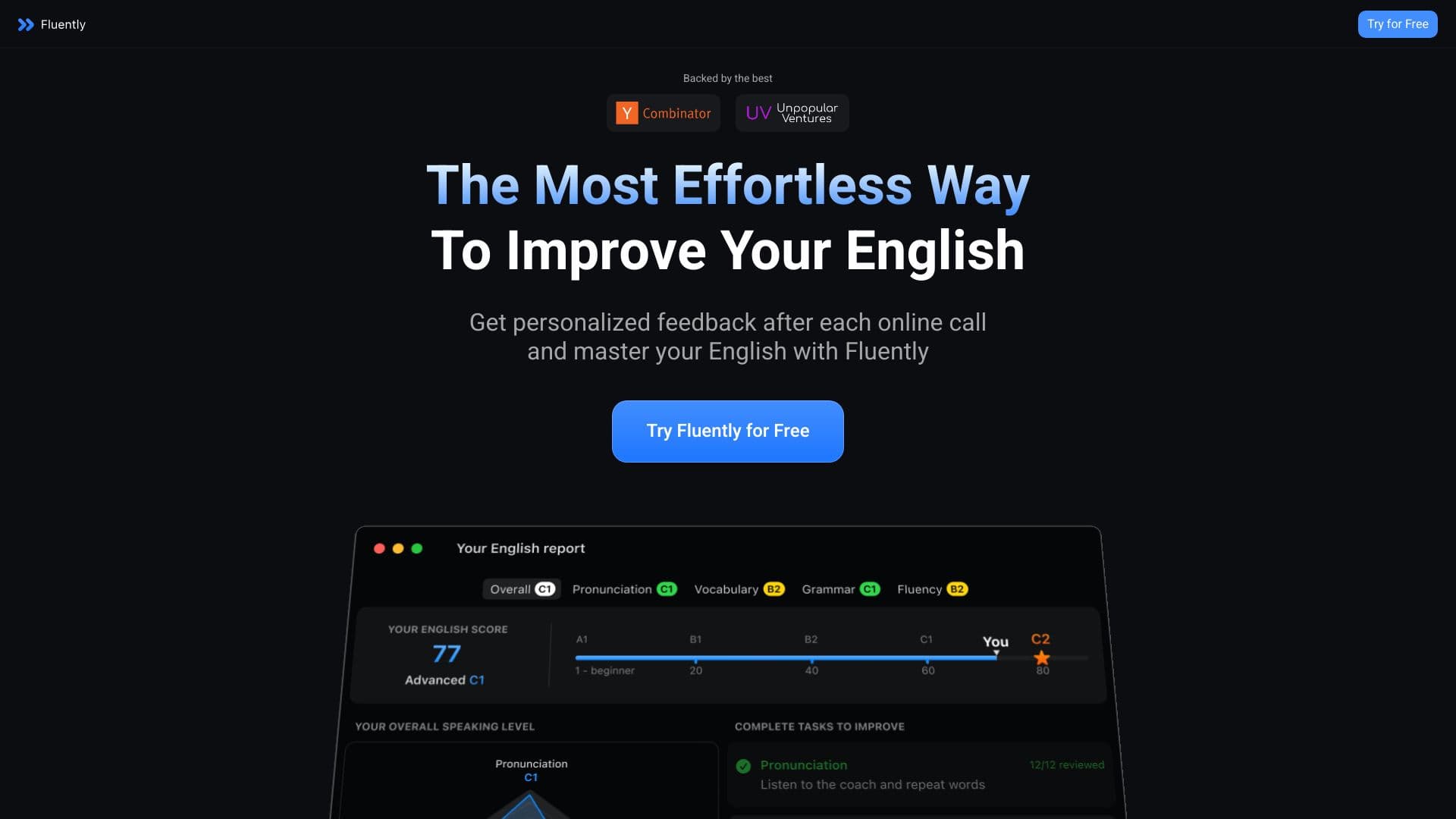

Treinador de conversação com IA que fornece feedback em tempo real durante chamadas e conversas do dia a dia.


Painel lateral de IA que ajuda a responder perguntas, trabalhar com documentos e gerar imagens.


Serviço para geração rápida de e-books sobre um tema específico.

Agente de IA para automatizar comunicações e suporte ao cliente.


Ferramenta de IA para automatizar o marketing em redes sociais, incluindo geração de conteúdo, agendamento de publicações e análise de dados.
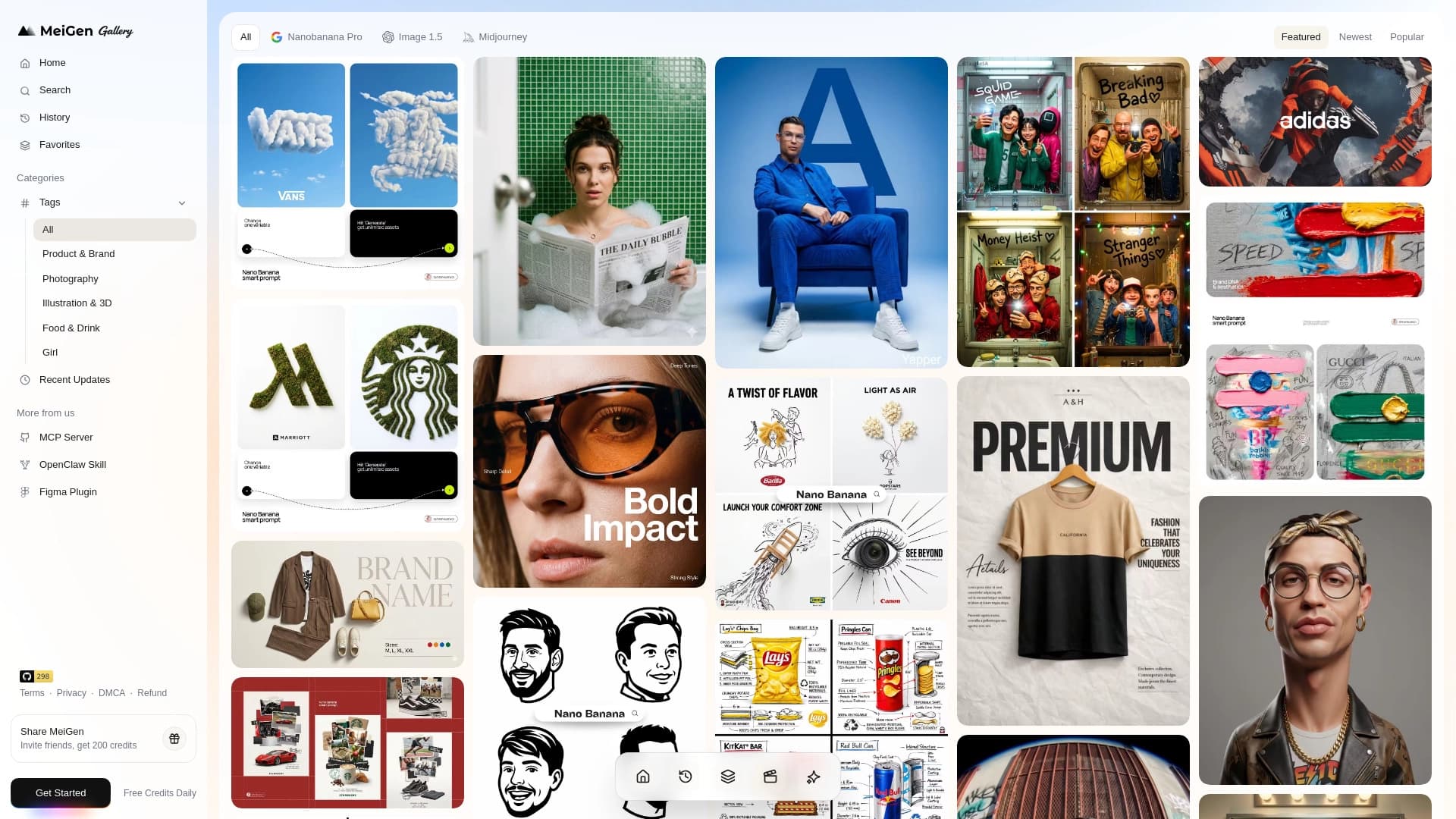
Web service com uma biblioteca de prompts prontos e uma interface para gerar imagens e vídeos através de redes neurais populares.