
Avatarro
Mobile app that uses AI to create personalized avatars from uploaded photos.
Overview
Avatarro AI Description
Avatarro is a mobile app that uses artificial intelligence to create personalized avatars. Simply upload a few of your photos, and the neural network will generate multiple image variations in different styles. The service is designed for users who want to quickly get unique pictures for social networks, messengers, or gaming profiles.
The app works on the "image in — image out" principle: you provide your photo, and the AI processes it, offering stylizations, changing backgrounds, or even turning the photo into a meme. Avatarro is available on both iOS and Android.
Key features at a glance
Unlike many web services, Avatarro works specifically as a smartphone app. This means the entire process — from uploading photos to getting the result — happens in a mobile interface adapted for touch controls.
The service uses a hybrid monetization approach: the free version provides basic functionality with a watermark, while a paid subscription removes the limitations. This format lets you try the tool without any investment and then decide whether you need extended access.
Avatarro Specifications
| Specification | Value |
|---|---|
| Type | Mobile app |
| Category | Photography |
| Platforms | Android, iOS |
| Transformation | Image to image |
| Tasks | Edit image |
| Free tier available | Yes (free version with watermark) |
| Interface languages | Russian, English |
| Subscription cost | Monthly subscription (price may vary by region) |
Who is Avatarro AI for?
Social media users
If you actively manage profiles on Instagram, TikTok, VK, or Telegram, you likely need fresh and unusual images for your avatars. Avatarro lets you quickly get a whole set of pictures in different styles so you can change them to match your mood or an event. You don't need to be a designer or know Photoshop — the app does everything automatically.
Bloggers and content creators
For bloggers, standing out and maintaining visual recognition is important. AI avatar generation makes it possible to create stylized versions of your face or look that can be used in posts, covers, or profile headers. With over 200 styles available, there's plenty of room for visual experimentation.
Gamers
Gaming platforms like Steam, Discord, or PlayStation Network are often places where you want a memorable nickname and avatar. Avatarro lets you create original images that will make you stand out among other players. And you don't need to draw or commission an illustration — just upload a photo.
How to use Avatarro AI?
Step 1: Installation and first launch
Download the Avatarro app from the official app store for your platform — Google Play for Android or the App Store for iOS. Installation takes a couple of minutes, and then you can get straight to work. The interface is intuitive, so even beginners will figure it out without any help.
Step 2: Uploading photos
After launching the app, you need to upload your photos. You can use existing pictures from your gallery. The more high-quality and varied photos you upload, the more accurately the neural network can capture your facial features in different styles.
Step 3: Getting ready-made avatars
Once your photos are uploaded, the neural network gets to work. The generation process doesn't require complex settings — the entire algorithm runs automatically. Results appear in the app as several image variations that you can save or use right away.
Key Avatarro Features
Avatar generation from uploaded photos
The service's main function is turning ordinary photos into avatars. The neural network analyzes the image, identifies facial features, and creates stylized versions. The app allows unlimited generation if you have a subscription.
A catalog of over 200 styles
Avatarro features a large collection of styling options — from classic artistic directions to modern digital aesthetics. You can turn your photo into an oil painting, a comic, anime, or choose another option from the extensive template catalog.
Meme creation
One of the more unusual features is turning your avatar into a meme. You can add text or effects to the generated image, creating fun pictures for posting. This can be useful if you want to add some humor to your social media or congratulate friends in an original way.
AI filters for changing backgrounds and surroundings
The tool lets you change not only the look itself but also the surrounding environment. With AI filters, you can move your photo to a different background or change the environment around the subject. This opens up extra creative possibilities beyond simple stylization.
Avatarro Advantages
Ease of use
The service's key advantage is its low entry barrier. You can figure out how the app works in a couple of minutes. No complex settings, masks, layers, or manual corrections — the neural network handles everything. Just upload a photo and wait for the result.
Fast generation speed
Avatarro delivers results fairly quickly. You don't have to wait hours or days — the processing takes minimal time. This matters when you want an avatar right now rather than putting it off for later.
Wide variety of styles
With over 200 styles available, you can experiment as much as you like. Today you can upload a photo in a cyberpunk style, tomorrow in impressionism, and the day after turn yourself into a comic book hero. This variety keeps things fresh.
The ability to express yourself through unique images
For many users, an avatar is a form of self-expression. Avatarro helps create unique images that reflect the owner's personality, interests, or mood. This is especially valuable in a digital environment where visual identity often plays an important role.
Free features available
The free version of the app lets you explore the service's basic capabilities without any investment. Although the free tier is limited by a watermark and fewer available images, it's enough to evaluate the quality of the neural network's work.
Avatarro Drawbacks
Like many services with a freemium model, Avatarro has certain limitations in its free version. The watermark can interfere with using generated images for public purposes. Additionally, the free tier limits the number of daily images and doesn't unlock the full template catalog — that requires a paid subscription. Overall, if you need unlimited functionality, you'll need to pay a monthly fee.
What tasks does Avatarro solve?
Quickly creating personalized images for social media
The app solves the main task — quickly getting a ready set of stylized avatars without hiring a designer or spending hours learning graphic editors. Just upload a photo and get the result in a few minutes.
Creating unique avatars for gaming platforms
Gamers need a bright and memorable look in games. Avatarro lets you create custom images for profiles on gaming platforms. This helps you stand out in multiplayer games and communities.
Editing backgrounds and surroundings in photos
Beyond creating avatars from scratch, the service lets you change the background and surroundings in existing photos. This solves the task of refreshing old pictures or adapting photos to specific platform requirements. For example, you can remove an unflattering background and replace it with a neutral one.
Avatarro Pricing
Avatarro uses a freemium distribution model. This means there are two levels of access to the service.
Free version
The free tier includes basic avatar generation features. The main limitation is that finished images will have a watermark. The free version also has limits on the number of daily images, and the full template catalog isn't available.
Paid subscription
To remove the limitations, there's a monthly subscription. It unlocks the full template catalog, removes limits on daily images, and removes the watermark. Users get a 3-day free trial period to evaluate the benefits of the full version. It's worth noting that prices may vary by region.
Avatarro Terms of Use
To use the service, you need to download the app from the official store — Google Play or the App Store. The app is designed for smartphones and doesn't require installing any additional software.
The interface is available in Russian and English. To get started, simply upload your photos — the neural network will automatically generate avatars. No complex settings are required during use.
As for the subscription, it's important to note the trial period: before committing to a paid plan, you can activate 3-day free access to evaluate all the service's capabilities without any risk to your budget.
Avatarro Availability
Avatarro is available on two major mobile platforms:
- Android — the app can be found on Google Play;
- iOS — the app is available on the App Store.
The user interface is fully localized in Russian, making the service convenient for Russian-speaking users. An English interface version is also available for international audiences.
How Avatarro differs from alternatives
There are several services on the market that solve similar tasks — generating avatars with AI. Let's look at two main competitors.
Comparison with PhotoAiD
Compared to PhotoAiD, Avatarro provides more accurate image processing. Additionally, Avatarro lets you change backgrounds and clothing in photos, offering more creative possibilities. PhotoAiD is more focused on specific narrow tasks, while Avatarro offers a broader toolkit.
Comparison with Remaker AI
Compared to Remaker AI, Avatarro wins with its flexible pricing — free access lets you try the service without any commitment. Users also note faster image generation. While Remaker AI requires a more formal approach, Avatarro lets you get results quickly without unnecessary steps.
Conclusion
Avatarro is a practical and convenient tool for creating unique avatars. It combines ease of use with fast performance and a wide variety of styles — over 200 design options. The service is useful for social media users, bloggers, and gamers looking for a quick and simple way to stand out online. With a free version featuring a watermark and a paid monthly subscription, the service is accessible to different user categories — you can try the functionality for free first and then decide whether you need extended access.
Pricing
Frequently asked questions
See also
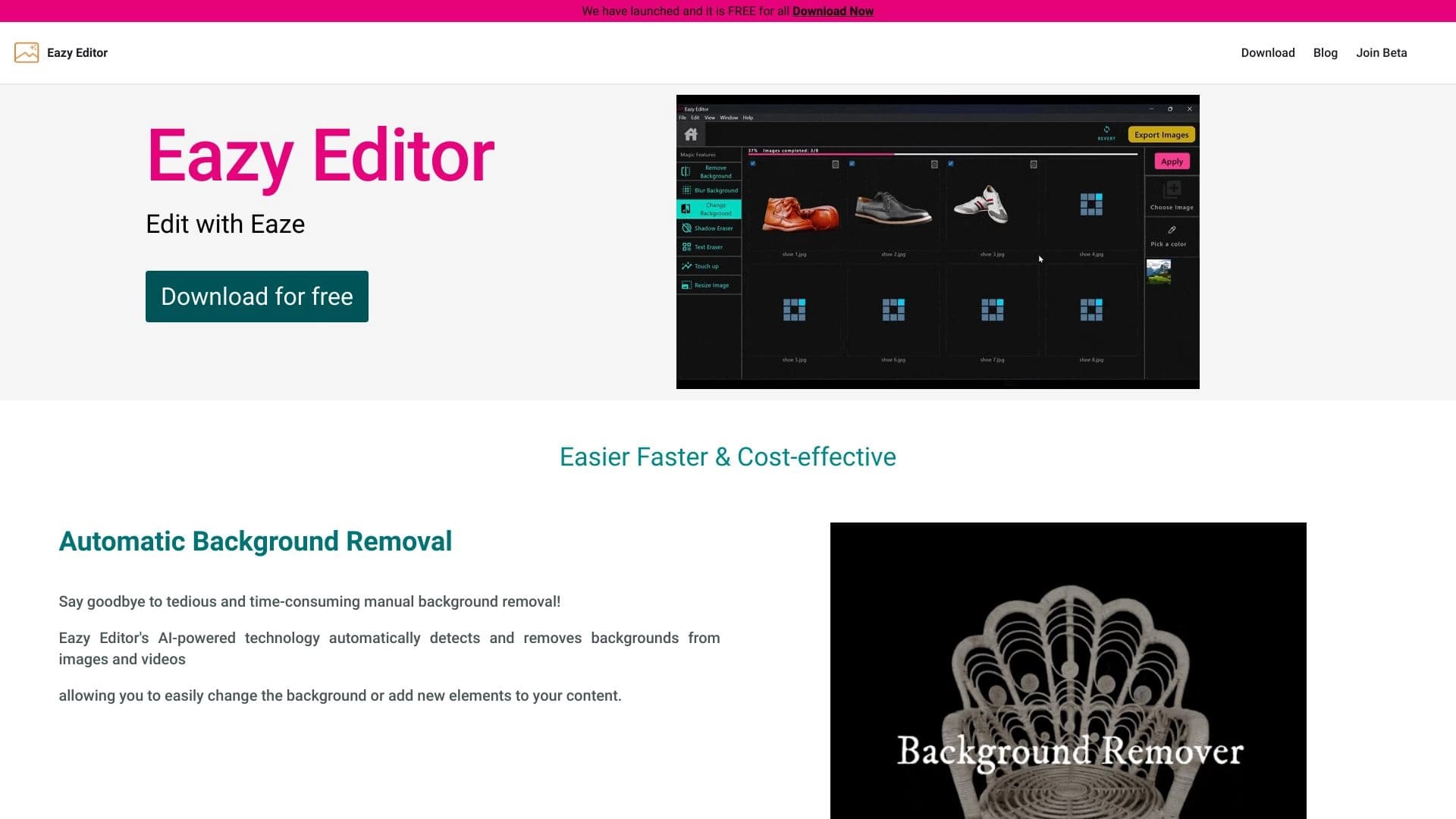
Simple and easy-to-use photo editor with an intuitive interface.


An open platform for generating images and other visual content from text descriptions using AI.

Catalog of AI tools with educational materials and guides for selecting neural networks.

Mobile app for photo editing and creating stylized avatars using AI.


AI toolkit for video generation and editing, including avatars, lip-sync, and voice cloning.

Online tool for swapping faces in photos, videos, and GIFs without registration or watermarks.


A multifunctional AI assistant for generating texts, images, and audio.


AI platform for creating and editing videos, working directly in the Chrome browser.