

Auto Localize
Editor AI untuk menotomatisasi terjemahan berkas lokalisasi dalam proyek-proyek di berbagai platform pengembangan.
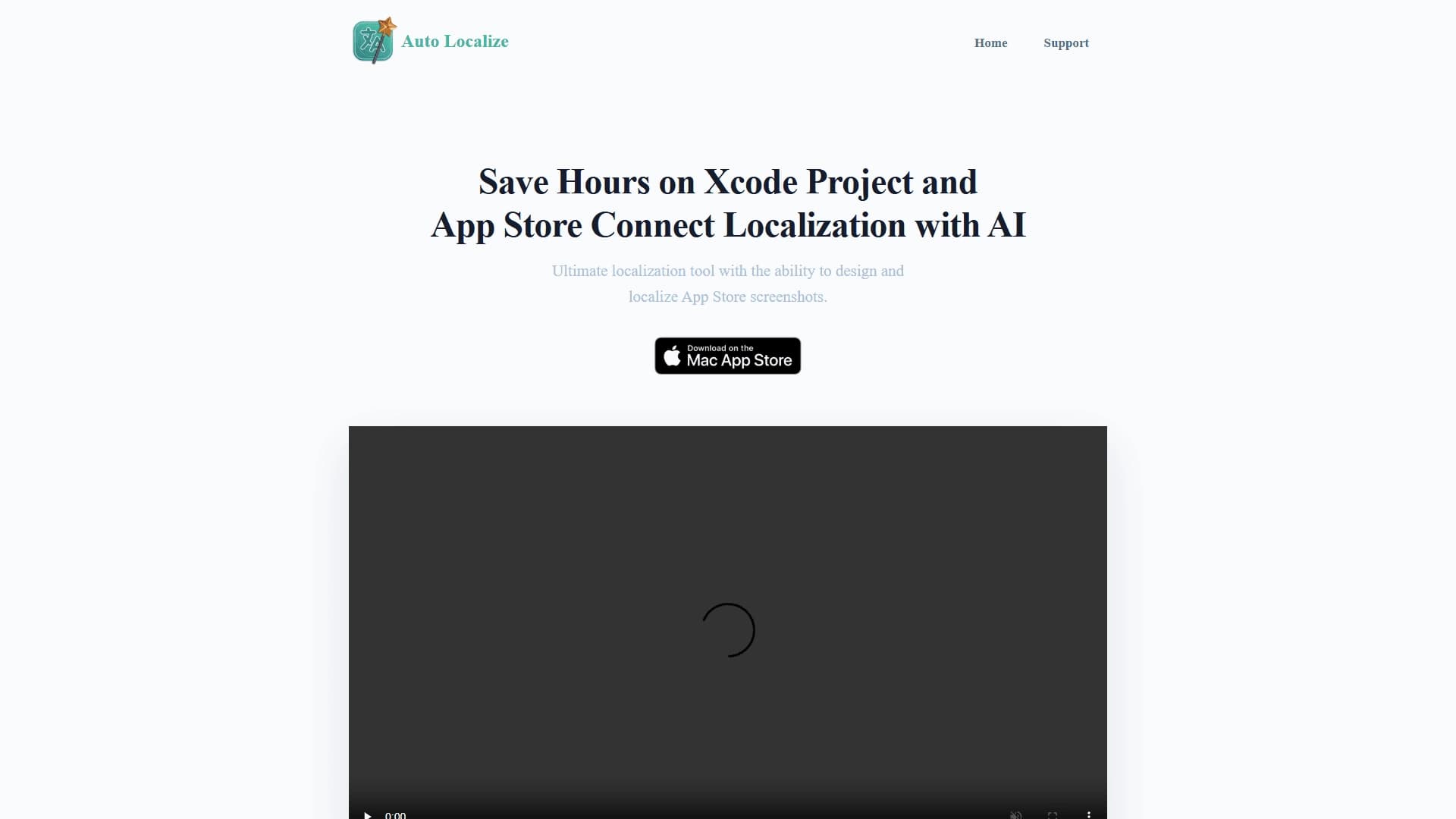
Tinjau
Otomatis Localize Keterangan Jaringan Neural
Auto Localize adalah editor AI khusus yang dirancang untuk mengotomatisasi terjemahan berkas lokalisasi dalam proyek perangkat lunak. tool ini ditujukan pada pengembang bekerja dengan lingkungan populer dan platform seperti Xcode, Android Studio, Unity, Flutter, dan .ET. Alih-alih menerjemahkan ribuan string antarmuka secara manual, pengembang dapat mengunggah berkas lokalisasi ke layanan, dan kecerdasan buatan berdasarkan model bahasa besar akan melakukan terjemahan secara otomatis.
Fitur kunci Auto Localize adalah kesadaran konteks. Jaringan saraf menerjemahkan tidak setiap kata tapi seluruh string, memperhitungkan makna mereka dalam antarmuka aplikasi. Ini mencapai akurasi yang lebih tinggi dibandingkan dengan mesin sederhana penerjemah. Alat ini mendukung banyak format berkas, termasuk XLIFF, XCLOC, RESX, ARB, STRINGS, PROPERTIES, XML, dan JSON, menjadikannya solusi serbaguna bagi berbagai tumpukan pengembangan.
Layanan ini bekerja melalui awan: semua berkas diunggah ke server eksternal, diproses oleh model AI, setelah itu pengguna menerima berkas terjemahan siap. Sebuah koneksi internet konstan diperlukan untuk operasi.
Otomatis Localize Karakter
| Karakter | Nilai |
|---|---|
| Tipe | Alat AI untuk lokalisasi aplikasi |
| Kategori | Asisten Kode; Alat bantuan pemrograman |
| Platform | Xcode, Android Studio, Unity, Flutter, Java, / ET |
| Format berkas yang didukung | XLIFF, XCLOC, RESX, ARB, STRINGS, PROPERTIES, XML, JSON |
| Model digunakan | OpenAI GPT, Google Gemini, lokal LLM |
| Bentuk distribusi | Layanan web (cloud-based) |
| Tingkat bebas | Ya (fitur dasar untuk proyek-proyek kecil) |
| Pengembang | Lokalisasi Otomatis |
| Situs web | autolocalize.app |
| Kunjungan bulanan | 38.2K |
Siapa yang Auto Localize cocok untuk?
Pengembang aplikasi mobile
tool ini terutama ditujukan pada pengembang aplikasi mobile untuk iOS dan Android. Deep integrasi dengan Xcode dan Android Studio memungkinkan otomatis terjemahan katalog string dan metadata untuk App Store Connect, secara signifikan mempercepat rilis aplikasi ke pasar baru.
Cross- tim platform
Auto Localize cocok untuk mengembangkan tim untuk beberapa platform sekaligus - Unity, Flutter, Jawa, dan .ET. Alih-alih menyetel proses lokalisasi terpisah untuk setiap projek, Anda dapat menggunakan suatu alat tunggal yang memahami format berkas semua lingkungan terdaftar.
Tim kecil tanpa penerjemah
Layanan ini sangat berguna untuk startup dan studio kecil yang tidak memiliki penerjemah berdedikasi atau localizer pada staf. Berkat otomatisasi terjemahan berbasis AI-, tim tersebut dapat secara independen merilis aplikasi dalam beberapa bahasa tanpa melibatkan kontraktor.
Bagaimana menggunakan Auto Localize jaringan saraf?
Menghubungkan suatu projek
Untuk bekerja sama dengan Auto Localize, Anda perlu mendaftar pada layanan dan mengunggah berkas lokalisasi. Misalnya, jika proyek dikembangkan dalam Xcode, itu cukup untuk menambahkannya dan tekan tombol lokalisasi - semua katalog string akan diterjemahkan secara otomatis.
Bekerja dengan editor
Setelah mengunggah berkas, pengguna memasuki built-in penyunting, di mana setiap string dan penerjemahannya dapat diulas. Teks dapat diedit secara manual jika hasil otomatis tidak memuaskan, atau Anda dapat sepenuhnya mempercayai jaringan saraf dan menghasilkan terjemahan segera.
Membangun dan meluncurkan proyek
Setelah terjemahan siap, file diunggah kembali ke proyek. Pengembang membangun dan meluncurkan aplikasi - versi lokal siap untuk publikasi.
Fitur kunci dari Lokalisasi Otomatis
Terjemahan berkas otomatis
Layanan ini menggunakan jaringan saraf (OpenAI GPT, Google Gemini, atau LLM lokal) untuk menerjemahkan berkas lokalisasi dengan kesadaran konteks. Pengguna tidak perlu untuk secara manual mempersiapkan istilah atau glossares - proses AI string terunggah secara otomatis.
Format dan dukungan platform
Auto Localize mengerti XLIFF, XCLOC, RESX, ARB, STRINGS, PROPERTIES, XML, dan format JSON. This covers the needs of projects on Xcode, Android Studio, .NET, Unity, Flutter, and Java - almost any popular technology stack.
Bawaan-dalam penyunting terjemahan
Selain terjemahan otomatis, layanan memiliki editor yang nyaman. Semua string yang diunggah ditampilkan dalam jendela tunggal, memungkinkan tinjauan cepat, penyuntingan, dan persetujuan terjemahan tanpa beralih antara aplikasi yang berbeda.
Integrasi Hubungan App Store
Untuk proyek Xcode, integrasi dengan App Store Connection tersedia: mengelola deskripsi, versi, dan metadata aplikasi dari satu tempat. Lokalisasi otomatis juga dapat membuat dan melokalisasi cuplikan layar untuk toko aplikasi, mengadaptasikan bahan pemasaran untuk pasar yang berbeda.
Kemajuan Lokalisasi Otomatis
Menyimpan waktu dan anggaran
auto terjemahan berbasis AI- secara signifikan mengurangi waktu dihabiskan untuk lokalisasi volume besar teks. Hal ini terutama terlihat dengan pembaruan aplikasi reguler, ketika setiap rilis membutuhkan menerjemahkan string baru.
Dalam integrasi dengan ekosistem Apple
Untuk pengembang iOS, alat ini menawarkan integrasi langsung dengan Xcode dan App Store Connect. Hal ini memungkinkan tidak hanya menerjemahkan string tetapi juga mengelola bahan pemasaran, termasuk cuplikan layar, langsung dalam layanan.
Kepandaian dan kompatibilitas
Dukungan bagi platform pengembangan paling populer dan format berkas yang memungkinkan Auto Localize tertanam ke hampir semua alur kerja. Alat ini cocok untuk tim penghubung dan proyek yang berjalan pada tumpukan yang berbeda.
Kemudahan penggunaan
Antar muka layanan intuitif dan tidak memerlukan pelatihan yang panjang. Beberapa klik - dan terjemahan untuk bahasa baru siap.
Disadvantages of Auto Localize
Ketidakakuratan dalam istilah teknis
Sebuah jaringan saraf, tidak peduli seberapa kuat, dapat membuat kesalahan dalam menerjemahkan istilah teknis. Untuk teks yang sangat khusus terkait dengan medis, hukum, atau topik keuangan, terjemahan otomatis dapat mengubah makna. Disarankan untuk mengoreksi hasil secara manual.
Ketergantungan Internet
Layanan hanya bekerja melalui awan. Tanpa koneksi internet, menggunakan alat tidak mungkin, yang dapat menjadi keterbatasan bagi tim yang bekerja offline atau dengan akses jaringan terbatas.
Masalah keamanan data
Semua berkas lokalisasi melewati server eksternal, yang menciptakan risiko potensial bagi proyek dengan data sensitif. Untuk aplikasi yang berisi informasi rahasia, menggunakan layanan lokalisasi awan mungkin tidak diinginkan.
Tugas apa yang Auto Localize pecahkan?
string antarmuka lokalisasi
Tugas utama layanan adalah terjemahan otomatis dari string antar muka aplikasi. Alat memproses berkas katalog string, mengubahnya menjadi versi terlokalisasi sepenuhnya siap digunakan dalam projek.
Otomatis proses terjemahan
Otomatis Localize membebaskan pengembang kerja rutin: tidak perlu menyalin secara manual string ke layanan terjemahan pihak ketiga, format trek compliance, atau transfer hasil kembali. Seluruh siklus - dari file upload untuk menerima terjemahan selesai - mengambil waktu minimal.
Mengelola metadata penyimpanan aplikasi
Layanan ini memungkinkan lokalisasi tidak hanya kode tapi juga bahan pemasaran: deskripsi, daftar fitur, dan cuplikan layar untuk App Store. Ini mempercepat mempersiapkan aplikasi untuk publikasi di pasar baru.
Menerjemahkan proyek untuk platform yang berbeda
Otomatis Localize cocok untuk proyek lokalisasi dikembangkan dalam Xcode, Android Studio, Java, / ET, Unity, and Flutter. Tim dapat menggunakan alat tunggal untuk semua produk mereka terlepas dari tumpukan teknologi.
Otomatis Localize Harga
Informasi tentang rencana harga tersedia di situs layanan. Opsi pembayaran bervariasi tergantung pada lingkup fitur dan ukuran tim:
- Tingkat bebas - Fitur lokalisasi dasar untuk proyek kecil. Cocok untuk berkenalan dengan layanan dan tugas sederhana.
- Rencana Profesional - Sekitar $15 per bulan. Termasuk kemampuan terjemahan otomatis canggih dan integrasinya.
- Rencana bisnis - Sekitar $30 per bulan. Menyediakan akses penuh ke semua fitur, dukungan prioritas, dan kemampuan tim besar untuk bekerja.
Terminal Penggunaan Otomatis Lokalisasi
Pendaftaran (login) dalam sistem wajib untuk bekerja dengan layanan. Semua operasi dilakukan di awan: pengguna mengunggah berkas lokalisasi ke server Auto Localize, di mana mereka diproses oleh jaringan saraf, setelah hasil siap diunduh.
Karena layanan sepenuhnya tertutup awan, koneksi internet konstan diperlukan sepanjang seluruh alur kerja. Data ditransmisikan melalui server eksternal, yang harus dipertimbangkan ketika lokalisasi proyek berisi informasi rahasia.
Auto Localize Affibility
Localize otomatis tersedia sebagai layanan web melalui peramban. Untuk menggunakannya, hanya pergi ke autolokalisasi. app dan register - tidak ada tambahan instalasi perangkat lunak yang diperlukan.
Data sumber tidak menentukan daerah atau bahasa tertentu di mana layanan tersedia pada halaman. Kondisi utama untuk operasi adalah koneksi internet. Tanpa jaringan, menggunakan alat tidak mungkin.
Bagaimana Otomatis Localize berbeda dari alternatif
Spesialisasi dalam lokalisasi
Kebanyakan alat AI untuk pengembang (sebagai contoh, GitHub Copilot, Tabnine, AskCodi, Replit, Cursor AI, Qwen AI) fokus pada pembuatan kode dan pelengkapan otomatis. Lokalisasi otomatis menempati niche terpisah: itu adalah editor yang sangat khusus untuk menerjemahkan berkas lokalisasi, bukan asisten pemrograman universal.
Dukungan untuk format lokalisasi
Tidak seperti perangkat universal, Auto Localize mengerti format berkas lokalisasi spesifik - XLIFF, XCLOC, RESX, ARB, STRINGS, PROPERTIES. Hal ini memungkinkan proyek bekerja dengan berbagai platform tanpa kehilangan struktur data.
Integrasi Hubungan App Store
Kemampuan untuk mengelola metadata aplikasi dan melokalisasi cuplikan layar bagi App Store Connection adalah fitur yang jarang ditemukan dalam alternatif. Bagi pengembang iOS, ini adalah keuntungan yang dapat dicatat, karena memungkinkan menutup siklus penuh untuk mempersiapkan aplikasi bagi pasar internasional.
Fleksibilitas dalam pemilihan model
Auto Localize tidak menggunakan satu model AI tapi beberapa: OpenAI GPT, Google Gemini, dan LLLM lokal. Ini memberikan pengguna kemampuan untuk memilih model yang cocok untuk tugas tertentu, menyeimbangkan antara akurasi terjemahan dan persyaratan kerahasiaan.
Kesimpulan
Otomatis Localize adalah alat praktis untuk otomatisasi terjemahan dari berkas lokalisasi dalam proyek pada Xcode, Android Studio, Unity, Flutter, Java, dan / ET. Ini menggunakan OpenAI, Google Gemini, dan jaringan saraf LLM lokal untuk menerjemahkan string dengan kesadaran konteks, mendukung banyak format berkas, dan termasuk built-in editor untuk koreksi manual. Keuntungan utama adalah menghemat waktu dan anggaran, integrasi mendalam dengan Xcode dan App Store Connection, dan kompatibilitas dengan platform pengembangan paling populer. Pada saat yang sama, potensi ketidakakuratan dalam istilah teknis, ketergantungan internet, dan masalah keamanan data ketika mentransfer file ke server eksternal harus dipertimbangkan. Layanan menawarkan tingkat gratis untuk proyek kecil, serta dibayar rencana untuk tim profesional.
Pertanyaan yang sering ditanyakan
Lihat juga
Sebuah layanan untuk membuat aplikasi, jaringan saraf, dan klon AI, serta jaringan saraf untuk pembuatan teks dan pemrosesan.
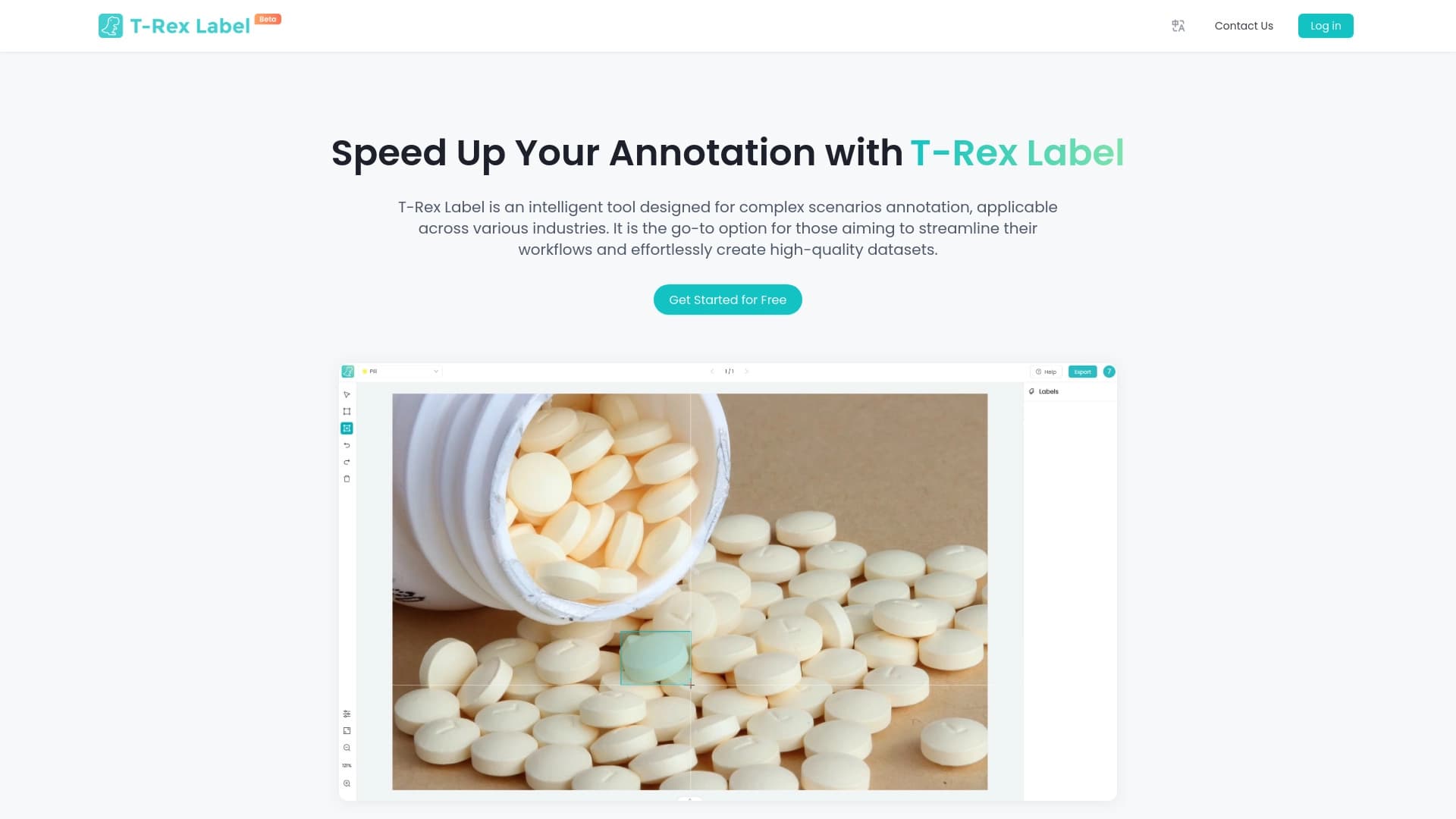
Sebuah platform kodeless untuk penandaan dan pelacakan data simplifying kit untuk visi komputer.


Platform untuk menciptakan multi- agen sistem AI dan chatbots untuk otomatis dukungan pelanggan dan generasi memimpin.
Sebuah chatbot multibahasa didukung oleh GPT-4 dan Gemini untuk menulis teks, menganalisis data, dan menyelesaikan tugas.

Agen AI untuk mengotomatisasi komunikasi dan dukungan pelanggan.

Perpustakaan TypeScript yang memungkinkan Anda menggunakan GPT-4 sebagai waktu jalan untuk fungsi yang dijelaskan oleh komentar.
Layanan online untuk terjemahan otomatis dan dubbing video berbagai bahasa.

TensorStax adalah agen AI untuk model manajemen mesin sepeda belajar sederhana penyebaran mereka dan pemantauan.