

AudioCleaner AI Vocal Remover
An online service for splitting audio recordings into vocal and instrumental tracks using artificial intelligence.
Overview
AudioCleaner AI Vocal Remover
Description of the AudioCleaner AI Vocal Remover neural network
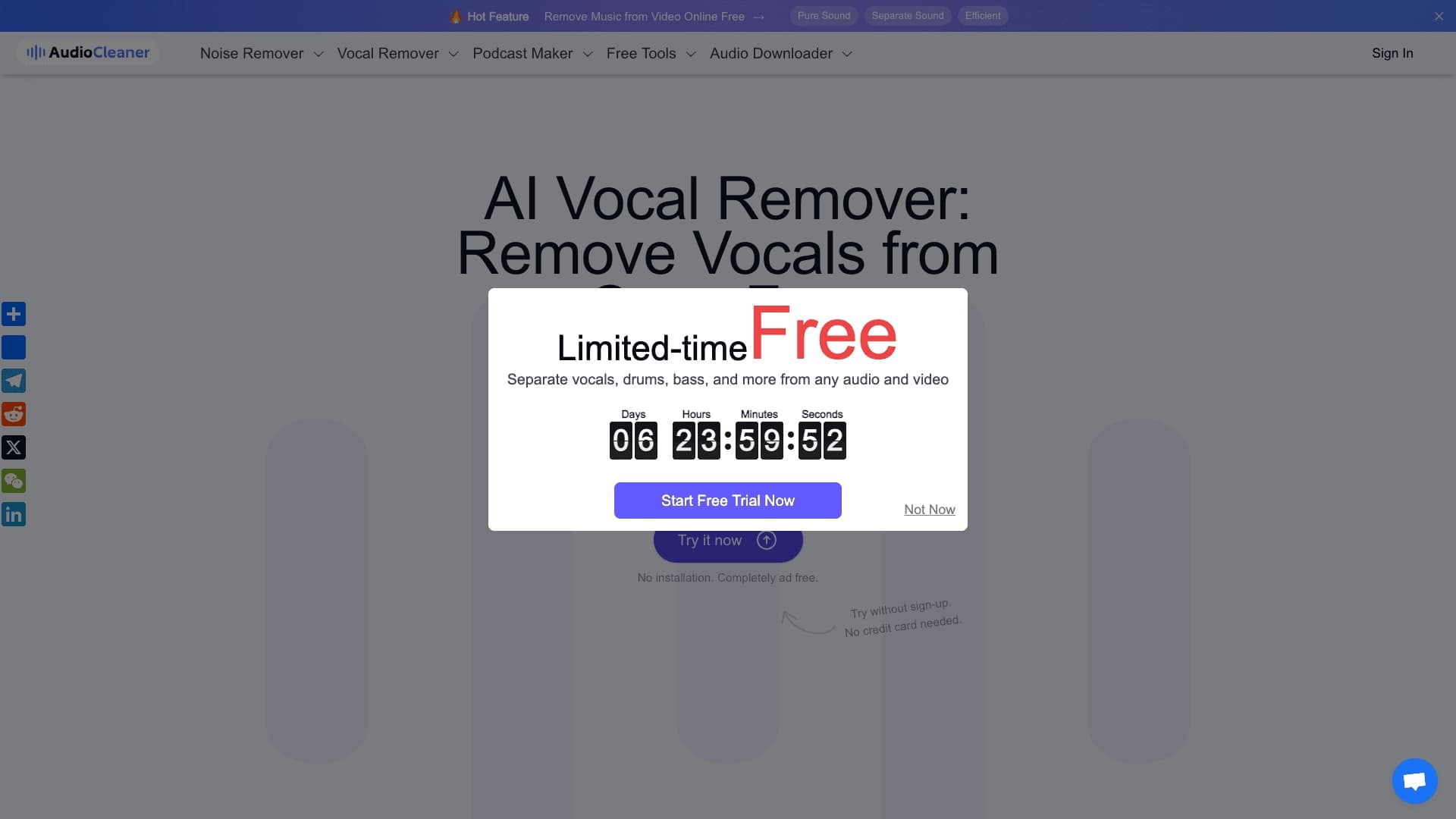
AudioCleaner AI Vocal Remover is an AI-based online tool designed to split audio recordings into vocal and instrumental tracks. The service works entirely in the browser and requires no additional software installation, registration, or account creation. The user simply uploads a track, and the neural network automatically separates the voice and music into distinct clean tracks.
The tool is suitable for creating karaoke versions (instrumental backing tracks), extracting acapellas for remixes, and obtaining background instrumentals for content projects. Processing is done server-side using AI algorithms, ensuring high separation quality and fast performance. AudioCleaner AI Vocal Remover supports a wide range of audio and video formats and is designed for a broad audience—from musicians and podcasters to everyday users who need to quickly process sound without complex editors.
AudioCleaner AI Vocal Remover specifications
| Feature | Value |
|---|---|
| Tool type | Online tool for vocal removal and audio track separation |
| Platform | Web browser |
| Maximum file duration | Up to 3 hours |
| Maximum file size | Up to 10 GB |
| Supported formats | 20+ formats |
| Free plan available | Yes (no registration or download) |
| Paid plan price (from) | $7.5 per month |
| User rating | 4.9 |
| Number of files processed | Over 30,000,000 |
| Number of users | Over 5,000,000 |
| Countries of use | 190+ |
Who is the AudioCleaner AI Vocal Remover neural network suitable for?
Musicians and vocalists
The tool will be useful for musicians, vocalists, and DJs who need to quickly separate vocals from instrumentals for rehearsals, creating remixes, or analyzing individual parts. Since no software installation is required, you can work with a track anywhere with an internet connection.
Podcasters and content creators
Podcast and video content creators can use AudioCleaner AI Vocal Remover to extract a speech track, remove background music or voice from audio recordings. This simplifies post-production and doesn't require skills in professional audio editors.
Regular users and karaoke enthusiasts
For those who want to quickly make an instrumental backing track of a favorite song for karaoke or get an acapella for creative experiments, the service offers the simplest path—upload a file and get the result without registration or payment.
How to use the AudioCleaner AI Vocal Remover neural network?
Uploading a file
The user can upload an audio or video file from their device, or use a link to a track, audio recording, or screen recording. The service supports more than 20 formats, including MP3, WAV, FLAC, MP4, and others.
Selecting a model and tracks
After uploading, you need to choose a processing model—Model V1 or Model V2—and specify which tracks need to be separated. The tool can isolate vocals, lead vocals, drums, bass, guitar, piano, strings, brass, synthesizer, and group multistems.
Getting the result
Processing is done entirely in the browser without downloading any apps or creating an account. When it's finished, the user gets access to separate tracks: original, vocals, and instrumental, all available for download.
Key features of AudioCleaner AI Vocal Remover
Instant vocal removal and track separation
The tool lets you remove vocals from audio and video, as well as split the recording into many individual tracks: lead vocals, drums, bass, guitar, piano, strings, brass, synthesizer, and group multistems. This provides flexibility when working with a track.
Two processing models
The user can choose between Model V1 and Model V2—different versions of the separation algorithms—to get the optimal result depending on the type of uploaded material.
Working with large files
The service supports uploading files up to 3 hours long and up to 10 GB in size, which is enough for processing long recordings, podcasts, or concert tracks.
Advantages of AudioCleaner AI Vocal Remover
No registration or installation required
The tool works entirely in the browser. To start using it, you don't need to create an account or download and install software—everything is available right after visiting the site.
Large file support
AudioCleaner AI Vocal Remover processes files up to 3 hours long and up to 10 GB in size, setting it apart from many similar online services with stricter limits.
Wide selection of separable tracks
Unlike simple tools that can only separate vocals from instrumentals, this service offers splitting into a large number of individual parts: drums, bass, guitar, piano, strings, and others.
High popularity and availability
More than 5 million users in 190+ countries, over 30 million processed files, and a 4.9 rating—these numbers speak to audience trust and the stable performance of the service.
Disadvantages of AudioCleaner AI Vocal Remover
Browser-only version
The tool has no desktop or mobile apps—it is available exclusively through a web browser. This may be inconvenient for users who prefer to work offline or on devices with an unstable internet connection.
Limited functionality
AudioCleaner AI Vocal Remover is not a full-fledged music studio. It specializes only in vocal removal and track separation—there are no additional editing, mastering, or mixing features.
What tasks does AudioCleaner AI Vocal Remover solve?
Creating karaoke and instrumental backing tracks
The tool is great for quickly removing vocals from songs and creating instrumental tracks for karaoke without needing to download specialized software.
Extracting acapellas and remixes
With AudioCleaner AI Vocal Remover, you can get clean vocals from any track for use in remixes, mixing, or creative processing.
Preparing instrumentals for content
The service lets you obtain clean background instrumentals for video projects, podcasts, and other content, as well as split audio tracks for music practice and part analysis.
AudioCleaner AI Vocal Remover pricing
The tool has a completely free usage option without registration. For users who need additional capabilities, paid VIP plans are available based on a credit system.
The first plan includes 600 credits for $7.5 per month—enough for 600 minutes of processing (track separation, noise reduction, audio translation, and other tasks). The second plan is 2000 credits for $16.6 per month. Paid subscriptions also include priority processing, email notifications, and permanent file storage on the server.
Terms of use for AudioCleaner AI Vocal Remover
Registration is not required for basic use of the service—any user can upload a file and get the result without creating an account. To access paid plans, you need to take out a subscription. Detailed terms of use are not disclosed on the tool's page.
Availability of AudioCleaner AI Vocal Remover
The service is available in 190+ countries worldwide via a web browser on any device with an internet connection. No VPN is required. Since the tool has no desktop or mobile apps, all you need to access it is an up-to-date browser.
How AudioCleaner AI Vocal Remover differs from alternatives
Compared to platforms like Moises.ai, AudioCleaner AI Vocal Remover is extremely simple and fast for removing vocals in the browser without registration. Moises.ai is a broader platform for musicians with additional features: video recording, AI track generation, and Voice Studio—but it requires a more complex workflow and is available on multiple platforms (web, desktop, iOS, Android).
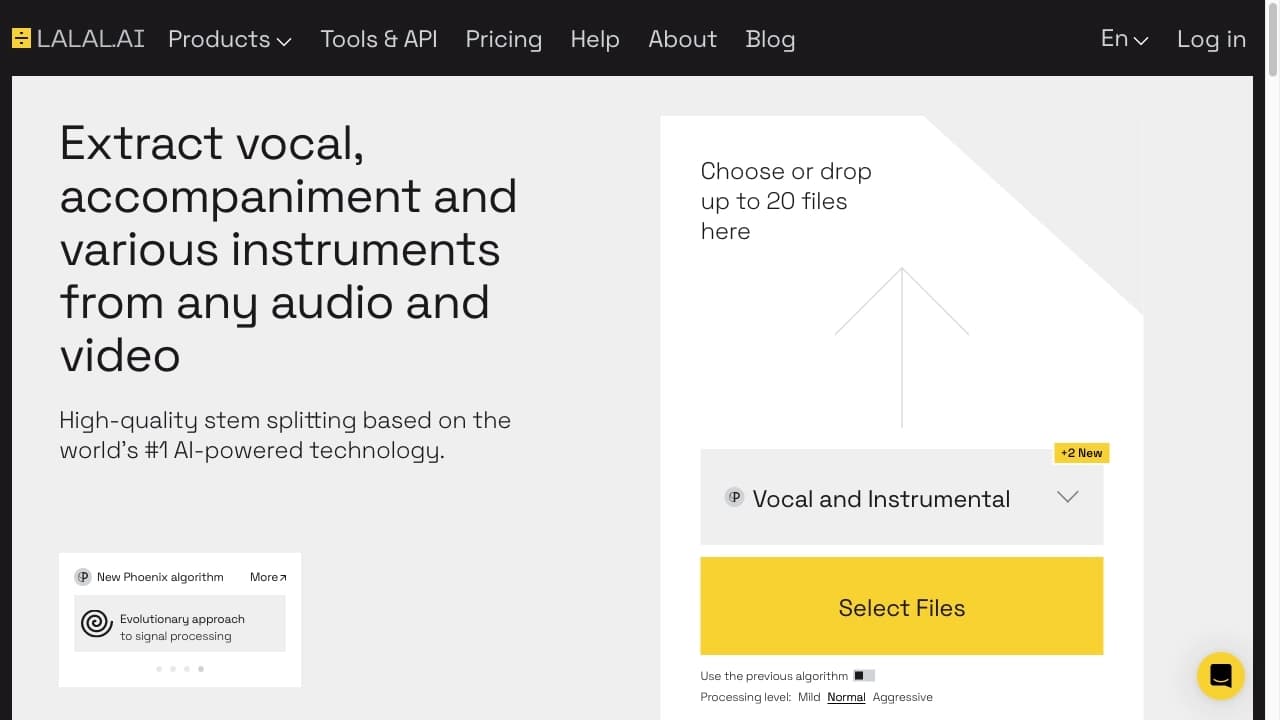
AudioCleaner AI Vocal Remover, in turn, supports more types of separable tracks and larger files (up to 3 hours and 10 GB). It is more specialized in vocal removal and audio separation, while other services (Lalal.ai, PhonicMind, Spleeter) offer a wider or, conversely, narrower set of capabilities. The tool is best suited for quick online vocal removal without installation and registration, with extensive options for track selection and large file processing.
Conclusion
AudioCleaner AI Vocal Remover is a specialized online tool for quickly splitting audio recordings into vocal and instrumental tracks. It works entirely in the browser, doesn't require registration or installation, supports large files, and offers two dozen formats. The service is suitable for creating karaoke, extracting acapellas, preparing instrumentals, and other audio separation tasks. It isn't a full-fledged music studio but a narrowly focused AI tool that solves its task as simply and effectively as possible.
Pricing
Frequently asked questions
See also


Bleepify automatically detects and bleeps out profanity in video and audio.


Aimi is a service that automatically creates music and voiceovers for videos by analyzing the video footage.


Service for automatic transcription of audio and video into text with support for over 100 languages.

Online service for creating a realistic voice clone from a short audio recording and text-to-speech.
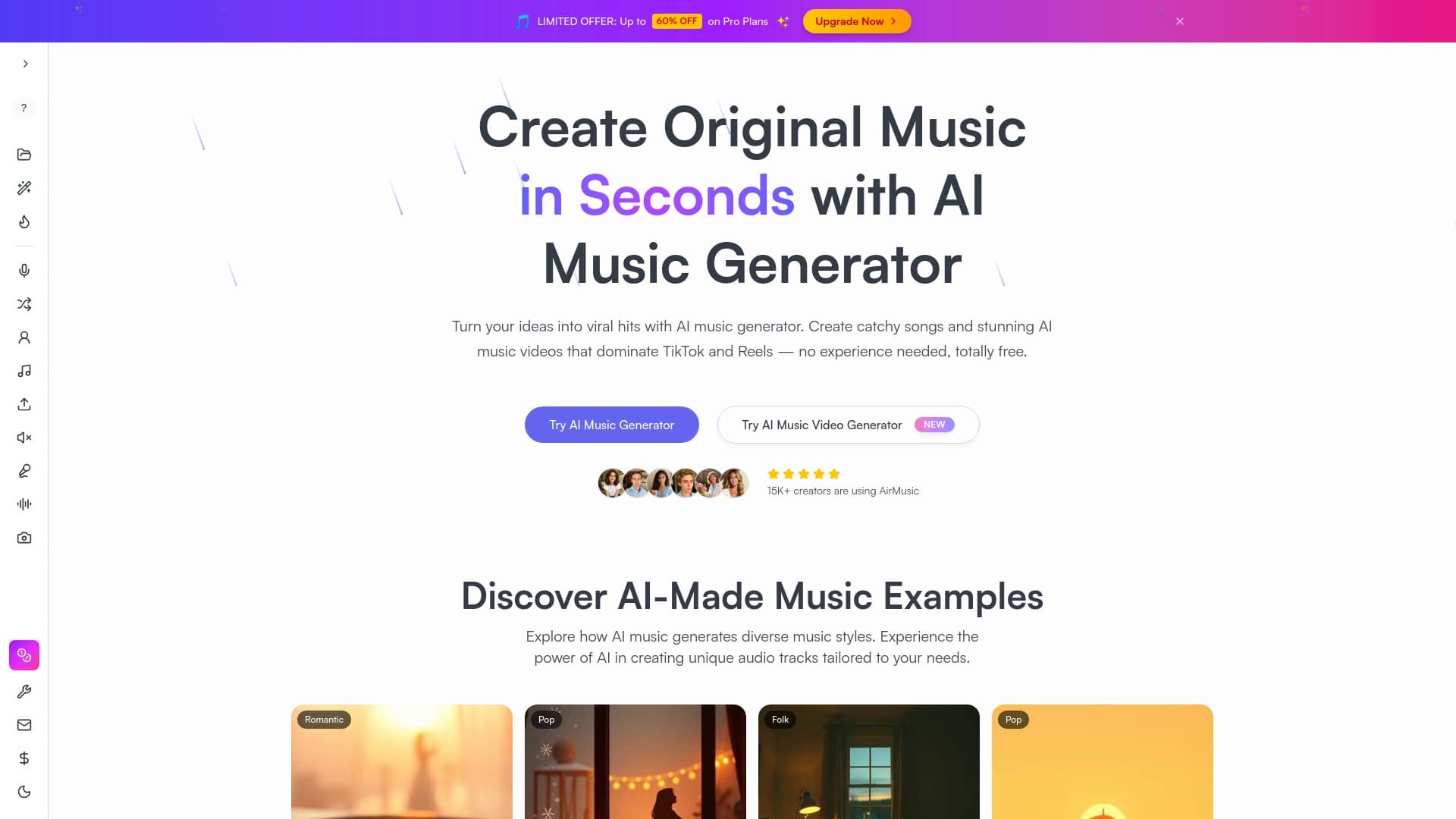
Music generator from text descriptions with style and mood customization, as well as export of individual tracks.
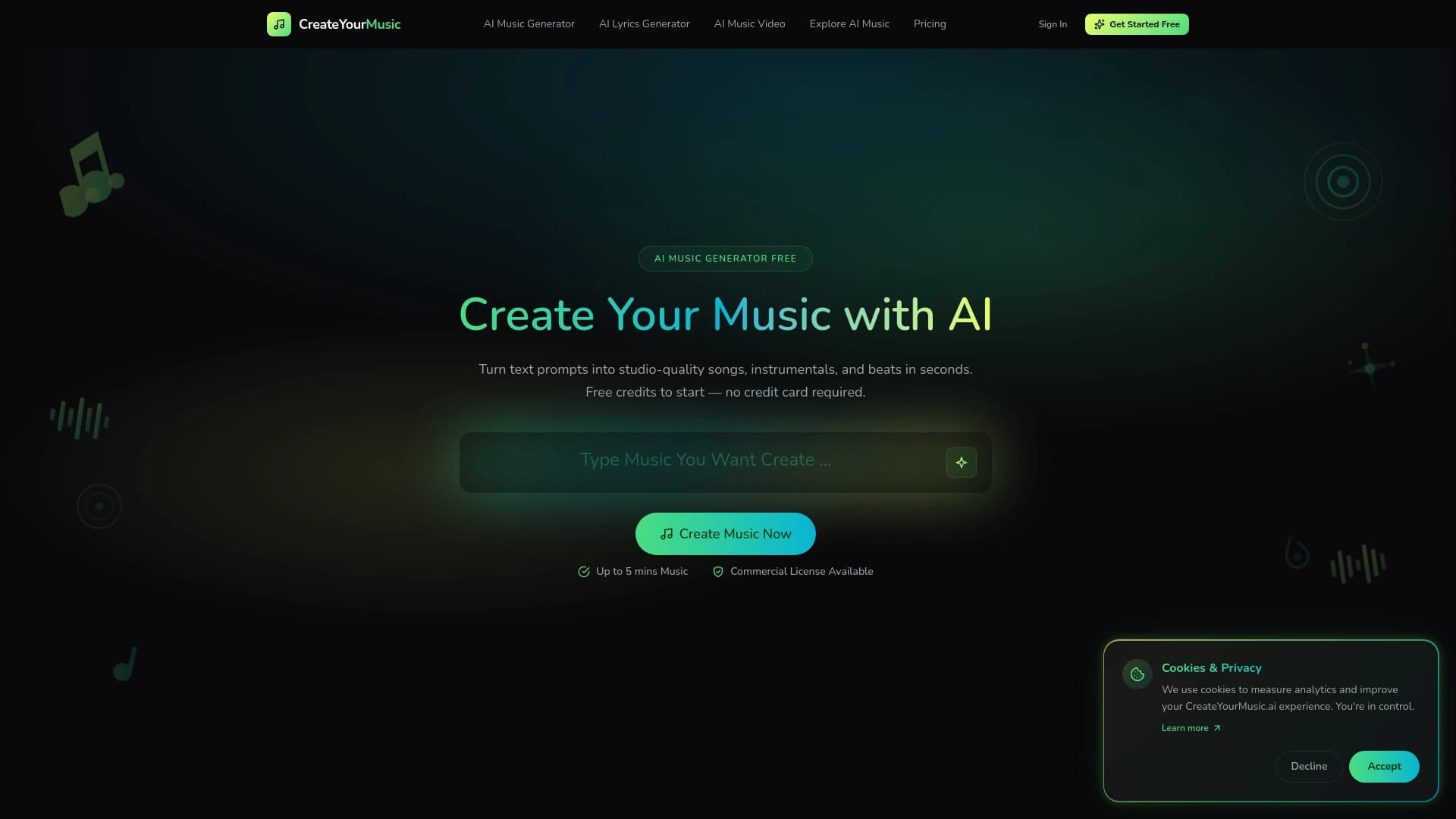

A neural network that creates music based on a text description or song lyrics.


Online AI speech synthesis platform that allows generating audio with voices of famous characters and celebrities.

AI-powered online ASMR video generator that creates relaxing clips from a text description.