

Artificial assistance
Asistente de inteligencia para el navegador que te ayuda a trabajar con texto, imágenes, vídeo y PDF, así como gestionar tu hogar inteligente.
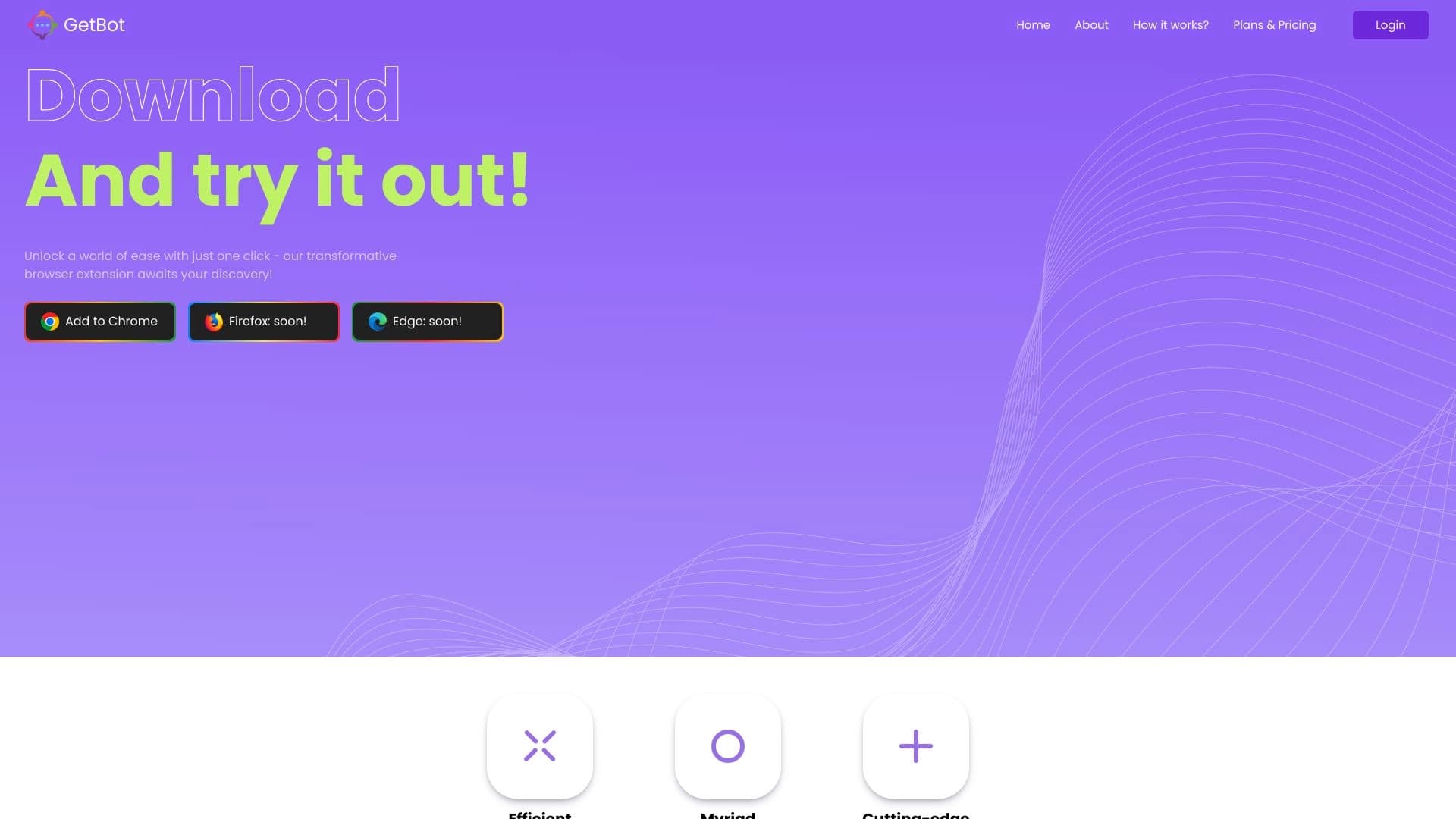
Examen
Descripción de la red de asistencia artificial
La asistencia artificial es una marca bajo la cual el asistente de inteligencia artificial multifuncional GetBot es liberado. La herramienta está posicionada en dos categorías simultáneamente: como una extensión del navegador para el trabajo diario del contenido y como una plataforma para la gestión inteligente del hogar. GetBot está disponible para Chrome, Edge, y código VS, así como a través de una interfaz web.
Este concepto híbrido distingue la herramienta de los chatbots clásicos: en lugar de una sola ventana de chat, los usuarios obtienen un panel lateral integrado que funciona directamente en la página abierta. La AI puede analizar el texto del artículo, ayudar con correos electrónicos, procesar PDFs e incluso verificar el contenido para el plagio. Además, el control de voz y los escenarios personalizados se ofrecen para la automatización del hogar.
¿Qué es GetBot
GetBot es un asistente de IA basado en el navegador que combina las capacidades de varios modelos de lenguaje grandes a la vez: GPT-4o, Claude 3.5, y Gemini. Los usuarios acceden a ellos a través de una única interfaz sin necesidad de cambiar entre diferentes servicios. El modelo DALL·E se utiliza para la generación de imágenes.
Una versión separada del producto llamado GetBot Home está diseñada para la gestión inteligente del hogar. Este modo se centra en la simplicidad, una interfaz intuitiva y bajando la barrera de entrada para los usuarios sin experiencia técnica.
Dos zonas de operaciones
El primer escenario es la oficina y el trabajo creativo en el navegador: resumir materiales largos, redactar respuestas de correo electrónico, tomar notas de vídeos de YouTube, y crear ilustraciones. El segundo escenario es la integración con comandos de voz para controlar dispositivos en casa. Ambas funciones se implementan dentro de un solo producto, lo que le permite servir como asistente de trabajo y un centro de gestión del hogar.
Especificaciones de asistencia artificial
| Especificación | Valor |
|---|---|
| Tipo | Asistente de IA basado en navegadores, red neuronal para la gestión inteligente del hogar |
| Categoría | Navegadores AI, detectores de texto AI |
| Clasificación editorial | 9.4 de 10 |
| Nota de usuario | 4.4 de 5 |
| Plataformas | Web, extensiones para Chrome, Edge, Código VS |
| Modelos compatibles | GPT-4o, Claude 3.5, Gemini, DALL·E |
| Integración | Chrome, borde, código VS |
| Fecha verificada | 06.10.2024 |
¿Quién es la asistencia artificial adecuada para?
Usuarios y estudiantes regulares
La herramienta será útil para aquellos que se ocupan de grandes cantidades de información diariamente. Los estudiantes pueden tomar rápidamente notas de conferencias de YouTube, resumir artículos científicos complejos, y comprobar su trabajo para signos de generación de IA. Los usuarios regulares obtienen un asistente conveniente para escribir correos electrónicos y explicar fragmentos de texto poco claros al leer.
Profesionales y desarrolladores de contenidos
Los editores, bloggers y gestores de contenidos pueden utilizar la AI para generar borradores, mejorar el estilo y crear imágenes a través de DALL·E. Los desarrolladores encontrarán conveniente trabajar con la extensión en VS Code: el asistente está disponible en el entorno de desarrollo sin cambiar a un navegador.
Propietarios caseros inteligentes
Un segmento de público separado es gente que quiere automatizar el control de los dispositivos domésticos. Los comandos de voz, las recomendaciones personalizadas y la sencilla interfaz de GetBot Home lo hacen adecuado para los usuarios sin entrenamiento técnico que valoran la comodidad sobre la configuración profunda.
¿Cómo utilizar la red neuronal de asistencia artificial?
Trabajar en el navegador
Instala la extensión GetBot de la tienda Chrome o Edge, y aparecerá un panel lateral en la página. Seleccione cualquier texto en un sitio web: la AI ofrecerá un resumen, una explicación o una redacción mejorada. Para trabajar con PDFs, simplemente abra el documento en la interfaz, y un chat con el archivo estará disponible en modo ChatPDF.
Generación de contenidos y verificación
Para crear una imagen, elija una de las plantillas rápidas o simplemente describa el resultado deseado en texto. Para comprobar el texto de origen AI, utilice el detector incorporado: indicará si hay signos de generación de máquinas. Los vídeos de YouTube se pueden resumir: la AI destacará los puntos clave y los formateará en un breve resumen.
Gestión del hogar inteligente
En la versión web GetBot Home, establece comandos de voz para dispositivos específicos. El sistema recordará sus preferencias y ofrecerá escenarios personalizados, por ejemplo, girando automáticamente luces en un momento determinado. Todo el proceso sucede a través de una interfaz intuitiva sin código de escritura.
Características principales de la asistencia artificial
Procesamiento de textos y documentos
La herramienta puede resumir y explicar artículos, ayudar a escribir correos electrónicos y textos, y trabajar con PDF a través de los ChatPDF incorporado. Todas las operaciones se realizan en el panel lateral, por lo que no hay necesidad de dejar la página actual.
Generación de imágenes
Mediante la integración con DALL·E y otros modelos, los usuarios pueden crear ilustraciones y contenidos visuales directamente desde el navegador. Simplemente describir la imagen deseada, y la IA generará varias variaciones.
Análisis de vídeo y verificación de autenticidad
GetBot puede tomar rápidamente notas de videos de YouTube, destacando puntos clave. Además, se dispone de un detector de contenidos AI y un control de plagios, que es relevante para editores y educadores.
Gestión del hogar inteligente
La versión GetBot Home admite comandos de voz, recomendaciones personalizadas y gestión sencilla de dispositivos a través de una interfaz web intuitiva.
Ventajas de la asistencia artificial
Trabajo completo del navegador
La principal ventaja es que el asistente trabaja directamente en la página, sin necesidad de cambiar entre pestañas. Esto ahorra tiempo y permite el procesamiento rápido de información en el contexto de la lectura.
Soporte multimodelo
Una herramienta proporciona acceso a GPT-4o, Claude 3.5 y Gemini. Los usuarios pueden elegir un modelo para una tarea específica o confiar en la selección automática.
Disponibilidad multiplataforma
Las extensiones están disponibles para Chrome, Edge, y código VS, así como a través de una interfaz web. Los desarrolladores y usuarios regulares obtienen la misma funcionalidad en su entorno familiar.
Amplia gama de tareas
Una herramienta cubre las necesidades de lectura, escritura, generación de imágenes, trabajo PDF, análisis de vídeo y verificación de contenidos, reemplazando varios servicios separados.
Desventajas de la asistencia artificial
Hay poca información sobre importantes desventajas en las fuentes públicas. El modelo de distribución del producto (ya sea libre o libre) no se especifica en las fuentes, lo que podría ser un obstáculo para la planificación de un presupuesto. Además, la dependencia de modelos de terceros (OpenAI, Antropopic, Google) significa que la estabilidad depende de sus API.
¿Qué tareas resuelve la asistencia artificial?
Tareas académicas y de oficina
La herramienta ayuda con la lectura y comprensión de artículos complejos: seleccionar texto y obtener un resumen de lenguaje simple. La redacción de correos electrónicos y textos se vuelve significativamente más rápida con los proyectos generados por AI. Tomar notas de vídeos de YouTube ahorra tiempo al prepararse para exámenes o crear contenido educativo.
Contenido y creatividad
Generar ilustraciones y contenidos visuales cubre las necesidades de los diseñadores y comercializadores en la etapa de bosquejo. Revisar texto para el origen AI y el plagio es importante para los editores que monitorizan la singularidad del contenido.
Automatización
Controlar dispositivos a través de comandos de voz permite administrar su hogar inteligente sin un smartphone o paneles de control. El sistema aprende los hábitos de los residentes y sugiere escenarios, simplificando la vida cotidiana.
Precios de asistencia artificial
Las fuentes públicas no contienen información sobre los costos de suscripción, los niveles gratuitos o los períodos de prueba. Para los precios actuales y los planes disponibles, se recomienda visitar el sitio web oficial GetBot.
Términos de uso para la asistencia artificial
El servicio se proporciona como una extensión del navegador y aplicación web. La funcionalidad completa requiere una conexión a Internet y uno de los navegadores compatibles: Chrome, Edge, o VS Code. El servicio está disponible en regiones donde opera sin restricciones.
Los términos exactos del acuerdo de licencia y las políticas de procesamiento de datos no se revelan en los materiales de origen.
Disponibilidad de asistencia artificial
Plataformas y dispositivos
GetBot está disponible en tres formas principales: una extensión Chrome, una extensión Edge, y un plugin VS Code. Además, se proporciona una interfaz web que funciona en cualquier navegador moderno.
Notas de disponibilidad
El servicio fue verificado por última vez por disponibilidad el 06.10.2024; la situación puede haber cambiado desde entonces.
Cómo la asistencia artificial difiere de las alternativas
La principal diferencia es su enfoque combinado. La mayoría de los asistentes de IA basados en el navegador (por ejemplo, MaxAI) se centran exclusivamente en trabajar con texto en Internet. GetBot ofrece además una gestión inteligente del hogar con comandos de voz y recomendaciones personalizadas.
La segunda diferencia es la multimodalidad. Muchas alternativas están vinculadas a un modelo único (la mayoría de las veces GPT-4o o uno especializado). GetBot ofrece una opción entre GPT-4o, Claude 3.5, y Gemini, que aumenta la flexibilidad y la calidad de respuesta en diferentes tipos de tareas.
Por último, el detector de texto integrado de AI y la funcionalidad de ChatPDF no se encuentran en todos los competidores. Esto hace que la herramienta sea un reemplazo completo para varios servicios separados, desde los resumidos de vídeo hasta los controles de plagio.
Comparación con alternativas más cercanas
Entre soluciones similares, MaxAI y Command AI destacan como ayudantes del navegador, ChatGPT para tareas generales de texto, y ClickUp Brain para la productividad del equipo. Victor AI y Miro ofrecen funciones relacionadas en la gestión del conocimiento. En comparación con ellos, GetBot destaca precisamente por su combinación de características, que elimina la necesidad de extensiones adicionales.
Conclusión
Asistencia artificial (GetBot) es un versátil asistente de inteligencia artificial basado en el navegador que cubre una amplia gama de tareas: desde la síntesis de artículos y la creación de imágenes para gestionar un hogar inteligente con comandos de voz. Combinando cuatro grandes modelos en una sola interfaz, soporte para navegadores populares, y un detector de texto integrado de AI lo distingue de los competidores. Sin embargo, las preguntas sobre precios siguen abiertas. GetBot es un asistente confiable tanto para el trabajo diario de contenido como para automatizar la infraestructura casera.
Preguntas frecuentes
Vea también
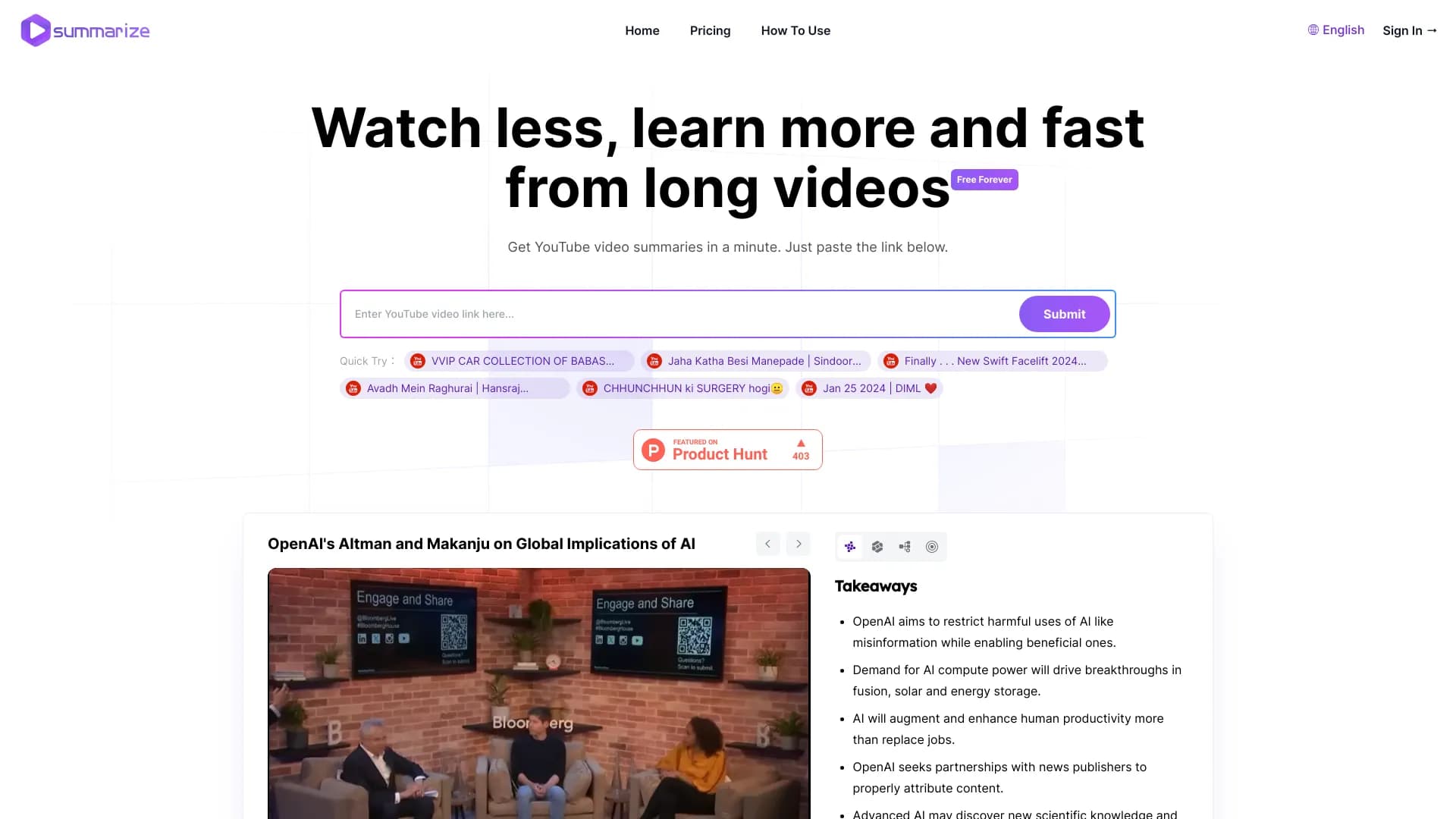
Servicio AI para crear vídeos concisos de YouTube digiere con momentos clave.
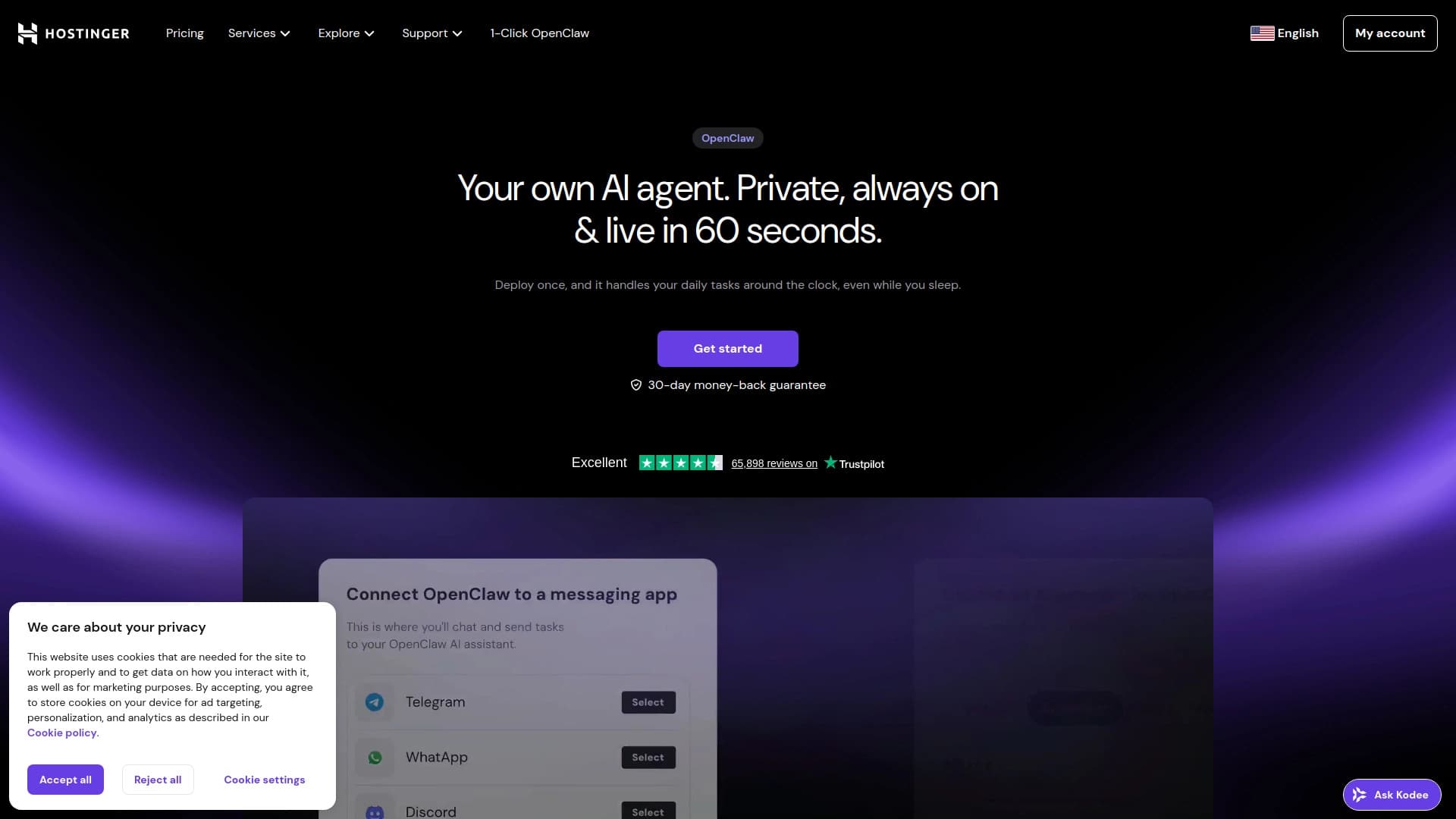
Generador de sitios web de AI de Hostinger para crear rápidamente sitios web basados en una descripción de negocios.
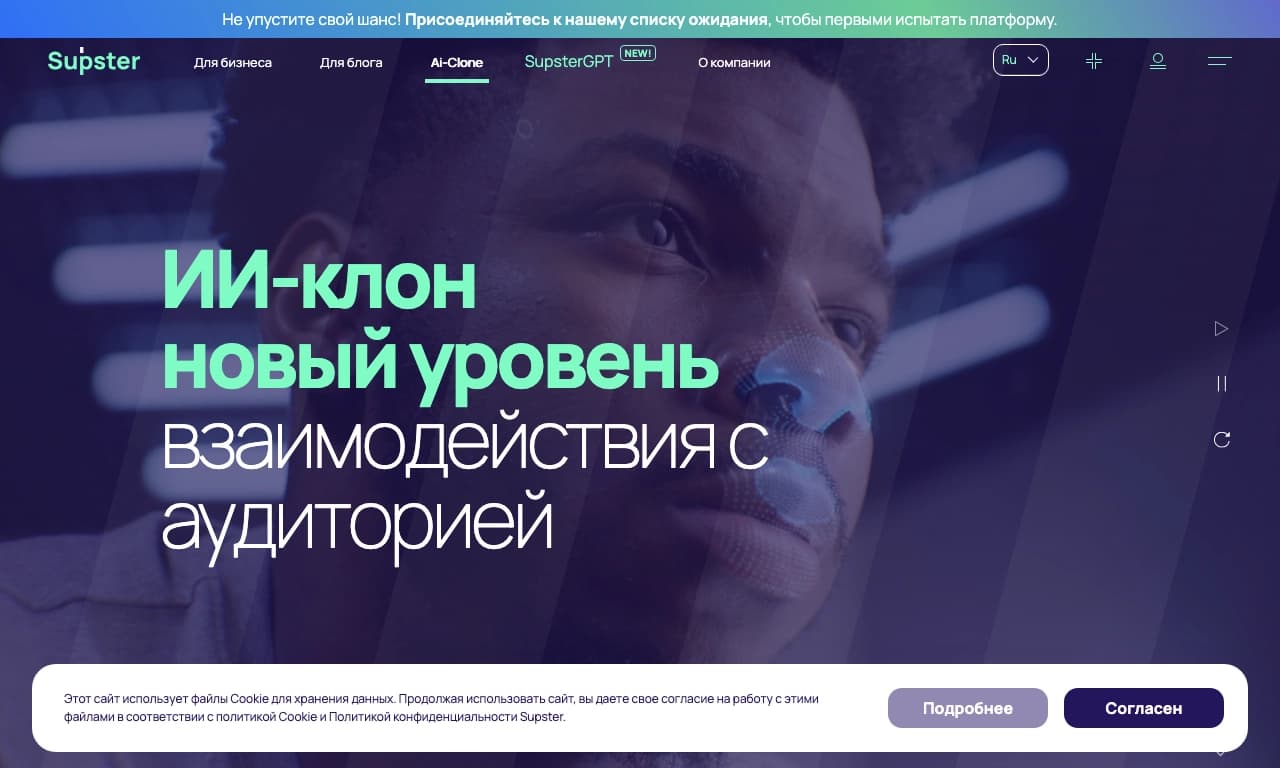
Un servicio para crear aplicaciones, redes neuronales y clones de IA, así como una red neural para la generación y procesamiento de textos.
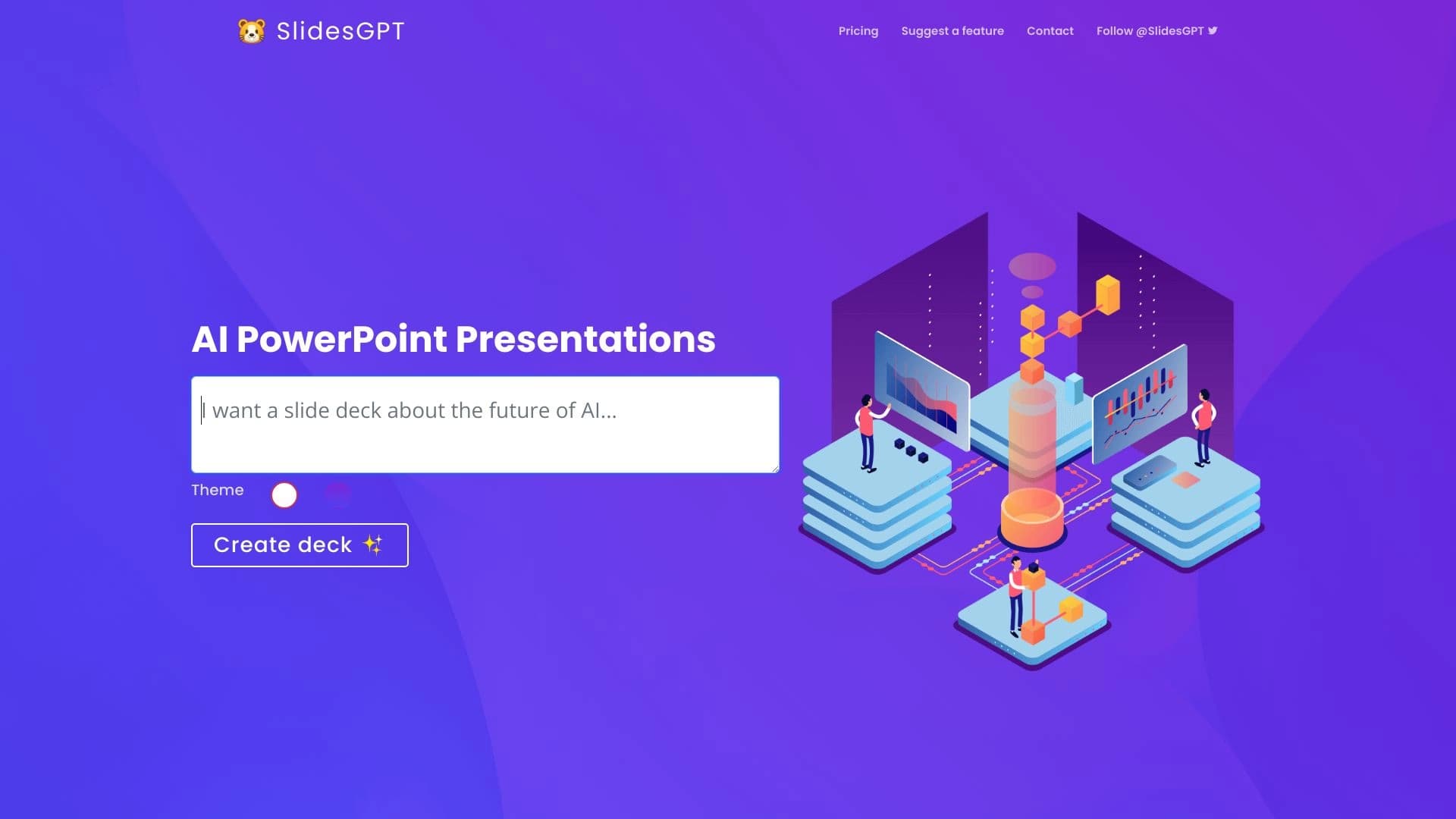
Servicio impulsado por AI para crear presentaciones automáticamente en formatos PowerPoint y Google Slides.


Plataforma basada en AI para crear y editar imágenes de productos y videos para vendedores de comercio electrónico.


Almacenamiento en la nube con funciones de inteligencia artificial para la categorización automática de archivos y el reconocimiento de contenidos.

Plataforma impulsada por AI para analizar datos de vídeo y automatizar su procesamiento.
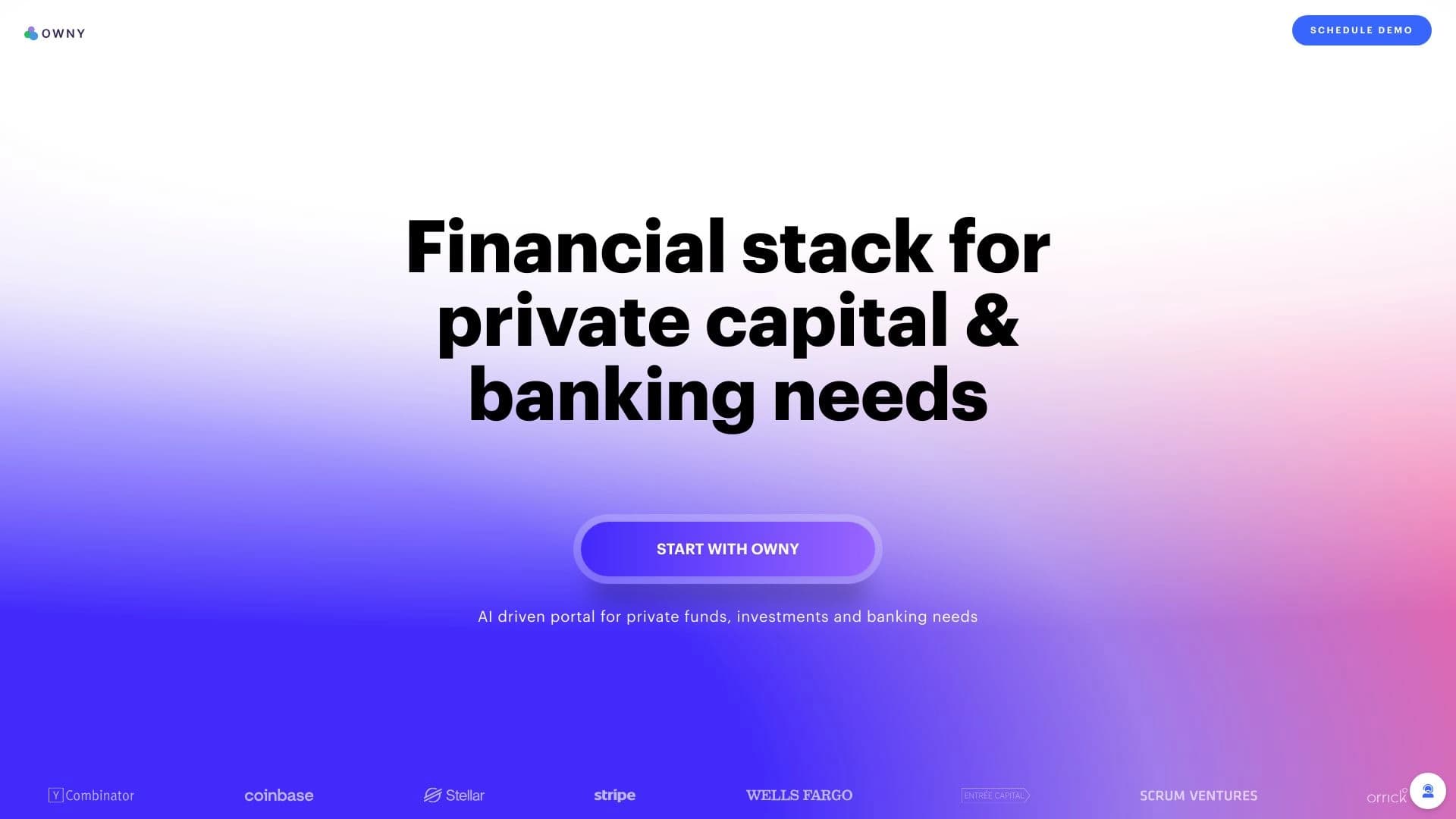
Plataforma impulsada por AI para gestionar operaciones de capital, inversiones y tesorería.