

Arcade
Platform for creating interactive product demos without writing code.
Ranked in
Overview
Arcade Neural Network Description
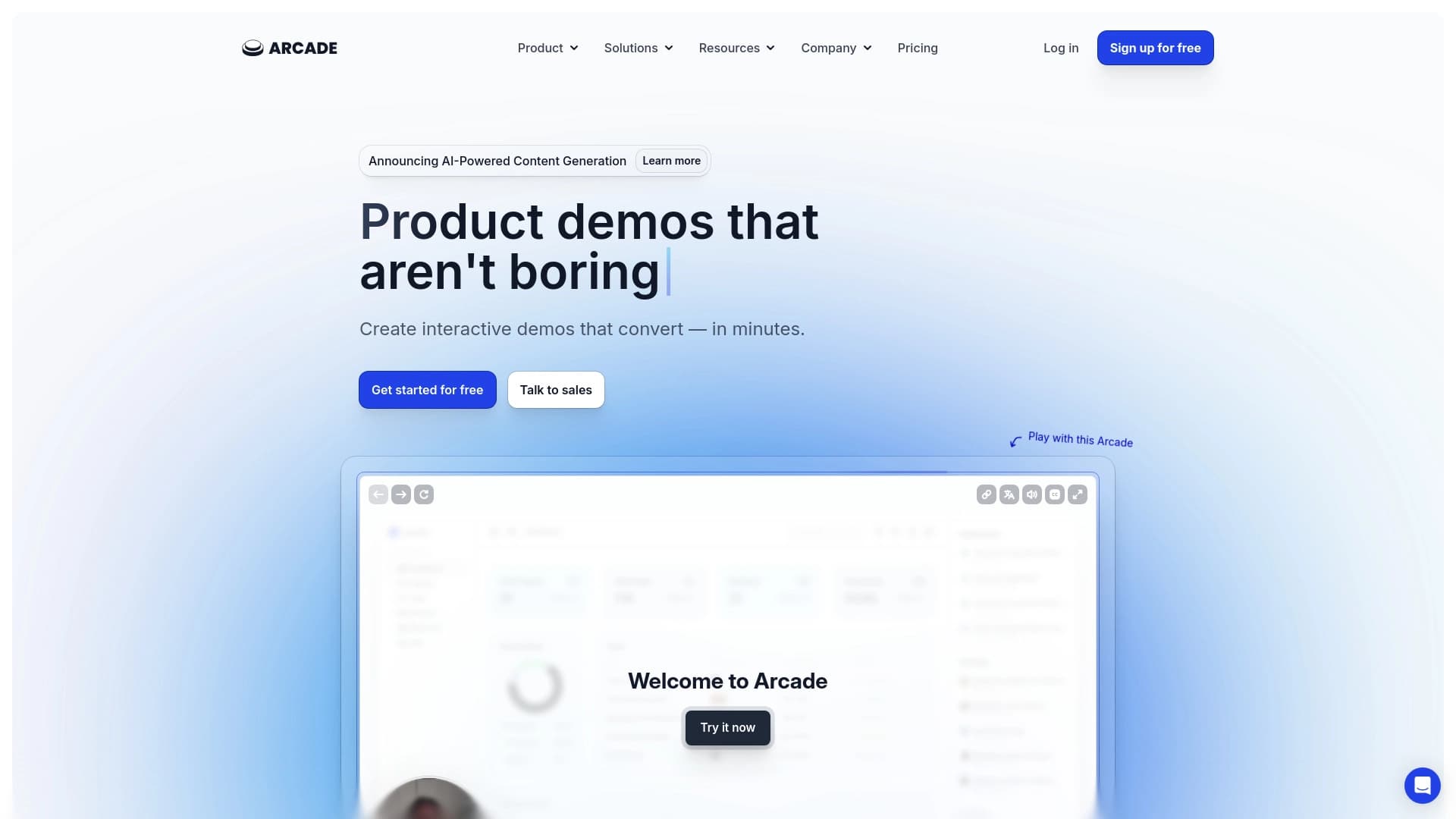
Arcade is an online platform that lets you create interactive product demonstrations without writing code. Instead of building from scratch, users work with ready-made templates, customize them for a specific task, and publish the result. The service is positioned as a tool for quickly creating presentation materials that can be used in marketing, sales, or corporate training.
The platform includes built-in analytics mechanisms that help track how audiences interact with created demos. This allows you to assess engagement and material effectiveness. Arcade's main feature is speed and accessibility: you can get familiar with the interface in a short time, and the final result looks like a full-fledged interactive product.
Arcade Features
| Feature | Value |
|---|---|
| Type | Platform for creating interactive product demonstrations |
| Categories | Audio and video recording tools, no-code app creation tools, copywriting tools, video recording tools, product description generators, knowledge base creation tools, survey creation tools, text content generators, sales automation tools, digital marketing services, Twitter management assistants, social media assistants, lead generation tools, customer support tools, data analysis tools |
| Developer | Arcade Software |
| Free plan | Yes, with basic features |
| Monthly visits | 388.9K |
| Availability | Web platform (online service) |
| Registration required | Yes |
Who is Arcade suitable for?
Marketers and PR specialists
Arcade suits those who regularly prepare product presentations for advertising campaigns or announcements. An interactive demo looks more convincing than static images and helps communicate product value to the audience faster.
Sales managers
For sales teams, the service is useful as a tool for creating visual materials for negotiations or mailings. Instead of a long explanation of features, you can send a client an interactive demo where all key points are already visualized.
Training specialists
For those handling new employee onboarding or creating educational materials, Arcade offers the ability to quickly assemble interactive instructions. This is convenient for training on internal systems or company products.
Users without technical skills
The platform's key audience is people who need results but don't know how to code. Arcade fills the need for creating interactive content without involving developers or designers.
How to use Arcade?
Registration and template selection
To get started, you need to register on the platform — it's free. After logging in, the template library opens. You choose the right option for your specific task: product presentation, training, employee onboarding, or something else.
Content customization
In the selected template, users replace texts, images, and other elements with their own. At this stage, you can use the AI assistant to generate text content if you need to quickly prepare a description or demo script.
Publishing and distribution
After finishing customization, you can publish the result. Arcade lets you share demos via messengers, social networks, or embed them in other channels. Just send a link or place the demo on the desired platform.
Key Arcade features
Creating interactive demos without code
The platform's main function is a builder where users assemble interactive product demonstrations through a visual interface. All technical details are hidden, so no programming knowledge is required.
AI assistance for content generation
The service includes AI features for creating text content. This helps quickly prepare product descriptions, demo scripts, or training materials without writing everything manually.
Built-in analytics
The platform collects data on how users interact with demos: view counts, clicks, time on page. These metrics let you evaluate material effectiveness and adjust it if necessary.
Arcade advantages
Simplicity and speed of assembly
No technical background is needed to create a demo. The interface follows a "choose and customize" principle, so your first presentation can be ready within half an hour of registration.
No coding required
Everything works on ready-made modules and templates. Users don't need to write scripts or build pages — the platform handles the technical side, letting you focus on content.
Increased audience engagement
The interactive presentation format holds attention better than static materials. This helps boost sales conversion and makes training materials more effective.
Arcade disadvantages
Limited design
Visual options are limited to standard templates. If you need truly unique visuals, you may run into difficulties — most demos on the platform look similar to each other.
Integration challenges with corporate systems
Embedding created demos into internal company systems may require IT specialists' help. Connecting a demo to corporate infrastructure on your own will likely not work.
Dependence on ready-made templates
Deep customization options are limited. If you need to change the interaction flow or add a non-standard feature, you'll face platform limitations.
What tasks does Arcade solve?
Creating demos for advertising and promotion
The platform solves the task of quickly producing impressive interactive presentations for marketing activities. Suitable for product announcements, ad campaigns, and mailings.
Developing training materials
The service allows creating interactive instructions and educational materials for employees or clients. This is convenient for product training, new employee onboarding, and professional development.
Arcade pricing
The platform's pricing policy includes several plans:
- Free plan — basic features to get started at no cost.
- Professional — includes advanced capabilities, access to additional templates, and priority support.
- Team — designed for team collaboration, includes advanced security settings and extended analytics.
Arcade terms of use
Registration is required to use the platform. The free version is available to all users and lets you start without any investment. Access to advanced features requires a paid subscription on one of the plans.
Arcade availability
Arcade works as a web platform — access is through a browser, no software installation required. The service page doesn't specify particular languages or regions, so availability across countries may vary. For accurate information on language support, it's best to check directly on the platform's website.
How Arcade differs from alternatives
The service page doesn't provide a direct comparison of Arcade with other products. However, based on the description, the key difference lies in its focus on interactive product demonstrations with an extremely low entry barrier. The main emphasis is on content creation speed and no programming requirement, which sets the service apart from more technically complex tools for building user interfaces and prototypes.
Conclusion
Arcade is a practical solution for creating interactive product demonstrations without writing code. The service's core value is in simplicity and speed: you can assemble ready-made material for marketing, sales, or training in a short time. The interactive format helps better engage audiences and boost conversion. At the same time, limitations should be considered: demo design is restricted to standard templates, and deep customization and corporate integration options may require extra effort. For quick tasks and standard scenarios, the platform works well, while complex non-standard projects may need a more flexible solution.
Frequently asked questions
See also
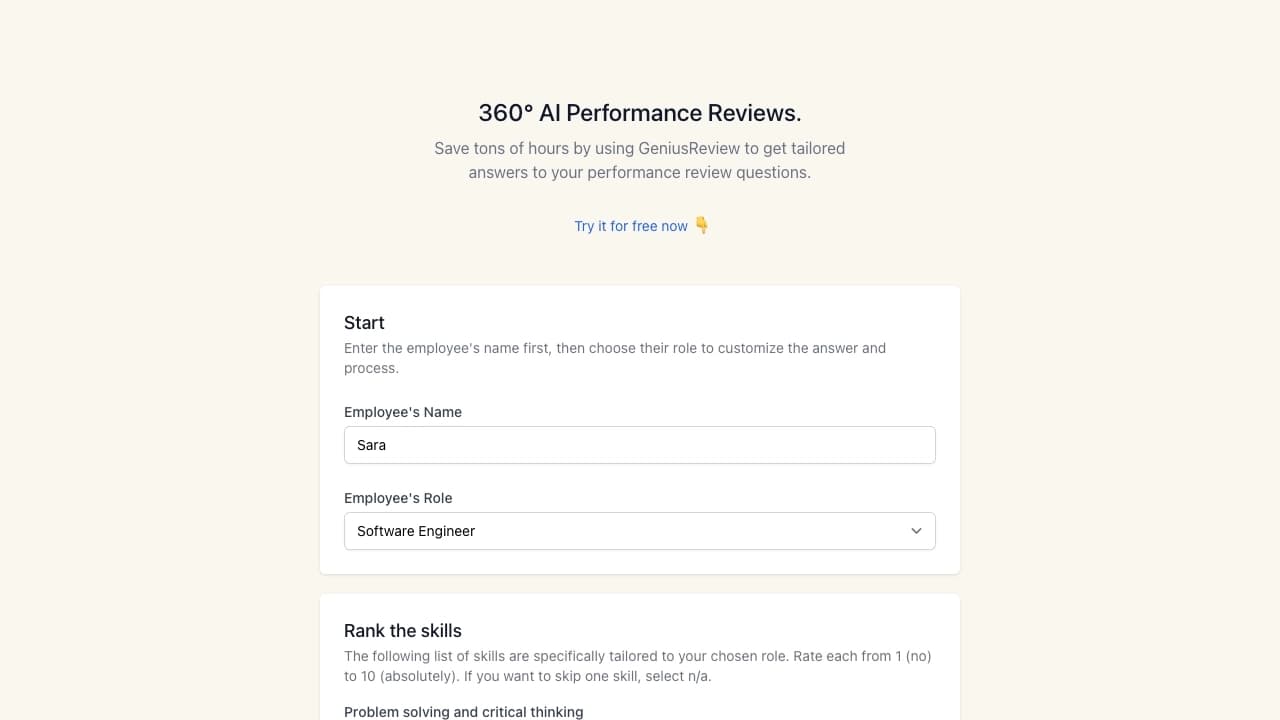

AI-powered service for creating 360-degree employee performance reviews with customizable evaluation parameters.

AI Assistant for Data Analysis forecasting supportiveness decisions.

AI-powered toolkit for optimizing workflows and boosting productivity.
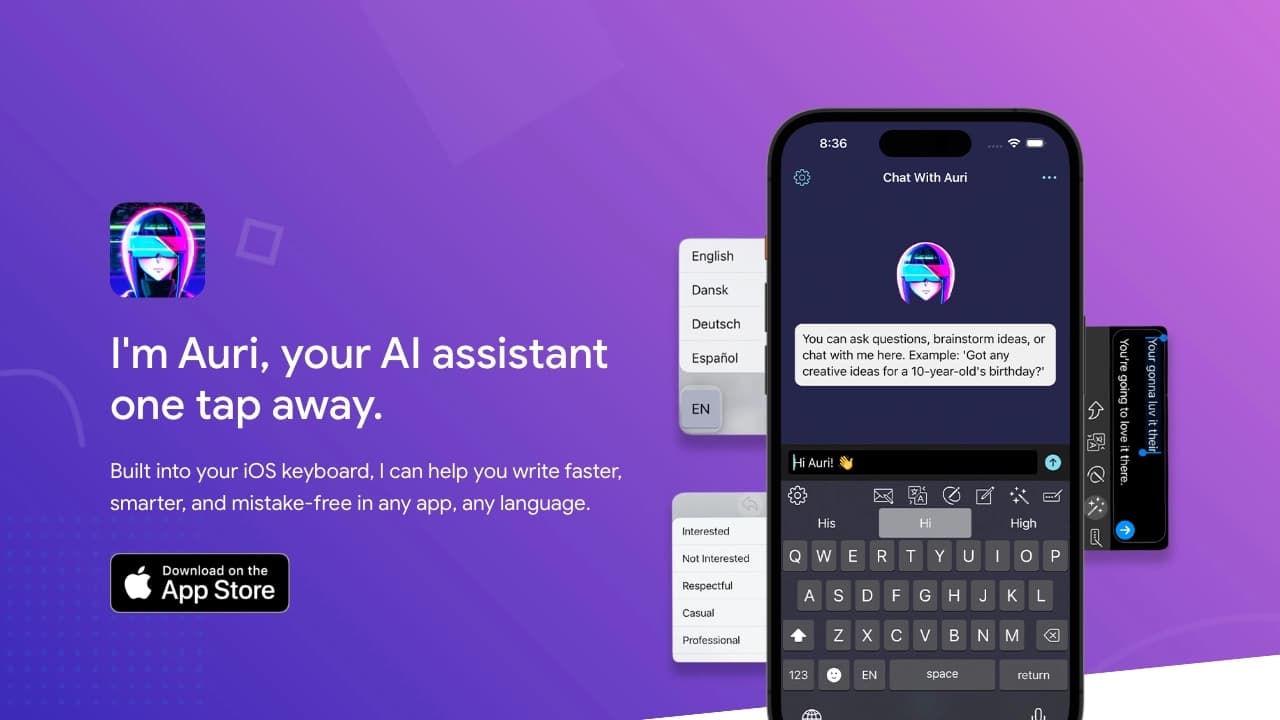
AI keyboard for Apple devices that speeds up typing with corrections, translation, and response generation.

Free web tool from Google that uses machine learning to turn rough sketches into neat icons and illustrations.
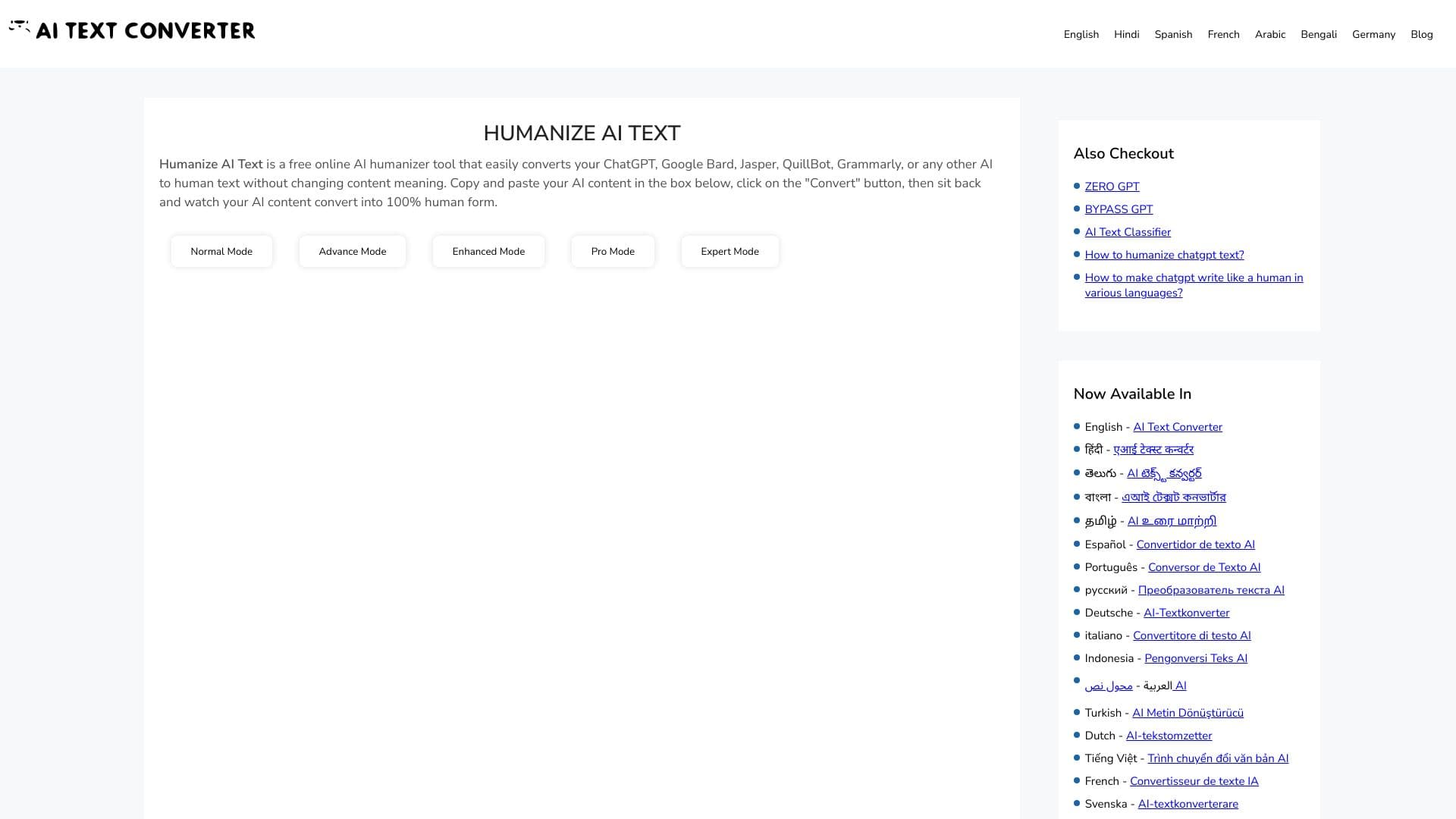
Web service for making AI-generated texts look more natural and human.


Service for live AI conversations, including text generation, voice, and speech recognition.
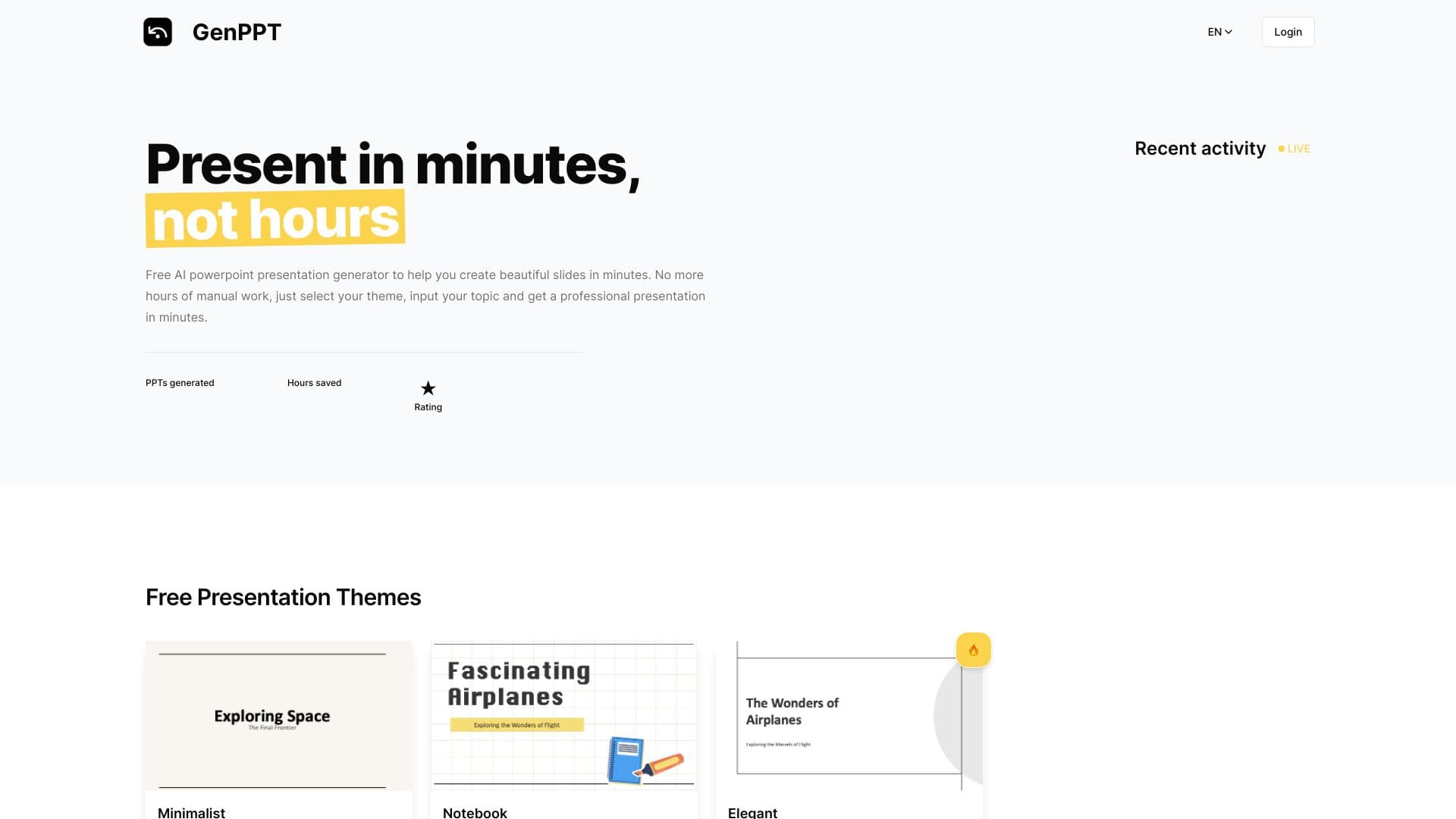
Online tool for quickly creating professional PowerPoint presentations based on ready-made themes and entered text.