
AquaAdvisor
Aplicación móvil con AI para rastrear el equilibrio de agua y calcular su ingesta de agua diaria personalizada.
Examen
AquaAdvisor Neural Network Descripción
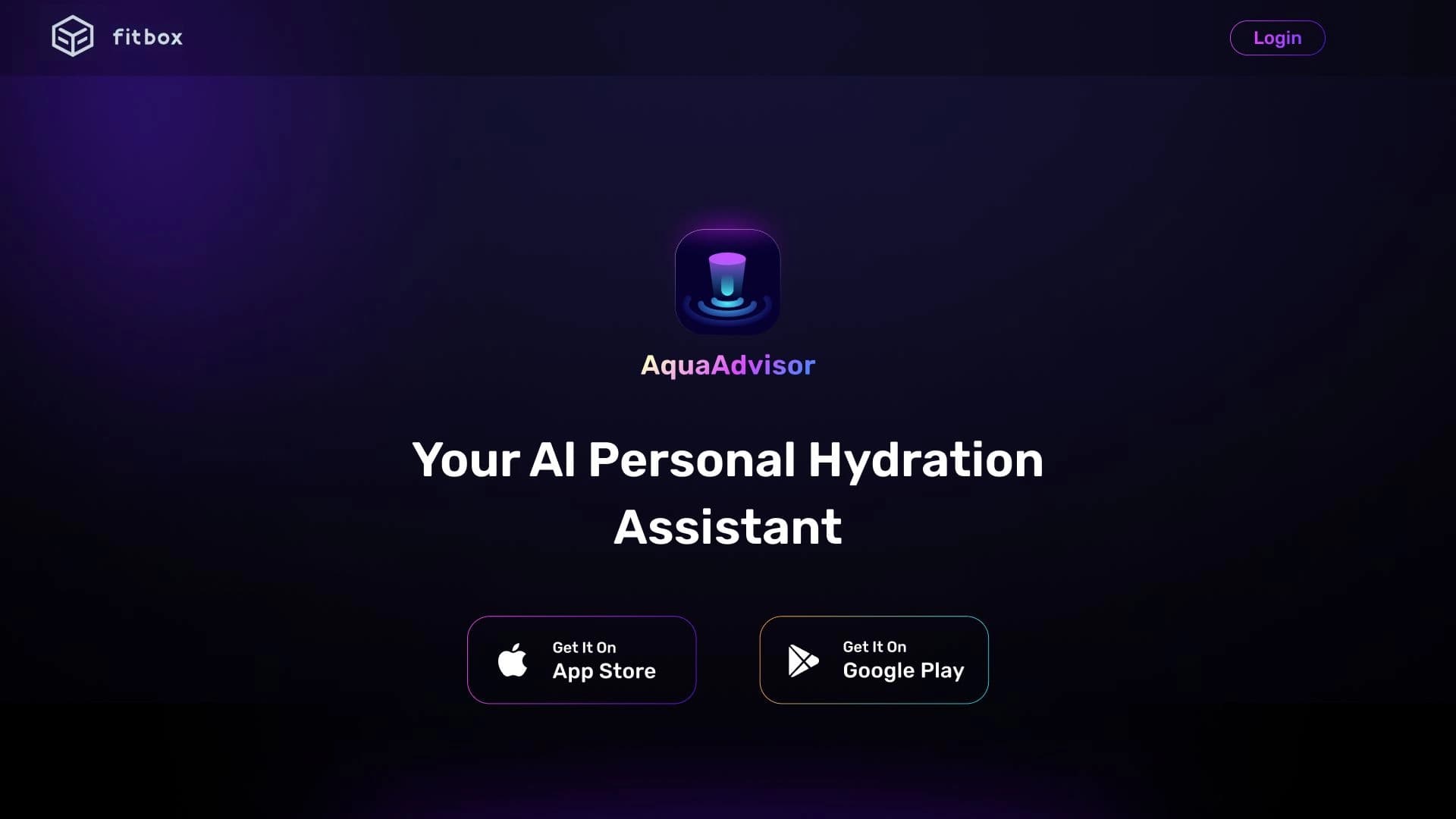
AquaAdvisor es una aplicación móvil propulsada por inteligencia artificial, diseñada para ayudarte a monitorizar el equilibrio de agua de tu cuerpo. El objetivo principal del servicio es calcular una ingesta de agua diaria individual para cada usuario y ayudarle a pegar a un programa de hidratación durante todo el día.
A diferencia de simples rastreadores de agua, AquaAdvisor tiene en cuenta una gama de factores: edad, peso, nivel de actividad física e incluso las condiciones meteorológicas actuales. Basado en estos datos, la AI genera recomendaciones personalizadas. La aplicación se controla a través de comandos de voz, que es especialmente conveniente cuando sus manos están ocupadas o no se puede ver la pantalla. El servicio es desarrollado por fitbox Inc.
Características AquaAdvisor
| Característica | Valor |
|---|---|
| Tipo | App |
| Categoría | Herramientas de construcción de Chatbot |
| Desarrollador | fitbox Inc. |
| Visitas mensuales | 219.6K |
| Lenguaje de interfaz | Inglés |
| Plan gratis disponible | Sí (Planeta gratuita) |
| Modelo de distribución | Freemium |
¿Para quién es AquaAdvisor?
La aplicación será más útil para las personas que a menudo se olvidan de beber agua durante el día. El sistema de recordatorio integrado y el control de voz ayudan a asegurar que no se pierda la ingesta de líquido sin tener que mantener constantemente su teléfono.
Gente con un horario ocupado
Trabajadores de oficina, conductores, médicos o padres — cualquiera que esté ocupado con otras tareas durante el día a menudo pasa por alto la necesidad de beber agua. AquaAdvisor se ocupa de esta tarea: la aplicación hace un seguimiento del tiempo y le recuerda reponer su balance de agua.
Aquellos que quieren monitorear su salud
Los usuarios que toman un enfoque consciente de su estilo de vida y quieren recomendaciones personalizadas basadas en datos objetivos también encontrarán útil la aplicación. AquaAdvisor adapta su consumo de agua a los cambios en la actividad y el clima, permitiendo un enfoque más preciso de la hidratación.
Cómo utilizar AquaAdvisor
La aplicación está diseñada para que pueda empezar a utilizarla casi inmediatamente después de la instalación.
Paso 1. Descargar e instalar
Primero, descarga la aplicación AquaAdvisor a tu dispositivo. La aplicación está disponible para su instalación en su teléfono, tableta y reloj.
Paso 2. Configura tu perfil
Después de la instalación, debe completar la configuración de perfil inicial. Se le pedirá que proporcione sus detalles: edad, peso y nivel de actividad física. Estos datos servirán de base para calcular la ingesta de agua individual.
Paso 3. Rastree su ingesta
Una vez que tu perfil esté preparado, puedes empezar a usar la aplicación. Para registrar su consumo de agua o obtener recomendaciones, simplemente use comandos de voz. La aplicación también enviará automáticamente recordatorios durante todo el día, ayudándole a construir un hábito duradero de beber agua regularmente.
Características clave de AquaAdvisor
La funcionalidad de la aplicación se centra en hacer el seguimiento de hidratación lo más simple y automatizado posible.
Asistente de hidratación AI
La inteligencia artificial analiza sus datos y factores externos, como el tiempo, para calcular su consumo diario actual de agua. Las recomendaciones no son estáticas — se ajustan a medida que cambian su estilo de vida o las condiciones meteorológicas.
Control de mando de voz
El control de voz te permite registrar la cantidad de agua que has bebido y obtener una actualización de estado sin distraerte de lo que estás haciendo. Esto es especialmente conveniente mientras conduce, ejercita o trabaja en la cocina.
Recomendaciones y recordatorios personalizados
La aplicación crea planes personalizados de ingesta de agua y establece un calendario de recordatorio. El sistema de notificación automática le ayuda a mantenerse en el camino con su rutina de hidratación, construyendo gradualmente un hábito saludable.
AquaAdvisor Ventajas
- Enfoque personalizado: recomendaciones se calculan sobre la base de la edad, el peso, la actividad física y las condiciones meteorológicas, haciéndolos más exactos que los consejos generales encontrados en línea.
- Control de voz conveniente: la capacidad de controlar la aplicación con su voz libera sus manos y ahorra tiempo en situaciones donde el uso de la pantalla es difícil.
- Edificio Habit: recordatorios automáticos durante todo el día le ayudan a beber agua regularmente y, con el tiempo, hacerlo una parte natural de su rutina diaria.
Desventajas AquaAdvisor
A pesar de sus ventajas, la aplicación tiene algunas limitaciones que vale la pena considerar antes de empezar a utilizarla.
Barrera de idiomas
La interfaz de aplicación está enteramente en inglés. Esto puede ser inconveniente para los usuarios que no tienen un comando suficiente de inglés. Los desarrolladores han anunciado planes para añadir otros idiomas, pero por ahora sólo el inglés está disponible.
Calidad del reconocimiento de voz
El control de voz no es perfecto. En entornos ruidosos o con un acento inusual, la calidad del reconocimiento del habla puede disminuir, lo que podría conducir a errores al registrar datos.
Limitaciones médicas
Las recomendaciones de la aplicación se basan en parámetros fisiológicos generales y no tienen en cuenta las condiciones médicas específicas o los hábitos dietéticos inusuales. Las personas con enfermedades crónicas o dietas especiales deben consultar a un médico en lugar de depender exclusivamente de algoritmos de inteligencia artificial.
¿Qué problemas resuelve AquaAdvisor?
La aplicación aborda varias tareas clave relacionadas con el mantenimiento del equilibrio de agua en la vida cotidiana.
- Seguimiento de la ingesta de agua: le permite mantener un registro de todos los líquidos consumidos durante el día usando comandos de voz simples.
- Recuérdete a beber agua: el sistema de notificación automática le alerta cuando es hora de tomar un sorbo.
- Cálculo de las necesidades individuales de hidratación: la AI calcula una ingesta de agua diaria personal basada en sus datos, no cifras promedio.
- Adaptación de recomendaciones a estilo de vida y clima: la aplicación ajusta su plan de ingesta de agua basado en la actividad física y las condiciones meteorológicas actuales, como el clima caliente.
AquaAdvisor Precios
El servicio funciona en un modelo de freemium, ofreciendo a los usuarios varios planes para elegir.
Plan libre
Incluye características básicas de rastreo de agua y recordatorios estándar. Adecuado para familiarizarse con la aplicación y un simple seguimiento.
Plan de inicio
Este plan proporciona acceso a planes de hidratación más personalizados calculados por la IA según sus características individuales.
Plan Premium
El plan más completo. Incluye todas las características del plan Starter, además de análisis avanzados de consumo y acceso a recomendaciones de expertos para ayudarle a entender mejor su equilibrio de agua.
Condiciones de uso de AquaAdvisor
Comenzar con la aplicación es simple. Solo necesitas cumplir dos requisitos básicos:
- Descargue la aplicación AquaAdvisor a un dispositivo compatible (smartphone, tablet o smartwatch).
- Complete la configuración del perfil proporcionando sus datos antropométricos y parámetros de actividad.
Una vez que estos pasos se hacen, la aplicación está lista para usar, y puede comenzar a monitorizar su equilibrio de agua.
AquaAdvisor Disponibilidad
AquaAdvisor es una aplicación multiplataforma que funciona en varios tipos de dispositivos. Los usuarios pueden instalarlo en su teléfono, tableta o reloj. Todos los datos de consumo de agua se sincronizan entre dispositivos a través de una cuenta personal, lo que le permite iniciar el seguimiento en un dispositivo y continuar en otro.
Un aspecto importante de la disponibilidad es el factor de idioma. La interfaz de aplicación sólo está disponible en inglés. Si bien se admite la sincronización y la funcionalidad multiplataforma, la falta de otros idiomas de interfaz puede limitar la base de usuario potencial.
Cómo se diferencia AquaAdvisor de Alternativas
La principal diferencia entre AquaAdvisor y muchas otras aplicaciones de seguimiento de agua es el uso de inteligencia artificial para calcular su consumo. En lugar de fórmulas estáticas, la AI tiene en cuenta factores dinámicos como el clima y los niveles de actividad actuales, haciendo que las recomendaciones sean más pertinentes.
Otra característica distintiva es el énfasis en el control de voz. Esto permite que la aplicación se utilice en situaciones donde interactuar con la pantalla es imposible o inconveniente. La interfaz de voz reduce significativamente la barrera para registrar cada bebida, haciendo que el proceso sea más natural y más rápido.
Hay otras herramientas de construcción de chatbots y automatización de comunicaciones de clientes en el mercado, como Botmother, Leadtex, Aimylogic, SaleBot, Botpress o Botsify. Sin embargo, a diferencia de estas plataformas, AquaAdvisor se centra en resolver un problema específico — seguimiento de hidratación impulsado por AI— en lugar de construir sistemas de conversación generales.
Conclusión
AquaAdvisor es una aplicación funcional con elementos de inteligencia artificial para monitorear el equilibrio de agua. Está diseñado para personas que luchan por recordar beber agua regularmente, ofreciendo un cómodo control de voz y planes personalizados. Las fortalezas clave del servicio son sus recomendaciones adaptativas que consideran múltiples factores y su sistema de recordatorio automático. Las principales limitaciones son la interfaz solo en inglés, la dependencia de la calidad del reconocimiento del habla y la falta examen de las condiciones médicas. La aplicación está disponible a través de varios planes, incluyendo uno libre , permitiendo a los usuarios elegir el nivel de funcionalidad que se adapte a ellos.
Preguntas frecuentes
Vea también


Asistente de escritorio AI para macOS, Windows y Linux que lanza a través de hotkey sobre todas las ventanas y combina múltiples modelos de lenguaje en una interfaz.

Agente de inteligencia artificial para la integración de datos de diversas fuentes y la gestión de conocimientos dentro de las organizaciones.


Plataforma de gestión de proyectos con asignación de tareas, seguimiento del tiempo y funciones de supervisión del volumen de trabajo de los empleados.
Un chatbot multilingüe alimentado por GPT-4 y Gemini para escribir textos, analizar datos y resolver tareas.

Asistente de inteligencia para negocios que ayuda a gestionar tareas y automatizar rutina a través del diálogo.
Servicio AI Crea presentaciones y presentaciones de diapositivas automáticamente sobre un tema o una breve descripción.
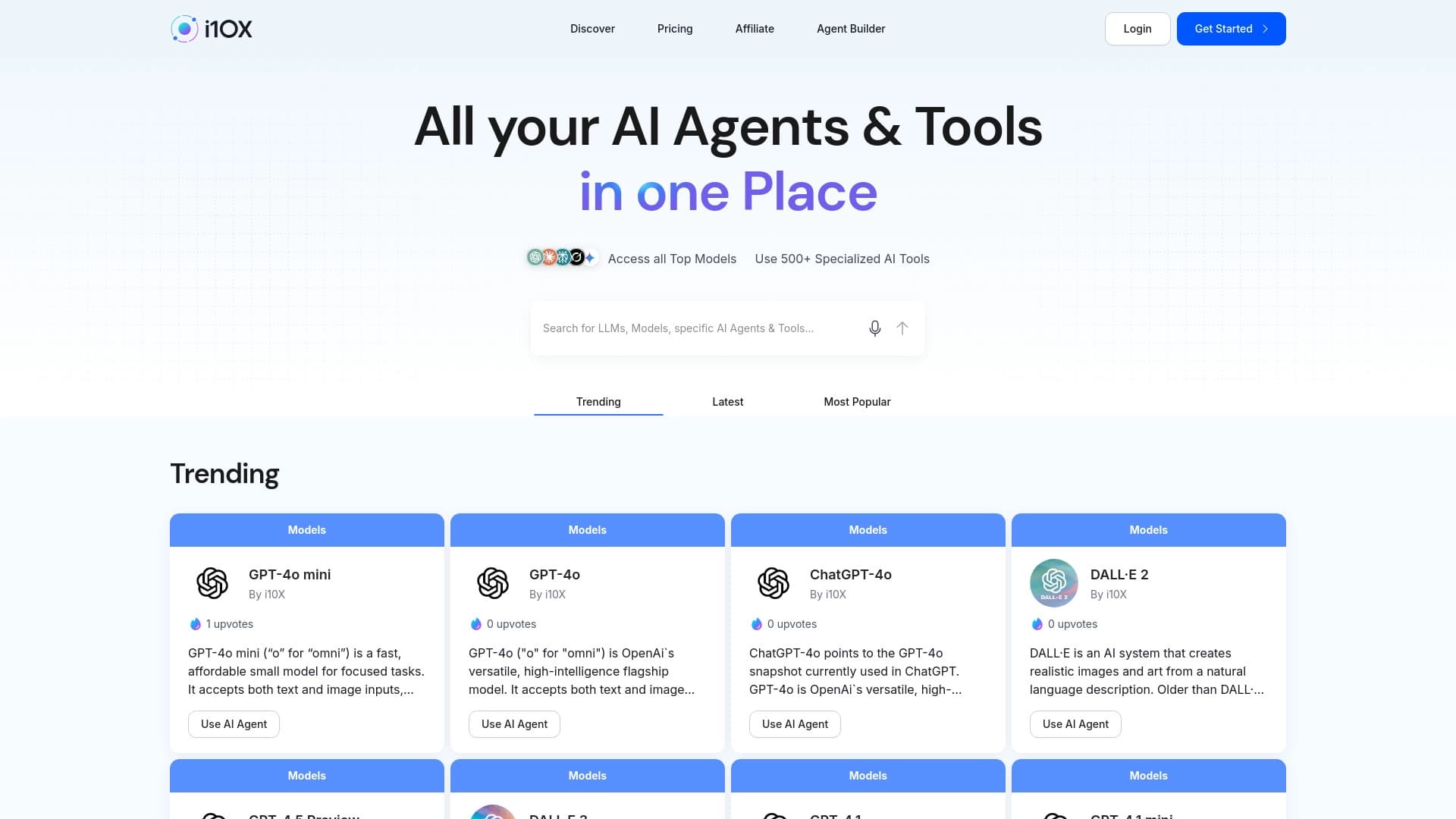
Acceso agregado del otorgante de plataforma a los modelos populares de IA y una variedad de suscripción especializada de IA-agentes.

Plataforma para crear y comunicar con caracteres AI personalizables en tiempo real.