
Apowersoft
स्क्रीन रिकॉर्डिंग, वीडियो संपादन और रूपांतरण, साथ ही वॉटरमार्क हटाने के लिए AI-संचालित मल्टीमीडिया टूल्स का सेट।

रैंकिंग में स्थान
अवलोकन
Apowersoft एक व्यापक मल्टीमीडिया सामग्री समाधान है जो कई AI-powered उपकरणों को जोड़ती है। मंच उपयोगकर्ताओं को वीडियो और छवि संचालन के लिए एक पूर्ण कार्यप्रवाह प्रदान करता है: स्क्रीन कैप्चर और संपादन से अवांछित तत्वों के रूपांतरण और हटाने के लिए। अलग कार्यक्रमों को स्थापित करने के बजाय, उपयोगकर्ताओं को उपयोगिताओं का एक एकीकृत सेट मिलता है जो सामग्री निर्माण और प्रसंस्करण से संबंधित रोजमर्रा के कार्यों को कवर करता है।
उत्पाद का मुख्य फोकस व्यावहारिकता पर है: सभी अनुप्रयोगों का इंटरफ़ेस सहज है, और कई ऑपरेशन स्वचालित हैं। उदाहरण के लिए, फ़ोटो और वीडियो से वॉटरमार्क को हटाना एक क्लिक में होता है, जो पेशेवर वीडियो संपादकों के अलावा सेवा को सेट करता है जिसके लिए कौशल और समय की आवश्यकता होती है। हालांकि, प्रसंस्करण की गुणवत्ता सीधे स्रोत सामग्री की जटिलता पर निर्भर करती है, जो गतिशील दृश्यों के साथ काम करते समय विचार करना महत्वपूर्ण है।
उत्पाद पारिस्थितिकी तंत्र
Apowersoft एक एकल कार्यक्रम नहीं है, लेकिन अंतर-कनेक्टेड समाधानों का एक पूरा पारिस्थितिकी तंत्र है। इसमें शामिल हैं:
- स्क्रीन रिकॉर्डर - अपने प्रदर्शन पर क्या हो रहा है कैप्चर करने के लिए, ऑनलाइन बैठकों और गेमप्ले रिकॉर्डिंग सहित।
- वीडियो संपादक - संपादन, ट्रिमिंग, विलय और वीडियो फ़ाइलों के लिए प्रभाव जोड़ने के लिए।
- प्रारूप कनवर्टर - विभिन्न उपकरणों के साथ संगत विभिन्न प्रारूपों में मीडिया फ़ाइलों को ट्रांसकोड करने के लिए।
- वॉटरमार्क हटाने उपकरण - लोगो, कैप्शन और तारीखों से छवियों और वीडियो की सफाई के लिए।
यह दृष्टिकोण उपयोगकर्ताओं को विभिन्न डेवलपर्स के बीच स्विच किए बिना एक ही उत्पाद परिवार के भीतर अपनी सभी मल्टीमीडिया आवश्यकताओं को कवर करने की अनुमति देता है।
उपलब्धता और प्लेटफार्म समर्थन
क्रॉस-प्लेटफॉर्म समर्थन एक महत्वपूर्ण विशेषता है। Apowersoft समाधान सभी प्रमुख ऑपरेटिंग सिस्टम (विंडोज, MacOS, लिनक्स वेब के माध्यम से) और मोबाइल प्लेटफॉर्म (iOS, एंड्रॉयड) पर उपलब्ध हैं। अधिकांश सुविधाएँ एक वेब ब्राउज़र के माध्यम से सुलभ हैं, जिससे उपयोगकर्ताओं को भारी सॉफ्टवेयर स्थापित किए बिना काम करने की अनुमति मिलती है।
Apowersoft विनिर्देशों
| विशिष्टता | मूल्य |
|---|---|
| उपयोगकर्ता रेटिंग | 4.4 में से 5 ( ★ ★ ★ ★ ★ ★ ★ ★ ★ ★ ★ ★ ★ ★ ★ ★ ★ ★ ★ ★) |
| संपादकीय रेटिंग | 10 में से 8.0 |
| उत्पाद प्रकार | मल्टीमीडिया उपकरणों का सूट |
| श्रेणियाँ | उत्पादकता, वीडियो, यूनिवर्सल |
| प्लेटफार्म | Web (browser), Windows, MacOS, iOS, Android |
| वितरण मॉडल | फ्रीमियम (मुक्त और भुगतान संस्करण) |
| विशेषज्ञता | वॉटरमार्क हटाने, स्क्रीन रिकॉर्डिंग, वीडियो संपादन, रूपांतरण |
| तारीख सूची में जोड़ा गया | जुलाई 12, 2024 |
Apowersoft कौन है?
Apowersoft एक सार्वभौमिक उपकरण के रूप में बनाया गया है, लेकिन इसकी कार्यक्षमता विशेष रूप से उन उपयोगकर्ताओं के कुछ समूहों के लिए उपयोगी है जो नियमित रूप से वीडियो और छवियों के साथ काम करते हैं।
सामग्री निर्माता और बाजार
सोशल मीडिया और ब्लॉग के लिए सामग्री निर्माता वीडियो को जल्दी से संपादित करने की क्षमता की सराहना करेंगे, अतिरिक्त फुटेज को ट्रिम करेगा, फाइलों को प्रकाशित करने के लिए सही प्रारूप में परिवर्तित करेगा, और डाउनलोड किए गए स्टॉक सामग्री से अस्थायी वॉटरमार्क को हटा देगा। उपकरण जटिल व्यावसायिक अनुप्रयोगों का उपयोग किए बिना वीडियो तैयार करने की अनुमति देते हैं।
शिक्षक और छात्र
शैक्षिक उद्देश्यों के लिए, स्क्रीन रिकॉर्डिंग विशेष रूप से मूल्यवान है। शिक्षक अनुदेशात्मक वीडियो पाठ, रिकॉर्ड वेबिनार और व्याख्यान बना सकते हैं, जबकि छात्र बाद में समीक्षा के लिए महत्वपूर्ण ऑनलाइन बैठकों और सेमिनारों को बचा सकते हैं। स्क्रीन मिररिंग फीचर एक फोन से बड़ी स्क्रीन तक प्रस्तुतियों को देने के लिए भी उपयोगी है।
व्यापार पेशेवरों और गेमर्स
कार्यालय कार्यकर्ता रिकॉर्डिंग बैठकों के लिए उपकरण का उपयोग करते हैं और सहयोगियों के लिए निर्देश बनाते हैं। स्ट्रीमर्स और गेमर्स को उच्च आउटपुट गुणवत्ता के साथ गेमप्ले रिकॉर्डिंग के लिए विकल्प मिलेंगे। विंडोज संस्करणों की उपलब्धता इन कार्यों के लिए उपयुक्त उत्पाद बनाता है।
Apowersoft का उपयोग कैसे करें?
Apowersoft के साथ कार्यप्रवाह को जितना संभव हो उतना सरल बनाया गया है और उपयोगकर्ता से किसी विशेष तकनीकी ज्ञान की आवश्यकता नहीं है।
चरण-दर-चरण वर्कफ़्लो
- वेबसाइट पर जाएं: आधिकारिक Apowersoft वेबसाइट पर जाएं।
- एक उपकरण चुनें: उपलब्ध कार्यक्रमों की सूची ब्राउज़ करें और वह चुनें जिसकी आपको आवश्यकता है (रिकॉर्डर, संपादक, कनवर्टर, आदि)।
- डाउनलोड या लॉन्च: Windows या Mac के लिए डेस्कटॉप संस्करण को डाउनलोड और इंस्टॉल करें, या अपने वेब ब्राउज़र में सीधे ऑनलाइन संस्करण का उपयोग करें यदि आपको एक त्वरित एक बार ऑपरेशन की आवश्यकता है।
- कार्य को पूरा करें: सरल ऑन स्क्रीन निर्देशों का पालन करें। रिकॉर्ड करने के लिए, "रिकॉर्ड" बटन पर क्लिक करें; एक चिह्न को हटाने के लिए, अपने माउस के साथ वांछित क्षेत्र का चयन करें।
- परिणाम सहेजें: प्रसंस्करण के बाद, अपने कंप्यूटर या क्लाउड स्टोरेज में फ़ाइल को निर्यात करें।
वॉटरमार्क के साथ काम करना
वेब संस्करण में एक वीडियो को साफ करने के लिए, बस एक समर्थित प्रारूप में एक क्लिप अपलोड करें और फ्रेम पर लोगो या कैप्शन के साथ क्षेत्र को चिह्नित करें। उपकरण स्वचालित रूप से उस क्षेत्र को संसाधित करेगा। यह समझने के लिए महत्वपूर्ण है कि यदि वॉटरमार्क एक व्यस्त या चलती पृष्ठभूमि पर है, तो एक सही परिणाम प्राप्त नहीं किया जा सकता है - कार्यक्रम चिह्न के बजाय ध्यान देने योग्य धुंध छोड़ सकता है।
Apowersoft की मुख्य विशेषताएं
मंच की कार्यक्षमता में सामग्री संचालन की एक विस्तृत श्रृंखला शामिल है, एआई के साथ नियमित कार्यों को स्वचालित करना।
- उन्नत वीडियो संपादन: क्लिप संपादन, फ्रेम ट्रिमिंग, संक्रमण और शीर्षक जोड़ने।
- स्क्रीन रिकॉर्डिंग: ट्यूटोरियल और स्ट्रीमिंग के लिए उच्च गुणवत्ता में मॉनिटर आउटपुट कैप्चर करना।
- वॉटरमार्क हटाने: स्थैतिक तत्वों से फ़ोटो (JPG, PNG, BMP) और वीडियो (MP4, MOV, AVI) की सफाई के लिए एक क्लिक फ़ंक्शन।
- फ़ाइल रूपांतरण और संपीड़न: उपकरण संगतता के लिए विभिन्न प्रारूपों (MKV, FLV, WEBM, आदि) में ट्रांसकोडिंग वीडियो और ऑडियो।
- डेटा रिकवरी: खो जाने या गलती से हटाए गए फ़ाइलों को पुनर्स्थापित करने की क्षमता।
- स्क्रीन मिररिंग: अपने स्मार्टफोन स्क्रीन को पीसी पर प्रदर्शित करने के लिए ApowerMirror सुविधा।
Apowersoft के फायदे
उत्पाद कई महत्वपूर्ण लाभों के कारण बाज़ार में खड़ा है जो इसे शुरुआती और अनुभवी उपयोगकर्ताओं के लिए आकर्षक बनाते हैं।
- सहज इंटरफ़ेस: किसी भी स्तर के उपयोगकर्ताओं को लंबे समय तक प्रशिक्षण के बिना कार्यक्रमों का पता लगा सकता है।
- क्रॉस-प्लेटफॉर्म समर्थन: Windows, Mac, iOS, Android और वेब ब्राउज़र पर उपलब्धता कहीं से भी काम करने की अनुमति देती है।
- लचीले मूल्य निर्धारण: बुनियादी कार्यक्षमता और विस्तारित क्षमताओं के साथ भुगतान योजनाओं के साथ एक मुफ्त संस्करण।
- उच्च उत्पादन गुणवत्ता: स्थिर छवियों और सरल वीडियो पृष्ठभूमि पर, चिह्न हटाने के उपकरण उत्कृष्ट रूप से काम करते हैं।
- समाधान की विस्तृत श्रृंखला: एक पारिस्थितिकी तंत्र रिकॉर्डिंग, संपादन के लिए कई अलग कार्यक्रमों की जगह लेता है , और रूपांतरण।
Apowersoft के नुकसान
इसकी व्यापक कार्यक्षमता के बावजूद, सेवा की सीमाएं हैं जो कुछ उपयोगकर्ताओं के लिए निर्णायक हो सकती हैं।
निशान हटाने में पृष्ठभूमि निर्भरता
मुख्य दोष वॉटरमार्क हटाने की सुविधा से संबंधित है। एआई एल्गोरिदम पूरी तरह से समान पृष्ठभूमि पर स्थैतिक लोगो और कैप्शन को संभालते हैं। लेकिन अगर ऑब्जेक्ट एक जटिल, गतिशील पृष्ठभूमि, चलती वीडियो पर है, या ऑब्जेक्ट फ्रेम का एक महत्वपूर्ण हिस्सा पार करता है, तो अंतर्निहित AI पिक्सेल को सही ढंग से पुनर्निर्माण नहीं कर सकता है। इस मामले में, परिणाम स्पॉट के एक साधारण ब्लर की तरह दिखेगा, जो हमेशा स्वीकार्य नहीं है।
प्लेटफार्म सीमाएं
दूसरी महत्वपूर्ण वापसी यह है कि सेवा में कुछ क्षेत्रों में सीमित उपलब्धता हो सकती है। कुछ देशों में उपयोगकर्ताओं को वेबसाइट और डाउनलोड प्रोग्राम तक पहुंचने के लिए वीपीएन का उपयोग करने की आवश्यकता हो सकती है, जो अतिरिक्त असुविधा पैदा करता है और गति को प्रभावित करता है।
Apowersoft क्या कार्य करता है?
मंच के उपकरण मीडिया सामग्री प्रसंस्करण से संबंधित रोजमर्रा के कार्यों की एक विस्तृत श्रृंखला को हल करने की अनुमति देते हैं।
- शैक्षिक सामग्री बनाना: चरण-दर-चरण निर्देश, पाठ और वेबिनार के लिए स्क्रीन रिकॉर्डिंग।
- सोशल मीडिया वीडियो के साथ काम करना: एक विशिष्ट मंच की आवश्यकताओं को पूरा करने के लिए त्वरित ट्रिमिंग, विलय और समाप्त क्लिप को परिवर्तित करना।
- फोटो सफाई: अवांछित वस्तुओं को हटाने - तस्वीरों से तिथियां, memes से लोगो, पृष्ठभूमि में अनावश्यक लोग।
- प्रस्तुति तैयार करना: एप्लिकेशन या गेम का प्रदर्शन करने के लिए अपने फोन स्क्रीन को एक बड़े मॉनिटर पर प्रतिबिंबित करना।
- फ़ाइल संपीड़न: ईमेल द्वारा भेजने के लिए भारी वीडियो के आकार को कम करना जहां संलग्नक आकार सीमा होती है।
- प्रसंस्करण ड्राफ्ट: पूरी तरह से विकसित सॉफ्टवेयर स्थापित किए बिना काम के ड्राफ्ट के निशान से छोटे वीडियो को जल्दी से साफ़ करना।
Apowersoft मूल्य निर्धारण
योजनाओं के लिए विशिष्ट मूल्य निर्धारण जानकारी आधिकारिक स्रोतों में प्रकट नहीं की जाती है, लेकिन वितरण मॉडल ज्ञात है। Apowersoft apowersoft पर चल रहा है फ्रीमियम मॉडल, जिसका अर्थ दो मुख्य श्रेणियों की पहुंच है।
- नि: शुल्क योजना: सुविधाओं का एक बुनियादी सेट शामिल है। ये आम तौर पर समय या कार्यक्षमता तक सीमित संस्करण हैं (उदाहरण के लिए, कुछ ही मिनटों में रिकॉर्डिंग, आउटपुट फ़ाइल पर एक वॉटरमार्क, या सीमित रूपांतरण क्षमताओं)।
- भुगतान संस्करण: पूर्ण कार्यक्षमता को अनलॉक करें। एक प्रीमियम सदस्यता या एक बार लाइसेंस खरीद सभी प्रतिबंधों को हटा देता है, विज्ञापन को समाप्त करता है और अद्यतन और तकनीकी सहायता तक पहुंच जोड़ता है।
सटीक मूल्य निर्धारण चयनित उत्पाद, सदस्यता अवधि और खरीद क्षेत्र पर निर्भर करता है, इसलिए वर्तमान कीमतों की जांच करना सबसे अच्छा है। आधिकारिक वेबसाइट
Apowersoft के लिए उपयोग की शर्तें
प्रोग्राम का उपयोग करने के लिए आपको आधिकारिक वेबसाइट पर जाना होगा और वांछित उत्पाद का चयन करना होगा। उपयोग की शर्तें इस प्रकार के सॉफ़्टवेयर के लिए मानक हैं: मुफ्त योजना पर, उपयोगकर्ताओं को सीमाओं के साथ बुनियादी कार्यक्षमता तक पहुंच प्राप्त होती है; भुगतान की योजना पर, उन्हें विस्तारित क्षमता मिलती है। उपयोगकर्ताओं को व्यक्तिगत और व्यावसायिक प्रयोजनों के लिए कार्यक्रमों का उपयोग करने की अनुमति दी जाती है (जो खरीदे गए लाइसेंस पर निर्भर करता है)। डेवलपर की वेबसाइट पर उपलब्ध Apowersoft तकनीकी सहायता सेवा के माध्यम से उपयोगकर्ता समर्थन प्रदान किया जाता है।
Apowersoft उपलब्धता
मंच की उपलब्धता व्यापक है लेकिन इस क्षेत्र और उपकरण के आधार पर इसकी बारीकियां हैं।
प्लेटफार्म
Apowersoft सभी लोकप्रिय प्लेटफार्मों पर उपलब्ध है: ब्राउज़रों, Windows और MacOS के लिए डेस्कटॉप अनुप्रयोगों और iOS और Android के लिए मोबाइल ऐप्स के लिए एक वेब संस्करण। यह कहीं भी सामग्री के साथ निरंतर काम सुनिश्चित करता है।
भूगोल और सीमाओं
अधिकांश क्षेत्रों में सेवा उपलब्ध है, हालांकि कुछ देशों में उपयोगकर्ताओं को वेबसाइट और डाउनलोड कार्यक्रमों तक पहुंचने के लिए वीपीएन का उपयोग करना पड़ सकता है। अधिकांश देशों में उपयोगकर्ताओं के लिए, कोई पहुंच समस्या नहीं है।
कैसे Apowersoft विकल्प से अलग है
Apowersoft और उसके प्रतियोगियों के बीच मुख्य अंतर किसी भी अनूठी विशेषता में नहीं बल्कि इसके व्यापक दृष्टिकोण में है। OBS स्टूडियो या Camtasia जैसे प्रतियोगी विशेष रूप से स्क्रीन रिकॉर्डिंग या संपादन में विशेषज्ञ हैं। Apowersoft इस सब को एक इंटरफेस में जोड़ती है, उपयोगकर्ताओं को एकाधिक प्रोग्राम स्थापित करने से बचाती है।
दूसरा महत्वपूर्ण अंतर स्वचालित एआई सुविधाओं की उपस्थिति है, विशेष रूप से वॉटरमार्क हटाने। अन्य विक्रेताओं से वॉटरमार्क रीमूवर जैसे ऑनलाइन उपकरण अक्सर अलग-अलग होते हैं, जबकि यहां फीचर समग्र पारिस्थितिकी तंत्र में बनाया गया है। Spikes स्टूडियो या मैजिक ऑवर जैसे फ्रीमियम टूल की तुलना में, Apowersoft एक परिचित वितरण मॉडल के साथ डेस्कटॉप उपयोगिताओं का एक अधिक क्लासिक सेट प्रदान करता है, जबकि प्रतियोगी अक्सर क्लिप जनरेशन और AI-editing संबंधित मुद्दों पर ध्यान केंद्रित करते हैं।
निष्कर्ष
Apowersoft मल्टीमीडिया उपकरणों का एक व्यावहारिक और बहुकार्यात्मक सूट है जो सामग्री निर्माताओं, शिक्षकों और व्यावसायिक उपयोगकर्ताओं की सबसे बुनियादी जरूरतों को कवर करता है। इसकी ताकत सहज सादगी, क्रॉस-प्लेटफॉर्म समर्थन और एक क्लिक वॉटरमार्क हटाने जैसी स्वचालित सुविधाओं की उपस्थिति है। सेवा त्वरित कार्यों के लिए अच्छी तरह से उपयुक्त है: स्क्रीन रिकॉर्डिंग, सोशल मीडिया के लिए वीडियो परिवर्तित करना, या ड्राफ्ट सामग्री की सफाई करना।
हालांकि, चुनते समय, यह दो प्रमुख सीमाओं पर विचार करने लायक है। सबसे पहले, एआई कार्य की गुणवत्ता सीधे पृष्ठभूमि जटिलता पर निर्भर करती है - जटिल, गतिशील वीडियो के लिए, पेशेवर संपादकों का उपयोग करना बेहतर है और मैनुअल मास्किंग पर समय बिताना बेहतर है। दूसरा, सेवा में कुछ क्षेत्रों में सीमित उपलब्धता हो सकती है, जिसके लिए स्थिर पहुंच के लिए वीपीएन की आवश्यकता होती है। अन्य सभी मामलों के लिए, Apowersoft रोजमर्रा के मीडिया कार्यों में एक विश्वसनीय और सस्ती सहायक होगा।
अक्सर पूछे जाने वाले प्रश्न
यह भी देखें


वीडियो बनाने और संपादित करने के लिए एआई मंच सीधे क्रोम ब्राउज़र में काम कर रहा है।.

पाठ संकेत से छवियों को उत्पन्न करने और फ़ोटो और वीडियो को कलात्मक कलाकृतियों में परिवर्तित करने के लिए वेब सेवा।.
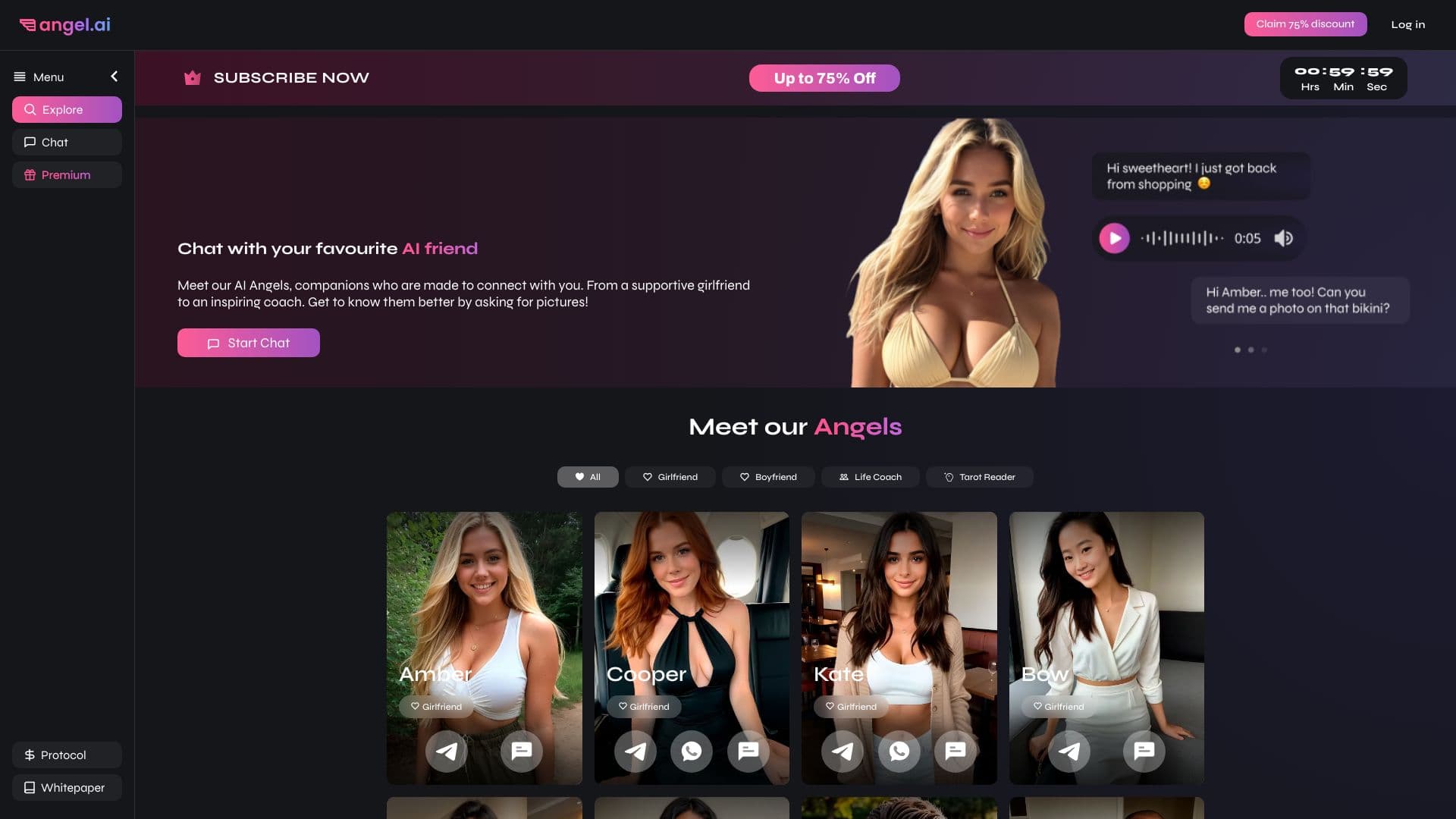
विभिन्न व्यक्तित्व और संवाद शैलियों के साथ आभासी AI साथी बनाने और अनुकूलित करने का ऐप।


लंबे वीडियो को छोटे वर्टिकल क्लिप्स में बदलने की सेवा, जिसमें स्वचालित सबटाइटल और वॉयसओवर शामिल हैं।
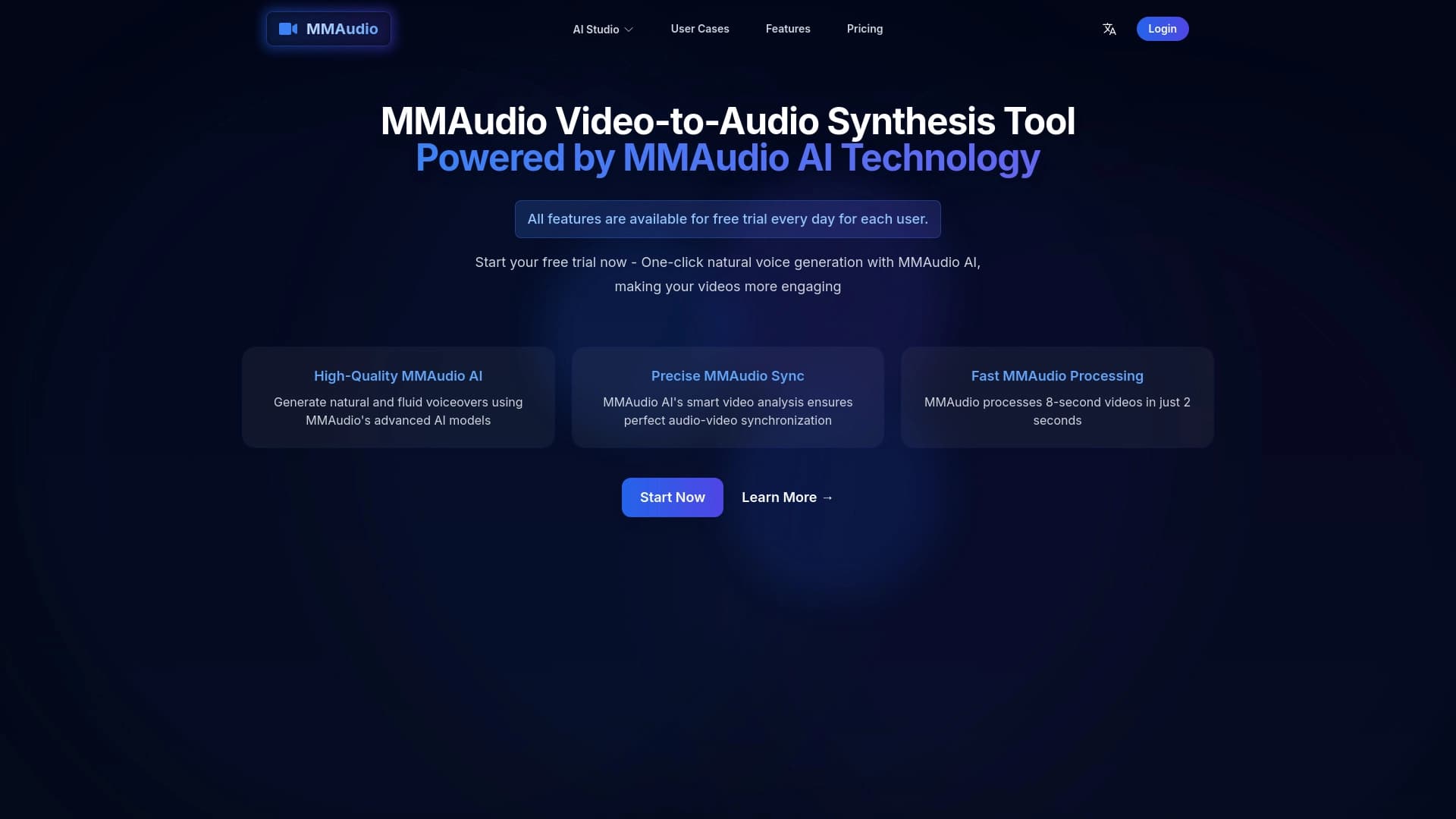
ऑनलाइन टूल जो वीडियो के साथ सिंक किए गए आवाज़ और ध्वनि प्रभाव उत्पन्न करता है।
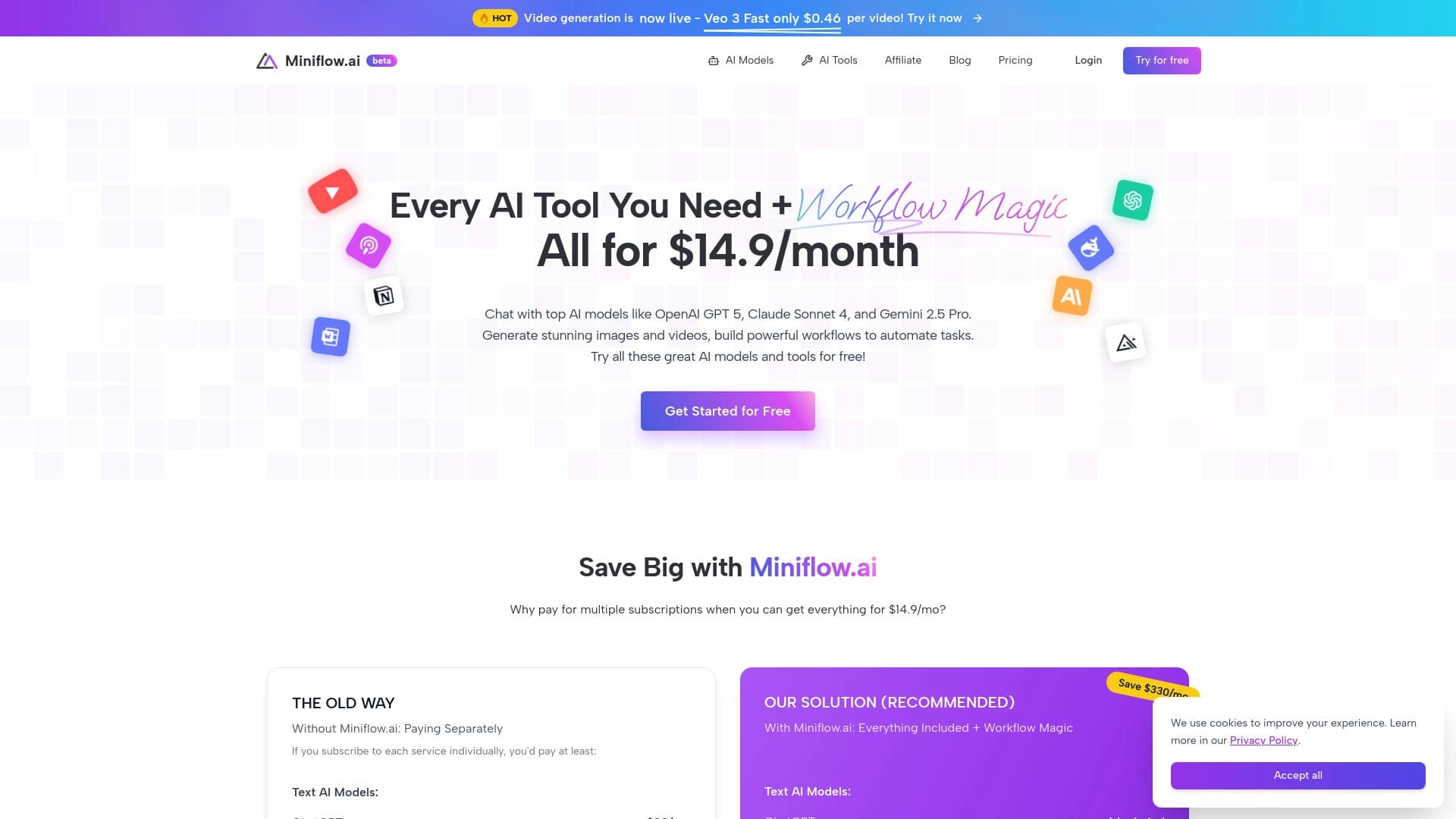

200 से अधिक AI टूल्स को एक साथ जोड़ने वाला प्लेटफ़ॉर्म, जो कंटेंट निर्माण और कार्यप्रवाह स्वचालन के लिए है।


जेमिनी मॉडल पर आधारित पाठ विवरण से छवियों को उत्पन्न करने और संपादित करने के लिए Google का तंत्रिका नेटवर्क।.
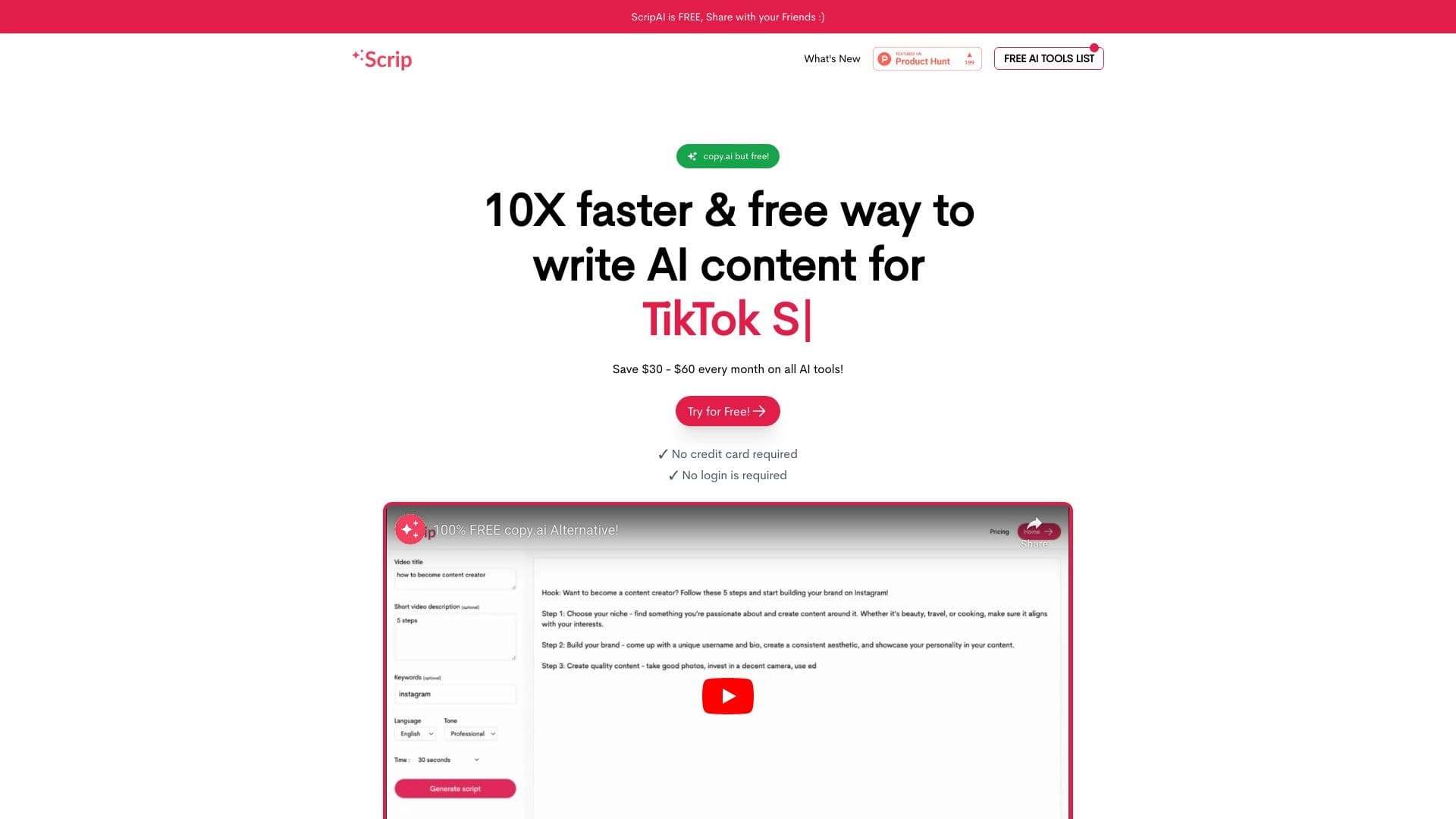

एआई की मदद से त्वरित शॉर्ट वीडियो स्क्रिप्ट जनरेट करने का टूल।