
AnyEnhancer
यह एक AI-आधारित टूल है जो वीडियो को स्वचालित रूप से बेहतर बनाता है और उसे 4K तक अपस्केल करता है।

रैंकिंग में स्थान
अवलोकन
AnyEnhancer iMobie से एक वेब सेवा है जिसे स्वचालित रूप से कृत्रिम बुद्धि का उपयोग करके वीडियो को बढ़ाने के लिए डिज़ाइन किया गया है। उपकरण का मुख्य उद्देश्य 4K रिज़ॉल्यूशन तक फुटेज को बढ़ाना और पुराने और धुंधला रिकॉर्डिंग की गुणवत्ता को बहाल करना है। यह " इसे सेट करें और इसे भूलें" सिद्धांत पर काम करता है: उपयोगकर्ताओं को जटिल सेटिंग्स से निपटने की आवश्यकता नहीं है - बस एक मॉडल चुनें और प्रसंस्करण शुरू करें, जो कुछ मिनट लगते हैं।
Beyond upscaling, तंत्रिका नेटवर्क चेहरे को बहाल कर सकता है, फ्रेम से शोर को हटा सकता है, और यहां तक कि ब्लैक-एंड-व्हाइट वीडियो भी रंग सकता है। यह सेवा उन लोगों के लिए एक बहुमुखी समाधान बनाता है जो नए जीवन को आर्किवल फुटेज में सांस लेना चाहते हैं या केवल वीडियो संपादकों में मैन्युअल काम के बिना वीडियो की गुणवत्ता में सुधार करना चाहते हैं।
AnyEnhancer विशेषताएं
| फ़ीचर | मूल्य |
|---|---|
| प्रकार | AI आधारित वीडियो एन्हांसमेंट टूल |
| श्रेणियाँ | फोटो एन्हांसमेंट, इमेज एन्हांसमेंट, वीडियो एन्हांसमेंट |
| डेवलपर | iMobie |
| मंच | वेबसाइट |
| नि: शुल्क योजना | उपलब्ध (बेसिक विशेषताएं) |
| मूल्य निर्धारण | स्टार्टर और प्रोफेशनल सब्सक्रिप्शन प्लान |
कौन क्या है?
पारिवारिक अभिलेखागार के मालिक
यदि आपके पास फीका रंग, शोर और कम रिज़ॉल्यूशन वाला पुराना रिकॉर्डिंग है, तो AnyEnhancer कीमती क्षणों को बहाल करने में मदद कर सकता है। ब्लैक एंड-व्हाइट फ्रेम को रंगीन करना और तेजता में सुधार करना आधुनिक स्क्रीन पर देखने के लिए आर्किवल वीडियो को अधिक उज्ज्वल और उपयुक्त बनाता है।
ब्लॉगर और सामग्री निर्माताओं
उन लोगों के लिए जो ब्लॉग चलाते हैं या सोशल मीडिया पर वीडियो प्रकाशित करते हैं, स्रोत की गुणवत्ता महत्वपूर्ण है। AnyEnhancer आपको मैन्युअल रंग सुधार पर घंटों खर्च किए बिना एक स्वीकार्य स्तर तक वीडियो को जल्दी से लाने देता है। सेवा भी गरीब प्रकाश स्थितियों में ताजा फुटेज शॉट प्रसंस्करण के लिए अच्छी तरह से काम करती है।
अनिमे उत्साही
एनिमेशन प्रशंसक इस उपकरण के लिए एक प्रमुख दर्शक हैं। तंत्रिका नेटवर्क एनिमेटेड वीडियो को अच्छी तरह से संभालता है, जिससे चित्र तेज और अधिक विस्तृत - विशेष रूप से कम गुणवत्ता में पुराने एपिसोड के लिए उपयोगी है।
AnyEnhancer का उपयोग कैसे करें
सेवा के साथ काम करना बेहद सरल है और तीन बुनियादी चरणों में आता है:
- वेबसाइट पर एक वीडियो अपलोड करें - imobie.com पर अपलोड विंडो में फ़ाइल को खींचें और छोड़ दें या इसे फ़ाइल ब्राउज़र के माध्यम से चुनें।
- एआई मॉडल चुनें - वीडियो प्रकार और वांछित परिणाम के आधार पर सूची से उपयुक्त प्रसंस्करण मॉडल चुनें।
- सम्पर्क करने का विवरण - प्रारंभ बटन पर क्लिक करें और पूरा होने की प्रतीक्षा करें। प्रसंस्करण आम तौर पर कुछ मिनट लगते हैं।
कोई जटिल सेटिंग्स या मैनुअल पैरामीटर की आवश्यकता नहीं है - तंत्रिका नेटवर्क स्वचालित रूप से लॉन्च के बाद सभी कार्यों को संभालता है।
AnyEnhancer की मुख्य विशेषताएं
Video upscaling to 4K
सेवा 4K तक वीडियो रिज़ॉल्यूशन को बढ़ाती है, जिससे चित्र को ध्यानपूर्वक तेज कर देता है। यह दोनों पुराने रिकॉर्डिंग और आधुनिक वीडियो कम गुणवत्ता में गोली मार के साथ काम करता है।
चेहरे की बहाली और रंग काला और सफेद फ्रेम
तंत्रिका नेटवर्क ब्लूरी वीडियो में चेहरे के विवरण को बहाल कर सकता है। एक समर्पित रंगकरण सुविधा मोनोक्रोम रिकॉर्डिंग को रंग में बदल देती है, जो विशेष रूप से ऐतिहासिक और पारिवारिक अभिलेखागार के लिए मूल्यवान है।
शोर हटाने और गति चौरसाई
उपकरण खराब कैमरों या अपर्याप्त प्रकाश के कारण डिजिटल शोर को हटा देता है, और गति को भी चिकना करता है, जिससे गतिशील दृश्य अधिक तरल और प्राकृतिक हो जाते हैं।
AnyEnhancer फायदे
पूर्ण स्वचालन
मुख्य लाभ यह है कि कोई मैनुअल समायोजन की आवश्यकता नहीं है। AnyEnhancer अपने आप में सभी कार्यों को संभालती है, समय बचाने और कोई वीडियो संपादन कौशल की आवश्यकता होती है।
पुराने और क्षतिग्रस्त रिकॉर्डिंग की बहाली
सेवा पुराने वीडियो में विवरण बहाल करने का एक ठोस काम करती है, जिससे तेजता और चमक वापस आती है। ब्लैक एंड-व्हाइट फ्रेम को रंगीन करना अभिलेखीय सामग्री के लिए एक अतिरिक्त बोनस है।
शूटिंग दोष फिक्सिंग
स्वचालित शोर हटाने से खराब परिस्थितियों में वीडियो शॉट को सही करने में मदद मिलती है, जिससे चित्र क्लीनर और उपयोगकर्ता से अतिरिक्त प्रयास के बिना आंखों को प्रसन्न किया जा सकता है।
AnyEnhancer drawbacks
स्रोत गुणवत्ता पर निर्भरता
यदि स्रोत वीडियो बहुत खराब गुणवत्ता का है, तो अंतिम परिणाम वांछित होने के लिए बहुत अधिक छोड़ सकता है। कलाकृतियों, अप्राकृतिक रंग और विरूपण संभव हैं, विशेष रूप से जटिल दृश्यों में।
कंप्यूटर संसाधनों की मांग
प्रसंस्करण उपयोगकर्ता के उपकरण पर स्थानीय रूप से चलता है। पुराने या कमजोर कंप्यूटर और लैपटॉप पर, प्रक्रिया लंबे समय तक या यहां तक कि फ्रीज ले सकती है।
असंगत प्रसंस्करण गुणवत्ता
सेवा सभी वीडियो प्रकारों के साथ समान रूप से अच्छी तरह से काम नहीं करती है। विस्तृत एनिमेशन, जटिल गतिशील दृश्यों, या गैर मानक प्रारूप नियमित रिकॉर्डिंग की तुलना में औसत परिणाम उत्पन्न कर सकते हैं।
क्या समस्या है AnyEnhancer?
- पुराने या धुंधला वीडियो की संकल्प और गुणवत्ता में वृद्धि - 4K तक।
- कम विस्तार के साथ वीडियो में चेहरे को बहाल करना।
- खराब कैमरों या खराब प्रकाश व्यवस्था के कारण शोर को दूर करना।
- प्राकृतिक रंगों के साथ काले और सफेद रिकॉर्डिंग रंग।
- सोशल मीडिया पर प्रकाशन के लिए उज्ज्वल, उच्च गुणवत्ता वाली सामग्री बनाना।
AnyEnhancer मूल्य निर्धारण
AnyEnhancer बुनियादी सुविधाओं के साथ एक नि: शुल्क विकल्प प्रदान करता है जो आपको तंत्रिका नेटवर्क की क्षमताओं का मूल्यांकन करने देता है। पूर्ण कार्यक्षमता के लिए, दो भुगतान योजनाएं उपलब्ध हैं:
- स्टार्टर - मासिक सदस्यता। इसमें विस्तारित प्रसंस्करण और निर्यात क्षमता शामिल है।
- व्यावसायिक - मासिक सदस्यता। प्रीमियम उपकरण और प्राथमिकता समर्थन के लिए पूर्ण पहुंच अनलॉक करें।
ध्यान दें कि संसाधित परिणामों को डाउनलोड करने और निर्यात करने के लिए भुगतान की सदस्यता की आवश्यकता होती है।
AnyEnhancer के लिए उपयोग की शर्तें
एक नि: शुल्क परीक्षण अवधि आपको खरीद से पहले तंत्रिका नेटवर्क की गुणवत्ता का मूल्यांकन करने के लिए ऑनलाइन वीडियो एन्हांसमेंट की कोशिश करने देता है। हालांकि, संसाधित फ़ाइलों को निर्यात और डाउनलोड करना केवल एक भुगतान की गई सदस्यता के साथ उपलब्ध है। पूरी तरह से सभी सुविधाओं का उपयोग करने के लिए, आपको सदस्यता योजनाओं में से एक चुनना होगा।
AnyEnhancer उपलब्धता
AnyEnhancer एक पूरी तरह से वेब आधारित उपकरण है जो imobie.com वेबसाइट के माध्यम से काम करता है। इसका उपयोग करने के लिए, बस अपने ब्राउज़र में सेवा खोलें, एक वीडियो अपलोड करें और प्रोसेसिंग शुरू करें। क्षेत्रीय प्रतिबंधों या वीपीएन की आवश्यकता के बारे में कोई जानकारी उपलब्ध स्रोतों में उल्लिखित नहीं है।
कैसे विकल्प से AnyEnhancer Differs
AnyEnhancer और कई अन्य उदार तंत्रिका नेटवर्क के बीच मुख्य अंतर वीडियो वृद्धि पर इसके संकीर्ण ध्यान केंद्रित है। जबकि लियोनार्डo.ai, Midjourney, Kandinsky, और Flux.1 मुख्य रूप से छवियों को बनाने और बनाने की दिशा में उन्मुख हैं, और Yandex कला पाठ विवरण से चित्र उत्पन्न कर सकते हैं, AnyEnhancer एक विशिष्ट कार्य को हल: संकल्प और मौजूदा वीडियो सामग्री की गुणवत्ता में सुधार। उपकरण नई सामग्री उत्पन्न करने के बजाय बहाली और upscaling पर केंद्रित है, जिससे यह वीडियो के लिए एक विशेष समाधान बन गया है।
निष्कर्ष
AnyEnhancer स्वचालित वीडियो एन्हांसमेंट के लिए एक सरल और सुलभ एआई उपकरण है जो पुराने परिवार के अभिलेखागार, ब्लॉगर और जो भी जल्दी से वीडियो की गुणवत्ता में सुधार करना चाहता है, के मालिकों के लिए उपयोगी होगा। यह 4K upscaling, चेहरे की बहाली, शोर हटाने और जटिल सेटिंग्स के बिना काले और सफेद फ्रेम का रंगीकरण प्रदान करता है। हालांकि, सेवा को एक शक्तिशाली कंप्यूटर की आवश्यकता होती है और हमेशा जटिल या भारी क्षतिग्रस्त स्रोतों पर सही परिणाम नहीं देते हैं, जो इस उपकरण को चुनने से पहले विचार करने लायक है।
अक्सर पूछे जाने वाले प्रश्न
यह भी देखें

ऑनलाइन उपकरण AI आधारित पीढ़ी क्लोनिंग और आवाज संशोधन।.
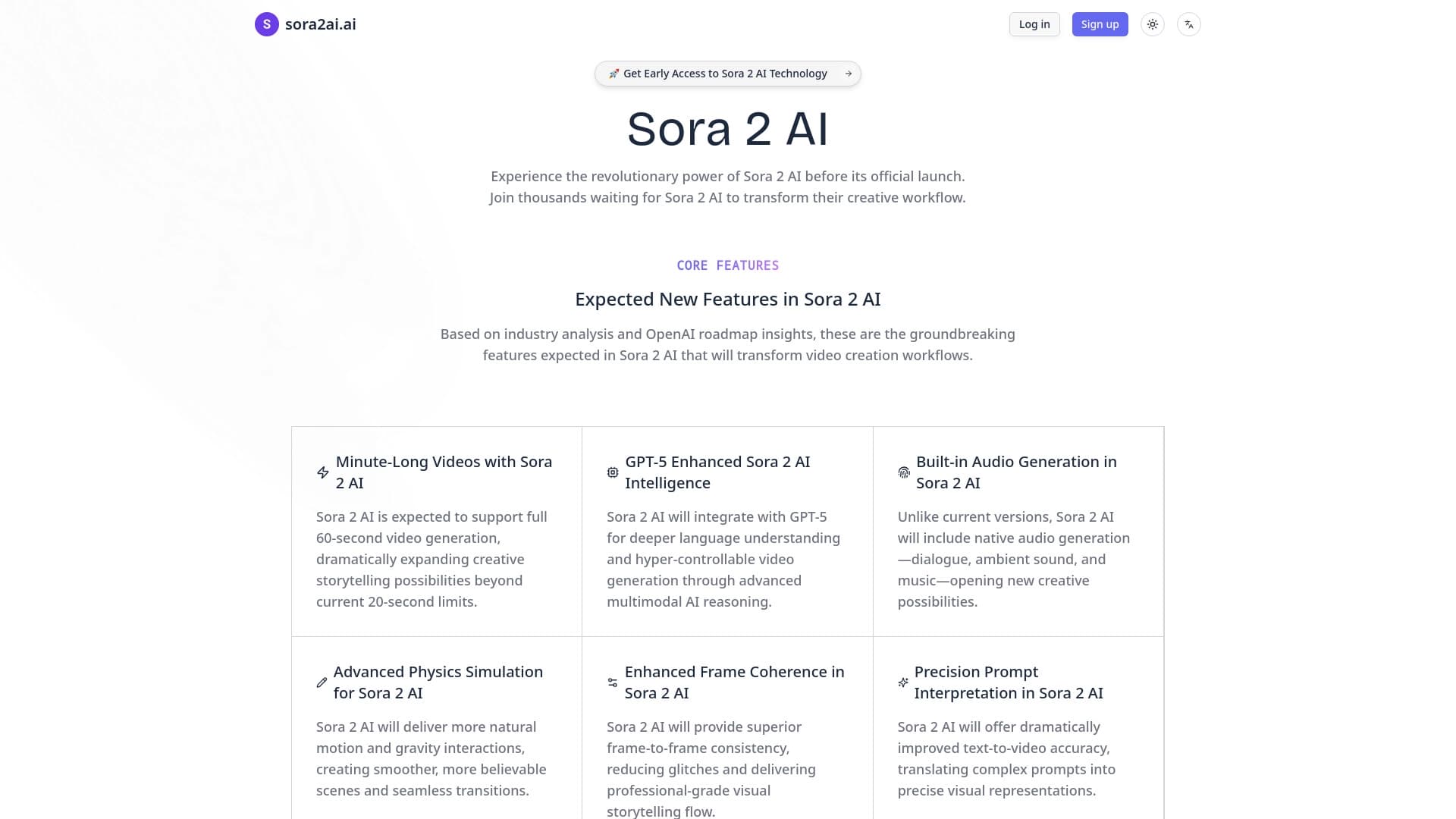

पाठ और चित्र से सिंक्रनाइज़ ध्वनि और 4K समर्थन पर वीडियो उत्पन्न करने के लिए सेवा।.
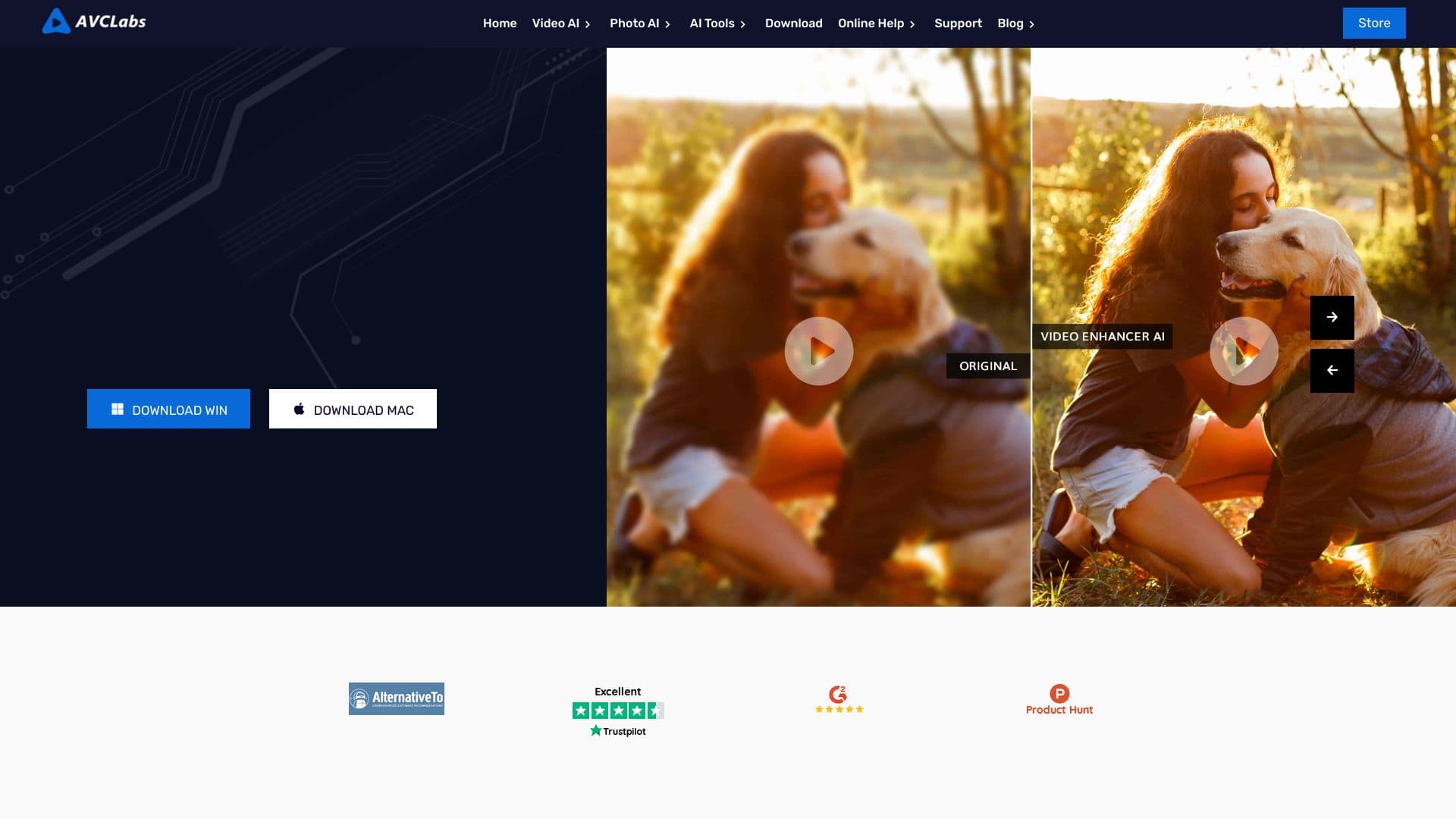

विंडोज़ के लिए डेस्कटॉप ऐप जो वीडियो का रिज़ॉल्यूशन 4K/8K तक बढ़ाता है और AI की मदद से पुरानी रिकॉर्डिंग की गुणवत्ता सुधारता है।
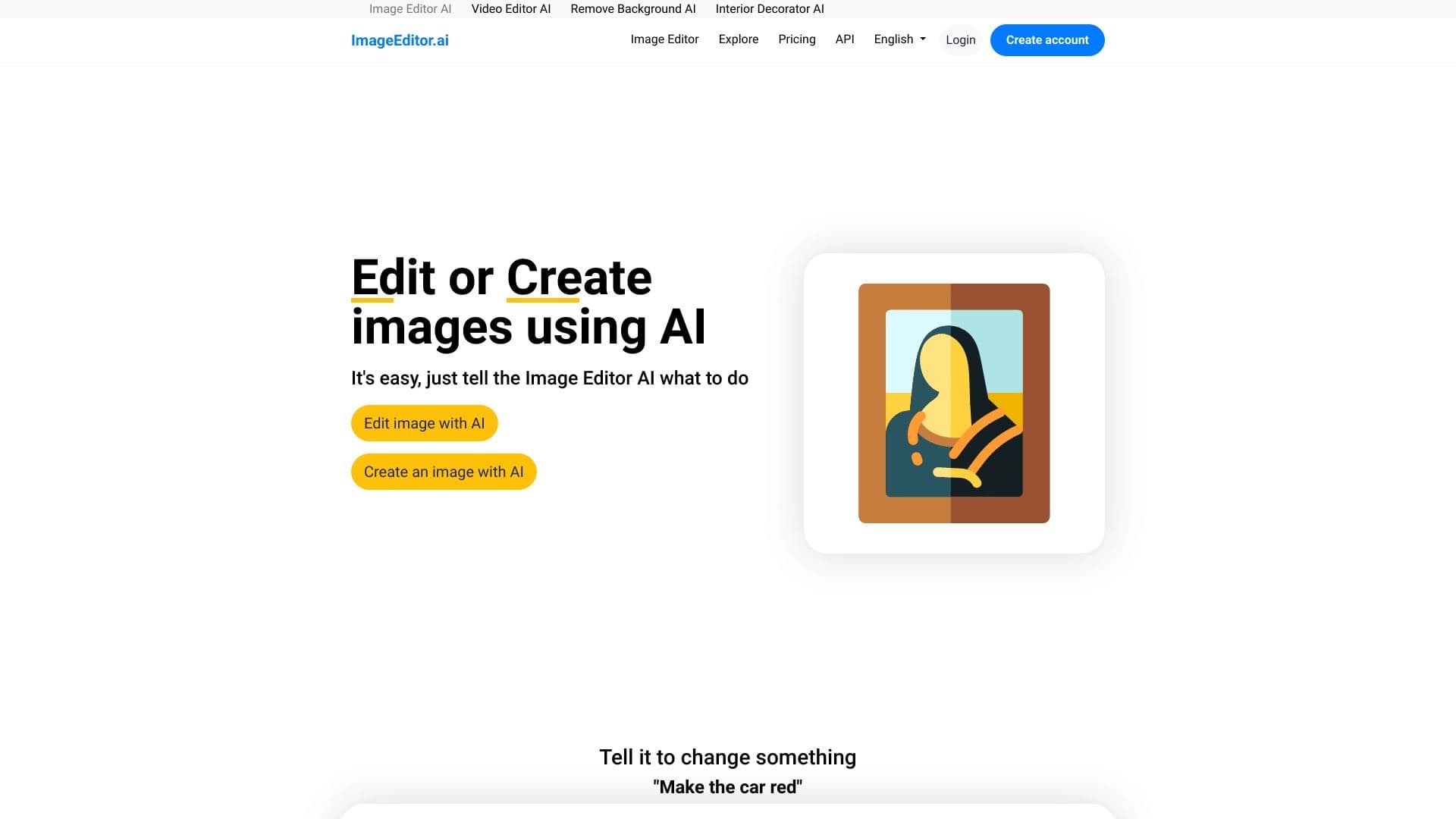

AI-आधारित ऑनलाइन इमेज एडिटर जो आपको ब्राउज़र में ही टेक्स्ट विवरण के अनुसार फोटो संपादित करने की सुविधा देता है।

सेवा जो अपलोड किए गए सेल्फी के आधार पर AI की मदद से व्यक्तिगत अवतार और फोटोशूट बनाती है।
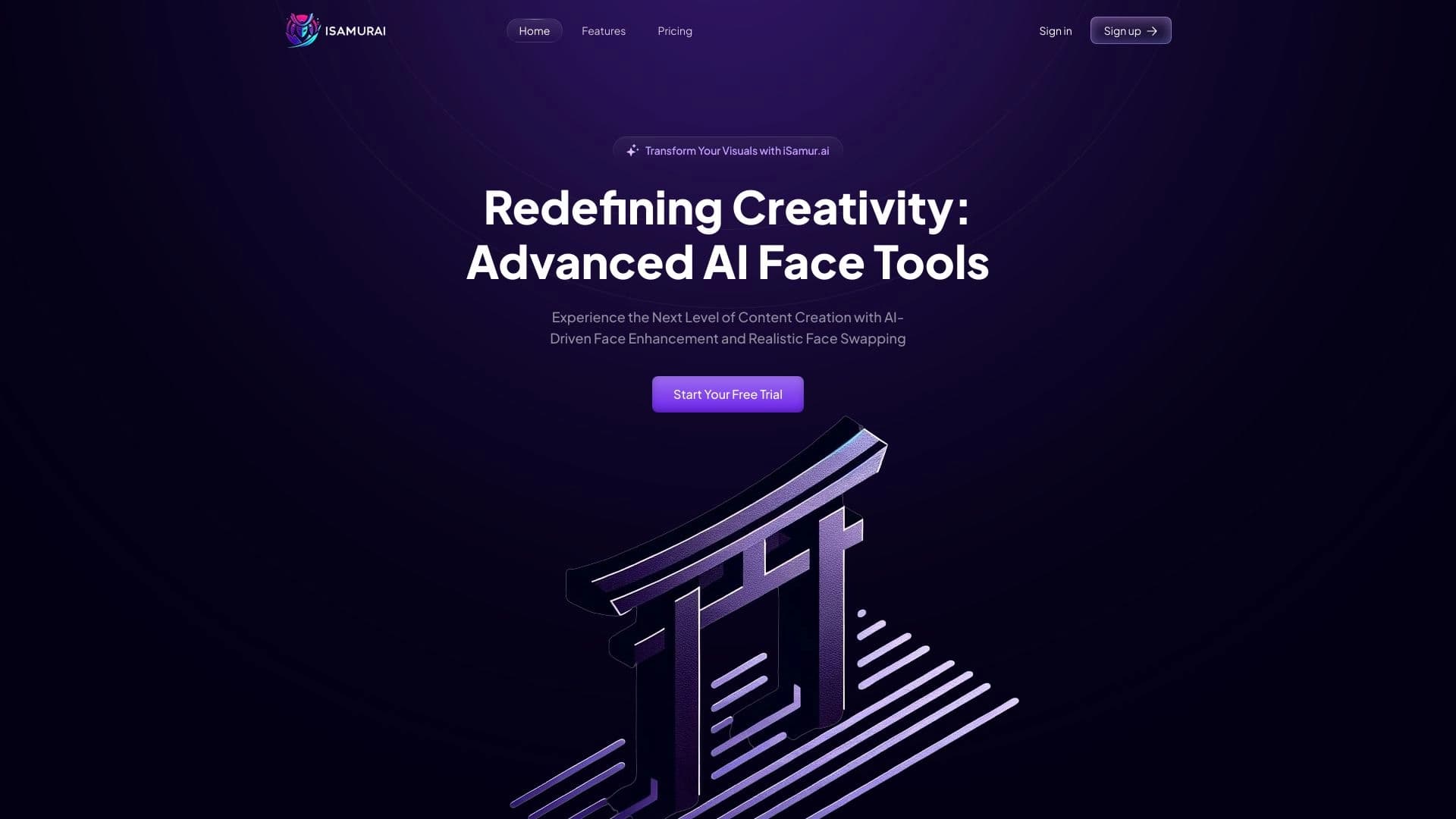

iSamurai वसूली प्रतिस्थापन छवियों और वीडियो को बेहतर बनाने के लिए AI टूल का एक सेट है।.
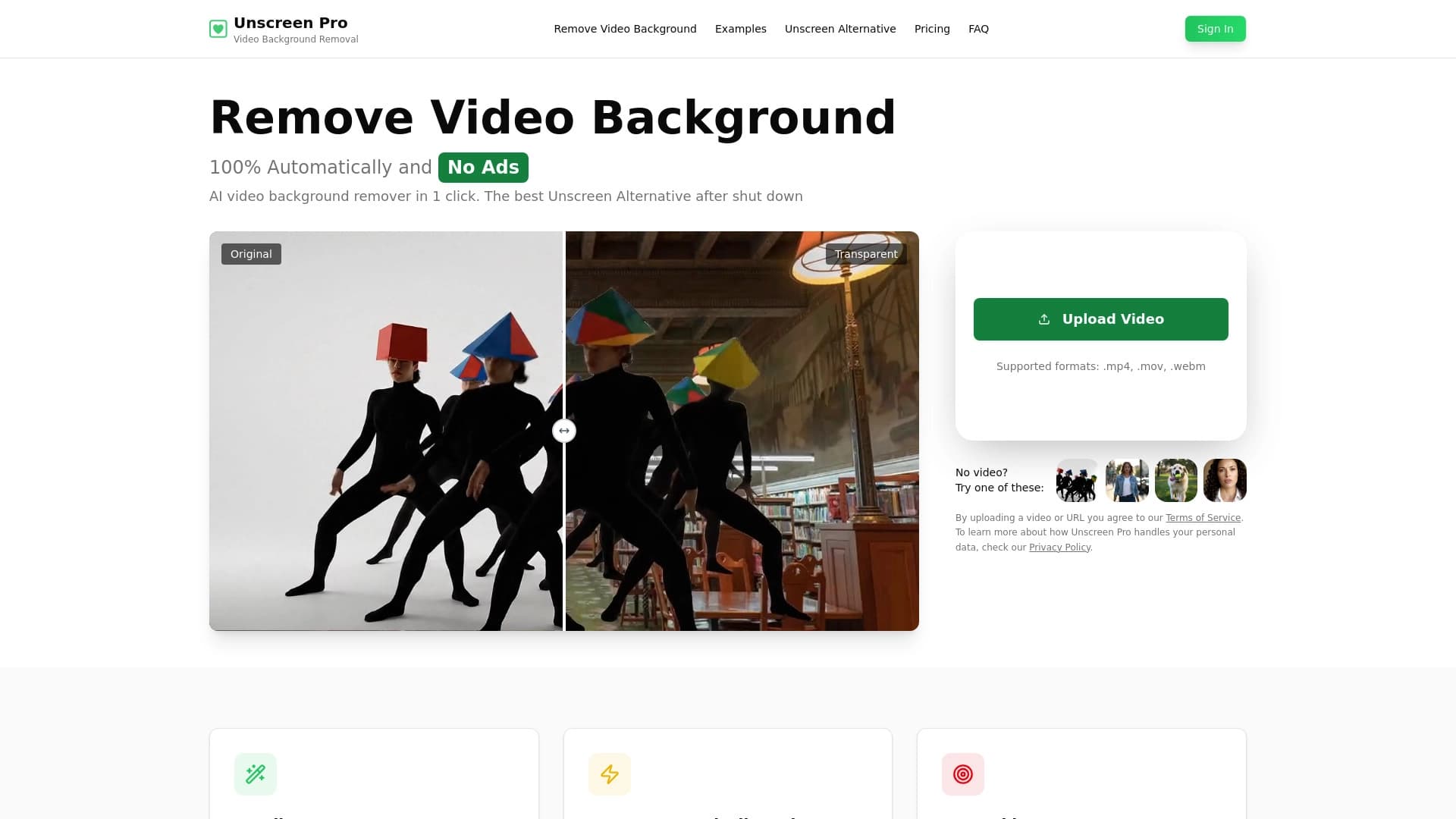

एआई उपकरण जो क्रोमा-की के बिना वीडियो से पृष्ठभूमि और ऑब्जेक्ट्स को स्वचालित रूप से हटाता है।

सामग्री निर्माण, भाषण संश्लेषण, पाठ पीढ़ी, अवतार निर्माण और वीडियो संपादन के संयोजन के लिए बहुक्रियाशील एआई मंच।.