

Animated Drawings
Service web gratuit de Meta AI Research pour donner vie aux dessins des enfants et les transformer en personnages animés.

Aperçu général
Dessins animés est un service web gratuit développé par l'équipe de recherche Meta AI. Son but principal est de « donner vie » aux dessins d'enfants statiques, transformant des personnages dessinés en héros animés. Au lieu de créer manuellement de l'animation image par image, l'utilisateur télécharge simplement une image, et le réseau neuronal gère tout le travail technique de construction du "squelette" du personnage et des mouvements.
Le service est basé sur les technologies de vision informatique, en particulier les cadres Detectron2 et AlphaPose. Cela permet à l'algorithme de reconnaître le caractère dans le dessin, de le séparer de l'arrière-plan et d'identifier les points clés pour une animation ultérieure. Le projet a été conçu comme un outil de créativité et de divertissement qui aide à donner vie à l'imagination des enfants.
Caractéristiques des dessins animés
| Fonctionnalité | Valeur |
|---|---|
| Développeur | Recherche sur les méta-IA |
| Type | Application Web (travaille dans le navigateur) |
| Catégorie | Animation, Art, Outils universels |
| Plateforme | Site Web |
| Formats d'images | JPEG, PNG |
| Langue de l'interface | changements climatiques |
| Niveau gratuit disponible | Oui (entièrement libre) |
| Inscription requise | Numéro |
| Nombre de types d'animation | Plus de 30 |
| Note de l'éditeur | 8,8 sur 10 |
| Note de l'utilisateur | 4,5 sur 5 |
Pour qui les dessins animés conviennent-ils?
Artistes et illustrateurs
L'outil sera utile pour les artistes qui veulent montrer rapidement comment un personnage peut se déplacer sans passer des heures à créer une animation complexe dans des programmes professionnels. Dessins animés vous permet de créer une ébauche de mouvement en seulement quelques minutes.
Parents et éducateurs
C'est une excellente façon d'engager un enfant dans la créativité. Transformer un dessin ordinaire en dessin animé ravit les enfants et les encourage à en dessiner davantage. Le service peut également être utilisé dans les cours axés sur le développement de la pensée créative.
Quiconque travaille avec du contenu
Les blogueurs, les créateurs de contenu sur les médias sociaux, et même les enseignants, peuvent utiliser cet outil pour créer des illustrations animées uniques qui capteront l'attention du public et donneront vie à leur flux.
Comment utiliser les dessins animés?
Guide étape par étape
- Allez sur le site du service officiel — sketch.metademolab.com.
- Télécharger une image avec un personnage. Une condition importante : le dessin doit être sur fond blanc ou unicolore.
- Attendez que le réseau neural traite l'image. L'algorithme isolera automatiquement le caractère et déterminera ses contours.
- Si nécessaire, ajustez la sélection en utilisant les outils "Pen" (ajouter la zone) et "Eraser" (supprimer l'excès).
- Cliquez sur le bouton « Suivant » pour procéder à la création de squelette. Le système placera automatiquement des points clés sur le corps du personnage.
- Choisissez l'un des 30 modèles de mouvement (danses, sauts, marche, course, etc.).
- Ajustez l'animation si nécessaire et enregistrez le résultat.
nuances importantes
Pour les meilleurs résultats, il est recommandé d'utiliser des images claires avec un caractère bien dessiné. Si l'image contient plusieurs objets, le service vous invite à sélectionner celui à animer. Le fond doit être aussi uniforme que possible (idéalement blanc) afin que le réseau neural puisse séparer le caractère avec précision.
Principales caractéristiques des dessins animés
Création automatique d'animation
Le principal point fort du service est son processus entièrement automatique. Le réseau neuronal lui-même détermine les contours du personnage, le sépare de l'arrière-plan et construit un squelette avec des points clés. L'utilisateur n'a pas besoin d'avoir des compétences d'animateur.
Grande bibliothèque de mouvements
Le service offre plus de 30 modèles d'animation prêts à l'emploi : de la simple marche et du saut à la danse amusante. Cela vous permet de trouver rapidement un mouvement adapté à l'humeur du personnage.
Outils de correction manuelle
Si la sélection automatique n'est pas précise, l'utilisateur peut intervenir dans le processus. Les outils "Pen" et "Eraser" vous permettent d'affiner le masque de caractère, de supprimer des éléments supplémentaires ou d'ajouter des parties manquantes du dessin.
Avantages des dessins animés
Accès totalement gratuit
Contrairement à de nombreux services similaires, les dessins animés ne nécessitent aucun paiement ou abonnement. Toutes les fonctionnalités, y compris tous les modèles de mouvement et les outils de correction, sont disponibles gratuitement et sans restrictions.
Haute note et simplicité
L'équipe éditoriale du catalogue a noté le service 8,8 points sur 10. Les utilisateurs mettent en évidence l'interface intuitive : vous pouvez trouver les commandes en quelques minutes, même sans préparation préalable.
Développeur fiable
Le service a été créé par la division de recherche de Meta AI, qui garantit la qualité des algorithmes de reconnaissance et la stabilité de l'application web.
Inconvénients des dessins animés
Interface en anglais seulement
Toute l'interface est en anglais. Les menus déroulants, les boutons et les tooltips n'ont pas de localisation, ce qui peut être une barrière pour les utilisateurs qui ne parlent pas anglais.
Champ d'application restreint
L'outil est conçu pour animer des dessins à caractère unique. Il n'est pas adapté pour créer des scènes complexes, des animations multicouches, ou travailler avec des images photoréalistes.
Quelles tâches les dessins animés résolvent-ils ?
Le service est conçu pour résoudre deux tâches principales:
- Donner vie aux dessins et croquis des enfants. C'est la possibilité de transformer un dessin statique en une animation ou une vidéo GIF qui peut être partagée. Cette tâche est accomplie avec succès par la construction automatique de squelettes et l'application de modèles de mouvement.
- Création d'animations simples à partir d'images statiques. Bien que le service soit adapté aux dessins pour enfants, techniquement il peut animer toute image d'un personnage sur un fond blanc, créant des prototypes d'animation pour des présentations ou des contenus.
Prix des dessins animés
Dessins animés est un service web entièrement gratuit. Il n'y a pas de plans payés, d'abonnements à des primes ou d'achats dans l'application. Toutes les fonctionnalités disponibles, y compris plus de 30 options d'animation et des outils de réglage manuel, sont fournies à l'utilisateur sans frais financiers. L'absence d'enregistrement confirme que même un compte n'est pas nécessaire pour l'utiliser.
Dessins animés Conditions d'utilisation
Aucune création de compte ou vérification par courriel n'est nécessaire pour commencer. Le processus entier se produit directement dans le navigateur sur le site officiel. Il est à noter que le service a été développé par Meta et est assujetti à leur politique de confidentialité. Malgré sa facilité d'utilisation, il est recommandé de revoir la politique de sécurité avant de télécharger des images.
Disponibilité des dessins animés
Plateforme
Le service est une application Web (Web App) accessible par n'importe quel navigateur moderne sur un ordinateur, une tablette ou un smartphone. Il n'y a pas d'application séparée à télécharger pour PC ou depuis les magasins d'applications mobiles.
Langue
L'interface est disponible en anglais seulement.
Comment les dessins animés diffèrent des alternatives
Il y a plusieurs outils d'animation d'images sur le marché qui servent d'alternatives aux dessins animés. Il s'agit notamment de Monster Mash, Avatar photo expressif, Aopsai et Motionleap.
La principale différence du service de Meta est son accent sur les dessins et croquis pour enfants. Alors que les alternatives fonctionnent plus souvent avec des photos de personnes ou offrent des outils complexes pour la modélisation 3D, Animated Dessins gère parfaitement les lignes "wobbly" et des proportions imprécises typiques des dessins pour enfants. Le réseau neuronal Meta AI Research peut reconnaître correctement un personnage même dans un croquis simple.
De plus, l'absence complète de frais constitue un avantage majeur. De nombreuses alternatives, comme Motionleap, utilisent un modèle freemium (fonctionnalité de base gratuite avec des fonctionnalités avancées payantes). Les dessins animés, par contre, offrent toutes les caractéristiques sans restriction, ce qui en fait une offre unique sur le marché.
Conclusion
Dessins animés par Meta est un exemple frappant de la façon dont les technologies modernes d'IA peuvent servir la créativité et le divertissement. Le service a reçu des notes élevées de la part de l'équipe éditoriale et des utilisateurs pour sa simplicité, sa qualité de reconnaissance et son accès totalement gratuit. C'est un outil idéal pour amener rapidement des personnages créés par les enfants à la vie ou pour prototyper l'animation. Malgré le manque de localisation, le service demeure un outil incontournable pour les artistes et les parents qui veulent donner une nouvelle vie aux dessins.
Foire aux questions
Voir aussi

Agent d'IA pour l'automatisation des tâches, la gestion de projet et l'amélioration du travail d'équipe.

Outil d'automatisation et de programmation des messages de médias sociaux, axé sur Twitter.
Service en ligne basé sur AI pour l'enlèvement automatique des panneaux photo et vidéo.

Neural4D est une plateforme pour créer des modèles 3D et des animations utilisant l'intelligence artificielle.
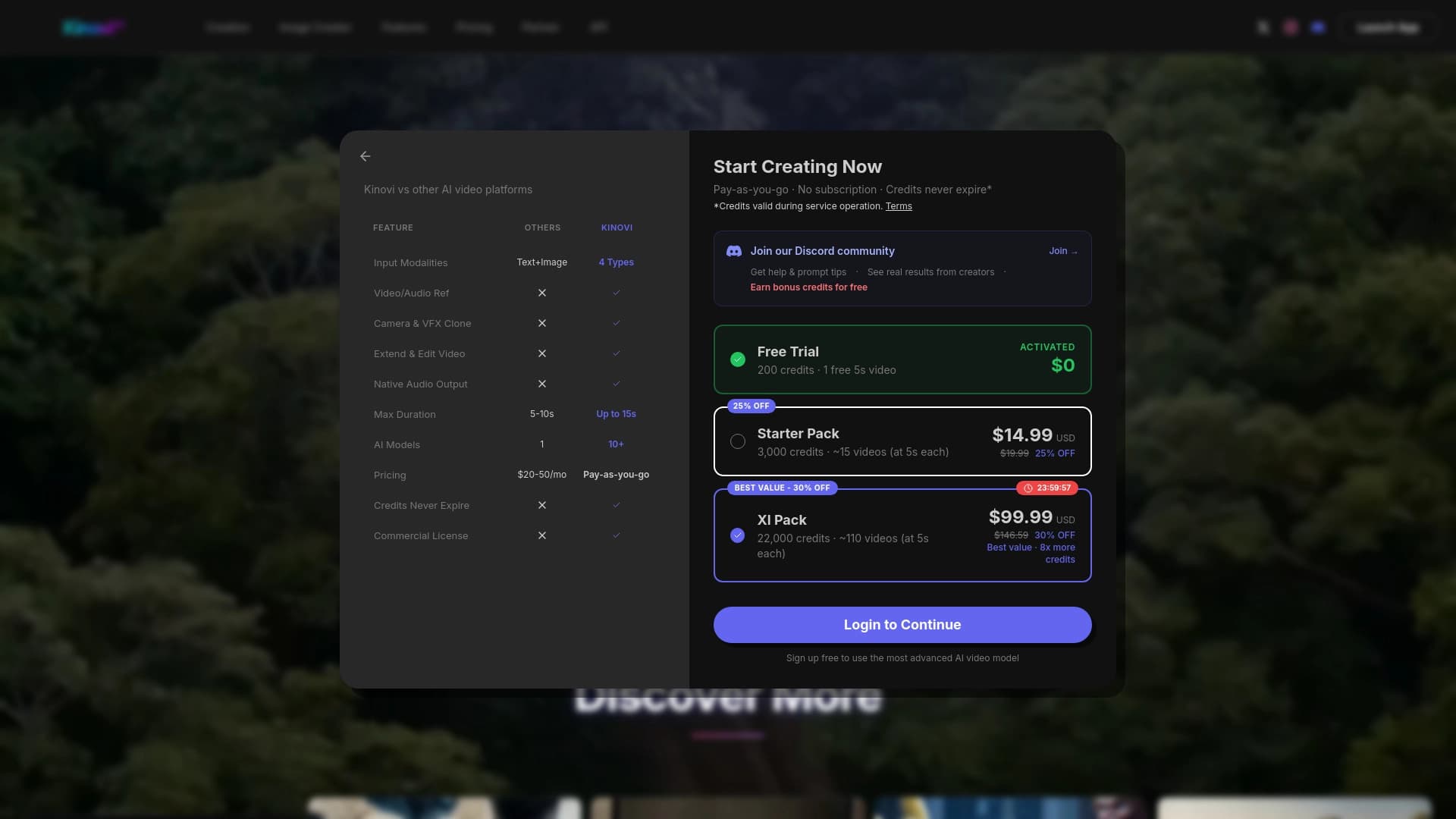
Une plate-forme de génération vidéo texte image AI , références audio ou vidéo.
Multi-agent marketing-réseau crée automatiquement des campagnes publicitaires de la stratégie à la création prête.
Générateur de vidéo AI qui synchronise l'animation avec l'accompagnement musical.

Les vidéos et cours de formation X-Pilot Automates basés sur le téléchargement de documents et de textes.